> ## Documentation Index
> Fetch the complete documentation index at: https://notes.kodekloud.com/llms.txt
> Use this file to discover all available pages before exploring further.
# Certification Details
> Overview of the AB-900 exam covering Microsoft 365 administration plus Copilot and agent administration objectives, topics, and study tips.
This guide summarizes the AB-900 exam structure and objectives, highlighting the knowledge areas, topic breakdowns, and practical study tips for Microsoft 365 administrators preparing for Microsoft 365 Copilot and agent administration.
The AB-900 exam focuses on two major domains:
* Microsoft 365 administration — typically 50–60% of exam content.
* Microsoft 365 Copilot and agent administration — typically 40–50% of exam content.
While Copilot and agents are a core focus, a solid understanding of Microsoft 365 administration fundamentals is required to manage and govern those AI capabilities effectively. The sections below break down each domain and list the key topics you should study.
Exam domains at a glance
| Domain | Typical weight | Key focus areas |
| - | - | - |
| Microsoft 365 administration | 50–60% | Core services (Teams, SharePoint Online, Exchange Online), admin center tasks, user/group/license management, role-based administration, security foundations, data protection and compliance |
| Microsoft 365 Copilot & agent administration | 40–50% | Copilot fundamentals and integration, business scenarios, agent lifecycle (creation, approval, governance), admin tasks (settings, deployment, monitoring), policies and controls |
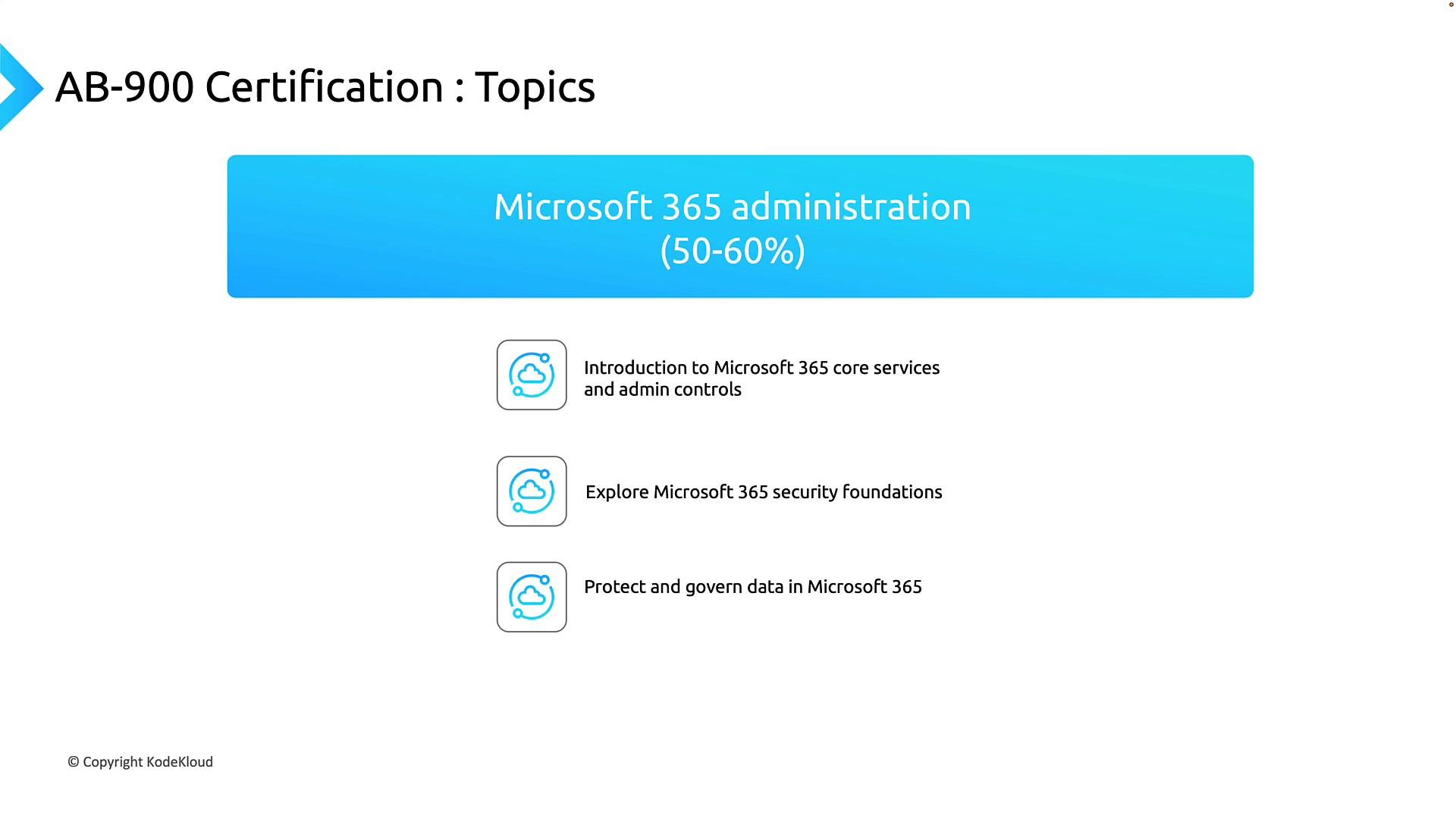
## Microsoft 365 administration (approx. 50–60%)
This domain tests foundational Microsoft 365 concepts and administrative responsibilities you’ll need to manage environments that include AI features.
1. Introduction to Microsoft 365 core services and admin controls
* Understand core services and where administrative controls are found: Microsoft Teams, SharePoint Online, Exchange Online, and the Microsoft 365 admin center.
* Learn common admin tasks: user and group management, license assignment, and using role-based access control to delegate duties.
2. Microsoft 365 security foundations
* Study identity protection, secure access patterns, authentication methods (including MFA and conditional access), and how these protect Microsoft 365 workloads.
* Focus on conceptual security controls and how to apply them to reduce risk rather than deep implementation scripts.
3. Protecting and governing data in Microsoft 365
* Review data protection and compliance features: retention policies, sensitivity labels, information governance, data loss prevention (DLP), and eDiscovery basics.
* Understand how these tools help organizations discover, classify, protect, and retain sensitive information according to policy.
These topics form the administrative baseline you must understand before diving into Copilot and agent-specific responsibilities.
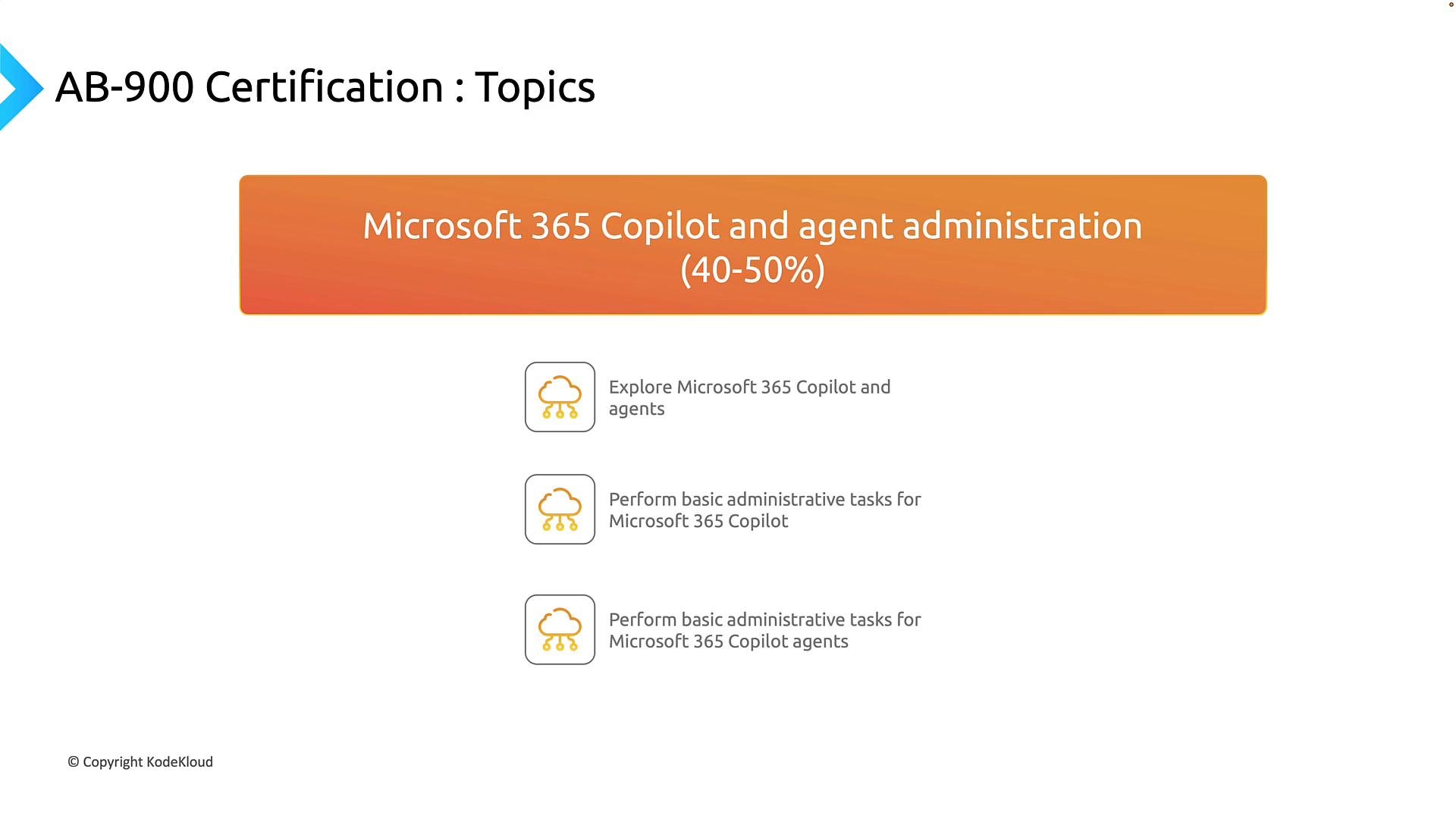
 ## Microsoft 365 Copilot and agent administration (approx. 40–50%)
This domain covers Microsoft’s AI offerings and how administrators configure, govern, and monitor them.
1. Explore Microsoft 365 Copilot and agents
* Know what Microsoft 365 Copilot is, how it integrates across apps (e.g., Word, Excel, Teams), and the value it provides in business scenarios.
* Understand agent concepts: what agents are, common use cases they address, and how they extend Copilot capabilities.
2. Perform basic administrative tasks for Microsoft 365 Copilot
* Be familiar with day-to-day admin responsibilities: configuring Copilot settings, managing access and permissions, overseeing deployments, and monitoring usage and telemetry.
3. Perform basic administrative tasks for Microsoft 365 Copilot agents
* Learn the agent lifecycle: designing/creating agents, approval workflows, governance controls, ongoing monitoring, and maintenance best practices.
* Focus on policy-driven controls and safeguards to ensure agents operate safely and in compliance with organizational rules.
This domain reflects the growing need for administrators who can balance AI innovation with governance, security, and operational oversight.
## Microsoft 365 Copilot and agent administration (approx. 40–50%)
This domain covers Microsoft’s AI offerings and how administrators configure, govern, and monitor them.
1. Explore Microsoft 365 Copilot and agents
* Know what Microsoft 365 Copilot is, how it integrates across apps (e.g., Word, Excel, Teams), and the value it provides in business scenarios.
* Understand agent concepts: what agents are, common use cases they address, and how they extend Copilot capabilities.
2. Perform basic administrative tasks for Microsoft 365 Copilot
* Be familiar with day-to-day admin responsibilities: configuring Copilot settings, managing access and permissions, overseeing deployments, and monitoring usage and telemetry.
3. Perform basic administrative tasks for Microsoft 365 Copilot agents
* Learn the agent lifecycle: designing/creating agents, approval workflows, governance controls, ongoing monitoring, and maintenance best practices.
* Focus on policy-driven controls and safeguards to ensure agents operate safely and in compliance with organizational rules.
This domain reflects the growing need for administrators who can balance AI innovation with governance, security, and operational oversight.
 ## Exam day tips and additional learning resources
Practical guidance to help during the exam and study process:
* Microsoft Learn access during the exam: Some Microsoft certification sessions provide access to Microsoft Learn from the exam toolbar. If available, you can use it to verify documentation quickly. Always confirm availability at the start of your exam session.
* Tool availability varies: Microsoft updates exam experiences and delivery methods periodically. Don’t assume resources will always be accessible in every session. Check the exam toolbar before you start.
* Practice and validation: Use module quizzes and mock exams to validate comprehension. Timed mock exams help you build pacing and identify knowledge gaps to focus study time effectively.
* Official docs and guided learning: Complete Microsoft Learn learning paths aligned to AB-900 objectives and use documentation to reinforce terminology and workflows.
Recommended links and resources
| Resource | Use case |
| - | - |
| [Microsoft Learn](https://learn.microsoft.com) | Guided modules and hands-on labs aligned with AB-900 objectives |
| Microsoft Docs | In-depth technical reference for services like Teams, Exchange Online, SharePoint, and security features |
| Practice exams / mock tests | Simulate exam timing and question styles to improve readiness |
## Exam day tips and additional learning resources
Practical guidance to help during the exam and study process:
* Microsoft Learn access during the exam: Some Microsoft certification sessions provide access to Microsoft Learn from the exam toolbar. If available, you can use it to verify documentation quickly. Always confirm availability at the start of your exam session.
* Tool availability varies: Microsoft updates exam experiences and delivery methods periodically. Don’t assume resources will always be accessible in every session. Check the exam toolbar before you start.
* Practice and validation: Use module quizzes and mock exams to validate comprehension. Timed mock exams help you build pacing and identify knowledge gaps to focus study time effectively.
* Official docs and guided learning: Complete Microsoft Learn learning paths aligned to AB-900 objectives and use documentation to reinforce terminology and workflows.
Recommended links and resources
| Resource | Use case |
| - | - |
| [Microsoft Learn](https://learn.microsoft.com) | Guided modules and hands-on labs aligned with AB-900 objectives |
| Microsoft Docs | In-depth technical reference for services like Teams, Exchange Online, SharePoint, and security features |
| Practice exams / mock tests | Simulate exam timing and question styles to improve readiness |
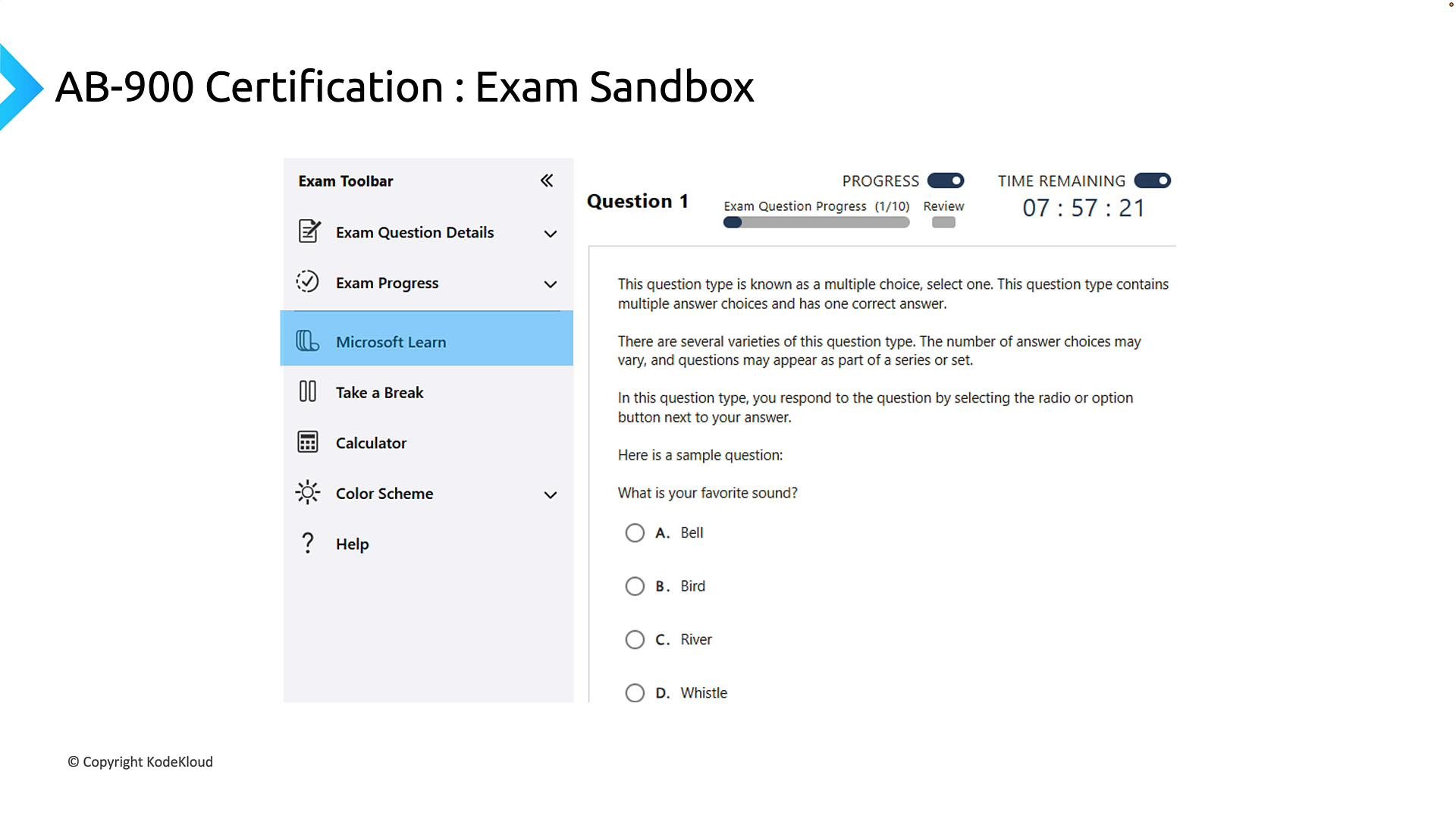 Check the exam toolbar at the start of your exam to see whether Microsoft Learn access is provided. If available, use it to confirm configurations or documentation references during the test, but don’t rely on it as a substitute for steady preparation.
## Recommended study approach
* Combine course material, Microsoft Learn modules, quizzes, and mock exams for balanced preparation.
* Use mock exams under timed conditions to build pacing and review incorrect answers to target weak areas.
* Focus study time proportionally to domain weights: prioritize Microsoft 365 administration fundamentals (50–60%) and allocate significant time to Copilot/agent administration (40–50%).
* Emphasize conceptual understanding: the exam tests how you apply administrative and governance concepts across services and AI features rather than deep implementation coding.
With structured study across these domains and consistent practice, you’ll be well positioned to pass the AB-900 exam and demonstrate competency in Microsoft 365 Copilot and agent administration.
This documentation is built and hosted on [Mintlify](https://mintlify.com), a developer documentation platform.
Check the exam toolbar at the start of your exam to see whether Microsoft Learn access is provided. If available, use it to confirm configurations or documentation references during the test, but don’t rely on it as a substitute for steady preparation.
## Recommended study approach
* Combine course material, Microsoft Learn modules, quizzes, and mock exams for balanced preparation.
* Use mock exams under timed conditions to build pacing and review incorrect answers to target weak areas.
* Focus study time proportionally to domain weights: prioritize Microsoft 365 administration fundamentals (50–60%) and allocate significant time to Copilot/agent administration (40–50%).
* Emphasize conceptual understanding: the exam tests how you apply administrative and governance concepts across services and AI features rather than deep implementation coding.
With structured study across these domains and consistent practice, you’ll be well positioned to pass the AB-900 exam and demonstrate competency in Microsoft 365 Copilot and agent administration.
This documentation is built and hosted on [Mintlify](https://mintlify.com), a developer documentation platform.