> ## Documentation Index
> Fetch the complete documentation index at: https://notes.kodekloud.com/llms.txt
> Use this file to discover all available pages before exploring further.
# Introduction
> Overview of Microsoft 365 core services and administrative controls for managing Exchange Online, Microsoft Teams, SharePoint, identity, security, compliance, and role based access control
## Microsoft 365 Core Services and Admin Controls
This lesson introduces the core services that compose Microsoft 365 and the administrative controls used to manage them. You will learn how Microsoft 365 enables productivity and collaboration across Exchange Online, Microsoft Teams, and SharePoint Online, plus the identity, security, and compliance controls administrators use to protect organizational data.
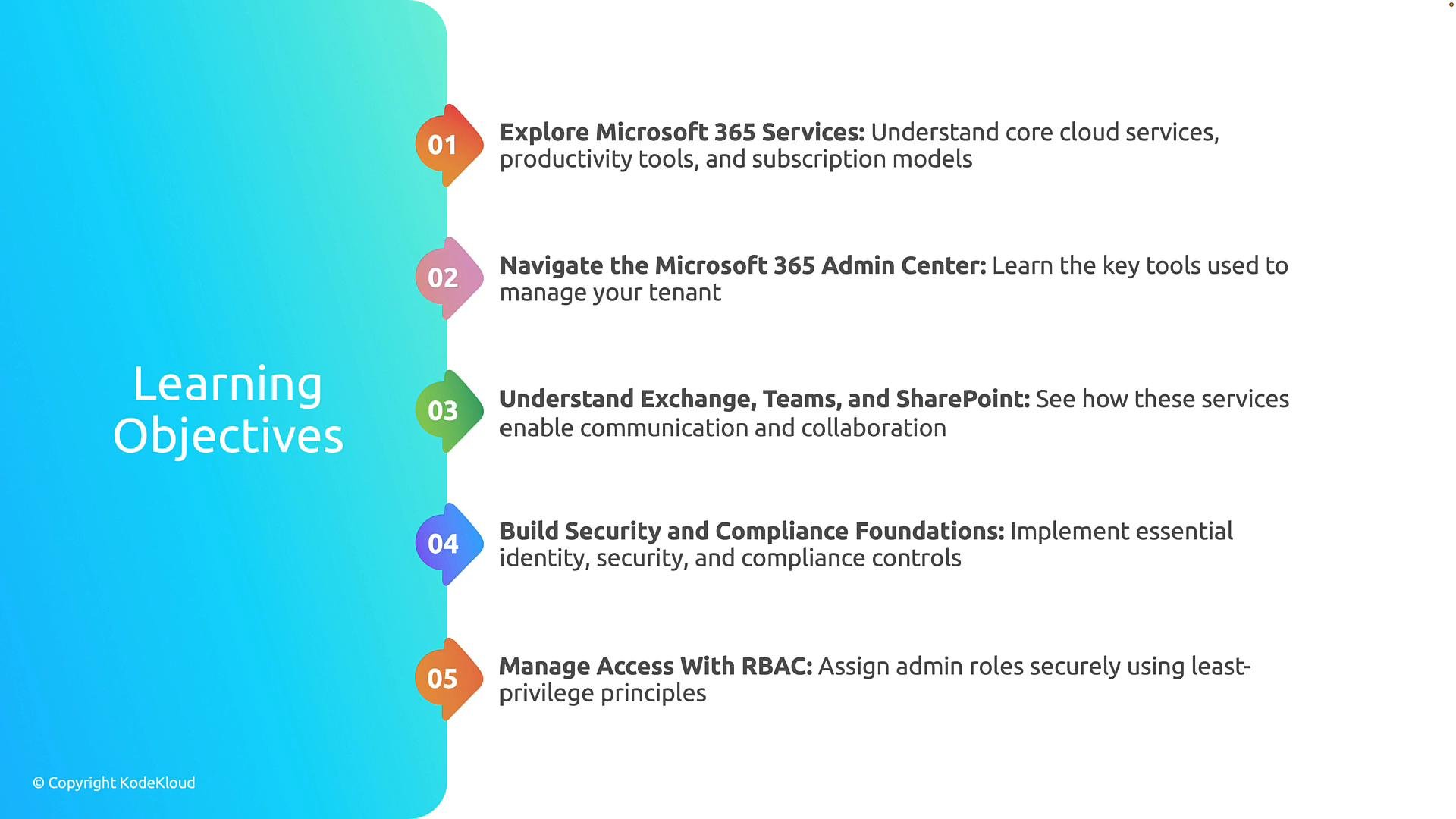
### Learning objectives
By the end of this lesson you will be able to:
1. Explore Microsoft 365 services, including core cloud applications, productivity tools, and common subscription options available to organizations.
2. Use the Microsoft 365 admin center to manage users, licenses, and service settings.
3. Describe how Exchange Online, Microsoft Teams, and SharePoint Online enable messaging, meetings, and content collaboration.
4. Identify identity, security, and compliance capabilities (including conditional access, data loss prevention, and auditing) to help meet regulatory and governance requirements.
5. Apply role-based access control (RBAC) and the principle of least privilege to assign administrative permissions securely.
 Below is a quick reference table that summarizes the primary Microsoft 365 services you'll examine in this lesson and where administrators typically manage them.
| Service | Primary capability | Admin tool / console |
| -: | - | - |
| Exchange Online | Email, calendaring, mail flow, mailboxes | Microsoft 365 admin center / Exchange admin center |
| Microsoft Teams | Chat, meetings, calling, collaboration | Teams admin center / Microsoft 365 admin center |
| SharePoint Online | Document libraries, intranet sites, content governance | SharePoint admin center / Microsoft 365 admin center |
| Identity & Access | Authentication, single sign-on, conditional access | Azure AD portal / Microsoft 365 admin center |
| Security & Compliance | DLP, eDiscovery, retention, audit logs | Microsoft Purview compliance portal / Defender portal |
Tip: Start with the Microsoft 365 admin center to get an overview of users, licenses, and health; then drill into the service-specific admin centers (Exchange, Teams, SharePoint) for detailed configuration and troubleshooting.
By the end of this lesson, you'll have a solid understanding of Microsoft 365 core services, the administrative tools used to manage them, and the security and access management concepts that help protect your organization.
Links and references
* [Microsoft 365 documentation](https://learn.microsoft.com/microsoft-365)
* [Microsoft 365 admin center overview](https://learn.microsoft.com/microsoft-365/admin/admin-overview)
* [Exchange Online documentation](https://learn.microsoft.com/exchange)
* [Microsoft Teams admin documentation](https://learn.microsoft.com/microsoftteams)
* [SharePoint admin documentation](https://learn.microsoft.com/sharepoint)
* [Role-based access control (RBAC) in Microsoft 365 / Azure AD](https://learn.microsoft.com/azure/active-directory/roles/overview)
This documentation is built and hosted on [Mintlify](https://mintlify.com), a developer documentation platform.
Below is a quick reference table that summarizes the primary Microsoft 365 services you'll examine in this lesson and where administrators typically manage them.
| Service | Primary capability | Admin tool / console |
| -: | - | - |
| Exchange Online | Email, calendaring, mail flow, mailboxes | Microsoft 365 admin center / Exchange admin center |
| Microsoft Teams | Chat, meetings, calling, collaboration | Teams admin center / Microsoft 365 admin center |
| SharePoint Online | Document libraries, intranet sites, content governance | SharePoint admin center / Microsoft 365 admin center |
| Identity & Access | Authentication, single sign-on, conditional access | Azure AD portal / Microsoft 365 admin center |
| Security & Compliance | DLP, eDiscovery, retention, audit logs | Microsoft Purview compliance portal / Defender portal |
Tip: Start with the Microsoft 365 admin center to get an overview of users, licenses, and health; then drill into the service-specific admin centers (Exchange, Teams, SharePoint) for detailed configuration and troubleshooting.
By the end of this lesson, you'll have a solid understanding of Microsoft 365 core services, the administrative tools used to manage them, and the security and access management concepts that help protect your organization.
Links and references
* [Microsoft 365 documentation](https://learn.microsoft.com/microsoft-365)
* [Microsoft 365 admin center overview](https://learn.microsoft.com/microsoft-365/admin/admin-overview)
* [Exchange Online documentation](https://learn.microsoft.com/exchange)
* [Microsoft Teams admin documentation](https://learn.microsoft.com/microsoftteams)
* [SharePoint admin documentation](https://learn.microsoft.com/sharepoint)
* [Role-based access control (RBAC) in Microsoft 365 / Azure AD](https://learn.microsoft.com/azure/active-directory/roles/overview)
This documentation is built and hosted on [Mintlify](https://mintlify.com), a developer documentation platform.