> ## Documentation Index
> Fetch the complete documentation index at: https://notes.kodekloud.com/llms.txt
> Use this file to discover all available pages before exploring further.
# Analyze the Zero Trust security model
> Explains Microsoft’s identity-first Zero Trust model, emphasizing continuous verification, MFA, conditional access, device posture, and Microsoft 365 tools to protect identities, devices, data, and cloud resources.
In this lesson we break down the Zero Trust security model — the guiding strategy for Microsoft 365 security across Entra, Intune, Defender, and Purview. Zero Trust rejects implicit trust and requires continuous verification of every access request based on identity, device posture, location, and risk signals.
Zero Trust is summarized by the principle "Never trust, always verify." Access decisions are made continuously based on identity, device health, location, and risk signals — not just network location.
## Why Zero Trust?
The fundamental objective of any security framework is to protect valuable assets from attackers. These assets include user identities, business data, applications, devices, and cloud resources. Historically, protection relied on a strong perimeter — like guarding a vault — but modern work patterns and cloud adoption require a more dynamic, identity-centric approach.
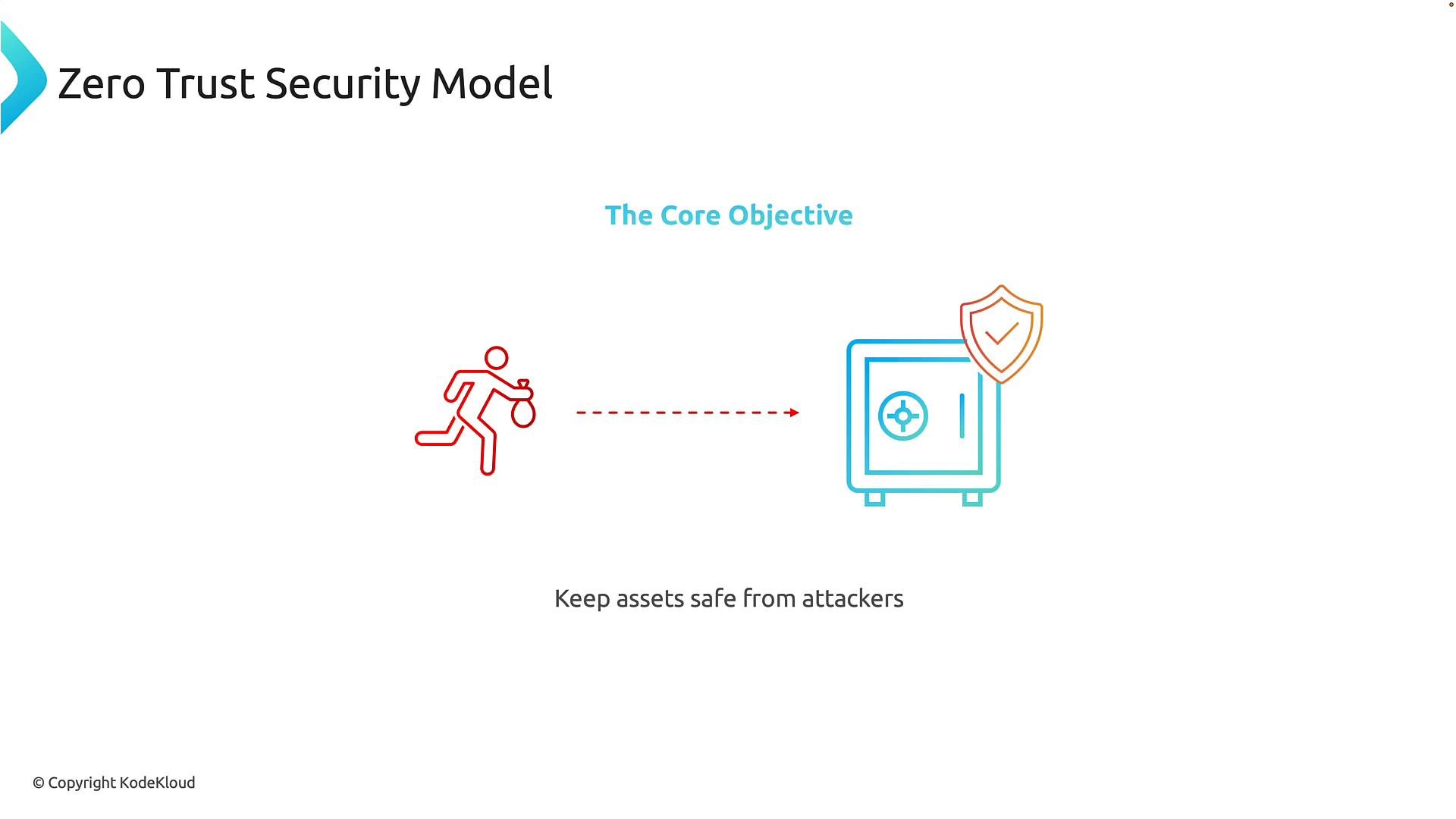 The goal is continuous protection of organization assets regardless of where users connect or which devices they use. In Microsoft 365, this means enforcing consistent controls whether access originates from the corporate office, a home network, or a public Wi‑Fi hotspot.
## What assets do you protect?
Use the table below to quickly map asset categories to common examples and relevant protections.
| Asset category | Examples | Typical protections |
| - | -: | - |
| Identities | Employee accounts, contractors, partners | Multi-factor authentication (MFA), conditional access, Identity Protection |
| Data | Email, documents, databases | Data classification, DLP, encryption, Data Loss Prevention policies |
| Applications | SaaS apps, line-of-business apps | App-level policies, SSO, app protection policies |
| Devices | Laptops, mobile phones, IoT | Device enrollment, compliance checks, Intune device policies |
| Cloud resources | Azure subscriptions, storage, containers | RBAC, network controls, workload identities |
## Drivers for Zero Trust adoption
Organizations adopt Zero Trust largely because of increasing IT complexity. Years ago, most users worked on corporate-managed machines inside a predictable network. Today’s environment includes thousands of users, personal devices, remote workers, cloud services, and third-party partners — each increasing the attack surface.
The goal is continuous protection of organization assets regardless of where users connect or which devices they use. In Microsoft 365, this means enforcing consistent controls whether access originates from the corporate office, a home network, or a public Wi‑Fi hotspot.
## What assets do you protect?
Use the table below to quickly map asset categories to common examples and relevant protections.
| Asset category | Examples | Typical protections |
| - | -: | - |
| Identities | Employee accounts, contractors, partners | Multi-factor authentication (MFA), conditional access, Identity Protection |
| Data | Email, documents, databases | Data classification, DLP, encryption, Data Loss Prevention policies |
| Applications | SaaS apps, line-of-business apps | App-level policies, SSO, app protection policies |
| Devices | Laptops, mobile phones, IoT | Device enrollment, compliance checks, Intune device policies |
| Cloud resources | Azure subscriptions, storage, containers | RBAC, network controls, workload identities |
## Drivers for Zero Trust adoption
Organizations adopt Zero Trust largely because of increasing IT complexity. Years ago, most users worked on corporate-managed machines inside a predictable network. Today’s environment includes thousands of users, personal devices, remote workers, cloud services, and third-party partners — each increasing the attack surface.
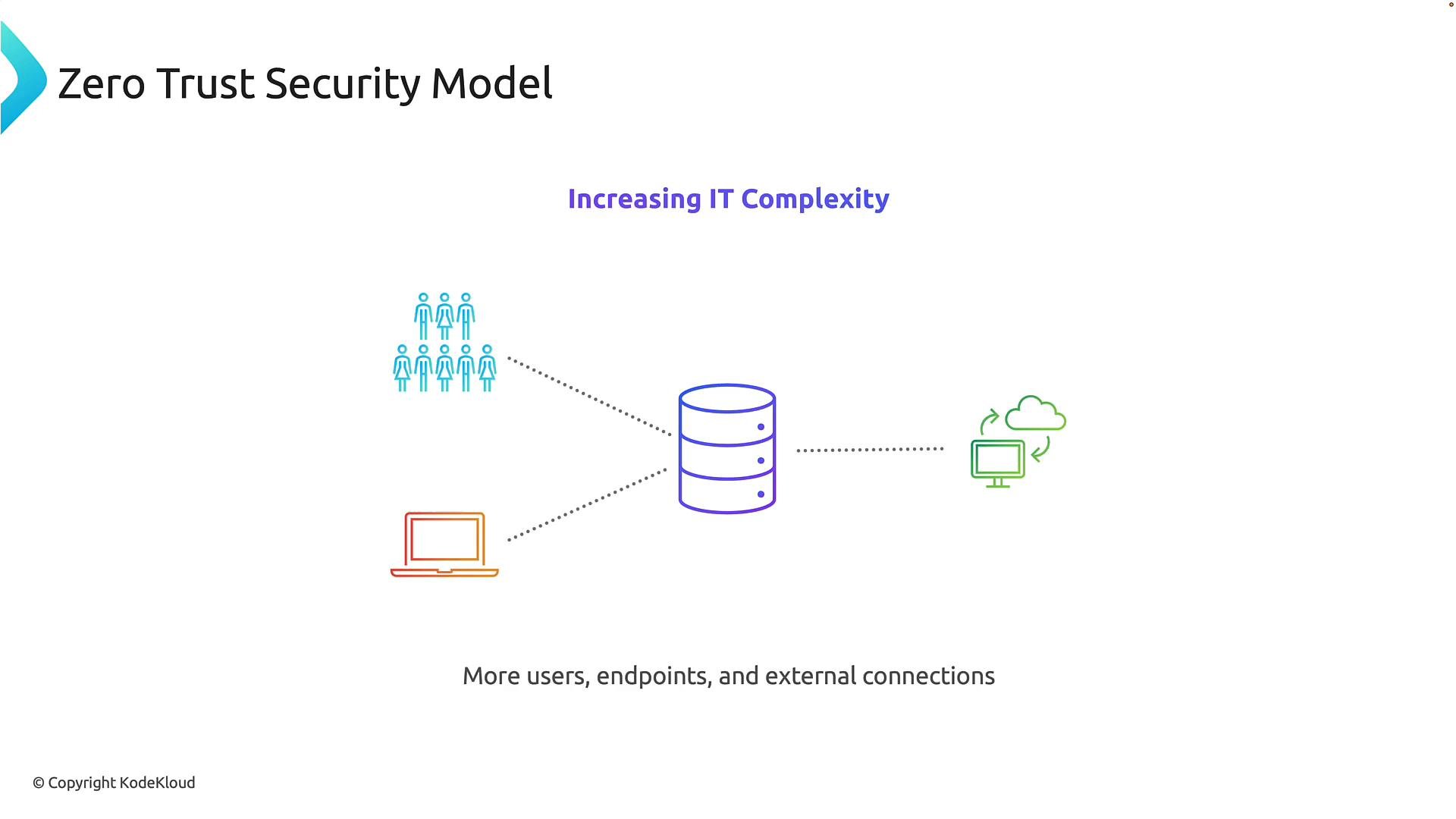 Every additional user, device, or service is a potential entry point for attack. While this flexibility boosts productivity, it also forces security teams to defend a broader, more distributed environment.
## Limitations of the perimeter-based model
The older perimeter model assumed that being inside the corporate network implied trust. Firewalls and VPNs formed a defensive ring; once inside, users and devices were often implicitly trusted.
Every additional user, device, or service is a potential entry point for attack. While this flexibility boosts productivity, it also forces security teams to defend a broader, more distributed environment.
## Limitations of the perimeter-based model
The older perimeter model assumed that being inside the corporate network implied trust. Firewalls and VPNs formed a defensive ring; once inside, users and devices were often implicitly trusted.
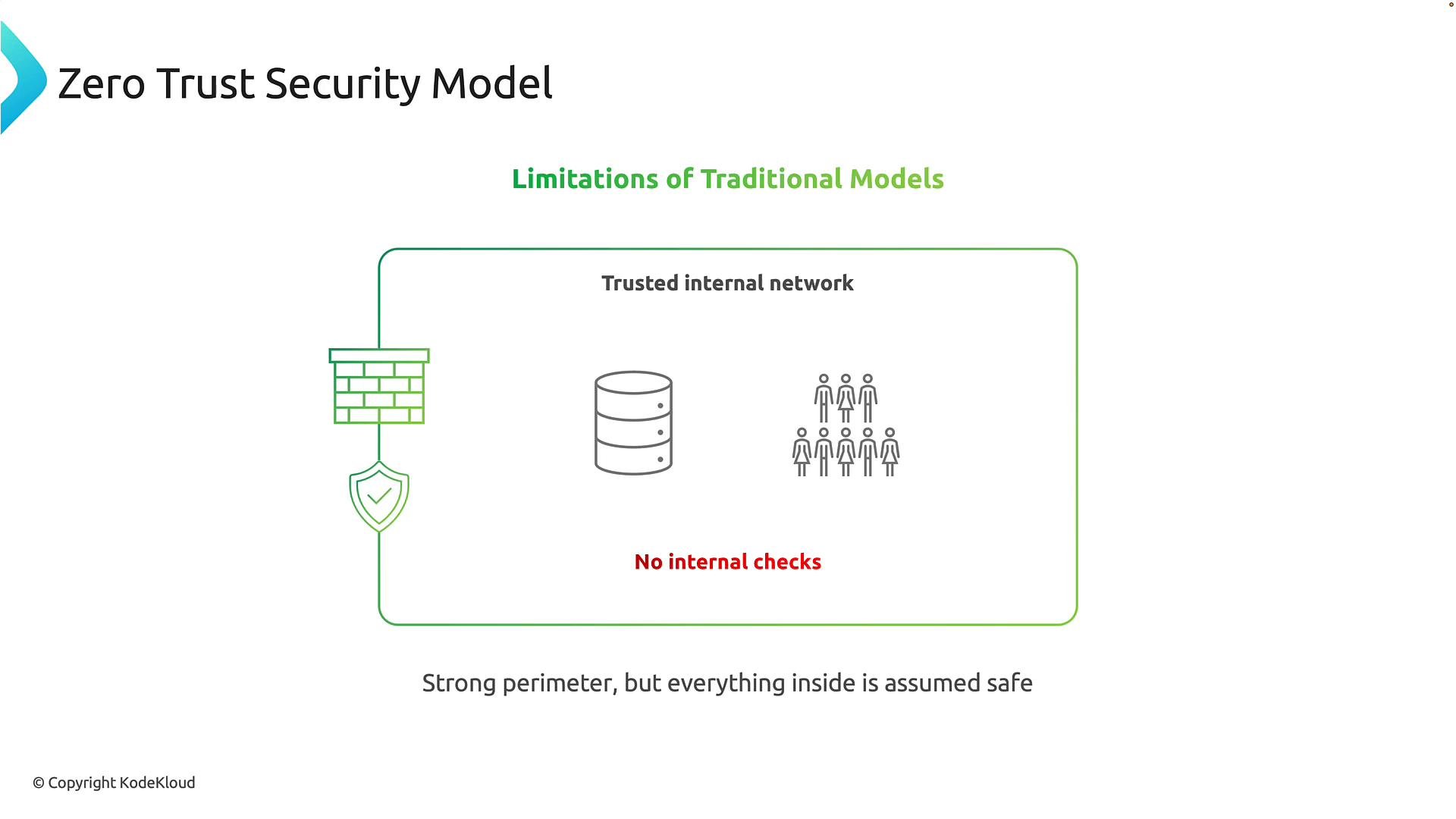 That worked when apps, users, and devices lived in the same physical network. But implicit trust created a critical weakness: a single compromised account or device could enable lateral movement across systems with few additional checks.
## The perimeter has disappeared
As organizations move applications to Azure and SaaS platforms, and users work from home or on mobile devices, the traditional network boundary vanishes. Assets and users now exist everywhere.
That worked when apps, users, and devices lived in the same physical network. But implicit trust created a critical weakness: a single compromised account or device could enable lateral movement across systems with few additional checks.
## The perimeter has disappeared
As organizations move applications to Azure and SaaS platforms, and users work from home or on mobile devices, the traditional network boundary vanishes. Assets and users now exist everywhere.
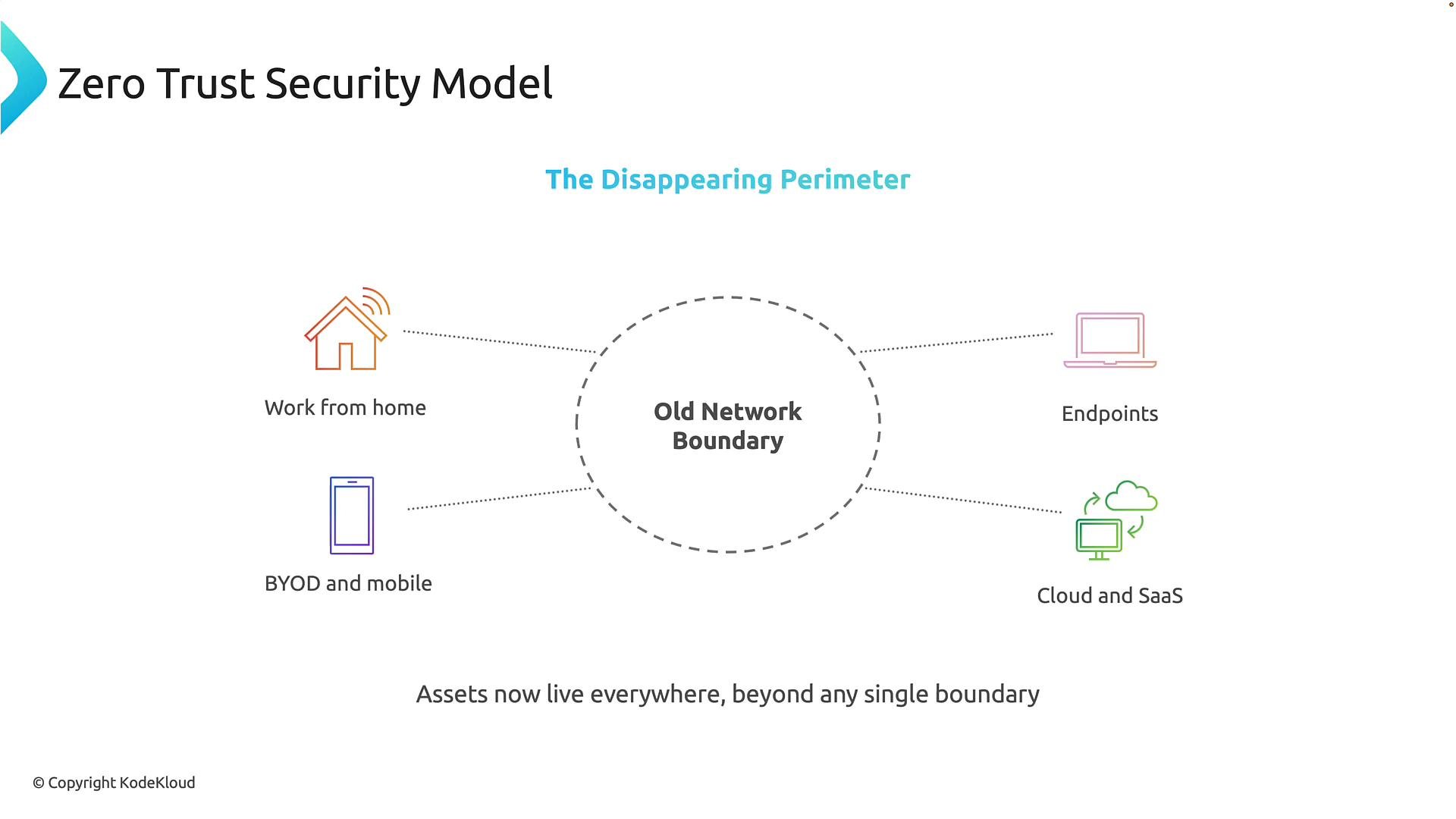 Because location alone is no longer a reliable trust signal, security must evaluate each access attempt with context: who is requesting access, from what device, from where, and at what risk level.
## Attackers focus on identity
Modern attackers favor identity-based techniques — phishing, credential theft, and account takeover — because stolen credentials can bypass perimeter defenses and appear as legitimate users.
Because location alone is no longer a reliable trust signal, security must evaluate each access attempt with context: who is requesting access, from what device, from where, and at what risk level.
## Attackers focus on identity
Modern attackers favor identity-based techniques — phishing, credential theft, and account takeover — because stolen credentials can bypass perimeter defenses and appear as legitimate users.
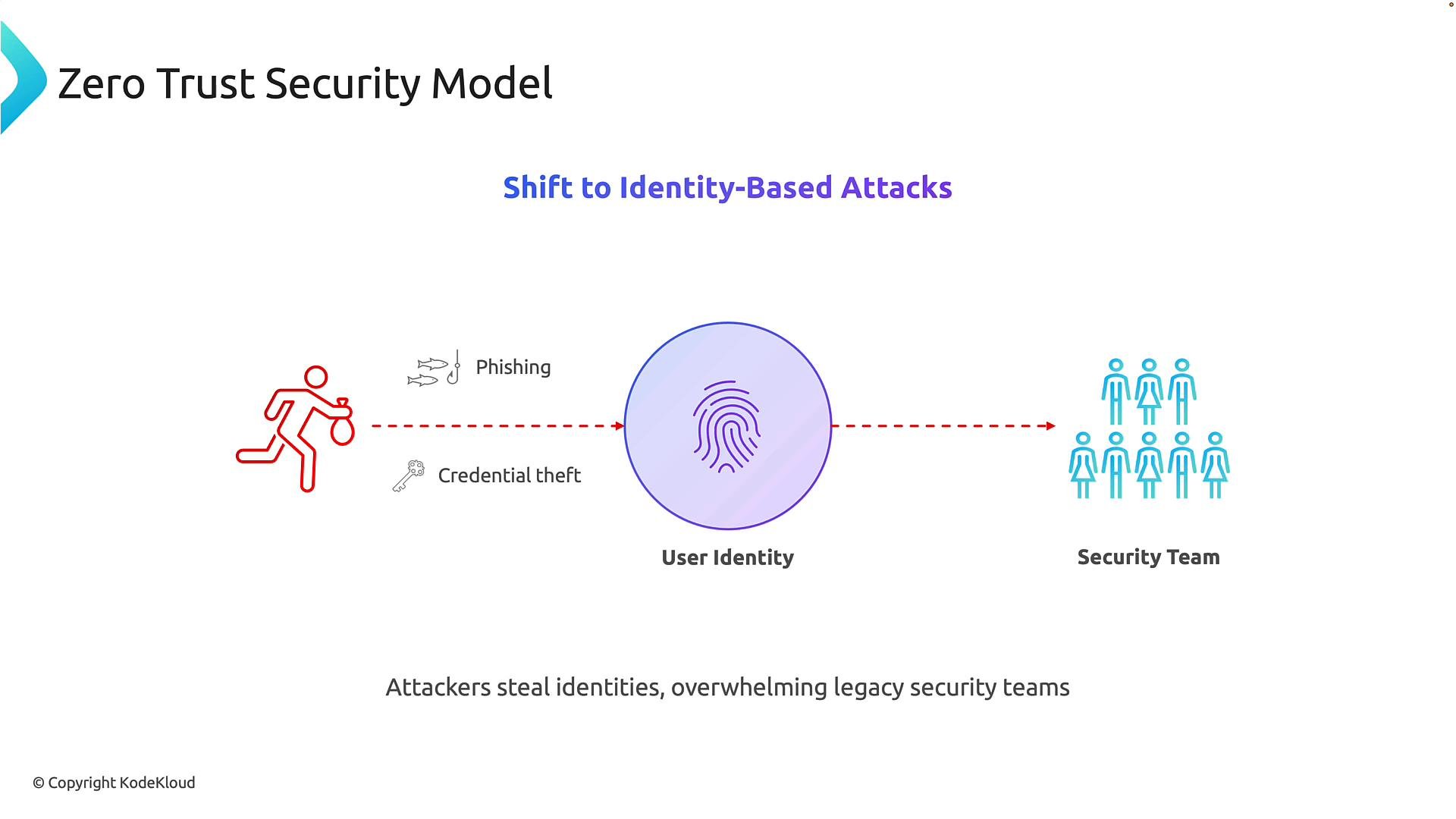 Because identities are effectively the new perimeter, continuous identity protections are critical. A single compromised password can lead to broad access unless mitigations such as MFA and risk-based controls are in place.
Identity compromise is a primary vector for modern breaches. Implement MFA and conditional access policies to reduce the risk of stolen credentials being used to access sensitive resources.
## Microsoft’s identity-first Zero Trust approach
Microsoft centers its Zero Trust implementation on identity and device posture. Key Entra and Microsoft 365 features include:
* Microsoft Entra ID (Azure AD) for identity and access management.
* Multi-factor Authentication (MFA) to block simple credential theft.
* Conditional Access policies to grant or refuse access based on identity, device compliance, location, and risk.
* Identity Protection and risk-based policies to detect suspicious sign-ins and compromise signals.
* Intune for device management and compliance assessments.
* Defender and Purview to provide threat detection, response, and data governance.
Use the table below to map core Zero Trust principles to Microsoft capabilities.
| Zero Trust principle | What it means | Microsoft capabilities (examples) |
| - | -: | - |
| Verify explicitly | Continuously authenticate and authorize every request | `MFA`, Conditional Access, Identity Protection |
| Use least privilege | Limit user access to only what’s necessary | Role-based access control (RBAC), Just-In-Time (JIT) access |
| Assume breach | Design to limit impact and detect compromise | Defender for Cloud Apps, Microsoft Defender, monitoring and alerting |
## Next steps
To implement Zero Trust in your environment, start with these actions:
1. Enforce MFA across all users.
2. Deploy Conditional Access policies that require device compliance and enforce step-up authentication for risky sessions.
3. Enroll devices in Intune and check compliance before granting access.
4. Enable Identity Protection to detect risky sign-ins and automate remediation.
5. Classify and protect sensitive data with Purview and DLP policies.
## Links and references
* [Microsoft Zero Trust guidance](https://learn.microsoft.com/security/zero-trust/)
* [Microsoft Entra documentation](https://learn.microsoft.com/entra/)
* [Conditional Access overview](https://learn.microsoft.com/azure/active-directory/conditional-access/)
* [Microsoft Intune documentation](https://learn.microsoft.com/mem/intune/)
* [Microsoft Defender for Identity](https://learn.microsoft.com/defender-for-identity/)
This overview aligns Microsoft 365 security features with Zero Trust principles so you can prioritize identity, device posture, and continuous verification as you protect modern hybrid and cloud-first environments.
This documentation is built and hosted on [Mintlify](https://mintlify.com), a developer documentation platform.
Because identities are effectively the new perimeter, continuous identity protections are critical. A single compromised password can lead to broad access unless mitigations such as MFA and risk-based controls are in place.
Identity compromise is a primary vector for modern breaches. Implement MFA and conditional access policies to reduce the risk of stolen credentials being used to access sensitive resources.
## Microsoft’s identity-first Zero Trust approach
Microsoft centers its Zero Trust implementation on identity and device posture. Key Entra and Microsoft 365 features include:
* Microsoft Entra ID (Azure AD) for identity and access management.
* Multi-factor Authentication (MFA) to block simple credential theft.
* Conditional Access policies to grant or refuse access based on identity, device compliance, location, and risk.
* Identity Protection and risk-based policies to detect suspicious sign-ins and compromise signals.
* Intune for device management and compliance assessments.
* Defender and Purview to provide threat detection, response, and data governance.
Use the table below to map core Zero Trust principles to Microsoft capabilities.
| Zero Trust principle | What it means | Microsoft capabilities (examples) |
| - | -: | - |
| Verify explicitly | Continuously authenticate and authorize every request | `MFA`, Conditional Access, Identity Protection |
| Use least privilege | Limit user access to only what’s necessary | Role-based access control (RBAC), Just-In-Time (JIT) access |
| Assume breach | Design to limit impact and detect compromise | Defender for Cloud Apps, Microsoft Defender, monitoring and alerting |
## Next steps
To implement Zero Trust in your environment, start with these actions:
1. Enforce MFA across all users.
2. Deploy Conditional Access policies that require device compliance and enforce step-up authentication for risky sessions.
3. Enroll devices in Intune and check compliance before granting access.
4. Enable Identity Protection to detect risky sign-ins and automate remediation.
5. Classify and protect sensitive data with Purview and DLP policies.
## Links and references
* [Microsoft Zero Trust guidance](https://learn.microsoft.com/security/zero-trust/)
* [Microsoft Entra documentation](https://learn.microsoft.com/entra/)
* [Conditional Access overview](https://learn.microsoft.com/azure/active-directory/conditional-access/)
* [Microsoft Intune documentation](https://learn.microsoft.com/mem/intune/)
* [Microsoft Defender for Identity](https://learn.microsoft.com/defender-for-identity/)
This overview aligns Microsoft 365 security features with Zero Trust principles so you can prioritize identity, device posture, and continuous verification as you protect modern hybrid and cloud-first environments.
This documentation is built and hosted on [Mintlify](https://mintlify.com), a developer documentation platform.