> ## Documentation Index
> Fetch the complete documentation index at: https://notes.kodekloud.com/llms.txt
> Use this file to discover all available pages before exploring further.
# Explore Identity and Access Management in Microsoft Entra
> Overview of Microsoft Entra identity and access management, covering core services, governance, threat detection, and modern identity solutions for implementing Zero Trust
This article assumes a basic understanding of identities, authentication, authorization, and access control, and how those concepts map to a Zero Trust approach.
We’ll review Microsoft Entra — the identity and access management (IAM) suite from Microsoft — covering the core services, governance controls, threat-detection features, and advanced identity solutions. Focus on what each service does and the business problem it solves rather than memorizing every configuration detail.
Think of Microsoft Entra as a cloud identity platform and directory where users, groups, devices, and applications are stored and managed. Around that core are services that provide policy-based access, governance, threat detection, and modern secure connectivity.
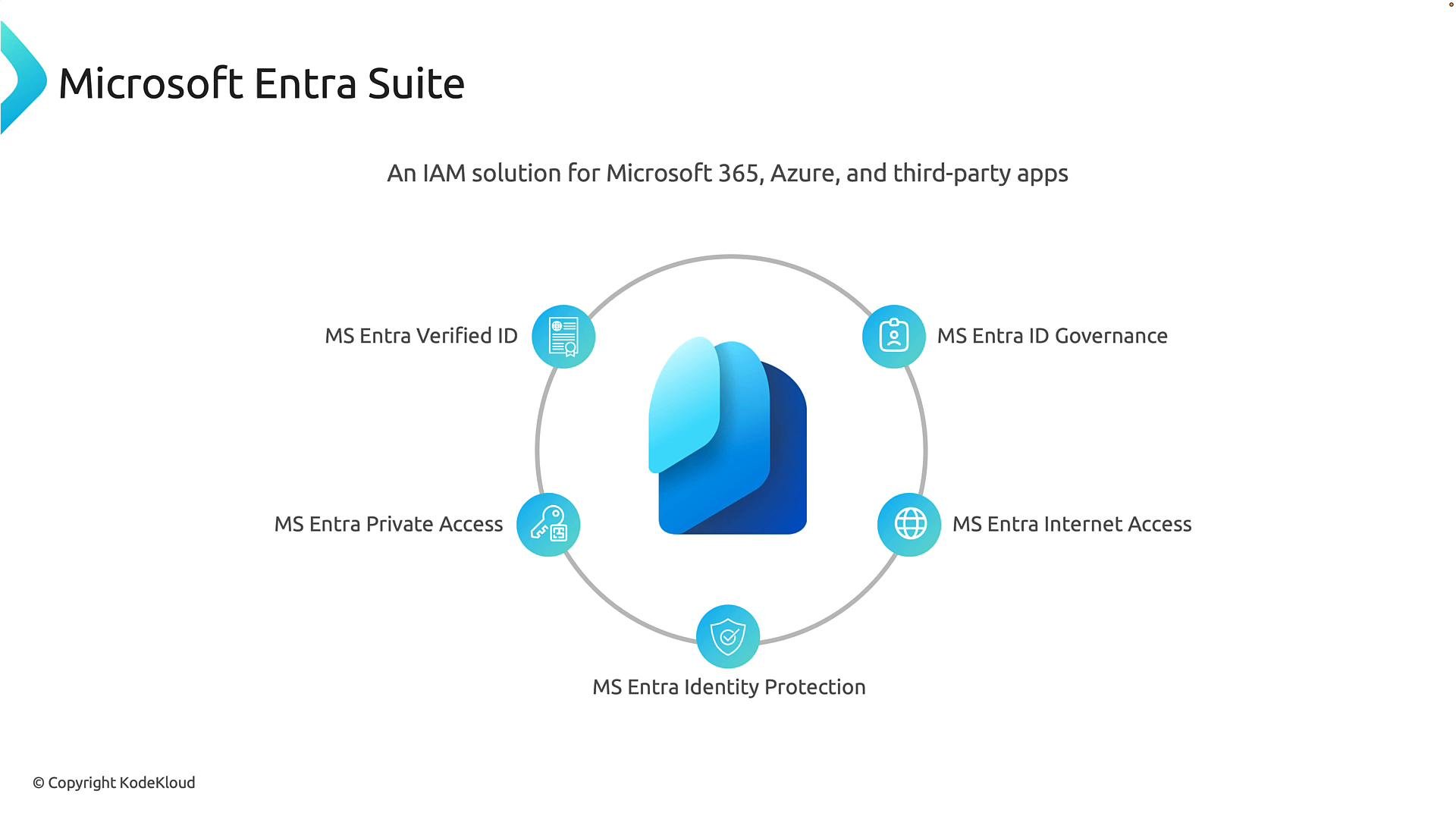 ## Key Microsoft Entra services and the problems they solve
| Service | What it does | Business problem solved |
| - | - | - |
| Microsoft Entra ID (formerly Azure Active Directory) | Cloud directory that stores identities (users, groups), devices, and applications; handles authentication for Microsoft 365, Azure, Dynamics, and many third‑party apps. | Centralizes identity management and single sign‑on across cloud and hybrid apps. |
| Conditional Access | Policy engine that evaluates real‑time signals (user, device, location, sign‑in risk) and takes actions such as allow, block, or require additional verification (MFA). | Enforces contextual access decisions to implement Zero Trust policies. |
| Microsoft Entra ID Protection | Detects risky sign‑ins and compromised accounts by analyzing sign‑in behavior and leveraging Microsoft threat intelligence. | Identifies compromised accounts and triggers automated mitigations. |
| Microsoft Entra ID Governance | Automates identity lifecycle tasks (onboarding, offboarding), manages entitlement workflows, and runs access reviews. | Reduces over‑provisioning and enforces least‑privilege access as people join, move, or leave. |
| Privileged Identity Management (PIM) | Provides just‑in‑time elevation, approval workflows, and time‑limited activation for administrative roles. | Minimizes standing privileged access and reduces exposure from admin accounts. |
| Microsoft Entra Permissions Management | Discovers and helps remediate excessive permissions across multi‑cloud environments (Azure, AWS, GCP). | Helps enforce least‑privilege across cloud providers and reduce attack surface. |
| Microsoft Entra Private Access & Internet Access | Identity‑driven secure access to private apps and internet traffic as alternatives to broad VPN access. | Replaces network‑centric trust with identity and device signals for secure connectivity. |
| Microsoft Entra Verified ID | Issues verifiable credentials so users can present attestations (employee status, certification) while preserving privacy. | Enables privacy‑preserving, verifiable identity attributes for external and internal scenarios. |
Two services are foundational in nearly every deployment: Entra ID (the directory) and Conditional Access (the policy engine).
## Key Microsoft Entra services and the problems they solve
| Service | What it does | Business problem solved |
| - | - | - |
| Microsoft Entra ID (formerly Azure Active Directory) | Cloud directory that stores identities (users, groups), devices, and applications; handles authentication for Microsoft 365, Azure, Dynamics, and many third‑party apps. | Centralizes identity management and single sign‑on across cloud and hybrid apps. |
| Conditional Access | Policy engine that evaluates real‑time signals (user, device, location, sign‑in risk) and takes actions such as allow, block, or require additional verification (MFA). | Enforces contextual access decisions to implement Zero Trust policies. |
| Microsoft Entra ID Protection | Detects risky sign‑ins and compromised accounts by analyzing sign‑in behavior and leveraging Microsoft threat intelligence. | Identifies compromised accounts and triggers automated mitigations. |
| Microsoft Entra ID Governance | Automates identity lifecycle tasks (onboarding, offboarding), manages entitlement workflows, and runs access reviews. | Reduces over‑provisioning and enforces least‑privilege access as people join, move, or leave. |
| Privileged Identity Management (PIM) | Provides just‑in‑time elevation, approval workflows, and time‑limited activation for administrative roles. | Minimizes standing privileged access and reduces exposure from admin accounts. |
| Microsoft Entra Permissions Management | Discovers and helps remediate excessive permissions across multi‑cloud environments (Azure, AWS, GCP). | Helps enforce least‑privilege across cloud providers and reduce attack surface. |
| Microsoft Entra Private Access & Internet Access | Identity‑driven secure access to private apps and internet traffic as alternatives to broad VPN access. | Replaces network‑centric trust with identity and device signals for secure connectivity. |
| Microsoft Entra Verified ID | Issues verifiable credentials so users can present attestations (employee status, certification) while preserving privacy. | Enables privacy‑preserving, verifiable identity attributes for external and internal scenarios. |
Two services are foundational in nearly every deployment: Entra ID (the directory) and Conditional Access (the policy engine).
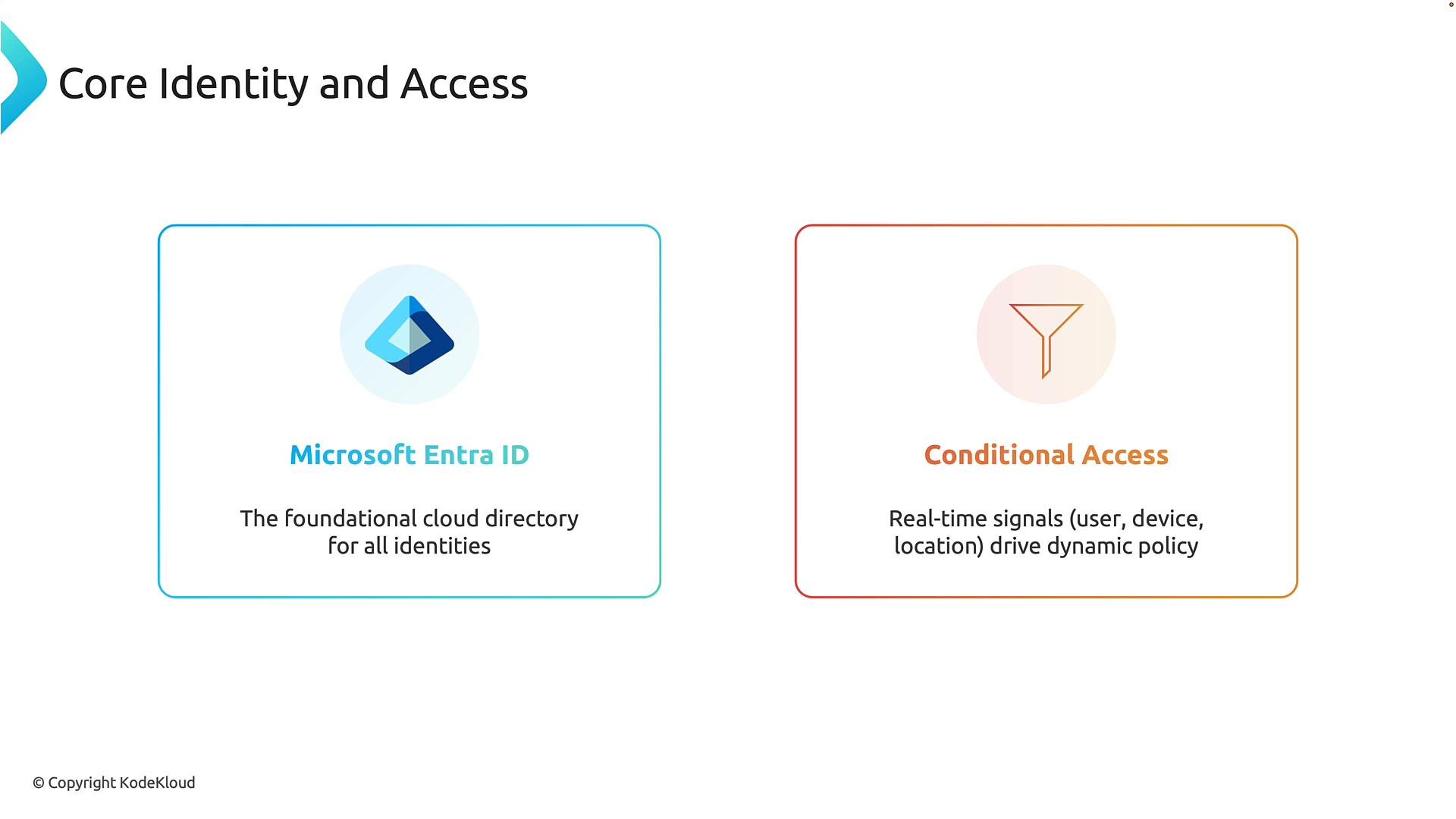 * Microsoft Entra ID (cloud directory): the central store for identities and the gatekeeper for authentication across the tenant.
* Conditional Access (policy engine): evaluates signals such as who is signing in, device state, location, and risk indicators to make real‑time access decisions.
Together, Entra ID verifies who a user is and Conditional Access determines how and when access is allowed — the core of applying Zero Trust to identity.
## Governance and privileged access: preventing permission sprawl
As organizations scale, user roles change, contractors come and go, and administrators need temporary elevated rights. Without governance, access rights accumulate and increase risk. Entra offers multiple controls to manage this complexity:
* Microsoft Entra ID (cloud directory): the central store for identities and the gatekeeper for authentication across the tenant.
* Conditional Access (policy engine): evaluates signals such as who is signing in, device state, location, and risk indicators to make real‑time access decisions.
Together, Entra ID verifies who a user is and Conditional Access determines how and when access is allowed — the core of applying Zero Trust to identity.
## Governance and privileged access: preventing permission sprawl
As organizations scale, user roles change, contractors come and go, and administrators need temporary elevated rights. Without governance, access rights accumulate and increase risk. Entra offers multiple controls to manage this complexity:
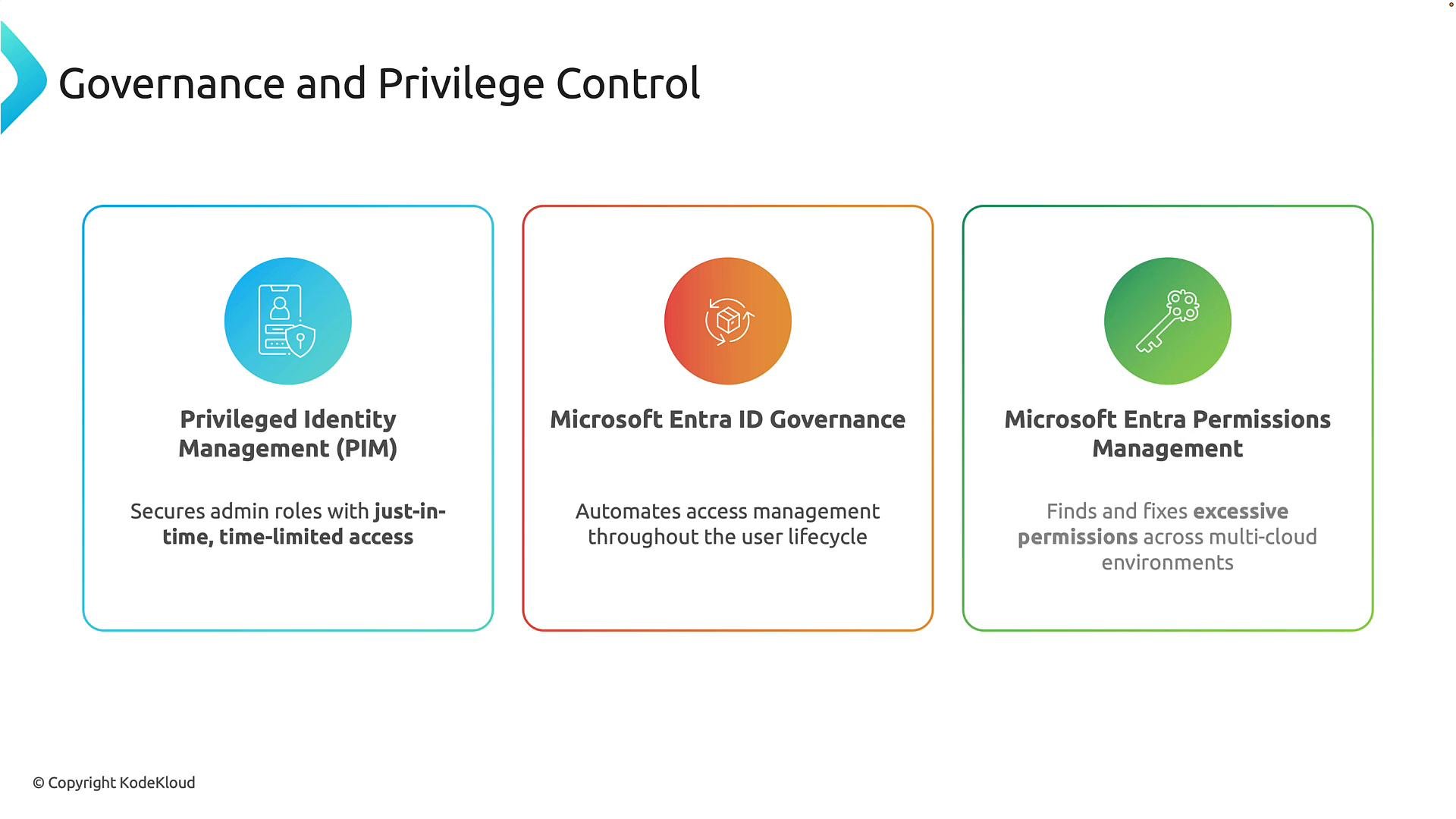 * Privileged Identity Management (PIM): implements just‑in‑time elevation and approval flows for admins to reduce standing privileges.
* Entra ID Governance: automates lifecycle events, entitlement assignments, and access reviews to keep permissions aligned with roles.
* Entra Permissions Management: inventories permissions across clouds and recommends actions to follow least‑privilege principles.
These services help reduce human error, enforce policy, and limit the blast radius from compromised accounts.
## Identity threat detection and response
Identity is a primary target for attackers. Entra provides detection, scoring, and automated response capabilities to reduce risk and remediate incidents faster:
* Privileged Identity Management (PIM): implements just‑in‑time elevation and approval flows for admins to reduce standing privileges.
* Entra ID Governance: automates lifecycle events, entitlement assignments, and access reviews to keep permissions aligned with roles.
* Entra Permissions Management: inventories permissions across clouds and recommends actions to follow least‑privilege principles.
These services help reduce human error, enforce policy, and limit the blast radius from compromised accounts.
## Identity threat detection and response
Identity is a primary target for attackers. Entra provides detection, scoring, and automated response capabilities to reduce risk and remediate incidents faster:
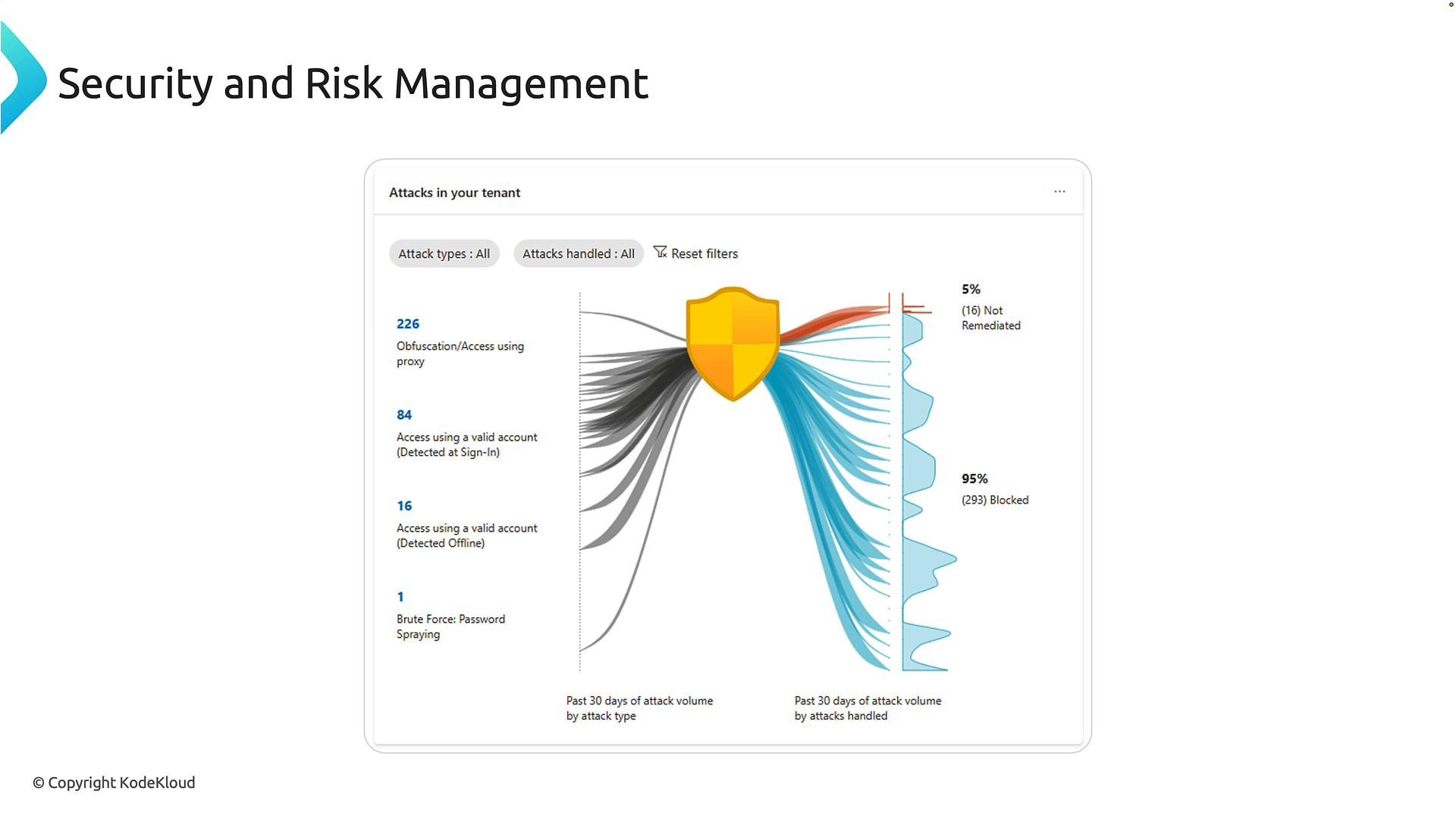 * Entra ID Protection: continuously analyzes sign‑ins and user activity to flag risky behavior (e.g., impossible travel) and can trigger automated responses such as enforcing MFA or blocking access.
* Identity Secure Score: provides an identity security posture score and prioritized recommendations (enable MFA, reduce legacy authentication, expand Conditional Access) to guide improvements.
Microsoft’s cloud‑scale threat intelligence helps detect and often block attacks before they affect your tenant, shifting teams from reactive response to proactive risk mitigation.
## Advanced identity scenarios and modern access alternatives
Modern work requires new identity patterns — verifiable credentials, policy‑driven internet access, and identity‑aware private application access:
* Entra ID Protection: continuously analyzes sign‑ins and user activity to flag risky behavior (e.g., impossible travel) and can trigger automated responses such as enforcing MFA or blocking access.
* Identity Secure Score: provides an identity security posture score and prioritized recommendations (enable MFA, reduce legacy authentication, expand Conditional Access) to guide improvements.
Microsoft’s cloud‑scale threat intelligence helps detect and often block attacks before they affect your tenant, shifting teams from reactive response to proactive risk mitigation.
## Advanced identity scenarios and modern access alternatives
Modern work requires new identity patterns — verifiable credentials, policy‑driven internet access, and identity‑aware private application access:
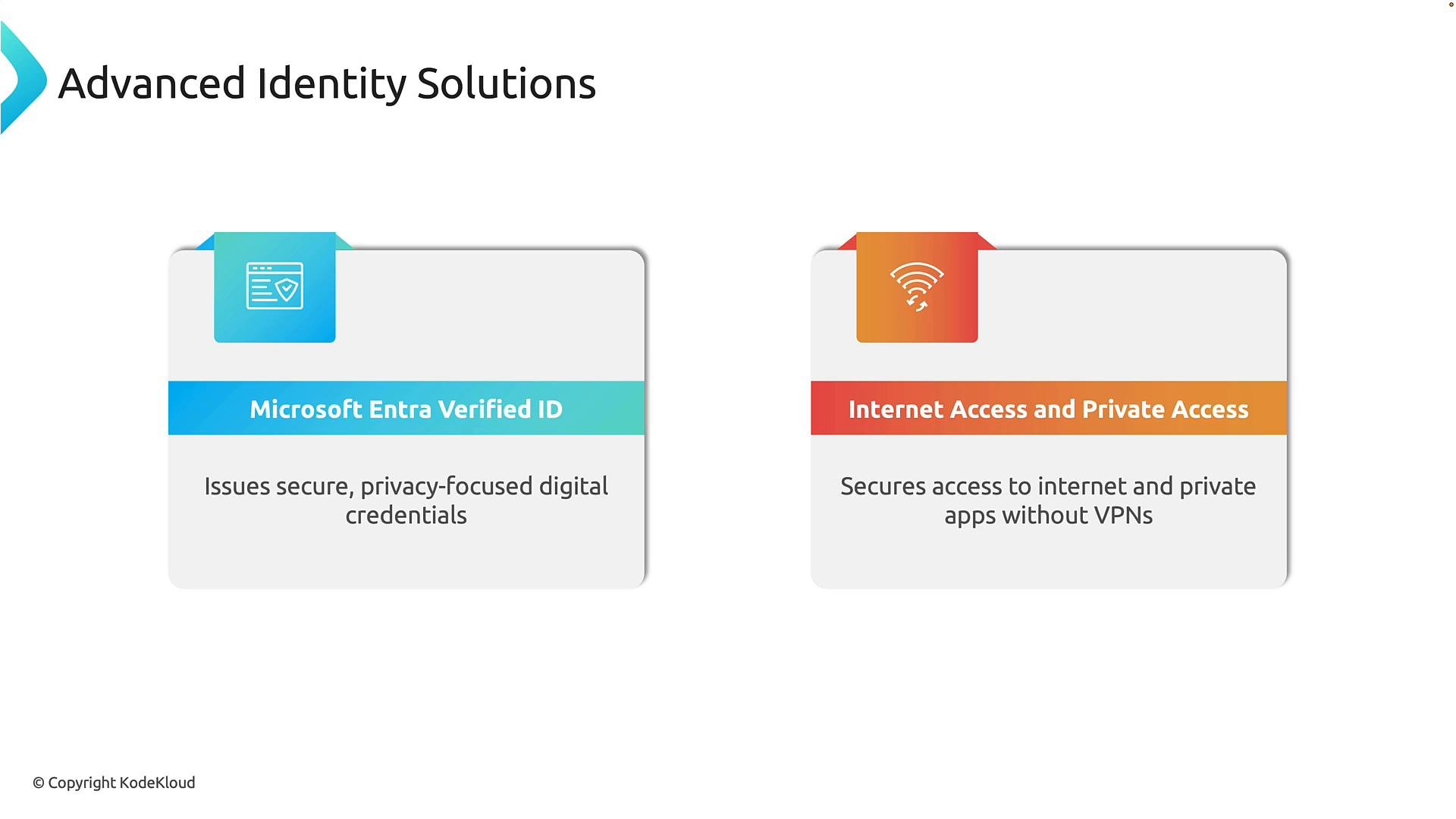 * Entra Verified ID: issues verifiable credentials so users can present attestations (employee status, student enrollment, certifications) while retaining privacy and control.
* Entra Internet Access and Entra Private Access: secure internet and private app traffic using identity and device signals rather than relying on network location — modern alternatives to traditional VPNs that align with Zero Trust network access.
## Summary
You should now recognize the major Microsoft Entra services and understand the role each plays in identity, access management, governance, and security. Focus on the purpose and business value of each service — detailed UI steps and configuration specifics can be learned when you need to implement.
Tip: Focus on scenarios and outcomes for each Entra service (for example, PIM for temporary admin elevation; Verified ID for verifiable credentials). You do not need to memorize UI steps or configuration settings.
## Where to find these services in the admin console
To explore these services:
* Microsoft 365 Admin Center: `https://admin.microsoft.com` → open the Identity admin center.
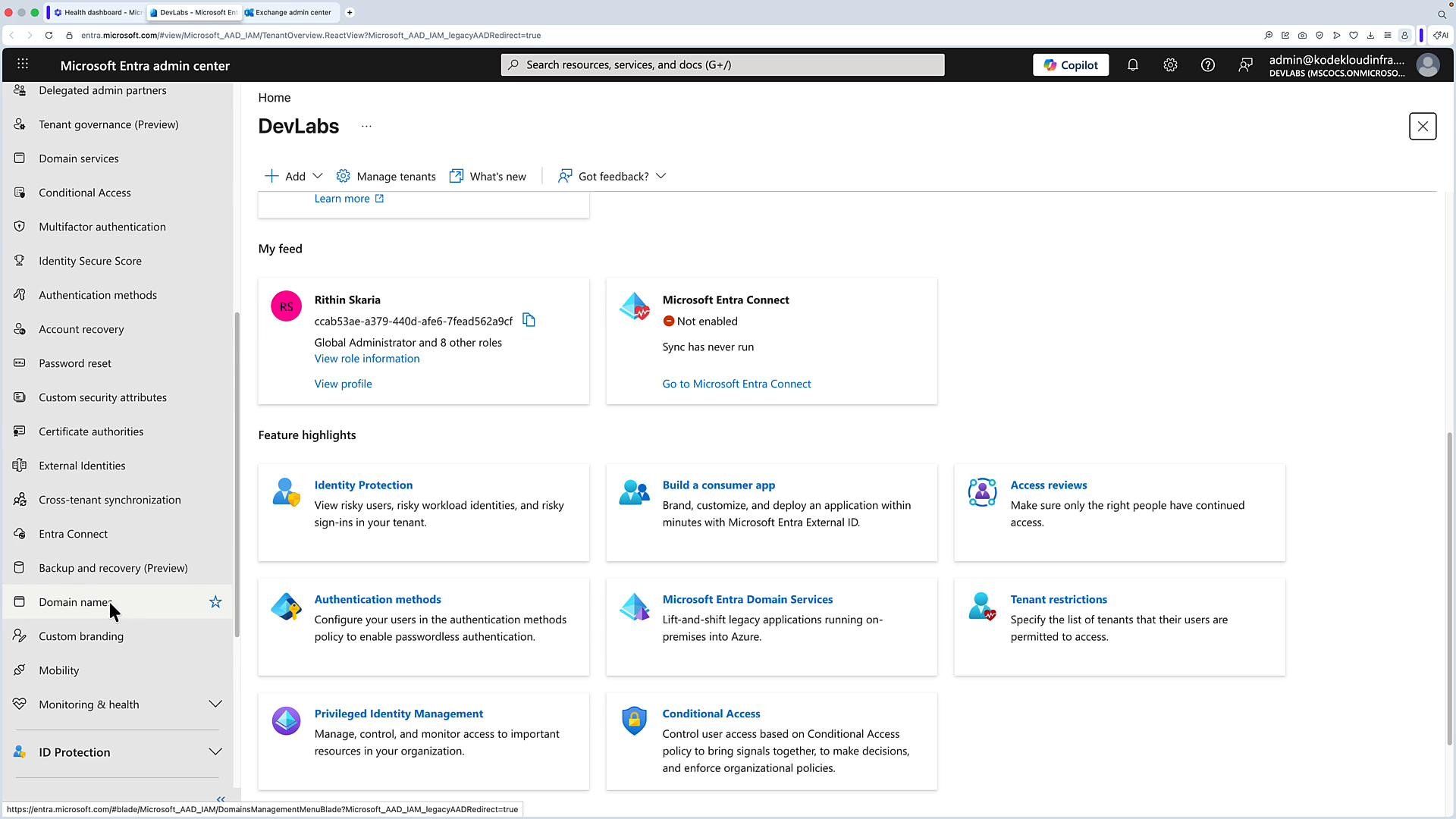
* Directly: `https://entra.microsoft.com`
The Entra admin center provides access to Identity Protection, Access Reviews, Authentication Methods, Conditional Access, Privileged Identity, Verified ID, Private and Internet Access, and more.
* Entra Verified ID: issues verifiable credentials so users can present attestations (employee status, student enrollment, certifications) while retaining privacy and control.
* Entra Internet Access and Entra Private Access: secure internet and private app traffic using identity and device signals rather than relying on network location — modern alternatives to traditional VPNs that align with Zero Trust network access.
## Summary
You should now recognize the major Microsoft Entra services and understand the role each plays in identity, access management, governance, and security. Focus on the purpose and business value of each service — detailed UI steps and configuration specifics can be learned when you need to implement.
Tip: Focus on scenarios and outcomes for each Entra service (for example, PIM for temporary admin elevation; Verified ID for verifiable credentials). You do not need to memorize UI steps or configuration settings.
## Where to find these services in the admin console
To explore these services:
* Microsoft 365 Admin Center: `https://admin.microsoft.com` → open the Identity admin center.
* Directly: `https://entra.microsoft.com`
The Entra admin center provides access to Identity Protection, Access Reviews, Authentication Methods, Conditional Access, Privileged Identity, Verified ID, Private and Internet Access, and more.
 You do not need to configure these services now—just know what they provide and how they fit into a Zero Trust identity strategy.
## Links and references
* Microsoft Entra documentation: [https://learn.microsoft.com/entra](https://learn.microsoft.com/entra)
* Microsoft Entra admin center: `https://entra.microsoft.com`
* Microsoft 365 admin center: `https://admin.microsoft.com`
This documentation is built and hosted on [Mintlify](https://mintlify.com), a developer documentation platform.
You do not need to configure these services now—just know what they provide and how they fit into a Zero Trust identity strategy.
## Links and references
* Microsoft Entra documentation: [https://learn.microsoft.com/entra](https://learn.microsoft.com/entra)
* Microsoft Entra admin center: `https://entra.microsoft.com`
* Microsoft 365 admin center: `https://admin.microsoft.com`
This documentation is built and hosted on [Mintlify](https://mintlify.com), a developer documentation platform.