> ## Documentation Index
> Fetch the complete documentation index at: https://notes.kodekloud.com/llms.txt
> Use this file to discover all available pages before exploring further.
# Azure AI Language Services
> Overview of Azure AI Language Services and its text analysis capabilities, examples and best practices for summarization, entity recognition, PII redaction, sentiment, and SDK or REST integration
Azure AI Language Services is a suite of AI-powered text-processing tools that help researchers, analysts, and developers extract meaning from large volumes of text. Use cases include document summarization, key insight extraction, PII detection and redaction, entity recognition and linking, and automated Q\&A generation — all designed to speed up workflows so you can focus on insights instead of manual reading.
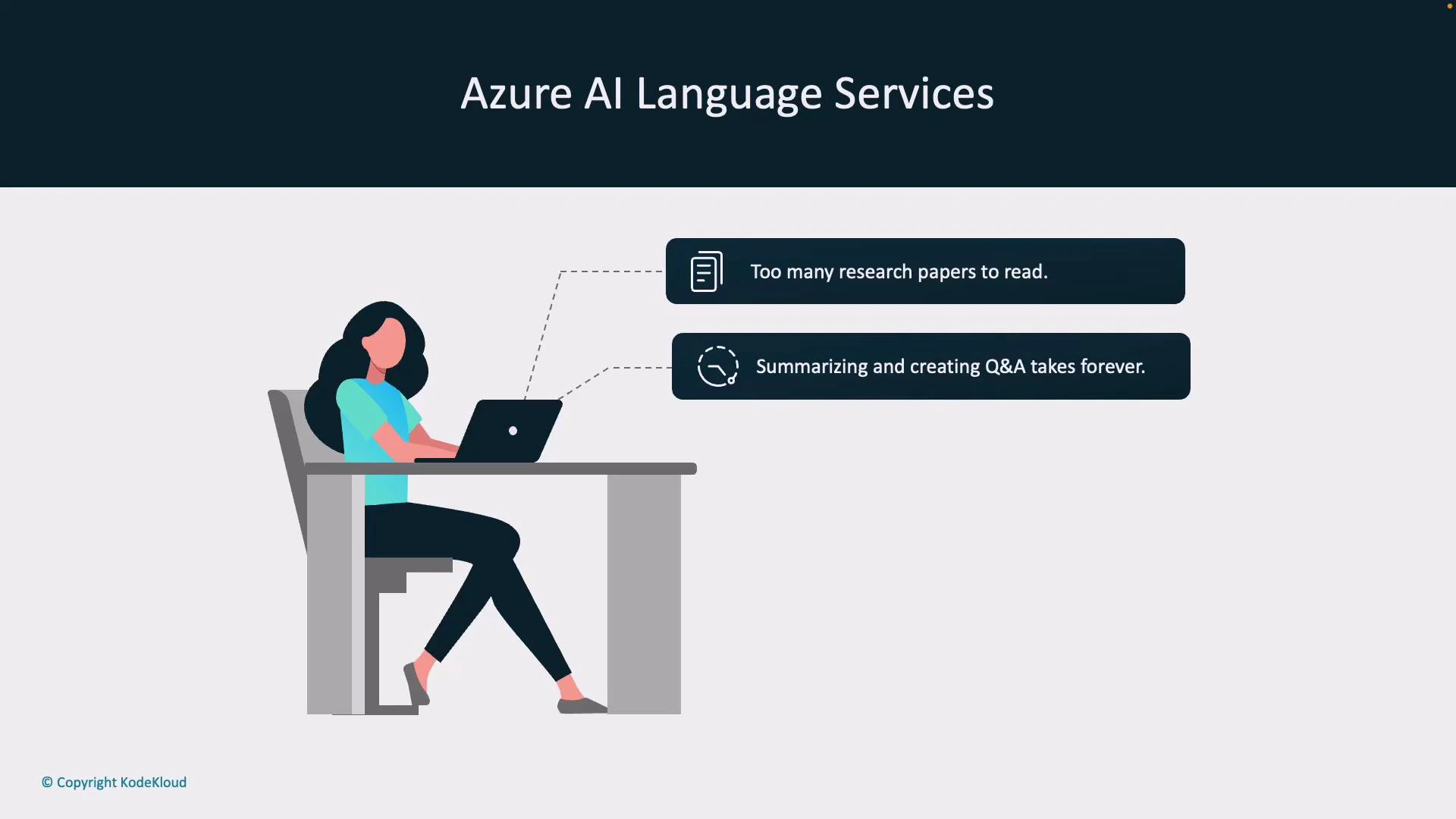
Imagine you’re a researcher with hundreds of papers to review: reading each in full is impractical, and producing summaries or question/answer material is time-consuming. Azure AI Language Services automates the heavy lifting so you can review findings faster and act on results.
 You can call Azure AI Language features from client SDKs or directly via the REST API. Prebuilt models let you perform common tasks immediately; if you need domain-specific behavior you can train or configure custom models.
Access Azure AI Language via SDKs (Python, JavaScript, .NET) or the REST API. Prebuilt endpoints accelerate common scenarios (summarization, NER, sentiment), while custom models and prompt tuning help adapt results to your data and workflow.
## Core capabilities
Below are the primary text-analysis capabilities available in Azure AI Language Services, with typical use cases and short descriptions to help you choose the right tool.
| Capability | What it does | Typical use case |
| ------------------------------ | --------------------------------------------------------------------------------------------------------- | -------------------------------------------------------------------------- |
| Language detection | Detects the language of a text snippet and returns a language code and confidence score | Route multilingual content to the appropriate processing pipeline or model |
| Key phrase extraction | Identifies main phrases and concepts in text | Summarize meeting notes or index documents for search |
| Sentiment analysis | Classifies text sentiment (positive / neutral / negative), often with sentence-level scores | Monitor customer feedback or flag negative comments for escalation |
| Named Entity Recognition (NER) | Extracts entities (people, organizations, locations, products) and labels their types | Build knowledge graphs, power search facets, or tag documents |
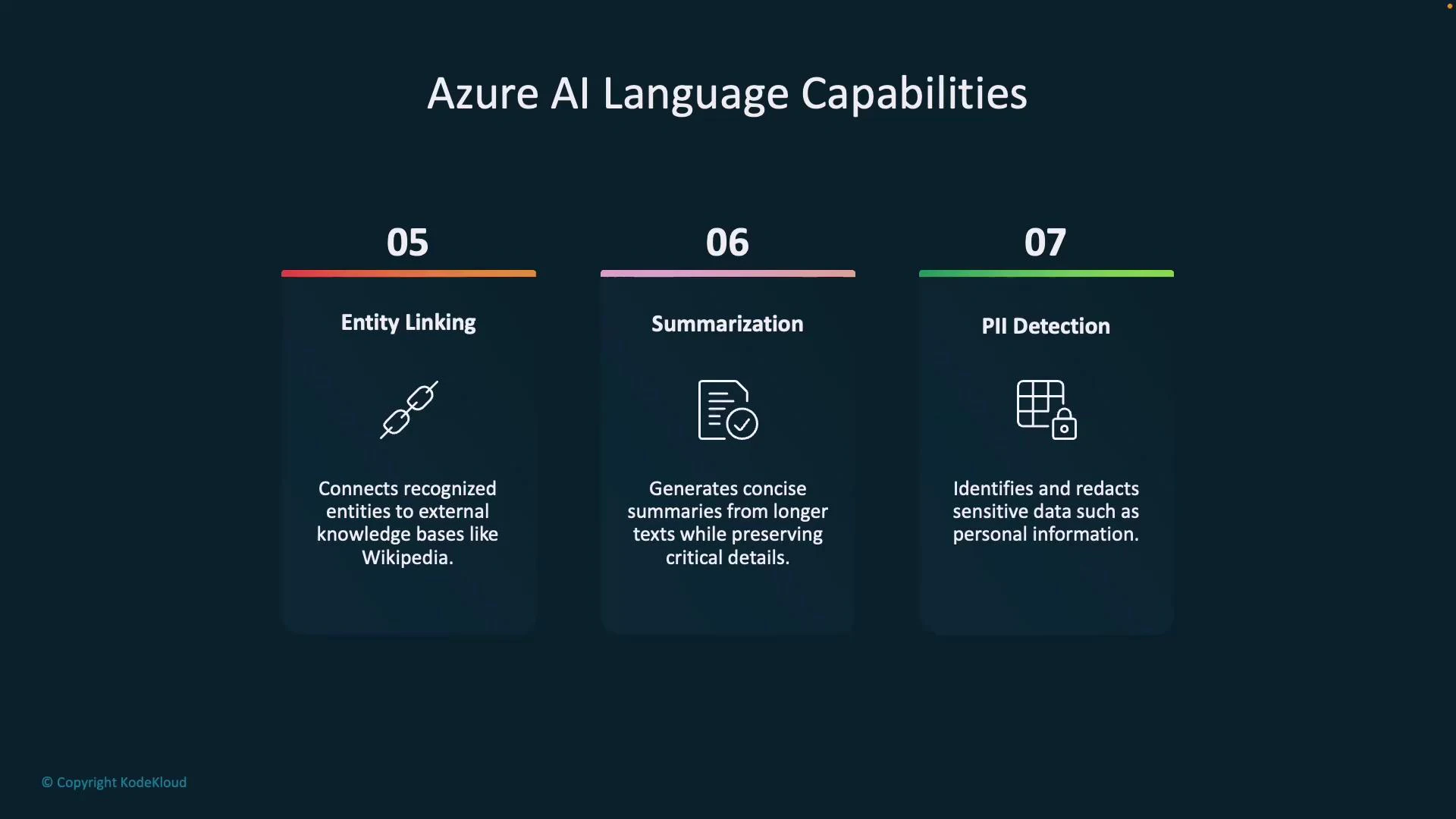
| Entity linking | Links recognized entities to an external knowledge base (e.g., Wikipedia or custom KB) | Enrich extracted entities with canonical identifiers and external context |
| Summarization | Produces concise summaries (extractive or abstractive) of long documents | Provide quick overviews of long reports, papers, or transcripts |
| PII detection & redaction | Identifies and optionally redacts personally identifiable information (credit cards, SSNs, phone numbers) | Ensure compliance and privacy before sharing or storing data |
You can call Azure AI Language features from client SDKs or directly via the REST API. Prebuilt models let you perform common tasks immediately; if you need domain-specific behavior you can train or configure custom models.
Access Azure AI Language via SDKs (Python, JavaScript, .NET) or the REST API. Prebuilt endpoints accelerate common scenarios (summarization, NER, sentiment), while custom models and prompt tuning help adapt results to your data and workflow.
## Core capabilities
Below are the primary text-analysis capabilities available in Azure AI Language Services, with typical use cases and short descriptions to help you choose the right tool.
| Capability | What it does | Typical use case |
| ------------------------------ | --------------------------------------------------------------------------------------------------------- | -------------------------------------------------------------------------- |
| Language detection | Detects the language of a text snippet and returns a language code and confidence score | Route multilingual content to the appropriate processing pipeline or model |
| Key phrase extraction | Identifies main phrases and concepts in text | Summarize meeting notes or index documents for search |
| Sentiment analysis | Classifies text sentiment (positive / neutral / negative), often with sentence-level scores | Monitor customer feedback or flag negative comments for escalation |
| Named Entity Recognition (NER) | Extracts entities (people, organizations, locations, products) and labels their types | Build knowledge graphs, power search facets, or tag documents |
| Entity linking | Links recognized entities to an external knowledge base (e.g., Wikipedia or custom KB) | Enrich extracted entities with canonical identifiers and external context |
| Summarization | Produces concise summaries (extractive or abstractive) of long documents | Provide quick overviews of long reports, papers, or transcripts |
| PII detection & redaction | Identifies and optionally redacts personally identifiable information (credit cards, SSNs, phone numbers) | Ensure compliance and privacy before sharing or storing data |
 ## Quick examples
The examples below illustrate how to call Language capabilities. Replace \ and \ with your Azure resource values.
Use the REST API for platform-agnostic integration; use an SDK for ergonomics and built-in authentication helpers. Refer to the official API docs for the exact endpoint and API version you should use.
### REST (curl) — Language detection (illustrative)
```bash theme={null}
curl -X POST "https:///language/:analyze?api-version=2023-10-01" \
-H "Content-Type: application/json" \
-H "Authorization: Bearer " \
-d '{
"kind": "languageDetection",
"analysisInput": {
"documents": [
{ "id": "1", "text": "Este es un texto de ejemplo." }
]
},
"parameters": {}
}'
```
Response (trimmed, illustrative):
```JSON theme={null}
{
"results": [
{
"id": "1",
"detectedLanguage": { "language": "es", "confidenceScore": 0.99 }
}
]
}
```
### SDK (Python) — Summarization (illustrative)
```Python theme={null}
from azure.ai.language import TextAnalysisClient
from azure.core.credentials import AzureKeyCredential
endpoint = "https://"
key = ""
client = TextAnalysisClient(endpoint=endpoint, credential=AzureKeyCredential(key))
documents = ["Long document text to summarize..."]
response = client.begin_analyze_actions(
documents,
actions=[
{"kind": "abstractiveSummarization", "parameters": {}}
]
).result()
for doc in response:
print(doc)
```
Note: SDK names, classes, and method signatures evolve; consult the official SDK docs for the latest samples and installation instructions.
## Best practices
* Preprocess text to remove irrelevant formatting and noise (HTML tags, scripts) before analysis.
* For large-scale document processing, batch inputs and parallelize requests within service limits.
* When working with sensitive data, prefer PII redaction and follow your organization’s compliance policies.
* Validate entity linking results against your knowledge base before automatic ingestion.
## Links and references
* Azure AI Language overview: [https://learn.microsoft.com/azure/ai-services/language/](https://learn.microsoft.com/azure/ai-services/language/)
* REST API and endpoint reference: [https://learn.microsoft.com/azure/ai-services/language/reference](https://learn.microsoft.com/azure/ai-services/language/reference)
* SDK documentation and samples:
* Python: [https://learn.microsoft.com/azure/ai-services/language/sdk/python](https://learn.microsoft.com/azure/ai-services/language/sdk/python)
* JavaScript: [https://learn.microsoft.com/azure/ai-services/language/sdk/javascript](https://learn.microsoft.com/azure/ai-services/language/sdk/javascript)
* .NET: [https://learn.microsoft.com/azure/ai-services/language/sdk/dotnet](https://learn.microsoft.com/azure/ai-services/language/sdk/dotnet)
* Example external KB for entity linking: [https://en.wikipedia.org/wiki/Albert\_Einstein](https://en.wikipedia.org/wiki/Albert_Einstein)
This article introduced the core Azure AI Language features and provided quick REST and SDK examples to get you started. For production deployments, review the service limits, authentication models (API key vs. Azure AD), and pricing on the official Azure documentation pages.
## Quick examples
The examples below illustrate how to call Language capabilities. Replace \ and \ with your Azure resource values.
Use the REST API for platform-agnostic integration; use an SDK for ergonomics and built-in authentication helpers. Refer to the official API docs for the exact endpoint and API version you should use.
### REST (curl) — Language detection (illustrative)
```bash theme={null}
curl -X POST "https:///language/:analyze?api-version=2023-10-01" \
-H "Content-Type: application/json" \
-H "Authorization: Bearer " \
-d '{
"kind": "languageDetection",
"analysisInput": {
"documents": [
{ "id": "1", "text": "Este es un texto de ejemplo." }
]
},
"parameters": {}
}'
```
Response (trimmed, illustrative):
```JSON theme={null}
{
"results": [
{
"id": "1",
"detectedLanguage": { "language": "es", "confidenceScore": 0.99 }
}
]
}
```
### SDK (Python) — Summarization (illustrative)
```Python theme={null}
from azure.ai.language import TextAnalysisClient
from azure.core.credentials import AzureKeyCredential
endpoint = "https://"
key = ""
client = TextAnalysisClient(endpoint=endpoint, credential=AzureKeyCredential(key))
documents = ["Long document text to summarize..."]
response = client.begin_analyze_actions(
documents,
actions=[
{"kind": "abstractiveSummarization", "parameters": {}}
]
).result()
for doc in response:
print(doc)
```
Note: SDK names, classes, and method signatures evolve; consult the official SDK docs for the latest samples and installation instructions.
## Best practices
* Preprocess text to remove irrelevant formatting and noise (HTML tags, scripts) before analysis.
* For large-scale document processing, batch inputs and parallelize requests within service limits.
* When working with sensitive data, prefer PII redaction and follow your organization’s compliance policies.
* Validate entity linking results against your knowledge base before automatic ingestion.
## Links and references
* Azure AI Language overview: [https://learn.microsoft.com/azure/ai-services/language/](https://learn.microsoft.com/azure/ai-services/language/)
* REST API and endpoint reference: [https://learn.microsoft.com/azure/ai-services/language/reference](https://learn.microsoft.com/azure/ai-services/language/reference)
* SDK documentation and samples:
* Python: [https://learn.microsoft.com/azure/ai-services/language/sdk/python](https://learn.microsoft.com/azure/ai-services/language/sdk/python)
* JavaScript: [https://learn.microsoft.com/azure/ai-services/language/sdk/javascript](https://learn.microsoft.com/azure/ai-services/language/sdk/javascript)
* .NET: [https://learn.microsoft.com/azure/ai-services/language/sdk/dotnet](https://learn.microsoft.com/azure/ai-services/language/sdk/dotnet)
* Example external KB for entity linking: [https://en.wikipedia.org/wiki/Albert\_Einstein](https://en.wikipedia.org/wiki/Albert_Einstein)
This article introduced the core Azure AI Language features and provided quick REST and SDK examples to get you started. For production deployments, review the service limits, authentication models (API key vs. Azure AD), and pricing on the official Azure documentation pages.