> ## Documentation Index
> Fetch the complete documentation index at: https://notes.kodekloud.com/llms.txt
> Use this file to discover all available pages before exploring further.
# Using the Shaper Skill for Projections
> Explains using Azure Cognitive Search Shaper skill to project and structure extracted data into compact JSON for easier querying and storage
Using the shaper skill to project extracted insights into well-structured JSON outputs improves downstream processing, reduces noise, and makes knowledge-store entries easier to query and analyze.
Earlier lessons covered the Knowledge Store and how indexing extracts insights into structured formats. This article shows how to use the Shaper skill to control which fields are retained and how they are organized before being stored or passed downstream.
Why use the Shaper skill?
* Create compact, predictable JSON objects containing only the fields you need.
* Convert raw extracted content into nested arrays or grouped objects for easier queries.
* Avoid passing extraneous fields through the pipeline, improving performance and clarity.
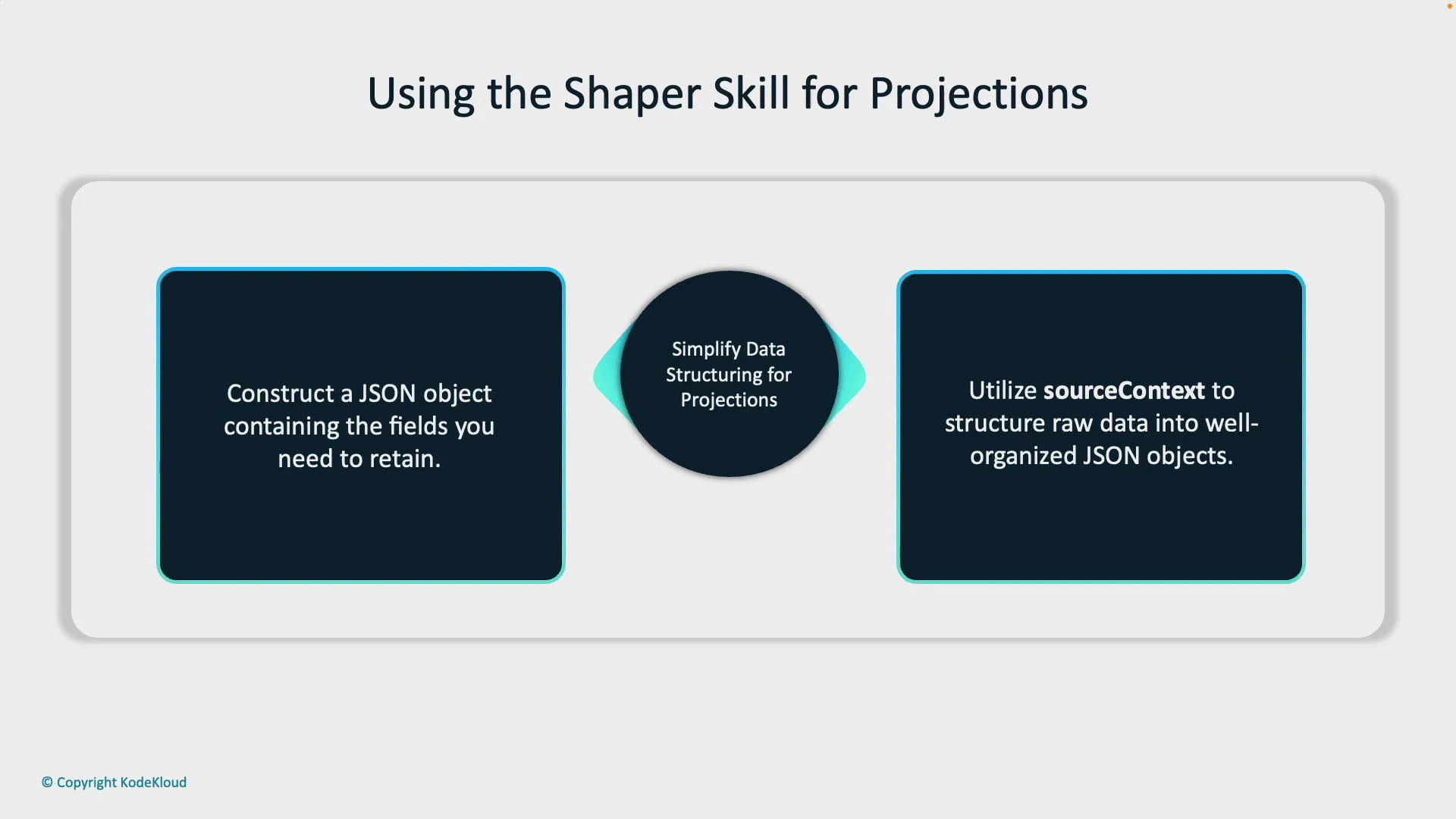
On the left of the diagram below, the emphasis is on constructing a JSON object containing only the needed fields. On the right, the diagram highlights using sourceContext to target and gather a subset of data (for example, grouping or nesting data points within a specific path in the document). By projecting raw-extracted content into a clean JSON structure, the shaper skill produces organized, useful outputs.
 Example Shaper skill JSON
Below is a representative JSON definition for a Shaper skill. It demonstrates common properties you’ll set: skill type, name, description, context, inputs (including how to use sourceContext for collections), and outputs that map the structured result into a target field.
```json theme={null}
{
"@odata.type": "#Microsoft.Skills.Util.ShaperSkill",
"name": "format-projection",
"description": "Organize projection fields",
"context": "/document",
"inputs": [
{
"name": "document_url",
"source": "/document/url"
},
{
"name": "user_sentiment",
"source": "/document/sentiment"
},
{
"name": "key_terms",
"source": null,
"sourceContext": "/document/processed_content/keywords/*",
"inputs": [
{
"name": "term",
"source": "/document/processed_content/keywords/*"
}
]
}
],
"outputs": [
{
"name": "structured_output",
"targetName": "final_projection"
}
]
}
```
Key parts explained
| Property | Purpose | Example / Note |
| ------------- | ---------------------------------------------------------------------------- | ------------------------------------------------------------------------------------- |
| @odata.type | Declares skill type (Shaper skill) | "#Microsoft.Skills.Util.ShaperSkill" |
| name | Logical name for the skill in the skillset | "format-projection" |
| description | Human-readable description | "Organize projection fields" |
| context | Execution scope where the skill runs | "/document" (runs at document level) |
| inputs | Maps input fields into the Shaper; can include nested inputs and collections | Use "source" for direct mappings; use "sourceContext" with a wildcard for collections |
| sourceContext | Path that the Shaper will iterate over when building arrays | "/document/processed\_content/keywords/\*" |
| outputs | Maps the Shaper's resulting object into a Knowledge Store field | targetName "final\_projection" will receive the structured JSON |
How sourceContext and collections work
* For collections, set "source" to null and provide a "sourceContext" pointing to the collection with a wildcard (e.g., ".../keywords/\*"). The Shaper will iterate over each element in that collection and apply any nested "inputs" to construct an array of structured items.
* Use nested "inputs" within that collection block to define how each element's fields map into the shaped object.
Use "sourceContext" with a wildcard when you want the shaper skill to iterate a collection and construct an array of structured items. Setting "source" to null indicates that the field's values come from the "sourceContext".
Best practices and tips
* Keep the Shaper output small and predictable — include only fields you will query or use later.
* When working with multiple collections, clearly scope each with a distinct sourceContext to avoid unintended nesting.
* Name target fields (outputs.targetName) to reflect the projection’s purpose so downstream queries and pipelines are easier to maintain.
* Validate the resulting JSON shape in a test Knowledge Store before deploying to production.
Make sure wildcard paths in sourceContext are correct and that the Shaper's nested inputs match the actual structure of the extracted data. Incorrect paths or mismatched names can result in empty arrays or missing fields in the final projection.
Quick implementation checklist
1. Identify the fields you need to retain and how they should be structured (flat fields vs arrays vs nested objects).
2. Define the Shaper skill with context (usually /document) and map direct fields with "source".
3. For any collection, set "source": null and add "sourceContext": ".../\*" plus nested inputs.
4. Map the Shaper output to a targetName under outputs so the Knowledge Store persists the projection.
5. Test with sample documents and inspect the Knowledge Store JSON to confirm structure.
Try this in the portal
* Create or edit a skillset in the Azure portal.
* Add a Shaper skill using the JSON pattern above.
* Index a sample document that contains keywords or lists and inspect the Knowledge Store to confirm the projection.
Links and references
* Azure Cognitive Search documentation: [https://learn.microsoft.com/azure/search/](https://learn.microsoft.com/azure/search/)
* Knowledge Store overview (Azure Cognitive Search): [https://learn.microsoft.com/azure/search/knowledge-store-overview](https://learn.microsoft.com/azure/search/knowledge-store-overview)
Using the Shaper skill to produce concise, well-structured JSON makes downstream analytics and queries faster and more reliable. Implement a small test Knowledge Store to validate shapes before rolling changes into production.
Example Shaper skill JSON
Below is a representative JSON definition for a Shaper skill. It demonstrates common properties you’ll set: skill type, name, description, context, inputs (including how to use sourceContext for collections), and outputs that map the structured result into a target field.
```json theme={null}
{
"@odata.type": "#Microsoft.Skills.Util.ShaperSkill",
"name": "format-projection",
"description": "Organize projection fields",
"context": "/document",
"inputs": [
{
"name": "document_url",
"source": "/document/url"
},
{
"name": "user_sentiment",
"source": "/document/sentiment"
},
{
"name": "key_terms",
"source": null,
"sourceContext": "/document/processed_content/keywords/*",
"inputs": [
{
"name": "term",
"source": "/document/processed_content/keywords/*"
}
]
}
],
"outputs": [
{
"name": "structured_output",
"targetName": "final_projection"
}
]
}
```
Key parts explained
| Property | Purpose | Example / Note |
| ------------- | ---------------------------------------------------------------------------- | ------------------------------------------------------------------------------------- |
| @odata.type | Declares skill type (Shaper skill) | "#Microsoft.Skills.Util.ShaperSkill" |
| name | Logical name for the skill in the skillset | "format-projection" |
| description | Human-readable description | "Organize projection fields" |
| context | Execution scope where the skill runs | "/document" (runs at document level) |
| inputs | Maps input fields into the Shaper; can include nested inputs and collections | Use "source" for direct mappings; use "sourceContext" with a wildcard for collections |
| sourceContext | Path that the Shaper will iterate over when building arrays | "/document/processed\_content/keywords/\*" |
| outputs | Maps the Shaper's resulting object into a Knowledge Store field | targetName "final\_projection" will receive the structured JSON |
How sourceContext and collections work
* For collections, set "source" to null and provide a "sourceContext" pointing to the collection with a wildcard (e.g., ".../keywords/\*"). The Shaper will iterate over each element in that collection and apply any nested "inputs" to construct an array of structured items.
* Use nested "inputs" within that collection block to define how each element's fields map into the shaped object.
Use "sourceContext" with a wildcard when you want the shaper skill to iterate a collection and construct an array of structured items. Setting "source" to null indicates that the field's values come from the "sourceContext".
Best practices and tips
* Keep the Shaper output small and predictable — include only fields you will query or use later.
* When working with multiple collections, clearly scope each with a distinct sourceContext to avoid unintended nesting.
* Name target fields (outputs.targetName) to reflect the projection’s purpose so downstream queries and pipelines are easier to maintain.
* Validate the resulting JSON shape in a test Knowledge Store before deploying to production.
Make sure wildcard paths in sourceContext are correct and that the Shaper's nested inputs match the actual structure of the extracted data. Incorrect paths or mismatched names can result in empty arrays or missing fields in the final projection.
Quick implementation checklist
1. Identify the fields you need to retain and how they should be structured (flat fields vs arrays vs nested objects).
2. Define the Shaper skill with context (usually /document) and map direct fields with "source".
3. For any collection, set "source": null and add "sourceContext": ".../\*" plus nested inputs.
4. Map the Shaper output to a targetName under outputs so the Knowledge Store persists the projection.
5. Test with sample documents and inspect the Knowledge Store JSON to confirm structure.
Try this in the portal
* Create or edit a skillset in the Azure portal.
* Add a Shaper skill using the JSON pattern above.
* Index a sample document that contains keywords or lists and inspect the Knowledge Store to confirm the projection.
Links and references
* Azure Cognitive Search documentation: [https://learn.microsoft.com/azure/search/](https://learn.microsoft.com/azure/search/)
* Knowledge Store overview (Azure Cognitive Search): [https://learn.microsoft.com/azure/search/knowledge-store-overview](https://learn.microsoft.com/azure/search/knowledge-store-overview)
Using the Shaper skill to produce concise, well-structured JSON makes downstream analytics and queries faster and more reliable. Implement a small test Knowledge Store to validate shapes before rolling changes into production.