> ## Documentation Index
> Fetch the complete documentation index at: https://notes.kodekloud.com/llms.txt
> Use this file to discover all available pages before exploring further.
# Custom Vision Model
> Guide to using Azure Custom Vision to train, deploy, and improve image classification and object detection models for domain specific defect detection, inspection workflows, and best practices.
Custom Vision model.
In this lesson we'll use a practical scenario to explain why you'd choose Azure Custom Vision for image classification or object detection.
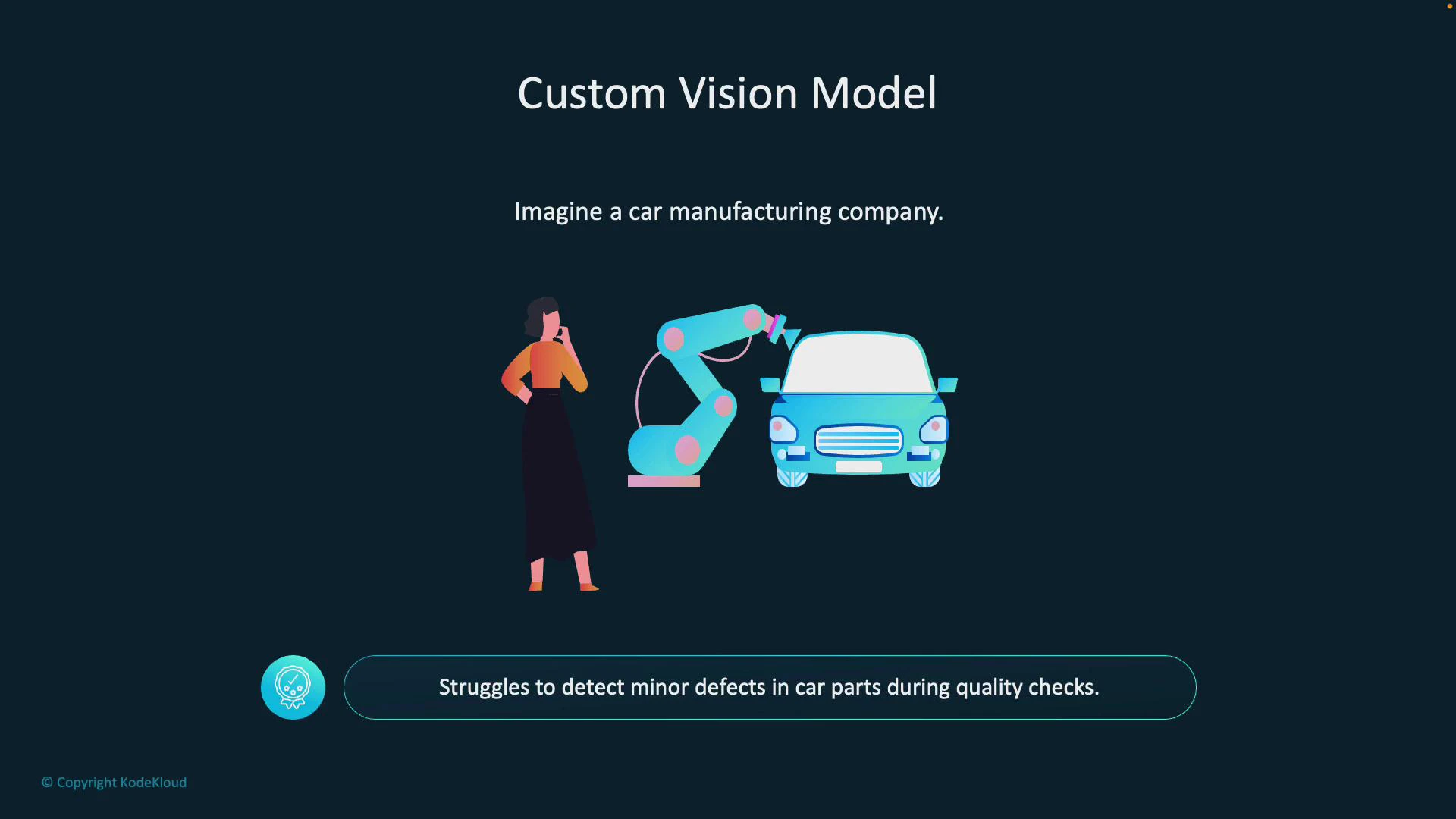
Imagine you run a car manufacturing plant. The inspection team struggles to detect minor defects in car parts during quality checks—tiny cracks, hairline scratches, or slight misalignments that are hard to see with the naked eye.
 Why generic image models often fall short:
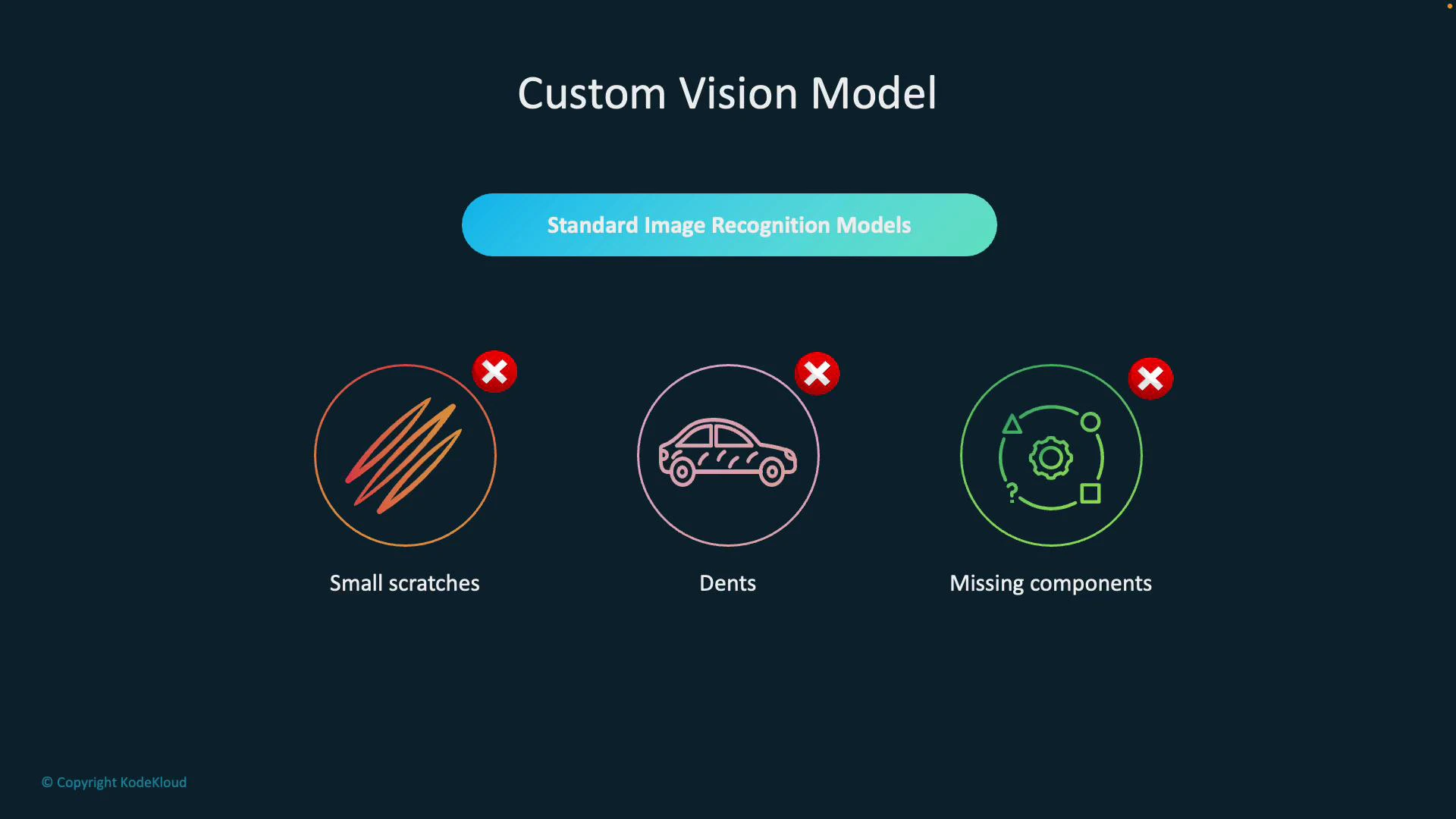
* Small scratches that affect surface integrity
* Dents that impact fit or finish
* Missing or misaligned components that cause assembly failures
These are domain-specific problems that require a tailored model trained on your own data. Azure Custom Vision provides that capability by letting you train classification or object-detection models on images captured in your environment.
Why generic image models often fall short:
* Small scratches that affect surface integrity
* Dents that impact fit or finish
* Missing or misaligned components that cause assembly failures
These are domain-specific problems that require a tailored model trained on your own data. Azure Custom Vision provides that capability by letting you train classification or object-detection models on images captured in your environment.
 High-level workflow to build a Custom Vision model:
1. Collect and upload images of both defective and non-defective parts.
2. Label (tag) defects such as scratches, dents, cracks, or "clean."
3. Train the model on this labeled dataset.
4. Deploy the trained model to an inspection pipeline that scores new images and flags issues.
Because the model is trained on images from your factory (lighting, camera angle, part variations), it learns to operate reliably in your environment rather than relying on generic datasets.
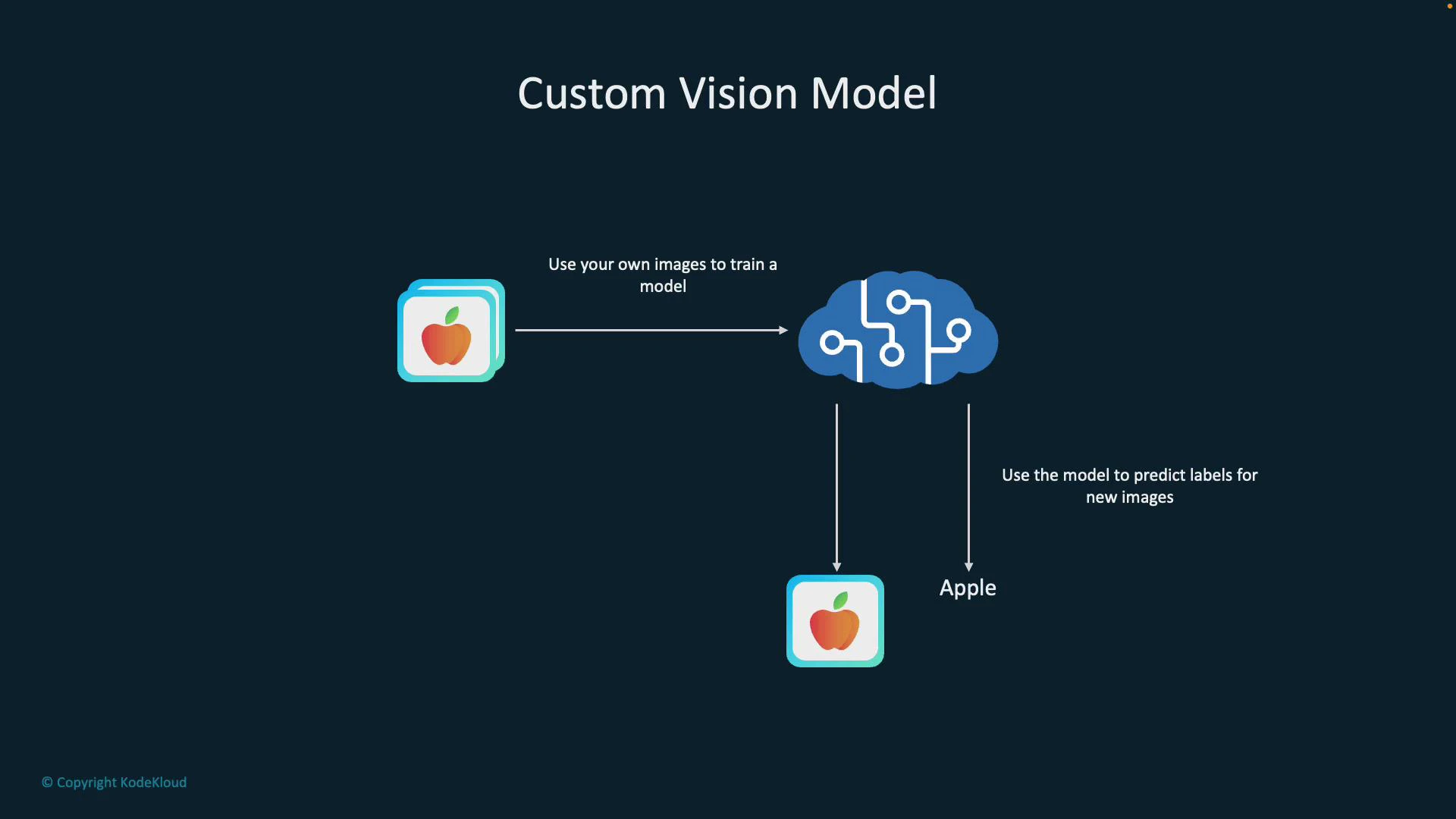
A simple illustration: teach a model to recognize apples. Upload \~50 images labeled "apple," train a classifier, and the model predicts "apple" for similar new images.
High-level workflow to build a Custom Vision model:
1. Collect and upload images of both defective and non-defective parts.
2. Label (tag) defects such as scratches, dents, cracks, or "clean."
3. Train the model on this labeled dataset.
4. Deploy the trained model to an inspection pipeline that scores new images and flags issues.
Because the model is trained on images from your factory (lighting, camera angle, part variations), it learns to operate reliably in your environment rather than relying on generic datasets.
A simple illustration: teach a model to recognize apples. Upload \~50 images labeled "apple," train a classifier, and the model predicts "apple" for similar new images.
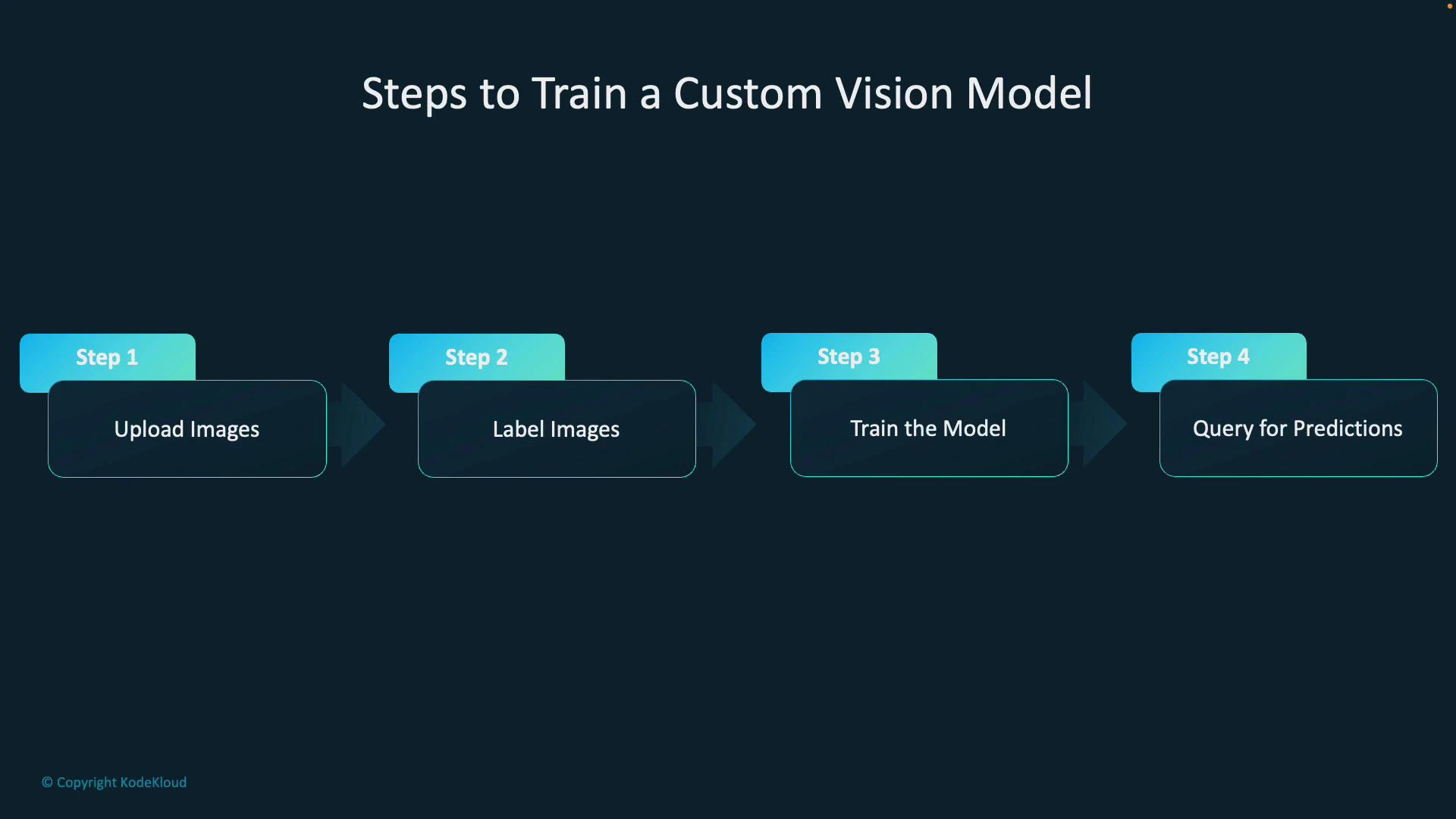
 Training process (four main steps):
* Step 1 — Upload images: Include all relevant variations (angles, lighting, part conditions).
* Step 2 — Label images: Tag regions (for detection) or whole images (for classification) with categories like scratch, dent, missing-component, or ok.
* Step 3 — Train the model: Choose the right domain (classification vs object detection), then start a training run in Custom Vision.
* Step 4 — Query for predictions: Send new images to the model via the REST API or SDK to receive labels, bounding boxes (object detection), and confidence scores.
Training process (four main steps):
* Step 1 — Upload images: Include all relevant variations (angles, lighting, part conditions).
* Step 2 — Label images: Tag regions (for detection) or whole images (for classification) with categories like scratch, dent, missing-component, or ok.
* Step 3 — Train the model: Choose the right domain (classification vs object detection), then start a training run in Custom Vision.
* Step 4 — Query for predictions: Send new images to the model via the REST API or SDK to receive labels, bounding boxes (object detection), and confidence scores.
 Quick example — Calling the prediction API (HTTP):
* Endpoint: your Custom Vision prediction endpoint (region-specific)
* Key: your prediction resource key
* Project and iteration: the model you trained
Example curl (replace placeholders):
```bash theme={null}
curl -s -X POST "https:///customvision/v3.0/Prediction//classify/iterations//image" \
-H "Prediction-Key: " \
-H "Content-Type: application/octet-stream" \
--data-binary "@sample.jpg"
```
The response returns predicted tags and confidence scores (and bounding boxes if the model is object detection).
When to use Custom Vision
| Use case | Why Custom Vision | Example |
| ------------------------- | ----------------------------------------------------------------------------------------------- | ------------------------------------------ |
| Domain-specific detection | Generic models miss subtle, domain-specific defects—use your factory images to improve accuracy | Detect hairline cracks in tempered glass |
| Production consistency | Model trained on your camera, lighting, and part variants reduces false positives | Verify screw placement on an assembly line |
| Iterative improvement | Add hard examples and retrain to improve recall/precision over time | Reduce misses for rare defect types |
| Fast prototyping | Web UI + SDKs let you get a proof-of-concept quickly | Classify ripe vs spoiled fruit for sorting |
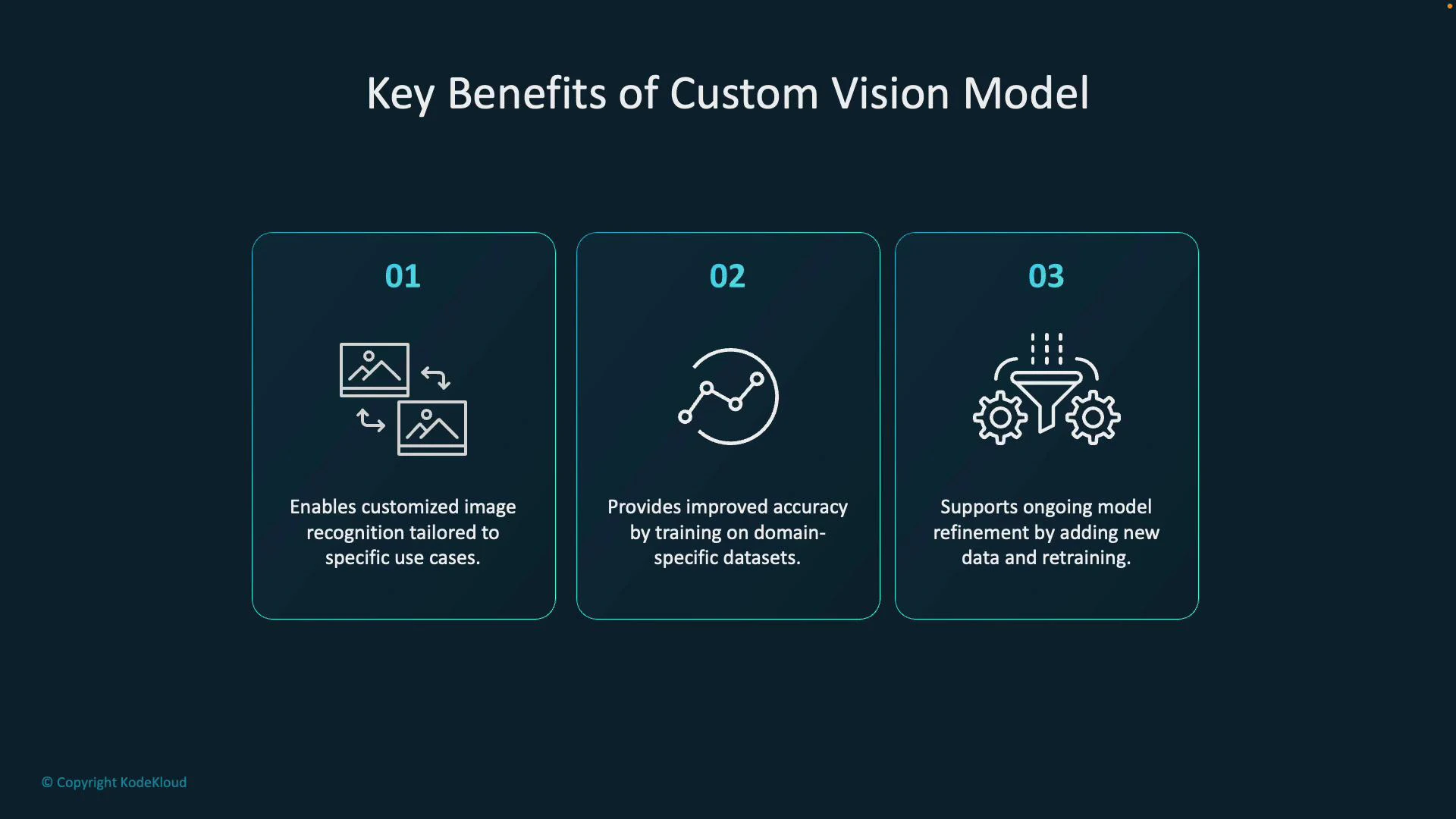
Benefits include tailored recognition for your use case, improved accuracy from domain-specific training data, and the ability to refine performance by collecting new labeled images and retraining.
Quick example — Calling the prediction API (HTTP):
* Endpoint: your Custom Vision prediction endpoint (region-specific)
* Key: your prediction resource key
* Project and iteration: the model you trained
Example curl (replace placeholders):
```bash theme={null}
curl -s -X POST "https:///customvision/v3.0/Prediction//classify/iterations//image" \
-H "Prediction-Key: " \
-H "Content-Type: application/octet-stream" \
--data-binary "@sample.jpg"
```
The response returns predicted tags and confidence scores (and bounding boxes if the model is object detection).
When to use Custom Vision
| Use case | Why Custom Vision | Example |
| ------------------------- | ----------------------------------------------------------------------------------------------- | ------------------------------------------ |
| Domain-specific detection | Generic models miss subtle, domain-specific defects—use your factory images to improve accuracy | Detect hairline cracks in tempered glass |
| Production consistency | Model trained on your camera, lighting, and part variants reduces false positives | Verify screw placement on an assembly line |
| Iterative improvement | Add hard examples and retrain to improve recall/precision over time | Reduce misses for rare defect types |
| Fast prototyping | Web UI + SDKs let you get a proof-of-concept quickly | Classify ripe vs spoiled fruit for sorting |
Benefits include tailored recognition for your use case, improved accuracy from domain-specific training data, and the ability to refine performance by collecting new labeled images and retraining.
 Best practices: collect diverse, well-labeled examples that reflect real operating conditions (lighting, camera position, part variants). Start with a balanced dataset across classes and continuously add hard examples where the model fails. Use object detection when localization of defects is required, and monitor performance using precision/recall and confusion matrices.
Next steps and references
This article covered image classification with Custom Vision — dataset preparation, choosing a domain, training, and calling the prediction API. For detailed guides and SDKs, see:
* [Azure Custom Vision documentation](https://learn.microsoft.com/azure/cognitive-services/custom-vision-service/)
* [Quickstart: Train and export a model (Custom Vision)](https://learn.microsoft.com/azure/cognitive-services/custom-vision-service/quickstarts/)
* [Custom Vision REST API reference](https://learn.microsoft.com/rest/api/cognitiveservices/customvision/)
If you want sample code (Python, C#, or Node.js) for training or predictions, use the SDK examples in the Azure docs and replace placeholders with your project ID, iteration name, endpoint, and prediction key.
Best practices: collect diverse, well-labeled examples that reflect real operating conditions (lighting, camera position, part variants). Start with a balanced dataset across classes and continuously add hard examples where the model fails. Use object detection when localization of defects is required, and monitor performance using precision/recall and confusion matrices.
Next steps and references
This article covered image classification with Custom Vision — dataset preparation, choosing a domain, training, and calling the prediction API. For detailed guides and SDKs, see:
* [Azure Custom Vision documentation](https://learn.microsoft.com/azure/cognitive-services/custom-vision-service/)
* [Quickstart: Train and export a model (Custom Vision)](https://learn.microsoft.com/azure/cognitive-services/custom-vision-service/quickstarts/)
* [Custom Vision REST API reference](https://learn.microsoft.com/rest/api/cognitiveservices/customvision/)
If you want sample code (Python, C#, or Node.js) for training or predictions, use the SDK examples in the Azure docs and replace placeholders with your project ID, iteration name, endpoint, and prediction key.