> ## Documentation Index
> Fetch the complete documentation index at: https://notes.kodekloud.com/llms.txt
> Use this file to discover all available pages before exploring further.
# Integrating Azure OpenAI into Your App
> Guide to integrating Azure OpenAI into applications, covering endpoints, authentication, chat completion and embeddings usage, security best practices, and example request and message patterns
Integrating Azure OpenAI into your application enables context-aware, natural language capabilities—such as chat assistants, summarization, code generation, and semantic search—so your product can respond intelligently to user input.
Meet Sam.
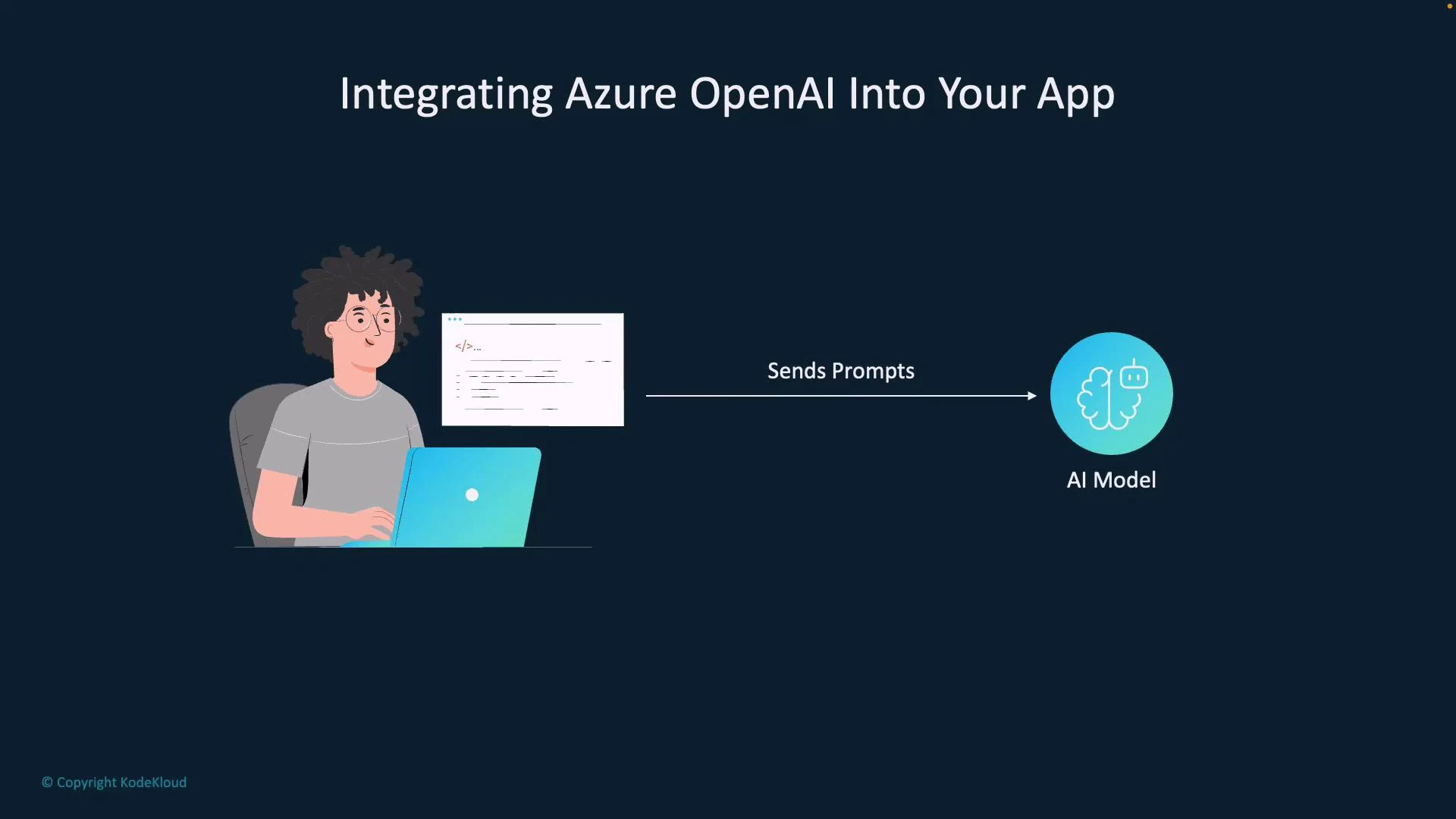
Sam is building an app that must provide helpful, human-like replies. In this guide Sam connects his app to an Azure OpenAI resource, authenticates, chooses the right endpoint and model, then sends user prompts to receive model-generated responses. The flow is straightforward: the app sends prompts, the model returns text or embeddings, and the app uses that output in its UI or business logic.
 How it works (high level)
* Your app collects user input (a question, a command, or conversation messages).
* The app authenticates to your Azure OpenAI resource (API key or Azure AD token).
* The app sends the input to an appropriate Azure OpenAI REST endpoint or SDK method.
* The model processes the prompt and returns a response (text completion, chat response, or embeddings).
* Your app post-processes and displays the result, persists data, or uses it in downstream logic.
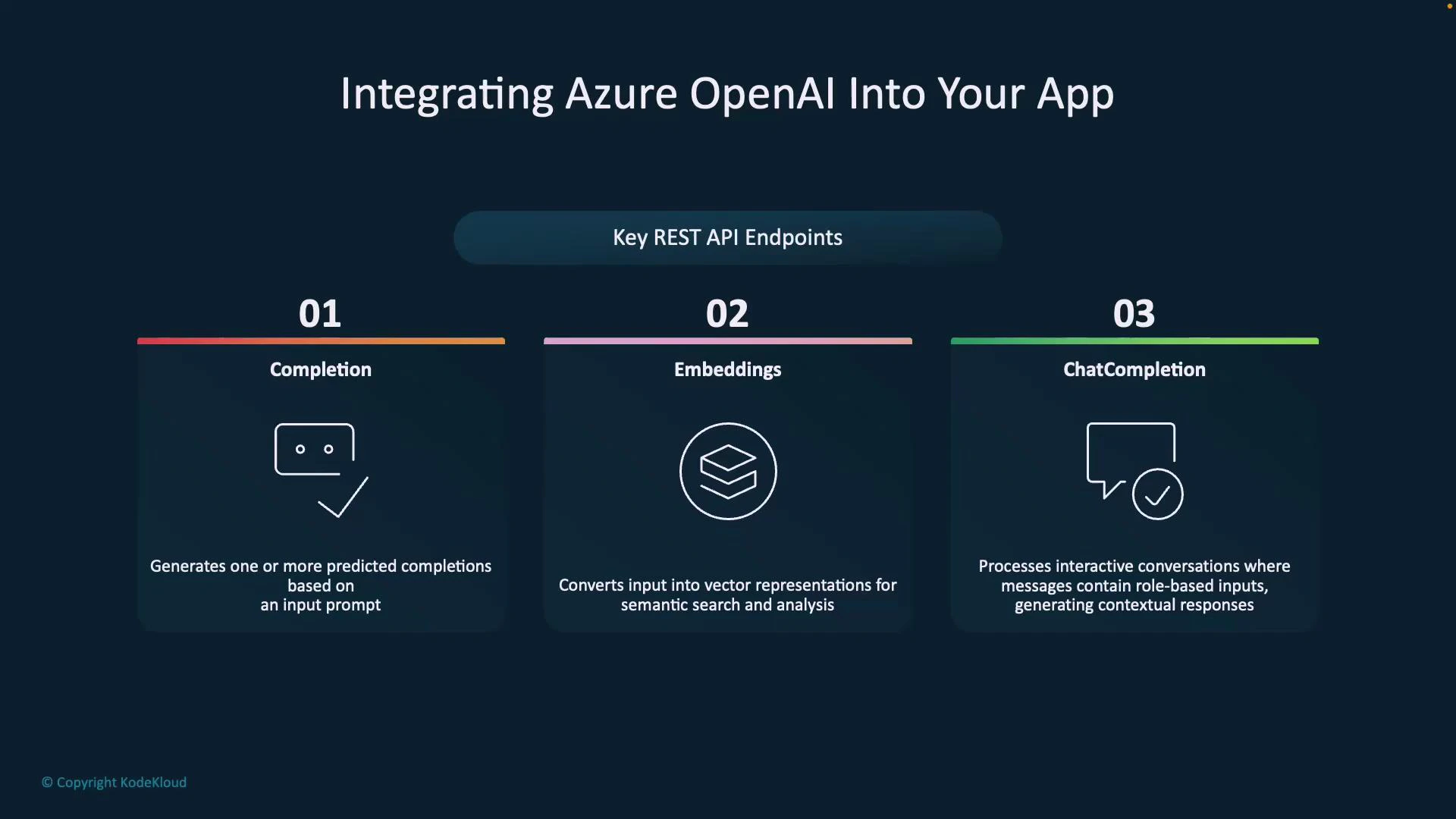
Azure OpenAI exposes several specialized endpoints optimized for different tasks:
How it works (high level)
* Your app collects user input (a question, a command, or conversation messages).
* The app authenticates to your Azure OpenAI resource (API key or Azure AD token).
* The app sends the input to an appropriate Azure OpenAI REST endpoint or SDK method.
* The model processes the prompt and returns a response (text completion, chat response, or embeddings).
* Your app post-processes and displays the result, persists data, or uses it in downstream logic.
Azure OpenAI exposes several specialized endpoints optimized for different tasks:
 | Endpoint | Primary use case | Typical example |
| --------------- | ----------------------------------------------------------------------------------- | ---------------------------------------------------------------------------- |
| Completion | Single-turn text generation from a full prompt | Generating a paragraph of text or code snippet based on a supplied prompt |
| Embeddings | Convert text to numeric vectors for semantic search, clustering, or classification | Building a semantic search index, similarity queries, or RAG retrieval steps |
| Chat Completion | Multi-turn conversational agents with structured messages (system, user, assistant) | Chatbots, dialogue systems, or assistants that maintain conversation context |
Choose the right endpoint
* Completion: Use for one-shot generation where you provide the full prompt and expect a standalone answer (e.g., text expansion or code generation).
* Embeddings: Use when you need vector representations for semantic search, clustering, or nearest-neighbor retrieval (e.g., RAG pipelines).
* Chat Completion: Preferred for multi-turn conversational flows. Use structured messages (system/user/assistant roles) to preserve context and control assistant behavior.
When building conversational experiences, prefer the Chat Completion endpoint (system/user/assistant roles) to preserve context across turns. For semantic search or retrieval-augmented generation (RAG), combine Embeddings with a vector store and then call a completion or chat endpoint to generate the final answer.
Important security note
Never embed Azure OpenAI API keys directly in client-side code. Use server-side secrets, rotate credentials regularly, and apply network/security policies. For production, prefer Azure AD authentication and managed identities where possible.
Minimal chat message structure (JSON)
Below is an example payload you would send to a Chat Completion endpoint. This demonstrates system-level instruction, user input, and common generation controls:
```json theme={null}
{
"model": "gpt-4o-mini",
"messages": [
{ "role": "system", "content": "You are a helpful assistant." },
{ "role": "user", "content": "Summarize the key points from the meeting notes." }
],
"max_tokens": 300,
"temperature": 0.2
}
```
Authentication and calling patterns
Typical integration steps:
1. Authenticate to your Azure OpenAI resource
* Use API key for server-to-server calls or Azure AD tokens/managed identities for production-grade authentication.
2. Build the request payload
* For chat: compose messages array with system/user/assistant roles.
* For completion: provide a single prompt.
* For embeddings: send text to be vectorized.
3. Send the request to the chosen REST endpoint or via an official SDK
* Azure OpenAI supports standard REST calls and several official SDKs for easier integration.
4. Post-process the model output
* Validate content, apply business rules, render to UI, or store embeddings in a vector store for later retrieval.
Quick comparison table
| Task | Recommended endpoint | Notes |
| -------------------------- | ---------------------------------------------- | ------------------------------------------------------------------------ |
| Conversational agent | Chat Completion | Keeps multi-turn context and supports role-based instructions |
| Semantic search / RAG | Embeddings + vector database + Chat/Completion | Use embeddings to retrieve relevant passages, then generate final answer |
| Single response generation | Completion | Simple one-shot prompts or generation tasks |
References and further reading
* [Azure OpenAI Documentation](https://learn.microsoft.com/azure/cognitive-services/openai/)
* [Authentication for Azure OpenAI](https://learn.microsoft.com/azure/cognitive-services/openai/authentication)
* [Retrieval-Augmented Generation (RAG) patterns](https://learn.microsoft.com/azure/ai-services/openai/concepts/retrieval-augmented-generation)
This integration pattern enables Sam—and you—to add natural, context-aware AI features into apps while selecting the best endpoint for your scenario and following secure authentication practices.
| Endpoint | Primary use case | Typical example |
| --------------- | ----------------------------------------------------------------------------------- | ---------------------------------------------------------------------------- |
| Completion | Single-turn text generation from a full prompt | Generating a paragraph of text or code snippet based on a supplied prompt |
| Embeddings | Convert text to numeric vectors for semantic search, clustering, or classification | Building a semantic search index, similarity queries, or RAG retrieval steps |
| Chat Completion | Multi-turn conversational agents with structured messages (system, user, assistant) | Chatbots, dialogue systems, or assistants that maintain conversation context |
Choose the right endpoint
* Completion: Use for one-shot generation where you provide the full prompt and expect a standalone answer (e.g., text expansion or code generation).
* Embeddings: Use when you need vector representations for semantic search, clustering, or nearest-neighbor retrieval (e.g., RAG pipelines).
* Chat Completion: Preferred for multi-turn conversational flows. Use structured messages (system/user/assistant roles) to preserve context and control assistant behavior.
When building conversational experiences, prefer the Chat Completion endpoint (system/user/assistant roles) to preserve context across turns. For semantic search or retrieval-augmented generation (RAG), combine Embeddings with a vector store and then call a completion or chat endpoint to generate the final answer.
Important security note
Never embed Azure OpenAI API keys directly in client-side code. Use server-side secrets, rotate credentials regularly, and apply network/security policies. For production, prefer Azure AD authentication and managed identities where possible.
Minimal chat message structure (JSON)
Below is an example payload you would send to a Chat Completion endpoint. This demonstrates system-level instruction, user input, and common generation controls:
```json theme={null}
{
"model": "gpt-4o-mini",
"messages": [
{ "role": "system", "content": "You are a helpful assistant." },
{ "role": "user", "content": "Summarize the key points from the meeting notes." }
],
"max_tokens": 300,
"temperature": 0.2
}
```
Authentication and calling patterns
Typical integration steps:
1. Authenticate to your Azure OpenAI resource
* Use API key for server-to-server calls or Azure AD tokens/managed identities for production-grade authentication.
2. Build the request payload
* For chat: compose messages array with system/user/assistant roles.
* For completion: provide a single prompt.
* For embeddings: send text to be vectorized.
3. Send the request to the chosen REST endpoint or via an official SDK
* Azure OpenAI supports standard REST calls and several official SDKs for easier integration.
4. Post-process the model output
* Validate content, apply business rules, render to UI, or store embeddings in a vector store for later retrieval.
Quick comparison table
| Task | Recommended endpoint | Notes |
| -------------------------- | ---------------------------------------------- | ------------------------------------------------------------------------ |
| Conversational agent | Chat Completion | Keeps multi-turn context and supports role-based instructions |
| Semantic search / RAG | Embeddings + vector database + Chat/Completion | Use embeddings to retrieve relevant passages, then generate final answer |
| Single response generation | Completion | Simple one-shot prompts or generation tasks |
References and further reading
* [Azure OpenAI Documentation](https://learn.microsoft.com/azure/cognitive-services/openai/)
* [Authentication for Azure OpenAI](https://learn.microsoft.com/azure/cognitive-services/openai/authentication)
* [Retrieval-Augmented Generation (RAG) patterns](https://learn.microsoft.com/azure/ai-services/openai/concepts/retrieval-augmented-generation)
This integration pattern enables Sam—and you—to add natural, context-aware AI features into apps while selecting the best endpoint for your scenario and following secure authentication practices.