> ## Documentation Index
> Fetch the complete documentation index at: https://notes.kodekloud.com/llms.txt
> Use this file to discover all available pages before exploring further.
# Module Introduction
> Guide to deploying and integrating Azure OpenAI models into applications, covering REST API, SDKs, chat, summarization, RAG, security, and backend best practices.
Developing applications with Azure OpenAI Service
This lesson shows how to deploy generative AI models with the Azure OpenAI Service and integrate them into real applications. You’ll learn how to send prompts, receive and process model responses, and wire backend logic to support common scenarios like chat, summarization, and retrieval-augmented generation (RAG). We’ll also cover secure authentication, request/response handling with the REST API, and using official and community SDKs to simplify development in different languages.
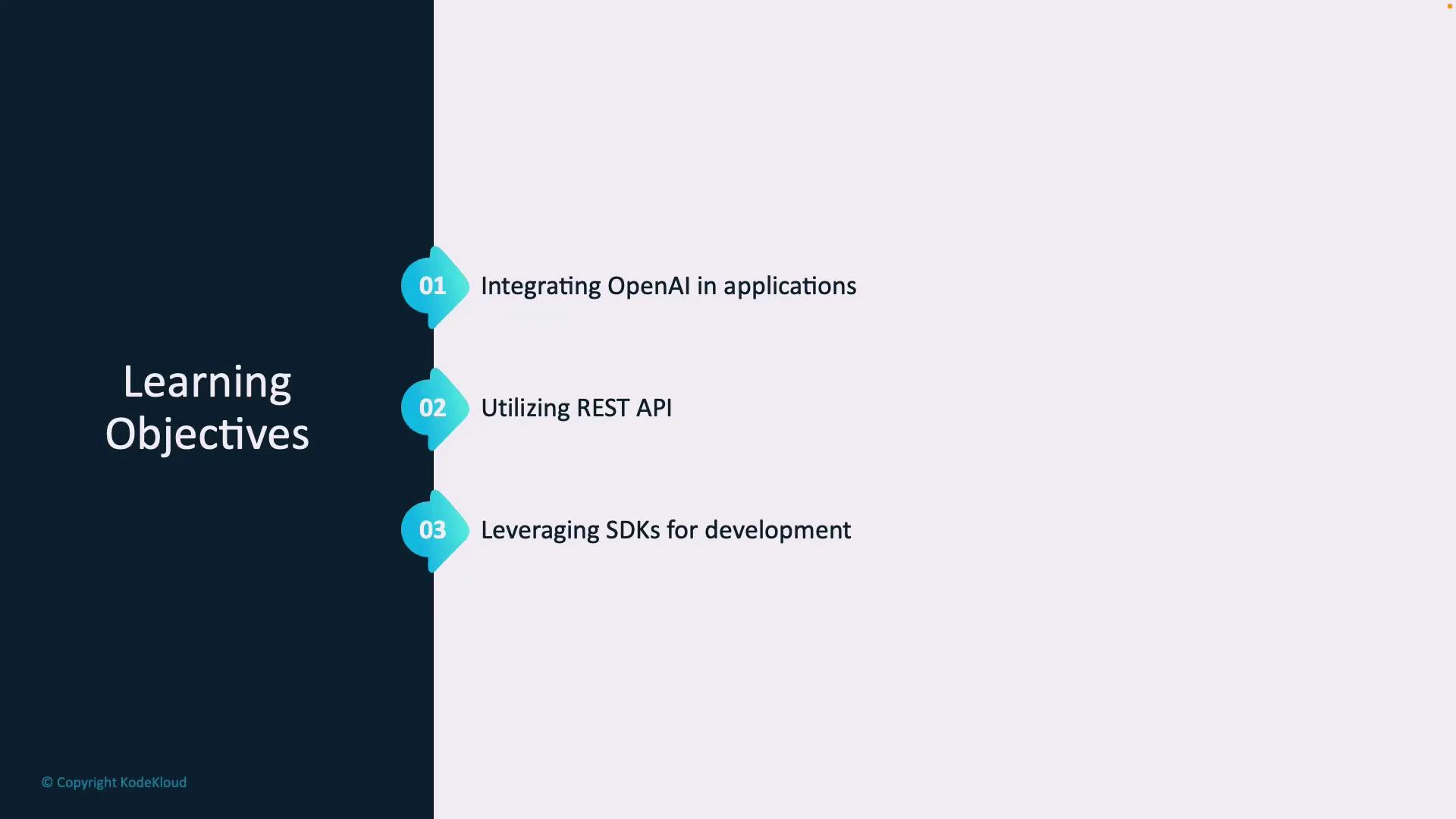
By the end of this module you will be able to:
* Integrate Azure OpenAI models into applications and build backend logic for common scenarios.
* Use the REST API to craft requests, authenticate calls, and handle model responses.
* Leverage Microsoft and community SDKs (for example, Python and C#) to accelerate development and best practices.
 What this module covers
* Application patterns: chat, summarization, RAG, prompt chaining, and assisted authoring.
* Backend design: routing, business logic, orchestration of calls (single-turn vs multi-turn), and rate management.
* Integration methods: direct REST API usage for maximum control, and SDKs for rapid development in languages like Python and C#.
* Security and ops: authenticating requests, storing secrets safely, telemetry, and testing/deployment practices to make solutions production-ready.
Prerequisites: an [Azure subscription](https://learn.microsoft.com/azure/cost-management-billing/manage/create-subscription) and an [Azure OpenAI resource](https://learn.microsoft.com/azure/cognitive-services/openai/overview) with appropriate permissions. We’ll call out required configuration and secure secrets management as we go.
Key considerations when integrating Azure OpenAI models
* Request design and prompt engineering: craft prompts for robust outputs and predictable control.
* Response handling: parse results, manage streaming vs complete responses, and implement fallback/error handling.
* Authentication & security: use Azure-managed identities or secure secret stores; avoid hard-coding keys.
* Cost and performance: batch or cache calls, apply rate limiting, and choose model variants that balance latency and quality.
Quick comparison: REST API vs SDKs
| Integration Approach | Best for | Example benefits |
| -------------------- | -------------------------------------------- | ----------------------------------------------------------------------------------- |
| REST API | Fine-grained control, cross-platform clients | Precise request shaping, direct HTTP control, easy from any environment |
| SDKs (Python, C#) | Faster development, idiomatic usage | Shorter code, built-in helpers (retry, streaming), optimized for language ecosystem |
Recommended application patterns
* Chat and multi-turn assistants: maintain conversation state and manage context windows.
* Summarization and content extraction: batch input, post-process outputs for consistency.
* Retrieval-augmented generation (RAG): combine vector search with generation to ground answers in source data.
* Orchestration layers: create middleware to normalize responses and centralize prompt templates.
Security tip: Never embed keys or secrets in client-side code. Use server-side components or Azure-managed identities, and store credentials in secure stores such as Azure Key Vault.
Links and references
* [Azure OpenAI Studio (AI Studio) Overview](https://learn.microsoft.com/azure/cognitive-services/openai/overview)
* [Azure OpenAI Service documentation](https://learn.microsoft.com/azure/cognitive-services/openai/)
* [Azure subscription creation guide](https://learn.microsoft.com/azure/cost-management-billing/manage/create-subscription)
Let’s get started with integrating Azure OpenAI models into an application.
What this module covers
* Application patterns: chat, summarization, RAG, prompt chaining, and assisted authoring.
* Backend design: routing, business logic, orchestration of calls (single-turn vs multi-turn), and rate management.
* Integration methods: direct REST API usage for maximum control, and SDKs for rapid development in languages like Python and C#.
* Security and ops: authenticating requests, storing secrets safely, telemetry, and testing/deployment practices to make solutions production-ready.
Prerequisites: an [Azure subscription](https://learn.microsoft.com/azure/cost-management-billing/manage/create-subscription) and an [Azure OpenAI resource](https://learn.microsoft.com/azure/cognitive-services/openai/overview) with appropriate permissions. We’ll call out required configuration and secure secrets management as we go.
Key considerations when integrating Azure OpenAI models
* Request design and prompt engineering: craft prompts for robust outputs and predictable control.
* Response handling: parse results, manage streaming vs complete responses, and implement fallback/error handling.
* Authentication & security: use Azure-managed identities or secure secret stores; avoid hard-coding keys.
* Cost and performance: batch or cache calls, apply rate limiting, and choose model variants that balance latency and quality.
Quick comparison: REST API vs SDKs
| Integration Approach | Best for | Example benefits |
| -------------------- | -------------------------------------------- | ----------------------------------------------------------------------------------- |
| REST API | Fine-grained control, cross-platform clients | Precise request shaping, direct HTTP control, easy from any environment |
| SDKs (Python, C#) | Faster development, idiomatic usage | Shorter code, built-in helpers (retry, streaming), optimized for language ecosystem |
Recommended application patterns
* Chat and multi-turn assistants: maintain conversation state and manage context windows.
* Summarization and content extraction: batch input, post-process outputs for consistency.
* Retrieval-augmented generation (RAG): combine vector search with generation to ground answers in source data.
* Orchestration layers: create middleware to normalize responses and centralize prompt templates.
Security tip: Never embed keys or secrets in client-side code. Use server-side components or Azure-managed identities, and store credentials in secure stores such as Azure Key Vault.
Links and references
* [Azure OpenAI Studio (AI Studio) Overview](https://learn.microsoft.com/azure/cognitive-services/openai/overview)
* [Azure OpenAI Service documentation](https://learn.microsoft.com/azure/cognitive-services/openai/)
* [Azure subscription creation guide](https://learn.microsoft.com/azure/cost-management-billing/manage/create-subscription)
Let’s get started with integrating Azure OpenAI models into an application.