> ## Documentation Index
> Fetch the complete documentation index at: https://notes.kodekloud.com/llms.txt
> Use this file to discover all available pages before exploring further.
# Module Introduction
> Guide to building conversational language-understanding applications with Azure AI Language covering provisioning resources, modeling intents utterances and entities, entity recognition, training evaluation and deployment best practices
We previously explored the Azure Question Answering service and learned how to build QnA applications that respond to user queries. This module expands that foundation to show how to develop conversational language-understanding applications using Azure AI services. You'll learn how to provision the right Azure resources, model conversational components (intents, utterances, entities), and train, evaluate, and deploy models for real-time use.
 ## What you'll learn in this lesson
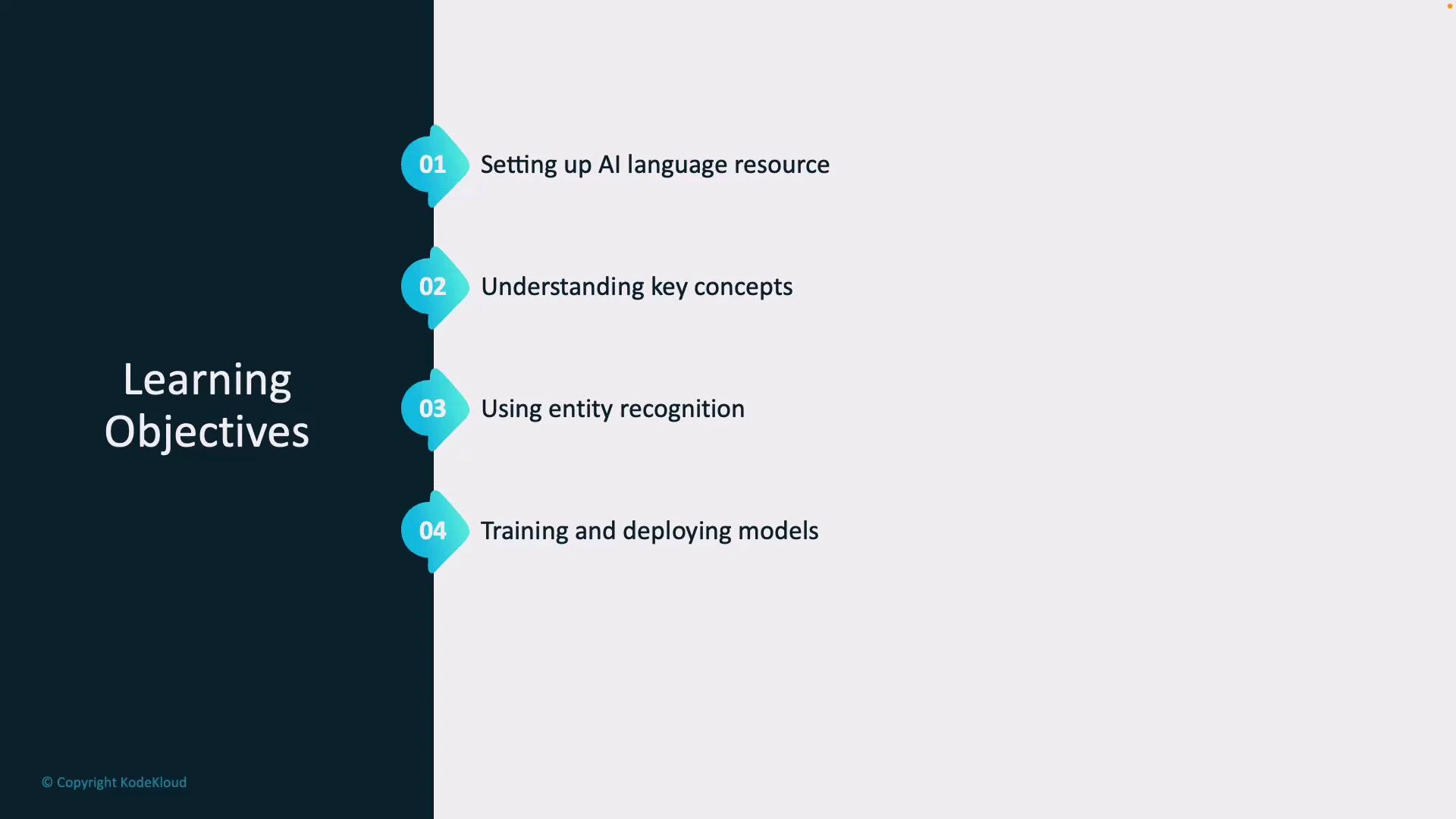
* How to set up an Azure AI Language resource and choose correct configuration options.
* Core conversational concepts: intents, utterances, and entities.
* How to use entity recognition (prebuilt and custom entities) to extract structured data.
* Best practices for training, evaluating, and deploying conversational models to production.
## What you'll learn in this lesson
* How to set up an Azure AI Language resource and choose correct configuration options.
* Core conversational concepts: intents, utterances, and entities.
* How to use entity recognition (prebuilt and custom entities) to extract structured data.
* Best practices for training, evaluating, and deploying conversational models to production.
 ## 1 — Provisioning an Azure AI Language resource
Before building a conversational app, create an Azure AI Language resource (also known as an Azure Cognitive Services or Azure OpenAI/Language service depending on SKU). Key configuration items include:
| Configuration item | Why it matters | Recommendation |
| ------------------ | -------------------------------------------------------: | ----------------------------------------------------------------------------- |
| Region | Impacts latency and data residency | Choose the region nearest your users and compliant with your data policy |
| Pricing tier | Determines throughput, features, and cost | Start with a dev/test tier, scale to production tier as usage grows |
| Authentication | How your app secures requests (keys, endpoint, Azure AD) | Use Azure AD for production; rotate keys and store secrets in Azure Key Vault |
Steps (high-level):
1. Sign in to the Azure portal and create an AI Language resource.
2. Select the appropriate region and pricing tier.
3. Configure authentication: obtain resource keys or set up Azure AD roles.
4. Note the endpoint URL — your application will call this to score intents and extract entities.
Use Azure AD authentication for production workloads where possible. Storing keys in Azure Key Vault and enabling managed identities reduces operational risk.
## 2 — Core concepts: intents, utterances, and entities
Understanding these three concepts is essential for modeling conversational flows.
| Concept | Definition | Example |
| --------- | ------------------------------------------- | ------------------------------------ |
| Intent | What the user wants to achieve | `BookFlight` |
| Utterance | A phrase a user says or types | "Book a flight to Paris next Friday" |
| Entity | Structured data extracted from an utterance | `Paris`, `next Friday` |
Entity recognition pulls structured information from free-form text so your app can act on user requests. Azure provides prebuilt entities (dates, locations, numbers), and you can define custom entities for domain-specific data (product IDs, internal codes, etc.).
Example annotated training sample:
```json theme={null}
{
"text": "Book a flight to Paris next Friday",
"intent": "BookFlight",
"entities": [
{ "text": "Paris", "type": "Location", "start": 17, "end": 22 },
{ "text": "next Friday", "type": "Date", "start": 23, "end": 34 }
]
}
```
## 3 — Designing entities and utterances
* Start with prebuilt entities (dates, times, numbers, locations) to accelerate development.
* Add custom entities for domain-specific items — for example, `RoomType`, `ProductSKU`, or `ServiceLevel`.
* Provide varied utterances to cover synonyms, slang, and common misspellings.
* Use entity role and composite entities if users can provide multiple related values in a single utterance.
## 4 — Training, evaluating, and iterating
Training is typically supervised: supply labeled utterances and entity annotations so the model can learn to classify intents and extract entities.
Checklist for training:
* Provide representative utterances for each intent (start with 50–200 examples per intent for better accuracy).
* Include negative examples and out-of-scope utterances.
* Annotate entities consistently.
Key evaluation metrics:
* Accuracy (intent classification)
* Precision, recall, and F1-score (entity extraction)
* Confusion matrices to detect misclassified intents
After iterative training and validation, publish (deploy) the model so your application can query it in real time using the service endpoint.
Carefully review and filter sensitive data in training examples. Do not include PII or secrets in training datasets unless your data policy explicitly allows it.
## 5 — Deployment and runtime usage
* Deploy (publish) only models that meet your performance targets.
* Use A/B testing or staged rollouts to validate behavior with a subset of real users.
* Monitor runtime metrics: latency, error rates, and model confidence scores.
* Implement confidence thresholds and fallback strategies (e.g., clarifying questions or human handoff) when confidence is low.
## Summary
By the end of this module you will be able to:
* Provision and configure an Azure AI Language resource.
* Model conversational components: intents, utterances, and entities.
* Use prebuilt and custom entities to extract structured data.
* Train, evaluate, and deploy conversational models to power real-time interactions.
## Links and references
* [Azure AI Language documentation](https://learn.microsoft.com/azure/cognitive-services/language-service/)
* [Best practices for conversational AI](https://learn.microsoft.com/azure/architecture/example-scenario/apps/conversational-ai)
* [Azure AD authentication for Cognitive Services](https://learn.microsoft.com/azure/cognitive-services/authentication)
## 1 — Provisioning an Azure AI Language resource
Before building a conversational app, create an Azure AI Language resource (also known as an Azure Cognitive Services or Azure OpenAI/Language service depending on SKU). Key configuration items include:
| Configuration item | Why it matters | Recommendation |
| ------------------ | -------------------------------------------------------: | ----------------------------------------------------------------------------- |
| Region | Impacts latency and data residency | Choose the region nearest your users and compliant with your data policy |
| Pricing tier | Determines throughput, features, and cost | Start with a dev/test tier, scale to production tier as usage grows |
| Authentication | How your app secures requests (keys, endpoint, Azure AD) | Use Azure AD for production; rotate keys and store secrets in Azure Key Vault |
Steps (high-level):
1. Sign in to the Azure portal and create an AI Language resource.
2. Select the appropriate region and pricing tier.
3. Configure authentication: obtain resource keys or set up Azure AD roles.
4. Note the endpoint URL — your application will call this to score intents and extract entities.
Use Azure AD authentication for production workloads where possible. Storing keys in Azure Key Vault and enabling managed identities reduces operational risk.
## 2 — Core concepts: intents, utterances, and entities
Understanding these three concepts is essential for modeling conversational flows.
| Concept | Definition | Example |
| --------- | ------------------------------------------- | ------------------------------------ |
| Intent | What the user wants to achieve | `BookFlight` |
| Utterance | A phrase a user says or types | "Book a flight to Paris next Friday" |
| Entity | Structured data extracted from an utterance | `Paris`, `next Friday` |
Entity recognition pulls structured information from free-form text so your app can act on user requests. Azure provides prebuilt entities (dates, locations, numbers), and you can define custom entities for domain-specific data (product IDs, internal codes, etc.).
Example annotated training sample:
```json theme={null}
{
"text": "Book a flight to Paris next Friday",
"intent": "BookFlight",
"entities": [
{ "text": "Paris", "type": "Location", "start": 17, "end": 22 },
{ "text": "next Friday", "type": "Date", "start": 23, "end": 34 }
]
}
```
## 3 — Designing entities and utterances
* Start with prebuilt entities (dates, times, numbers, locations) to accelerate development.
* Add custom entities for domain-specific items — for example, `RoomType`, `ProductSKU`, or `ServiceLevel`.
* Provide varied utterances to cover synonyms, slang, and common misspellings.
* Use entity role and composite entities if users can provide multiple related values in a single utterance.
## 4 — Training, evaluating, and iterating
Training is typically supervised: supply labeled utterances and entity annotations so the model can learn to classify intents and extract entities.
Checklist for training:
* Provide representative utterances for each intent (start with 50–200 examples per intent for better accuracy).
* Include negative examples and out-of-scope utterances.
* Annotate entities consistently.
Key evaluation metrics:
* Accuracy (intent classification)
* Precision, recall, and F1-score (entity extraction)
* Confusion matrices to detect misclassified intents
After iterative training and validation, publish (deploy) the model so your application can query it in real time using the service endpoint.
Carefully review and filter sensitive data in training examples. Do not include PII or secrets in training datasets unless your data policy explicitly allows it.
## 5 — Deployment and runtime usage
* Deploy (publish) only models that meet your performance targets.
* Use A/B testing or staged rollouts to validate behavior with a subset of real users.
* Monitor runtime metrics: latency, error rates, and model confidence scores.
* Implement confidence thresholds and fallback strategies (e.g., clarifying questions or human handoff) when confidence is low.
## Summary
By the end of this module you will be able to:
* Provision and configure an Azure AI Language resource.
* Model conversational components: intents, utterances, and entities.
* Use prebuilt and custom entities to extract structured data.
* Train, evaluate, and deploy conversational models to power real-time interactions.
## Links and references
* [Azure AI Language documentation](https://learn.microsoft.com/azure/cognitive-services/language-service/)
* [Best practices for conversational AI](https://learn.microsoft.com/azure/architecture/example-scenario/apps/conversational-ai)
* [Azure AD authentication for Cognitive Services](https://learn.microsoft.com/azure/cognitive-services/authentication)