> ## Documentation Index
> Fetch the complete documentation index at: https://notes.kodekloud.com/llms.txt
> Use this file to discover all available pages before exploring further.
# Analyzing Documents Using Custom Model
> Guide for running a deployed Azure Document Intelligence custom model to analyze documents, authenticate requests, use SDKs, and retrieve structured AnalyzeResult via poller.
Analyze documents with a custom-trained model in [Azure Document Intelligence](https://learn.microsoft.com/azure/applied-ai-services/document-intelligence/). This guide covers the authentication and request pattern needed to run a deployed custom model and retrieve the structured results returned by the service.
Key workflow summary:
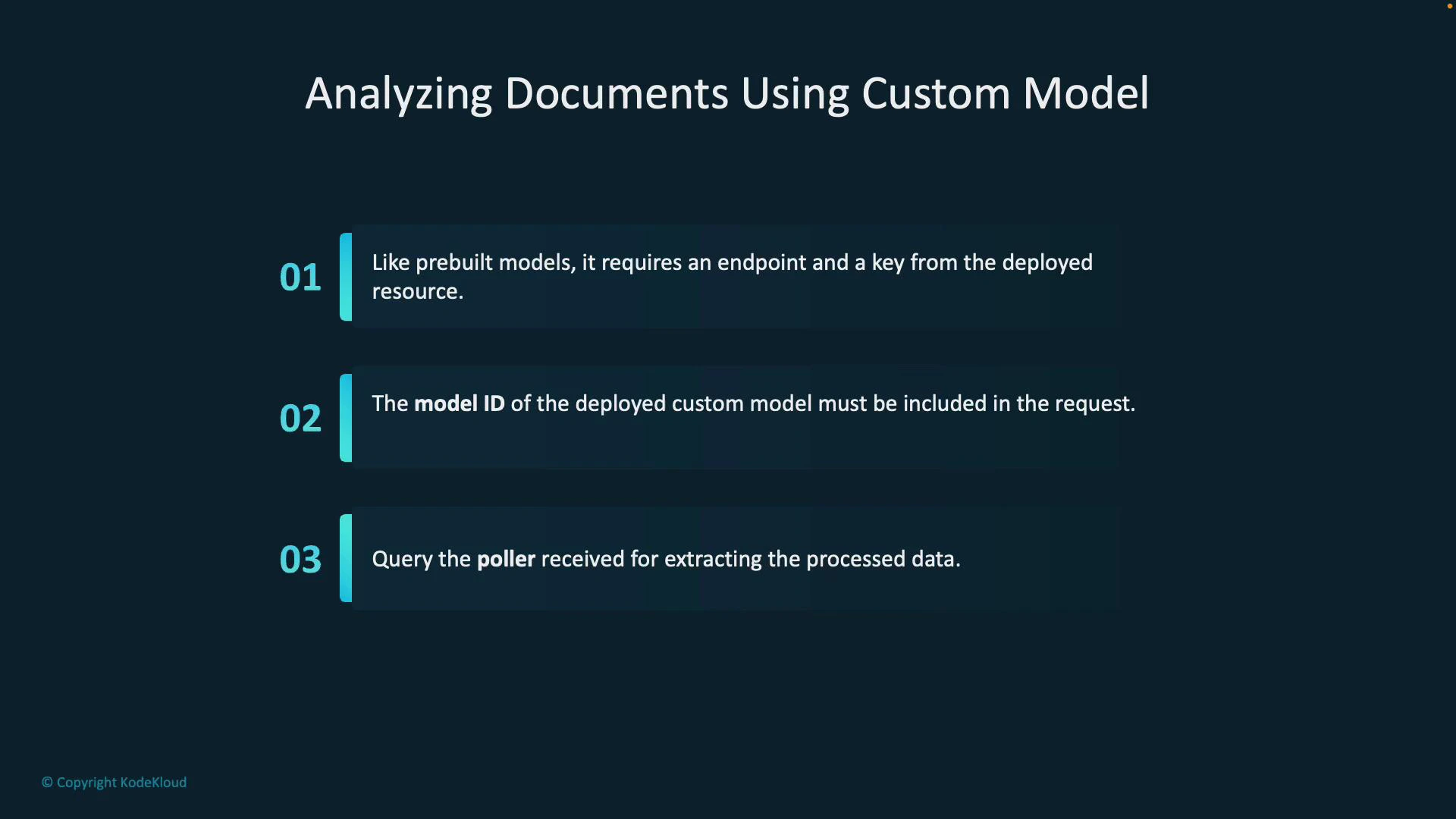
* Provide the Document Intelligence resource endpoint and an access key to authenticate API calls.
* Include the deployed custom model's ID in the analysis request so the service knows which model to execute.
* The service returns a poller object for long-running analysis operations; use it to monitor progress and obtain the final AnalyzeResult once processing completes.
 Before calling the SDK, confirm your custom model is deployed and take note of the model ID. Ensure the document URI is reachable by the service (public URL or storage with proper access). If you use SAS-secured blobs, verify the token grants read access to the file.
Below are example usage patterns for the SDKs. The primary difference from built-in models is that you explicitly pass your custom model's ID when starting the analysis so the service can run the correct trained model.
C# example (async, using DocumentAnalysisClient)
```csharp theme={null}
using Azure;
using Azure.AI.DocumentAnalysis;
using System;
// create the client with the endpoint and key
var client = new DocumentAnalysisClient(new Uri(""), new AzureKeyCredential(""));
// provide your deployed model ID and the document URI
string modelId = "your-custom-model-id";
Uri documentUri = new Uri("https://example.com/path/to/document.pdf");
// start analysis and wait for completion (poller)
AnalyzeDocumentOperation operation = await client.AnalyzeDocumentFromUriAsync(WaitUntil.Completed, modelId, documentUri);
// get the result once the operation finishes
AnalyzeResult result = operation.Value;
// 'result' now contains pages, fields extracted by your model, confidence scores, and layout metadata
```
Python example (poller)
```python theme={null}
from azure.ai.documentanalysis import DocumentAnalysisClient
from azure.core.credentials import AzureKeyCredential
# create the client
endpoint = "https://"
key = ""
client = DocumentAnalysisClient(endpoint, AzureKeyCredential(key))
# specify your deployed model ID and the document URL
model_id = "your-custom-model-id"
file_url = "https://example.com/path/to/document.pdf"
# begin analysis; returns a poller for a long-running operation
poller = client.begin_analyze_document_from_url(model_id=model_id, document_url=file_url)
# wait for completion and obtain the result
result = poller.result()
# 'result' contains pages, extracted fields, confidence scores, and other structured output
```
Common SDK method mapping
| SDK / Language | Method to start analysis | Returns |
| ---------------------------------: | ------------------------------------------------------------- | ------------------------------------------- |
| C# (Azure.AI.DocumentAnalysis) | AnalyzeDocumentFromUriAsync(WaitUntil, modelId, uri) | AnalyzeDocumentOperation (poller) |
| Python (azure.ai.documentanalysis) | begin\_analyze\_document\_from\_url(model\_id, document\_url) | LROPoller -> result() returns AnalyzeResult |
Be careful with secrets and endpoint values. Never check your Azure keys into source control. If using storage URIs with tokens, ensure the token provides read access and is valid for the duration of the analysis.
Inspecting results
* Once the poller completes, the returned AnalyzeResult (C#) or result (Python) contains:
* Extracted fields as defined by your custom model (names, values, and confidence scores).
* Page and layout information (text lines, bounding regions).
* Additional metadata such as page ranges and any warnings produced during processing.
* Use these fields to populate downstream processes, persist structured data, or drive business logic that depends on the extracted content.
Links and references
* [Azure Document Intelligence documentation](https://learn.microsoft.com/azure/applied-ai-services/document-intelligence/)
* [Quickstart: Analyze documents using the Document Analysis client library](https://learn.microsoft.com/azure/applied-ai-services/document-intelligence/quickstarts)
* SDK packages:
* C#: Azure.AI.DocumentAnalysis
* Python: azure.ai.documentanalysis
Before calling the SDK, confirm your custom model is deployed and take note of the model ID. Ensure the document URI is reachable by the service (public URL or storage with proper access). If you use SAS-secured blobs, verify the token grants read access to the file.
Below are example usage patterns for the SDKs. The primary difference from built-in models is that you explicitly pass your custom model's ID when starting the analysis so the service can run the correct trained model.
C# example (async, using DocumentAnalysisClient)
```csharp theme={null}
using Azure;
using Azure.AI.DocumentAnalysis;
using System;
// create the client with the endpoint and key
var client = new DocumentAnalysisClient(new Uri(""), new AzureKeyCredential(""));
// provide your deployed model ID and the document URI
string modelId = "your-custom-model-id";
Uri documentUri = new Uri("https://example.com/path/to/document.pdf");
// start analysis and wait for completion (poller)
AnalyzeDocumentOperation operation = await client.AnalyzeDocumentFromUriAsync(WaitUntil.Completed, modelId, documentUri);
// get the result once the operation finishes
AnalyzeResult result = operation.Value;
// 'result' now contains pages, fields extracted by your model, confidence scores, and layout metadata
```
Python example (poller)
```python theme={null}
from azure.ai.documentanalysis import DocumentAnalysisClient
from azure.core.credentials import AzureKeyCredential
# create the client
endpoint = "https://"
key = ""
client = DocumentAnalysisClient(endpoint, AzureKeyCredential(key))
# specify your deployed model ID and the document URL
model_id = "your-custom-model-id"
file_url = "https://example.com/path/to/document.pdf"
# begin analysis; returns a poller for a long-running operation
poller = client.begin_analyze_document_from_url(model_id=model_id, document_url=file_url)
# wait for completion and obtain the result
result = poller.result()
# 'result' contains pages, extracted fields, confidence scores, and other structured output
```
Common SDK method mapping
| SDK / Language | Method to start analysis | Returns |
| ---------------------------------: | ------------------------------------------------------------- | ------------------------------------------- |
| C# (Azure.AI.DocumentAnalysis) | AnalyzeDocumentFromUriAsync(WaitUntil, modelId, uri) | AnalyzeDocumentOperation (poller) |
| Python (azure.ai.documentanalysis) | begin\_analyze\_document\_from\_url(model\_id, document\_url) | LROPoller -> result() returns AnalyzeResult |
Be careful with secrets and endpoint values. Never check your Azure keys into source control. If using storage URIs with tokens, ensure the token provides read access and is valid for the duration of the analysis.
Inspecting results
* Once the poller completes, the returned AnalyzeResult (C#) or result (Python) contains:
* Extracted fields as defined by your custom model (names, values, and confidence scores).
* Page and layout information (text lines, bounding regions).
* Additional metadata such as page ranges and any warnings produced during processing.
* Use these fields to populate downstream processes, persist structured data, or drive business logic that depends on the extracted content.
Links and references
* [Azure Document Intelligence documentation](https://learn.microsoft.com/azure/applied-ai-services/document-intelligence/)
* [Quickstart: Analyze documents using the Document Analysis client library](https://learn.microsoft.com/azure/applied-ai-services/document-intelligence/quickstarts)
* SDK packages:
* C#: Azure.AI.DocumentAnalysis
* Python: azure.ai.documentanalysis