> ## Documentation Index
> Fetch the complete documentation index at: https://notes.kodekloud.com/llms.txt
> Use this file to discover all available pages before exploring further.
# Document Intelligence Service
> Explains automating extraction and structuring of text and data from documents using Document Intelligence for faster, accurate processing, model types, deployments, outputs, and a university admissions scenario.
Document Intelligence automates extraction and structuring of information from documents — PDFs, scanned pages, images, and handwritten forms — enabling faster, more accurate processing of large document volumes.
Below we’ll walk through a real-world scenario, the benefits, available model types, deployment options, and practical outputs you can expect when integrating Document Intelligence into your workflows.
## Real-world scenario: University admissions
Imagine a university receiving thousands of student applications during each admissions cycle. Applicants submit a variety of documents: admission forms, mark sheets, identity proofs, and more. Manual verification of these documents is time-consuming, error-prone, and delays decision-making.
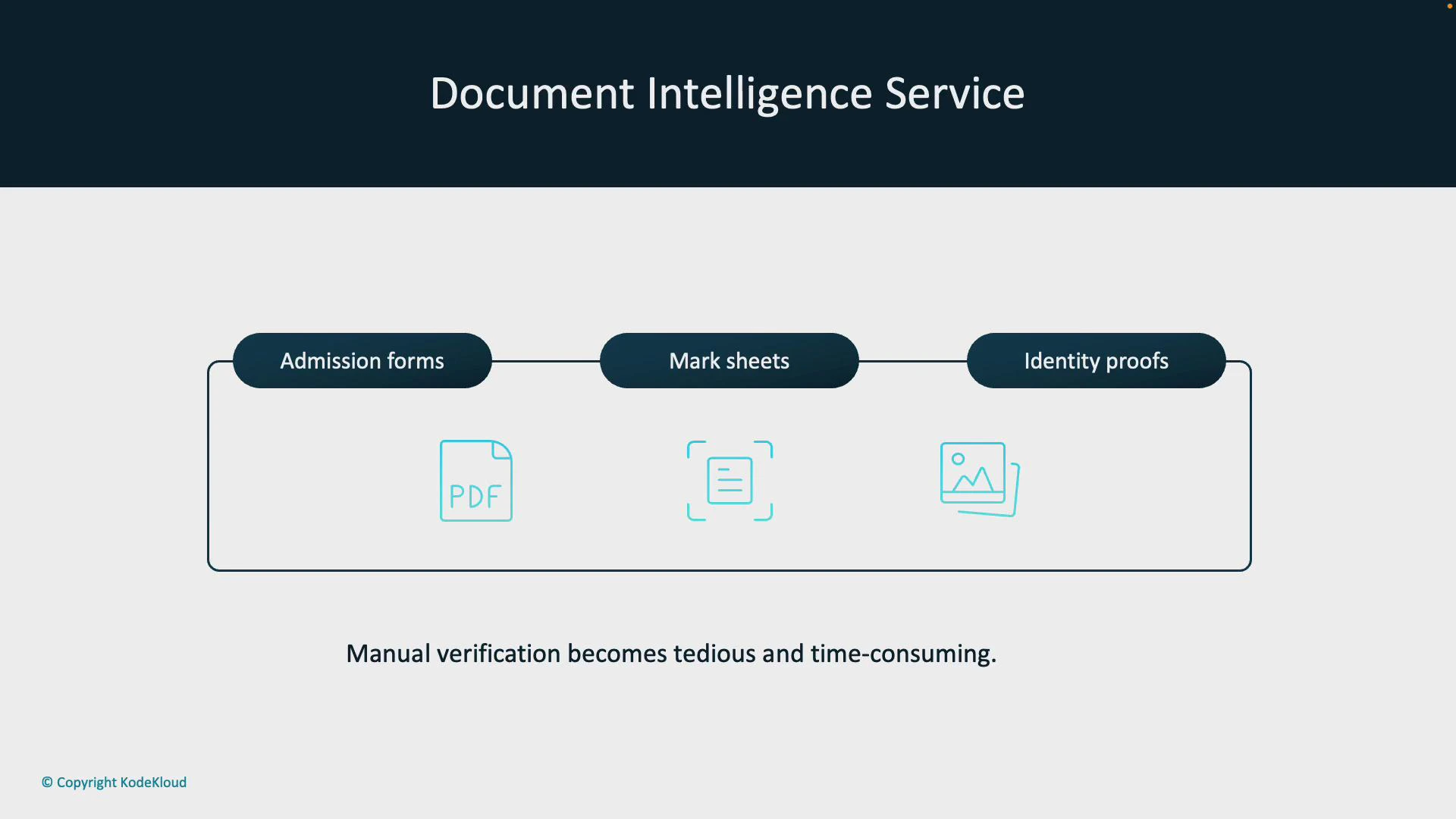 Manual processing forces admission staff to repeatedly open files, transcribe data, and validate entries — consuming hours that could be spent on counselling students or improving the admission process. Document Intelligence replaces repetitive tasks with an automated, auditable pipeline.
Using Document Intelligence reduces human error and accelerates application throughput by converting unstructured documents into structured data automatically.
## How Document Intelligence streamlines admissions
1. Students upload documents (application forms, mark sheets, IDs) to the admissions portal, creating a centralized digital repository.
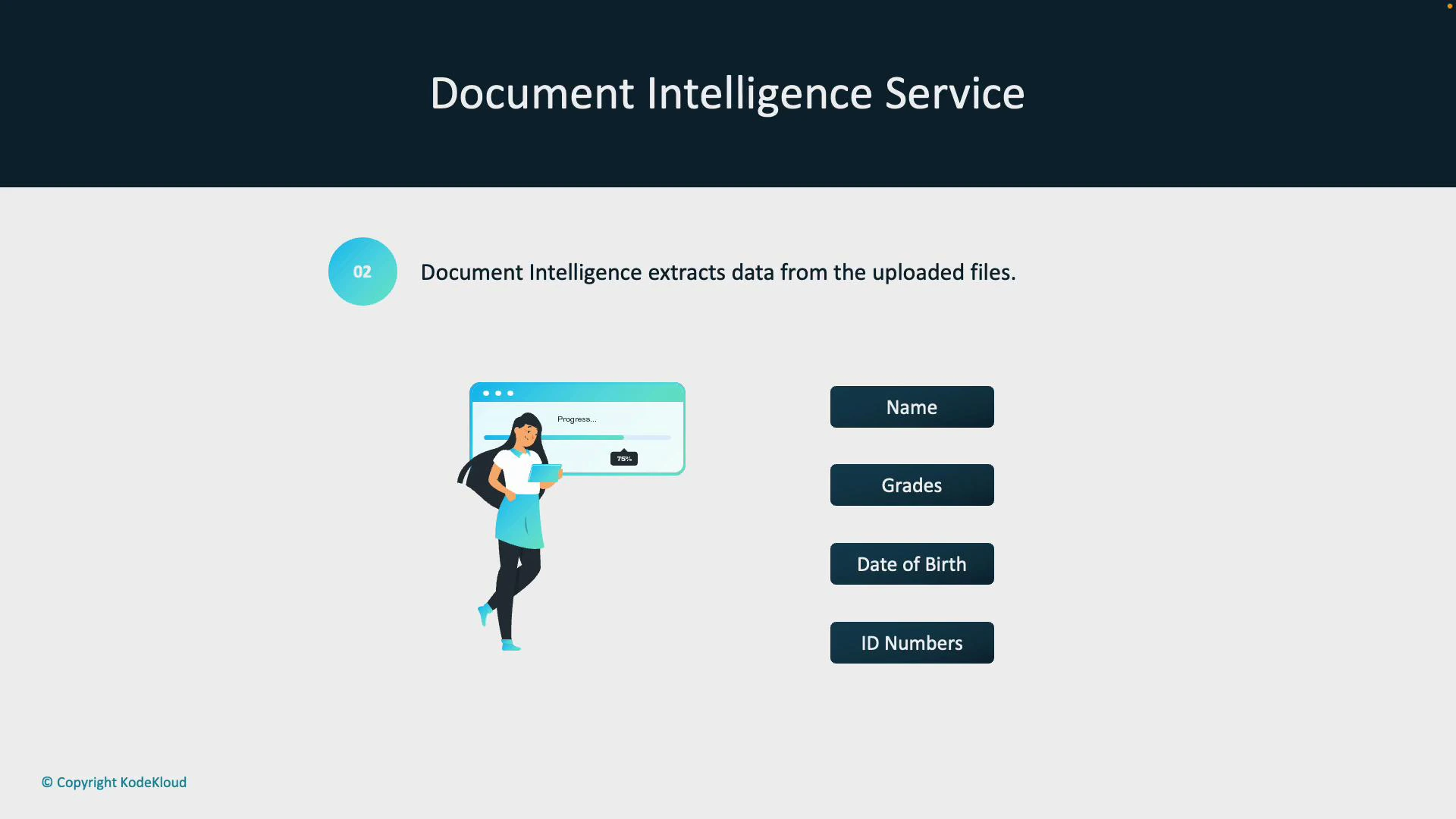
2. Document Intelligence analyzes uploaded files and extracts key fields — student name, grades, date of birth, ID numbers — even from scanned or handwritten documents.
Manual processing forces admission staff to repeatedly open files, transcribe data, and validate entries — consuming hours that could be spent on counselling students or improving the admission process. Document Intelligence replaces repetitive tasks with an automated, auditable pipeline.
Using Document Intelligence reduces human error and accelerates application throughput by converting unstructured documents into structured data automatically.
## How Document Intelligence streamlines admissions
1. Students upload documents (application forms, mark sheets, IDs) to the admissions portal, creating a centralized digital repository.
2. Document Intelligence analyzes uploaded files and extracts key fields — student name, grades, date of birth, ID numbers — even from scanned or handwritten documents.
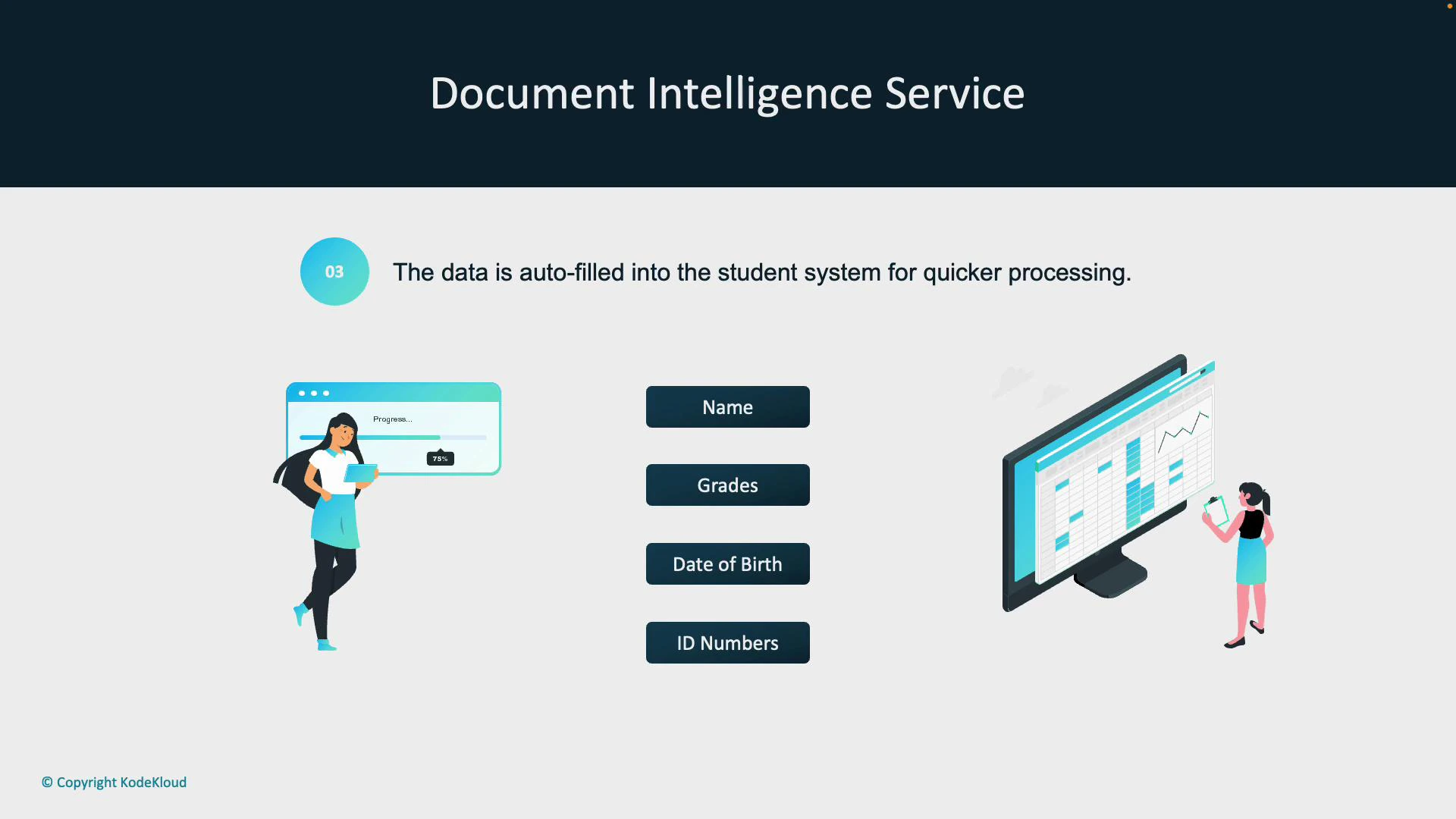
 3. Extracted data is validated, enriched (if necessary), and auto‑populated into the university’s student information system — eliminating manual entry and reducing processing time.
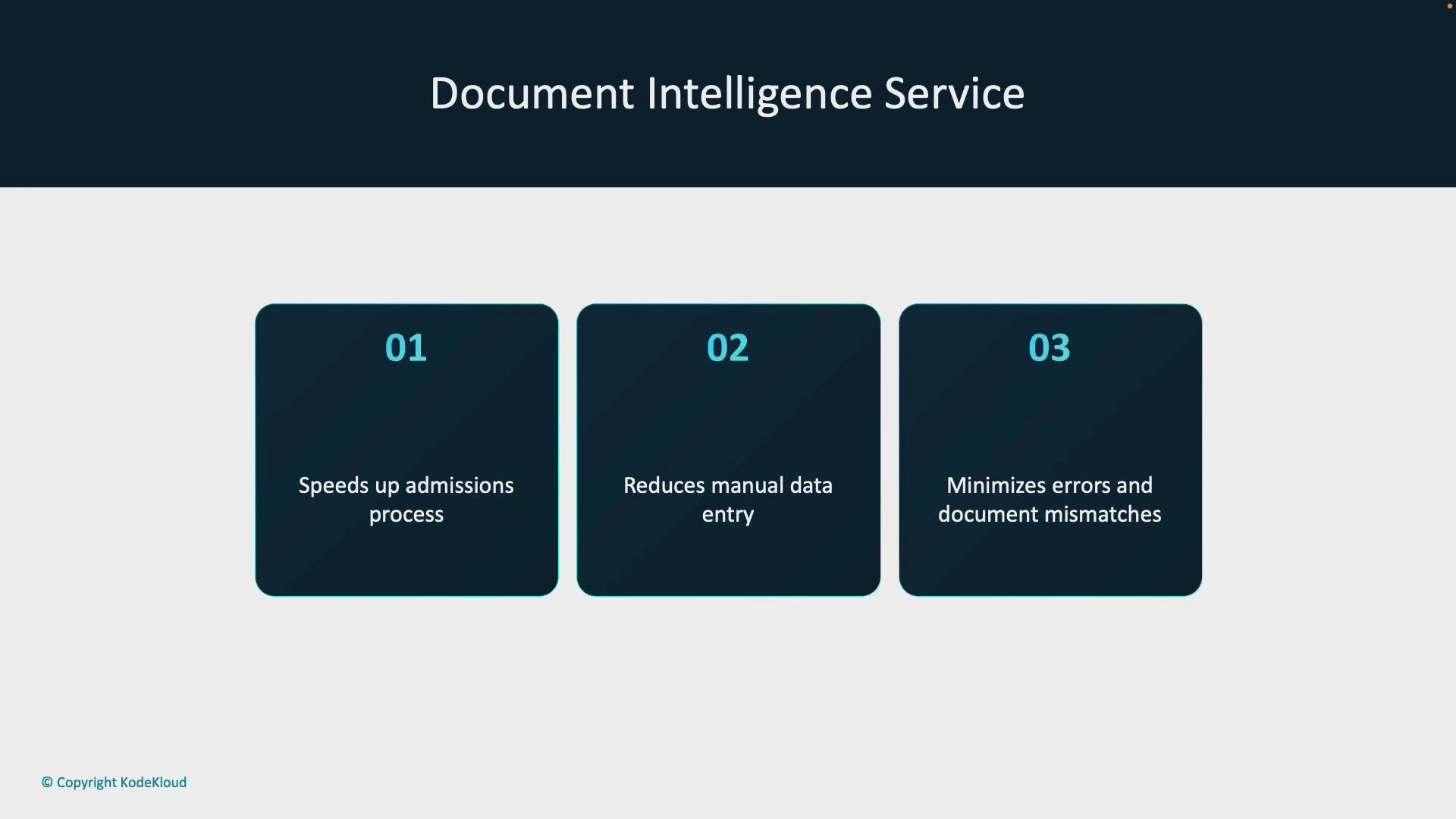
 Benefits realized in this scenario include:
* Faster admissions review through automated extraction.
* Reduced manual data-entry workload for administrative staff.
* Lower error rates and improved consistency of student records.
Benefits realized in this scenario include:
* Faster admissions review through automated extraction.
* Reduced manual data-entry workload for administrative staff.
* Lower error rates and improved consistency of student records.
 ## Model types and when to use them
Document Intelligence supports multiple model types to match your document variety and complexity. The table below summarizes the built-in and custom model options and their best-fit use cases.
| Model Type | Use Case | Notes / Example |
| ---------------- | ------------------------------------------------ | -------------------------------------------------------------------- |
| Read (OCR) | Extract printed or handwritten text | General-purpose OCR for text recognition |
| Layout | Understand structural elements | Detects paragraphs, headings, tables, and layout regions |
| General Document | Broad extraction (text, tables, key-value pairs) | Good for mixed formats and semi-structured documents |
| Prebuilt models | Quick deployment for common doc types | Receipts, invoices, IDs, business cards, contracts, tax forms |
| Custom template | Static, fixed-layout forms | Fast to train for consistent forms such as standardized applications |
| Custom neural | Variable layouts and diverse document sets | Neural-based approach for highly variable documents |
| Custom composed | Complex pipelines combining models | Merge models for multi-step workflows and complex documents |
## Model types and when to use them
Document Intelligence supports multiple model types to match your document variety and complexity. The table below summarizes the built-in and custom model options and their best-fit use cases.
| Model Type | Use Case | Notes / Example |
| ---------------- | ------------------------------------------------ | -------------------------------------------------------------------- |
| Read (OCR) | Extract printed or handwritten text | General-purpose OCR for text recognition |
| Layout | Understand structural elements | Detects paragraphs, headings, tables, and layout regions |
| General Document | Broad extraction (text, tables, key-value pairs) | Good for mixed formats and semi-structured documents |
| Prebuilt models | Quick deployment for common doc types | Receipts, invoices, IDs, business cards, contracts, tax forms |
| Custom template | Static, fixed-layout forms | Fast to train for consistent forms such as standardized applications |
| Custom neural | Variable layouts and diverse document sets | Neural-based approach for highly variable documents |
| Custom composed | Complex pipelines combining models | Merge models for multi-step workflows and complex documents |
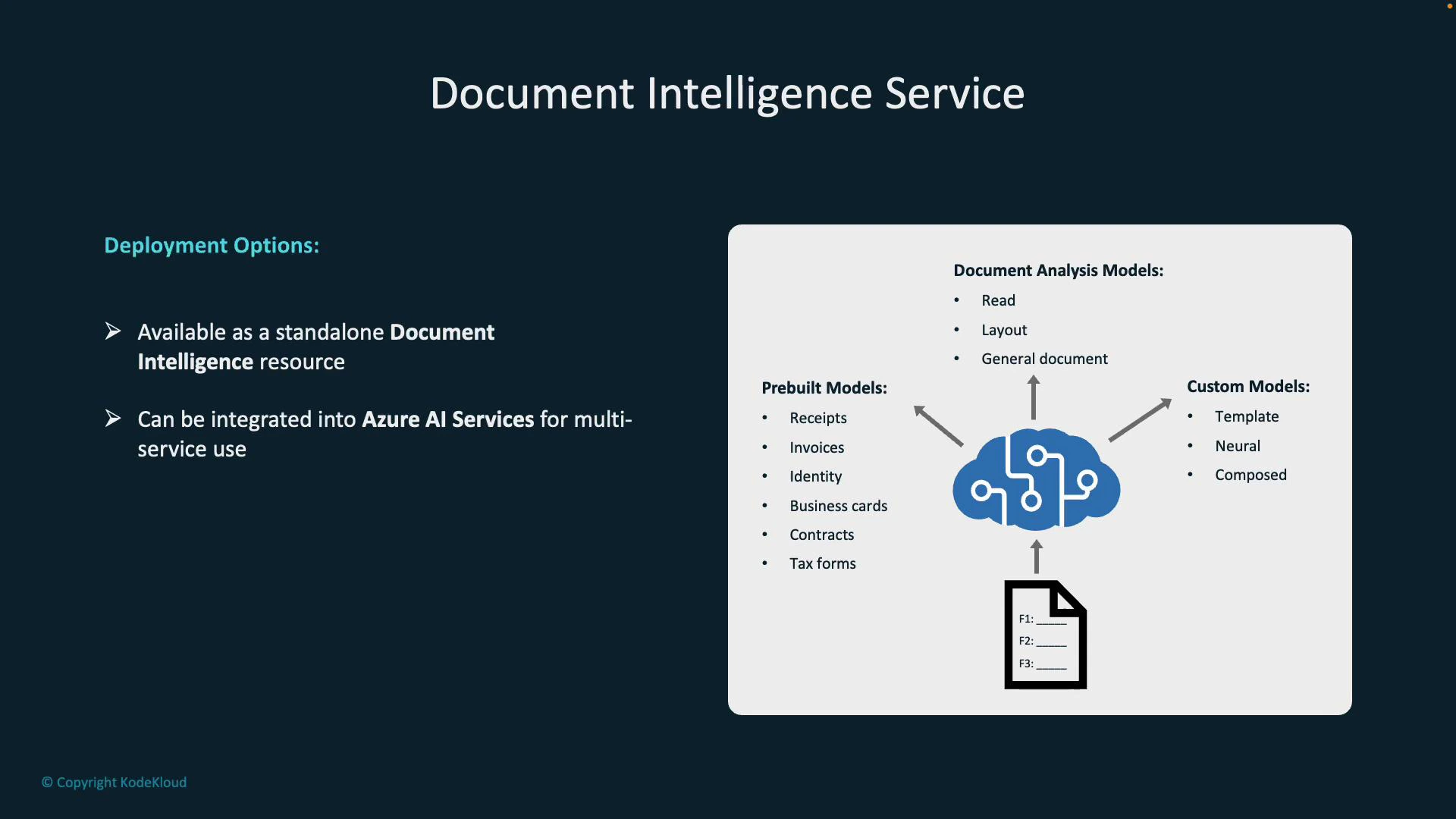 Deployment options:
* Standalone Document Intelligence service — best when document processing is the primary requirement.
* Azure AI Services (multi-service accounts) — combine vision, language, and search capabilities for broader solutions.
When processing sensitive PII (e.g., student IDs, dates of birth), ensure compliance with data protection policies and secure storage/encryption in transit and at rest.
## Common prebuilt model outputs (examples)
Prebuilt models are optimized for common document types and provide structured outputs ready for validation and ingestion.
* Receipts: merchant name, transaction date/time, items, totals.
* Invoices: vendor name, invoice number, dates, line items, totals.
* Business cards: contact names, job titles, company, phone, email.
Example outputs (JSON):
Receipt example:
```json theme={null}
{
"MerchantName": "Fourth Coffee",
"TransactionDate": "2021-01-01",
"TransactionTime": "09:34",
"Items": [
{
"Description": "Latte",
"Quantity": 1,
"Price": 3.75
}
],
"Total": 3.75
}
```
Invoice example:
```json theme={null}
{
"VendorName": "Contoso",
"InvoiceNumber": "1234",
"InvoiceDate": "2021-01-01",
"Tables": [
{
"Description": "Consulting Services",
"Amount": 3.99
}
],
"TotalInvoiceAmount": 3.99
}
```
Business card example:
```json theme={null}
{
"ContactNames": [
{
"FirstName": "Hank",
"LastName": "Zoeng"
}
],
"JobTitle": "Sales Manager",
"Company": "Contoso",
"Phone": "+1-555-0100",
"Email": "hank.zoeng@contoso.com"
}
```
These structured outputs can be validated, enriched (e.g., cross-referencing student records or credit checks), and ingested into downstream systems such as Student Information Systems (SIS), ERPs, or CRMs to drive faster, data-driven decisions.
## Next steps: working with Document Intelligence
To implement Document Intelligence in your environment:
1. Choose the appropriate model type (prebuilt vs custom) based on document variability.
2. Configure secure ingestion (portal uploads, APIs, or blob storage).
3. Validate and map extracted fields to your target system schemas.
4. Add quality checks and human-in-the-loop review for edge cases.
5. Monitor model performance and retrain or refine custom models as needed.
Further reading and references:
* [Azure Document Intelligence documentation](https://learn.microsoft.com/azure/applied-ai-services/document-intelligence/)
* [Azure AI Services overview](https://learn.microsoft.com/azure/ai-services/)
If you’d like, I can add a sample ingestion pipeline, code snippets for calling the Document Intelligence REST/SDK APIs, or a checklist for PII compliance and security best practices.
Deployment options:
* Standalone Document Intelligence service — best when document processing is the primary requirement.
* Azure AI Services (multi-service accounts) — combine vision, language, and search capabilities for broader solutions.
When processing sensitive PII (e.g., student IDs, dates of birth), ensure compliance with data protection policies and secure storage/encryption in transit and at rest.
## Common prebuilt model outputs (examples)
Prebuilt models are optimized for common document types and provide structured outputs ready for validation and ingestion.
* Receipts: merchant name, transaction date/time, items, totals.
* Invoices: vendor name, invoice number, dates, line items, totals.
* Business cards: contact names, job titles, company, phone, email.
Example outputs (JSON):
Receipt example:
```json theme={null}
{
"MerchantName": "Fourth Coffee",
"TransactionDate": "2021-01-01",
"TransactionTime": "09:34",
"Items": [
{
"Description": "Latte",
"Quantity": 1,
"Price": 3.75
}
],
"Total": 3.75
}
```
Invoice example:
```json theme={null}
{
"VendorName": "Contoso",
"InvoiceNumber": "1234",
"InvoiceDate": "2021-01-01",
"Tables": [
{
"Description": "Consulting Services",
"Amount": 3.99
}
],
"TotalInvoiceAmount": 3.99
}
```
Business card example:
```json theme={null}
{
"ContactNames": [
{
"FirstName": "Hank",
"LastName": "Zoeng"
}
],
"JobTitle": "Sales Manager",
"Company": "Contoso",
"Phone": "+1-555-0100",
"Email": "hank.zoeng@contoso.com"
}
```
These structured outputs can be validated, enriched (e.g., cross-referencing student records or credit checks), and ingested into downstream systems such as Student Information Systems (SIS), ERPs, or CRMs to drive faster, data-driven decisions.
## Next steps: working with Document Intelligence
To implement Document Intelligence in your environment:
1. Choose the appropriate model type (prebuilt vs custom) based on document variability.
2. Configure secure ingestion (portal uploads, APIs, or blob storage).
3. Validate and map extracted fields to your target system schemas.
4. Add quality checks and human-in-the-loop review for edge cases.
5. Monitor model performance and retrain or refine custom models as needed.
Further reading and references:
* [Azure Document Intelligence documentation](https://learn.microsoft.com/azure/applied-ai-services/document-intelligence/)
* [Azure AI Services overview](https://learn.microsoft.com/azure/ai-services/)
If you’d like, I can add a sample ingestion pipeline, code snippets for calling the Document Intelligence REST/SDK APIs, or a checklist for PII compliance and security best practices.