> ## Documentation Index
> Fetch the complete documentation index at: https://notes.kodekloud.com/llms.txt
> Use this file to discover all available pages before exploring further.
# Module Introduction
> Intro to Azure AI Services showing how to call prebuilt language, speech, vision, and generative models via REST APIs and SDKs and integrate them into cloud applications.
Getting started with Azure AI Services
This lesson introduces Azure AI Services and shows how to use them from both REST APIs and SDKs. By the end of the module you’ll be able to discover available services, call pre-built models programmatically, and integrate AI capabilities into cloud applications.
What you’ll learn
* The types of AI services available in Azure — language, speech, vision, and generative AI — and the scenarios where they apply.
* How to call Azure AI Services using REST APIs as well as client libraries (for example, Python and C#) so you can use pre-built models without training your own.
* How to wire these services into real-world cloud apps (chatbots, image analysis pipelines, recommendation systems) and deploy them in the cloud.
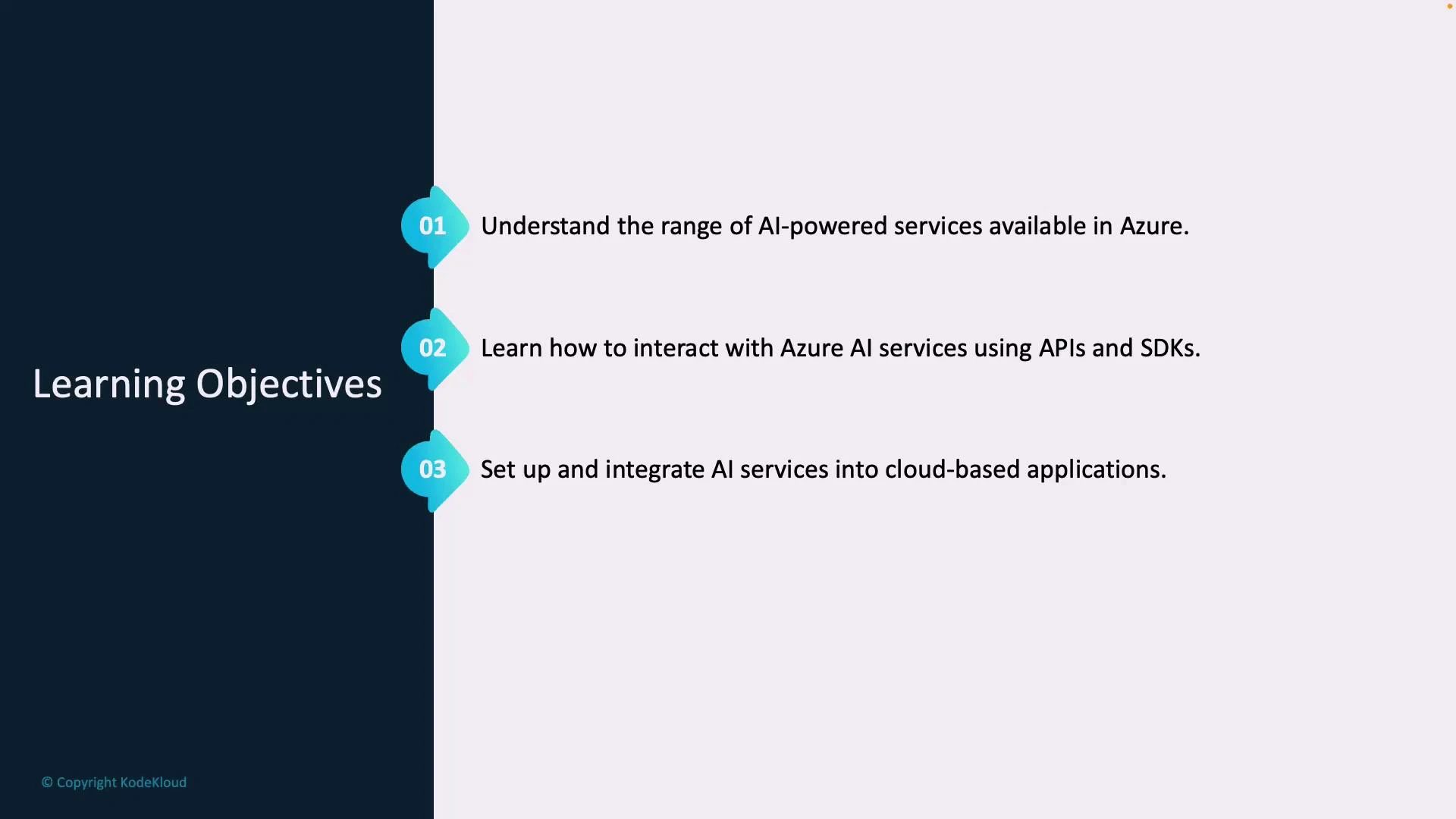
Learning objectives
| Objective | Outcome | Example |
| ------------------------------------: | --------------------------------------------------------------------------------------------- | --------------------------------------------------------------------------------------------- |
| Understand Azure AI service offerings | Know which service fits a given scenario (language understanding, speech, vision, generative) | Choose Speech-to-Text for transcribing calls; use Computer Vision to tag images |
| Use REST APIs and SDKs | Call models from code or scripts using HTTP or client libraries (Python, C#) | Send a text prompt to a generative model via REST or the Python SDK |
| Integrate services into cloud apps | Design and deploy workflows that combine AI capabilities with other Azure services | Build a chatbot using Language Service, host it in Azure App Service, store logs in Cosmos DB |
 How this lesson is organized
* Overview of Azure AI Services and common scenarios (language, speech, vision, and generative AI).
* Demonstrations of calling services:
* REST API patterns (authentication, endpoints, request/response shapes).
* Client SDK usage (Python and C# examples with recommended libraries).
* Integration and architecture patterns:
* Combining multiple services in pipelines.
* Reliable production patterns (retries, batching, monitoring).
* Deployment considerations:
* Secure keys and managed identities.
* Scaling and cost control.
Before you begin: make sure you have an Azure subscription and access to the relevant AI service resources (or an admin who can provision them). Install the Azure CLI and the SDK for your language of choice (Python or .NET) to follow the hands‑on examples.
Why this matters (SEO keywords)
* Azure AI Services provide pre-trained models and managed APIs for adding intelligence to applications quickly.
* Using REST APIs and SDKs reduces time-to-integration so teams can focus on product features rather than model training.
* Integration patterns help you build scalable, maintainable cloud solutions that combine speech, vision, language, and generative capabilities.
Links and references
* [Azure AI Services overview](https://learn.microsoft.com/azure/ai-services/)
* [Azure Cognitive Services documentation](https://learn.microsoft.com/azure/cognitive-services/)
* [Azure SDKs for Python](https://learn.microsoft.com/azure/developer/python/) and [.NET](https://learn.microsoft.com/dotnet/azure/)
Throughout the lesson we’ll walk through key concepts, concise examples of calling services, and practical patterns for integrating AI into cloud-based solutions. Let’s dive in and start adding intelligence to your applications.
How this lesson is organized
* Overview of Azure AI Services and common scenarios (language, speech, vision, and generative AI).
* Demonstrations of calling services:
* REST API patterns (authentication, endpoints, request/response shapes).
* Client SDK usage (Python and C# examples with recommended libraries).
* Integration and architecture patterns:
* Combining multiple services in pipelines.
* Reliable production patterns (retries, batching, monitoring).
* Deployment considerations:
* Secure keys and managed identities.
* Scaling and cost control.
Before you begin: make sure you have an Azure subscription and access to the relevant AI service resources (or an admin who can provision them). Install the Azure CLI and the SDK for your language of choice (Python or .NET) to follow the hands‑on examples.
Why this matters (SEO keywords)
* Azure AI Services provide pre-trained models and managed APIs for adding intelligence to applications quickly.
* Using REST APIs and SDKs reduces time-to-integration so teams can focus on product features rather than model training.
* Integration patterns help you build scalable, maintainable cloud solutions that combine speech, vision, language, and generative capabilities.
Links and references
* [Azure AI Services overview](https://learn.microsoft.com/azure/ai-services/)
* [Azure Cognitive Services documentation](https://learn.microsoft.com/azure/cognitive-services/)
* [Azure SDKs for Python](https://learn.microsoft.com/azure/developer/python/) and [.NET](https://learn.microsoft.com/dotnet/azure/)
Throughout the lesson we’ll walk through key concepts, concise examples of calling services, and practical patterns for integrating AI into cloud-based solutions. Let’s dive in and start adding intelligence to your applications.