> ## Documentation Index
> Fetch the complete documentation index at: https://notes.kodekloud.com/llms.txt
> Use this file to discover all available pages before exploring further.
# Audio Format and Voices
> Guidance on choosing audio formats, sample rates, and voice types and configuring Azure Speech SDK for neural and standard text to speech with code examples
In this lesson we'll cover how audio output settings affect speech synthesis quality and efficiency, and how to choose and configure voices in [Azure Speech Services](https://learn.microsoft.com/azure/cognitive-services/speech-service/overview). Topics include audio file types, sample rates, bit depth, and the difference between standard and neural TTS voices — plus concise code examples (C# and Python) showing how to set output formats and voice names with the Azure Speech SDK.
## Audio formats: file type, sample rate, and bit depth
Azure Speech Services supports common audio containers and codecs (WAV, MP3, OGG, and others). Choosing the right format depends on whether you will stream audio, store it for download, or post-process it.
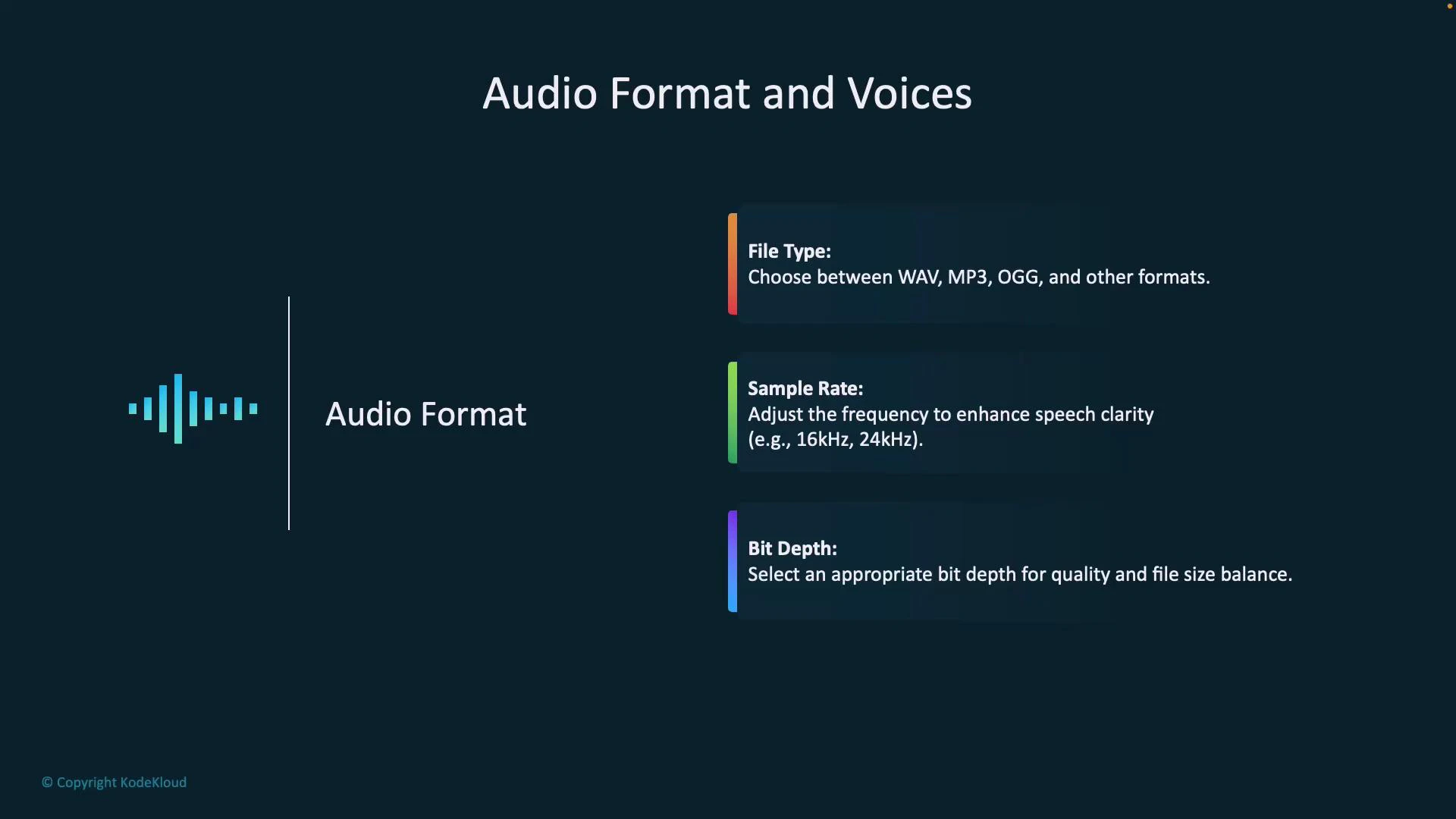
* File type: Pick a container/codec for compatibility and filesize. WAV/PCM is uncompressed and ideal for high-quality processing; MP3 and OGG are compressed and save bandwidth/storage.
* Sample rate: Defines how many samples per second are captured. Higher rates (e.g., 24 kHz) improve clarity for wideband content but increase file size. 16 kHz is a common compromise for speech.
* Bit depth: The number of bits per sample (e.g., 16-bit). Higher bit depth increases fidelity and file size. For speech, 16-bit PCM is typical.
 Choose audio format and sample rate to match your downstream needs: use higher sample rates and uncompressed formats for post-processing or human listeners, and compressed formats for streaming, mobile, or bandwidth-constrained scenarios.
Audio format quick reference
| File type | Use case | Pros | Cons |
| ---------- | ----------------------------------------------- | ---------------------------- | --------------------------- |
| WAV (PCM) | Post-processing, archival, audio analysis | Lossless, high fidelity | Large filesize |
| MP3 | Streaming, downloads where smaller size matters | Smaller filesize, ubiquitous | Lossy compression artifacts |
| OGG (Opus) | Low-latency streaming, web apps | Efficient at low bitrates | Less universal than MP3 |
| Raw PCM | DSP and research workflows | Simple and predictable | No container metadata |
Sample rates and recommended uses
| Sample rate | Best for |
| ---------------- | -------------------------------------------- |
| 8 kHz | Narrowband telephony |
| 16 kHz | Typical speech (voicemail, simple TTS) |
| 24 kHz and above | High-fidelity voice apps, music/voice mixing |
## Voice options: Standard vs Neural
Azure Speech Services provides two primary types of text-to-speech voices:
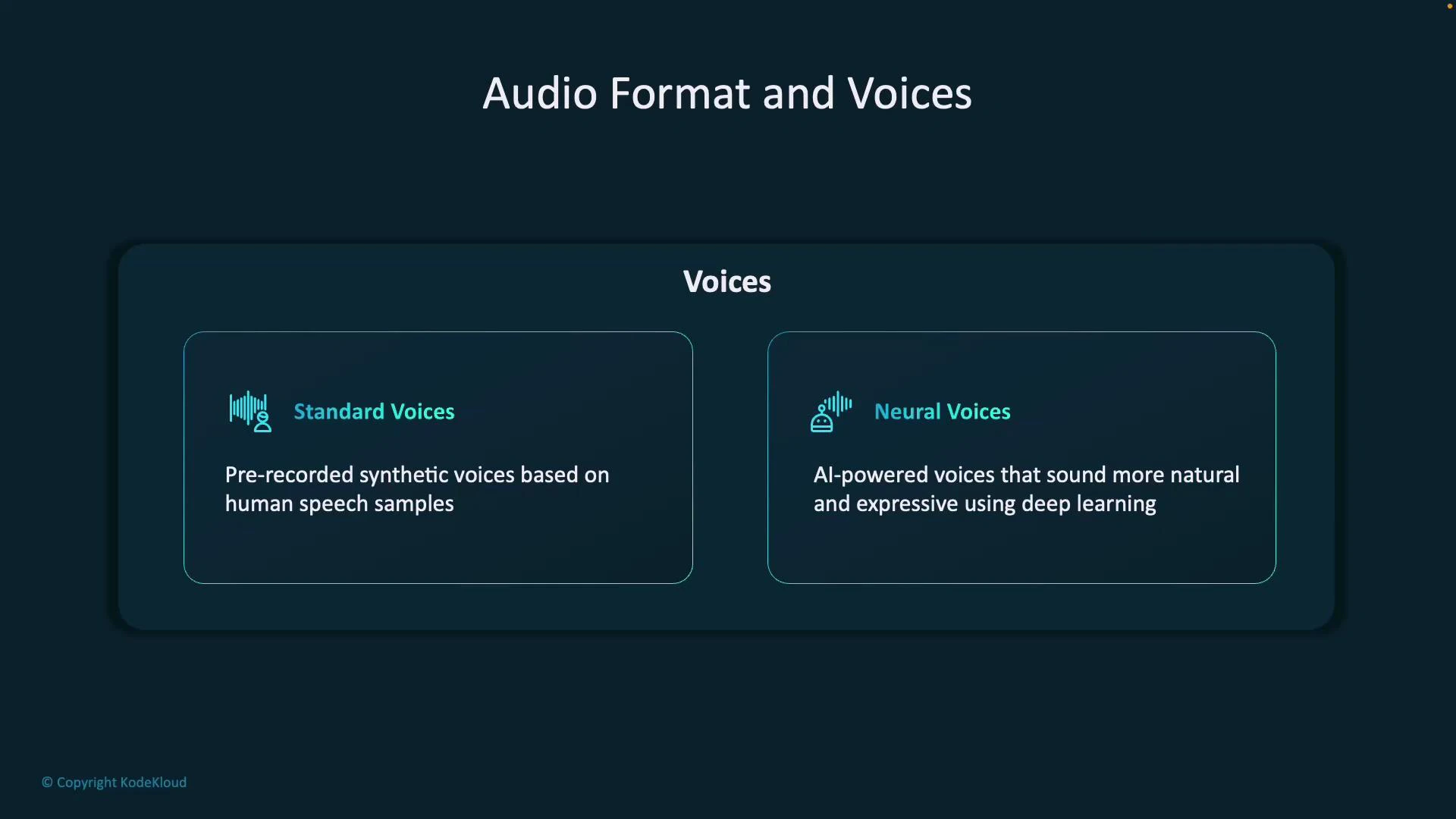
* Standard voices: Pre-built synthetic voices suitable for basic announcements and simple automation. Often faster and lower-cost but may sound slightly robotic.
* Neural voices: Deep learning–based voices that deliver more natural prosody and expressiveness. Ideal for virtual assistants, audiobooks, and UX-focused experiences.
Choose audio format and sample rate to match your downstream needs: use higher sample rates and uncompressed formats for post-processing or human listeners, and compressed formats for streaming, mobile, or bandwidth-constrained scenarios.
Audio format quick reference
| File type | Use case | Pros | Cons |
| ---------- | ----------------------------------------------- | ---------------------------- | --------------------------- |
| WAV (PCM) | Post-processing, archival, audio analysis | Lossless, high fidelity | Large filesize |
| MP3 | Streaming, downloads where smaller size matters | Smaller filesize, ubiquitous | Lossy compression artifacts |
| OGG (Opus) | Low-latency streaming, web apps | Efficient at low bitrates | Less universal than MP3 |
| Raw PCM | DSP and research workflows | Simple and predictable | No container metadata |
Sample rates and recommended uses
| Sample rate | Best for |
| ---------------- | -------------------------------------------- |
| 8 kHz | Narrowband telephony |
| 16 kHz | Typical speech (voicemail, simple TTS) |
| 24 kHz and above | High-fidelity voice apps, music/voice mixing |
## Voice options: Standard vs Neural
Azure Speech Services provides two primary types of text-to-speech voices:
* Standard voices: Pre-built synthetic voices suitable for basic announcements and simple automation. Often faster and lower-cost but may sound slightly robotic.
* Neural voices: Deep learning–based voices that deliver more natural prosody and expressiveness. Ideal for virtual assistants, audiobooks, and UX-focused experiences.
 Neural voices typically deliver higher naturalness and expressiveness, but review quotas, regional availability, and pricing before production rollout.
Neural voices may have regional availability, quota limits, and different pricing tiers. Verify your subscription limits and regional support in the Azure portal and the Speech Services pricing and quotas documentation.
## Configuring output format and voice in code
Below are concise examples showing how to set output formats and voice names in the Azure Speech SDK. Each example demonstrates setting a neural voice and a common RIFF (WAV) output format.
C# (set RIFF 16 kHz 16-bit mono PCM and a neural voice)
```csharp theme={null}
// Configure Speech SDK (C#)
speechConfig.SetSpeechSynthesisOutputFormat(SpeechSynthesisOutputFormat.Riff16Khz16BitMonoPcm);
speechConfig.SpeechSynthesisVoiceName = "en-US-JennyNeural";
```
Python examples (Azure Speech SDK)
* What the examples show:
1. Create a SpeechConfig and set voice and output format.
2. Synthesize to the default speaker.
3. Save synthesized audio to a WAV file.
4. Use that saved file for Speech-to-Text (STT) recognition.
TTS: synthesize to speaker and save to a file
```python theme={null}
import azure.cognitiveservices.speech as speechsdk
# Replace these with your Azure Speech resource key and region
speech_key = "YOUR_SPEECH_KEY"
service_region = "eastus"
if not speech_key:
raise ValueError("You must set your Azure Speech key.")
# Create speech configuration and set voice & output format
speech_config = speechsdk.SpeechConfig(subscription=speech_key, region=service_region)
speech_config.speech_synthesis_voice_name = "en-US-JennyNeural" # neural voice
speech_config.set_speech_synthesis_output_format(
speechsdk.SpeechSynthesisOutputFormat.Riff16Khz16BitMonoPcm
)
# 1) Speak to default speaker
print("Speaking text using default speaker...")
synthesizer = speechsdk.SpeechSynthesizer(speech_config=speech_config)
text = "Hello! This is a sample neural voice using Azure Speech Service."
result = synthesizer.speak_text_async(text).get()
if result.reason == speechsdk.ResultReason.SynthesizingAudioCompleted:
print("Speech synthesized successfully to speaker.")
elif result.reason == speechsdk.ResultReason.Canceled:
cancellation = result.cancellation_details
print("Speech synthesis canceled:", cancellation.reason)
if cancellation.reason == speechsdk.CancellationReason.Error:
print("Error details:", cancellation.error_details)
# 2) Save same synthesized audio to file
output_filename = "output_audio.wav"
print(f"Saving audio to '{output_filename}'...")
audio_config = speechsdk.audio.AudioOutputConfig(filename=output_filename)
file_synthesizer = speechsdk.SpeechSynthesizer(speech_config=speech_config, audio_config=audio_config)
file_result = file_synthesizer.speak_text_async(text).get()
if file_result.reason == speechsdk.ResultReason.SynthesizingAudioCompleted:
print(f"Audio saved to '{output_filename}'")
elif file_result.reason == speechsdk.ResultReason.Canceled:
cancellation = file_result.cancellation_details
print("Speech synthesis canceled:", cancellation.reason)
if cancellation.reason == speechsdk.CancellationReason.Error:
print("Error details:", cancellation.error_details)
```
Sample console output (illustrative)
```text theme={null}
Speaking text using default speaker...
Speech synthesized successfully to speaker.
Saving audio to 'output_audio.wav'...
Audio saved to 'output_audio.wav'
```
STT: recognize speech from an audio file
```python theme={null}
import azure.cognitiveservices.speech as speechsdk
# Reuse or recreate speech_config as needed.
audio_input = speechsdk.audio.AudioConfig(filename="output_audio.wav")
speech_recognizer = speechsdk.SpeechRecognizer(speech_config=speech_config, audio_config=audio_input)
print("Recognizing speech from audio file...")
result = speech_recognizer.recognize_once_async().get()
if result.reason == speechsdk.ResultReason.RecognizedSpeech:
print("Recognized Text:")
print(result.text)
elif result.reason == speechsdk.ResultReason.NoMatch:
print("No speech could be recognized.")
elif result.reason == speechsdk.ResultReason.Canceled:
cancellation = result.cancellation_details
print("Speech recognition canceled:", cancellation.reason)
if cancellation.reason == speechsdk.CancellationReason.Error:
print("Error details:", cancellation.error_details)
```
Typical recognition output (illustrative)
```text theme={null}
Recognizing speech from audio file...
Recognized Text:
Hello! This is a sample neural voice using Azure Speech Service.
```
## Best practices and tips
* For pipelines that include post-processing (noise reduction, alignment, ASR training), prefer uncompressed WAV (16-bit PCM) at 16 kHz or 24 kHz.
* For streaming and mobile delivery, prefer MP3 or Opus (OGG) to reduce bandwidth.
* Test voice choices with representative text. Neural voices may need different SSML or prosody tuning to get the desired intonation.
* Monitor quotas and region availability for neural voices; consider fallback to standard voices if unavailable.
## Summary
* Select file type, sample rate, and bit depth based on your target use (streaming vs. storage vs. processing).
* Use neural voices when you require natural, expressive TTS for UX-heavy applications.
* Configure output format and voice via SpeechConfig in the Azure Speech SDK; you can synthesize to the speaker, save to a file, and use that audio for Speech-to-Text.
Links and references
* [Azure Speech Services Overview](https://learn.microsoft.com/azure/cognitive-services/speech-service/overview)
* [Speech SDK Documentation](https://learn.microsoft.com/azure/cognitive-services/speech-service/speech-sdk)
* [Speech-to-Text (STT) Documentation](https://learn.microsoft.com/azure/cognitive-services/speech-service/speech-to-text)
* [Speech Pricing and Quotas](https://learn.microsoft.com/azure/cognitive-services/speech-service/quotas)
Neural voices typically deliver higher naturalness and expressiveness, but review quotas, regional availability, and pricing before production rollout.
Neural voices may have regional availability, quota limits, and different pricing tiers. Verify your subscription limits and regional support in the Azure portal and the Speech Services pricing and quotas documentation.
## Configuring output format and voice in code
Below are concise examples showing how to set output formats and voice names in the Azure Speech SDK. Each example demonstrates setting a neural voice and a common RIFF (WAV) output format.
C# (set RIFF 16 kHz 16-bit mono PCM and a neural voice)
```csharp theme={null}
// Configure Speech SDK (C#)
speechConfig.SetSpeechSynthesisOutputFormat(SpeechSynthesisOutputFormat.Riff16Khz16BitMonoPcm);
speechConfig.SpeechSynthesisVoiceName = "en-US-JennyNeural";
```
Python examples (Azure Speech SDK)
* What the examples show:
1. Create a SpeechConfig and set voice and output format.
2. Synthesize to the default speaker.
3. Save synthesized audio to a WAV file.
4. Use that saved file for Speech-to-Text (STT) recognition.
TTS: synthesize to speaker and save to a file
```python theme={null}
import azure.cognitiveservices.speech as speechsdk
# Replace these with your Azure Speech resource key and region
speech_key = "YOUR_SPEECH_KEY"
service_region = "eastus"
if not speech_key:
raise ValueError("You must set your Azure Speech key.")
# Create speech configuration and set voice & output format
speech_config = speechsdk.SpeechConfig(subscription=speech_key, region=service_region)
speech_config.speech_synthesis_voice_name = "en-US-JennyNeural" # neural voice
speech_config.set_speech_synthesis_output_format(
speechsdk.SpeechSynthesisOutputFormat.Riff16Khz16BitMonoPcm
)
# 1) Speak to default speaker
print("Speaking text using default speaker...")
synthesizer = speechsdk.SpeechSynthesizer(speech_config=speech_config)
text = "Hello! This is a sample neural voice using Azure Speech Service."
result = synthesizer.speak_text_async(text).get()
if result.reason == speechsdk.ResultReason.SynthesizingAudioCompleted:
print("Speech synthesized successfully to speaker.")
elif result.reason == speechsdk.ResultReason.Canceled:
cancellation = result.cancellation_details
print("Speech synthesis canceled:", cancellation.reason)
if cancellation.reason == speechsdk.CancellationReason.Error:
print("Error details:", cancellation.error_details)
# 2) Save same synthesized audio to file
output_filename = "output_audio.wav"
print(f"Saving audio to '{output_filename}'...")
audio_config = speechsdk.audio.AudioOutputConfig(filename=output_filename)
file_synthesizer = speechsdk.SpeechSynthesizer(speech_config=speech_config, audio_config=audio_config)
file_result = file_synthesizer.speak_text_async(text).get()
if file_result.reason == speechsdk.ResultReason.SynthesizingAudioCompleted:
print(f"Audio saved to '{output_filename}'")
elif file_result.reason == speechsdk.ResultReason.Canceled:
cancellation = file_result.cancellation_details
print("Speech synthesis canceled:", cancellation.reason)
if cancellation.reason == speechsdk.CancellationReason.Error:
print("Error details:", cancellation.error_details)
```
Sample console output (illustrative)
```text theme={null}
Speaking text using default speaker...
Speech synthesized successfully to speaker.
Saving audio to 'output_audio.wav'...
Audio saved to 'output_audio.wav'
```
STT: recognize speech from an audio file
```python theme={null}
import azure.cognitiveservices.speech as speechsdk
# Reuse or recreate speech_config as needed.
audio_input = speechsdk.audio.AudioConfig(filename="output_audio.wav")
speech_recognizer = speechsdk.SpeechRecognizer(speech_config=speech_config, audio_config=audio_input)
print("Recognizing speech from audio file...")
result = speech_recognizer.recognize_once_async().get()
if result.reason == speechsdk.ResultReason.RecognizedSpeech:
print("Recognized Text:")
print(result.text)
elif result.reason == speechsdk.ResultReason.NoMatch:
print("No speech could be recognized.")
elif result.reason == speechsdk.ResultReason.Canceled:
cancellation = result.cancellation_details
print("Speech recognition canceled:", cancellation.reason)
if cancellation.reason == speechsdk.CancellationReason.Error:
print("Error details:", cancellation.error_details)
```
Typical recognition output (illustrative)
```text theme={null}
Recognizing speech from audio file...
Recognized Text:
Hello! This is a sample neural voice using Azure Speech Service.
```
## Best practices and tips
* For pipelines that include post-processing (noise reduction, alignment, ASR training), prefer uncompressed WAV (16-bit PCM) at 16 kHz or 24 kHz.
* For streaming and mobile delivery, prefer MP3 or Opus (OGG) to reduce bandwidth.
* Test voice choices with representative text. Neural voices may need different SSML or prosody tuning to get the desired intonation.
* Monitor quotas and region availability for neural voices; consider fallback to standard voices if unavailable.
## Summary
* Select file type, sample rate, and bit depth based on your target use (streaming vs. storage vs. processing).
* Use neural voices when you require natural, expressive TTS for UX-heavy applications.
* Configure output format and voice via SpeechConfig in the Azure Speech SDK; you can synthesize to the speaker, save to a file, and use that audio for Speech-to-Text.
Links and references
* [Azure Speech Services Overview](https://learn.microsoft.com/azure/cognitive-services/speech-service/overview)
* [Speech SDK Documentation](https://learn.microsoft.com/azure/cognitive-services/speech-service/speech-sdk)
* [Speech-to-Text (STT) Documentation](https://learn.microsoft.com/azure/cognitive-services/speech-service/speech-to-text)
* [Speech Pricing and Quotas](https://learn.microsoft.com/azure/cognitive-services/speech-service/quotas)