> ## Documentation Index
> Fetch the complete documentation index at: https://notes.kodekloud.com/llms.txt
> Use this file to discover all available pages before exploring further.
# Speech Synthesis Markup Language SSML
> Explains SSML, an XML markup for controlling text-to-speech voice, prosody, pronunciation, pauses, expressive styles, and using Azure Speech Studio and SDKs to author and synthesize speech.
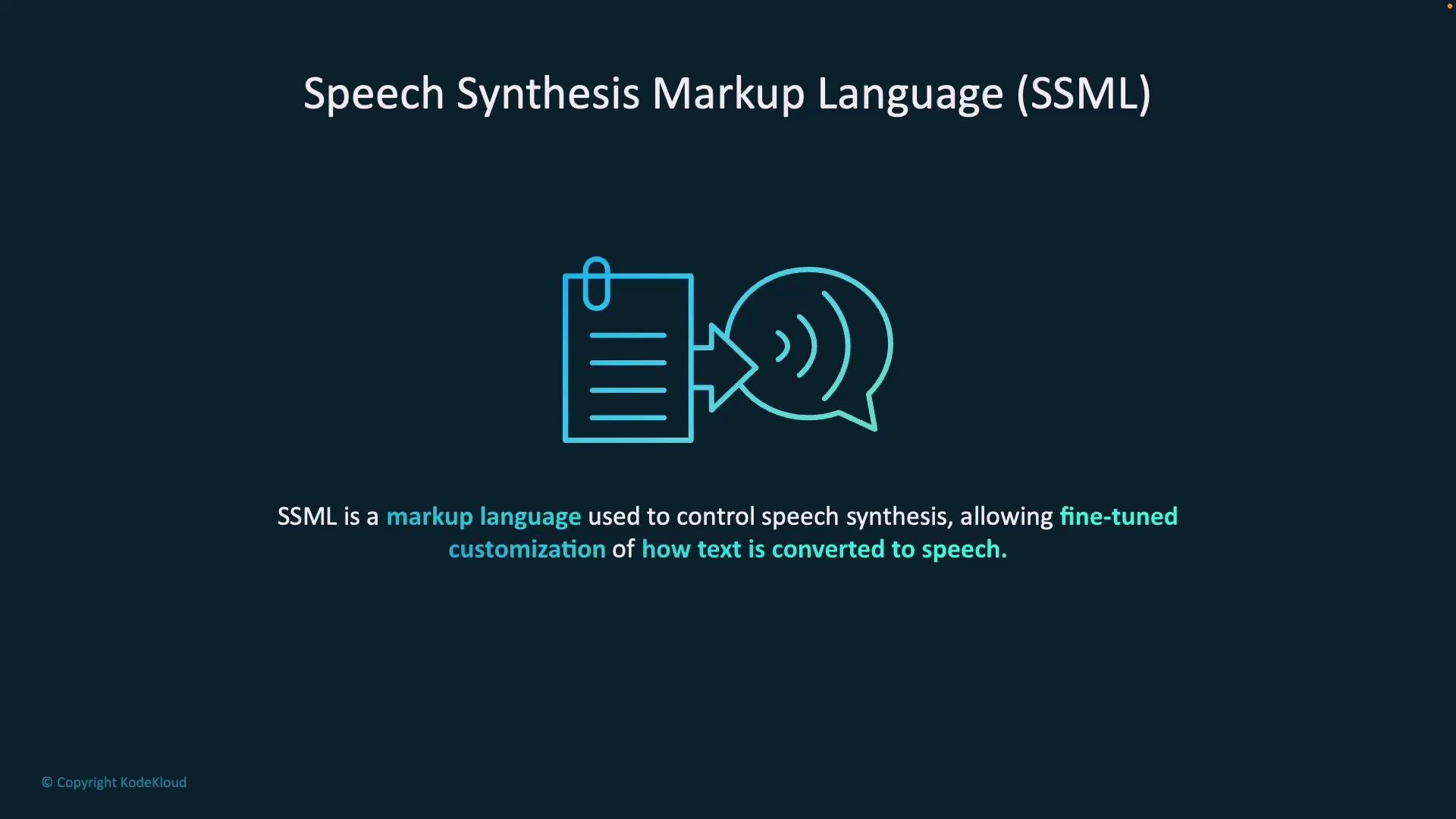
SSML (Speech Synthesis Markup Language) is an XML-based markup that gives developers precise control over how text is converted to speech. With SSML you can shape tone, pacing, pronunciation, and other delivery aspects so synthesized audio sounds more natural and expressive.
 Core SSML capabilities
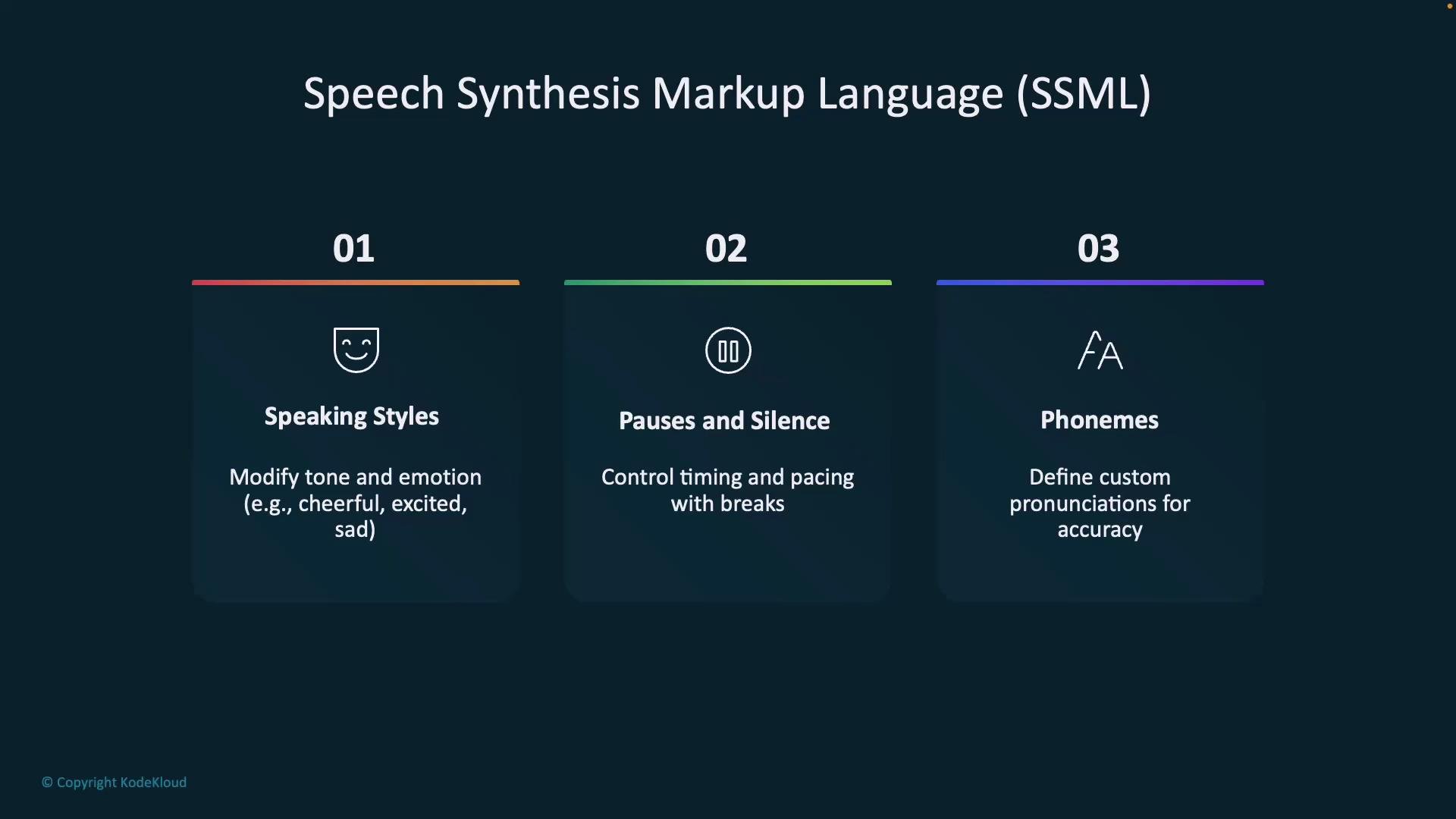
* Speaking styles — set the voice's tone or emotion (for example: cheerful, excited, empathetic).
* Pauses and silence — insert breaks or delays to control pacing and rhythm.
* Phonemes — define custom pronunciations for technical terms, names, or nonstandard words.
Core SSML capabilities
* Speaking styles — set the voice's tone or emotion (for example: cheerful, excited, empathetic).
* Pauses and silence — insert breaks or delays to control pacing and rhythm.
* Phonemes — define custom pronunciations for technical terms, names, or nonstandard words.
 Additional expressive features
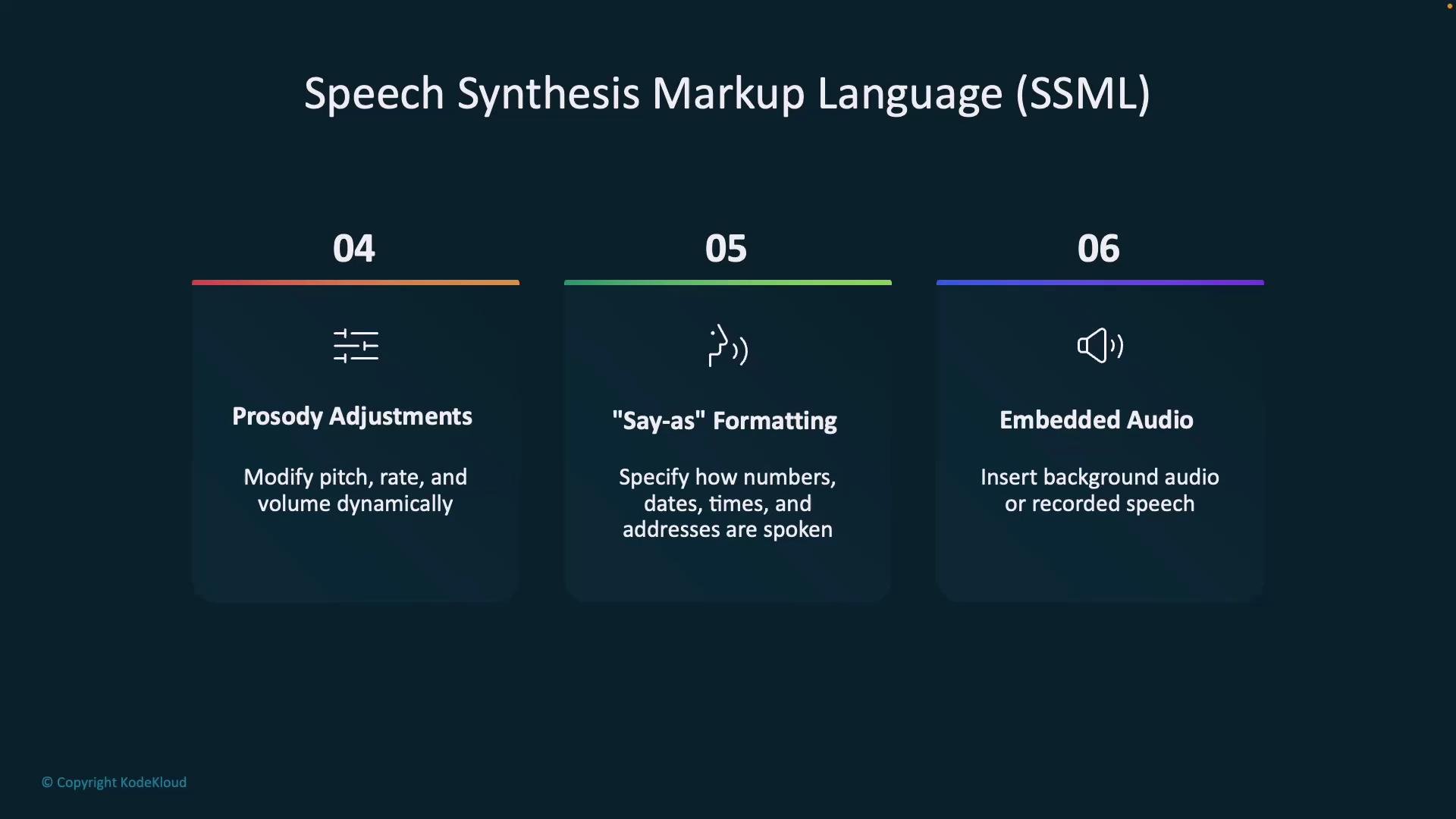
* Prosody adjustments — change pitch, rate, and volume to create a more dynamic delivery.
* Say-as formatting — control how numbers, dates, times, phone numbers, and other tokens are spoken (for example, as a year, ordinal, or telephone number).
* Embedded audio — insert pre-recorded audio or background music for branding or effects.
Additional expressive features
* Prosody adjustments — change pitch, rate, and volume to create a more dynamic delivery.
* Say-as formatting — control how numbers, dates, times, phone numbers, and other tokens are spoken (for example, as a year, ordinal, or telephone number).
* Embedded audio — insert pre-recorded audio or background music for branding or effects.
 Common SSML tags and when to use them
| Tag | Purpose | Example use |
| ---------------- | --------------------------------------- | ------------------------------------------------------------- |
| speak | Root element for SSML | Wrap all SSML content in `` |
| voice | Select a voice or locale | `` |
| prosody | Adjust rate, pitch, volume | `` |
| break | Insert pauses | `` |
| phoneme | Force pronunciation | `algorithm` |
| say-as | Control formatting of numbers/dates | `2026-03-17` |
| mstts:express-as | Apply provider-specific speaking styles | `` |
Example SSML — C# string literal
This C# example shows two voices with different behaviors, using expressive styles, phonemes, and a pause:
```csharp theme={null}
string ssmlString = @"
I love programming!
I pronounce algorithm differently.
Let's continue!
";
```
This snippet demonstrates:
* mstts:express-as — apply emotional/speaking styles (provider-specific).
* phoneme — use IPA to precise pronunciation.
* break — insert a pause for natural pacing.
Authoring and previewing SSML in Speech Studio
You can author and preview SSML directly in the browser with Azure Speech Studio. The UI helps configure voice selection, pronunciation rules, rate, pitch, and volume, then lets you export the resulting SSML for programmatic use.
Common SSML tags and when to use them
| Tag | Purpose | Example use |
| ---------------- | --------------------------------------- | ------------------------------------------------------------- |
| speak | Root element for SSML | Wrap all SSML content in `` |
| voice | Select a voice or locale | `` |
| prosody | Adjust rate, pitch, volume | `` |
| break | Insert pauses | `` |
| phoneme | Force pronunciation | `algorithm` |
| say-as | Control formatting of numbers/dates | `2026-03-17` |
| mstts:express-as | Apply provider-specific speaking styles | `` |
Example SSML — C# string literal
This C# example shows two voices with different behaviors, using expressive styles, phonemes, and a pause:
```csharp theme={null}
string ssmlString = @"
I love programming!
I pronounce algorithm differently.
Let's continue!
";
```
This snippet demonstrates:
* mstts:express-as — apply emotional/speaking styles (provider-specific).
* phoneme — use IPA to precise pronunciation.
* break — insert a pause for natural pacing.
Authoring and previewing SSML in Speech Studio
You can author and preview SSML directly in the browser with Azure Speech Studio. The UI helps configure voice selection, pronunciation rules, rate, pitch, and volume, then lets you export the resulting SSML for programmatic use.
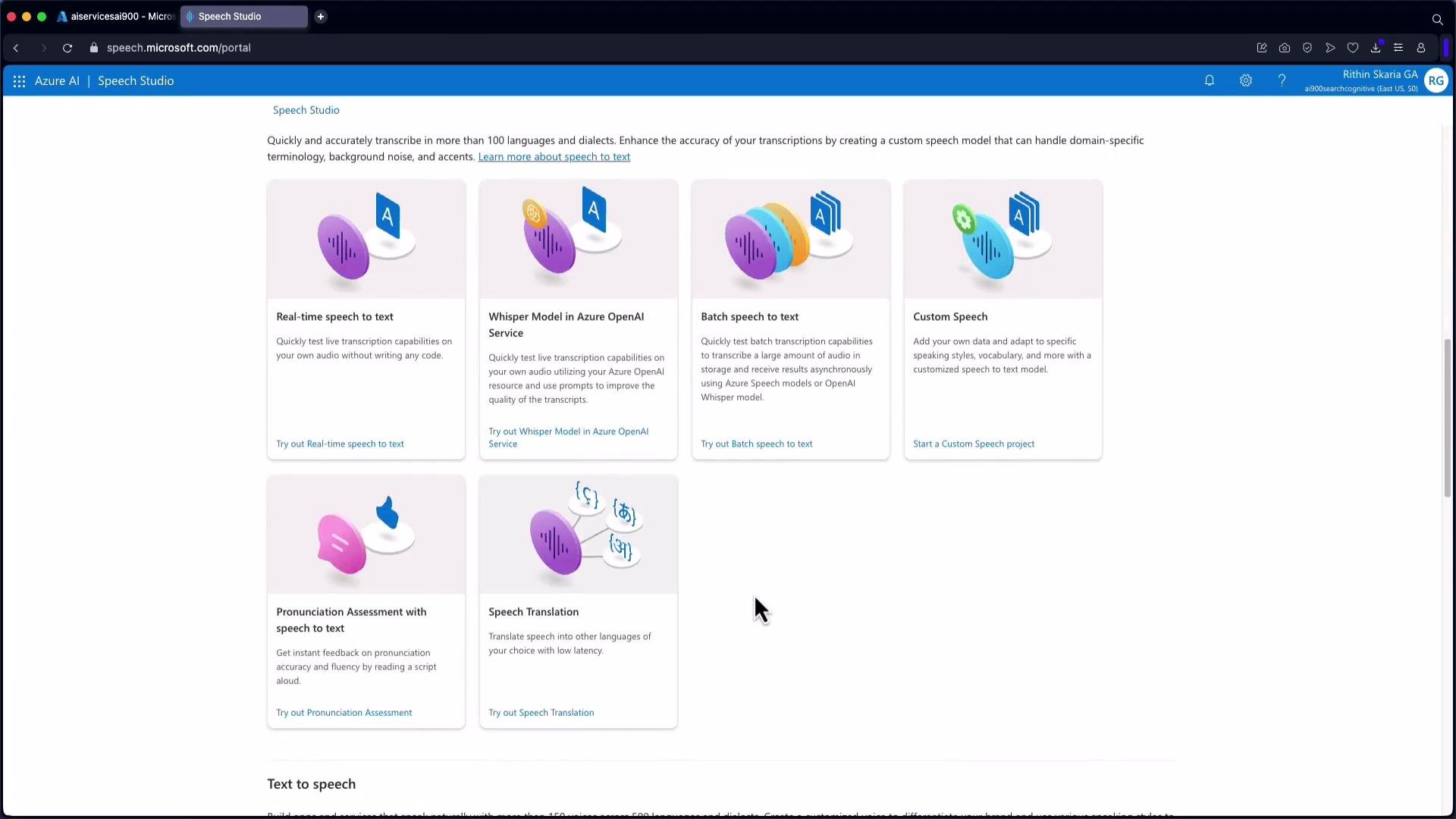 Speech Studio’s real-time preview functionality is supported in Edge and Chrome. If you use other browsers (for example, Opera), some preview features may not work as expected.
When you export SSML from Speech Studio you may see metadata comments followed by the SSML itself. Example exported SSML with metadata:
```xml theme={null}
```
SSML from code — Python example using the Azure Speech SDK
When synthesizing SSML programmatically with the Azure Speech SDK, call the SSML-specific method (for example, speak\_ssml\_async) instead of plain-text APIs. The Python example below demonstrates creating a SpeechSynthesizer and synthesizing expressive SSML:
```python theme={null}
import azure.cognitiveservices.speech as speechsdk
# Replace with your subscription key and service region
speech_key = "YourSubscriptionKey"
service_region = "YourServiceRegion"
speech_config = speechsdk.SpeechConfig(subscription=speech_key, region=service_region)
audio_config = speechsdk.audio.AudioOutputConfig(use_default_speaker=True)
speech_synthesizer = speechsdk.SpeechSynthesizer(speech_config=speech_config, audio_config=audio_config)
ssml = """
Welcome to the [AI-102: Microsoft Certified Azure AI Engineer Associate](https://learn.kodekloud.com/user/courses/ai-102-microsoft-certified-azure-ai-engineer-associate) course, your gateway to building smart apps with Azure AI.
From computer vision... to chatbots... we'll cover it all.
Let's get started - and level up your AI skills.
"""
# Speak the SSML content
result = speech_synthesizer.speak_ssml_async(ssml).get()
# Check result
if result.reason == speechsdk.ResultReason.SynthesizingAudioCompleted:
print("Speech synthesized and played through speaker.")
elif result.reason == speechsdk.ResultReason.Canceled:
cancellation = result.cancellation_details
print(f"Speech synthesis canceled: {cancellation.reason}")
if cancellation.reason == speechsdk.CancellationReason.Error:
print(f"Error details: {cancellation.error_details}")
```
Sample run
```bash theme={null}
$ python3 app_ssml.py
Speech synthesized and played through speaker.
```
Implementation notes and best practices
* Use express-as (or provider-specific equivalents) to apply emotional or speaking styles (cheerful, excited, empathetic, etc.).
* Use prosody to fine-tune rate, pitch, and volume. Negative rate values slow speech; positive values speed it up.
* Use break to add pauses for natural pacing.
* Use phoneme tags to force correct pronunciations for technical terms and names.
* Export SSML from Speech Studio to iterate quickly in the UI, then integrate the SSML into your application code.
* Always test SSML playback on target platforms and browsers, as preview features and supported styles may vary.
Tip: When programmatically synthesizing SSML, prefer SSML-specific synthesis methods (for example, speak\_ssml\_async in the Azure Speech SDK) to ensure the markup is interpreted correctly.
Conclusion
SSML enables precise control over voice, timing, pronunciation, and emotion, helping you craft natural, expressive speech for accessibility, conversational interfaces, voice-enabled apps, and branded audio experiences. You can author SSML in code, export it from Azure Speech Studio, or use the SDKs to synthesize SSML directly in your application.
Links and references
* Azure Speech Studio: [https://speech.microsoft.com/](https://speech.microsoft.com/)
* Azure Speech SDK documentation: [https://learn.microsoft.com/azure/cognitive-services/speech-service/](https://learn.microsoft.com/azure/cognitive-services/speech-service/)
* W3C SSML specification: [https://www.w3.org/TR/speech-synthesis/](https://www.w3.org/TR/speech-synthesis/)
* Azure Text-to-Speech voices and styles: [https://learn.microsoft.com/azure/cognitive-services/speech-service/voice-styles](https://learn.microsoft.com/azure/cognitive-services/speech-service/voice-styles)
Now that you know how to convert text to speech and enhance it with SSML, begin applying these techniques to build conversational and accessible experiences in your applications.
Speech Studio’s real-time preview functionality is supported in Edge and Chrome. If you use other browsers (for example, Opera), some preview features may not work as expected.
When you export SSML from Speech Studio you may see metadata comments followed by the SSML itself. Example exported SSML with metadata:
```xml theme={null}
```
SSML from code — Python example using the Azure Speech SDK
When synthesizing SSML programmatically with the Azure Speech SDK, call the SSML-specific method (for example, speak\_ssml\_async) instead of plain-text APIs. The Python example below demonstrates creating a SpeechSynthesizer and synthesizing expressive SSML:
```python theme={null}
import azure.cognitiveservices.speech as speechsdk
# Replace with your subscription key and service region
speech_key = "YourSubscriptionKey"
service_region = "YourServiceRegion"
speech_config = speechsdk.SpeechConfig(subscription=speech_key, region=service_region)
audio_config = speechsdk.audio.AudioOutputConfig(use_default_speaker=True)
speech_synthesizer = speechsdk.SpeechSynthesizer(speech_config=speech_config, audio_config=audio_config)
ssml = """
Welcome to the [AI-102: Microsoft Certified Azure AI Engineer Associate](https://learn.kodekloud.com/user/courses/ai-102-microsoft-certified-azure-ai-engineer-associate) course, your gateway to building smart apps with Azure AI.
From computer vision... to chatbots... we'll cover it all.
Let's get started - and level up your AI skills.
"""
# Speak the SSML content
result = speech_synthesizer.speak_ssml_async(ssml).get()
# Check result
if result.reason == speechsdk.ResultReason.SynthesizingAudioCompleted:
print("Speech synthesized and played through speaker.")
elif result.reason == speechsdk.ResultReason.Canceled:
cancellation = result.cancellation_details
print(f"Speech synthesis canceled: {cancellation.reason}")
if cancellation.reason == speechsdk.CancellationReason.Error:
print(f"Error details: {cancellation.error_details}")
```
Sample run
```bash theme={null}
$ python3 app_ssml.py
Speech synthesized and played through speaker.
```
Implementation notes and best practices
* Use express-as (or provider-specific equivalents) to apply emotional or speaking styles (cheerful, excited, empathetic, etc.).
* Use prosody to fine-tune rate, pitch, and volume. Negative rate values slow speech; positive values speed it up.
* Use break to add pauses for natural pacing.
* Use phoneme tags to force correct pronunciations for technical terms and names.
* Export SSML from Speech Studio to iterate quickly in the UI, then integrate the SSML into your application code.
* Always test SSML playback on target platforms and browsers, as preview features and supported styles may vary.
Tip: When programmatically synthesizing SSML, prefer SSML-specific synthesis methods (for example, speak\_ssml\_async in the Azure Speech SDK) to ensure the markup is interpreted correctly.
Conclusion
SSML enables precise control over voice, timing, pronunciation, and emotion, helping you craft natural, expressive speech for accessibility, conversational interfaces, voice-enabled apps, and branded audio experiences. You can author SSML in code, export it from Azure Speech Studio, or use the SDKs to synthesize SSML directly in your application.
Links and references
* Azure Speech Studio: [https://speech.microsoft.com/](https://speech.microsoft.com/)
* Azure Speech SDK documentation: [https://learn.microsoft.com/azure/cognitive-services/speech-service/](https://learn.microsoft.com/azure/cognitive-services/speech-service/)
* W3C SSML specification: [https://www.w3.org/TR/speech-synthesis/](https://www.w3.org/TR/speech-synthesis/)
* Azure Text-to-Speech voices and styles: [https://learn.microsoft.com/azure/cognitive-services/speech-service/voice-styles](https://learn.microsoft.com/azure/cognitive-services/speech-service/voice-styles)
Now that you know how to convert text to speech and enhance it with SSML, begin applying these techniques to build conversational and accessible experiences in your applications.