> ## Documentation Index
> Fetch the complete documentation index at: https://notes.kodekloud.com/llms.txt
> Use this file to discover all available pages before exploring further.
# Custom Translation
> Explains how to train and deploy Azure Custom Translator models using parallel corpora so translations reflect organization or industry specific terminology
Custom Translation helps when out-of-the-box translation models do not capture your organization- or industry-specific terminology and phrasing.
 What is Custom Translation?
* It trains a translation model on parallel text (source/target language pairs) that contain your preferred translations for domain-specific terms.
* The result is consistent translations that reflect company style, legal phrasing, medical terminology, or any other specialized vocabulary.
How it works (high-level)
1. Sign in to the Azure Custom Translator portal — the web UI for creating, training, evaluating, and managing custom translation projects.
2. Create or connect a workspace — a container for projects, models, and associated assets.
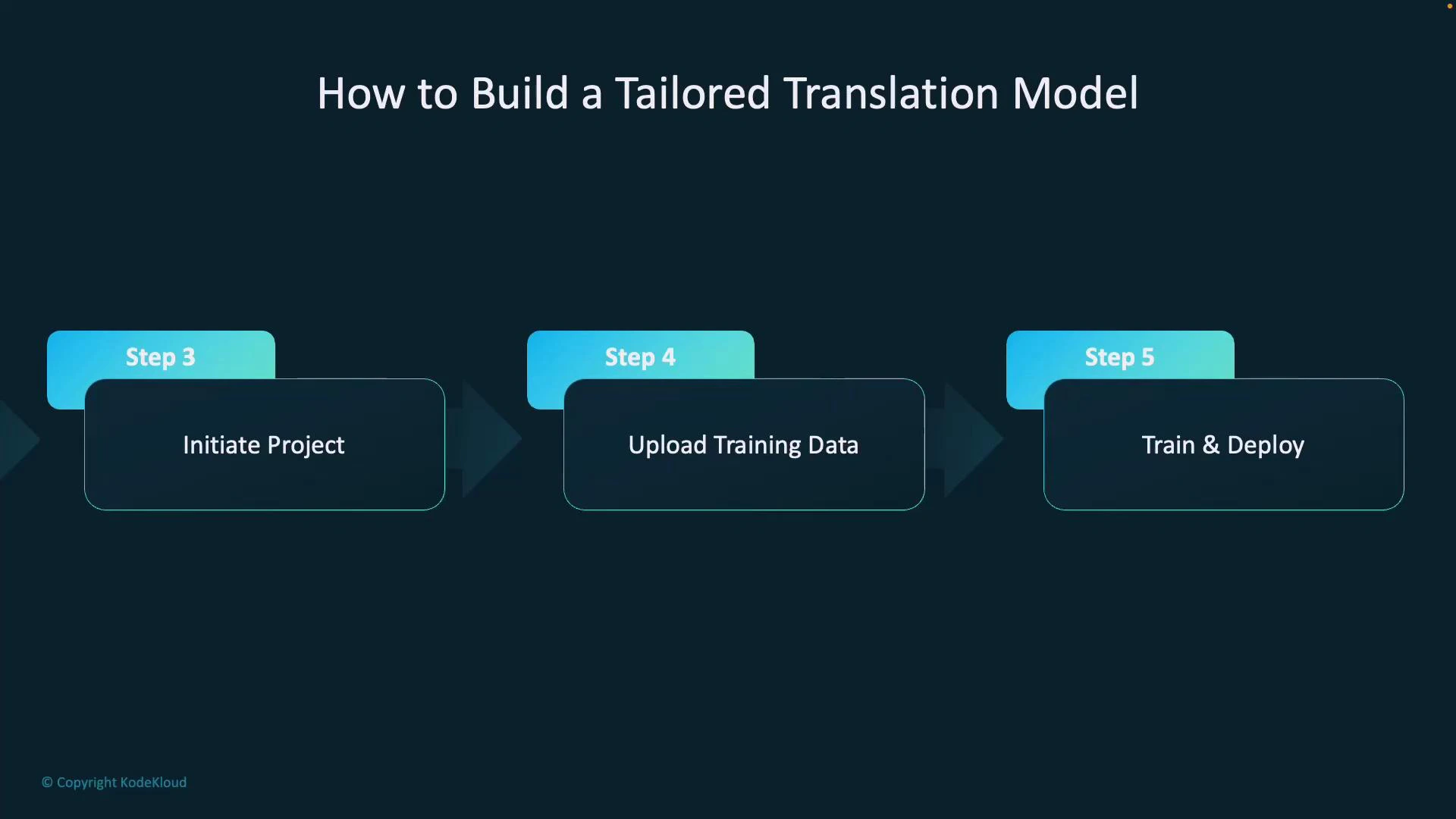
3. Start a new project — name it, set source and target languages, and choose a domain (for example, medical, legal, or a custom domain).
4. Upload training data — provide parallel documents (aligned source/target pairs) so the model learns your desired translations for terms and phrases.
5. Train the model — after training, publish or deploy the model so it becomes available as a translation endpoint.
What is Custom Translation?
* It trains a translation model on parallel text (source/target language pairs) that contain your preferred translations for domain-specific terms.
* The result is consistent translations that reflect company style, legal phrasing, medical terminology, or any other specialized vocabulary.
How it works (high-level)
1. Sign in to the Azure Custom Translator portal — the web UI for creating, training, evaluating, and managing custom translation projects.
2. Create or connect a workspace — a container for projects, models, and associated assets.
3. Start a new project — name it, set source and target languages, and choose a domain (for example, medical, legal, or a custom domain).
4. Upload training data — provide parallel documents (aligned source/target pairs) so the model learns your desired translations for terms and phrases.
5. Train the model — after training, publish or deploy the model so it becomes available as a translation endpoint.
 Workflow summary
| Step | Purpose | Notes |
| -------------------------- | ----------------------------------- | ---------------------------------------------- |
| Create workspace & project | Organize assets and settings | Project ties together language pair and domain |
| Upload parallel corpora | Teach model preferred translations | Use high-quality, aligned source/target pairs |
| Train & evaluate | Tune model to your data | Evaluate using held-out test sets |
| Publish model | Make model available as an endpoint | Publishing yields a category/project ID |
Using your custom model in Translator API calls
* When you publish a custom model, Azure assigns a category ID (sometimes called a project category ID). Provide this category ID in your Translator API requests to route translations to your custom model instead of the default system model.
Example curl request using the category parameter (Translator Text API v3.0):
```bash theme={null}
curl -X POST "https://api.cognitive.microsofttranslator.com/translate?api-version=3.0&from=en&to=de&category=YOUR_CATEGORY_ID" \
-H "Ocp-Apim-Subscription-Key: YOUR_SUBSCRIPTION_KEY" \
-H "Content-Type: application/json" \
-d '[{"Text":"Please review the patient consent form."}]'
```
Tips and best practices
* Provide high-quality, representative parallel data covering the phrases and terms you want translated.
* Include multiple examples and contexts for ambiguous terms to improve disambiguation.
* Hold out a test set (not used for training) to measure actual translation improvements.
* Document and version your training datasets so you can reproduce and iterate on model improvements.
Ensure your parallel data is clean, well-aligned, and representative of the terminology and phrasing you expect in production. Data quality and coverage directly affect the performance of your custom translation model.
Additional resources
* Microsoft Docs: Custom Translator — [https://learn.microsoft.com/azure/cognitive-services/translator/custom-translator/](https://learn.microsoft.com/azure/cognitive-services/translator/custom-translator/)
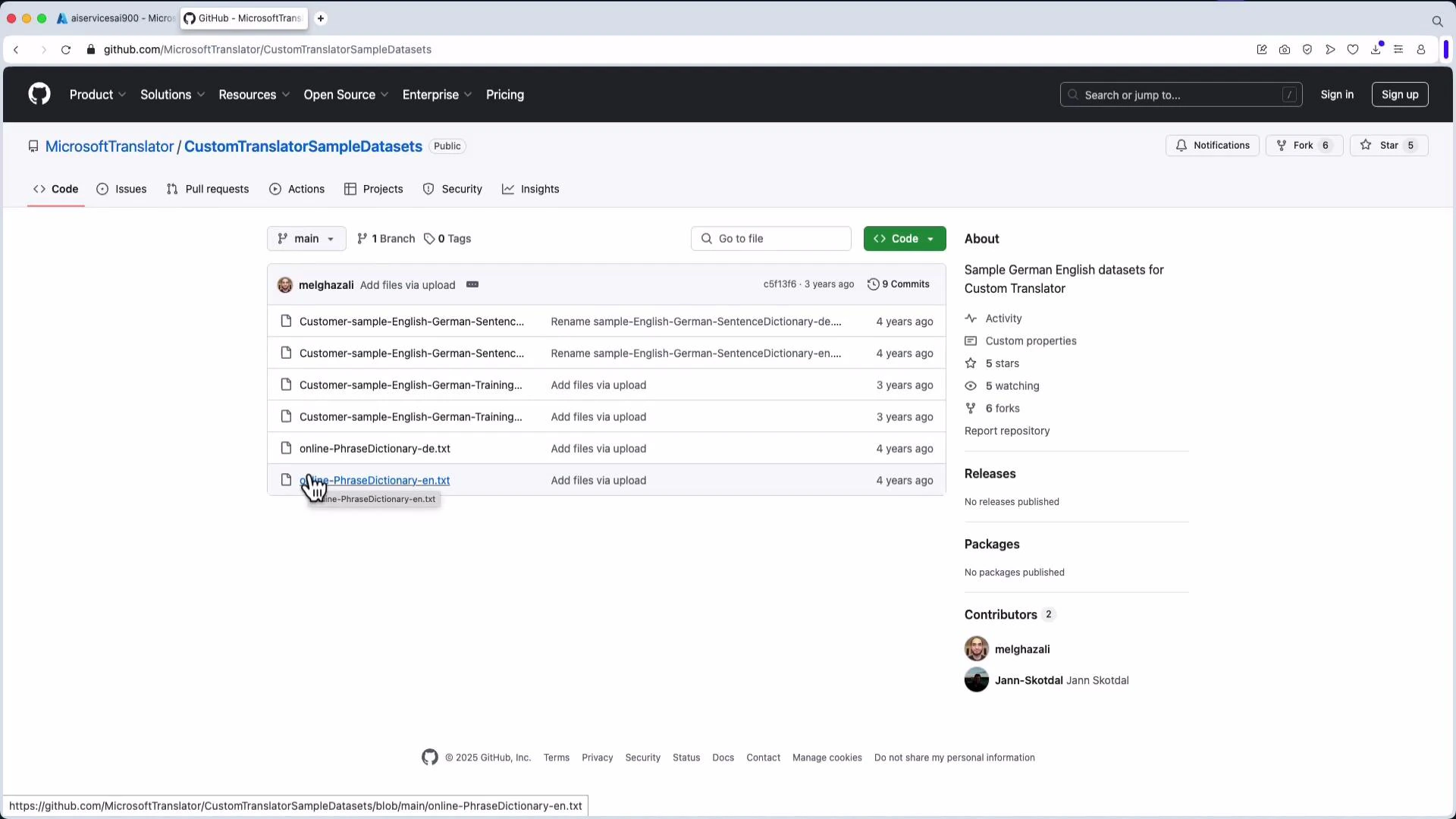
* Sample datasets (English↔German): [https://github.com/MicrosoftTranslator/CustomTranslatorSampleDatasets](https://github.com/MicrosoftTranslator/CustomTranslatorSampleDatasets)
For a hands-on starting point, the sample dataset repository on GitHub contains example parallel corpora you can upload to the Custom Translator portal to experiment with training and evaluation.
Workflow summary
| Step | Purpose | Notes |
| -------------------------- | ----------------------------------- | ---------------------------------------------- |
| Create workspace & project | Organize assets and settings | Project ties together language pair and domain |
| Upload parallel corpora | Teach model preferred translations | Use high-quality, aligned source/target pairs |
| Train & evaluate | Tune model to your data | Evaluate using held-out test sets |
| Publish model | Make model available as an endpoint | Publishing yields a category/project ID |
Using your custom model in Translator API calls
* When you publish a custom model, Azure assigns a category ID (sometimes called a project category ID). Provide this category ID in your Translator API requests to route translations to your custom model instead of the default system model.
Example curl request using the category parameter (Translator Text API v3.0):
```bash theme={null}
curl -X POST "https://api.cognitive.microsofttranslator.com/translate?api-version=3.0&from=en&to=de&category=YOUR_CATEGORY_ID" \
-H "Ocp-Apim-Subscription-Key: YOUR_SUBSCRIPTION_KEY" \
-H "Content-Type: application/json" \
-d '[{"Text":"Please review the patient consent form."}]'
```
Tips and best practices
* Provide high-quality, representative parallel data covering the phrases and terms you want translated.
* Include multiple examples and contexts for ambiguous terms to improve disambiguation.
* Hold out a test set (not used for training) to measure actual translation improvements.
* Document and version your training datasets so you can reproduce and iterate on model improvements.
Ensure your parallel data is clean, well-aligned, and representative of the terminology and phrasing you expect in production. Data quality and coverage directly affect the performance of your custom translation model.
Additional resources
* Microsoft Docs: Custom Translator — [https://learn.microsoft.com/azure/cognitive-services/translator/custom-translator/](https://learn.microsoft.com/azure/cognitive-services/translator/custom-translator/)
* Sample datasets (English↔German): [https://github.com/MicrosoftTranslator/CustomTranslatorSampleDatasets](https://github.com/MicrosoftTranslator/CustomTranslatorSampleDatasets)
For a hands-on starting point, the sample dataset repository on GitHub contains example parallel corpora you can upload to the Custom Translator portal to experiment with training and evaluation.