> ## Documentation Index
> Fetch the complete documentation index at: https://notes.kodekloud.com/llms.txt
> Use this file to discover all available pages before exploring further.
# Module Introduction
> Guide to using AI and Azure Translator for scalable multilingual translation, plus customizing domain-specific terminology and compliance considerations
This lesson focuses on translating text using AI. Building on earlier modules that covered language services—such as language detection, content summarization, entity extraction, and sentiment analysis—you will now learn how to translate text reliably and at scale.
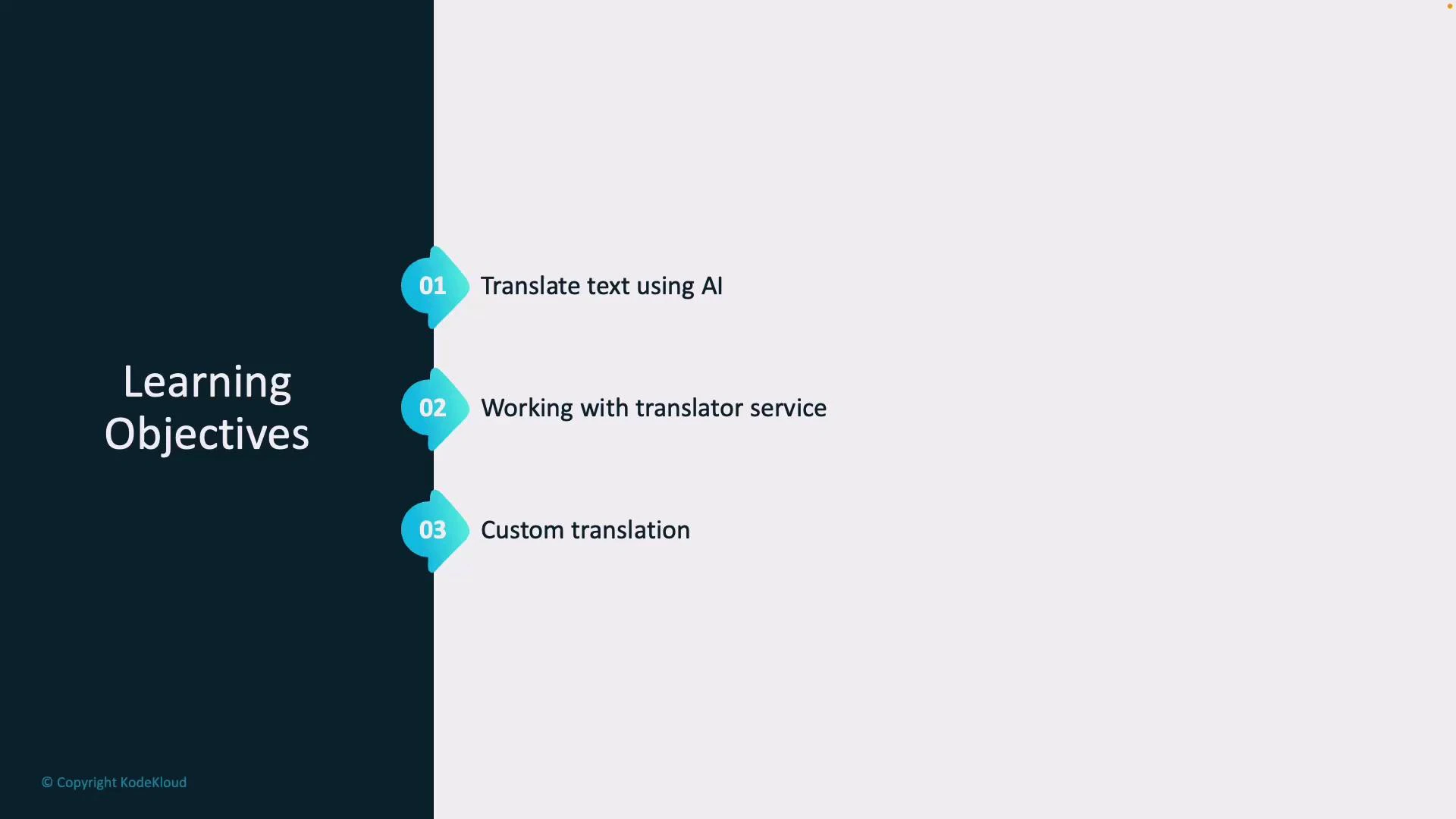
In this lesson you will learn three practical areas that help you support global users and multilingual content:
* How AI can automatically translate text between languages to support international customers, documentation, or localized UX.
* How to use the Azure Translator service — a scalable REST API that simplifies integrating translation into apps, services, and workflows. See Microsoft documentation for details: [https://learn.microsoft.com/azure/cognitive-services/translator/](https://learn.microsoft.com/azure/cognitive-services/translator/)
* How to apply Custom Translator to customize translations for domain-specific terminology, tone, or compliance needs (for example, medical or legal translations). See Custom Translator docs: [https://learn.microsoft.com/azure/cognitive-services/translator/custom-translator/](https://learn.microsoft.com/azure/cognitive-services/translator/custom-translator/)
| Learning objective | Practical benefit | Reference |
| ----------------------------- | -----------------------------------------------------------------------: | ------------------------------------------------------------------------------------------------------------------------------------------------------------------------ |
| Translate text using AI | Faster, consistent multilingual content for apps and support | [https://learn.microsoft.com/azure/cognitive-services/translator/](https://learn.microsoft.com/azure/cognitive-services/translator/) |
| Working with Azure Translator | Scalable, production-ready translation APIs and SDKs | [https://learn.microsoft.com/azure/cognitive-services/translator/](https://learn.microsoft.com/azure/cognitive-services/translator/) |
| Custom translation | Domain-specific vocabulary and improved accuracy for specialized content | [https://learn.microsoft.com/azure/cognitive-services/translator/custom-translator/](https://learn.microsoft.com/azure/cognitive-services/translator/custom-translator/) |
Tip: If you’re new to Azure Translator, start with the quickstart examples in the Microsoft docs to test basic translation flows before adding custom glossaries or deployment-specific configurations.
Warning: Translating sensitive or regulated content (PHI, PII, legal documents) may have compliance implications. Always validate privacy requirements and consider on-premises or private deployment options when handling confidential data.
 By the end of this lesson, you will be confident using AI and Azure Translator to translate content across languages efficiently and accurately, and you’ll know when and how to apply custom translation to meet domain-specific requirements.
## Links and references
* Azure Translator overview: [https://learn.microsoft.com/azure/cognitive-services/translator/](https://learn.microsoft.com/azure/cognitive-services/translator/)
* Custom Translator: [https://learn.microsoft.com/azure/cognitive-services/translator/custom-translator/](https://learn.microsoft.com/azure/cognitive-services/translator/custom-translator/)
By the end of this lesson, you will be confident using AI and Azure Translator to translate content across languages efficiently and accurately, and you’ll know when and how to apply custom translation to meet domain-specific requirements.
## Links and references
* Azure Translator overview: [https://learn.microsoft.com/azure/cognitive-services/translator/](https://learn.microsoft.com/azure/cognitive-services/translator/)
* Custom Translator: [https://learn.microsoft.com/azure/cognitive-services/translator/custom-translator/](https://learn.microsoft.com/azure/cognitive-services/translator/custom-translator/)