> ## Documentation Index
> Fetch the complete documentation index at: https://notes.kodekloud.com/llms.txt
> Use this file to discover all available pages before exploring further.
# Module Introduction
> Guide to operating Azure AI services in production by securing access, monitoring performance and costs, and deploying containerized models for reliable, scalable enterprise and edge environments.
Welcome to the next lesson: using [Azure AI Services](https://learn.kodekloud.com/user/courses/ai-102-microsoft-certified-azure-ai-engineer-associate) for enterprise applications.
This module shifts focus from building and integrating AI capabilities to operating them reliably at scale. You’ll learn practical operational skills to secure, monitor, and deploy Azure AI Services so your solutions run securely, perform well, and remain cost‑efficient in production environments.
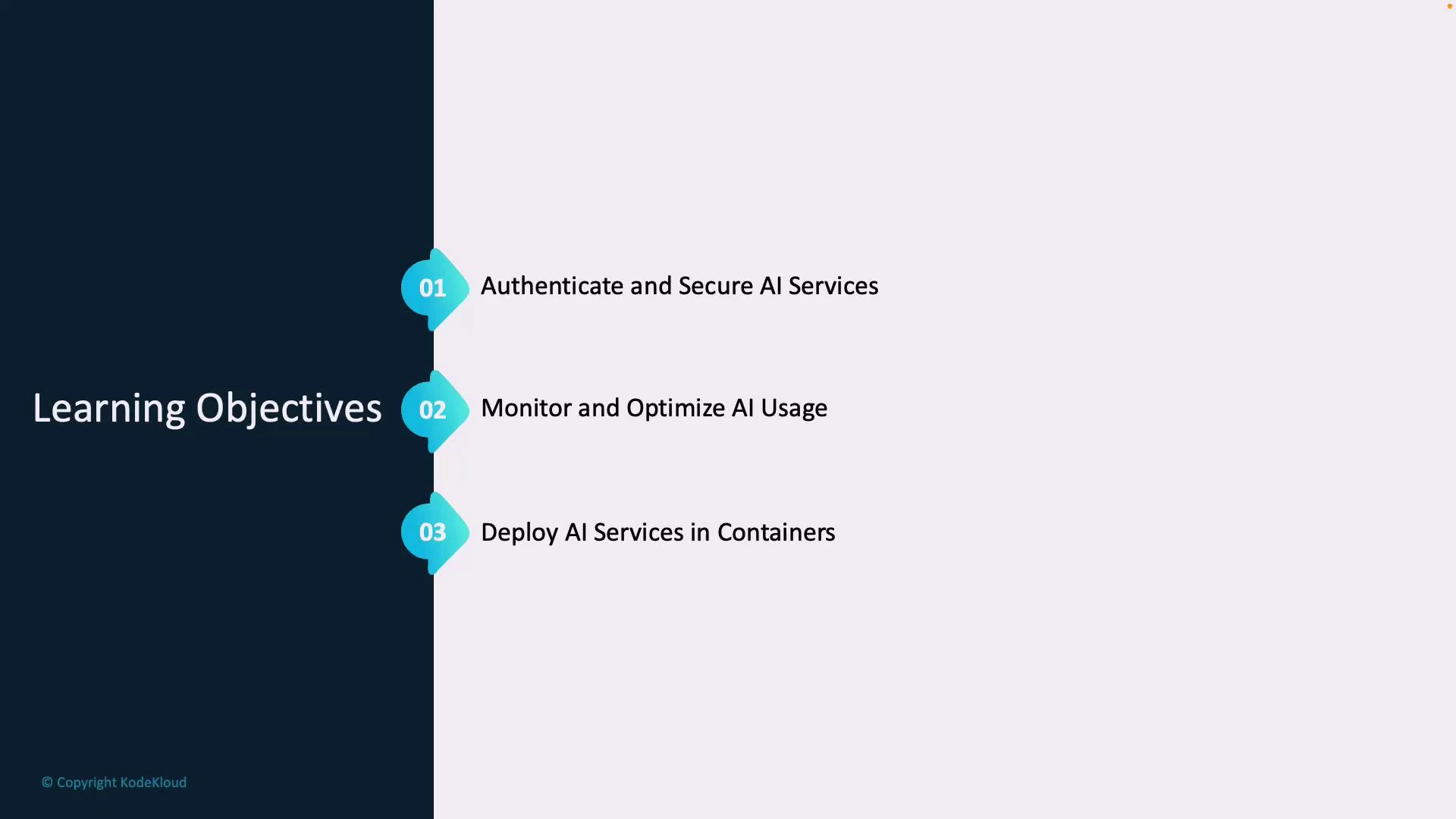
You will cover three core areas that matter for production-grade AI:
1. Authenticate and secure AI services
* Manage API keys and secrets safely
* Store secrets centrally with [Azure Key Vault](https://learn.microsoft.com/azure/key-vault/general/overview)
* Use [Azure Active Directory](https://learn.microsoft.com/azure/active-directory/fundamentals/active-directory-whatis) and managed identities to enforce least‑privilege access
* Implement role‑based access control (RBAC) and network isolation via [private endpoints](https://learn.microsoft.com/azure/private-link/private-endpoint-overview) and [VNETs](https://learn.microsoft.com/azure/virtual-network/virtual-networks-overview)
2. Monitor and optimize AI usage
* Track metrics and usage to understand cost and performance drivers
* Collect logs and traces with [Azure Monitor](https://learn.microsoft.com/azure/azure-monitor/overview), [Log Analytics](https://learn.microsoft.com/azure/azure-monitor/logs/log-analytics-overview), and [Application Insights](https://learn.microsoft.com/azure/azure-monitor/app/app-insights-overview)
* Analyze latency, error rates, and throughput to guide autoscaling and cost optimization
3. Deploy AI services in containers
* Containerize models and inference components using Docker best practices
* Run containers locally, in [Azure Container Instances (ACI)](https://learn.microsoft.com/azure/container-instances/container-instances-overview), or on [Azure Kubernetes Service (AKS)](https://learn.microsoft.com/azure/aks/intro-kubernetes)
* Use [Azure Container Registry (ACR)](https://learn.microsoft.com/azure/container-registry/container-registry-intro) or private registries for controlled image distribution
* Plan for edge deployments and air‑gapped or private‑network scenarios where public endpoints are not available
Why this matters: securing access, instrumenting services early, and using containers for predictable deployments are essential to running AI in production—whether you support global enterprise systems, regulated industries, or edge devices.
Key concepts and examples at a glance:
| Focus Area | Primary Goal | Example Azure Services |
| ------------------------- | ------------------------------------ | ----------------------------------------------------------------------- |
| Authentication & Security | Protect credentials and limit access | Azure Key Vault, Azure AD, Managed Identities, Private Endpoints, VNETs |
| Monitoring & Optimization | Observe behavior and control costs | Azure Monitor, Log Analytics, Application Insights |
| Containerized Deployment | Package and run inference reliably | Docker, ACR, ACI, AKS |
 Security and monitoring are foundational. Prefer managed identities and Key Vault over long-lived keys, and instrument your services early so you can measure and optimize before traffic grows.
Further reading and references
* [Azure Key Vault overview](https://learn.microsoft.com/azure/key-vault/general/overview)
* [Azure Active Directory fundamentals](https://learn.microsoft.com/azure/active-directory/fundamentals/active-directory-whatis)
* [Azure Monitor overview](https://learn.microsoft.com/azure/azure-monitor/overview)
* [Log Analytics overview](https://learn.microsoft.com/azure/azure-monitor/logs/log-analytics-overview)
* [Application Insights overview](https://learn.microsoft.com/azure/azure-monitor/app/app-insights-overview)
* [Azure Container Instances overview](https://learn.microsoft.com/azure/container-instances/container-instances-overview)
* [Azure Kubernetes Service (AKS) introduction](https://learn.microsoft.com/azure/aks/intro-kubernetes)
* [Azure Container Registry introduction](https://learn.microsoft.com/azure/container-registry/container-registry-intro)
Security and monitoring are foundational. Prefer managed identities and Key Vault over long-lived keys, and instrument your services early so you can measure and optimize before traffic grows.
Further reading and references
* [Azure Key Vault overview](https://learn.microsoft.com/azure/key-vault/general/overview)
* [Azure Active Directory fundamentals](https://learn.microsoft.com/azure/active-directory/fundamentals/active-directory-whatis)
* [Azure Monitor overview](https://learn.microsoft.com/azure/azure-monitor/overview)
* [Log Analytics overview](https://learn.microsoft.com/azure/azure-monitor/logs/log-analytics-overview)
* [Application Insights overview](https://learn.microsoft.com/azure/azure-monitor/app/app-insights-overview)
* [Azure Container Instances overview](https://learn.microsoft.com/azure/container-instances/container-instances-overview)
* [Azure Kubernetes Service (AKS) introduction](https://learn.microsoft.com/azure/aks/intro-kubernetes)
* [Azure Container Registry introduction](https://learn.microsoft.com/azure/container-registry/container-registry-intro)