> ## Documentation Index
> Fetch the complete documentation index at: https://notes.kodekloud.com/llms.txt
> Use this file to discover all available pages before exploring further.
# Certification Details
> Overview of the AI-901 Microsoft Azure AI Fundamentals exam domains, weighting, study tips, and hands-on Microsoft Foundry implementation guidance.
This page breaks down the AI-901 (Microsoft Azure AI Fundamentals) exam into its core domains, what each domain tests, and how to prepare effectively. Below is a concise mapping of the exam structure, followed by detailed guidance for each domain and recommended study resources.
Exam domains and approximate weighting:
| Domain | Weight | What it tests |
| - | -: | - |
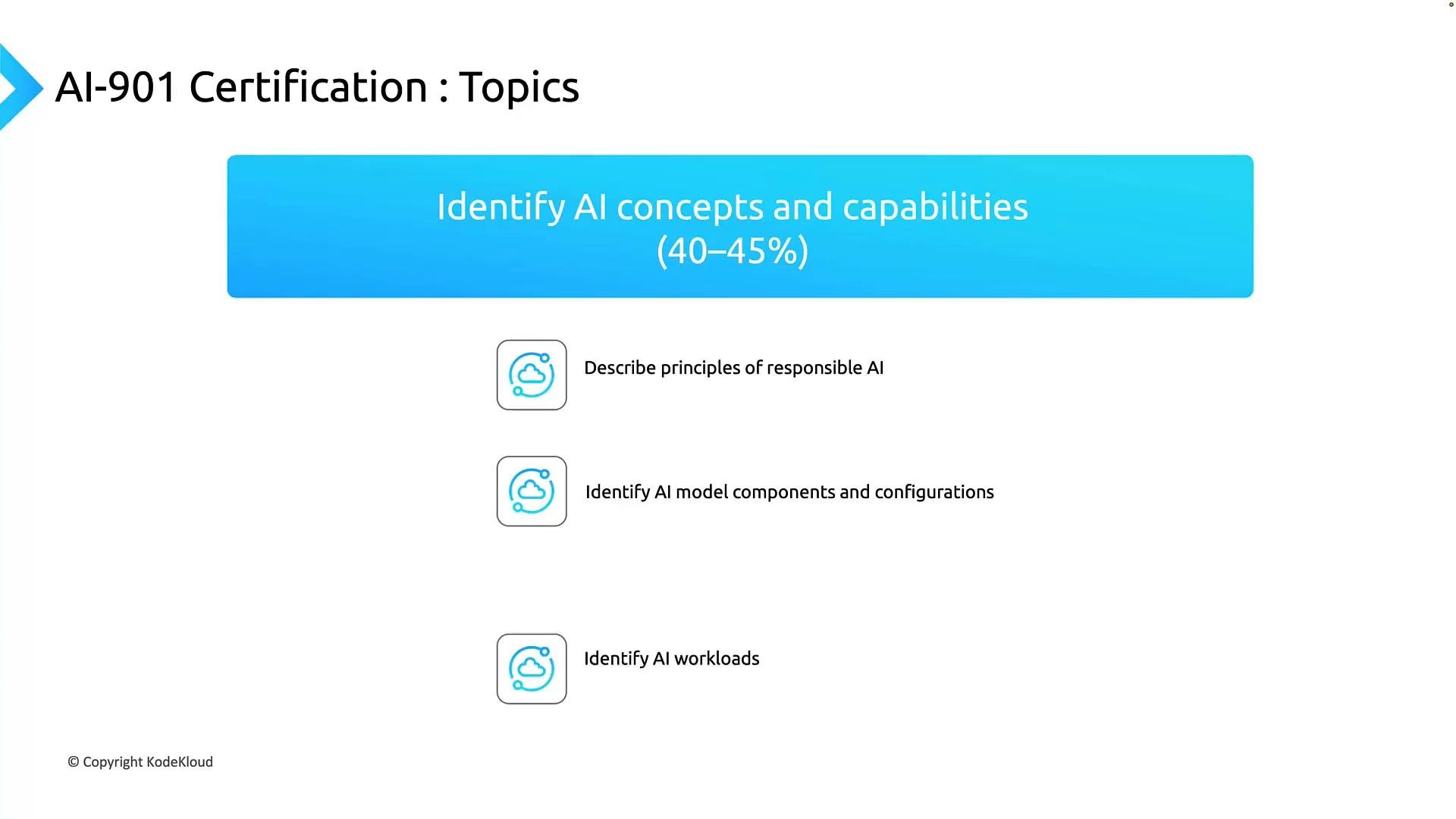
| Identify AI concepts and capabilities | 40–45% | Responsible AI principles, AI model components/configurations, and mapping workloads to AI solutions |
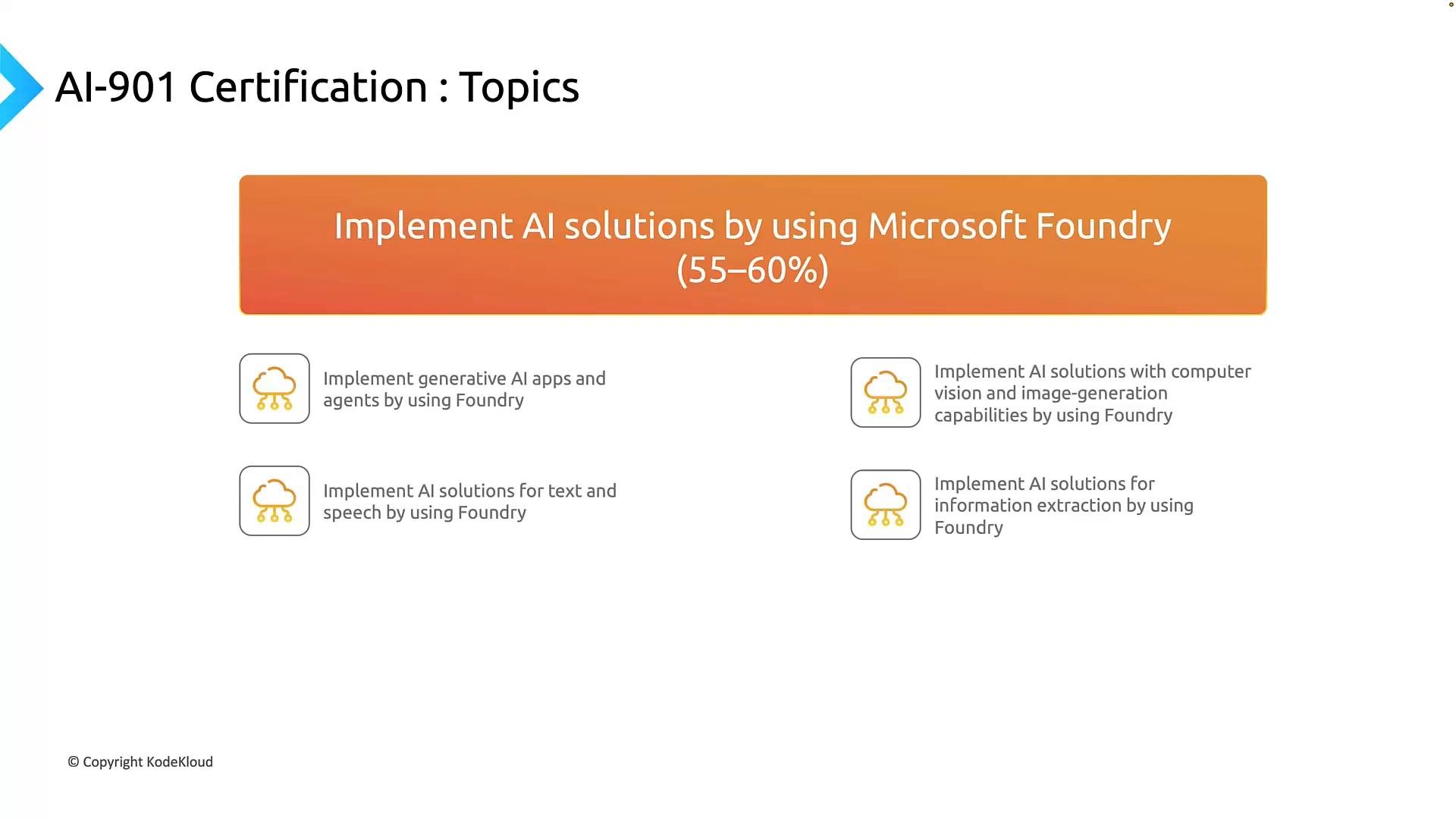
| Implement AI solutions using Microsoft Foundry | 55–60% | Practical skills: building generative AI apps/agents, text & speech solutions, computer vision/image generation, and information extraction |
Prepare strategically: allocate study time proportionally — roughly 40–45% on conceptual topics and 55–60% on hands-on Foundry implementation. Practical labs and SDK practice are essential to pass the larger implementation portion.
***
## 1) Identify AI concepts and capabilities (40–45%)
This domain verifies that you can reason about AI at a conceptual level and select appropriate capabilities for real-world problems. It has three primary subtopics:
* Responsible AI
* Core concepts: fairness, reliability & safety, privacy & security, inclusiveness, transparency, and accountability.
* Why it matters: Responsible AI principles guide design, evaluation, and deployment choices that build user trust and meet legal/regulatory expectations.
* AI model components and configurations
* Focus: how generative and discriminative models work, selecting models by task (e.g., completion vs. classification vs. detection), and understanding deployment/configuration options for production (scaling, latency, monitoring).
* AI workloads
* Focus: recognize problem patterns (e.g., classification, entity extraction, summarization, multimodal search) and map them to the right technologies and services.
Key skills tested in this domain:
| Skill | Example tasks |
| - | - |
| Responsible AI evaluation | Identify bias risk and mitigation strategies |
| Model selection | Choose text generation vs extractive summarization vs classification |
| Workload mapping | Map a customer-support use case to conversational AI + knowledge base |
 Study tips for this domain:
* Review Responsible AI frameworks and examples of mitigation strategies (data balancing, model explainability, logging).
* Learn model types and common architecture trade-offs (accuracy vs latency, compute costs).
* Practice mapping sample business problems to AI solutions — write one- or two-line justifications for your design choices.
***
## 2) Implement AI solutions by using Microsoft Foundry (55–60%)
This is the hands-on portion and carries the larger share of exam weight. Expect scenario-based questions that test your ability to build, configure, and deploy AI solutions using Microsoft Foundry and related Azure services.
Primary focus areas:
* Generative AI applications and agents
* Tasks: craft effective system and user prompts, configure prompts and tools in Foundry, deploy models through the Foundry portal, and use the Foundry SDK to create lightweight applications or workflows.
* Text and speech solutions
* Tasks: implement text analytics, conversational flows, speech-to-text and text-to-speech pipelines. Example workflow: record spoken questions → transcribe → run model for answer → return audio reply.
* Computer vision and image generation
* Tasks: use classification and object detection models, set up image-based pipelines, and generate images from prompts or parameterized models.
* Information extraction
* Tasks: extract structured data from documents, forms, images, audio, or video (e.g., OCR + entity extraction for invoices).
Examples of implementation activities you should practice:
| Implementation area | Practice activity |
| - | - |
| Generative apps | Create prompts, chain model calls, and test response validation |
| Conversational AI | Build a simple bot that handles intents and calls an LLM for fallback responses |
| Vision pipelines | Configure an object-detection pipeline and validate outputs on sample images |
| Document extraction | Extract fields from PDFs and map them to structured JSON outputs |
Study tips for this domain:
* Review Responsible AI frameworks and examples of mitigation strategies (data balancing, model explainability, logging).
* Learn model types and common architecture trade-offs (accuracy vs latency, compute costs).
* Practice mapping sample business problems to AI solutions — write one- or two-line justifications for your design choices.
***
## 2) Implement AI solutions by using Microsoft Foundry (55–60%)
This is the hands-on portion and carries the larger share of exam weight. Expect scenario-based questions that test your ability to build, configure, and deploy AI solutions using Microsoft Foundry and related Azure services.
Primary focus areas:
* Generative AI applications and agents
* Tasks: craft effective system and user prompts, configure prompts and tools in Foundry, deploy models through the Foundry portal, and use the Foundry SDK to create lightweight applications or workflows.
* Text and speech solutions
* Tasks: implement text analytics, conversational flows, speech-to-text and text-to-speech pipelines. Example workflow: record spoken questions → transcribe → run model for answer → return audio reply.
* Computer vision and image generation
* Tasks: use classification and object detection models, set up image-based pipelines, and generate images from prompts or parameterized models.
* Information extraction
* Tasks: extract structured data from documents, forms, images, audio, or video (e.g., OCR + entity extraction for invoices).
Examples of implementation activities you should practice:
| Implementation area | Practice activity |
| - | - |
| Generative apps | Create prompts, chain model calls, and test response validation |
| Conversational AI | Build a simple bot that handles intents and calls an LLM for fallback responses |
| Vision pipelines | Configure an object-detection pipeline and validate outputs on sample images |
| Document extraction | Extract fields from PDFs and map them to structured JSON outputs |
 Practical advice:
* Use the Foundry portal and SDK to deploy simple flows end-to-end (prompt → model → post-processing → output).
* Monitor model responses and add validation steps for safety and reliability.
* Practice with sample datasets and iterate on prompt engineering and pipeline composition.
***
## Exam sandbox and environment
Get comfortable with the exam interface before test day. Microsoft provides an exam sandbox that simulates the real testing environment. Typical sandbox features include:
* Question navigation and exam progress indicator
* Time remaining clock and automatic time tracking
* Access to [Microsoft Learn](https://learn.microsoft.com) if allowed during the exam
* Break options and an on-screen calculator
Why this matters:
* Knowing how to navigate the sandbox saves valuable time during the exam.
* If external resources are allowed, practice efficient searching so you can quickly find answers without losing time.
Practical advice:
* Use the Foundry portal and SDK to deploy simple flows end-to-end (prompt → model → post-processing → output).
* Monitor model responses and add validation steps for safety and reliability.
* Practice with sample datasets and iterate on prompt engineering and pipeline composition.
***
## Exam sandbox and environment
Get comfortable with the exam interface before test day. Microsoft provides an exam sandbox that simulates the real testing environment. Typical sandbox features include:
* Question navigation and exam progress indicator
* Time remaining clock and automatic time tracking
* Access to [Microsoft Learn](https://learn.microsoft.com) if allowed during the exam
* Break options and an on-screen calculator
Why this matters:
* Knowing how to navigate the sandbox saves valuable time during the exam.
* If external resources are allowed, practice efficient searching so you can quickly find answers without losing time.
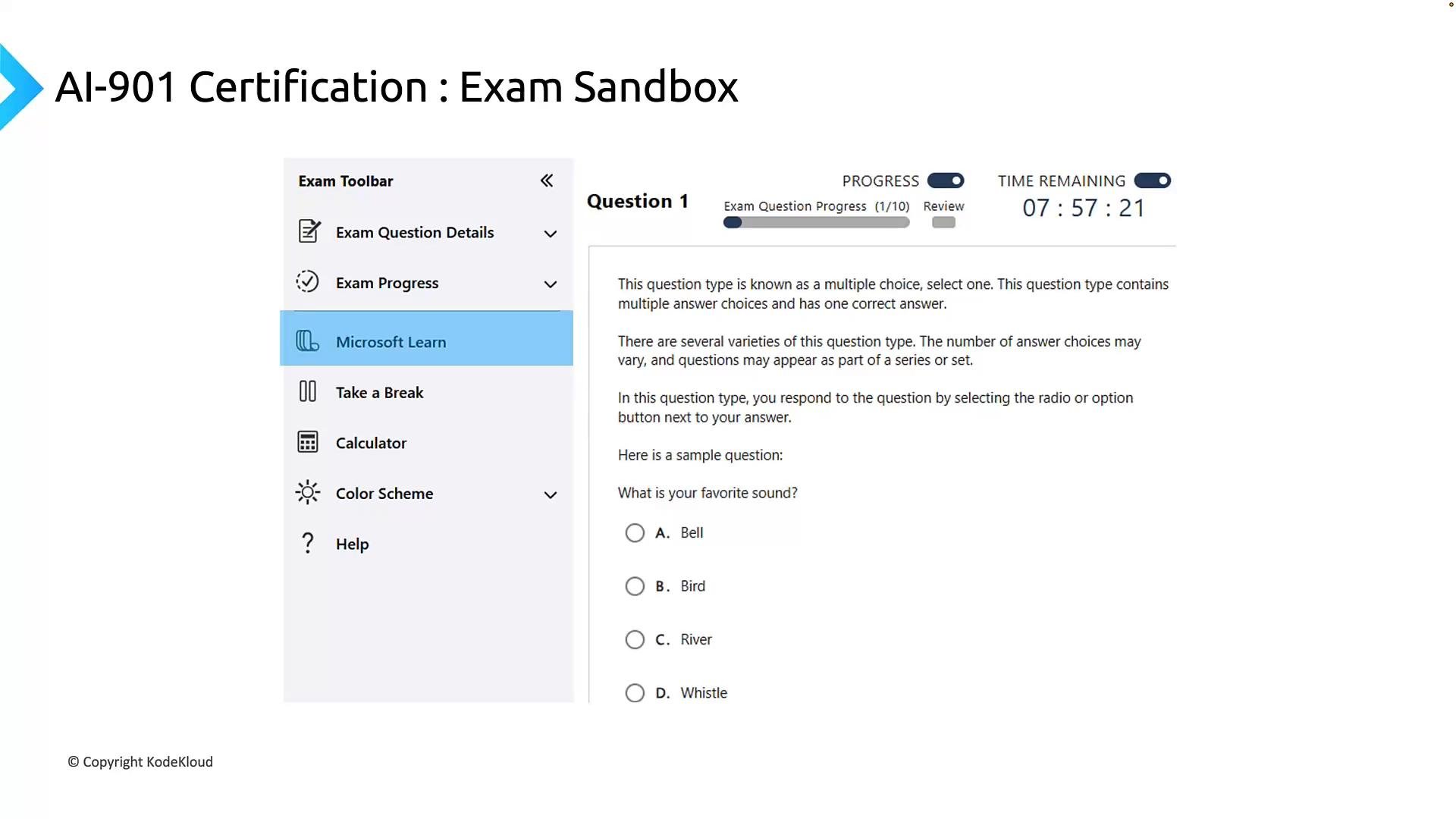 Practice the exam sandbox ahead of time. If access to [Microsoft Learn](https://learn.microsoft.com) is available during your exam, know how to search documentation quickly and efficiently. Relying only on memory increases exam risk.
***
## Preparation resources
Official and recommended resources to align study with exam objectives:
* Microsoft learning paths mapped to exam objectives
* One path focuses on AI concepts and responsible AI principles, another on implementing AI apps and agents using Azure/Foundry.
* Official AI-901 exam guide
* Use the exam skills outline to ensure you cover every objective.
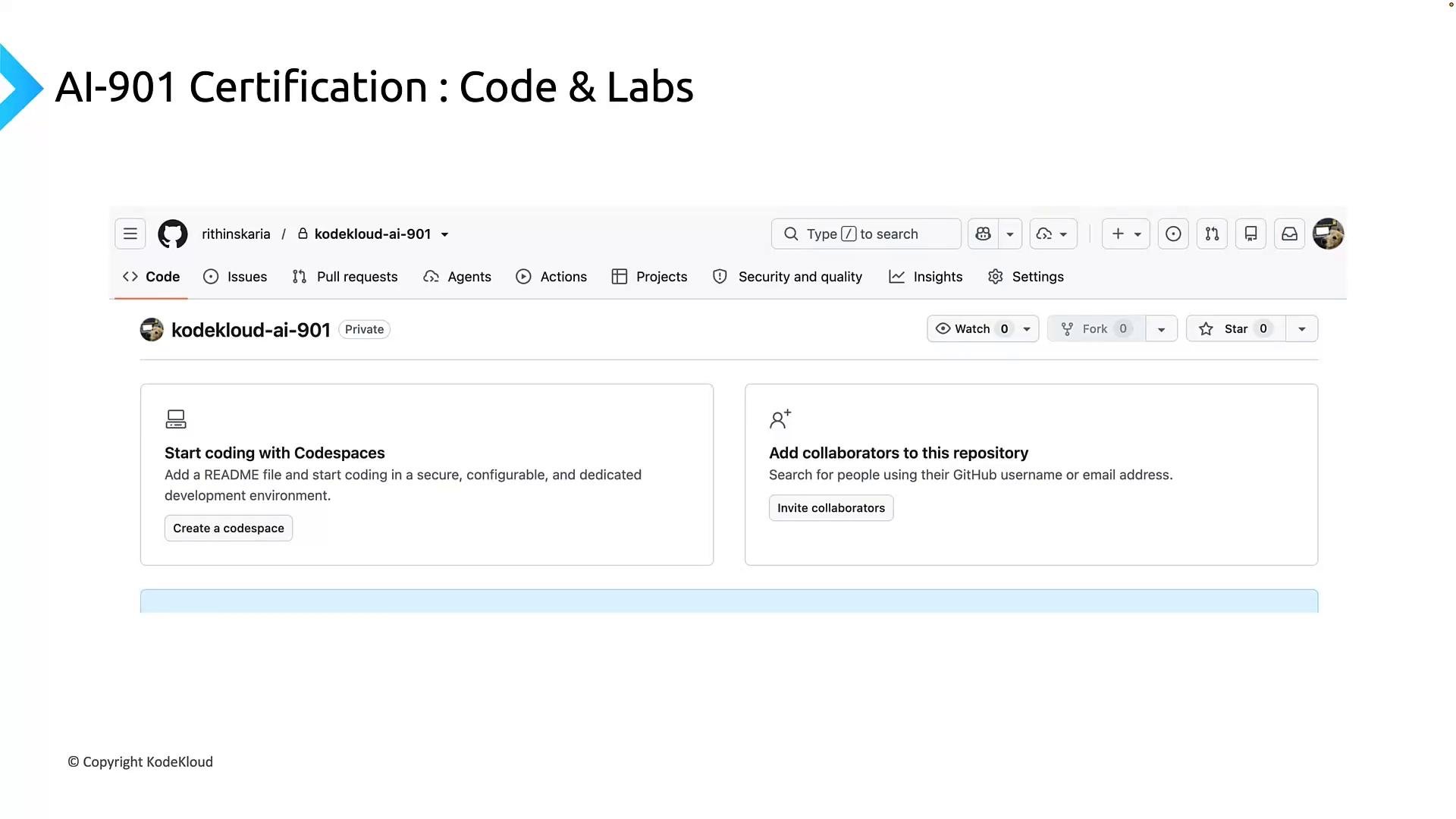
* Code samples and hands-on labs
* Hands-on labs let you practice building flows, integrating models, configuring deployments, and using Foundry SDKs and portals.
* Community repositories and examples
* Explore sample projects to see real-world patterns and common implementation details.
Practice the exam sandbox ahead of time. If access to [Microsoft Learn](https://learn.microsoft.com) is available during your exam, know how to search documentation quickly and efficiently. Relying only on memory increases exam risk.
***
## Preparation resources
Official and recommended resources to align study with exam objectives:
* Microsoft learning paths mapped to exam objectives
* One path focuses on AI concepts and responsible AI principles, another on implementing AI apps and agents using Azure/Foundry.
* Official AI-901 exam guide
* Use the exam skills outline to ensure you cover every objective.
* Code samples and hands-on labs
* Hands-on labs let you practice building flows, integrating models, configuring deployments, and using Foundry SDKs and portals.
* Community repositories and examples
* Explore sample projects to see real-world patterns and common implementation details.
 Recommended study approach:
1. Start with Responsible AI fundamentals and model types (conceptual grounding).
2. Move to Foundry hands-on labs — implement simple workflows for each implementation area.
3. Use the exam sandbox to practice pacing and question navigation.
4. Review the official exam guide and take practice exams to identify weak spots.
***
## Summary
AI-901 evaluates both conceptual understanding and practical implementation:
* Identify AI concepts and capabilities (40–45%): Responsible AI, model components/configuration, and workload mapping.
* Implement AI solutions using Microsoft Foundry (55–60%): Generative AI and agents, text & speech, computer vision & image generation, and information extraction.
Follow a study plan that pairs conceptual study with hands-on Foundry practice. Use the official learning paths, labs, and sandbox practice to ensure readiness for both the theoretical and practical parts of the exam.
Links and references:
* [Microsoft Learn](https://learn.microsoft.com) for official learning paths and documentation
* Microsoft exam pages and official AI-901 skills outline (search on Microsoft Learn for the most current exam guide)
This documentation is built and hosted on [Mintlify](https://mintlify.com), a developer documentation platform.
Recommended study approach:
1. Start with Responsible AI fundamentals and model types (conceptual grounding).
2. Move to Foundry hands-on labs — implement simple workflows for each implementation area.
3. Use the exam sandbox to practice pacing and question navigation.
4. Review the official exam guide and take practice exams to identify weak spots.
***
## Summary
AI-901 evaluates both conceptual understanding and practical implementation:
* Identify AI concepts and capabilities (40–45%): Responsible AI, model components/configuration, and workload mapping.
* Implement AI solutions using Microsoft Foundry (55–60%): Generative AI and agents, text & speech, computer vision & image generation, and information extraction.
Follow a study plan that pairs conceptual study with hands-on Foundry practice. Use the official learning paths, labs, and sandbox practice to ensure readiness for both the theoretical and practical parts of the exam.
Links and references:
* [Microsoft Learn](https://learn.microsoft.com) for official learning paths and documentation
* Microsoft exam pages and official AI-901 skills outline (search on Microsoft Learn for the most current exam guide)
This documentation is built and hosted on [Mintlify](https://mintlify.com), a developer documentation platform.