> ## Documentation Index
> Fetch the complete documentation index at: https://notes.kodekloud.com/llms.txt
> Use this file to discover all available pages before exploring further.
# AI Concepts Introduction
> Overview of core AI concepts, common workloads and capabilities, practical examples with text, speech, vision, and document processing, and guidance on applying Azure AI services
Now that we've outlined the overall goals, we’ll start with the first major topic: core AI concepts. This lesson answers a basic but important question: what exactly is artificial intelligence? We’ll define AI, review the kinds of tasks AI can perform, show where AI is used across industries, and examine the major AI workloads you’ll encounter when working with Azure. The objective is to build a clear foundation so Azure AI services and technologies are easier to understand and apply.
To make this concrete, consider a practical scenario.
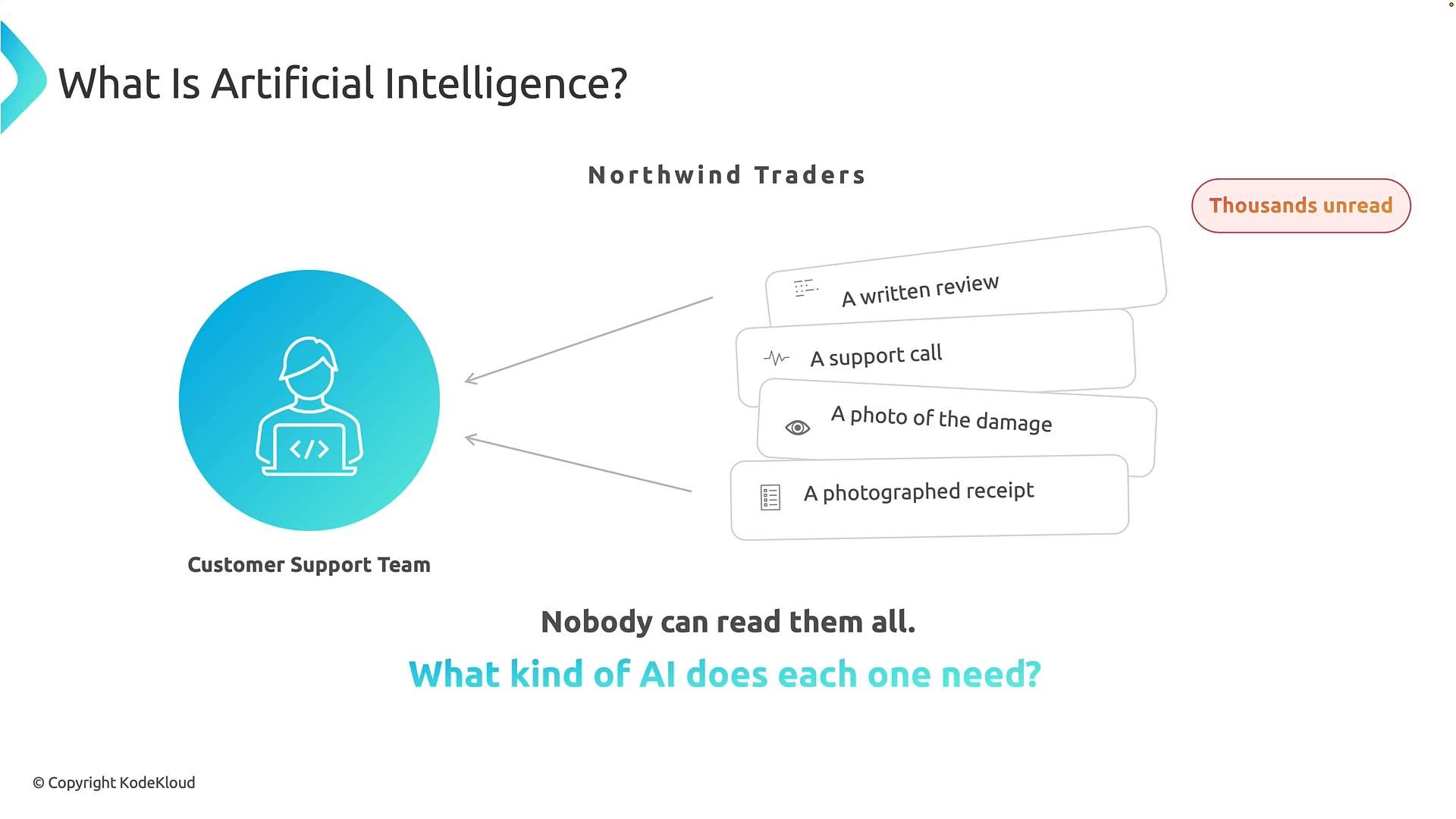
Imagine Northwind Traders. Its customer support team faces thousands of unread customer requests arriving in many formats:
* A written review: text describing a customer’s experience. AI can detect sentiment, extract topics, or flag reported problems.
* A support call: spoken audio that AI converts to text, analyzes for intent, and extracts critical details.
* A photograph of a damaged product: vision AI can detect objects, damage, or other visual cues.
* A photographed receipt: document AI can read printed text, identify invoice fields, and extract structured data such as date, items, quantities, and totals.
These four inputs — text, speech, images, and documents — are very different. Asking employees to manually process everything would be slow and error-prone. The important question becomes: what kind of AI does each item need?
 The answer depends on the type of information and the task. AI is not a single technology that does everything — it’s a set of capabilities designed to solve different kinds of problems. With the Northwind example in mind, let’s define artificial intelligence more precisely.
What is artificial intelligence?
A concise definition:
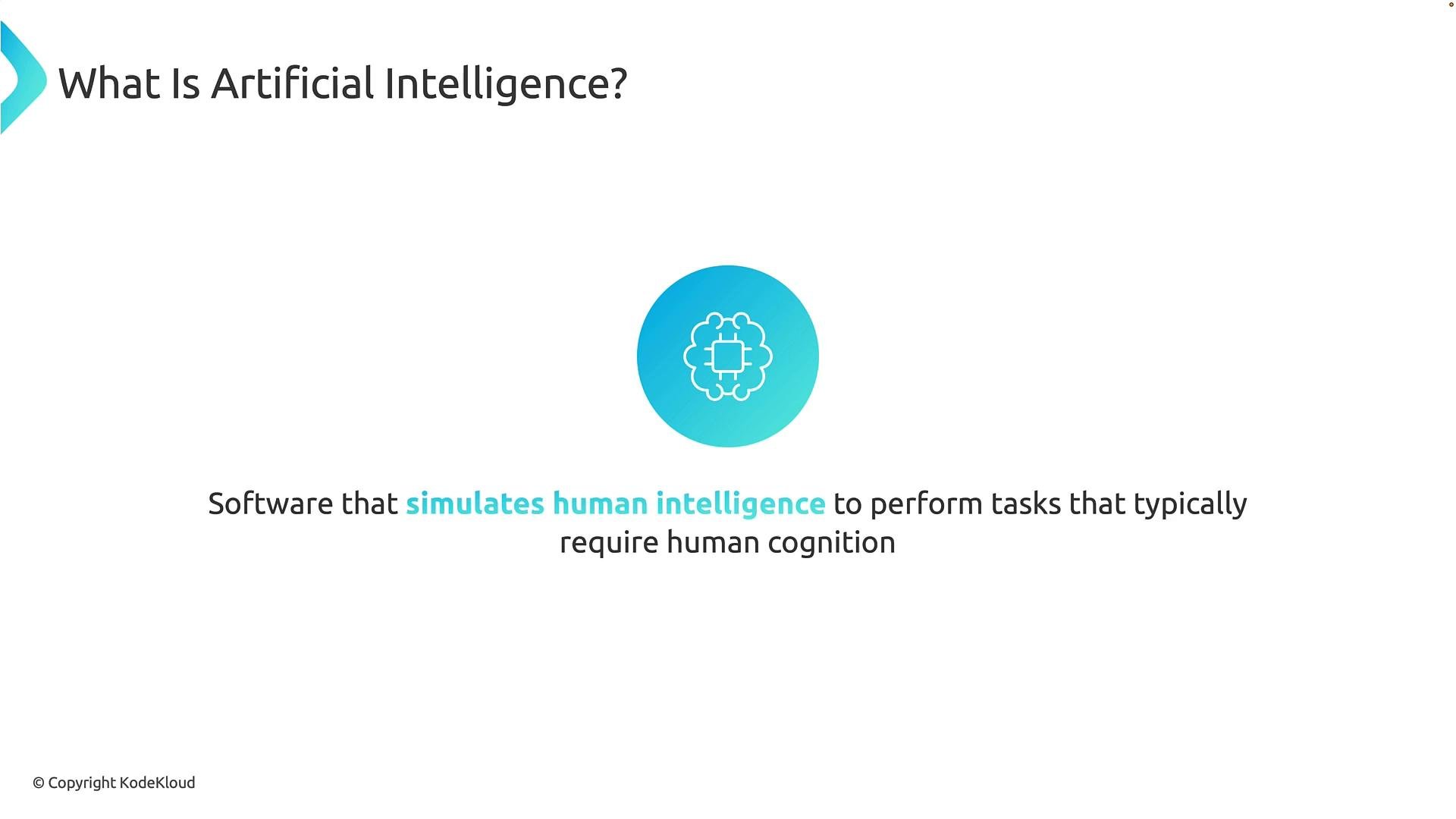
"Software that simulates human intelligence to perform tasks that typically require human cognition."
This definition emphasizes three points: AI is implemented as software and systems, it reproduces certain human-like capabilities (not full human reasoning), and it is aimed at tasks that normally need cognition such as understanding, reasoning, and pattern recognition.
Breaking the definition down:
* AI is implemented through software and computing systems. The system receives input, processes it using models or algorithms, and produces outputs such as predictions, classifications, recommendations, generated content, or actions.
* "Simulates human intelligence" means the system performs tasks we typically associate with human abilities: recognizing objects, understanding language, transcribing speech, identifying patterns, or assisting decisions.
* Cognition includes mental processes such as perception, reasoning, learning, and judgment. For example, when you look at a photo and recognize a car, you’re interpreting visual information; a trained vision model performs a similar recognition task.
The answer depends on the type of information and the task. AI is not a single technology that does everything — it’s a set of capabilities designed to solve different kinds of problems. With the Northwind example in mind, let’s define artificial intelligence more precisely.
What is artificial intelligence?
A concise definition:
"Software that simulates human intelligence to perform tasks that typically require human cognition."
This definition emphasizes three points: AI is implemented as software and systems, it reproduces certain human-like capabilities (not full human reasoning), and it is aimed at tasks that normally need cognition such as understanding, reasoning, and pattern recognition.
Breaking the definition down:
* AI is implemented through software and computing systems. The system receives input, processes it using models or algorithms, and produces outputs such as predictions, classifications, recommendations, generated content, or actions.
* "Simulates human intelligence" means the system performs tasks we typically associate with human abilities: recognizing objects, understanding language, transcribing speech, identifying patterns, or assisting decisions.
* Cognition includes mental processes such as perception, reasoning, learning, and judgment. For example, when you look at a photo and recognize a car, you’re interpreting visual information; a trained vision model performs a similar recognition task.
 AI systems do not think or reason exactly like humans. Saying AI “simulates” human intelligence means it reproduces specific capabilities using computational methods and data — not that it is a human brain inside a computer.
Example: a spam filter. Instead of manually inspecting every message, an AI model analyzes message features and predicts whether a message is unwanted. The model automates judgment by learning from examples rather than by hard-coded rules.
Core AI capabilities
AI systems can perform a range of capabilities. Here are five important ones that apply widely across applications:
1. Identify patterns and predict outcomes from historical data.
* Example: Train a model on years of sales data to predict future demand.
2. Analyze information, make decisions, and recommend or trigger actions.
* Example: An e-commerce recommender that suggests products and triggers personalized offers.
3. Process and generate natural language.
* Example: Parse user questions, summarize documents, translate text, or generate coherent content for chatbots.
4. Interpret and analyze visual information (images and video).
* Example: Detect objects in a photo, read text in images (OCR), or detect defects on a production line.
5. Extract, organize, and derive insights from structured and unstructured data.
* Example: Extract invoice number, supplier, date, and line items from scanned invoices for downstream processing.
AI systems do not think or reason exactly like humans. Saying AI “simulates” human intelligence means it reproduces specific capabilities using computational methods and data — not that it is a human brain inside a computer.
Example: a spam filter. Instead of manually inspecting every message, an AI model analyzes message features and predicts whether a message is unwanted. The model automates judgment by learning from examples rather than by hard-coded rules.
Core AI capabilities
AI systems can perform a range of capabilities. Here are five important ones that apply widely across applications:
1. Identify patterns and predict outcomes from historical data.
* Example: Train a model on years of sales data to predict future demand.
2. Analyze information, make decisions, and recommend or trigger actions.
* Example: An e-commerce recommender that suggests products and triggers personalized offers.
3. Process and generate natural language.
* Example: Parse user questions, summarize documents, translate text, or generate coherent content for chatbots.
4. Interpret and analyze visual information (images and video).
* Example: Detect objects in a photo, read text in images (OCR), or detect defects on a production line.
5. Extract, organize, and derive insights from structured and unstructured data.
* Example: Extract invoice number, supplier, date, and line items from scanned invoices for downstream processing.
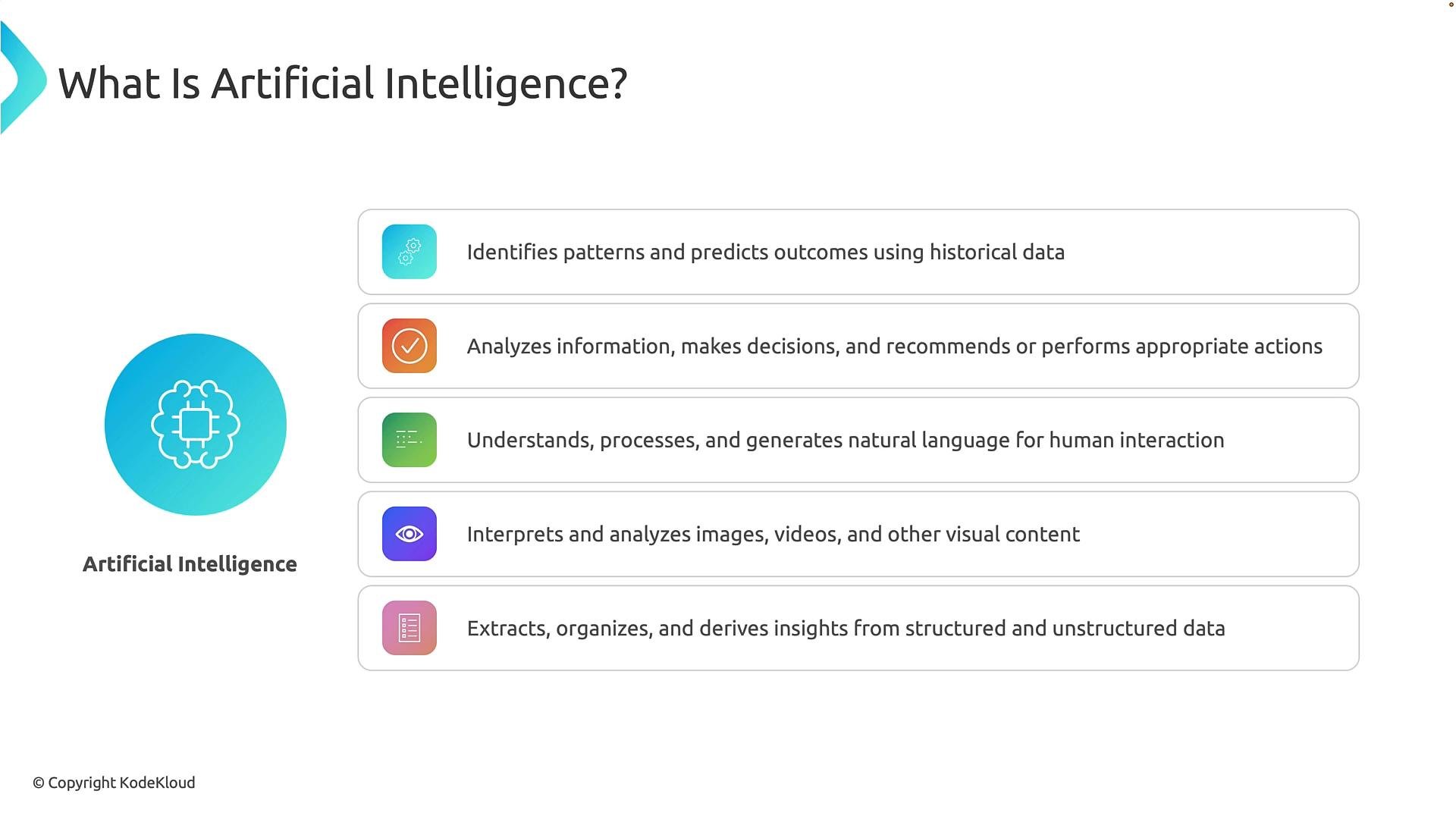 AI is broader than chatbots. It identifies patterns, predicts outcomes, supports decisions, understands language, analyzes visual content, and converts unstructured inputs into structured data. These capabilities are frequently combined to solve real problems.
Where is AI used?
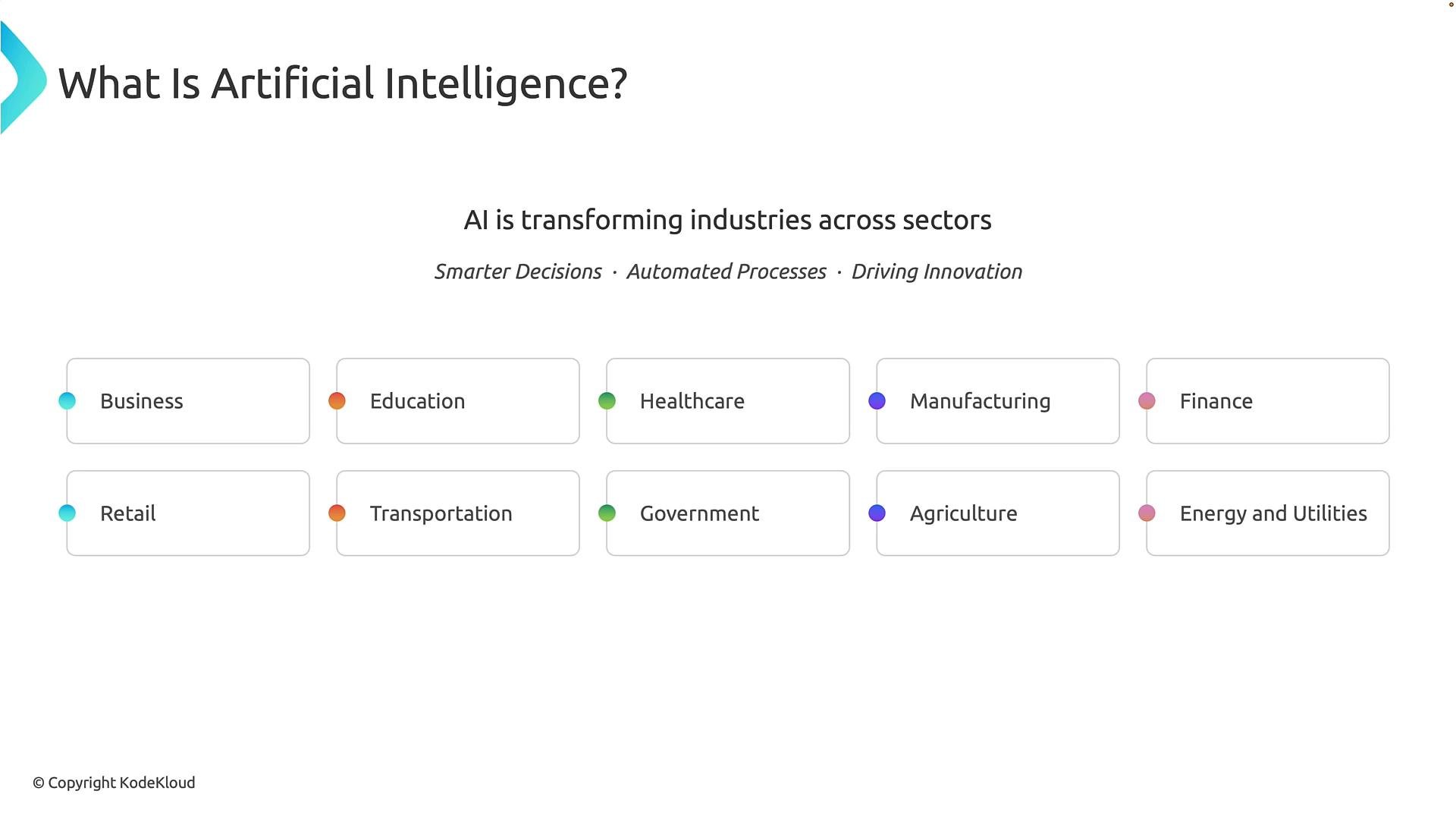
Nearly every industry benefits from AI. The underlying value is consistent: make smarter decisions, automate repetitive work, and enable new solutions. Common industry uses include:
* Business: customer analytics, automation, demand forecasting.
* Education: personalized learning and performance analytics.
* Healthcare: medical imaging analysis, clinical workflow support.
* Manufacturing: predictive maintenance, quality inspection.
* Finance: fraud detection, risk modeling, automated advisory.
* Retail: personalization, inventory optimization, demand forecasting.
* Transportation: route optimization, demand prediction, traffic analysis.
* Government: public-data analytics, process automation, service improvement.
* Agriculture: crop monitoring using field sensors and imagery.
* Energy & Utilities: load forecasting, equipment monitoring, optimization.
AI is broader than chatbots. It identifies patterns, predicts outcomes, supports decisions, understands language, analyzes visual content, and converts unstructured inputs into structured data. These capabilities are frequently combined to solve real problems.
Where is AI used?
Nearly every industry benefits from AI. The underlying value is consistent: make smarter decisions, automate repetitive work, and enable new solutions. Common industry uses include:
* Business: customer analytics, automation, demand forecasting.
* Education: personalized learning and performance analytics.
* Healthcare: medical imaging analysis, clinical workflow support.
* Manufacturing: predictive maintenance, quality inspection.
* Finance: fraud detection, risk modeling, automated advisory.
* Retail: personalization, inventory optimization, demand forecasting.
* Transportation: route optimization, demand prediction, traffic analysis.
* Government: public-data analytics, process automation, service improvement.
* Agriculture: crop monitoring using field sensors and imagery.
* Energy & Utilities: load forecasting, equipment monitoring, optimization.
 AI workloads — categories of problems AI solves
Thinking in terms of workloads helps you pick the right tools and Azure services. Below is a concise table mapping common AI workloads to typical examples and Azure-use cases.
| Workload | What it does | Example use cases |
| -: | - | - |
| Generative AI & Agents | Creates new content (text, code, images) and orchestrates steps to achieve goals | Content generation, code suggestions, virtual assistants that check systems and act |
| Text & Language | Analyzes and generates written language | Sentiment analysis, document classification, summarization, Q\&A |
| Computer Speech (Speech AI) | Converts spoken language to/from text and analyzes audio | Transcription, voice assistants, call analytics |
| Computer Vision | Interprets images and video | Object detection, OCR, visual inspection, face or scene analysis where appropriate |
| Information Extraction | Extracts structured data from documents and unstructured content | Invoice processing, form extraction, receipt parsing |
At the foundation of these workloads is machine learning. Models learn patterns from data so they can predict or decide on new inputs. A simple conceptual formula is `y = f(x)`, where `x` is input data and `y` is the model’s output (prediction, classification, or generated content).
Real applications often combine workloads. For example, when a customer calls about damaged goods:
* Speech AI transcribes the call.
* Text & language analysis identifies intent and urgency.
* Computer vision inspects photos of the damage.
* Information extraction parses the receipt for order details.
* A generative agent compiles a summary, updates the case system, and triggers follow-up actions.
Summary
* AI is software that simulates human-like capabilities for tasks requiring cognition.
* Different inputs (text, speech, images, documents) require different AI capabilities.
* Key workloads include generative AI & agents, text & language, speech, vision, and information extraction — all supported by machine learning.
* Understanding workloads helps you choose appropriate Azure AI services for business scenarios.
Next steps
Apply this foundational understanding to explore Azure AI services and tools that support these workloads, such as Azure Cognitive Services and Azure OpenAI. For official documentation and tutorials, see:
* [Azure AI Services overview](https://learn.microsoft.com/azure/ai-services/)
* [Azure Machine Learning documentation](https://learn.microsoft.com/azure/machine-learning/)
Tip: When designing AI solutions, start by identifying the input types and the exact task you want automated (e.g., extract invoice fields vs. summarize a support call). This makes selecting the right workload and Azure service straightforward.
This documentation is built and hosted on [Mintlify](https://mintlify.com), a developer documentation platform.
AI workloads — categories of problems AI solves
Thinking in terms of workloads helps you pick the right tools and Azure services. Below is a concise table mapping common AI workloads to typical examples and Azure-use cases.
| Workload | What it does | Example use cases |
| -: | - | - |
| Generative AI & Agents | Creates new content (text, code, images) and orchestrates steps to achieve goals | Content generation, code suggestions, virtual assistants that check systems and act |
| Text & Language | Analyzes and generates written language | Sentiment analysis, document classification, summarization, Q\&A |
| Computer Speech (Speech AI) | Converts spoken language to/from text and analyzes audio | Transcription, voice assistants, call analytics |
| Computer Vision | Interprets images and video | Object detection, OCR, visual inspection, face or scene analysis where appropriate |
| Information Extraction | Extracts structured data from documents and unstructured content | Invoice processing, form extraction, receipt parsing |
At the foundation of these workloads is machine learning. Models learn patterns from data so they can predict or decide on new inputs. A simple conceptual formula is `y = f(x)`, where `x` is input data and `y` is the model’s output (prediction, classification, or generated content).
Real applications often combine workloads. For example, when a customer calls about damaged goods:
* Speech AI transcribes the call.
* Text & language analysis identifies intent and urgency.
* Computer vision inspects photos of the damage.
* Information extraction parses the receipt for order details.
* A generative agent compiles a summary, updates the case system, and triggers follow-up actions.
Summary
* AI is software that simulates human-like capabilities for tasks requiring cognition.
* Different inputs (text, speech, images, documents) require different AI capabilities.
* Key workloads include generative AI & agents, text & language, speech, vision, and information extraction — all supported by machine learning.
* Understanding workloads helps you choose appropriate Azure AI services for business scenarios.
Next steps
Apply this foundational understanding to explore Azure AI services and tools that support these workloads, such as Azure Cognitive Services and Azure OpenAI. For official documentation and tutorials, see:
* [Azure AI Services overview](https://learn.microsoft.com/azure/ai-services/)
* [Azure Machine Learning documentation](https://learn.microsoft.com/azure/machine-learning/)
Tip: When designing AI solutions, start by identifying the input types and the exact task you want automated (e.g., extract invoice fields vs. summarize a support call). This makes selecting the right workload and Azure service straightforward.
This documentation is built and hosted on [Mintlify](https://mintlify.com), a developer documentation platform.