> ## Documentation Index
> Fetch the complete documentation index at: https://notes.kodekloud.com/llms.txt
> Use this file to discover all available pages before exploring further.
# Natural Language Processing Concepts Introduction
> Introduction to natural language processing concepts, tasks, applications, and examples including key phrase extraction, named entity recognition, text classification, and summarization
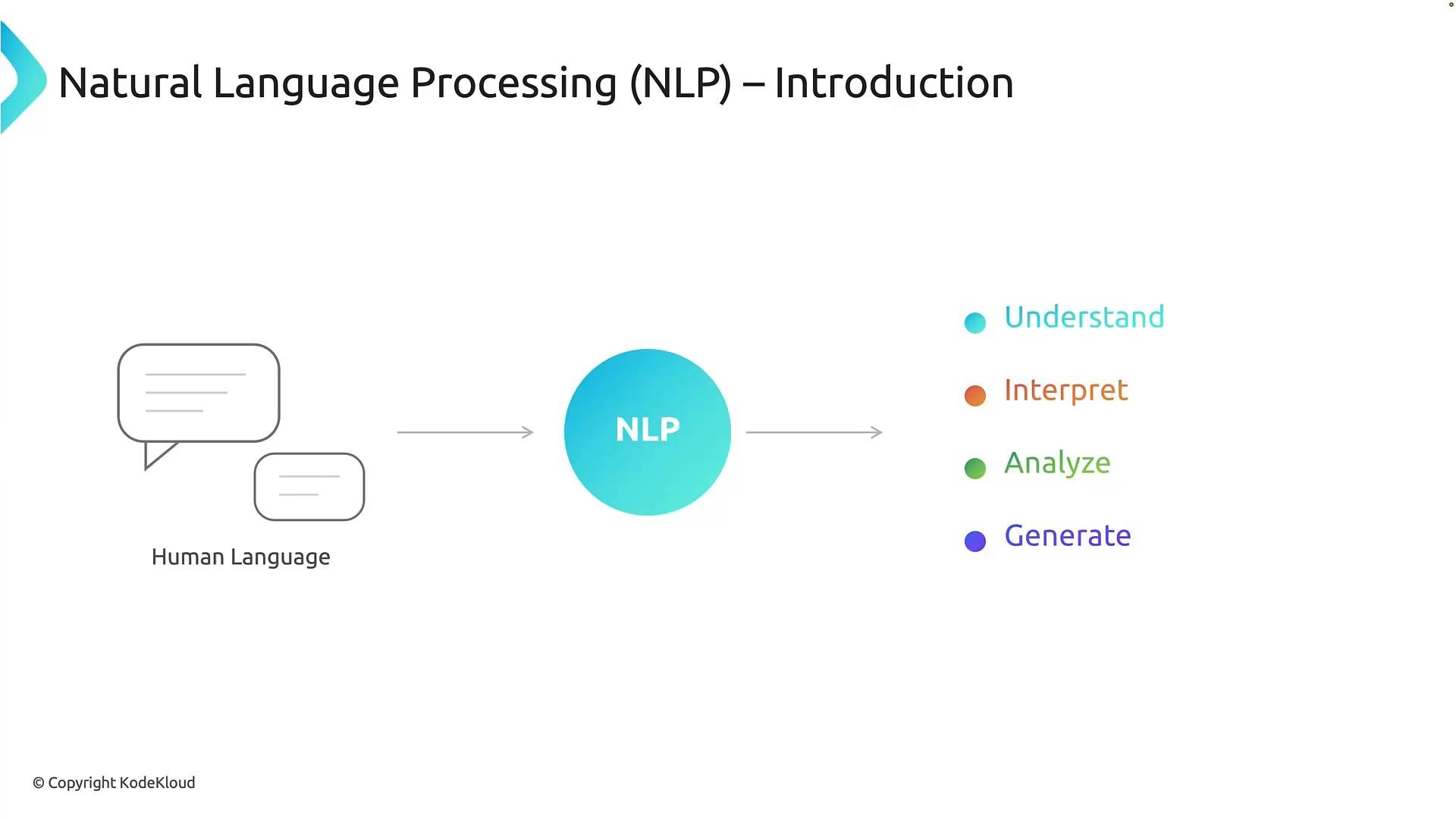
Natural language processing (NLP) is a core area of artificial intelligence that enables computers to read, interpret, and generate human language. Every day we use language to ask questions, give feedback, and describe problems; NLP provides the techniques and models that let software understand those words, extract structured information, analyze meaning, and generate useful responses. In short, NLP is the bridge between human language and computer systems.
This article introduces common NLP tasks, real-world applications, and a concrete example showing how multiple NLP capabilities can be applied to the same text.
 ## Four common NLP tasks
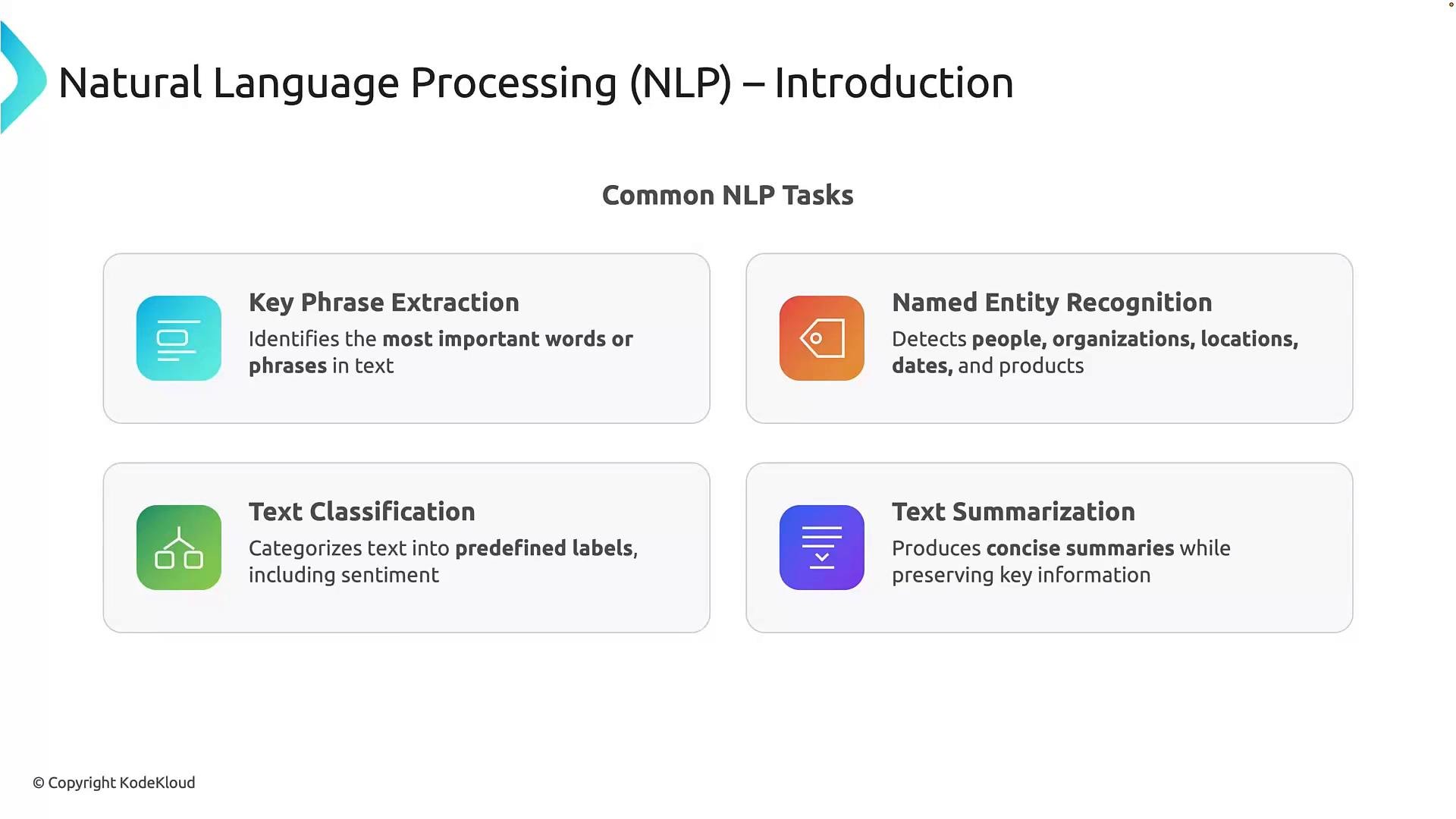
1. Key phrase extraction\
Identify the most important words or short phrases in text. Key phrases act as concise labels summarizing a document’s main concepts — useful for tagging, indexing, and speeding search across large document collections.
2. Named entity recognition (NER)\
Detect and categorize entities such as people, organizations, locations, dates, or products. NER converts unstructured text into structured entity labels, enabling indexing and entity-based queries.
3. Text classification\
Assign one or more predefined labels to a text sample. Common uses include spam detection, topic tagging, and sentiment analysis (positive/negative/neutral). Classification helps automate routing and filtering at scale.
4. Text summarization\
Produce a shorter version of a longer document that preserves the essential facts and intent. Summaries help readers quickly grasp long documents, support triage, and reduce reading time.
## Four common NLP tasks
1. Key phrase extraction\
Identify the most important words or short phrases in text. Key phrases act as concise labels summarizing a document’s main concepts — useful for tagging, indexing, and speeding search across large document collections.
2. Named entity recognition (NER)\
Detect and categorize entities such as people, organizations, locations, dates, or products. NER converts unstructured text into structured entity labels, enabling indexing and entity-based queries.
3. Text classification\
Assign one or more predefined labels to a text sample. Common uses include spam detection, topic tagging, and sentiment analysis (positive/negative/neutral). Classification helps automate routing and filtering at scale.
4. Text summarization\
Produce a shorter version of a longer document that preserves the essential facts and intent. Summaries help readers quickly grasp long documents, support triage, and reduce reading time.
 ### Quick reference table
| Task | Purpose | Example |
| - | - | - |
| Key phrase extraction | Surface main topics and concepts | Extract `"wireless keyboard"`, `"battery life"` from a product review |
| Named entity recognition (NER) | Identify and label entities (Person, Date, Org, etc.) | Label `Emma` as `Person` and `March 5th` as `Date` |
| Text classification | Assign category labels like sentiment or topic | Classify a review as `Positive` or `Negative` |
| Text summarization | Produce a concise summary preserving key facts | Summarize a long support ticket into a one-line issue description |
## Common real-world use cases
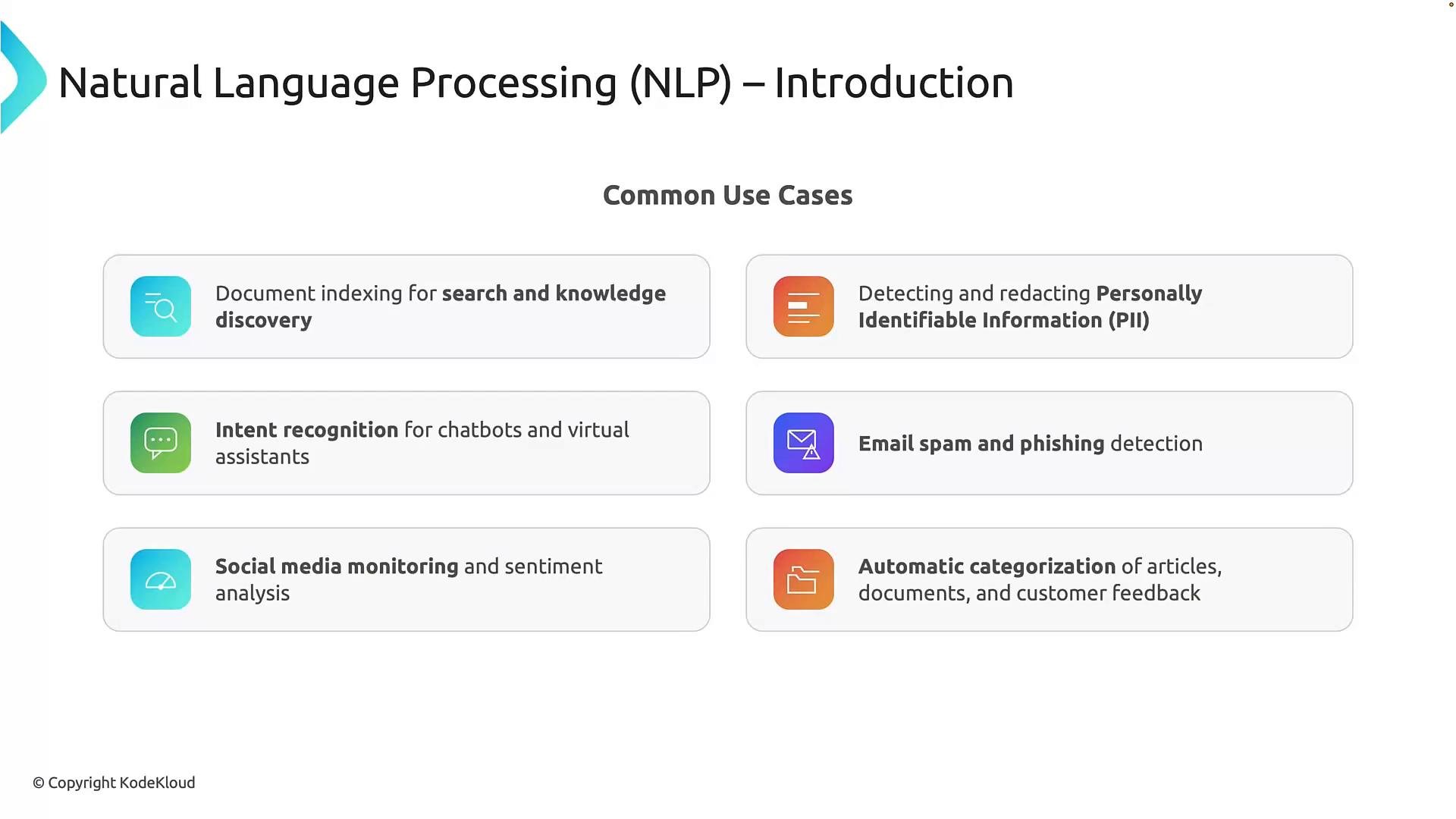
* Document indexing and knowledge discovery\
Extract terms and concepts from large repositories to improve search relevance and surface related content.
* PII detection and redaction\
Detect personally identifiable information (PII) such as names, phone numbers, emails, credit card numbers, and Social Security numbers for masking or removal before sharing documents.
When using PII detection and redaction, be aware of privacy laws and organizational policies. Redaction decisions should be verified and logged to meet compliance requirements.
* Intent recognition for chatbots and virtual assistants\
Detect user intent (e.g., “reset my password”) to route requests or trigger automated workflows.
* Spam and phishing detection\
Analyze language patterns to flag suspicious or malicious emails and messages.
* Social media monitoring and sentiment analysis\
Aggregate sentiment across thousands of comments to detect trends and public perception.
* Automatic categorization of content\
Group customer feedback, support tickets, and articles into categories like billing, support, delivery, or product quality for faster triage.
### Quick reference table
| Task | Purpose | Example |
| - | - | - |
| Key phrase extraction | Surface main topics and concepts | Extract `"wireless keyboard"`, `"battery life"` from a product review |
| Named entity recognition (NER) | Identify and label entities (Person, Date, Org, etc.) | Label `Emma` as `Person` and `March 5th` as `Date` |
| Text classification | Assign category labels like sentiment or topic | Classify a review as `Positive` or `Negative` |
| Text summarization | Produce a concise summary preserving key facts | Summarize a long support ticket into a one-line issue description |
## Common real-world use cases
* Document indexing and knowledge discovery\
Extract terms and concepts from large repositories to improve search relevance and surface related content.
* PII detection and redaction\
Detect personally identifiable information (PII) such as names, phone numbers, emails, credit card numbers, and Social Security numbers for masking or removal before sharing documents.
When using PII detection and redaction, be aware of privacy laws and organizational policies. Redaction decisions should be verified and logged to meet compliance requirements.
* Intent recognition for chatbots and virtual assistants\
Detect user intent (e.g., “reset my password”) to route requests or trigger automated workflows.
* Spam and phishing detection\
Analyze language patterns to flag suspicious or malicious emails and messages.
* Social media monitoring and sentiment analysis\
Aggregate sentiment across thousands of comments to detect trends and public perception.
* Automatic categorization of content\
Group customer feedback, support tickets, and articles into categories like billing, support, delivery, or product quality for faster triage.
 NLP goes beyond chatbots — it is useful wherever software must understand, organize, search, or analyze human language.
## Concrete example: applying multiple NLP capabilities to the same text
Consider this passage:
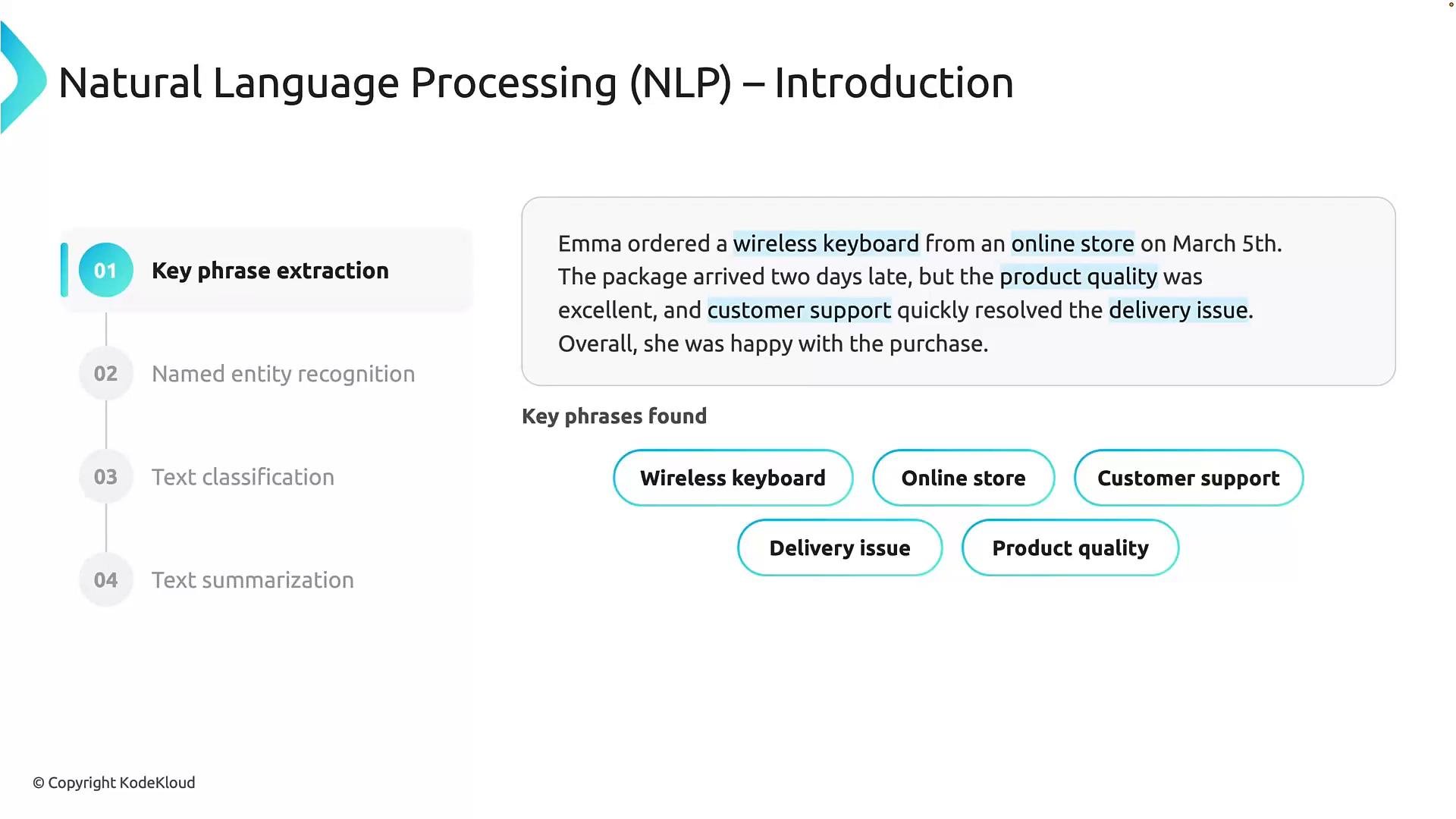
"Emma ordered a wireless keyboard from an online store on March 5th. The package arrived two days late, but the product quality was excellent, and customer support quickly resolved the delivery issue. Overall, she was happy with the purchase."
Key phrase extraction\
An NLP system highlights the main topics: "wireless keyboard," "online store," "product quality," "customer support," and "delivery issue." These phrases succinctly represent the passage’s core subjects.
NLP goes beyond chatbots — it is useful wherever software must understand, organize, search, or analyze human language.
## Concrete example: applying multiple NLP capabilities to the same text
Consider this passage:
"Emma ordered a wireless keyboard from an online store on March 5th. The package arrived two days late, but the product quality was excellent, and customer support quickly resolved the delivery issue. Overall, she was happy with the purchase."
Key phrase extraction\
An NLP system highlights the main topics: "wireless keyboard," "online store," "product quality," "customer support," and "delivery issue." These phrases succinctly represent the passage’s core subjects.
 Named entity recognition (NER)\
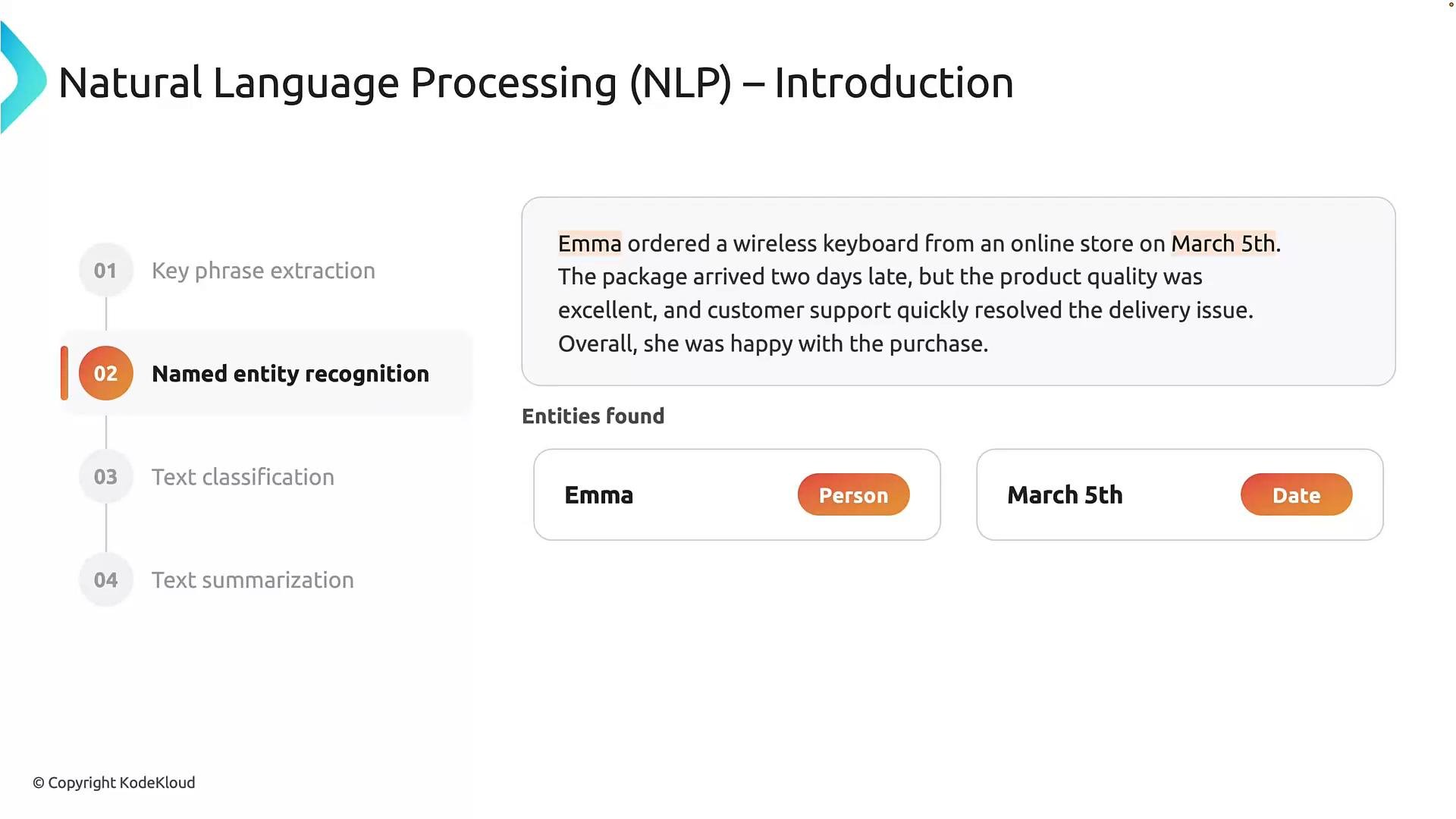
NER extracts named items and their types. From the passage, a model would likely identify `Emma` as a Person and `March 5th` as a Date. It may also label `wireless keyboard` as a Product or `online store` as an Organization depending on the model’s taxonomy.
Named entity recognition (NER)\
NER extracts named items and their types. From the passage, a model would likely identify `Emma` as a Person and `March 5th` as a Date. It may also label `wireless keyboard` as a Product or `online store` as an Organization depending on the model’s taxonomy.
 Text classification (sentiment analysis)\
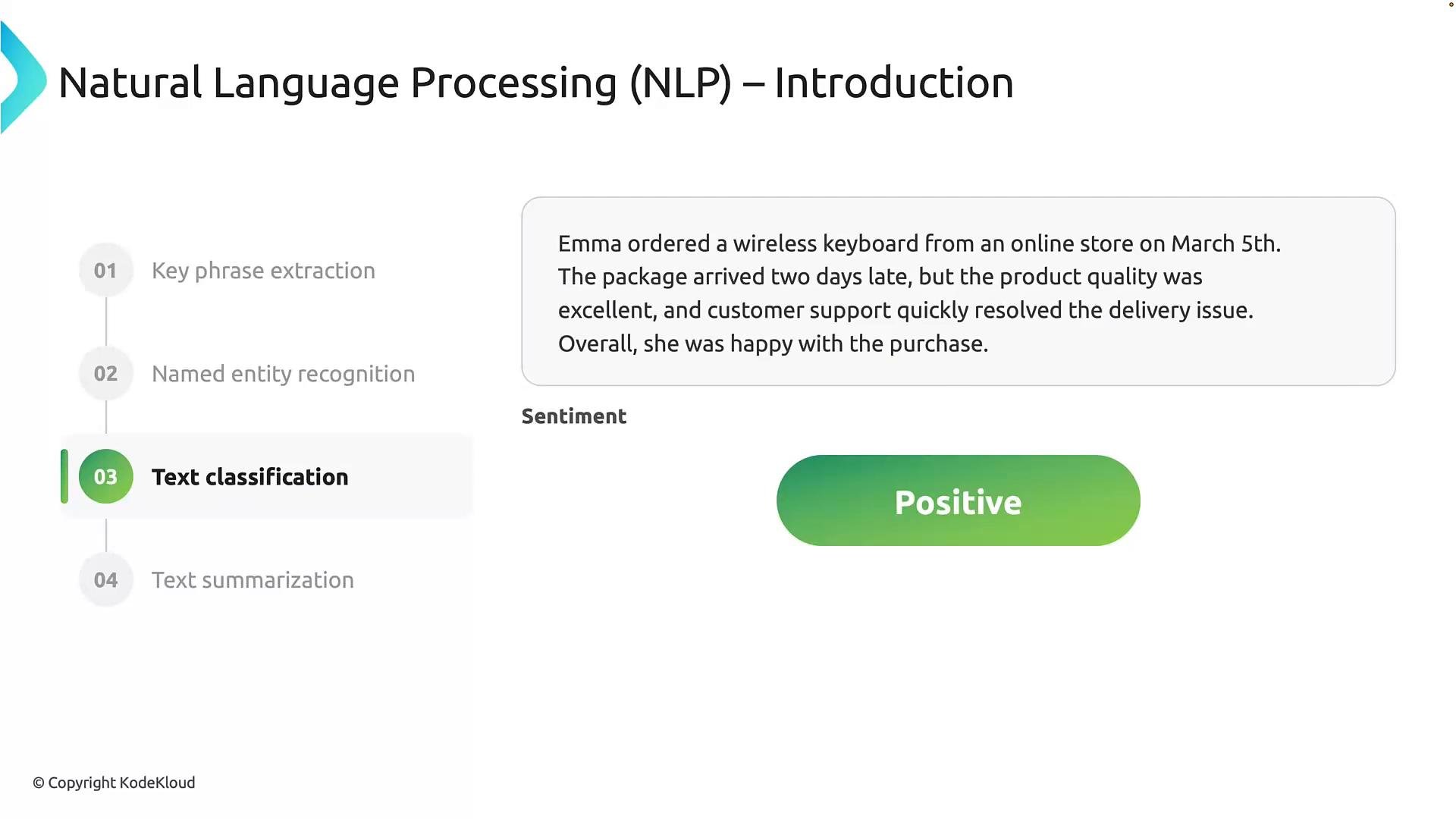
Classification looks at the entire passage to assign a label. Although there’s a delivery delay (negative event), the excellent product quality and effective customer support produce a positive overall sentiment. Sentiment analysis assesses context across all sentences rather than individual phrases.
Text classification (sentiment analysis)\
Classification looks at the entire passage to assign a label. Although there’s a delivery delay (negative event), the excellent product quality and effective customer support produce a positive overall sentiment. Sentiment analysis assesses context across all sentences rather than individual phrases.
 Text summarization\
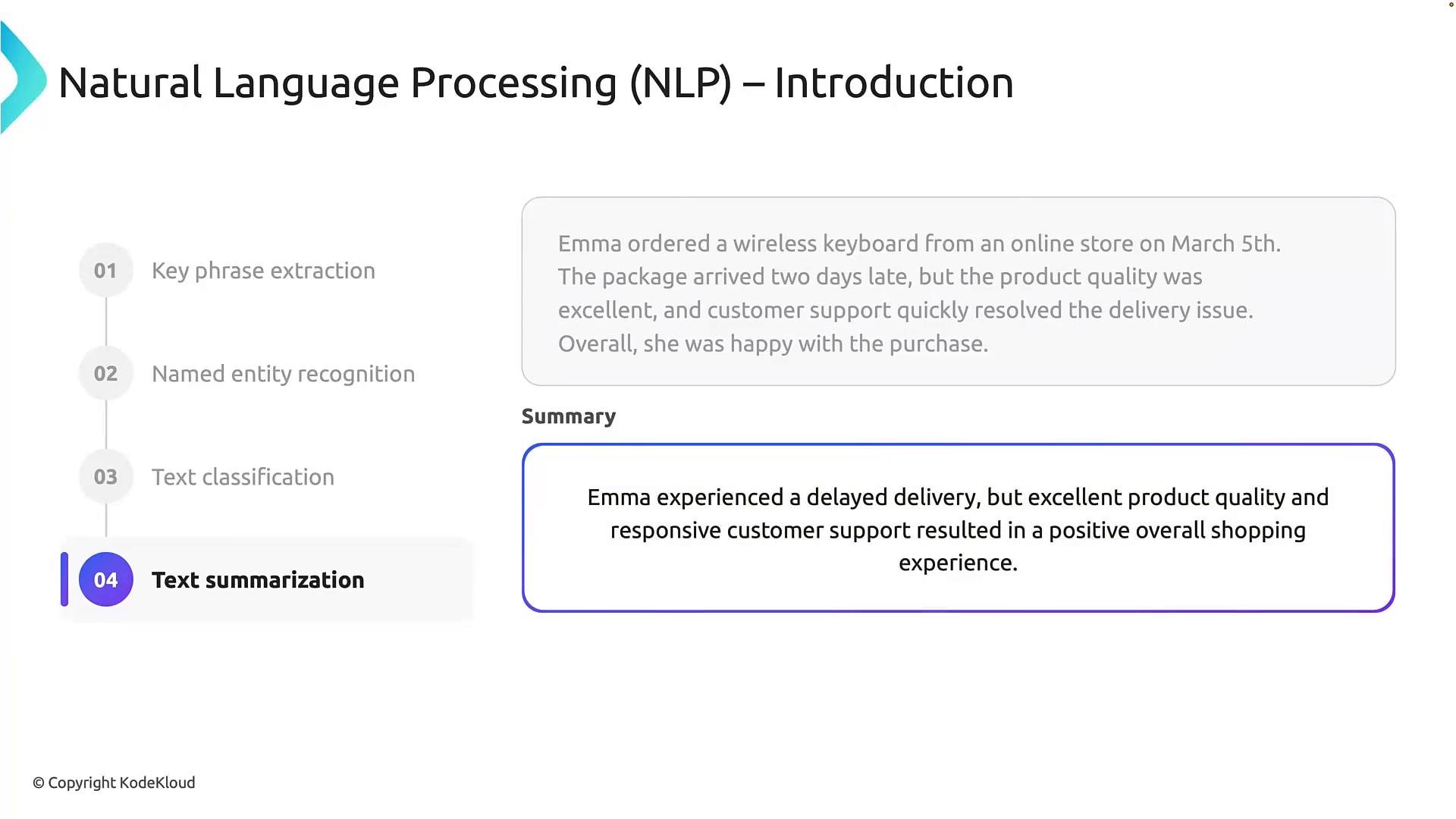
Summarization condenses the passage while preserving the essential facts: the package was delayed but product quality and support were excellent, leading to an overall positive experience. The summary reduces reading time but keeps the important points.
Text summarization\
Summarization condenses the passage while preserving the essential facts: the package was delayed but product quality and support were excellent, leading to an overall positive experience. The summary reduces reading time but keeps the important points.
 ## Recap
* Key phrase extraction surfaces the most important concepts for indexing and discovery.
* Named entity recognition identifies specific entities and their types for structured indexing.
* Text classification assigns categories such as sentiment, topic, or spam.
* Text summarization produces concise versions that preserve essential information.
Choose the NLP capability (or combination of capabilities) that matches your business goal: indexing/search, compliance (PII), automation (intent or routing), or customer insights (sentiment/summarization).
These core NLP capabilities power practical language-processing solutions and are available through services such as [Azure AI Language](https://learn.microsoft.com/azure/ai-services/language/) and other AI platforms. With these fundamentals, you can begin designing pipelines to apply NLP to real datasets and production applications.
This documentation is built and hosted on [Mintlify](https://mintlify.com), a developer documentation platform.
## Recap
* Key phrase extraction surfaces the most important concepts for indexing and discovery.
* Named entity recognition identifies specific entities and their types for structured indexing.
* Text classification assigns categories such as sentiment, topic, or spam.
* Text summarization produces concise versions that preserve essential information.
Choose the NLP capability (or combination of capabilities) that matches your business goal: indexing/search, compliance (PII), automation (intent or routing), or customer insights (sentiment/summarization).
These core NLP capabilities power practical language-processing solutions and are available through services such as [Azure AI Language](https://learn.microsoft.com/azure/ai-services/language/) and other AI platforms. With these fundamentals, you can begin designing pipelines to apply NLP to real datasets and production applications.
This documentation is built and hosted on [Mintlify](https://mintlify.com), a developer documentation platform.