> ## Documentation Index
> Fetch the complete documentation index at: https://notes.kodekloud.com/llms.txt
> Use this file to discover all available pages before exploring further.
# Agent Frameworks
> Guide comparing agent frameworks and custom agent builds, trade-offs, major SDKs, and when to use frameworks versus lightweight, edge-optimized implementations
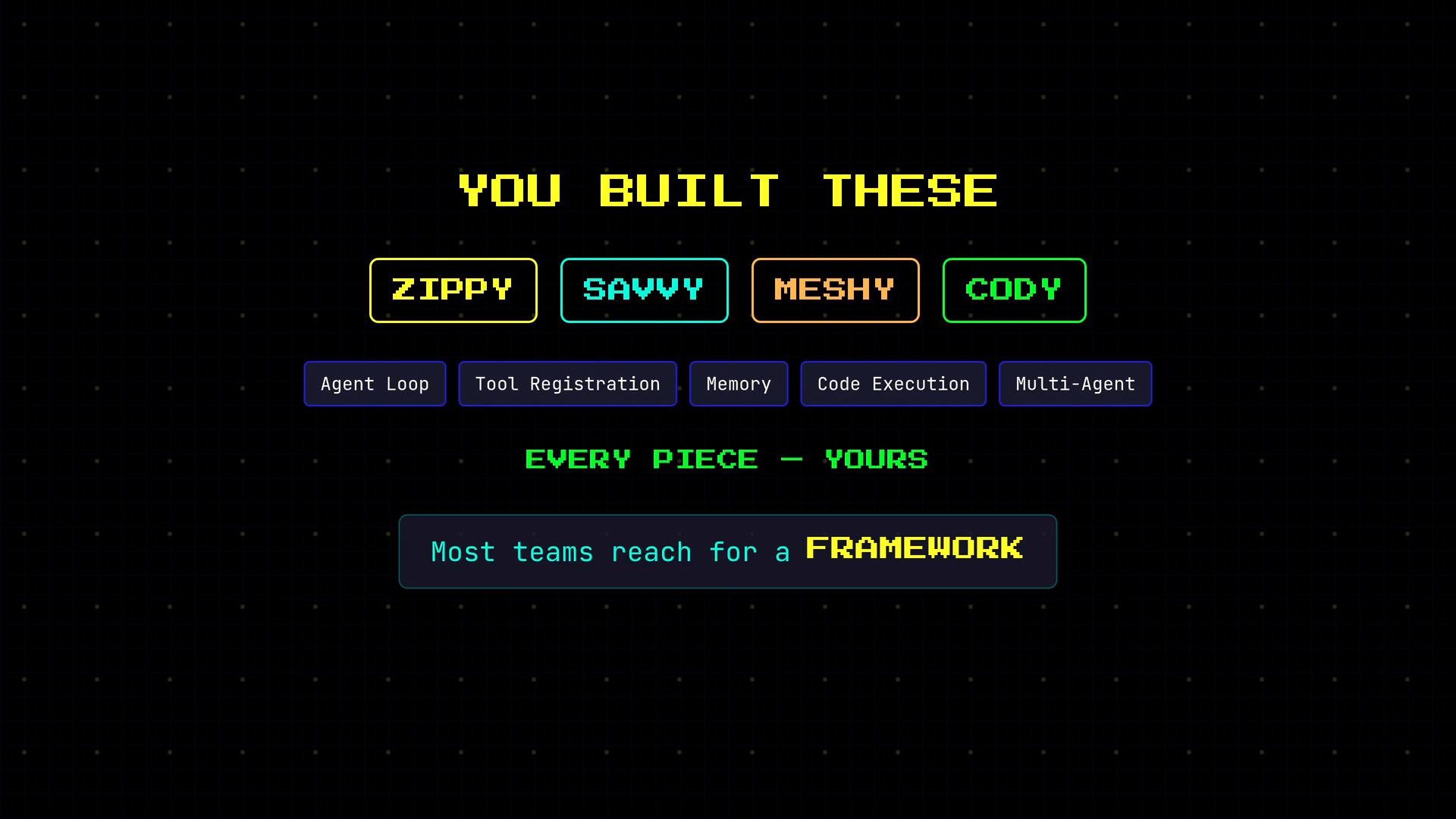
You built Zippy, Savvy, Meshy, and Cody from scratch — the agent loop, tool registration, memory stores, safe code execution, and multi-agent coordination were all implemented by you. That hands-on experience gives you deep visibility into what happens inside an agent at every layer.
Most teams don't start there. They reach for an agent framework: a library that prepackages proven patterns so you can ship faster. This lesson maps the frameworks you'll encounter in the wild, explains the trade-offs, and shows when to use a framework versus building a custom implementation.
 ## What is an agent framework?
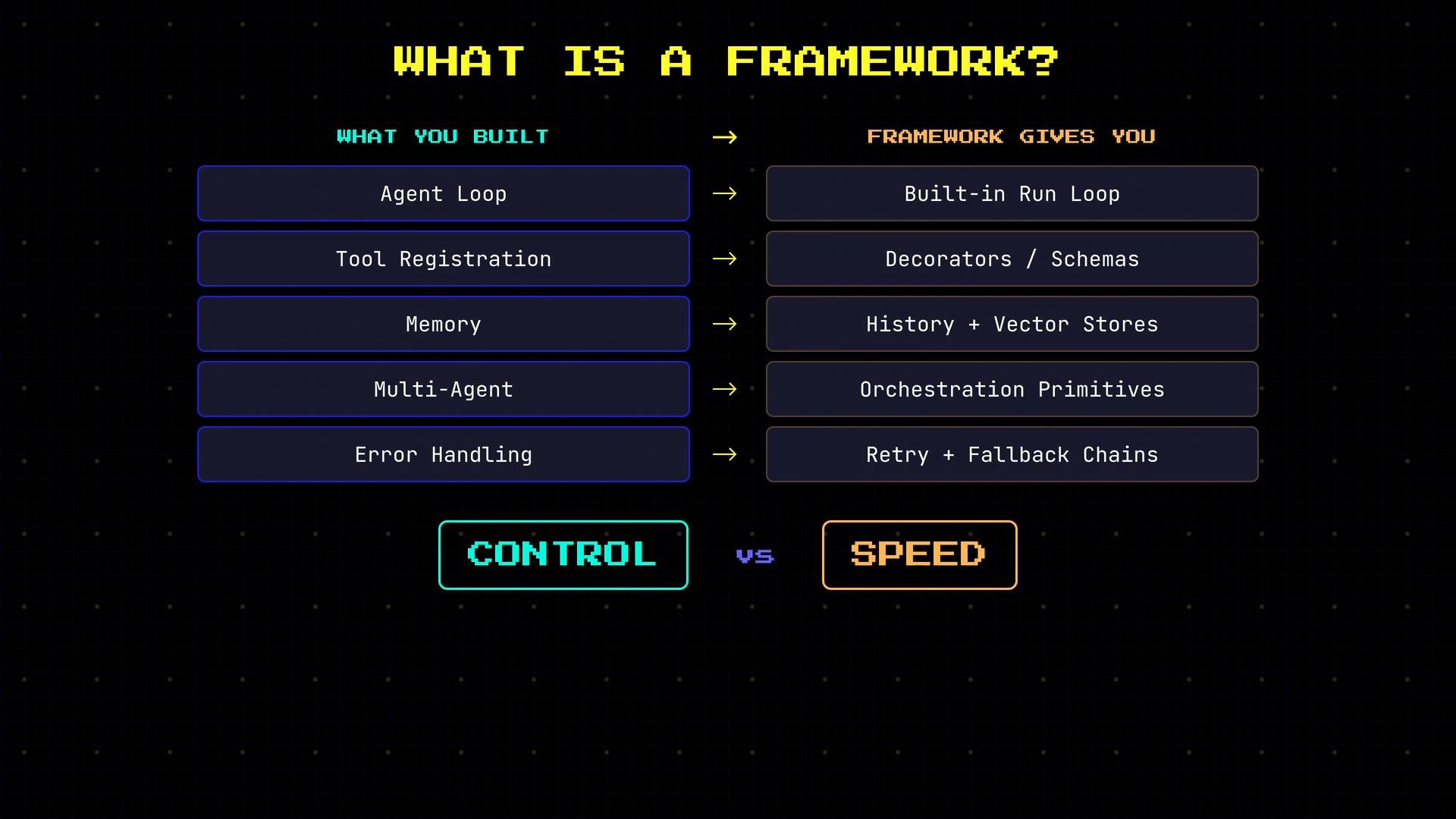
An agent framework is a library that provides pre-built, opinionated implementations of the core agent components you've already implemented manually:
* Agent loop → a built-in run loop that handles step-by-step execution.
* Tool registration → decorators or tool schemas to declare and validate tools.
* Memory → conversation history plus vector stores and retrieval layers.
* Multi-agent coordination → orchestration primitives and handoff patterns.
* Error handling → retry logic, fallback chains, and structured error responses.
Using a framework trades control for speed. Frameworks accelerate development but make design decisions for you (structure, naming, communication patterns, and abstraction boundaries). If those defaults don't match your product needs, you can spend as much time adapting the framework as you would have spent building a focused implementation.
## What is an agent framework?
An agent framework is a library that provides pre-built, opinionated implementations of the core agent components you've already implemented manually:
* Agent loop → a built-in run loop that handles step-by-step execution.
* Tool registration → decorators or tool schemas to declare and validate tools.
* Memory → conversation history plus vector stores and retrieval layers.
* Multi-agent coordination → orchestration primitives and handoff patterns.
* Error handling → retry logic, fallback chains, and structured error responses.
Using a framework trades control for speed. Frameworks accelerate development but make design decisions for you (structure, naming, communication patterns, and abstraction boundaries). If those defaults don't match your product needs, you can spend as much time adapting the framework as you would have spent building a focused implementation.
 ## Frameworks you’ll encounter (and when to use them)
Below are the main frameworks and SDKs you’ll run into, with concise notes on when each is appropriate.
* LangChain and LangGraph
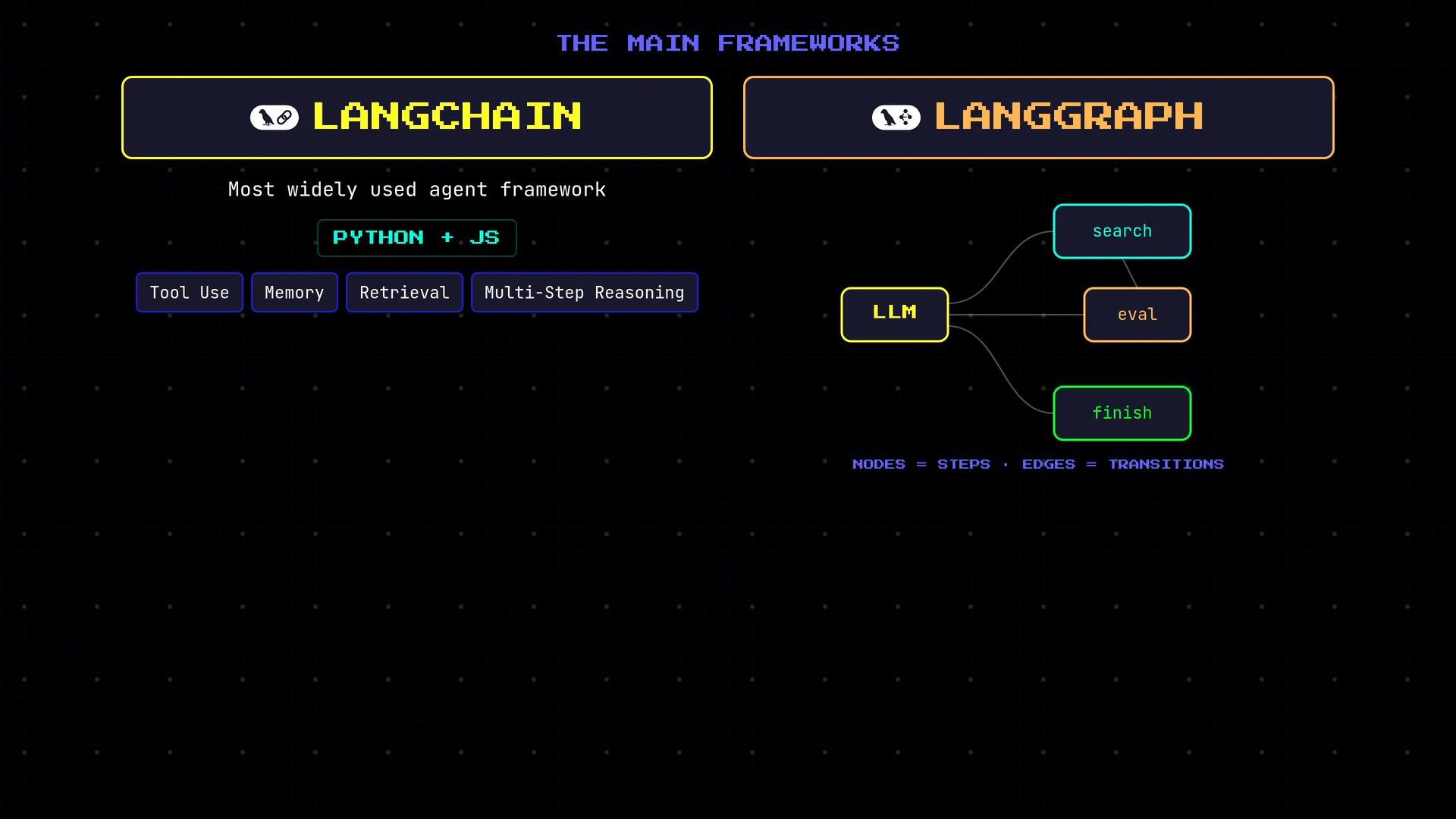
* LangChain began as a Python library for chaining LLM calls and has grown into the largest ecosystem for agent tooling, memory, retrieval, and multi-step reasoning across many model providers.
* LangGraph models agent workflows as a graph: nodes are computation or decision steps and edges represent transitions, allowing non-linear flows and branching logic.
* If you work in Python and want a broad ecosystem and many integrations, LangChain (and LangGraph for graph-based flows) are the standard starting points.
* Learn more: [LangChain](https://learn.kodekloud.com/user/courses/langchain) | [LangGraph](https://learn.kodekloud.com/user/courses/langgraph)
## Frameworks you’ll encounter (and when to use them)
Below are the main frameworks and SDKs you’ll run into, with concise notes on when each is appropriate.
* LangChain and LangGraph
* LangChain began as a Python library for chaining LLM calls and has grown into the largest ecosystem for agent tooling, memory, retrieval, and multi-step reasoning across many model providers.
* LangGraph models agent workflows as a graph: nodes are computation or decision steps and edges represent transitions, allowing non-linear flows and branching logic.
* If you work in Python and want a broad ecosystem and many integrations, LangChain (and LangGraph for graph-based flows) are the standard starting points.
* Learn more: [LangChain](https://learn.kodekloud.com/user/courses/langchain) | [LangGraph](https://learn.kodekloud.com/user/courses/langgraph)
 * Anthropic SDK
* Anthropic’s official client for calling Claude models. Not a full agent framework, but it provides first-class support for tool use, streaming, and multi-turn conversations.
* The SDK focuses on API calls and primitives; you still implement the agent loop that inspects model outputs, executes tools, and returns results to the model.
* Best for teams building specifically on Claude who want a lightweight SDK.
* Learn more: [Anthropic SDK](https://learn.kodekloud.com/user/courses/claude-code-for-beginners)
* OpenAI Agents SDK
* OpenAI’s Agents SDK includes agents, tools, agent-to-agent handoffs, and a built-in run loop directly integrated with OpenAI models.
* Handoffs are explicit: one agent can transfer a conversation or task to a specialist agent — matching common orchestrator/specialist patterns.
* This is a full-featured first-party option if you’re standardizing on OpenAI models.
* Learn more: [OpenAI Agents SDK](https://learn.kodekloud.com/user/courses/introduction-to-openai)
* Anthropic SDK
* Anthropic’s official client for calling Claude models. Not a full agent framework, but it provides first-class support for tool use, streaming, and multi-turn conversations.
* The SDK focuses on API calls and primitives; you still implement the agent loop that inspects model outputs, executes tools, and returns results to the model.
* Best for teams building specifically on Claude who want a lightweight SDK.
* Learn more: [Anthropic SDK](https://learn.kodekloud.com/user/courses/claude-code-for-beginners)
* OpenAI Agents SDK
* OpenAI’s Agents SDK includes agents, tools, agent-to-agent handoffs, and a built-in run loop directly integrated with OpenAI models.
* Handoffs are explicit: one agent can transfer a conversation or task to a specialist agent — matching common orchestrator/specialist patterns.
* This is a full-featured first-party option if you’re standardizing on OpenAI models.
* Learn more: [OpenAI Agents SDK](https://learn.kodekloud.com/user/courses/introduction-to-openai)
 * Google ADK
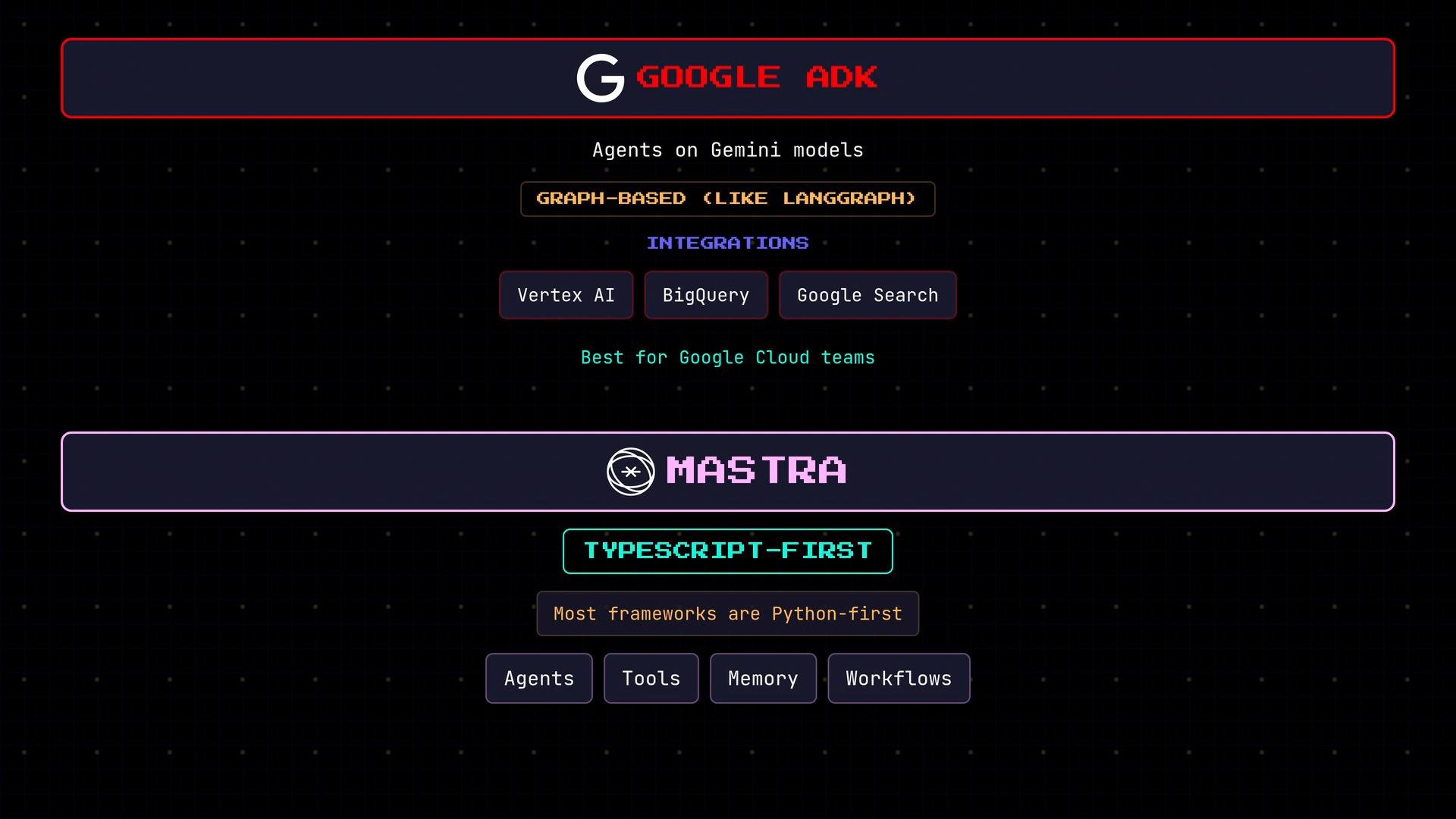
* The Google Agent Development Kit targets Gemini and Google Cloud integrations. It favors a graph-based workflow model and plugs into Vertex AI, BigQuery, Google Search, and other Cloud services.
* If your infrastructure is on Google Cloud, ADK offers native integrations that reduce engineering friction.
* Learn more: [Google ADK](https://learn.kodekloud.com/user/courses/google-adk)
* TypeScript-first frameworks
* Most major frameworks are Python-first, creating friction for JavaScript/TypeScript teams. TypeScript-first frameworks bring agent concepts (agents, tools, memory, and workflow primitives) natively to the TS ecosystem.
* If your product stack is TypeScript — like OpenClaw’s — pick a TypeScript-first framework when you want first-class language support and native tooling.
* Google ADK
* The Google Agent Development Kit targets Gemini and Google Cloud integrations. It favors a graph-based workflow model and plugs into Vertex AI, BigQuery, Google Search, and other Cloud services.
* If your infrastructure is on Google Cloud, ADK offers native integrations that reduce engineering friction.
* Learn more: [Google ADK](https://learn.kodekloud.com/user/courses/google-adk)
* TypeScript-first frameworks
* Most major frameworks are Python-first, creating friction for JavaScript/TypeScript teams. TypeScript-first frameworks bring agent concepts (agents, tools, memory, and workflow primitives) natively to the TS ecosystem.
* If your product stack is TypeScript — like OpenClaw’s — pick a TypeScript-first framework when you want first-class language support and native tooling.
 ### Quick comparison table
| Framework / SDK | Best for | Language | Notes & links |
| - | - | - | - |
| LangChain | Broad ecosystem, integrations, retrieval-augmented generation | Python (some JS support) | Good for multi-step reasoning and retrieval. [LangChain](https://learn.kodekloud.com/user/courses/langchain) |
| LangGraph | Graph-based workflows, complex branching | Python | Model flows as nodes and edges — useful for decision-based orchestration. [LangGraph](https://learn.kodekloud.com/user/courses/langgraph) |
| Anthropic SDK | Claude-specific integrations, streaming | Python/JS | Lightweight API-focused SDK; you implement the run loop. [Anthropic SDK](https://learn.kodekloud.com/user/courses/claude-code-for-beginners) |
| OpenAI Agents SDK | First-party OpenAI agents and handoffs | Python/JS | Built-in run loop, tools, and agent-to-agent transfers. [OpenAI Agents SDK](https://learn.kodekloud.com/user/courses/introduction-to-openai) |
| Google ADK | Gemini + Google Cloud integration | Python/JS | Native Vertex AI, BigQuery, Search integrations. [Google ADK](https://learn.kodekloud.com/user/courses/google-adk) |
| TypeScript-first frameworks | Teams with TS stacks | TypeScript | Best if you need native TS support and smaller client bundles |
## What OpenClaw did instead
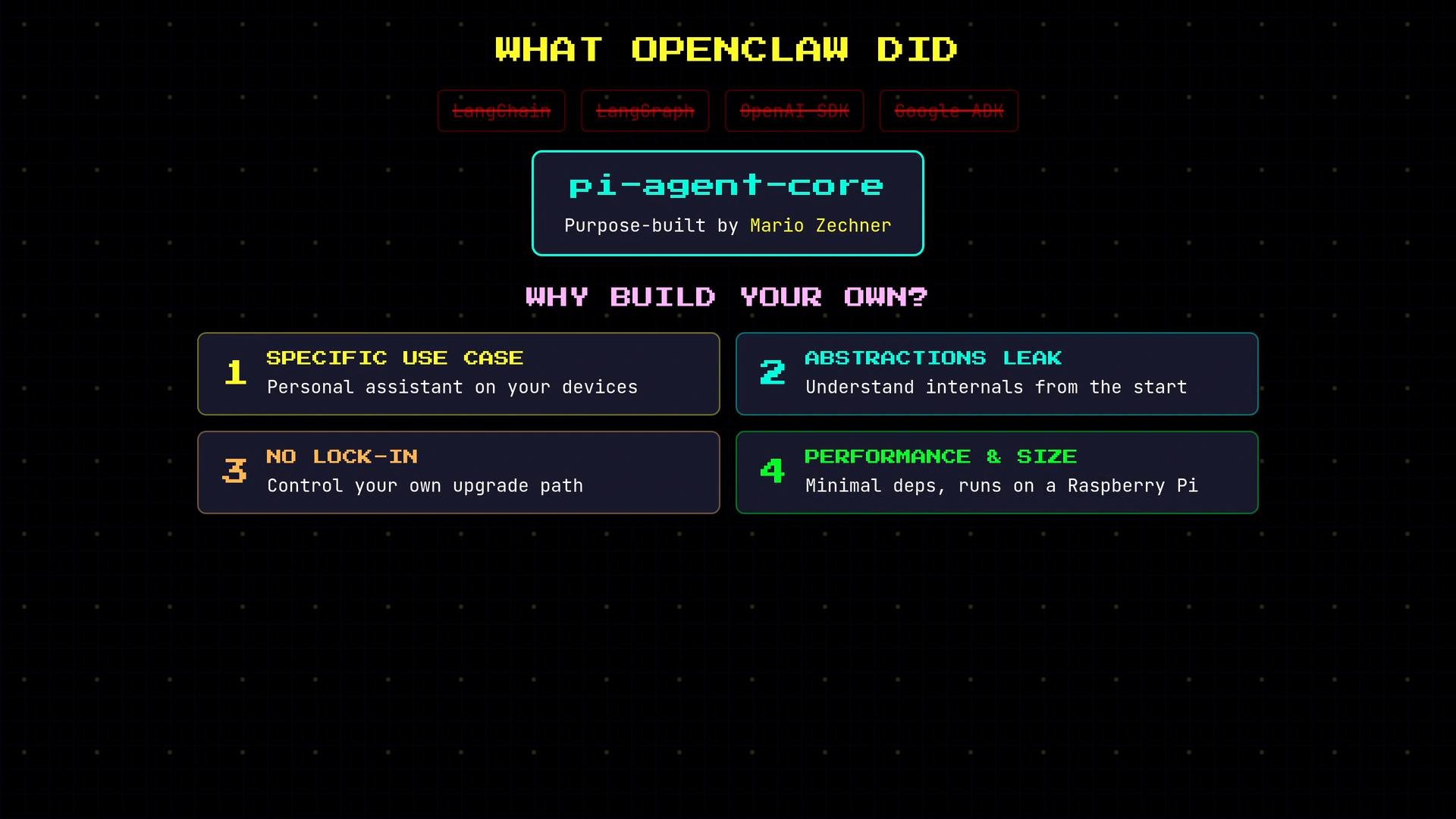
OpenClaw chose not to adopt LangChain, LangGraph, the OpenAI Agents SDK, or the other frameworks above. Instead, the product was built on a purpose-built agent package by Mario Zechner (the same developer behind OpenClaw).
Reasons to build your own:
* Specific use case: OpenClaw is a personal assistant meant to run on user devices (e.g., a Raspberry Pi), so the codebase can be far leaner than a general-purpose framework.
* Framework abstractions leak: frameworks simplify many cases but eventually force you to understand internals for custom behavior.
* No lock-in: popular frameworks can evolve rapidly, break APIs across versions, or change direction.
* Performance and size: large frameworks bring big dependency trees and runtime overhead — a real concern for embedded or edge deployments.
### Quick comparison table
| Framework / SDK | Best for | Language | Notes & links |
| - | - | - | - |
| LangChain | Broad ecosystem, integrations, retrieval-augmented generation | Python (some JS support) | Good for multi-step reasoning and retrieval. [LangChain](https://learn.kodekloud.com/user/courses/langchain) |
| LangGraph | Graph-based workflows, complex branching | Python | Model flows as nodes and edges — useful for decision-based orchestration. [LangGraph](https://learn.kodekloud.com/user/courses/langgraph) |
| Anthropic SDK | Claude-specific integrations, streaming | Python/JS | Lightweight API-focused SDK; you implement the run loop. [Anthropic SDK](https://learn.kodekloud.com/user/courses/claude-code-for-beginners) |
| OpenAI Agents SDK | First-party OpenAI agents and handoffs | Python/JS | Built-in run loop, tools, and agent-to-agent transfers. [OpenAI Agents SDK](https://learn.kodekloud.com/user/courses/introduction-to-openai) |
| Google ADK | Gemini + Google Cloud integration | Python/JS | Native Vertex AI, BigQuery, Search integrations. [Google ADK](https://learn.kodekloud.com/user/courses/google-adk) |
| TypeScript-first frameworks | Teams with TS stacks | TypeScript | Best if you need native TS support and smaller client bundles |
## What OpenClaw did instead
OpenClaw chose not to adopt LangChain, LangGraph, the OpenAI Agents SDK, or the other frameworks above. Instead, the product was built on a purpose-built agent package by Mario Zechner (the same developer behind OpenClaw).
Reasons to build your own:
* Specific use case: OpenClaw is a personal assistant meant to run on user devices (e.g., a Raspberry Pi), so the codebase can be far leaner than a general-purpose framework.
* Framework abstractions leak: frameworks simplify many cases but eventually force you to understand internals for custom behavior.
* No lock-in: popular frameworks can evolve rapidly, break APIs across versions, or change direction.
* Performance and size: large frameworks bring big dependency trees and runtime overhead — a real concern for embedded or edge deployments.
 ## When to use a framework — and when to build from scratch
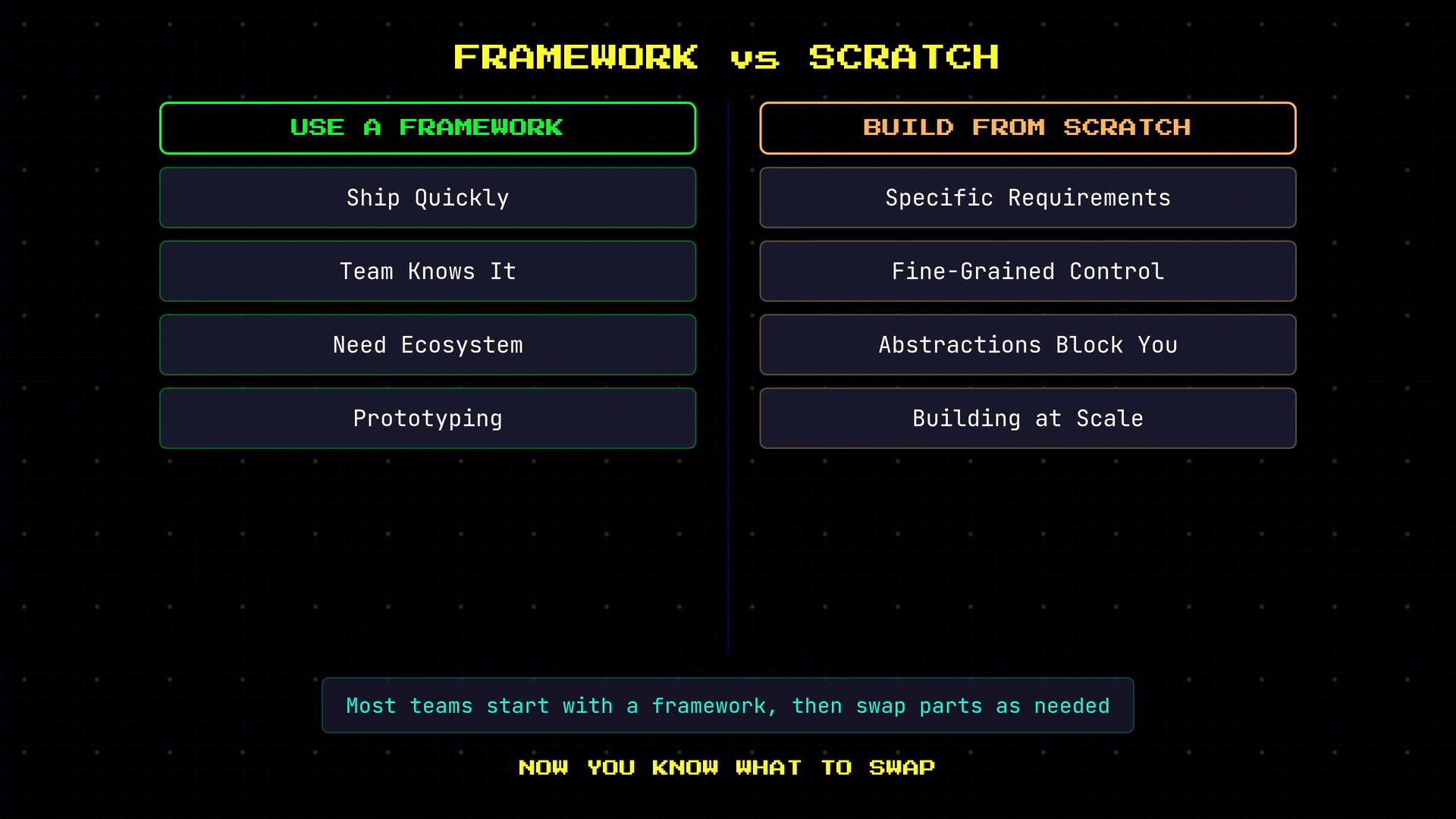
Use a framework when:
* You need to ship quickly or prototype features.
* Your team already knows a framework and its ecosystem.
* You want many integrations out of the box (retrieval, vector stores, connectors).
* You prefer convention and standard patterns over custom implementations.
Build from scratch when:
* You have a narrow, well-defined use case with unusual requirements.
* You need fine-grained control over the agent loop or execution environment.
* Framework abstractions repeatedly get in the way of core behavior.
* You need a small, performant deployment footprint for edge or embedded devices.
Most production teams start with a framework and selectively replace parts as they encounter limits. Building from scratch forces you to recognize the minimal components you actually rely on and when a bespoke implementation is worth the investment.
## When to use a framework — and when to build from scratch
Use a framework when:
* You need to ship quickly or prototype features.
* Your team already knows a framework and its ecosystem.
* You want many integrations out of the box (retrieval, vector stores, connectors).
* You prefer convention and standard patterns over custom implementations.
Build from scratch when:
* You have a narrow, well-defined use case with unusual requirements.
* You need fine-grained control over the agent loop or execution environment.
* Framework abstractions repeatedly get in the way of core behavior.
* You need a small, performant deployment footprint for edge or embedded devices.
Most production teams start with a framework and selectively replace parts as they encounter limits. Building from scratch forces you to recognize the minimal components you actually rely on and when a bespoke implementation is worth the investment.
 If you're evaluating agent frameworks, start by listing the specific behaviors and integrations you need (tooling, storage, orchestration, deployment constraints). Use that list to map requirements to a framework’s strengths — or to justify a custom, minimal implementation that avoids unnecessary complexity.
This documentation is built and hosted on [Mintlify](https://mintlify.com), a developer documentation platform.
If you're evaluating agent frameworks, start by listing the specific behaviors and integrations you need (tooling, storage, orchestration, deployment constraints). Use that list to map requirements to a framework’s strengths — or to justify a custom, minimal implementation that avoids unnecessary complexity.
This documentation is built and hosted on [Mintlify](https://mintlify.com), a developer documentation platform.