> ## Documentation Index
> Fetch the complete documentation index at: https://notes.kodekloud.com/llms.txt
> Use this file to discover all available pages before exploring further.
# Google Agent Patterns
> Describes Google agent patterns including tools, grounding, memory and orchestration, mapping vendor terminology and recommending function calling for safer, observable tool use
When you read documentation, blog posts, or job descriptions about building agents, you’ll quickly notice different vendors use different words for the same concepts. Anthropic talks about agents, workflows, tool use, and augmented LLMs. Google uses "extensions," "grounding," and an explicit "orchestration layer." These are largely the same building blocks described with different emphasis — understanding Google’s framing strengthens your agent design across platforms.
## Core capabilities Google expects from an agent
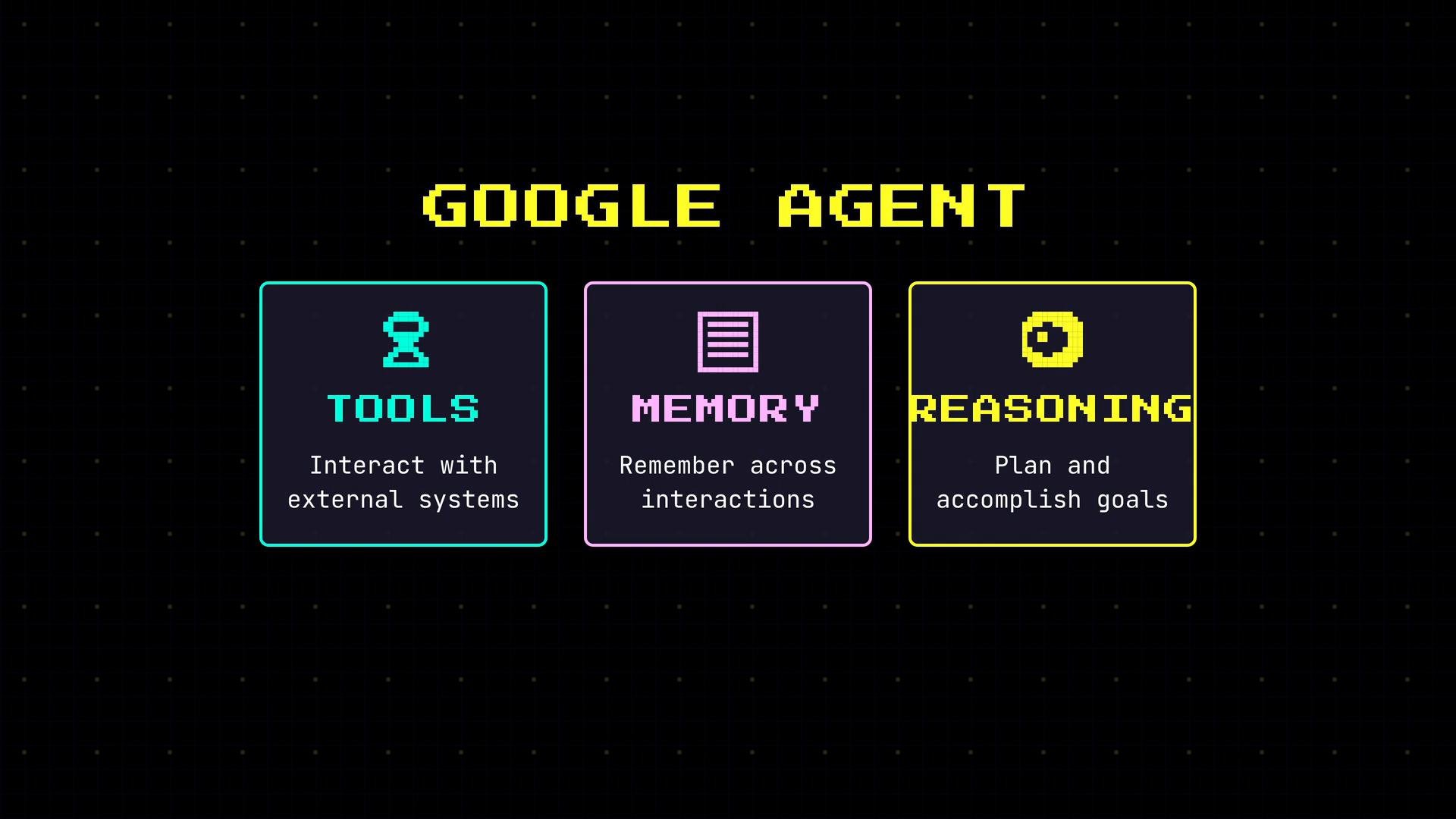
Google defines an agent as a system with three core capabilities:
* Use tools to interact with external systems.
* Maintain memory across interactions.
* Reason and plan to accomplish goals.
These align with general agent design patterns (tooling, memory, reasoning), but Google highlights two specific ideas Anthropic emphasizes less: grounding and an explicit orchestration layer.
 ## Two ways to use tools: extensions vs function calling
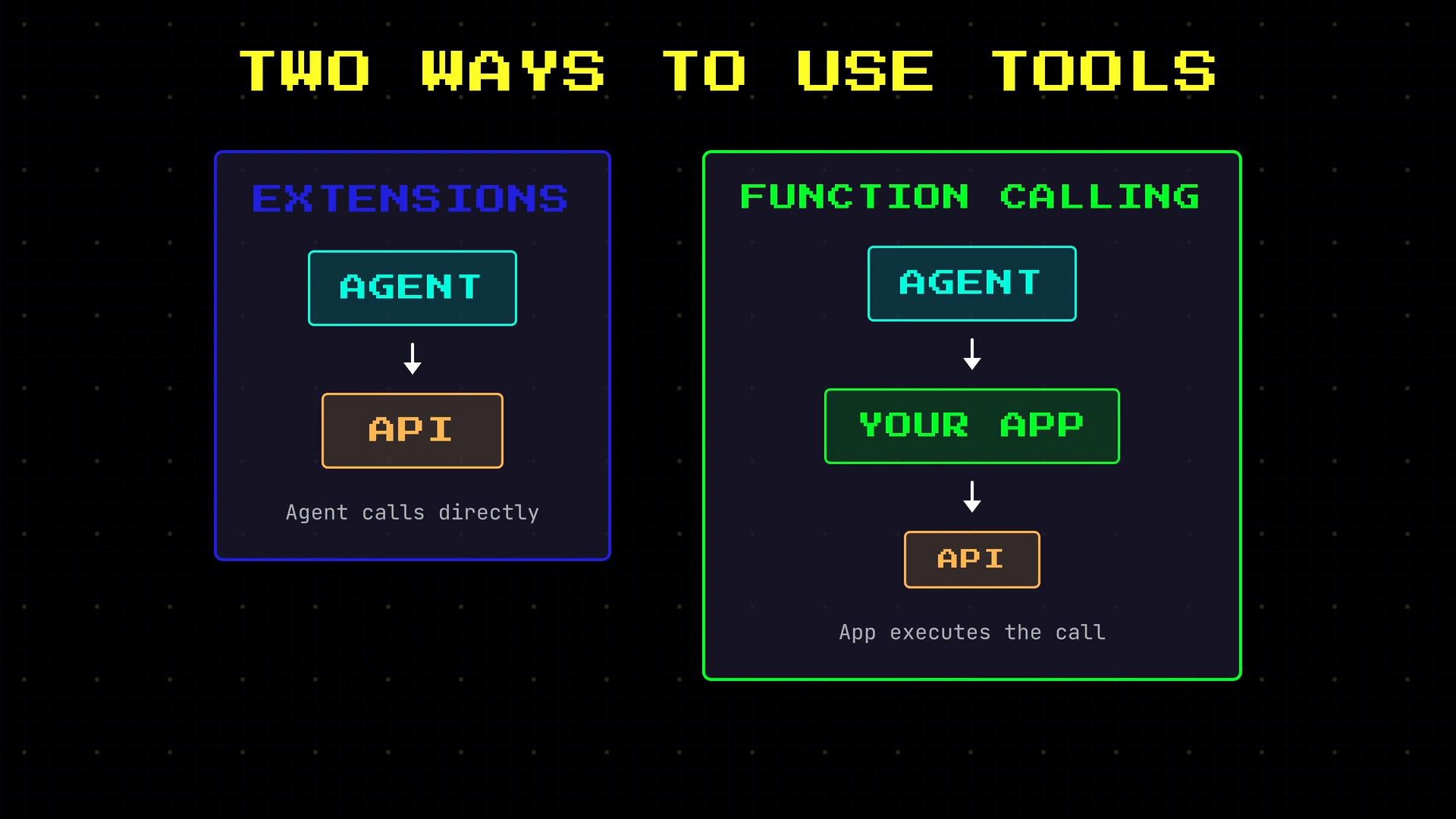
Google separates agent tool use into two patterns:
* Extensions
* The model calls an external API or service directly.
* The model decides when to call the tool, constructs the request, and consumes the response.
* Function calling
* The model emits a structured specification of the intended call (for example, a function name and arguments).
* Your application receives that specification, validates and executes the operation, and returns the result to the model.
## Two ways to use tools: extensions vs function calling
Google separates agent tool use into two patterns:
* Extensions
* The model calls an external API or service directly.
* The model decides when to call the tool, constructs the request, and consumes the response.
* Function calling
* The model emits a structured specification of the intended call (for example, a function name and arguments).
* Your application receives that specification, validates and executes the operation, and returns the result to the model.
 Function calling is the dominant pattern for production systems because it gives your application more control: validate inputs, apply authorization, sanitize or constrain actions, log requests, and enforce safety policies. For these reasons, many production agents prefer function calling to reduce risk and improve observability.
Allowing a model to call third-party APIs directly (extensions) can be convenient but raises security, privacy, and safety concerns. Prefer function calling when you need validation, access control, or auditing.
## Grounding: tie responses to verifiable data
One of Google’s important contributions is the explicit concept of grounding: connect agent outputs to verifiable data sources rather than relying only on the model's internal knowledge. Grounding reduces hallucinations and improves trust.
Two common grounding approaches:
* Grounding with search
* Issue web, enterprise-search, or knowledge-base queries prior to answering.
* Condition responses on retrieved documents and cite sources.
* Grounding with data stores
* Query a specific dataset (company documents, product catalogs, internal knowledge base).
* Generate answers from authoritative sources stored in your systems.
A grounded agent is less likely to invent facts because its answers are tied to retrievable evidence and can provide citations.
## The orchestration layer: the agent loop made explicit
Google also emphasizes an orchestration layer that coordinates the agent loop. The orchestration layer typically:
* Accepts user input.
* Decides whether to call tools and which ones.
* Executes or delegates tool calls (often via function calling).
* Reads and writes memory.
* Produces the final response to the user.
Think of orchestration as the glue connecting model reasoning, tools, and memory — an explicit component that enforces separation of responsibilities, observability, and system-level controls.
Function calling is the dominant pattern for production systems because it gives your application more control: validate inputs, apply authorization, sanitize or constrain actions, log requests, and enforce safety policies. For these reasons, many production agents prefer function calling to reduce risk and improve observability.
Allowing a model to call third-party APIs directly (extensions) can be convenient but raises security, privacy, and safety concerns. Prefer function calling when you need validation, access control, or auditing.
## Grounding: tie responses to verifiable data
One of Google’s important contributions is the explicit concept of grounding: connect agent outputs to verifiable data sources rather than relying only on the model's internal knowledge. Grounding reduces hallucinations and improves trust.
Two common grounding approaches:
* Grounding with search
* Issue web, enterprise-search, or knowledge-base queries prior to answering.
* Condition responses on retrieved documents and cite sources.
* Grounding with data stores
* Query a specific dataset (company documents, product catalogs, internal knowledge base).
* Generate answers from authoritative sources stored in your systems.
A grounded agent is less likely to invent facts because its answers are tied to retrievable evidence and can provide citations.
## The orchestration layer: the agent loop made explicit
Google also emphasizes an orchestration layer that coordinates the agent loop. The orchestration layer typically:
* Accepts user input.
* Decides whether to call tools and which ones.
* Executes or delegates tool calls (often via function calling).
* Reads and writes memory.
* Produces the final response to the user.
Think of orchestration as the glue connecting model reasoning, tools, and memory — an explicit component that enforces separation of responsibilities, observability, and system-level controls.
 ## Quick terminology mapping
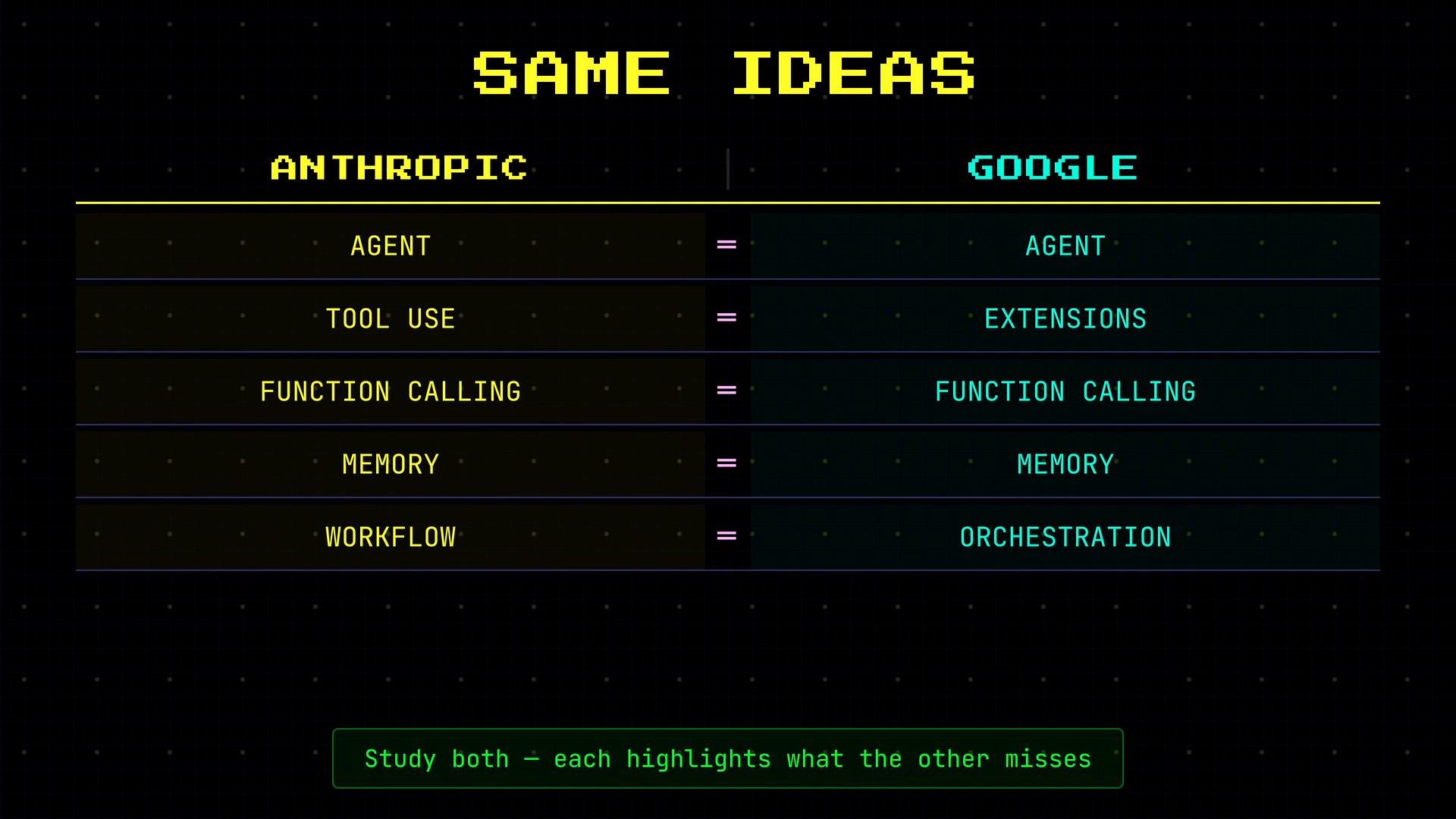
Use this mapping when you read different vendor materials so you can translate ideas and design patterns between platforms.
| Concept / Capability | Anthropic vocabulary | Google vocabulary | Notes |
| - | -: | - | - |
| Agent core capabilities | Agent, workflow, augmented LLM | Agent (tools, memory, reasoning) | Equivalent core capabilities described with different emphasis |
| Tool invocation | Tool use, direct model calls | Extensions | Model calls external services directly |
| Controlled tool invocation | Tool manifests, tool proxies | Function calling | Model emits structured call; application validates & executes |
| Verifiable data sources | Retrieval, tool grounding | Grounding (search, data stores) | Explicitly connect outputs to evidence to reduce hallucinations |
| System coordination | Orchestrator (sometimes implicit) | Orchestration layer | Google makes the orchestration layer an explicit design component |
Map terminology across providers: if you understand the underlying capabilities (tooling, memory, reasoning, grounding, orchestration), you can adapt designs and best practices between platforms.
## Further reading and references
* Google AI documentation on agents and grounding — see Google’s official docs for patterns and best practices.
* Anthropic developer materials for agent and workflow design.
* Research and production best practices for retrieval-augmented generation (RAG), function calling, and agent orchestration.
If you want, I can produce a reference architecture or a small example orchestrator (pseudocode) that demonstrates function calling, grounding queries, and memory reads/writes. Which would you prefer next: architecture diagram, pseudocode, or a sample implementation?
This documentation is built and hosted on [Mintlify](https://mintlify.com), a developer documentation platform.
## Quick terminology mapping
Use this mapping when you read different vendor materials so you can translate ideas and design patterns between platforms.
| Concept / Capability | Anthropic vocabulary | Google vocabulary | Notes |
| - | -: | - | - |
| Agent core capabilities | Agent, workflow, augmented LLM | Agent (tools, memory, reasoning) | Equivalent core capabilities described with different emphasis |
| Tool invocation | Tool use, direct model calls | Extensions | Model calls external services directly |
| Controlled tool invocation | Tool manifests, tool proxies | Function calling | Model emits structured call; application validates & executes |
| Verifiable data sources | Retrieval, tool grounding | Grounding (search, data stores) | Explicitly connect outputs to evidence to reduce hallucinations |
| System coordination | Orchestrator (sometimes implicit) | Orchestration layer | Google makes the orchestration layer an explicit design component |
Map terminology across providers: if you understand the underlying capabilities (tooling, memory, reasoning, grounding, orchestration), you can adapt designs and best practices between platforms.
## Further reading and references
* Google AI documentation on agents and grounding — see Google’s official docs for patterns and best practices.
* Anthropic developer materials for agent and workflow design.
* Research and production best practices for retrieval-augmented generation (RAG), function calling, and agent orchestration.
If you want, I can produce a reference architecture or a small example orchestrator (pseudocode) that demonstrates function calling, grounding queries, and memory reads/writes. Which would you prefer next: architecture diagram, pseudocode, or a sample implementation?
This documentation is built and hosted on [Mintlify](https://mintlify.com), a developer documentation platform.