> ## Documentation Index
> Fetch the complete documentation index at: https://notes.kodekloud.com/llms.txt
> Use this file to discover all available pages before exploring further.
# What is an Agent
> Explains what AI agents are, their perceive reason act loop, how they differ from single LLM calls, and the capabilities and limits using Zippy and OpenClaw examples.
# What is an Agent?
Lesson 13
Meet Zippy — a personal assistant agent and the example agent we’ll build across these lessons.
An AI agent is an LLM that operates in a decision loop: it observes the environment, reasons about next steps, and invokes tools or actions to accomplish a goal. Unlike a single prompt/response interaction, an agent pursues multi-step objectives autonomously and adapts to feedback.
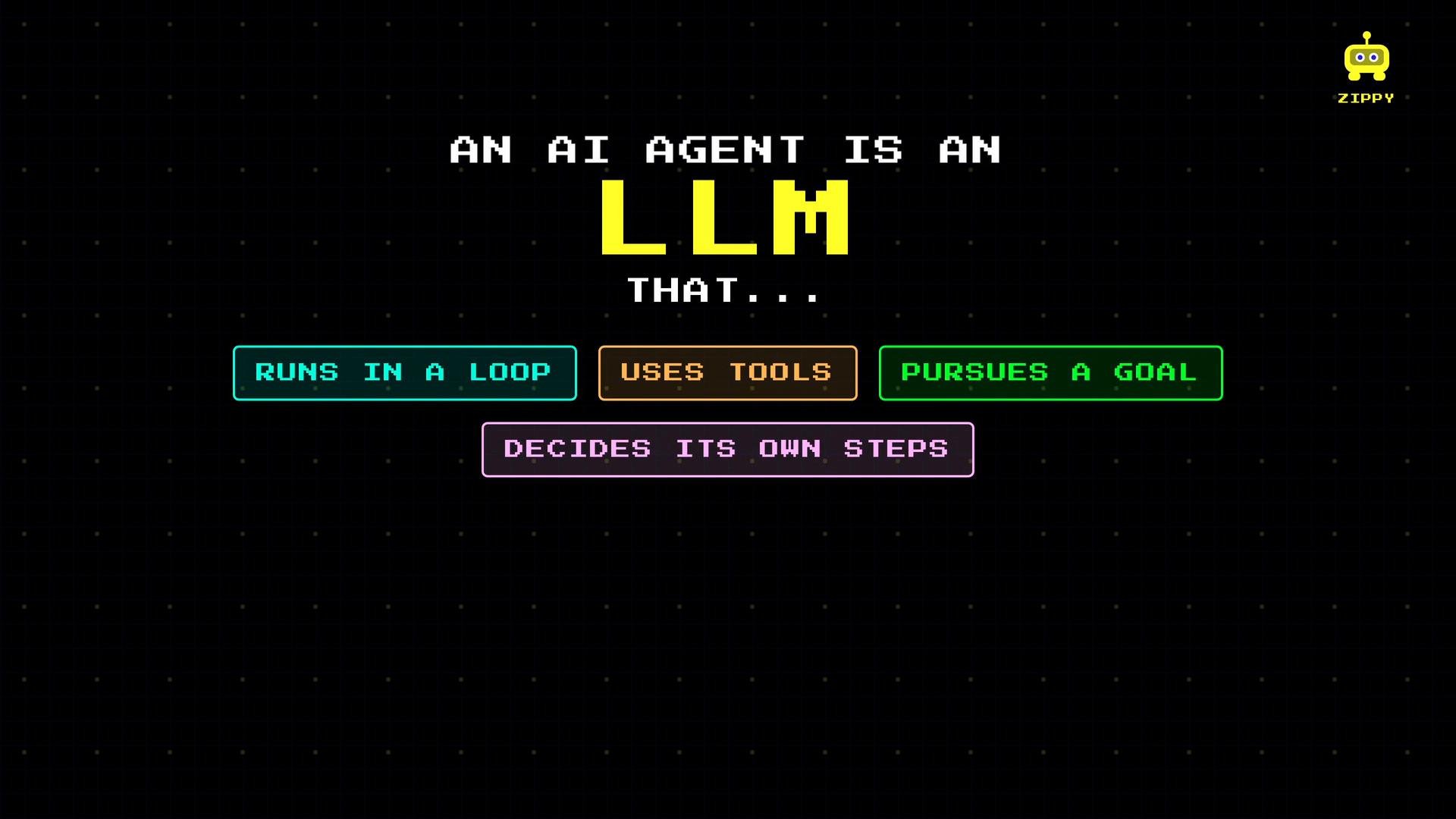 Anthropic summarizes this clearly: agents are LLMs that use tools and act based on environmental feedback in a loop. This loop is the core pattern powering flexible, goal-directed behavior.
How agents work — the loop
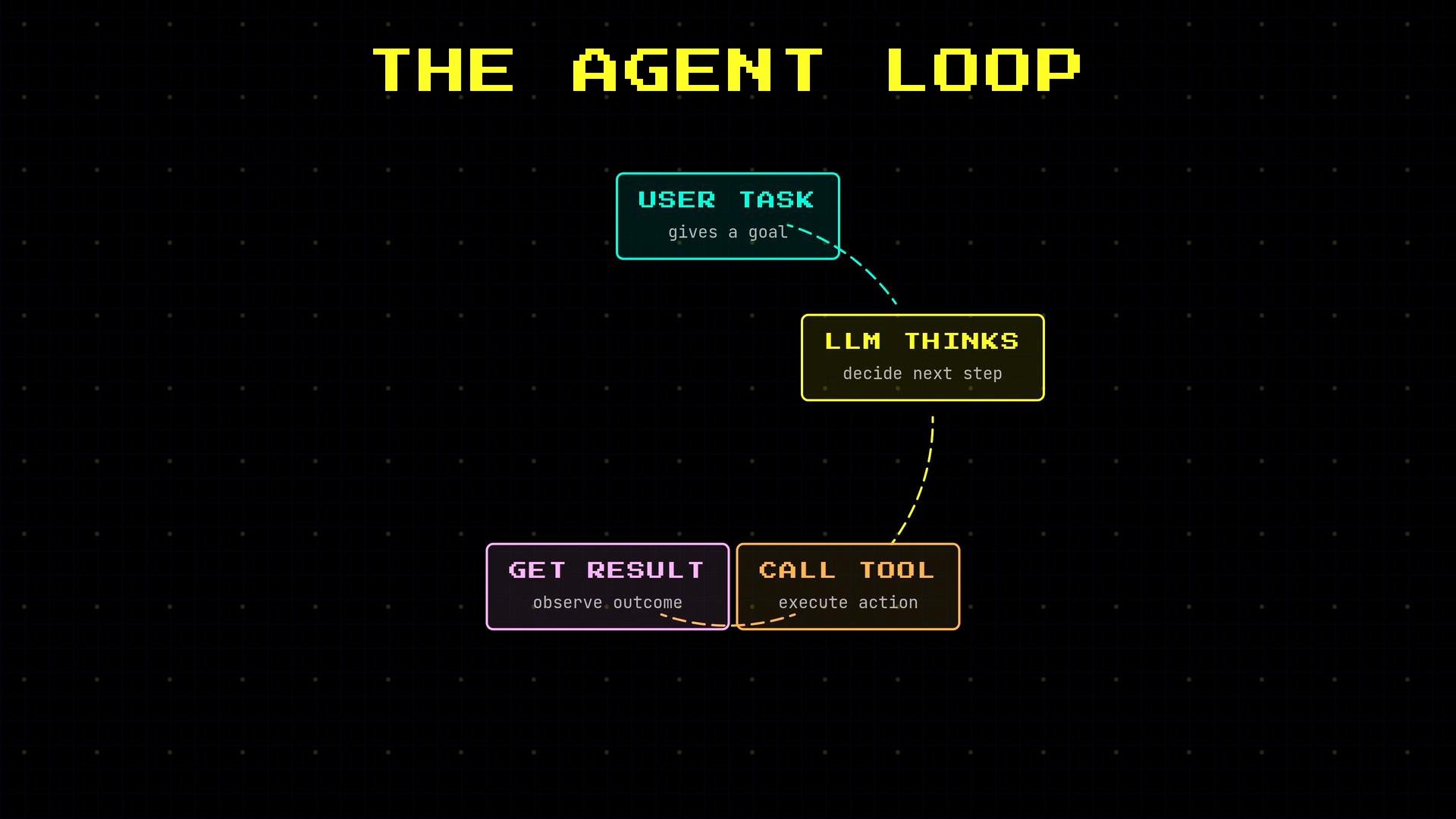
* The user gives a goal or task.
* The agent (LLM) observes the current context and available data.
* It reasons about the next action.
* It calls a tool or performs an action.
* It observes the result and decides whether the task is complete.
Anthropic summarizes this clearly: agents are LLMs that use tools and act based on environmental feedback in a loop. This loop is the core pattern powering flexible, goal-directed behavior.
How agents work — the loop
* The user gives a goal or task.
* The agent (LLM) observes the current context and available data.
* It reasons about the next action.
* It calls a tool or performs an action.
* It observes the result and decides whether the task is complete.
 Callout: core cycle
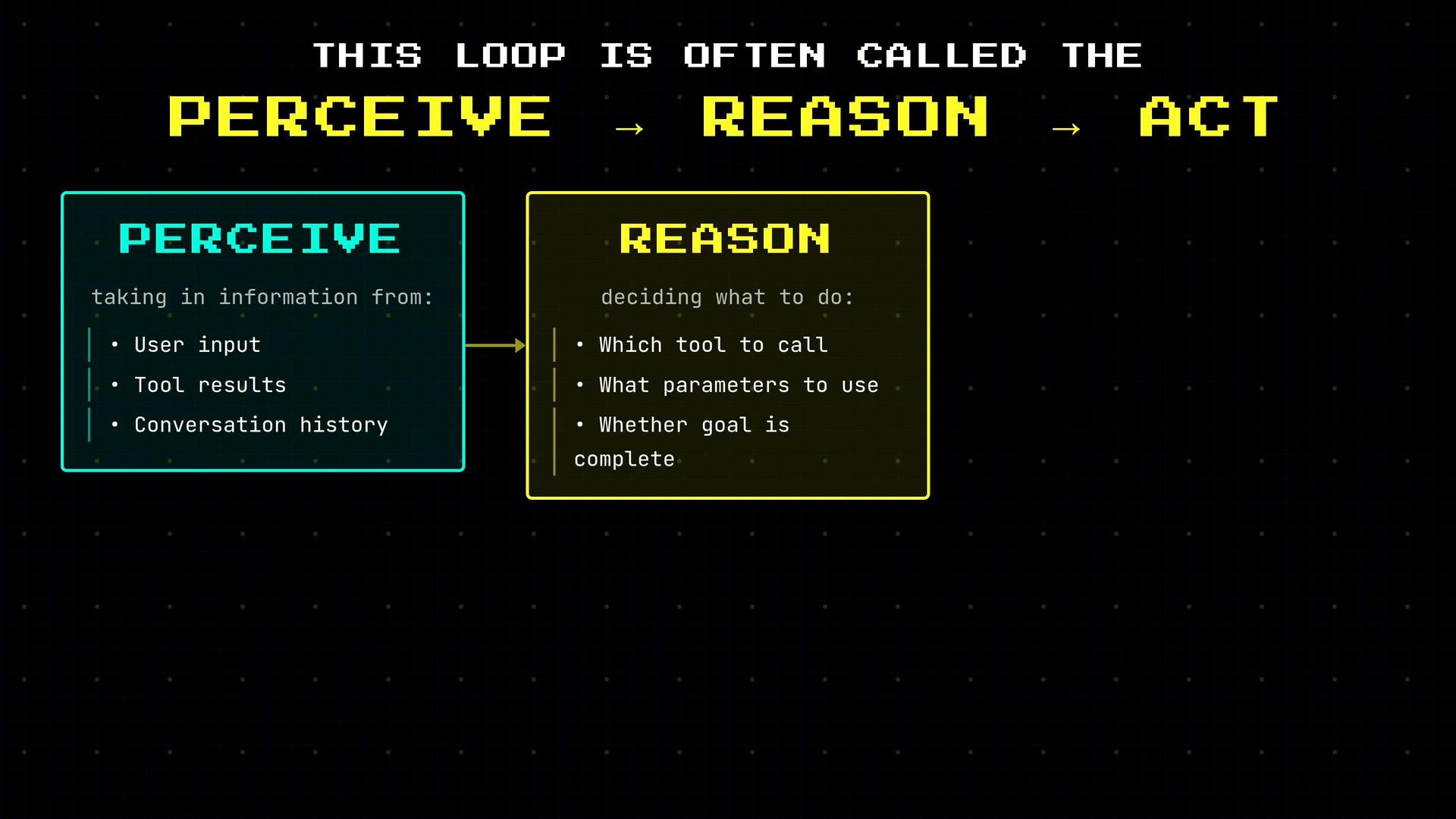
Agents operate on a continuous perceive → reason → act cycle: they gather inputs, decide which tool or step to take, act, then re-evaluate based on results.
Perceive → Reason → Act
* Perceive: collect user input, tool outputs, and conversation history.
* Reason: choose which tool or pathway best advances the goal.
* Act: call the chosen tool or emit a response.
Callout: core cycle
Agents operate on a continuous perceive → reason → act cycle: they gather inputs, decide which tool or step to take, act, then re-evaluate based on results.
Perceive → Reason → Act
* Perceive: collect user input, tool outputs, and conversation history.
* Reason: choose which tool or pathway best advances the goal.
* Act: call the chosen tool or emit a response.
 Agent vs single LLM call vs fixed workflow
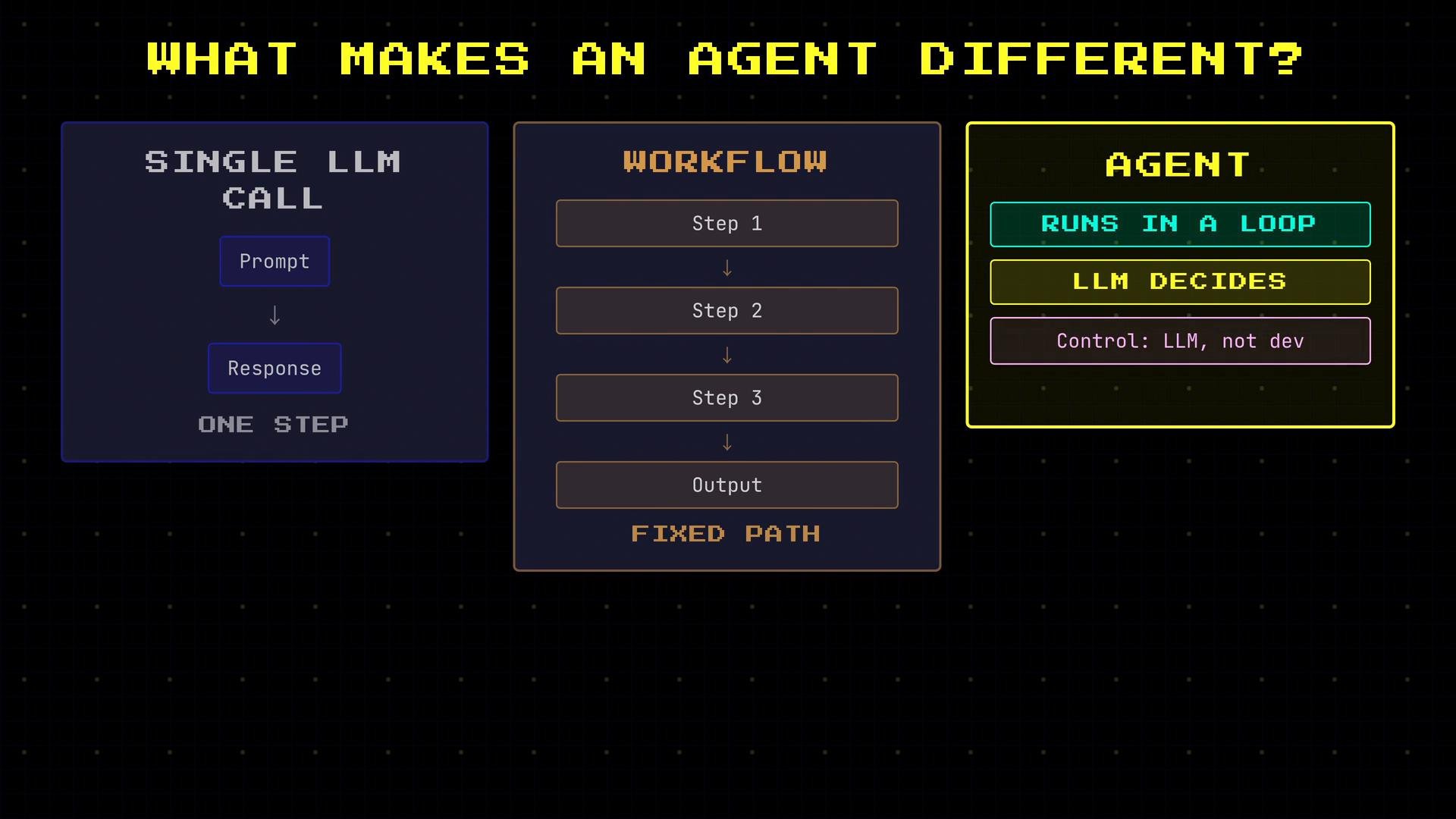
* Single LLM call: one-shot prompt → response. No ongoing decision-making.
* Fixed workflow: a developer-defined sequence of steps; deterministic and rigid.
* Agent: runs in a loop with the LLM deciding which tools to call and when, enabling dynamic, goal-directed behavior.
Agent vs single LLM call vs fixed workflow
* Single LLM call: one-shot prompt → response. No ongoing decision-making.
* Fixed workflow: a developer-defined sequence of steps; deterministic and rigid.
* Agent: runs in a loop with the LLM deciding which tools to call and when, enabling dynamic, goal-directed behavior.
 Quick comparison table
| Approach | Behavior | Example |
| - | -: | - |
| Single LLM call | One-step prompt/response | `Prompt: "Summarize this article."` |
| Fixed workflow | Predefined developer steps | `Step 1 → Step 2 → Step 3` |
| Agent (LLM-driven) | Dynamic, feedback-driven loop | `Search → Evaluate → Retry if needed → Act` |
Adaptability — what makes agents powerful
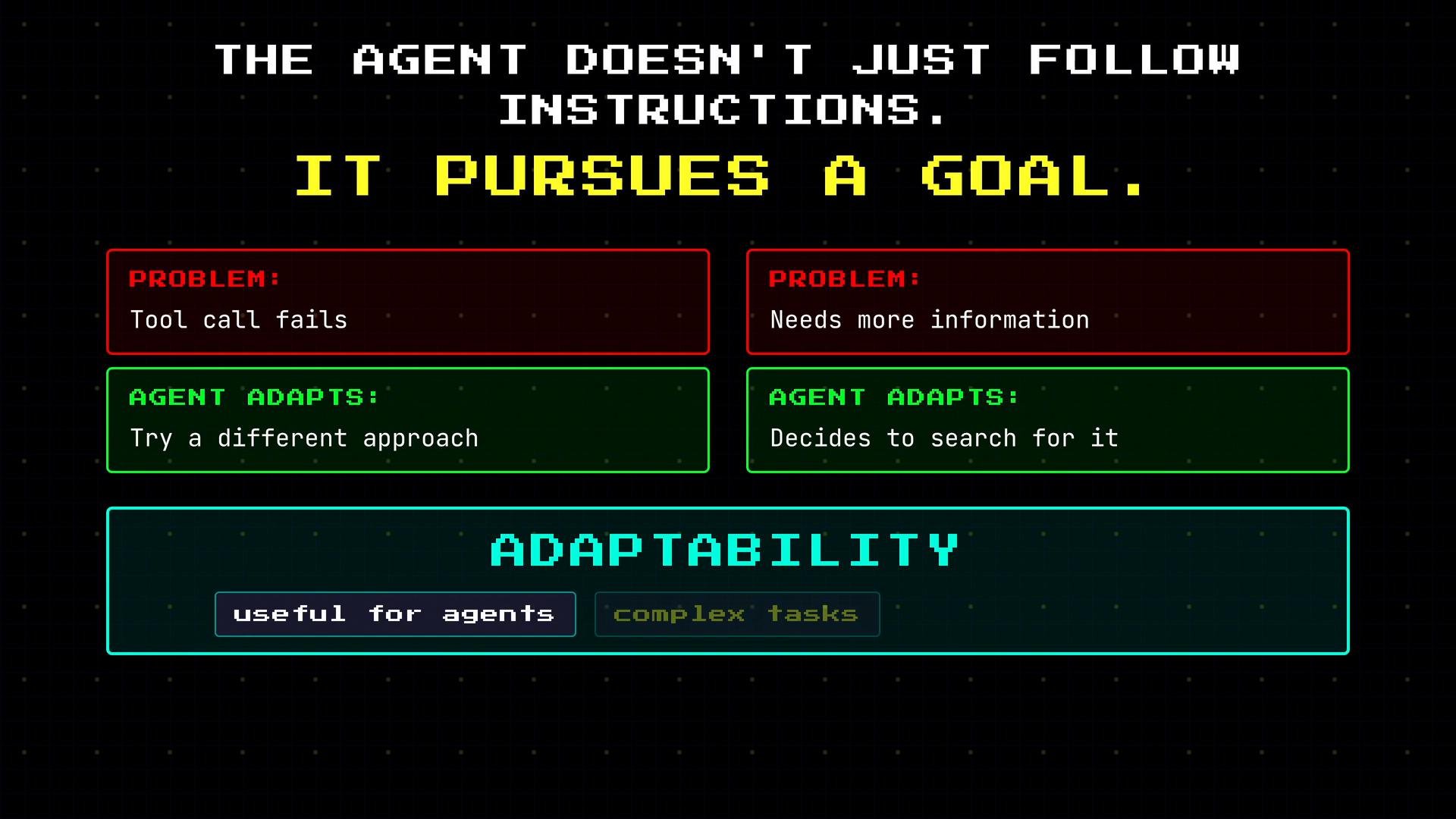
* If a tool call fails, an agent can switch strategies.
* If additional information is required, the agent can search or ask clarifying questions.
* This adaptability is essential for open-ended or failure-prone tasks.
Quick comparison table
| Approach | Behavior | Example |
| - | -: | - |
| Single LLM call | One-step prompt/response | `Prompt: "Summarize this article."` |
| Fixed workflow | Predefined developer steps | `Step 1 → Step 2 → Step 3` |
| Agent (LLM-driven) | Dynamic, feedback-driven loop | `Search → Evaluate → Retry if needed → Act` |
Adaptability — what makes agents powerful
* If a tool call fails, an agent can switch strategies.
* If additional information is required, the agent can search or ask clarifying questions.
* This adaptability is essential for open-ended or failure-prone tasks.
 Concrete example: booking a restaurant
User request:
"Find me a good Italian restaurant nearby and book a table for two on Thursday evening."
A competent agent (Zippy) can autonomously:
* Search for nearby Italian restaurants.
* Evaluate results and check availability at top options.
* If the first choice is booked, try the next-best.
* Check the user’s calendar for conflicts.
* Make the reservation once conditions are satisfied.
Example agent log:
```text theme={null}
A CONCRETE EXAMPLE
YOU ASK ZIPPY:
"Find me a good Italian restaurant nearby and book
a table for two on Thursday evening."
AGENT LOG:
🔍 Searching Italian restaurants nearby...
📋 5 results found
⭐ Checking #1: Trattoria Roma ★★★★★
❌ Trattoria Roma - FULLY BOOKED
❓ ADAPTS — TRIES NEXT OPTION
⭐ Checking #2: Bella Cucina ★★★★
✅ Bella Cucina - 7:30 PM AVAILABLE
🗓 Checking your calendar for Thursday...
✅ Calendar clear — RESERVATION CONFIRMED
```
No single developer-scripted sequence enumerated these exact steps — Zippy decided them at runtime based on observations. That autonomy is the meaningful distinction from a simple chatbot.
Current capabilities and limits
Zippy today is a capable general assistant: he can check calendars, search the web, send emails, and complete many everyday tasks. However, Zippy is intentionally bounded in some areas:
Concrete example: booking a restaurant
User request:
"Find me a good Italian restaurant nearby and book a table for two on Thursday evening."
A competent agent (Zippy) can autonomously:
* Search for nearby Italian restaurants.
* Evaluate results and check availability at top options.
* If the first choice is booked, try the next-best.
* Check the user’s calendar for conflicts.
* Make the reservation once conditions are satisfied.
Example agent log:
```text theme={null}
A CONCRETE EXAMPLE
YOU ASK ZIPPY:
"Find me a good Italian restaurant nearby and book
a table for two on Thursday evening."
AGENT LOG:
🔍 Searching Italian restaurants nearby...
📋 5 results found
⭐ Checking #1: Trattoria Roma ★★★★★
❌ Trattoria Roma - FULLY BOOKED
❓ ADAPTS — TRIES NEXT OPTION
⭐ Checking #2: Bella Cucina ★★★★
✅ Bella Cucina - 7:30 PM AVAILABLE
🗓 Checking your calendar for Thursday...
✅ Calendar clear — RESERVATION CONFIRMED
```
No single developer-scripted sequence enumerated these exact steps — Zippy decided them at runtime based on observations. That autonomy is the meaningful distinction from a simple chatbot.
Current capabilities and limits
Zippy today is a capable general assistant: he can check calendars, search the web, send emails, and complete many everyday tasks. However, Zippy is intentionally bounded in some areas:
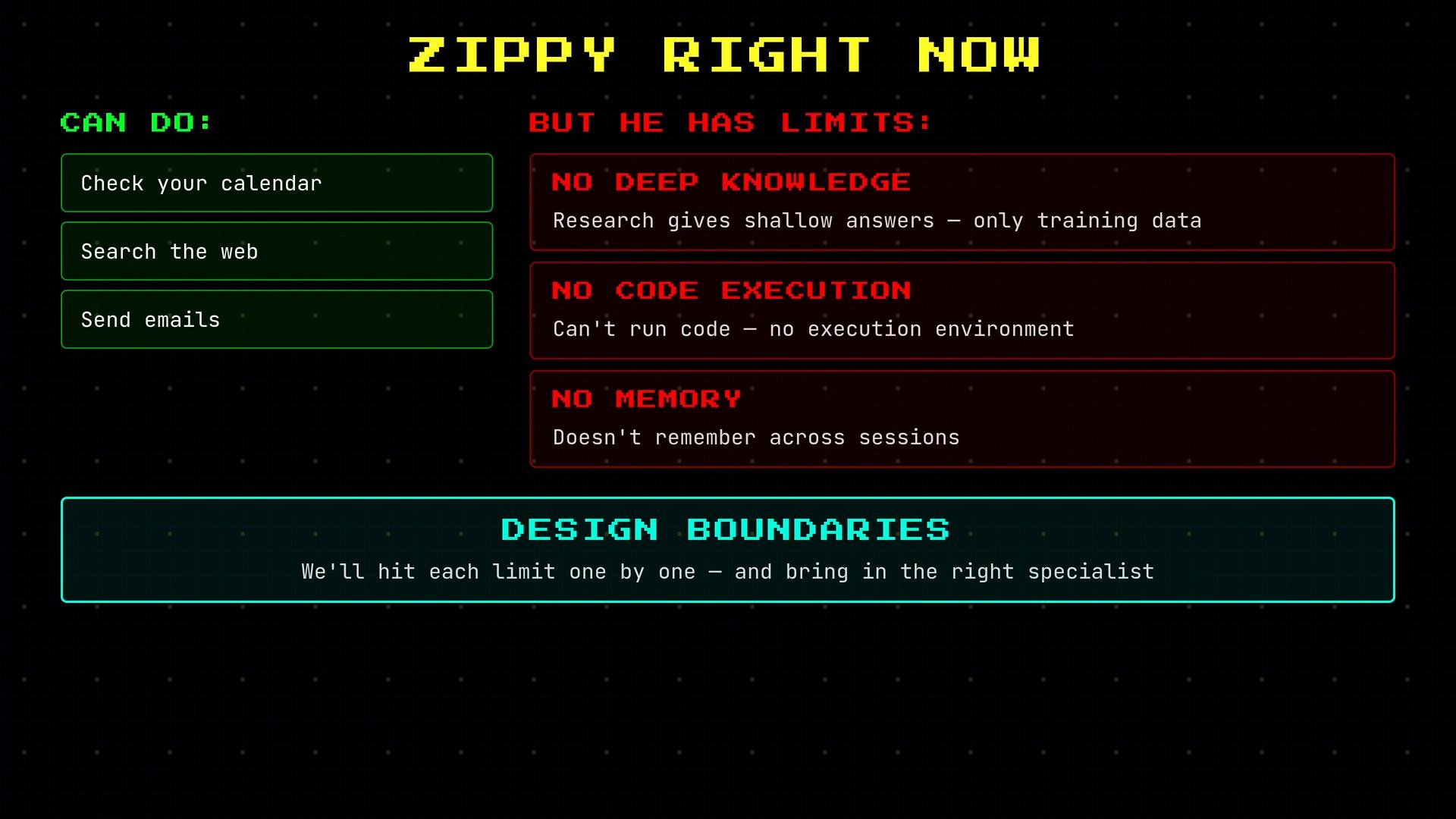 Table: Zippy — capabilities vs design boundaries
| Category | Details |
| - | - |
| Capabilities | Check calendar, search web, send email, book reservations (when integrated with services) |
| Design boundaries | Limited depth for long-form research, no code execution without a sandbox/tool, no persistent memory between sessions unless integrated |
These limits are intentional safeguards and design choices. You can extend capabilities later by integrating specialist tools, execution environments, or persistent memory systems.
OpenClaw case study
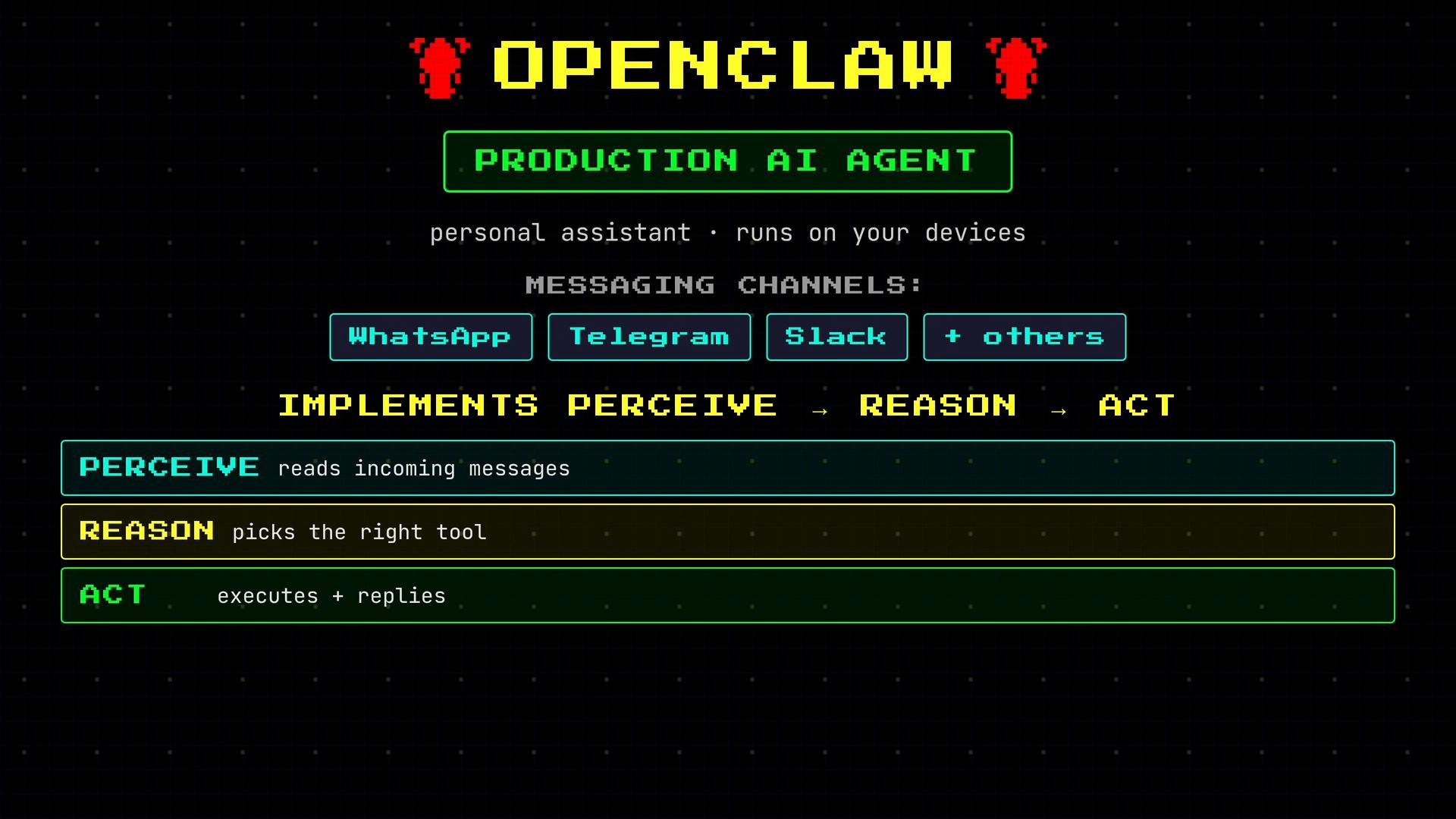
OpenClaw is a production personal-assistant agent used as our running case study. It runs on user devices and integrates with messaging channels like [WhatsApp](https://www.whatsapp.com), [Telegram](https://telegram.org), and [Slack](https://slack.com). OpenClaw implements the perceive → reason → act loop: it ingests messages, reasons about which tools to call, executes them, and replies with results.
Table: Zippy — capabilities vs design boundaries
| Category | Details |
| - | - |
| Capabilities | Check calendar, search web, send email, book reservations (when integrated with services) |
| Design boundaries | Limited depth for long-form research, no code execution without a sandbox/tool, no persistent memory between sessions unless integrated |
These limits are intentional safeguards and design choices. You can extend capabilities later by integrating specialist tools, execution environments, or persistent memory systems.
OpenClaw case study
OpenClaw is a production personal-assistant agent used as our running case study. It runs on user devices and integrates with messaging channels like [WhatsApp](https://www.whatsapp.com), [Telegram](https://telegram.org), and [Slack](https://slack.com). OpenClaw implements the perceive → reason → act loop: it ingests messages, reasons about which tools to call, executes them, and replies with results.
 Summary (key takeaways)
* An agent is an LLM running continuously in a loop to pursue goals.
* It perceives inputs, reasons about the next action, and acts by calling tools or generating responses.
* The agent’s ability to adapt and choose its own steps — rather than following a pre-scripted workflow — is the defining characteristic.
* Design boundaries are intentional and can be extended by integrating tools, execution environments, or memory systems.
Further reading and references
* [Anthropic — Agents](https://www.anthropic.com)
* [WhatsApp](https://www.whatsapp.com)
* [Telegram](https://telegram.org)
* [Slack](https://slack.com)
This documentation is built and hosted on [Mintlify](https://mintlify.com), a developer documentation platform.
Summary (key takeaways)
* An agent is an LLM running continuously in a loop to pursue goals.
* It perceives inputs, reasons about the next action, and acts by calling tools or generating responses.
* The agent’s ability to adapt and choose its own steps — rather than following a pre-scripted workflow — is the defining characteristic.
* Design boundaries are intentional and can be extended by integrating tools, execution environments, or memory systems.
Further reading and references
* [Anthropic — Agents](https://www.anthropic.com)
* [WhatsApp](https://www.whatsapp.com)
* [Telegram](https://telegram.org)
* [Slack](https://slack.com)
This documentation is built and hosted on [Mintlify](https://mintlify.com), a developer documentation platform.