> ## Documentation Index
> Fetch the complete documentation index at: https://notes.kodekloud.com/llms.txt
> Use this file to discover all available pages before exploring further.
# Prompting Basics
> Guide to practical prompt engineering explaining roles, specificity, few shot examples, positive phrasing, chain of thought, and API message design to steer large language model behavior
The context window is the model's working memory — everything the model can see at once. What you place inside that window directly determines the quality, format, and usefulness of the model's output.
Many people assume prompting is only about being specific: give a clear instruction, add context, and you're done. That helps, but there's a deeper mechanism at work: prompts shape which internal patterns the model activates. Small wording differences can prime different behaviors and produce measurably different results.
Consider these two instructions:
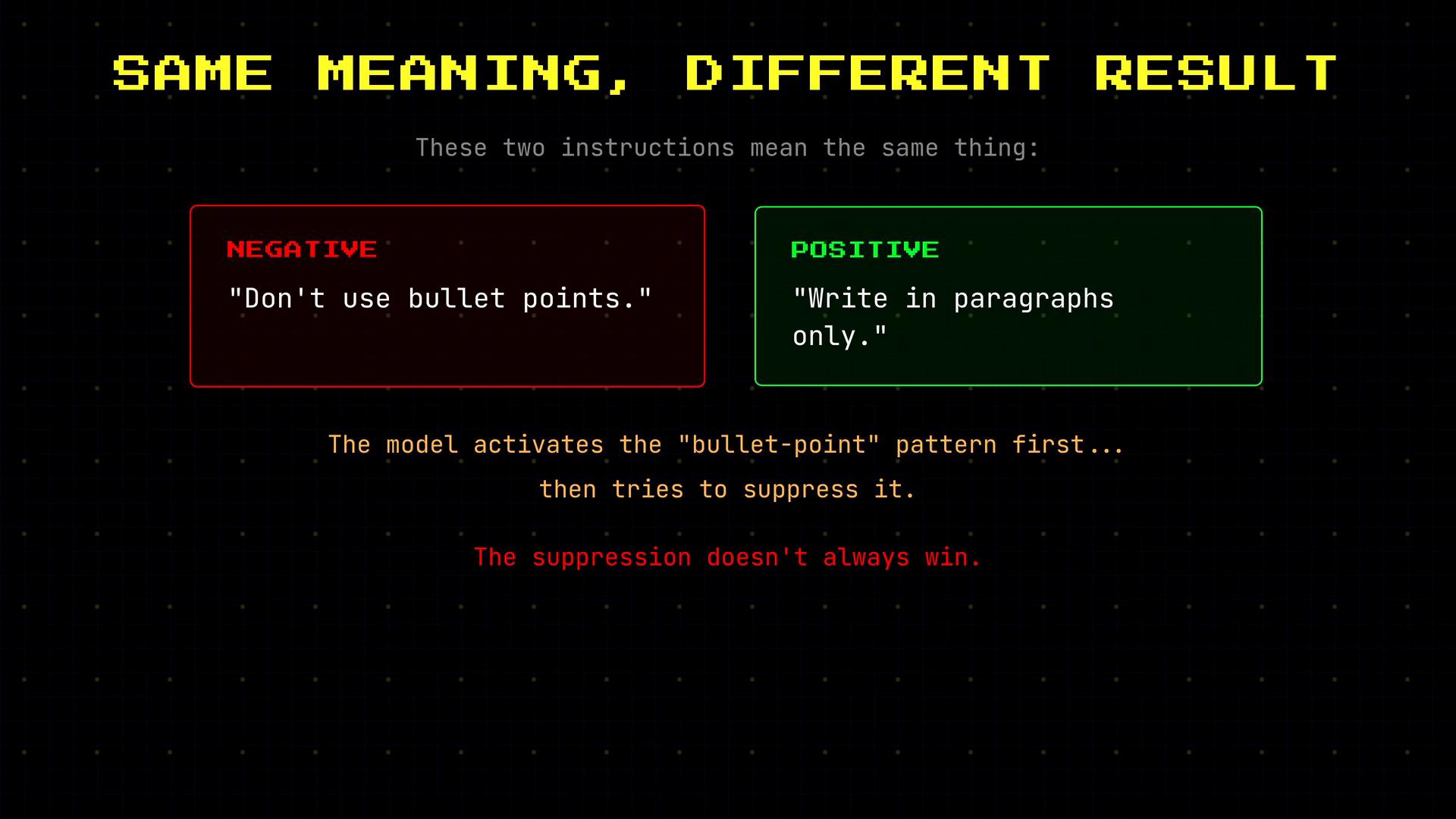
* Don't use bullet points.
* Write in paragraphs only.
They mean the same thing, but the second is more reliable. Why? The phrase "don't use bullet points" activates the bullet-point pattern (because it mentions it) and then asks the model to suppress it. The suppression can fail or produce mixed results. By contrast, "Write in paragraphs only" directly activates the paragraph-writing pattern you want.
 Prompting is therefore less about a single instruction and more about steering which patterns the model should follow. Once you think of prompts as pattern selectors, several practical techniques become obvious and consistently effective.
## Roles and the messages array
When you use the API, messages are not plain text — each message has a role that activates a cluster of patterns learned during training. The three canonical roles are:
| Role | Purpose | Example / Behavior |
| - | - | - |
| `system` | Establishes the assistant's behavior, rules, tone, and constraints | `You are a personal assistant that prioritizes upcoming meetings.` |
| `user` | The end user's question or request (what the model should respond to) | `What's on my calendar today?` |
| `assistant` | Example outputs from the model; used for few-shot examples and desired formats | `9:00 — Team standup; 11:00 — Client call` |
Example messages array (system sets the behavior; user asks the question):
```json theme={null}
[
{
"role": "system",
"content": "You are a personal assistant that helps manage schedules and tasks."
},
{
"role": "user",
"content": "What's on my calendar today?"
}
]
```
When building an app you control this entire messages array. That control is a major reason the API is more powerful than a simple chat UI: you decide what the model sees and in what order.
## Why prompt specificity matters
Changes in phrasing and added constraints shape the model's output format and content. For example:
* "Help me with my schedule" → may return general advice or suggestions.
* "List my meetings for today in bullet points with times" → returns short, structured, useful output.
Adding task-specific instructions, priority rules, or constraints further increases usefulness:
"You are a personal assistant. The user has a busy day. Summarize their calendar, flag any conflicts, and suggest which meeting to reschedule if they're double-booked."
More context and explicit constraints typically yield more practical, actionable responses.
Prompting is therefore less about a single instruction and more about steering which patterns the model should follow. Once you think of prompts as pattern selectors, several practical techniques become obvious and consistently effective.
## Roles and the messages array
When you use the API, messages are not plain text — each message has a role that activates a cluster of patterns learned during training. The three canonical roles are:
| Role | Purpose | Example / Behavior |
| - | - | - |
| `system` | Establishes the assistant's behavior, rules, tone, and constraints | `You are a personal assistant that prioritizes upcoming meetings.` |
| `user` | The end user's question or request (what the model should respond to) | `What's on my calendar today?` |
| `assistant` | Example outputs from the model; used for few-shot examples and desired formats | `9:00 — Team standup; 11:00 — Client call` |
Example messages array (system sets the behavior; user asks the question):
```json theme={null}
[
{
"role": "system",
"content": "You are a personal assistant that helps manage schedules and tasks."
},
{
"role": "user",
"content": "What's on my calendar today?"
}
]
```
When building an app you control this entire messages array. That control is a major reason the API is more powerful than a simple chat UI: you decide what the model sees and in what order.
## Why prompt specificity matters
Changes in phrasing and added constraints shape the model's output format and content. For example:
* "Help me with my schedule" → may return general advice or suggestions.
* "List my meetings for today in bullet points with times" → returns short, structured, useful output.
Adding task-specific instructions, priority rules, or constraints further increases usefulness:
"You are a personal assistant. The user has a busy day. Summarize their calendar, flag any conflicts, and suggest which meeting to reschedule if they're double-booked."
More context and explicit constraints typically yield more practical, actionable responses.
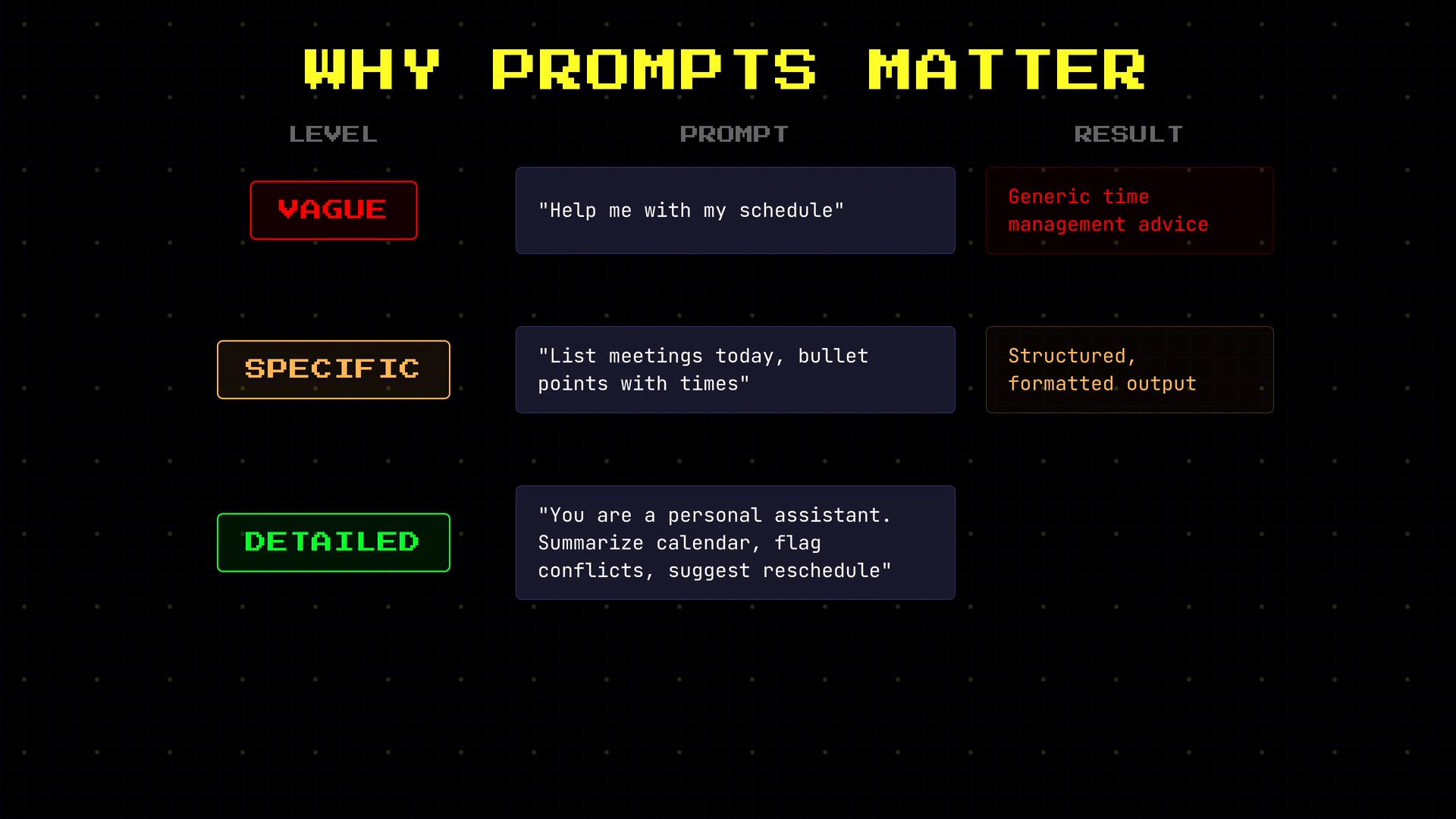 Quick comparison: prompt specificity levels
| Level | Example prompt | Likely result |
| - | - | - |
| Vague | "Help me schedule my day." | High-level advice, potentially verbose |
| Specific | "List today's meetings with start times." | Structured list with times |
| Detailed | "Summarize today's meetings, flag overlaps, and recommend one meeting to reschedule." | Actionable summary with conflict resolution |
## Few-shot prompting (show, don't just tell)
Including examples of the exact input/output format you want is often far more effective than only describing it. This technique — few-shot prompting — demonstrates both the expected input and the required reply format.
Example: without examples, the model might produce an essay-style sentiment analysis. Provide one assistant example and the model reliably follows that concise label format.
```json theme={null}
[
{
"role": "system",
"content": "Classify sentiment: positive, negative, or neutral."
},
{
"role": "user",
"content": "The food was amazing!"
},
{
"role": "assistant",
"content": "positive"
},
{
"role": "user",
"content": "It took 2 hours to get our order."
}
]
```
Because you demonstrated the desired single-word reply, the model learns the response format and repeats it for new inputs.
## Assigning a role changes style and assumptions
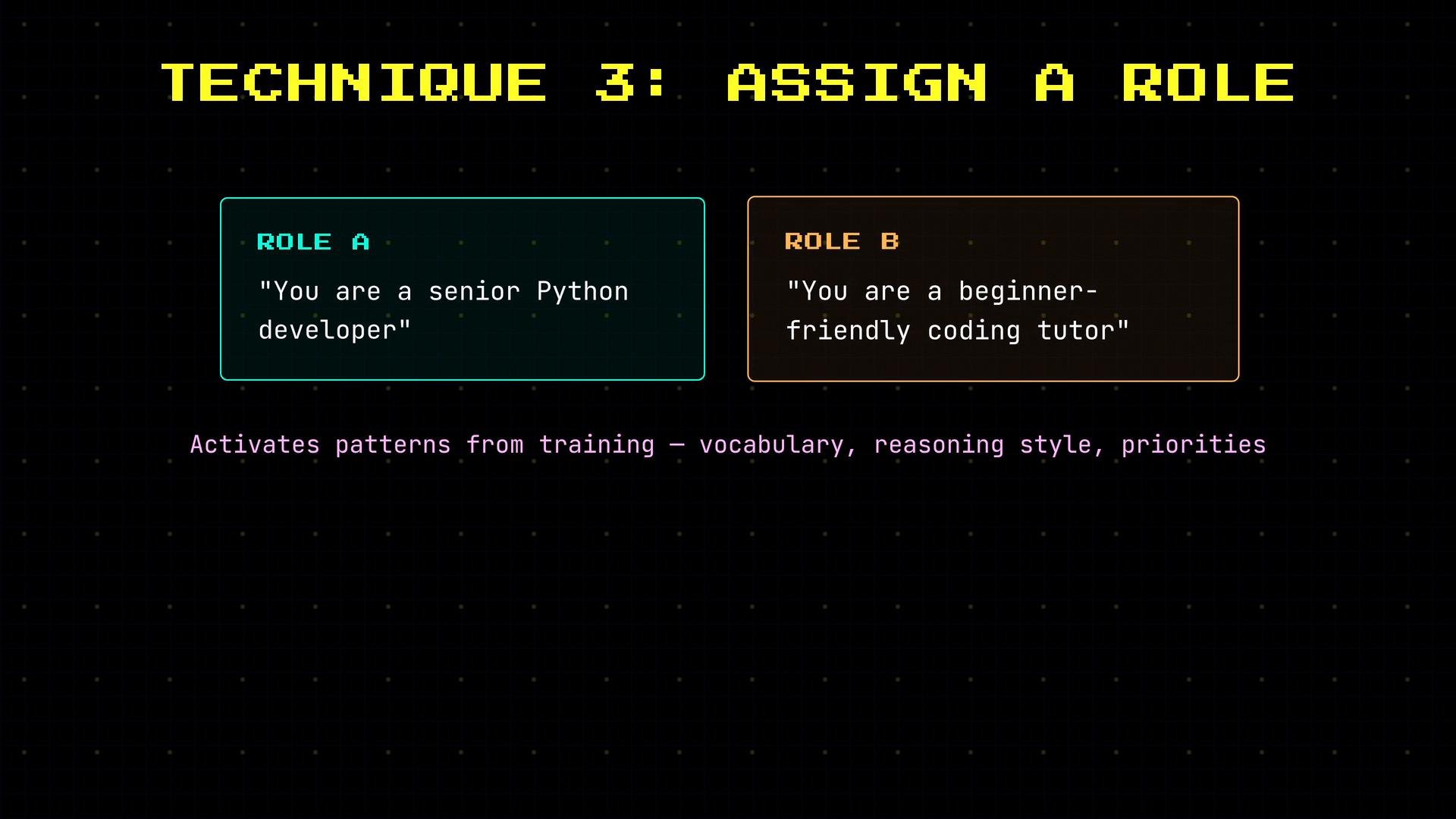
When you add a role such as "You are a senior Python developer" versus "You are a beginner-friendly coding tutor," you activate different vocabularies, reasoning styles, and expectations. Use roles intentionally to align tone, level of detail, and approach with user needs.
Quick comparison: prompt specificity levels
| Level | Example prompt | Likely result |
| - | - | - |
| Vague | "Help me schedule my day." | High-level advice, potentially verbose |
| Specific | "List today's meetings with start times." | Structured list with times |
| Detailed | "Summarize today's meetings, flag overlaps, and recommend one meeting to reschedule." | Actionable summary with conflict resolution |
## Few-shot prompting (show, don't just tell)
Including examples of the exact input/output format you want is often far more effective than only describing it. This technique — few-shot prompting — demonstrates both the expected input and the required reply format.
Example: without examples, the model might produce an essay-style sentiment analysis. Provide one assistant example and the model reliably follows that concise label format.
```json theme={null}
[
{
"role": "system",
"content": "Classify sentiment: positive, negative, or neutral."
},
{
"role": "user",
"content": "The food was amazing!"
},
{
"role": "assistant",
"content": "positive"
},
{
"role": "user",
"content": "It took 2 hours to get our order."
}
]
```
Because you demonstrated the desired single-word reply, the model learns the response format and repeats it for new inputs.
## Assigning a role changes style and assumptions
When you add a role such as "You are a senior Python developer" versus "You are a beginner-friendly coding tutor," you activate different vocabularies, reasoning styles, and expectations. Use roles intentionally to align tone, level of detail, and approach with user needs.
 ## Phrase positively to avoid priming unwanted behaviors
Negative instructions can accidentally prime the very behavior you want to avoid. Instead, prefer positive, direct statements that activate the desired pattern.
Examples:
* Instead of "Don't be verbose" → "Be concise; one sentence per point."
* Instead of "Avoid jargon" → "Use simple words a high school student would understand."
## Phrase positively to avoid priming unwanted behaviors
Negative instructions can accidentally prime the very behavior you want to avoid. Instead, prefer positive, direct statements that activate the desired pattern.
Examples:
* Instead of "Don't be verbose" → "Be concise; one sentence per point."
* Instead of "Avoid jargon" → "Use simple words a high school student would understand."
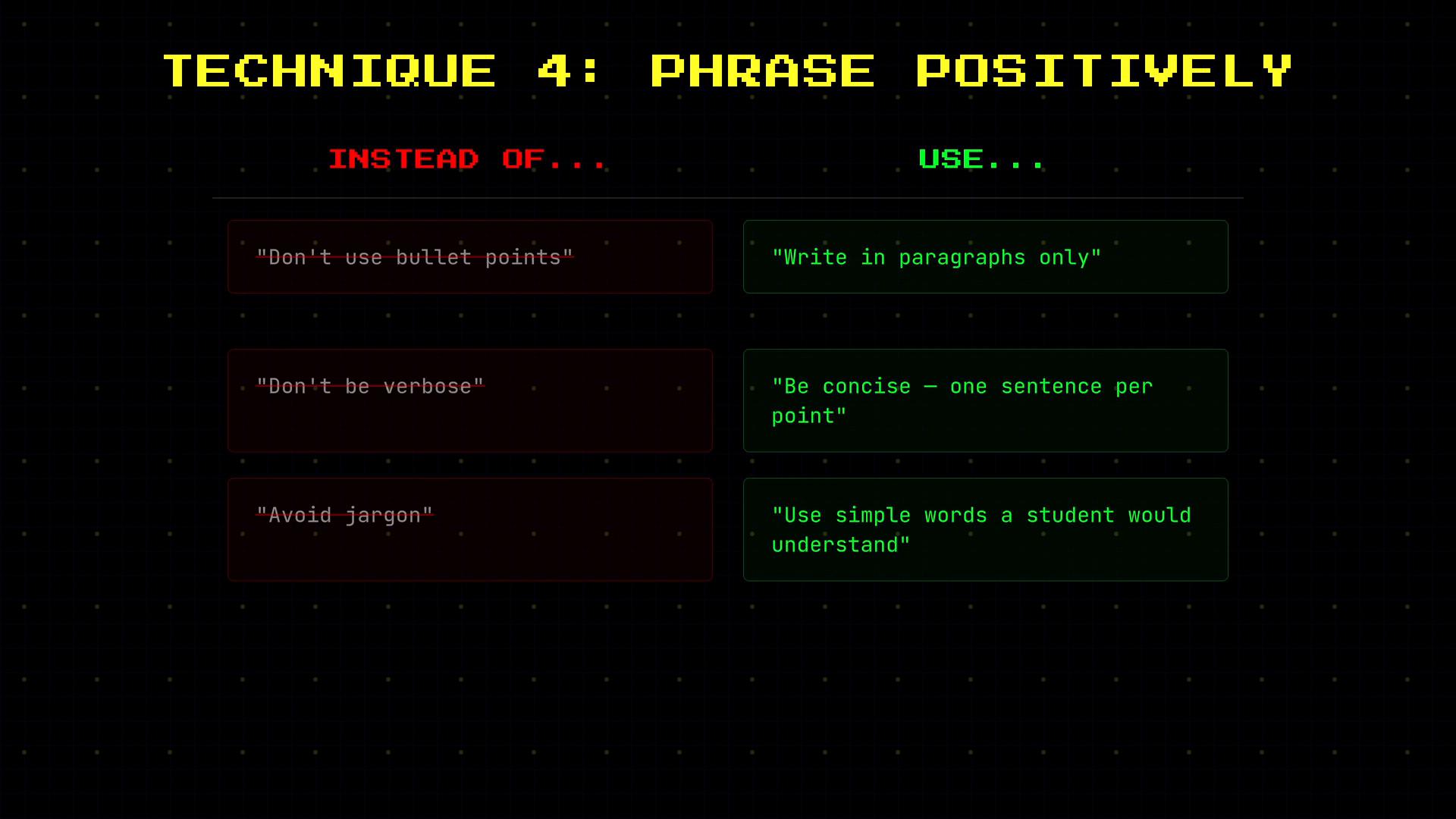 Phrase instructions positively whenever possible — it reduces ambiguity and avoids priming unwanted patterns.
## Chain-of-thought prompting for multi-step tasks
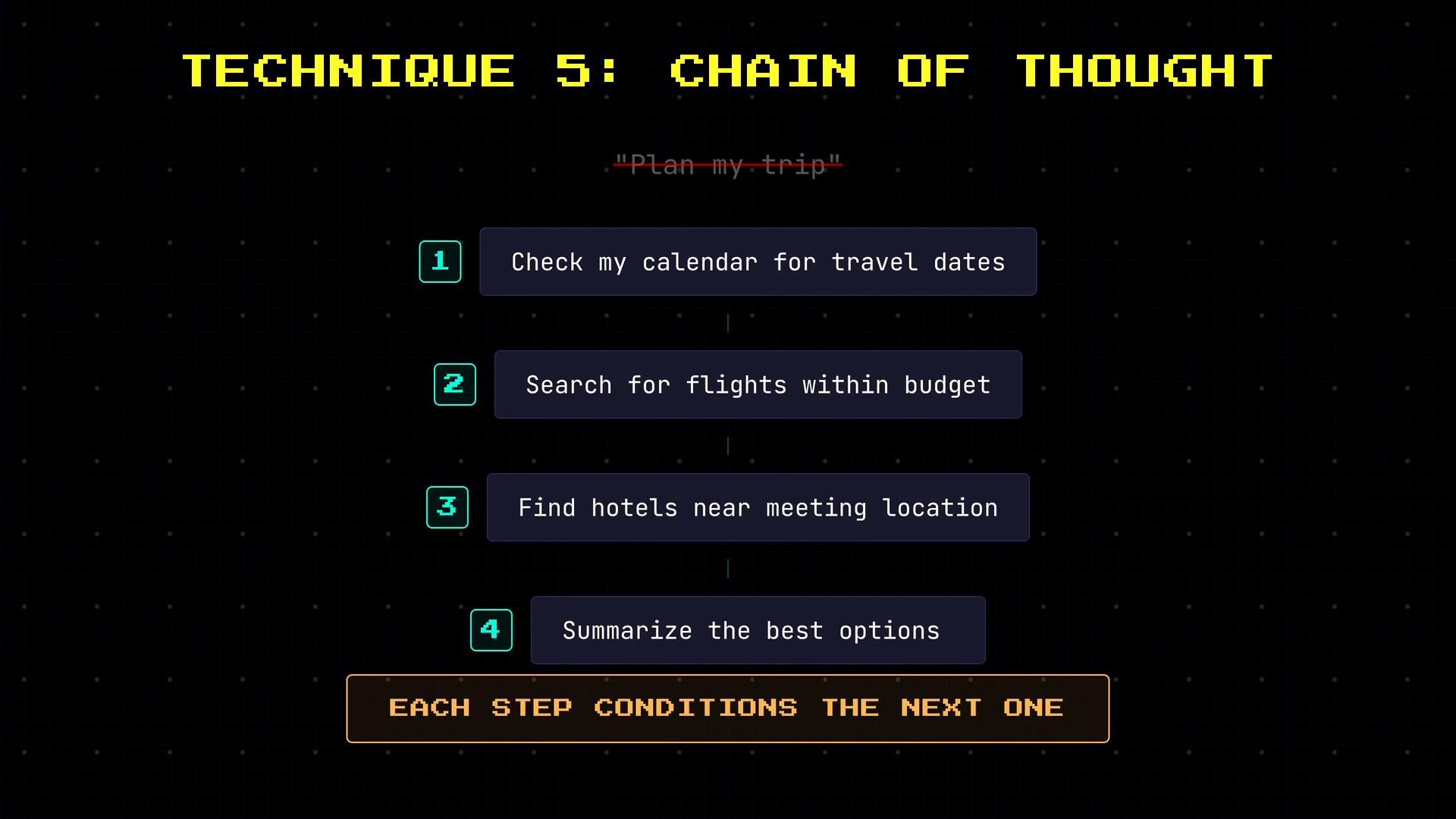
For complex tasks, break the problem into ordered steps so the model reasons sequentially. Each step conditions the next, improving the final answer.
Example stepwise plan for travel planning:
1. Check calendar for travel dates.
2. Search for flights within budget.
3. Find hotels near meeting location.
4. Summarize the best option.
This decomposition reduces guesswork and encourages the model to build the solution step-by-step.
Phrase instructions positively whenever possible — it reduces ambiguity and avoids priming unwanted patterns.
## Chain-of-thought prompting for multi-step tasks
For complex tasks, break the problem into ordered steps so the model reasons sequentially. Each step conditions the next, improving the final answer.
Example stepwise plan for travel planning:
1. Check calendar for travel dates.
2. Search for flights within budget.
3. Find hotels near meeting location.
4. Summarize the best option.
This decomposition reduces guesswork and encourages the model to build the solution step-by-step.
 ## API vs ChatGPT: control and responsibility
* ChatGPT: you type a message; system behavior is preconfigured and hidden. Good for quick interactions and experimentation.
* OpenAI API: you compose the messages array (system, user, assistant examples) and control every token the model sees. This gives you more power — and more responsibility — to design clear system messages, include examples, and manage token budgets.
Keep these practical tips in mind:
* Put role, behavior rules, and priorities in the `system` message.
* Add few-shot `assistant` examples to lock in output format.
* Use chain-of-thought steps in `user` messages for multi-step reasoning.
* Monitor token usage and plan prompts to fit the model's context window.
Be mindful of token limits: every system, user, and assistant message consumes tokens. Long multi-example system prompts can exhaust the context window and increase cost.
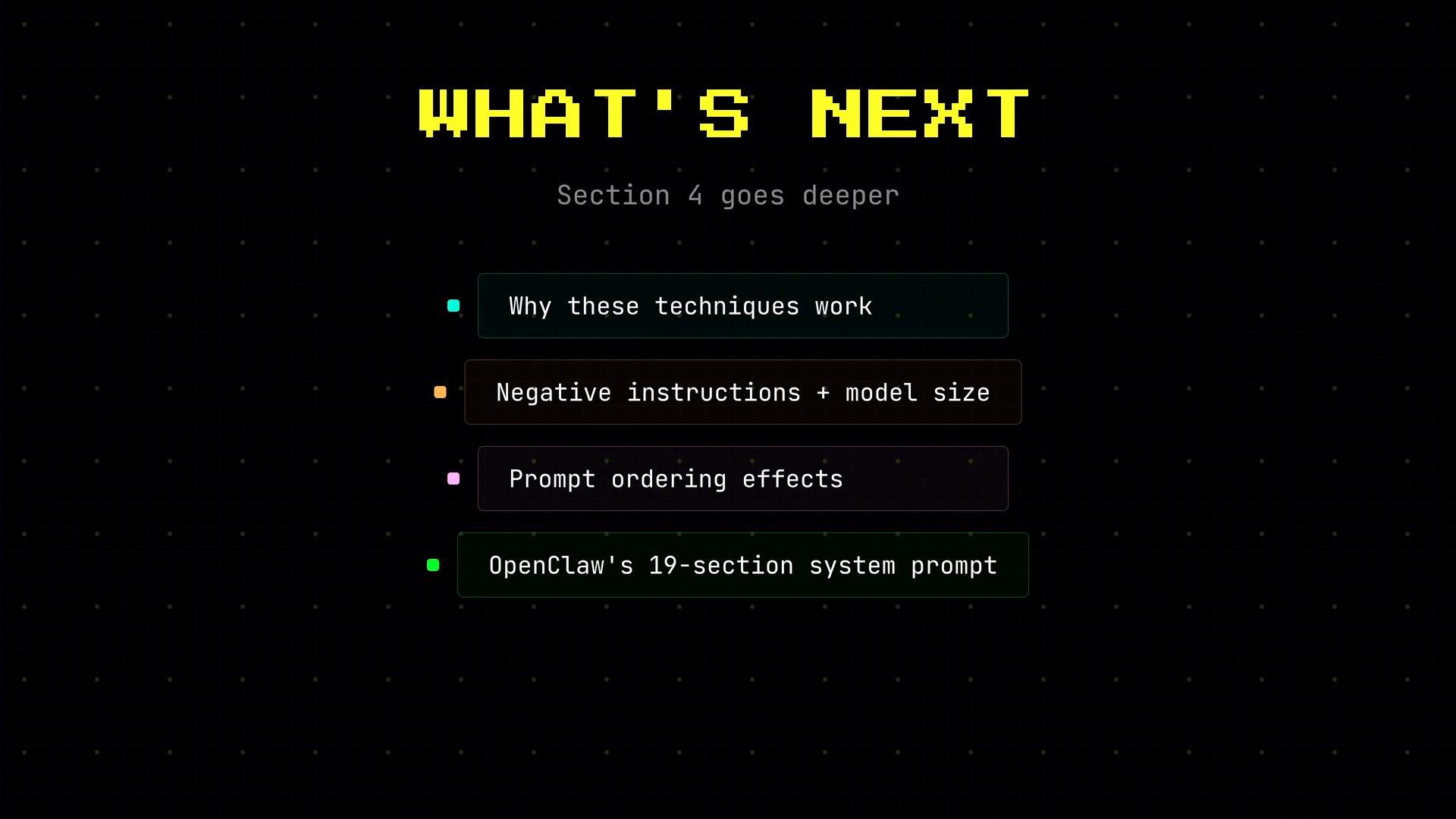
## Why these techniques work (brief)
Research and practical experience explain the mechanics:
* Larger models are sensitive to negative instructions and priming.
* Prompt ordering influences attention and which context tokens the model prioritizes.
* Production systems often assemble multi-part system prompts programmatically (e.g., a long system message composed of role, safety filters, and behavior rules).
## API vs ChatGPT: control and responsibility
* ChatGPT: you type a message; system behavior is preconfigured and hidden. Good for quick interactions and experimentation.
* OpenAI API: you compose the messages array (system, user, assistant examples) and control every token the model sees. This gives you more power — and more responsibility — to design clear system messages, include examples, and manage token budgets.
Keep these practical tips in mind:
* Put role, behavior rules, and priorities in the `system` message.
* Add few-shot `assistant` examples to lock in output format.
* Use chain-of-thought steps in `user` messages for multi-step reasoning.
* Monitor token usage and plan prompts to fit the model's context window.
Be mindful of token limits: every system, user, and assistant message consumes tokens. Long multi-example system prompts can exhaust the context window and increase cost.
## Why these techniques work (brief)
Research and practical experience explain the mechanics:
* Larger models are sensitive to negative instructions and priming.
* Prompt ordering influences attention and which context tokens the model prioritizes.
* Production systems often assemble multi-part system prompts programmatically (e.g., a long system message composed of role, safety filters, and behavior rules).
 ## References and further reading
* [ChatGPT](https://chat.openai.com) — conversational playground.
* [OpenAI API docs](https://platform.openai.com/docs) — messages, roles, and examples.
* For deeper reading on prompt engineering and behavior shaping, search for terms like "few-shot prompting", "chain-of-thought", and "system prompt design".
The following sections dig into the research and practical patterns that explain and extend these prompting techniques.
This documentation is built and hosted on [Mintlify](https://mintlify.com), a developer documentation platform.
## References and further reading
* [ChatGPT](https://chat.openai.com) — conversational playground.
* [OpenAI API docs](https://platform.openai.com/docs) — messages, roles, and examples.
* For deeper reading on prompt engineering and behavior shaping, search for terms like "few-shot prompting", "chain-of-thought", and "system prompt design".
The following sections dig into the research and practical patterns that explain and extend these prompting techniques.
This documentation is built and hosted on [Mintlify](https://mintlify.com), a developer documentation platform.