> ## Documentation Index
> Fetch the complete documentation index at: https://notes.kodekloud.com/llms.txt
> Use this file to discover all available pages before exploring further.
# OpenClaw Agent Loop
> Describes the OpenClaw agent loop with five phases handling messages, model tool calls, error recovery, context compaction, concurrency, auth failover, and durable session persistence for production use
Every incoming message (WhatsApp, Telegram, or command-line) is handled by a single entry point: `runEmbeddedPiAgent()`. That function contains the core agent loop — understanding it explains how the whole system behaves in production.
```python theme={null}
runEmbeddedPiAgent()
```
The loop executes in five ordered phases. They always occur in sequence:
1. Setup — load session and prepare the environment
2. Context window validation — ensure the model has room to reason
3. Attempt loop — the perceive → reason → act cycle with tool execution
4. Error handling — structured recovery for different failure modes
5. Persistence — safely save results and auth state
Below is a concise reference for each phase, followed by implementation details and production considerations.
| Phase | Purpose | Key actions |
| - | - | - |
| Setup | Prepare session+tools+auth | Load session JSONL; resolve model, auth profile, system prompt, tool policy |
| Context validation | Ensure model has enough tokens | Calculate available tokens, compact if needed, abort with clear error if still insufficient |
| Attempt loop | Core perceive → reason → act cycle | Send messages + tools to model, execute tool calls in sandbox, append results, repeat until final text |
| Error handling | Handle failures deterministically | Per-error strategies: auth failover, backoff, compress, downgrade, or abort |
| Persistence | Durable session and auth tracking | Acquire write lock, save conversation and metadata, update auth profiling, release lock |
Phase 1 — Setup\
The agent loads the session history from disk. Sessions are stored in JSONL (one JSON object per line). From that session the agent resolves:
* which model to use,
* which auth profile to pull credentials from (with failover configured),
* the system prompt,
* and the list of available tools, determined by the tool policy for this request.
This prepares the messages and the tool set that will be sent to the model.
Phase 2 — Context window validation\
Before calling the model, the agent calculates available tokens: model maximum context minus space reserved for the response. If the session history is too large to fit, the agent runs a compaction step (described below) to free tokens. If there still isn't enough space after compaction, the agent aborts with a clear error rather than silently mangling the conversation.
Reserve at least a buffer of tokens for the model's reply. Simultaneously reserving reply space and validating history avoids implicit truncation and preserves deterministic behavior.
Phase 3 — The attempt loop (perceive → reason → act)\
This is the core interaction with the model and tools:
* Send session messages, system prompt, and tool definitions to the model.
* If the model responds with tool calls, execute each tool in a sandbox, capture output, append the result to the message history, and send everything back to the model.
* Repeat until the model returns a final text response (no more tool calls), then exit.
Example pseudocode for the loop:
```python theme={null}
while True:
response = llm.chat(
messages=session_messages,
system=system_prompt,
tools=available_tools
)
if response.has_tool_calls:
for tool_call in response.tool_calls:
result = sandbox.execute(tool_call)
session_messages.append(tool_result(result))
# loop back - LLM decides next step
else: # final response - done
return response.text
```
This implements perceive (tool outputs), reason (model call), and act (tool execution). OpenClaw surrounds this core cycle with production-grade controls described below.
Phase 4 — Error handling\
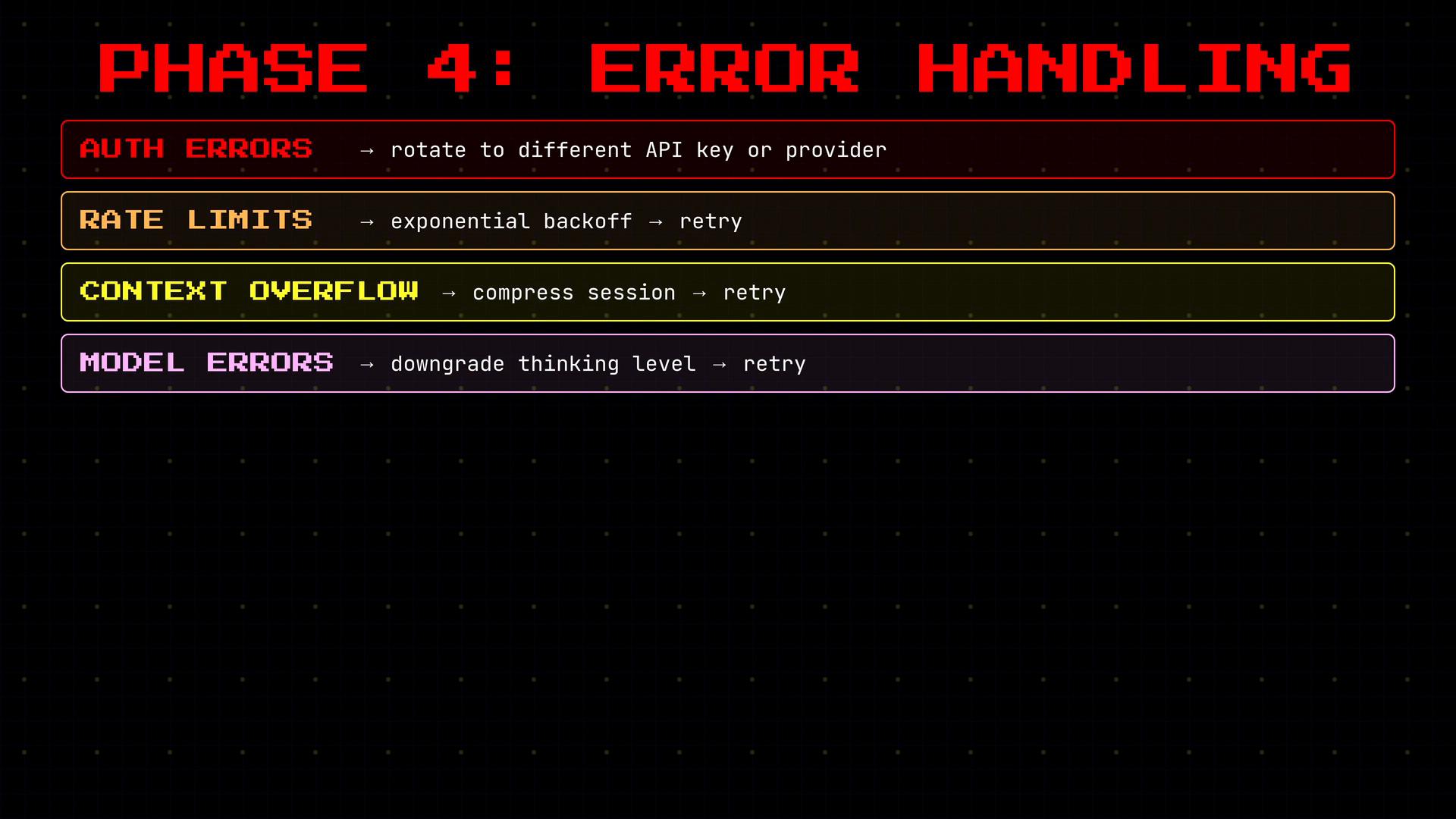
Each error class is handled intentionally and specifically:
* Auth errors: rotate to a different API key or provider automatically.
* Rate limits: trigger exponential backoff before retrying.
* Context overflow (if not caught earlier): compress the session and retry the request.
* Model errors: downgrade the reasoning level and retry at a lower setting.
* Timeouts: abort immediately with no retry.
Each error type has a clearly defined response rather than a generic retry policy.
 Phase 5 — Persistence\
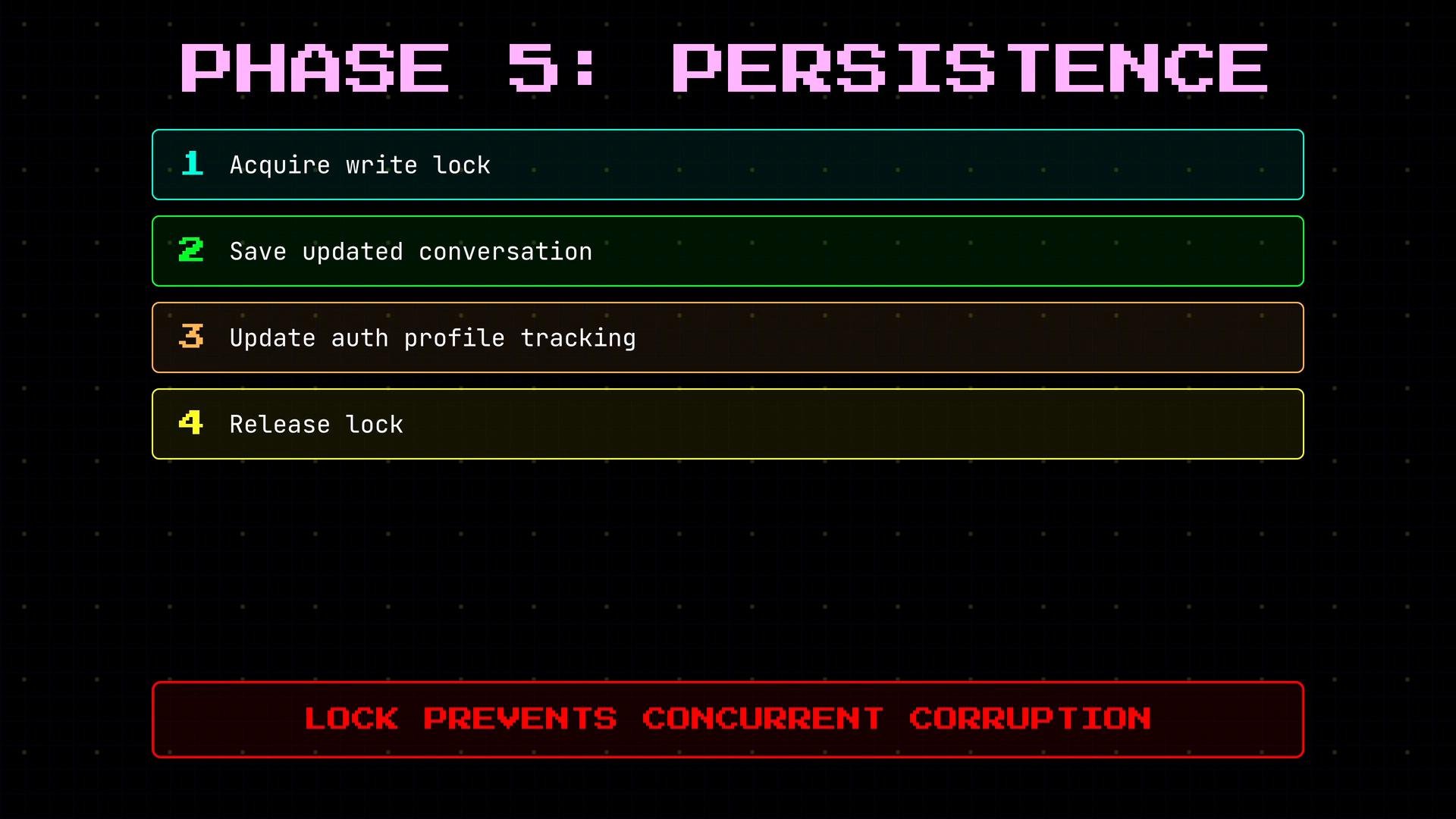
When the agent finishes handling a message, it persists state safely:
* Acquire a write lock on the session file.
* Save the updated conversation and any session metadata.
* Update auth-profile tracking to record which keys succeeded and which failed.
* Release the lock.
The write lock prevents two simultaneous messages from corrupting the same session file.
Phase 5 — Persistence\
When the agent finishes handling a message, it persists state safely:
* Acquire a write lock on the session file.
* Save the updated conversation and any session metadata.
* Update auth-profile tracking to record which keys succeeded and which failed.
* Release the lock.
The write lock prevents two simultaneous messages from corrupting the same session file.
 Context compaction (detailed)\
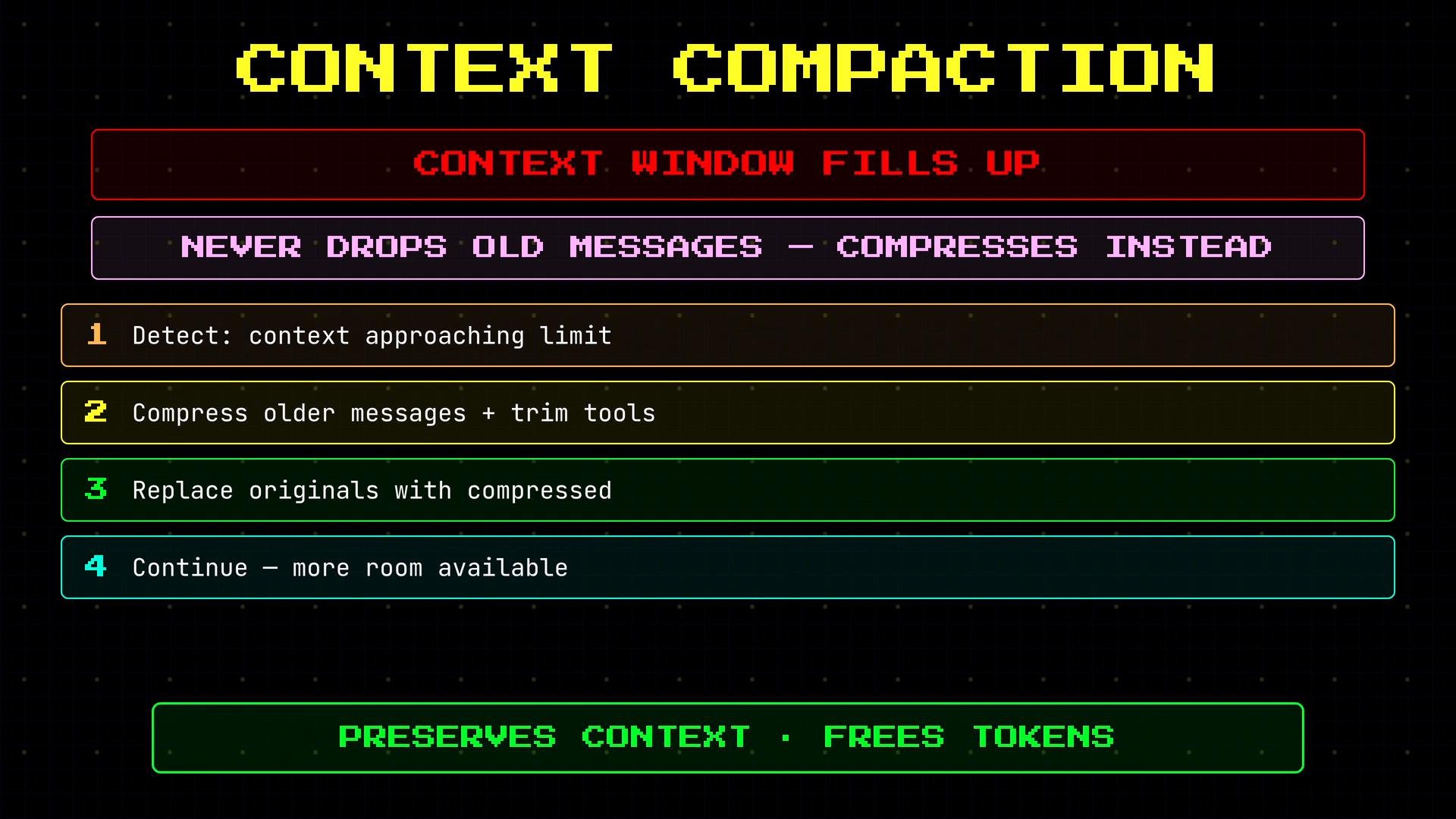
Long conversations can exhaust the model context window. OpenClaw avoids dropping messages arbitrarily — instead it compresses older parts of the session using summarization and trimming:
* Detect proximity to the context limit.
* Summarize older messages and trim verbose tool outputs where safe.
* Replace original messages with compressed representations in the session history.
* Continue processing with more available tokens.
This preserves key information while freeing tokens for fresh reasoning and tool calls.
Compaction is lossy by design: it preserves essential context and removes low-value verbosity. Ensure your downstream tools and prompts tolerate summarized history.
Context compaction (detailed)\
Long conversations can exhaust the model context window. OpenClaw avoids dropping messages arbitrarily — instead it compresses older parts of the session using summarization and trimming:
* Detect proximity to the context limit.
* Summarize older messages and trim verbose tool outputs where safe.
* Replace original messages with compressed representations in the session history.
* Continue processing with more available tokens.
This preserves key information while freeing tokens for fresh reasoning and tool calls.
Compaction is lossy by design: it preserves essential context and removes low-value verbosity. Ensure your downstream tools and prompts tolerate summarized history.
 Session files and debugging\
Sessions are stored in JSONL specifically so you can open any session file in a text editor and read exactly what the agent did: every message, every tool call, and every result. Debugging a bad agent run often means reading the session file directly — no special tooling required.
Each session is keyed by channel and user, so the same user has different sessions on WhatsApp versus Telegram. Example session lines:
```json theme={null}
{"role":"user", "content":"list all running processes"}
{"role":"assistant", "tool_calls":[{"name":"bash", "input":"ps aux"}]}
{"role":"tool", "name":"bash", "output":"PID CMD ...\n1234 node"}
```
What makes this production-grade\
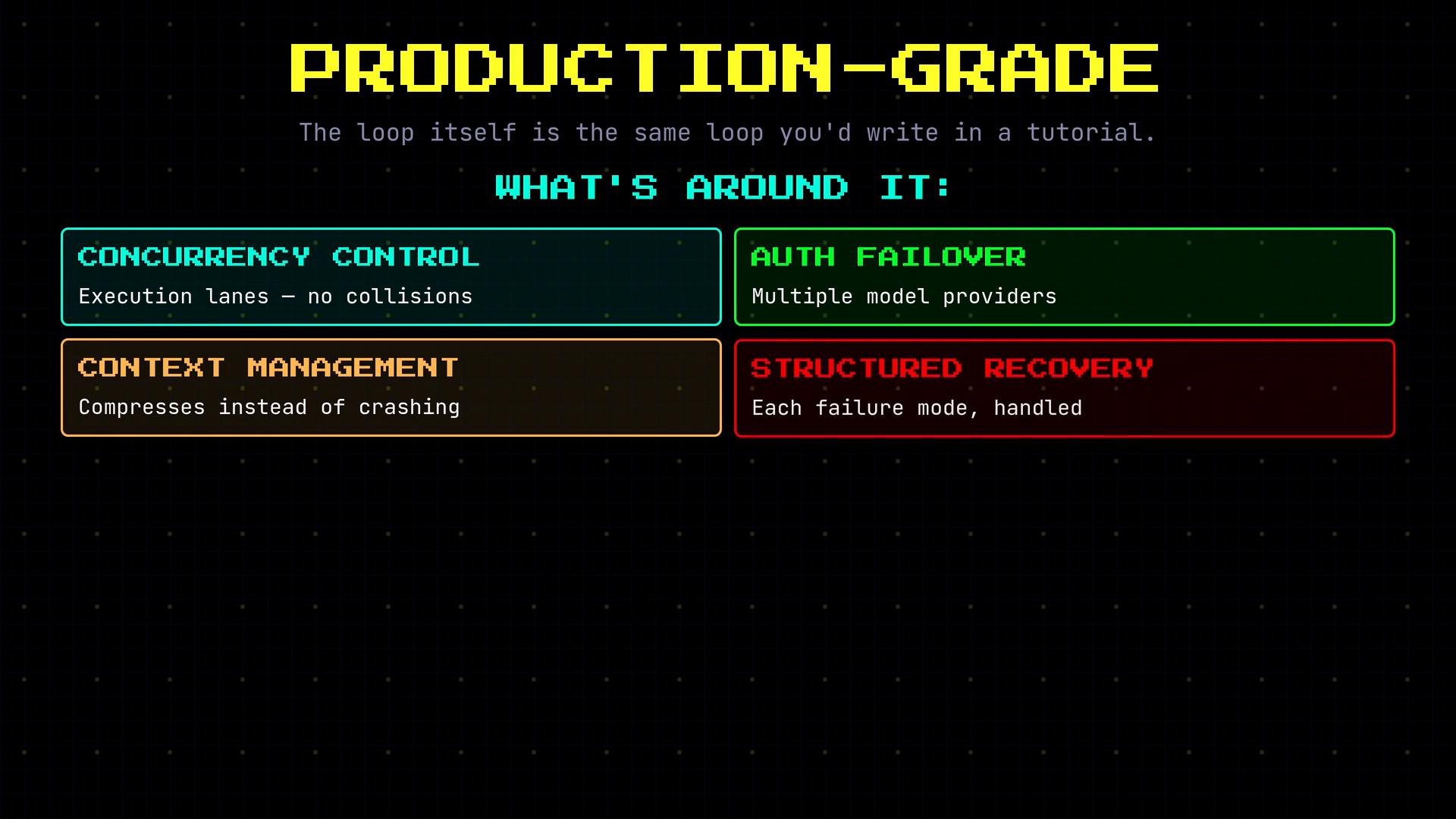
The core loop itself is simple — send to the model, check for tool calls, execute tools, repeat. That’s the minimal implementation. What makes OpenClaw production-grade is everything layered around that loop:
* Concurrency control (execution lanes and session locks) so multiple messages don't collide.
* Auth failover across multiple model providers so a single expired key doesn't kill the service.
* Context management that compresses instead of crashing.
* Structured recovery that handles each failure mode specifically instead of catching all exceptions generically.
* Comprehensive logging and session persistence for reliable debugging and auditing.
Session files and debugging\
Sessions are stored in JSONL specifically so you can open any session file in a text editor and read exactly what the agent did: every message, every tool call, and every result. Debugging a bad agent run often means reading the session file directly — no special tooling required.
Each session is keyed by channel and user, so the same user has different sessions on WhatsApp versus Telegram. Example session lines:
```json theme={null}
{"role":"user", "content":"list all running processes"}
{"role":"assistant", "tool_calls":[{"name":"bash", "input":"ps aux"}]}
{"role":"tool", "name":"bash", "output":"PID CMD ...\n1234 node"}
```
What makes this production-grade\
The core loop itself is simple — send to the model, check for tool calls, execute tools, repeat. That’s the minimal implementation. What makes OpenClaw production-grade is everything layered around that loop:
* Concurrency control (execution lanes and session locks) so multiple messages don't collide.
* Auth failover across multiple model providers so a single expired key doesn't kill the service.
* Context management that compresses instead of crashing.
* Structured recovery that handles each failure mode specifically instead of catching all exceptions generically.
* Comprehensive logging and session persistence for reliable debugging and auditing.
 Summary\
The core agent loop (send messages → model → tool execution → repeat) is intentionally small and deterministic. Production readiness is achieved by robust error handling, careful context management (compaction), concurrency controls (session locks, execution lanes), auth failover, and reliable persistence with readable JSONL session logs.
Links and References
* [JSON Lines (JSONL) format](https://jsonlines.org/) — why per-line objects are simple for append-only logs.
* [Exponential backoff best practices](https://cloud.google.com/storage/docs/exponential-backoff) — reference for retry/backoff strategy.
* [Concurrency patterns for distributed systems](https://martinfowler.com/articles/patterns-of-distributed-systems/) — design patterns for locks and coordination.
This documentation is built and hosted on [Mintlify](https://mintlify.com), a developer documentation platform.
Summary\
The core agent loop (send messages → model → tool execution → repeat) is intentionally small and deterministic. Production readiness is achieved by robust error handling, careful context management (compaction), concurrency controls (session locks, execution lanes), auth failover, and reliable persistence with readable JSONL session logs.
Links and References
* [JSON Lines (JSONL) format](https://jsonlines.org/) — why per-line objects are simple for append-only logs.
* [Exponential backoff best practices](https://cloud.google.com/storage/docs/exponential-backoff) — reference for retry/backoff strategy.
* [Concurrency patterns for distributed systems](https://martinfowler.com/articles/patterns-of-distributed-systems/) — design patterns for locks and coordination.
This documentation is built and hosted on [Mintlify](https://mintlify.com), a developer documentation platform.