> ## Documentation Index
> Fetch the complete documentation index at: https://notes.kodekloud.com/llms.txt
> Use this file to discover all available pages before exploring further.
# What are Tools
> Explains how exposing callable tools lets LLMs request actions and access live data while applications execute and validate those requests for safe external interactions
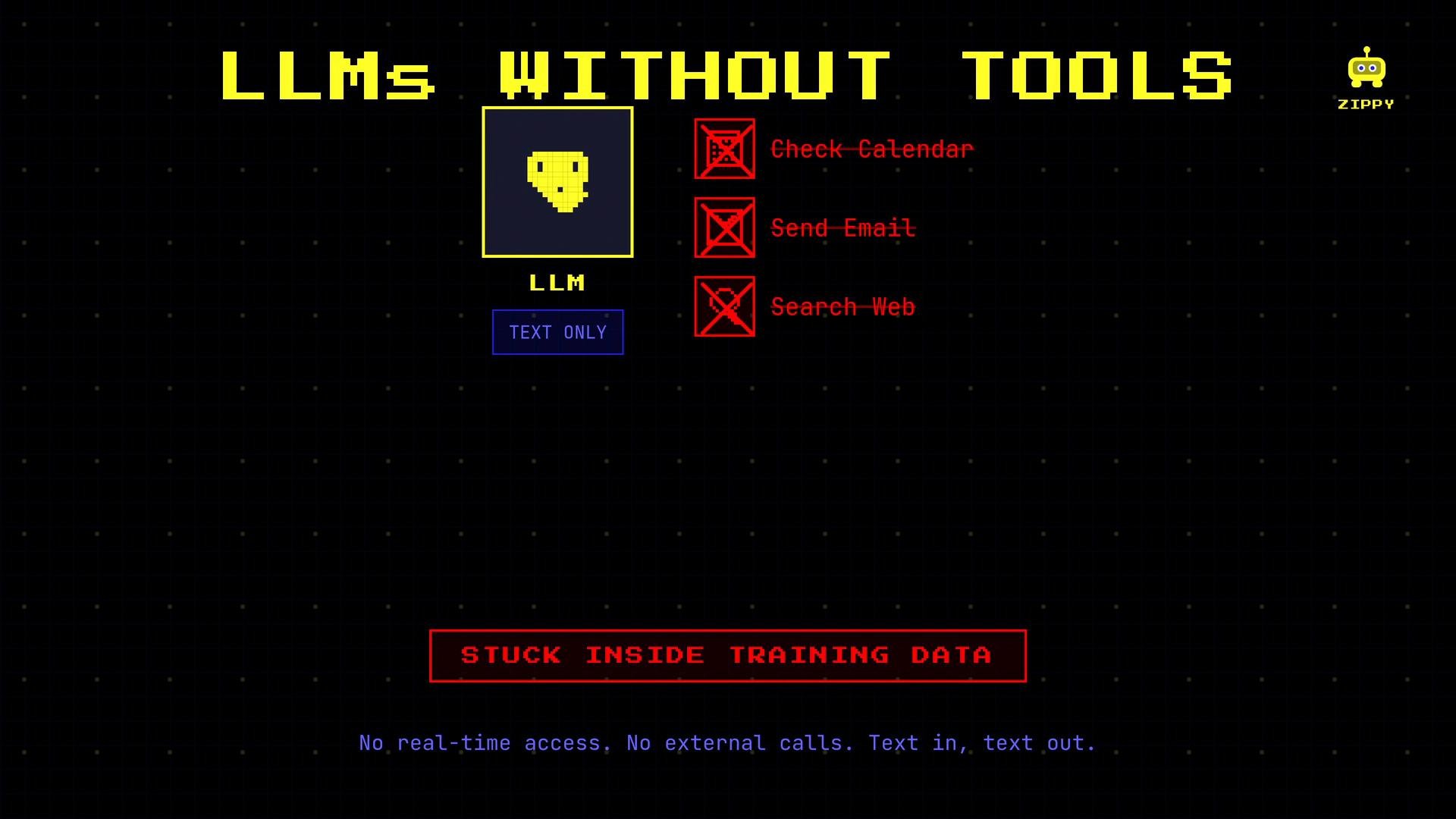
Large language models (LLMs) can generate fluent text, but by themselves they cannot access external systems or real-time data. They can't check calendars, send emails, or perform web searches without being given a way to interact with those systems.
Tools enable LLMs to act on the world. When you expose a tool, the model can choose to call it, receive concrete results, and incorporate those results into its response.
 What is a tool?
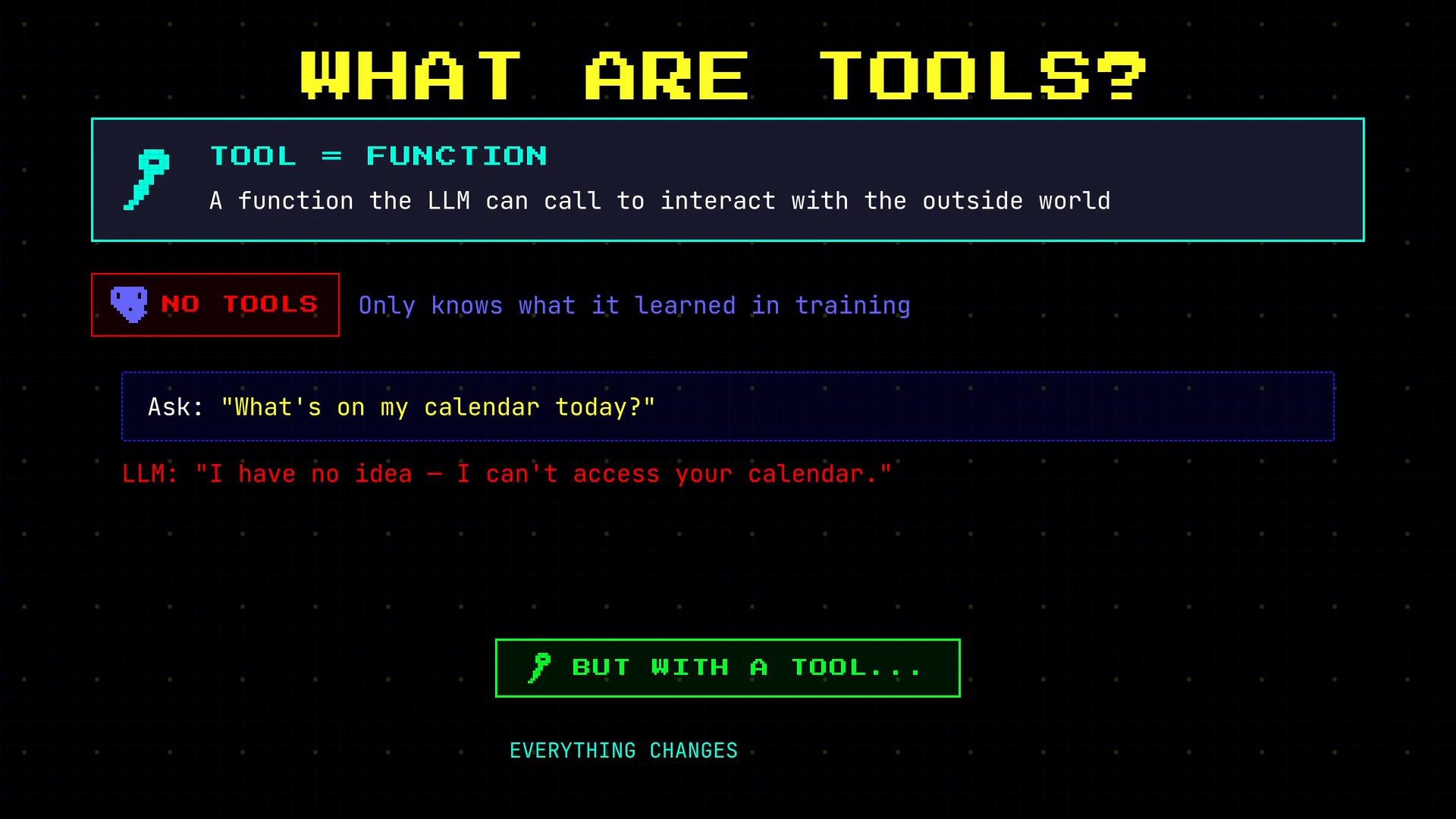
A tool is a function your application exposes to the LLM so the model can request an action or fetch live data. The model decides when a tool is appropriate; your application executes the requested call and returns the result. This division keeps control and validation on the application side while letting the model orchestrate tasks.
What is a tool?
A tool is a function your application exposes to the LLM so the model can request an action or fetch live data. The model decides when a tool is appropriate; your application executes the requested call and returns the result. This division keeps control and validation on the application side while letting the model orchestrate tasks.
 Walkthrough: asking a calendar question
1. You ask the LLM: "What's on my calendar today?"
2. The LLM recognizes it needs real-time data and opts to call a calendar tool rather than guess.
3. The model emits a structured tool call (your app receives this request).
4. Your application runs the corresponding function (e.g., queries a calendar API).
5. The tool returns the events, and the LLM formats a natural-language reply.
Example — LLM tool call and the application response:
```python theme={null}
# LLM issues a call to your application
check_calendar(date="today")
```
```json theme={null}
# The application runs the function and returns:
{"events": ["Team standup - 10:00 AM", "Dentist - 2:00 PM"]}
```
The model did not know your schedule from training data; it recognized the `check_calendar` tool was available, requested it, and used the returned facts to produce a helpful answer.
Tool definition structure
Each tool definition typically includes three parts:
* `name`: the identifier the model will use to reference the tool.
* `description`: a concise explanation the model reads to determine when to use the tool.
* `parameters`: the inputs the tool requires (types and any constraints).
Quick reference table
| Part | Purpose | Example |
| - | - | - |
| Name | Model-facing identifier | `check_calendar` |
| Description | When/how the model should use it | "Return events for a given date from the user's calendar" |
| Parameters | Input schema the app expects | `{"date": {"type":"string", "description":"YYYY-MM-DD or 'today'"}}` |
Example tool definition (JSON)
```json theme={null}
[
{
"name": "check_calendar",
"description": "Return events for a given date from the user's calendar",
"parameters": {
"date": {
"type": "string",
"description": "Date in YYYY-MM-DD format or 'today'"
}
}
}
]
```
The LLM reads these definitions during generation and decides whether to call a tool and which one. The model generates the request; your application executes it.
Common tool types
Tools are ordinary functions that your application exposes. Common categories include:
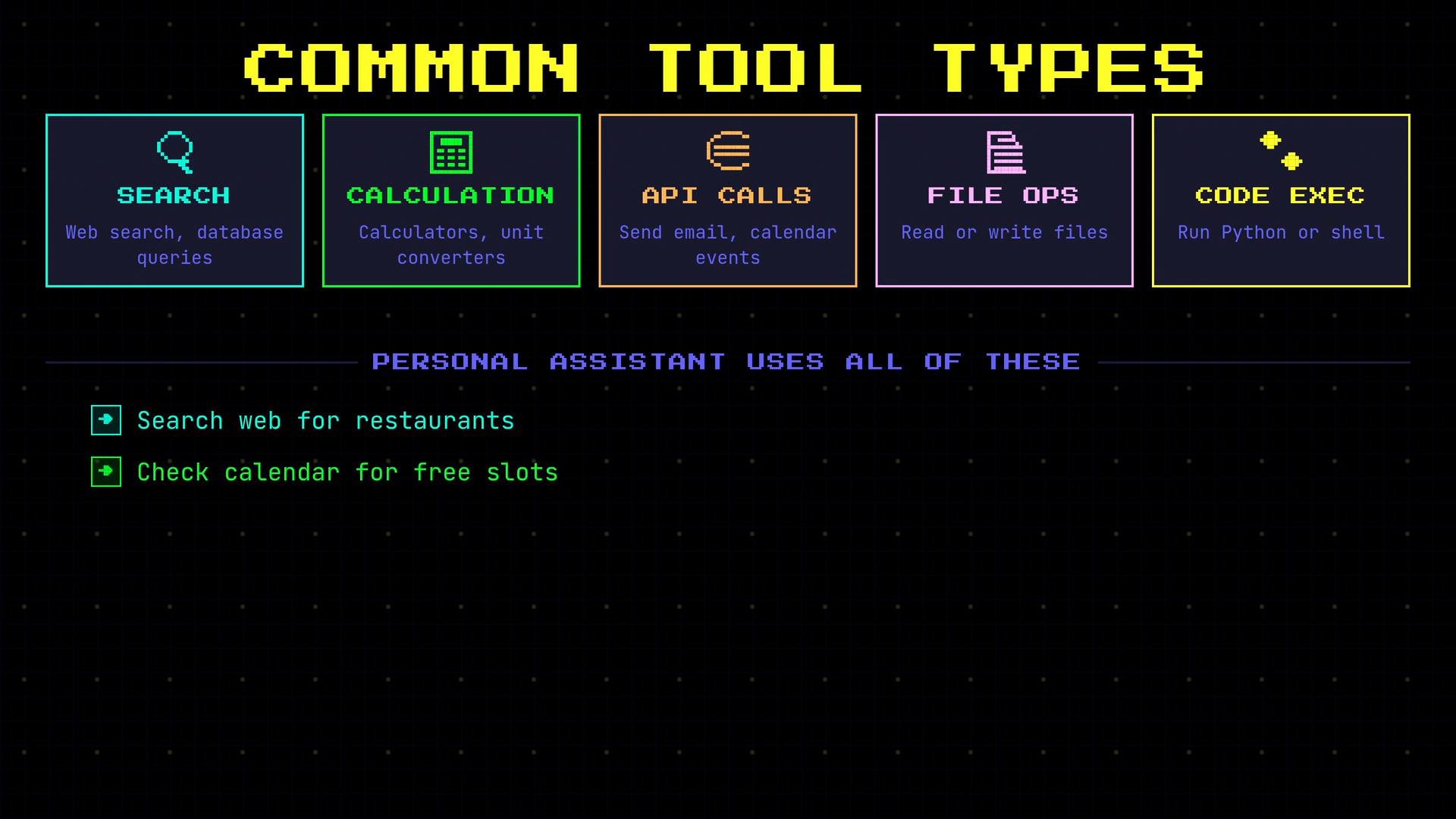
* Search tools — web search, database queries, document retrieval.
* Calculation tools — calculators, unit converters, precise numeric computation.
* API tools — send email, create calendar events, interact with online services.
* File operations — read/write, save artifacts, return file contents.
* Code execution — run Python, shell commands, or custom scripts.
| Tool Type | Use Case | Example |
| - | - | - |
| Search | Retrieve up-to-date information | Query a news API for latest headlines |
| Calculation | High-precision math or conversions | Compute currency conversion or large sums |
| API Call | Perform an action on a service | `POST` to an email API to send a message |
| File Ops | Read or store files | Save a reservation confirmation to disk |
| Code Exec | Run dynamic computations | Execute a Python snippet to analyze data |
Walkthrough: asking a calendar question
1. You ask the LLM: "What's on my calendar today?"
2. The LLM recognizes it needs real-time data and opts to call a calendar tool rather than guess.
3. The model emits a structured tool call (your app receives this request).
4. Your application runs the corresponding function (e.g., queries a calendar API).
5. The tool returns the events, and the LLM formats a natural-language reply.
Example — LLM tool call and the application response:
```python theme={null}
# LLM issues a call to your application
check_calendar(date="today")
```
```json theme={null}
# The application runs the function and returns:
{"events": ["Team standup - 10:00 AM", "Dentist - 2:00 PM"]}
```
The model did not know your schedule from training data; it recognized the `check_calendar` tool was available, requested it, and used the returned facts to produce a helpful answer.
Tool definition structure
Each tool definition typically includes three parts:
* `name`: the identifier the model will use to reference the tool.
* `description`: a concise explanation the model reads to determine when to use the tool.
* `parameters`: the inputs the tool requires (types and any constraints).
Quick reference table
| Part | Purpose | Example |
| - | - | - |
| Name | Model-facing identifier | `check_calendar` |
| Description | When/how the model should use it | "Return events for a given date from the user's calendar" |
| Parameters | Input schema the app expects | `{"date": {"type":"string", "description":"YYYY-MM-DD or 'today'"}}` |
Example tool definition (JSON)
```json theme={null}
[
{
"name": "check_calendar",
"description": "Return events for a given date from the user's calendar",
"parameters": {
"date": {
"type": "string",
"description": "Date in YYYY-MM-DD format or 'today'"
}
}
}
]
```
The LLM reads these definitions during generation and decides whether to call a tool and which one. The model generates the request; your application executes it.
Common tool types
Tools are ordinary functions that your application exposes. Common categories include:
* Search tools — web search, database queries, document retrieval.
* Calculation tools — calculators, unit converters, precise numeric computation.
* API tools — send email, create calendar events, interact with online services.
* File operations — read/write, save artifacts, return file contents.
* Code execution — run Python, shell commands, or custom scripts.
| Tool Type | Use Case | Example |
| - | - | - |
| Search | Retrieve up-to-date information | Query a news API for latest headlines |
| Calculation | High-precision math or conversions | Compute currency conversion or large sums |
| API Call | Perform an action on a service | `POST` to an email API to send a message |
| File Ops | Read or store files | Save a reservation confirmation to disk |
| Code Exec | Run dynamic computations | Execute a Python snippet to analyze data |
 Important boundary: LLMs generate the call, your code executes it
The model outputs a structured request (for example, `Call check_calendar(date="today")`) but it does not execute your code. Your application must validate and run the requested function, then return the results to the LLM. This separation is a critical safety and control boundary.
This is an important safety boundary: models should only request tool calls; your application must validate and execute them. Never allow unchecked model-initiated actions to run without application-side verification.
Links and references
* [OpenAI API docs](https://platform.openai.com/docs) — guidance on model outputs and tool integrations
* [Building reliable agents](https://platform.openai.com/docs/guides/agents) — best practices for tool orchestration and safety
This documentation is built and hosted on [Mintlify](https://mintlify.com), a developer documentation platform.
Important boundary: LLMs generate the call, your code executes it
The model outputs a structured request (for example, `Call check_calendar(date="today")`) but it does not execute your code. Your application must validate and run the requested function, then return the results to the LLM. This separation is a critical safety and control boundary.
This is an important safety boundary: models should only request tool calls; your application must validate and execute them. Never allow unchecked model-initiated actions to run without application-side verification.
Links and references
* [OpenAI API docs](https://platform.openai.com/docs) — guidance on model outputs and tool integrations
* [Building reliable agents](https://platform.openai.com/docs/guides/agents) — best practices for tool orchestration and safety
This documentation is built and hosted on [Mintlify](https://mintlify.com), a developer documentation platform.