> ## Documentation Index
> Fetch the complete documentation index at: https://notes.kodekloud.com/llms.txt
> Use this file to discover all available pages before exploring further.
# When to Use Each
> Guidance on choosing between single LLM calls, workflows, and agents, outlining trade offs, when to use each, and recommending start simple and combine them as needed.
Lesson 12.
You now understand the technical difference between single LLM calls, workflows, and agents. The practical question remains: which one should you build for a given problem?
Choosing the wrong approach has real consequences — more expensive runs, higher latency, brittle systems, and harder debugging. Use one guiding principle: start with the simplest solution that will do the job, and only add complexity when necessary.
Most tasks do not require an agent. Often a single LLM call or a straightforward workflow is enough. Before you build, ask the simplest question: can a single LLM call handle this? If yes, use that. If you need multiple calls in a fixed sequence, use a workflow. If the LLM must decide its own steps based on discoveries at runtime, consider an agent. Each step up the ladder (single call → workflow → agent) adds cost, latency, and complexity — so justify the upgrade.
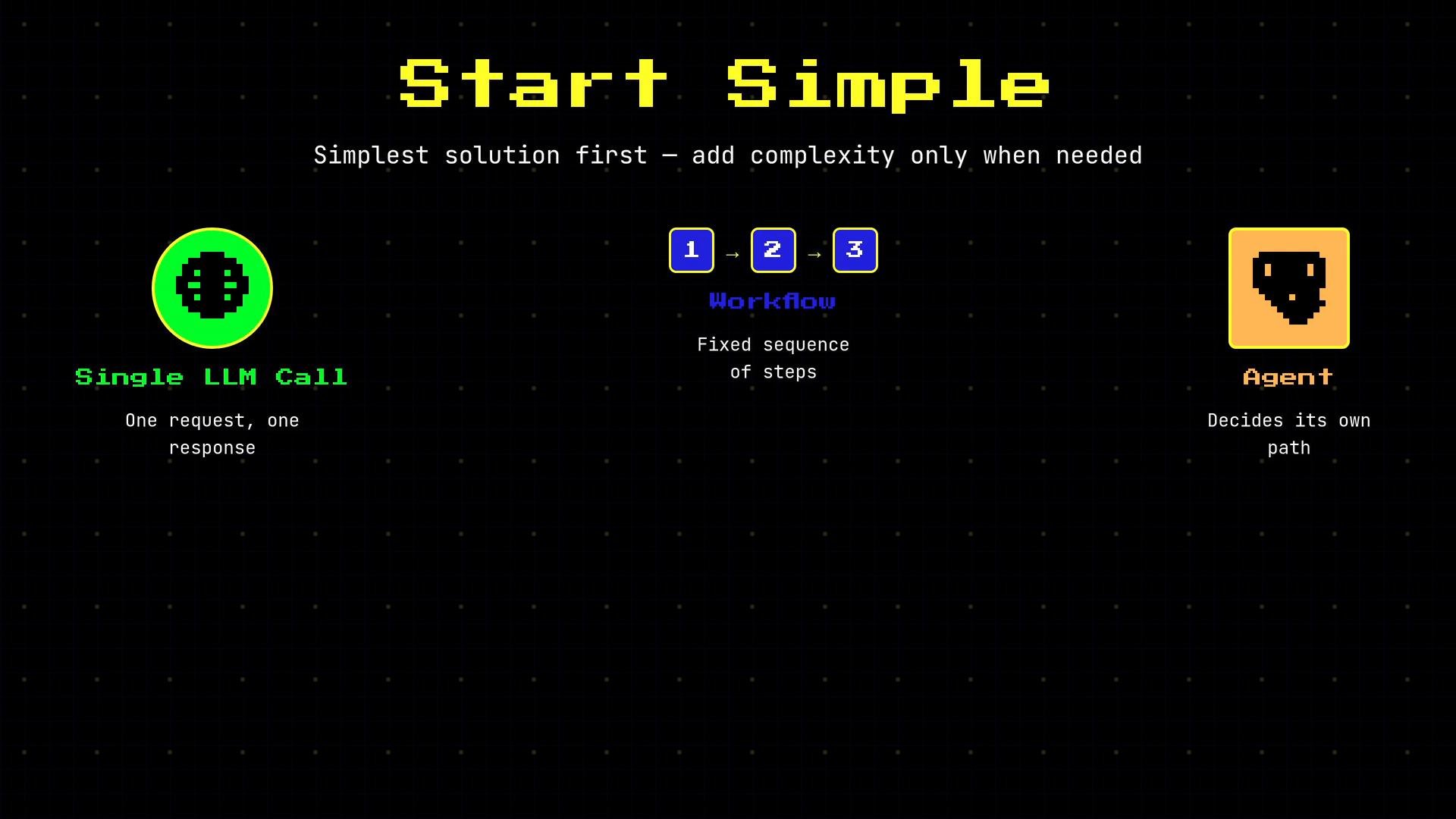 Only move to a more complex approach when the simpler one genuinely can't do the job.
## When to choose a workflow
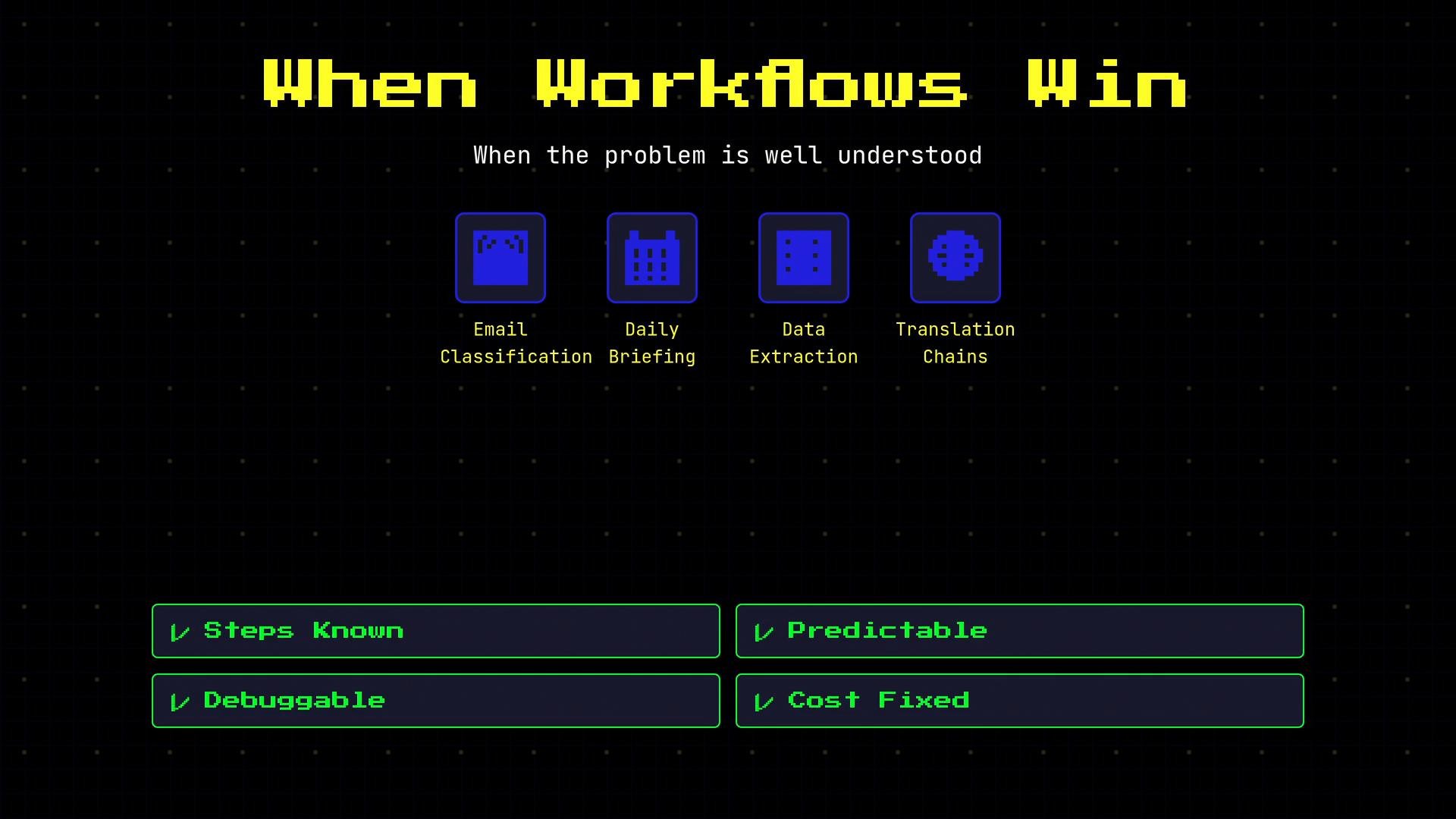
Workflows are best when the problem is well understood and the sequence of steps can be defined up front. They are predictable, easy to debug, and cost is easier to control.
Common workflow use cases include:
* Email classification and templated responses
* Daily briefing or report generation
* Structured data extraction pipelines
* Translation chains or other deterministic processing chains
These are repeatable, deterministic tasks: every input follows the same path even if the inputs vary.
Only move to a more complex approach when the simpler one genuinely can't do the job.
## When to choose a workflow
Workflows are best when the problem is well understood and the sequence of steps can be defined up front. They are predictable, easy to debug, and cost is easier to control.
Common workflow use cases include:
* Email classification and templated responses
* Daily briefing or report generation
* Structured data extraction pipelines
* Translation chains or other deterministic processing chains
These are repeatable, deterministic tasks: every input follows the same path even if the inputs vary.
 ## When to choose an agent
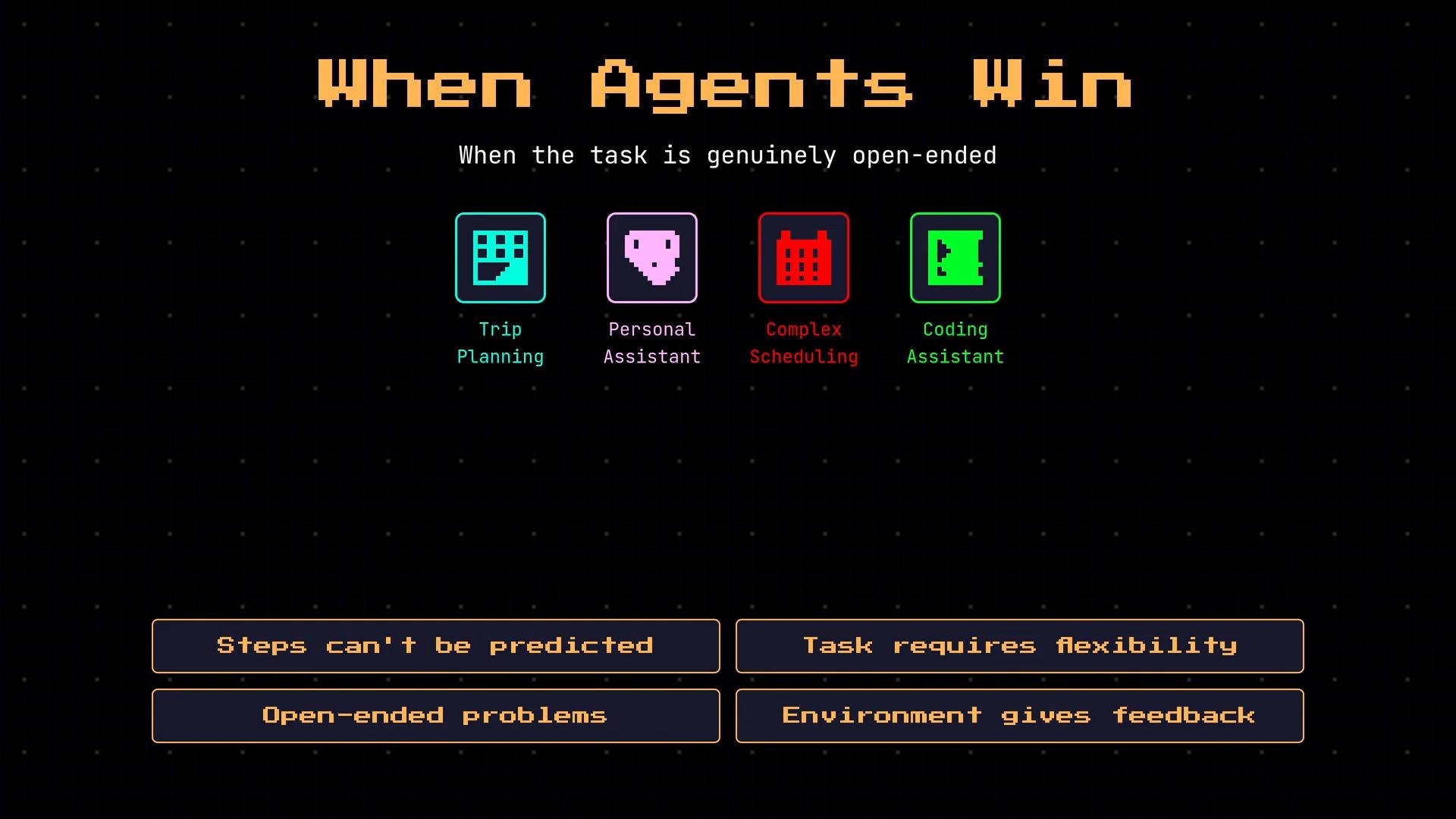
Use an agent when the correct path cannot be determined ahead of time and the LLM must adapt or explore at runtime. Agents provide flexible orchestration: they decide which tools or steps to use based on what they discover.
Typical agent scenarios:
* Trip planning that requires multi-step research and trade-offs
* Personal assistants coordinating dynamic tasks and contexts
* Complex scheduling where constraints emerge during the interaction
* Coding assistants that iteratively inspect, edit, and rerun code
These tasks are open-ended: different inputs may trigger different paths and the system benefits from on-the-fly decision-making.
## When to choose an agent
Use an agent when the correct path cannot be determined ahead of time and the LLM must adapt or explore at runtime. Agents provide flexible orchestration: they decide which tools or steps to use based on what they discover.
Typical agent scenarios:
* Trip planning that requires multi-step research and trade-offs
* Personal assistants coordinating dynamic tasks and contexts
* Complex scheduling where constraints emerge during the interaction
* Coding assistants that iteratively inspect, edit, and rerun code
These tasks are open-ended: different inputs may trigger different paths and the system benefits from on-the-fly decision-making.
 ## Trade-offs and costs
Agents introduce additional operational complexity:
* Higher per-request compute costs
* Increased latency due to multiple LLM calls and tool invocations
* Greater surface area for bugs and unexpected behavior
* More effort required to test and debug decision logic
Conversely, forcing a workflow on an open-ended problem leads to brittleness: it will break on unanticipated inputs and require frequent, costly updates.
Agents add flexibility at the cost of predictability and price. If strict cost or latency constraints exist, prefer workflows or enforce strong guardrails on agents.
## Decision checklist — quick diagnostic
Run through these four questions to guide the choice. Answering “Yes” or “No” points you toward the simpler, more robust option when possible.
| Question | Yes → Use Workflow | No → Use Agent |
| - | -: | :- |
| Can I define all possible paths in advance? | Workflow | Agent |
| Does the LLM need to decide the next step at runtime? | — | Agent |
| Is this a well-defined, repeatable task? | Workflow | Agent |
| Must cost and latency be strictly controlled? | Workflow (or guarded Agent) | Agent (with guardrails) |
## Trade-offs and costs
Agents introduce additional operational complexity:
* Higher per-request compute costs
* Increased latency due to multiple LLM calls and tool invocations
* Greater surface area for bugs and unexpected behavior
* More effort required to test and debug decision logic
Conversely, forcing a workflow on an open-ended problem leads to brittleness: it will break on unanticipated inputs and require frequent, costly updates.
Agents add flexibility at the cost of predictability and price. If strict cost or latency constraints exist, prefer workflows or enforce strong guardrails on agents.
## Decision checklist — quick diagnostic
Run through these four questions to guide the choice. Answering “Yes” or “No” points you toward the simpler, more robust option when possible.
| Question | Yes → Use Workflow | No → Use Agent |
| - | -: | :- |
| Can I define all possible paths in advance? | Workflow | Agent |
| Does the LLM need to decide the next step at runtime? | — | Agent |
| Is this a well-defined, repeatable task? | Workflow | Agent |
| Must cost and latency be strictly controlled? | Workflow (or guarded Agent) | Agent (with guardrails) |
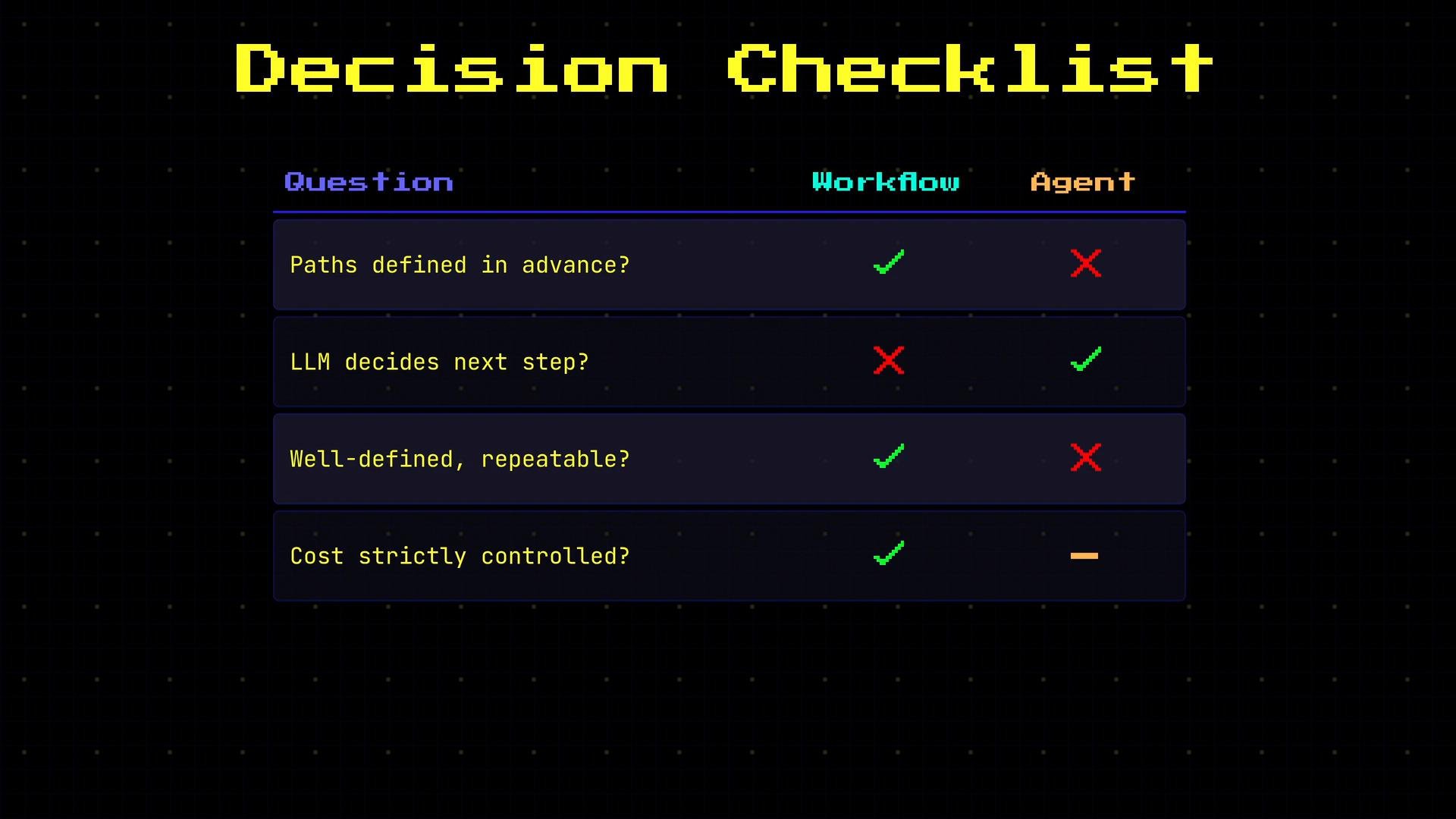 Use the checklist above: if most answers point to a workflow, start there. If answers lean toward openness and runtime decision-making, design an agent — and add guardrails to control cost and behavior.
## Combining workflows and agents
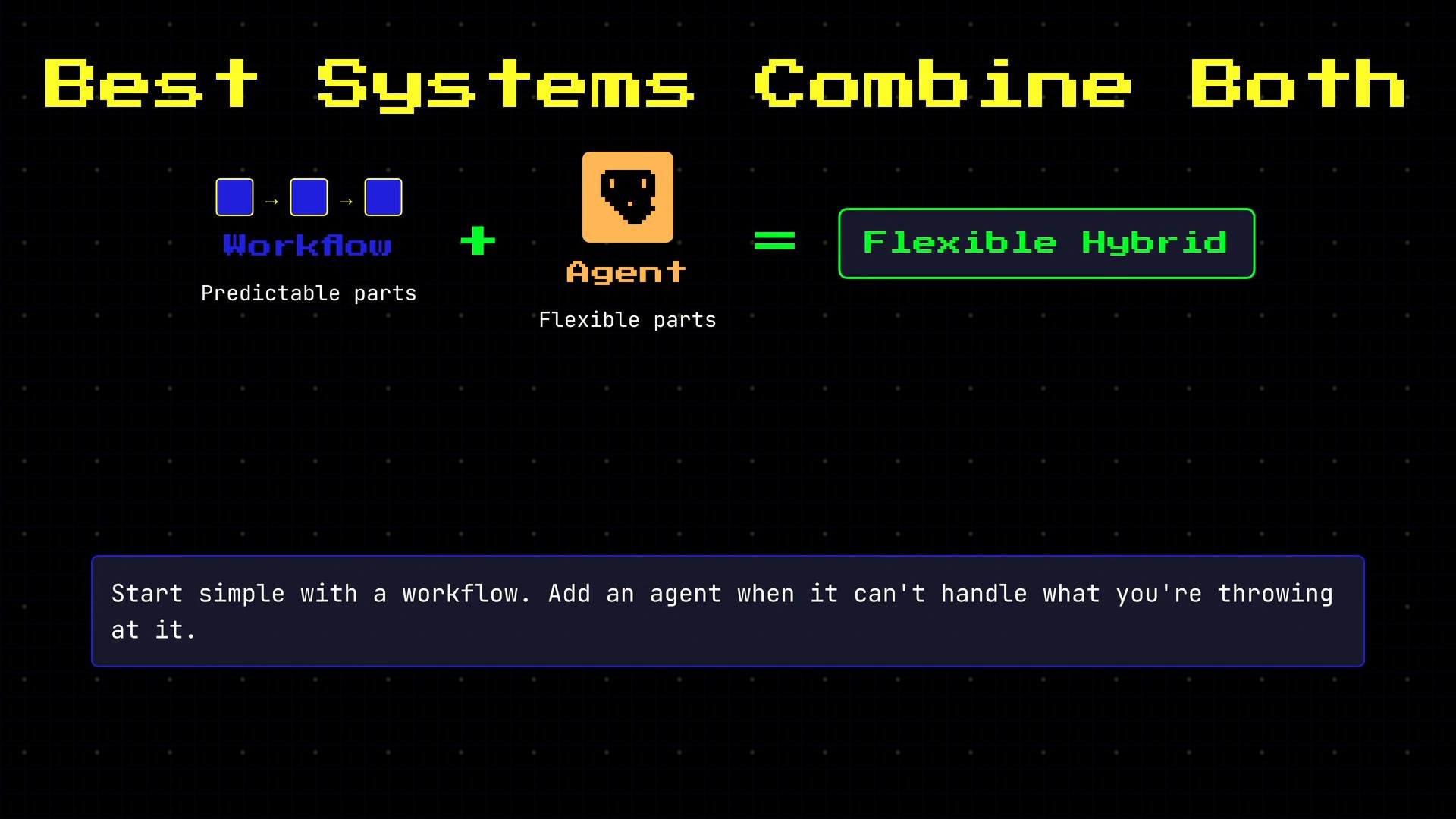
Production systems often need both. A common pattern is a hybrid design:
* Use a workflow to orchestrate predictable, repeatable parts (validation, batching, fixed transforms).
* Insert an agent for sub-tasks that require exploration, adaptive decision-making, or tool usage.
* Start with a workflow; if it hits a limitation, extract the decision-heavy portion into an agent with clear interfaces and safety checks.
This hybrid approach balances predictability and flexibility.
Use the checklist above: if most answers point to a workflow, start there. If answers lean toward openness and runtime decision-making, design an agent — and add guardrails to control cost and behavior.
## Combining workflows and agents
Production systems often need both. A common pattern is a hybrid design:
* Use a workflow to orchestrate predictable, repeatable parts (validation, batching, fixed transforms).
* Insert an agent for sub-tasks that require exploration, adaptive decision-making, or tool usage.
* Start with a workflow; if it hits a limitation, extract the decision-heavy portion into an agent with clear interfaces and safety checks.
This hybrid approach balances predictability and flexibility.
 ## Summary
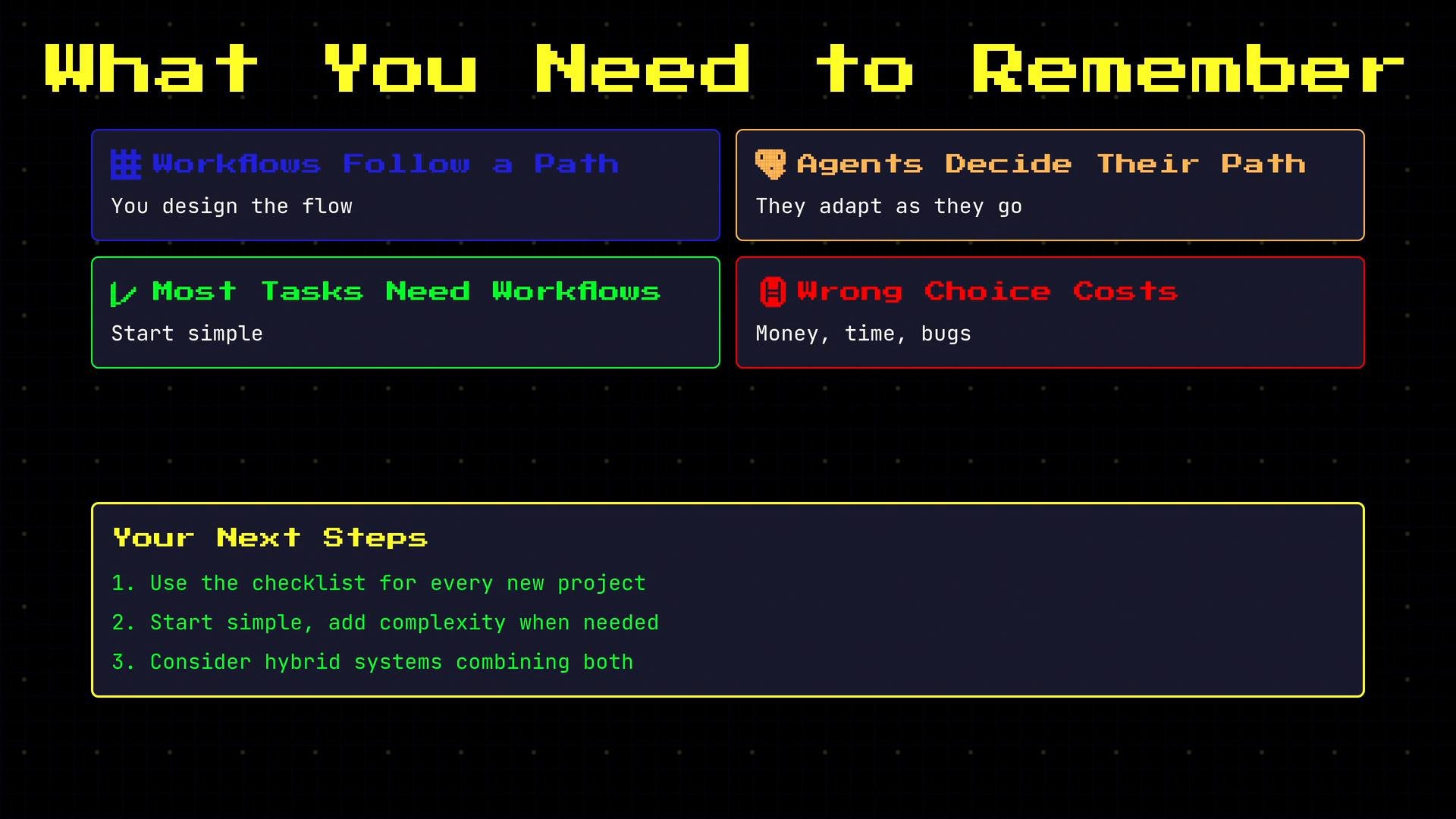
* Workflows follow a path you design; agents decide their own path.
* Most tasks are best handled by a single LLM call or a workflow.
* Use an agent only when runtime adaptability, exploration, or tool orchestration is required.
* The wrong choice increases cost, latency, and debugging burden.
* Start simple; add complexity only where it provides clear value.
## Summary
* Workflows follow a path you design; agents decide their own path.
* Most tasks are best handled by a single LLM call or a workflow.
* Use an agent only when runtime adaptability, exploration, or tool orchestration is required.
* The wrong choice increases cost, latency, and debugging burden.
* Start simple; add complexity only where it provides clear value.
 Further reading and references:
* [OpenAI: Guides — Agents](https://platform.openai.com/docs/guides/agents)
* [LangChain: Agents](https://langchain.readthedocs.io/en/latest/modules/agents.html)
* Patterns for designing workflows and guards: consider search-based agents, function calling, and strict rate/cost controls when moving from workflows to agents.
This documentation is built and hosted on [Mintlify](https://mintlify.com), a developer documentation platform.
Further reading and references:
* [OpenAI: Guides — Agents](https://platform.openai.com/docs/guides/agents)
* [LangChain: Agents](https://langchain.readthedocs.io/en/latest/modules/agents.html)
* Patterns for designing workflows and guards: consider search-based agents, function calling, and strict rate/cost controls when moving from workflows to agents.
This documentation is built and hosted on [Mintlify](https://mintlify.com), a developer documentation platform.