> ## Documentation Index
> Fetch the complete documentation index at: https://notes.kodekloud.com/llms.txt
> Use this file to discover all available pages before exploring further.
# Course Introduction
> A practical course teaching developers how to design, build, and deploy autonomous AI agents using frameworks, tools, and hands-on labs
AI agents are transforming how we build software, automate work, and enhance human productivity. These intelligent systems can reason, act, and collaborate to complete complex tasks — from customer support assistants to autonomous research agents. Leading companies such as Microsoft, OpenAI, Google, and Meta are shipping agent-driven products (Copilot, ChatGPT, Gemini, Meta AI) that showcase how agents improve workflows and create new application categories.
 Welcome to the AI Agents course from KodeKloud. I’m Gav Ridgeway, and I’ll guide you through designing, building, and deploying autonomous AI agents. This course is practical and hands-on, aimed at developers, data scientists, and anyone curious about agent-based systems.
What you’ll gain:
* A clear definition of AI agents and their main categories.
* Practical knowledge of core technologies (embeddings, vector DBs, evaluation).
* Experience designing agent architectures and multi-agent interactions.
* Hands-on labs using frameworks like LangChain, CrewAI, AutoGen, and MetaGPT.
* Techniques for connecting agents to external APIs and tools (OpenAI, community APIs).
* Best practices for scaling, monitoring, and evaluating agent systems.
Welcome to the AI Agents course from KodeKloud. I’m Gav Ridgeway, and I’ll guide you through designing, building, and deploying autonomous AI agents. This course is practical and hands-on, aimed at developers, data scientists, and anyone curious about agent-based systems.
What you’ll gain:
* A clear definition of AI agents and their main categories.
* Practical knowledge of core technologies (embeddings, vector DBs, evaluation).
* Experience designing agent architectures and multi-agent interactions.
* Hands-on labs using frameworks like LangChain, CrewAI, AutoGen, and MetaGPT.
* Techniques for connecting agents to external APIs and tools (OpenAI, community APIs).
* Best practices for scaling, monitoring, and evaluating agent systems.
 ## Course outline (high-level)
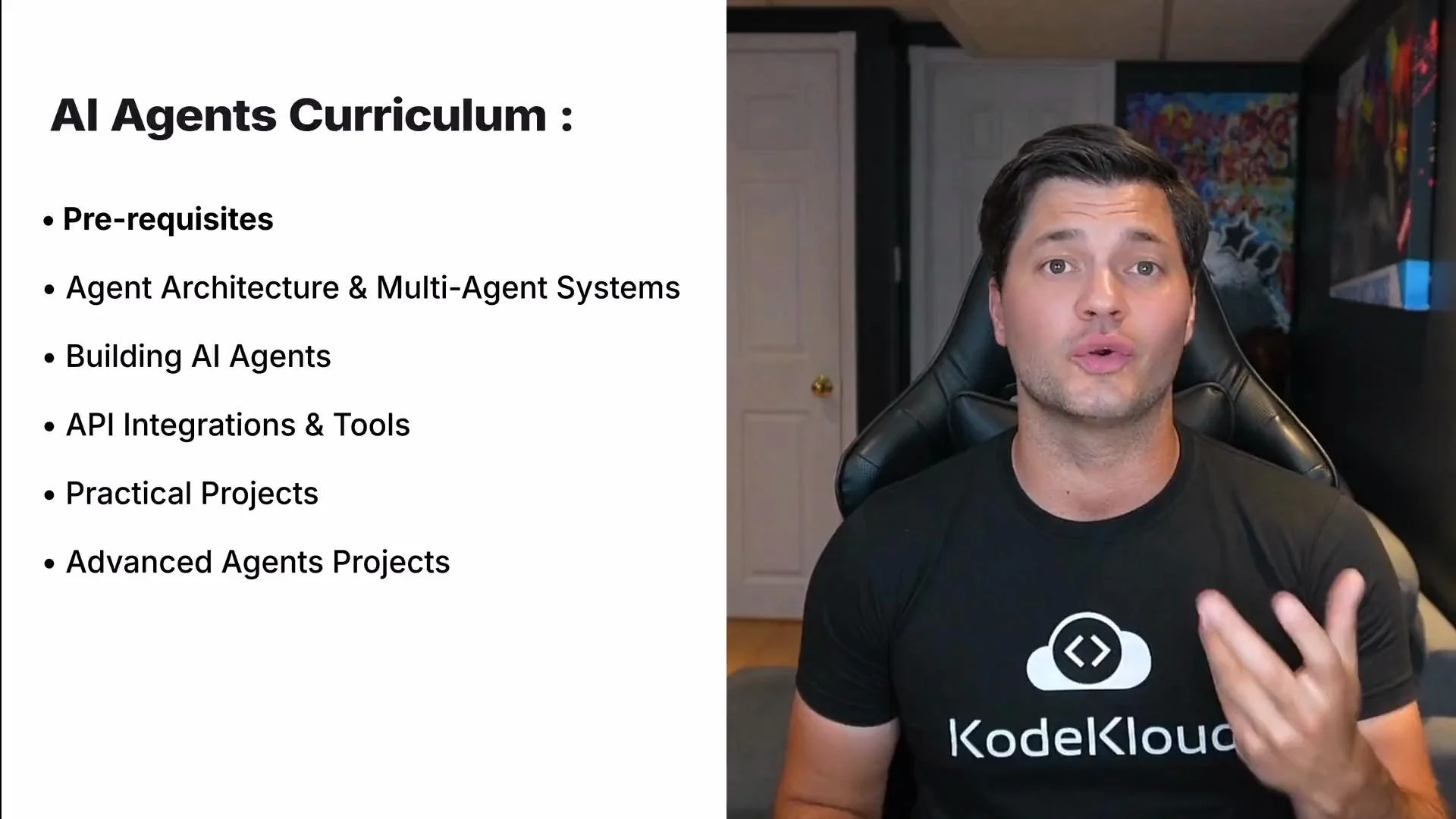
| Module | Topics covered | Outcome |
| --------------- | ------------------------------------------ | ------------------------------------------- |
| Foundations | What is an agent, agent types, ethics | Understand trade-offs and governance needs |
| Core tech | Embeddings, vector DBs, retrieval, eval | Build retrieval-augmented agents |
| Architectures | Single-agent vs multi-agent, orchestration | Design system architecture diagrams |
| Frameworks | LangChain, CrewAI, AutoGen, MetaGPT | Implement agent flows and chains |
| Tooling & APIs | Integrating search, APIs, and tools | Extend agent capabilities via plugins/tools |
| Projects & Labs | Task-driven and multi-role agents | Deploy a working agent pipeline |
Useful references:
* OpenAI API docs: [https://platform.openai.com/docs](https://platform.openai.com/docs)
* LangChain: [https://langchain.com](https://langchain.com)
* MetaGPT: [https://github.com/metagpt/metagpt](https://github.com/metagpt/metagpt)
## Prerequisites and setup
Before running agent examples, ensure your environment variables (API keys, base URLs) are configured and never committed to source control.
Store secrets (API keys, tokens) in a `.env` file and load them with `python-dotenv` during development. Use environment variables for CI/CD and secret managers in production.
Never commit secrets to public repositories. Improper handling of API keys can lead to unauthorized usage and unexpected costs.
Example: load environment variables with dotenv
```python theme={null}
from dotenv import load_dotenv
import os
# Loads variables from .env into the environment during local development
load_dotenv()
# Verify that an API key is present (prints True/False)
print(bool(os.environ.get("OPENAI_API_KEY")))
```
## Simple async agent (illustrative)
This example shows a minimal async agent pattern. Framework APIs differ — adapt to LangChain, CrewAI, AutoGen, or your chosen SDK.
```python theme={null}
import asyncio
from agents import Agent, Runner, WebSearchTool
fav_stock = ["Google", "Apple", "Nvidia"]
async def main():
agent = Agent(
name="Stock News Expert",
instructions=(
"You are a stock news expert. Review recent news for the given companies "
"and summarize key events."
),
tools=[WebSearchTool()] # Provide any necessary tools as a list
)
runner = Runner(agent=agent)
# Run the agent on the list of stock names (frameworks may vary)
await runner.run(tasks=fav_stock)
if __name__ == "__main__":
asyncio.run(main())
```
## Utility example — language and emotion detection (OpenAI Chat API)
This synchronous example demonstrates how to call a chat model to parse language and emotional tone. Adapt to your SDK version (e.g., the OpenAI Python SDK or HTTP API). See OpenAI Chat API docs: [https://platform.openai.com/docs/api-reference/chat](https://platform.openai.com/docs/api-reference/chat)
```python theme={null}
import os
import re
import openai
openai.api_key = os.environ.get("OPENAI_API_KEY")
def analyze_language_and_emotion(text: str) -> dict:
system_msg = (
"You are an AI that analyzes messages. Detect the language (e.g., English, French) "
"and describe the emotional tone in one word (e.g., joyful, sad, angry, professional, excited, persuasive). "
"Respond in the format:\nLanguage: \nEmotion: "
)
response = openai.ChatCompletion.create(
model="gpt-4",
messages=[
{"role": "system", "content": system_msg},
{"role": "user", "content": f"Here is the message:\n{text}"}
],
temperature=0.3
)
content = response["choices"][0]["message"]["content"].strip()
language_match = re.search(r"Language:\s*(\w+)", content, re.IGNORECASE)
emotion_match = re.search(r"Emotion:\s*(\w+)", content, re.IGNORECASE)
return {
"language": language_match.group(1) if language_match else "Unknown",
"emotion": emotion_match.group(1) if emotion_match else "Unknown"
}
```
## Labs, demos, and practical projects
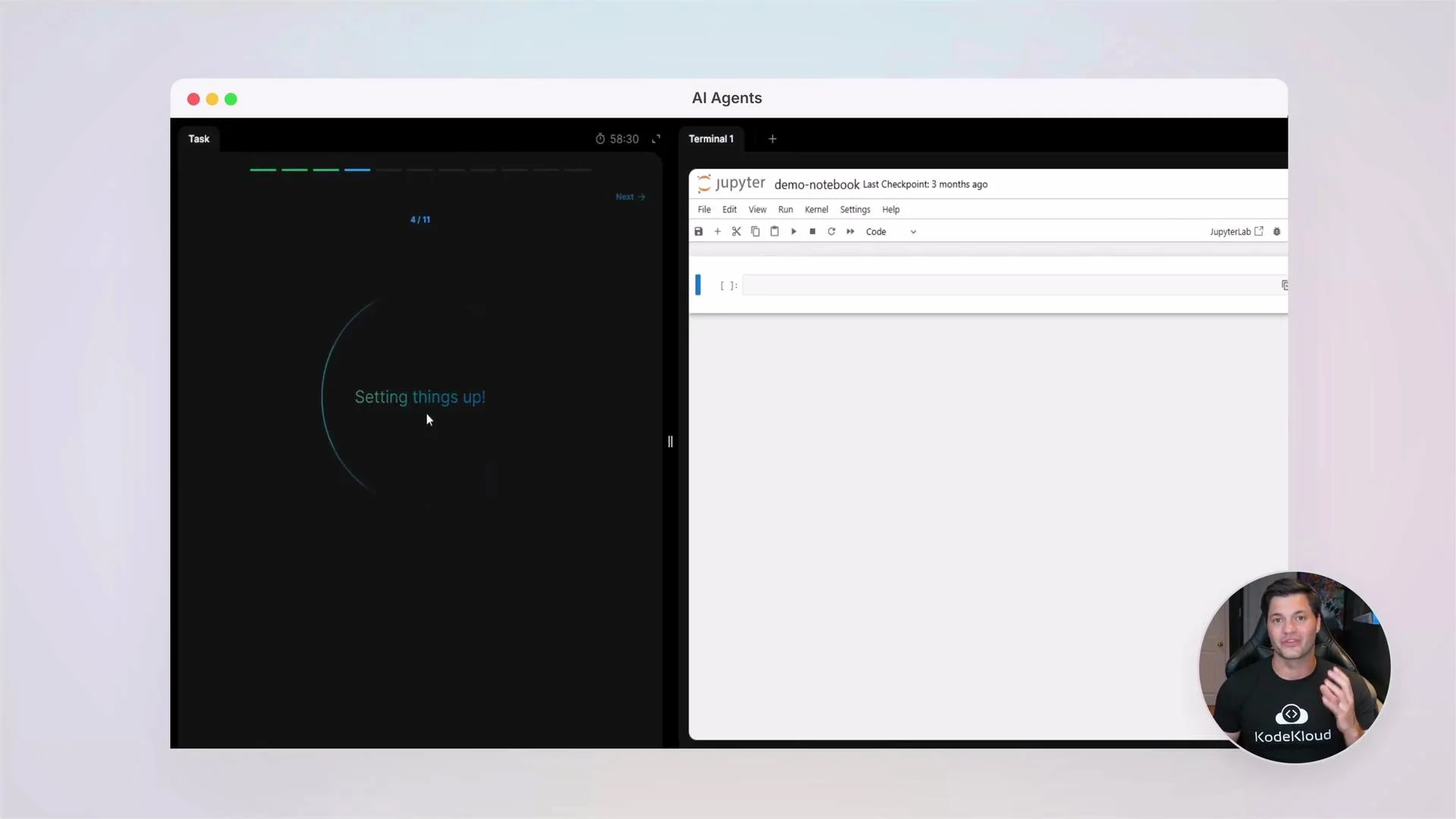
Hands-on labs guide you from local prototypes to deployable agents. You’ll practice building task-driven agents, multi-role simulations, and integrating external tools and APIs. Labs emphasize reproducibility and safe testing practices.
## Course outline (high-level)
| Module | Topics covered | Outcome |
| --------------- | ------------------------------------------ | ------------------------------------------- |
| Foundations | What is an agent, agent types, ethics | Understand trade-offs and governance needs |
| Core tech | Embeddings, vector DBs, retrieval, eval | Build retrieval-augmented agents |
| Architectures | Single-agent vs multi-agent, orchestration | Design system architecture diagrams |
| Frameworks | LangChain, CrewAI, AutoGen, MetaGPT | Implement agent flows and chains |
| Tooling & APIs | Integrating search, APIs, and tools | Extend agent capabilities via plugins/tools |
| Projects & Labs | Task-driven and multi-role agents | Deploy a working agent pipeline |
Useful references:
* OpenAI API docs: [https://platform.openai.com/docs](https://platform.openai.com/docs)
* LangChain: [https://langchain.com](https://langchain.com)
* MetaGPT: [https://github.com/metagpt/metagpt](https://github.com/metagpt/metagpt)
## Prerequisites and setup
Before running agent examples, ensure your environment variables (API keys, base URLs) are configured and never committed to source control.
Store secrets (API keys, tokens) in a `.env` file and load them with `python-dotenv` during development. Use environment variables for CI/CD and secret managers in production.
Never commit secrets to public repositories. Improper handling of API keys can lead to unauthorized usage and unexpected costs.
Example: load environment variables with dotenv
```python theme={null}
from dotenv import load_dotenv
import os
# Loads variables from .env into the environment during local development
load_dotenv()
# Verify that an API key is present (prints True/False)
print(bool(os.environ.get("OPENAI_API_KEY")))
```
## Simple async agent (illustrative)
This example shows a minimal async agent pattern. Framework APIs differ — adapt to LangChain, CrewAI, AutoGen, or your chosen SDK.
```python theme={null}
import asyncio
from agents import Agent, Runner, WebSearchTool
fav_stock = ["Google", "Apple", "Nvidia"]
async def main():
agent = Agent(
name="Stock News Expert",
instructions=(
"You are a stock news expert. Review recent news for the given companies "
"and summarize key events."
),
tools=[WebSearchTool()] # Provide any necessary tools as a list
)
runner = Runner(agent=agent)
# Run the agent on the list of stock names (frameworks may vary)
await runner.run(tasks=fav_stock)
if __name__ == "__main__":
asyncio.run(main())
```
## Utility example — language and emotion detection (OpenAI Chat API)
This synchronous example demonstrates how to call a chat model to parse language and emotional tone. Adapt to your SDK version (e.g., the OpenAI Python SDK or HTTP API). See OpenAI Chat API docs: [https://platform.openai.com/docs/api-reference/chat](https://platform.openai.com/docs/api-reference/chat)
```python theme={null}
import os
import re
import openai
openai.api_key = os.environ.get("OPENAI_API_KEY")
def analyze_language_and_emotion(text: str) -> dict:
system_msg = (
"You are an AI that analyzes messages. Detect the language (e.g., English, French) "
"and describe the emotional tone in one word (e.g., joyful, sad, angry, professional, excited, persuasive). "
"Respond in the format:\nLanguage: \nEmotion: "
)
response = openai.ChatCompletion.create(
model="gpt-4",
messages=[
{"role": "system", "content": system_msg},
{"role": "user", "content": f"Here is the message:\n{text}"}
],
temperature=0.3
)
content = response["choices"][0]["message"]["content"].strip()
language_match = re.search(r"Language:\s*(\w+)", content, re.IGNORECASE)
emotion_match = re.search(r"Emotion:\s*(\w+)", content, re.IGNORECASE)
return {
"language": language_match.group(1) if language_match else "Unknown",
"emotion": emotion_match.group(1) if emotion_match else "Unknown"
}
```
## Labs, demos, and practical projects
Hands-on labs guide you from local prototypes to deployable agents. You’ll practice building task-driven agents, multi-role simulations, and integrating external tools and APIs. Labs emphasize reproducibility and safe testing practices.
 ## Quick client initialization (OpenAI Python SDK)
A compact example to initialize an SDK client. If you use an async client or a different vendor, adapt accordingly.
```python theme={null}
import os
from openai import OpenAI
client = OpenAI(
api_key=os.environ.get("OPENAI_API_KEY"),
base_url=os.environ.get("OPENAI_API_BASE") # optional custom base URL
)
```
## Best practices and next steps
* Use small iterative experiments to validate agent behaviors before scaling.
* Log agent actions and decisions for auditing and debugging.
* Evaluate agents with both automated metrics and human review to ensure reliability and safety.
* Integrate secret management, rate-limiting, and cost controls early in your deployment pipeline.
At KodeKloud, we foster an active community where you can ask questions, share code, and collaborate on projects. Join peers and instructors to accelerate your learning.
Let's begin this journey — build with curiosity and guardrails, and unlock what AI agents can do for you.
## Quick client initialization (OpenAI Python SDK)
A compact example to initialize an SDK client. If you use an async client or a different vendor, adapt accordingly.
```python theme={null}
import os
from openai import OpenAI
client = OpenAI(
api_key=os.environ.get("OPENAI_API_KEY"),
base_url=os.environ.get("OPENAI_API_BASE") # optional custom base URL
)
```
## Best practices and next steps
* Use small iterative experiments to validate agent behaviors before scaling.
* Log agent actions and decisions for auditing and debugging.
* Evaluate agents with both automated metrics and human review to ensure reliability and safety.
* Integrate secret management, rate-limiting, and cost controls early in your deployment pipeline.
At KodeKloud, we foster an active community where you can ask questions, share code, and collaborate on projects. Join peers and instructors to accelerate your learning.
Let's begin this journey — build with curiosity and guardrails, and unlock what AI agents can do for you.