> ## Documentation Index
> Fetch the complete documentation index at: https://notes.kodekloud.com/llms.txt
> Use this file to discover all available pages before exploring further.
# Understanding Agent Computer Tools
> Guide to using Playwright browser automation for AI agents, covering integration patterns, capabilities, use cases, architecture, security, and production best practices.
Welcome back.
In this lesson we begin exploring agent-computer tools with a focus on Playwright — a modern browser automation framework well suited to AI agents. This guide covers what agent-computer tools are, why browser automation matters for agents, Playwright’s core capabilities, integration patterns, practical use cases, architecture and runtime flow, security considerations, and best practices for production.
Topics covered:
* Agent-computer tools: what they are and why they matter
* Why browser automation is important for agents
* Understanding Playwright and its core capabilities
* Integrating Playwright with AI agents (pattern and example)
* Use cases for web scraping and data extraction
* Typical architecture and runtime flow
* Security, sandboxing, and practical limitations
* Comparing Playwright to other browser automation tools
* Best practices and real-world examples
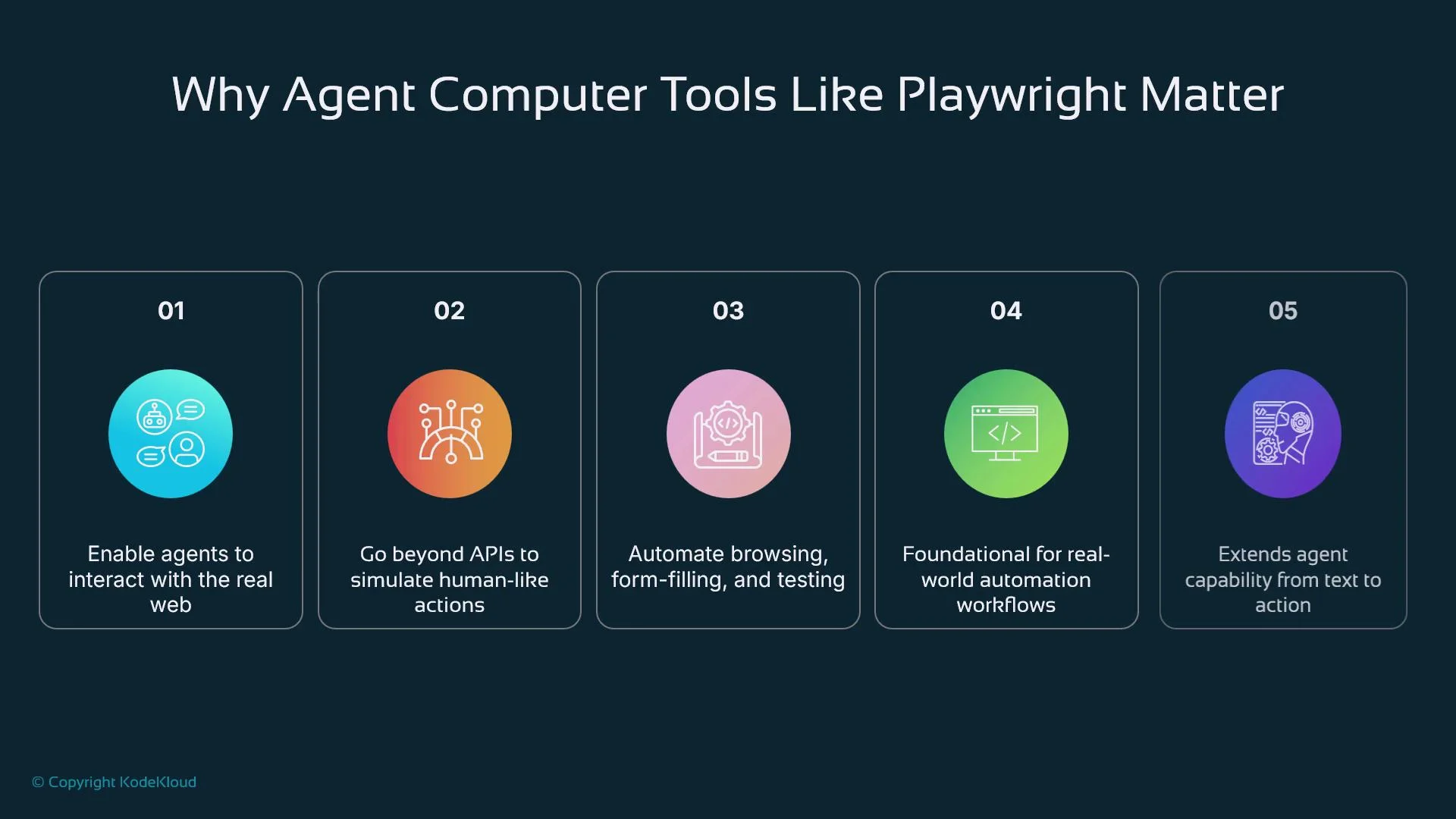
Agent-computer tools let AI agents move beyond purely language-based tasks into real-world actions inside digital environments. Examples include browser control, file handling, terminal commands, and operating system automation. When agents have these capabilities they can simulate human interactions — navigating websites, completing forms, downloading files, or operating software UIs — turning plans into executed workflows and enabling end-to-end automation.
 What are agent-computer tools and when to use them
Agent-computer tools are external interfaces or services that allow an agent to act, not just reason. These tools are essential when:
* No API exists or an API is restricted or rate-limited.
* The workflow requires simulating human interaction (multi-step logins, consent dialogs).
* Client-side JavaScript or dynamic rendering prevents simple HTTP scraping.
Browser automation tools, such as Playwright, are a common agent-computer tool because they allow programmatic control of a full browser context: navigating pages, clicking, typing, uploading/downloading files, and extracting rendered content.
What are agent-computer tools and when to use them
Agent-computer tools are external interfaces or services that allow an agent to act, not just reason. These tools are essential when:
* No API exists or an API is restricted or rate-limited.
* The workflow requires simulating human interaction (multi-step logins, consent dialogs).
* Client-side JavaScript or dynamic rendering prevents simple HTTP scraping.
Browser automation tools, such as Playwright, are a common agent-computer tool because they allow programmatic control of a full browser context: navigating pages, clicking, typing, uploading/downloading files, and extracting rendered content.
 Why browser automation is often necessary
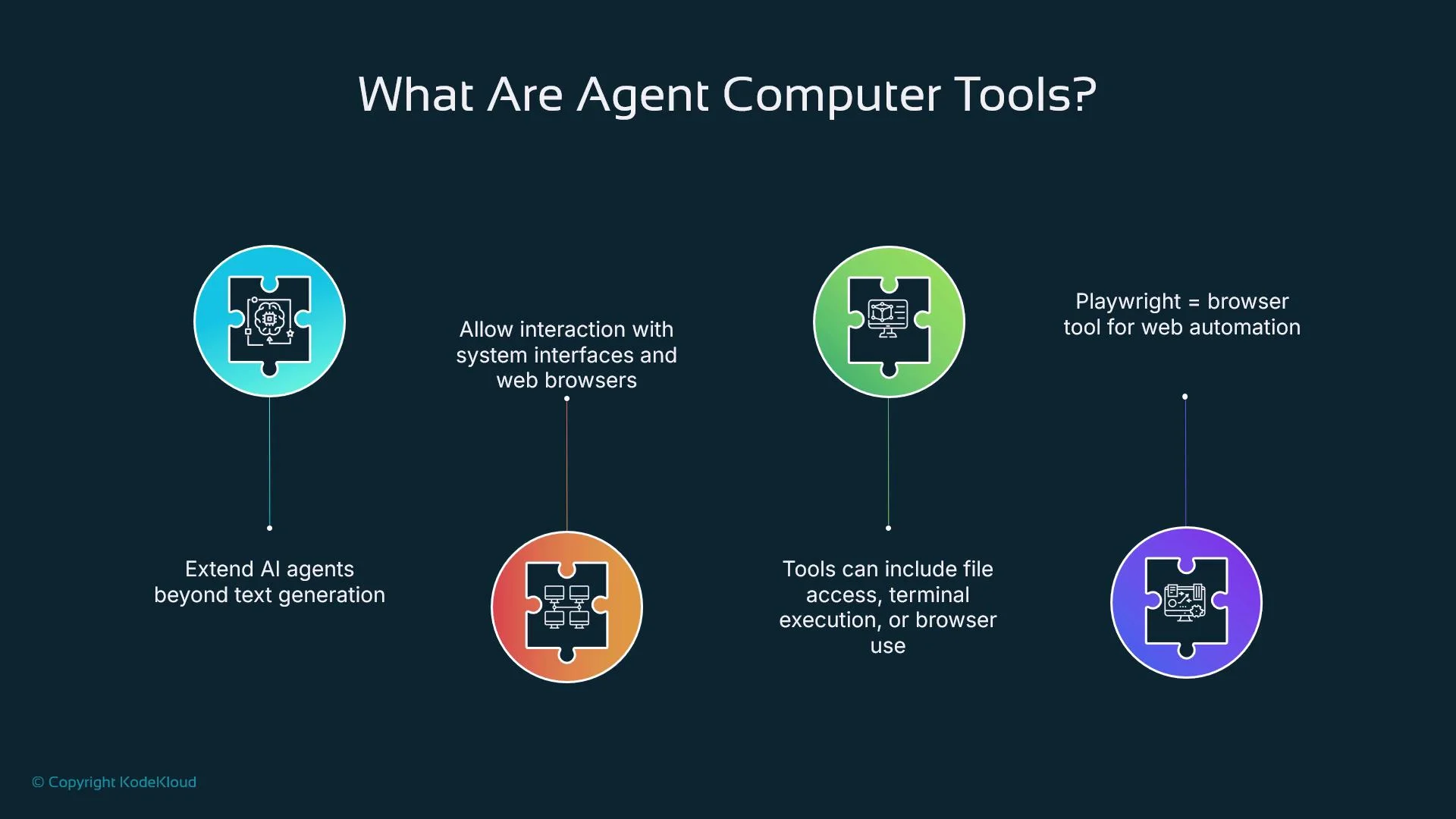
Browser automation becomes necessary in many realistic scenarios:
* Public APIs are absent, restricted, or require partner agreements.
* Workflows require a real user session (multi-step flows, SSO, consent screens).
* Pages rely on client-side frameworks (React, Vue, Angular) that render content dynamically.
Example: an agent must log into a claim portal, navigate to a specific case, and summarize the status. Without a browser context the agent can reason about instructions but cannot interact with the portal; with browser automation it can perform the necessary actions and return results.
Why browser automation is often necessary
Browser automation becomes necessary in many realistic scenarios:
* Public APIs are absent, restricted, or require partner agreements.
* Workflows require a real user session (multi-step flows, SSO, consent screens).
* Pages rely on client-side frameworks (React, Vue, Angular) that render content dynamically.
Example: an agent must log into a claim portal, navigate to a specific case, and summarize the status. Without a browser context the agent can reason about instructions but cannot interact with the portal; with browser automation it can perform the necessary actions and return results.
 Playwright overview
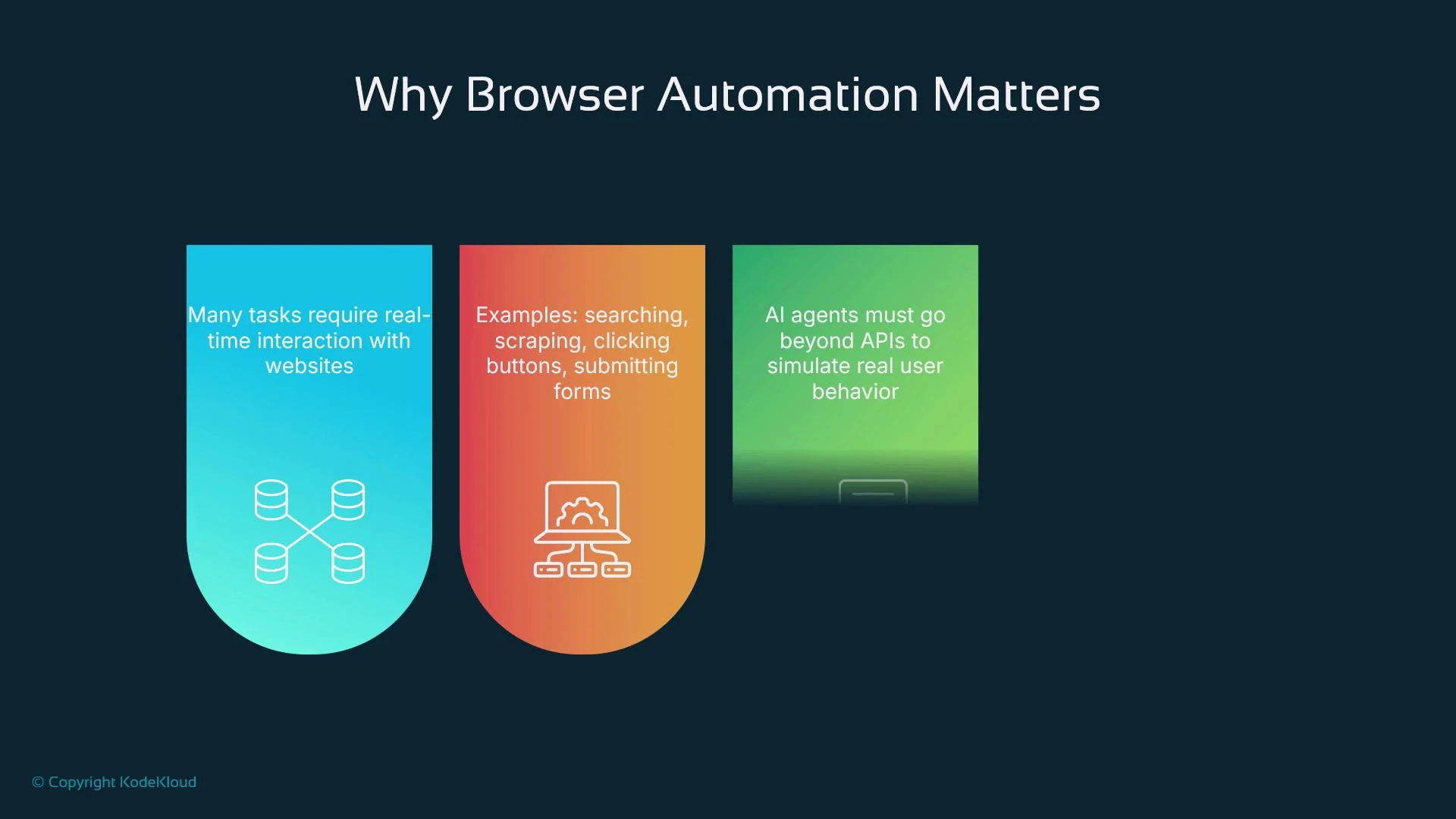
Playwright is an open-source browser automation framework from Microsoft that supports Chromium, Firefox, and WebKit. It provides robust primitives for automated interactions:
* Page navigation, clicks, typing, and file uploads/downloads
* Pop-up and multi-page handling
* Network interception and request/response inspection
* Screenshots, PDFs, and visual evidence capture
* Auto-waiting for elements and reliable async handling
These features make Playwright well-suited for agent integration: agents can locate elements with selectors, simulate user input, monitor network traffic, and capture visual proof for reporting or auditing.
Playwright overview
Playwright is an open-source browser automation framework from Microsoft that supports Chromium, Firefox, and WebKit. It provides robust primitives for automated interactions:
* Page navigation, clicks, typing, and file uploads/downloads
* Pop-up and multi-page handling
* Network interception and request/response inspection
* Screenshots, PDFs, and visual evidence capture
* Auto-waiting for elements and reliable async handling
These features make Playwright well-suited for agent integration: agents can locate elements with selectors, simulate user input, monitor network traffic, and capture visual proof for reporting or auditing.
 Integrating Playwright with AI agents
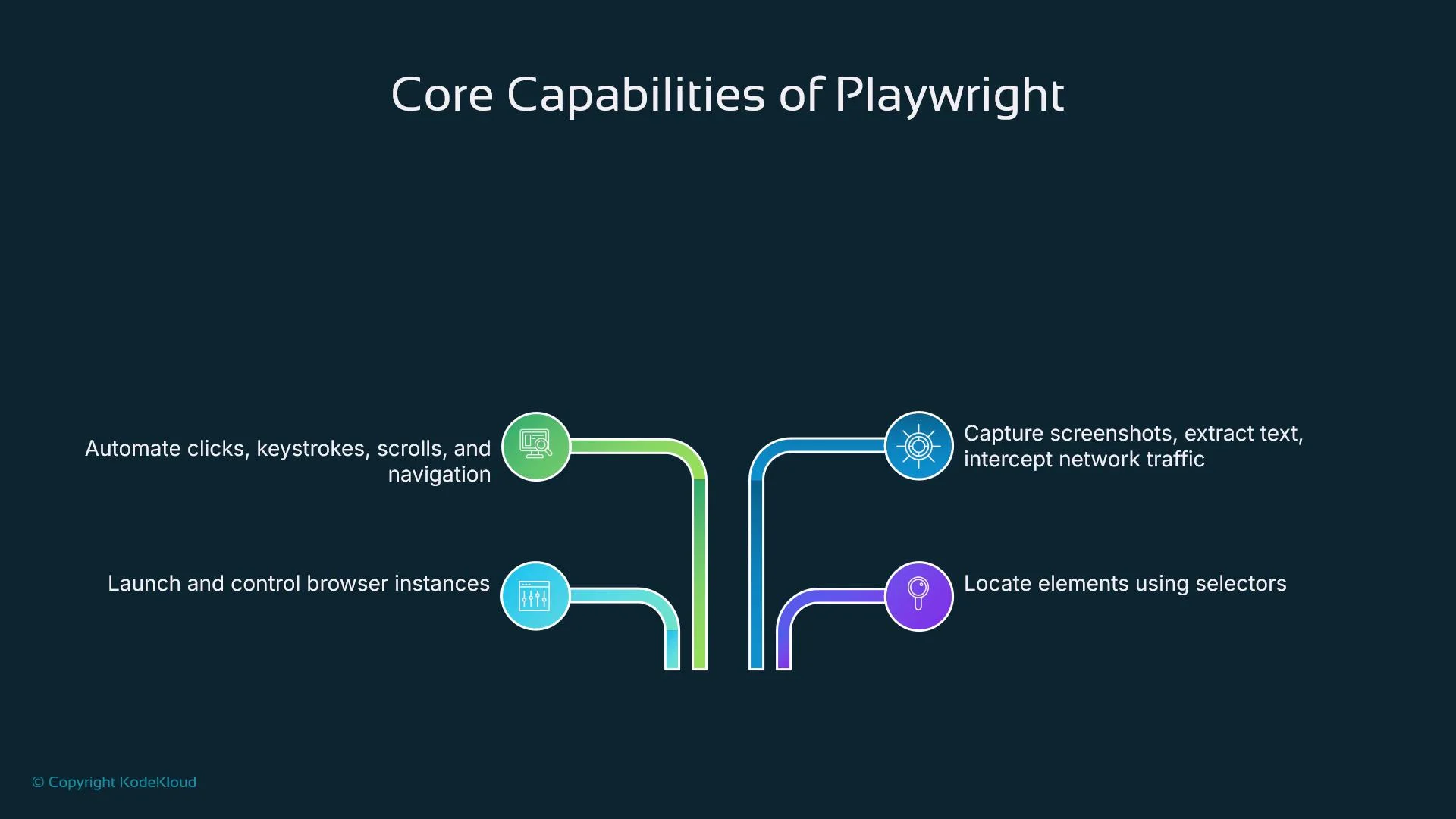
A common integration pattern is to wrap Playwright actions inside tool functions or expose them via a microservice API that the agent can call. The agent issues a structured plan (for example: go to site → login → navigate to dashboard → extract balance). Each step maps to a Playwright routine, and results are returned to the agent so it can continue reasoning or take further actions.
Example (Python, synchronous Playwright API) — focused login-and-extract flow:
```python theme={null}
from playwright.sync_api import sync_playwright
def fetch_balance(url: str, username: str, password: str) -> str:
with sync_playwright() as p:
browser = p.chromium.launch(headless=True)
page = browser.new_page()
page.goto(url, wait_until="networkidle")
page.fill('input#username', username)
page.fill('input#password', password)
page.click('button[type="submit"]')
page.wait_for_selector('#balance', timeout=10000)
balance = page.inner_text('#balance')
browser.close()
return balance
```
In agent frameworks (for example, a LangChain-style tool wrapper or a function-calling workflow with a large language model), the agent calls functions like `fetch_balance`, receives structured results, and decides whether to finish or issue additional steps. This read-act-think-act loop enables mid-execution adjustments and robust error handling.
Integrating Playwright with AI agents
A common integration pattern is to wrap Playwright actions inside tool functions or expose them via a microservice API that the agent can call. The agent issues a structured plan (for example: go to site → login → navigate to dashboard → extract balance). Each step maps to a Playwright routine, and results are returned to the agent so it can continue reasoning or take further actions.
Example (Python, synchronous Playwright API) — focused login-and-extract flow:
```python theme={null}
from playwright.sync_api import sync_playwright
def fetch_balance(url: str, username: str, password: str) -> str:
with sync_playwright() as p:
browser = p.chromium.launch(headless=True)
page = browser.new_page()
page.goto(url, wait_until="networkidle")
page.fill('input#username', username)
page.fill('input#password', password)
page.click('button[type="submit"]')
page.wait_for_selector('#balance', timeout=10000)
balance = page.inner_text('#balance')
browser.close()
return balance
```
In agent frameworks (for example, a LangChain-style tool wrapper or a function-calling workflow with a large language model), the agent calls functions like `fetch_balance`, receives structured results, and decides whether to finish or issue additional steps. This read-act-think-act loop enables mid-execution adjustments and robust error handling.
 Common use cases
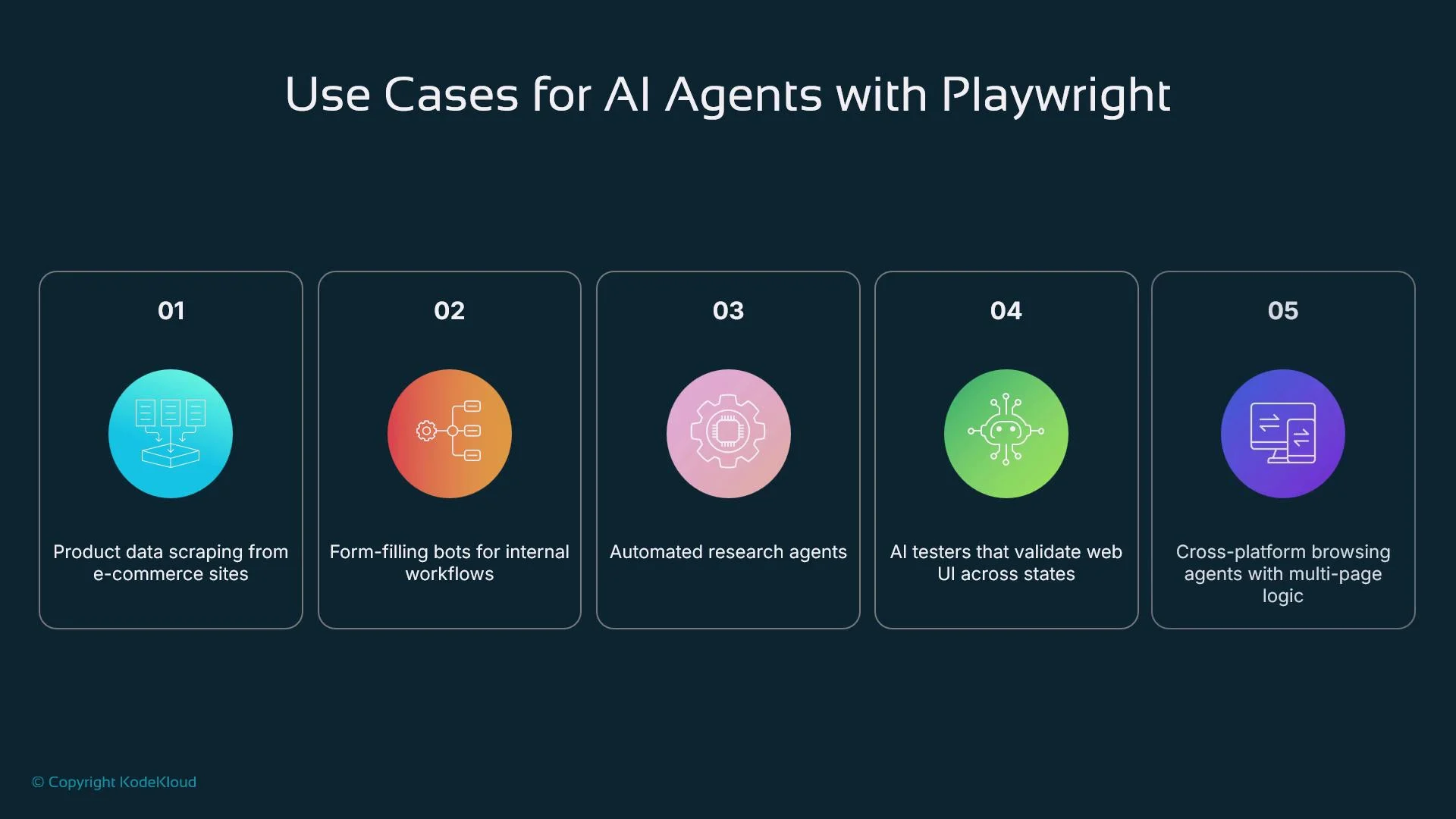
* Research agents: extract citations and metadata from academic sites
* Customer support: log into internal dashboards and fetch user status
* Autonomous QA: run nightly flows to detect regressions or UI breakages
* Data scraping: collect product listings, pricing, and availability from web UIs
* Workflow automation: submit forms, pull invoices, or interact with legacy portals lacking APIs
Architecture and runtime flow
A typical agent + Playwright architecture follows these steps:
1. A user prompt or scheduled trigger initiates the task.
2. The AI agent interprets the goal and decomposes it into discrete steps.
3. Steps are dispatched to a Playwright tool wrapper (local process or microservice).
4. The wrapper launches a browser context, performs actions, and gathers results (text, screenshots, network logs).
5. Results are returned to the agent for further reasoning or final output.
This cycle mirrors human workflows: observe, act, reflect, and act again.
Security, sandboxing, and limitations
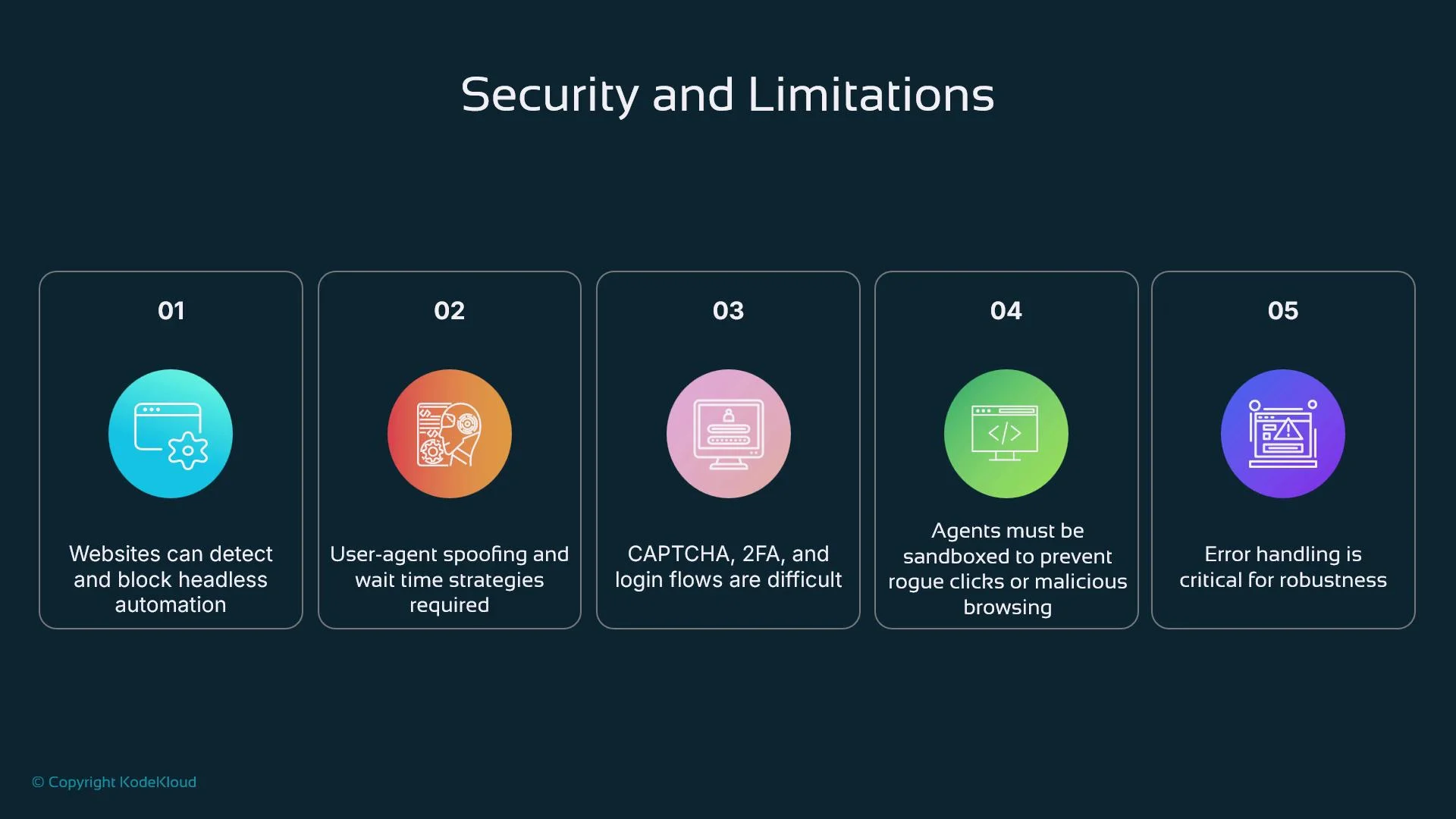
Browser automation is powerful but comes with practical and security constraints:
* Sites may detect and throttle automated browsers (bot detection, CAPTCHAs).
* Multi-factor authentication and advanced anti-bot defenses can block automation.
* Unconstrained agents risk performing unsafe actions (clicking harmful links or exfiltrating data).
Mitigations:
* Enforce domain allow lists, rate limits, and click limits.
* Run agents inside isolated sandboxes with constrained network access.
* Record and log every browser action for auditing and debugging.
* Use per-session credentials and avoid storing sensitive secrets in-process.
* Implement human approval for sensitive or irreversible actions.
Automated interaction with third-party sites can have legal or terms-of-service implications. Always confirm that scraping or automation is permitted, and avoid actions that could impersonate or harm users.
Common use cases
* Research agents: extract citations and metadata from academic sites
* Customer support: log into internal dashboards and fetch user status
* Autonomous QA: run nightly flows to detect regressions or UI breakages
* Data scraping: collect product listings, pricing, and availability from web UIs
* Workflow automation: submit forms, pull invoices, or interact with legacy portals lacking APIs
Architecture and runtime flow
A typical agent + Playwright architecture follows these steps:
1. A user prompt or scheduled trigger initiates the task.
2. The AI agent interprets the goal and decomposes it into discrete steps.
3. Steps are dispatched to a Playwright tool wrapper (local process or microservice).
4. The wrapper launches a browser context, performs actions, and gathers results (text, screenshots, network logs).
5. Results are returned to the agent for further reasoning or final output.
This cycle mirrors human workflows: observe, act, reflect, and act again.
Security, sandboxing, and limitations
Browser automation is powerful but comes with practical and security constraints:
* Sites may detect and throttle automated browsers (bot detection, CAPTCHAs).
* Multi-factor authentication and advanced anti-bot defenses can block automation.
* Unconstrained agents risk performing unsafe actions (clicking harmful links or exfiltrating data).
Mitigations:
* Enforce domain allow lists, rate limits, and click limits.
* Run agents inside isolated sandboxes with constrained network access.
* Record and log every browser action for auditing and debugging.
* Use per-session credentials and avoid storing sensitive secrets in-process.
* Implement human approval for sensitive or irreversible actions.
Automated interaction with third-party sites can have legal or terms-of-service implications. Always confirm that scraping or automation is permitted, and avoid actions that could impersonate or harm users.
 Comparisons and practical advice
Playwright compares favorably to other browser automation tools depending on requirements:
| Tool | Strengths | Trade-offs |
| ------------------------------------- | ---------------------------------------------------------------------------------------------------- | -------------------------------------------------------------- |
| [Playwright](https://playwright.dev/) | Cross-browser (Chromium, Firefox, WebKit), auto-waits, modern async APIs, reliable for dynamic pages | Slightly newer ecosystem, learning curve for advanced features |
| [Selenium](https://www.selenium.dev/) | Mature, broad language support, large ecosystem | Can be slower and more brittle with modern dynamic UIs |
| [Puppeteer](https://pptr.dev/) | Fast and stable for Chromium | Chromium-only (limited cross-browser support) |
Practical advice for robust automation:
* Prefer stable selectors (IDs, `data-*` attributes) over fragile XPaths.
* Use explicit waits (e.g., `wait_for_selector`, `wait_until="networkidle"`) for dynamic content.
* Modularize functionality into small, testable functions or endpoints the agent can call.
* Wrap actions in try/except (or try/catch) and return structured errors the agent can handle.
* Log actions and responses with timestamps for traceability.
* Never inject unvalidated user input directly into navigations or selectors.
Design agent workflows so Playwright calls are idempotent and have clear failure modes; this simplifies retries and recovery.
Real-world examples
* Recruitment automation: an agent logs into LinkedIn Recruiter, searches for candidates that match criteria, extracts profiles, and drafts outreach messages.
* Continuous QA: an automated tester navigates critical purchase flows daily, captures screenshots for failures, and opens tickets with logs.
* Healthcare portals: an automation agent logs into patient portals to download statements, reconcile invoices, and flag discrepancies for human review.
Playwright empowers agents to act where APIs are unavailable, converting high-level plans into executed tasks. With careful architecture, sandboxing, observability, and legal compliance, Playwright-based agent tools can safely extend an agent’s capabilities into real-world systems.
Comparisons and practical advice
Playwright compares favorably to other browser automation tools depending on requirements:
| Tool | Strengths | Trade-offs |
| ------------------------------------- | ---------------------------------------------------------------------------------------------------- | -------------------------------------------------------------- |
| [Playwright](https://playwright.dev/) | Cross-browser (Chromium, Firefox, WebKit), auto-waits, modern async APIs, reliable for dynamic pages | Slightly newer ecosystem, learning curve for advanced features |
| [Selenium](https://www.selenium.dev/) | Mature, broad language support, large ecosystem | Can be slower and more brittle with modern dynamic UIs |
| [Puppeteer](https://pptr.dev/) | Fast and stable for Chromium | Chromium-only (limited cross-browser support) |
Practical advice for robust automation:
* Prefer stable selectors (IDs, `data-*` attributes) over fragile XPaths.
* Use explicit waits (e.g., `wait_for_selector`, `wait_until="networkidle"`) for dynamic content.
* Modularize functionality into small, testable functions or endpoints the agent can call.
* Wrap actions in try/except (or try/catch) and return structured errors the agent can handle.
* Log actions and responses with timestamps for traceability.
* Never inject unvalidated user input directly into navigations or selectors.
Design agent workflows so Playwright calls are idempotent and have clear failure modes; this simplifies retries and recovery.
Real-world examples
* Recruitment automation: an agent logs into LinkedIn Recruiter, searches for candidates that match criteria, extracts profiles, and drafts outreach messages.
* Continuous QA: an automated tester navigates critical purchase flows daily, captures screenshots for failures, and opens tickets with logs.
* Healthcare portals: an automation agent logs into patient portals to download statements, reconcile invoices, and flag discrepancies for human review.
Playwright empowers agents to act where APIs are unavailable, converting high-level plans into executed tasks. With careful architecture, sandboxing, observability, and legal compliance, Playwright-based agent tools can safely extend an agent’s capabilities into real-world systems.