> ## Documentation Index
> Fetch the complete documentation index at: https://notes.kodekloud.com/llms.txt
> Use this file to discover all available pages before exploring further.
# Ansible Playbook Basics
> Overview of Ansible playbooks covering structure, components, execution, and best practices for automating system configuration and application deployment
In this lesson we focus on one of the most important parts of Ansible: playbooks. Understanding how playbooks are structured and how they execute gives you a reliable foundation to automate system configuration, application deployment, and operational tasks.
What is a playbook?
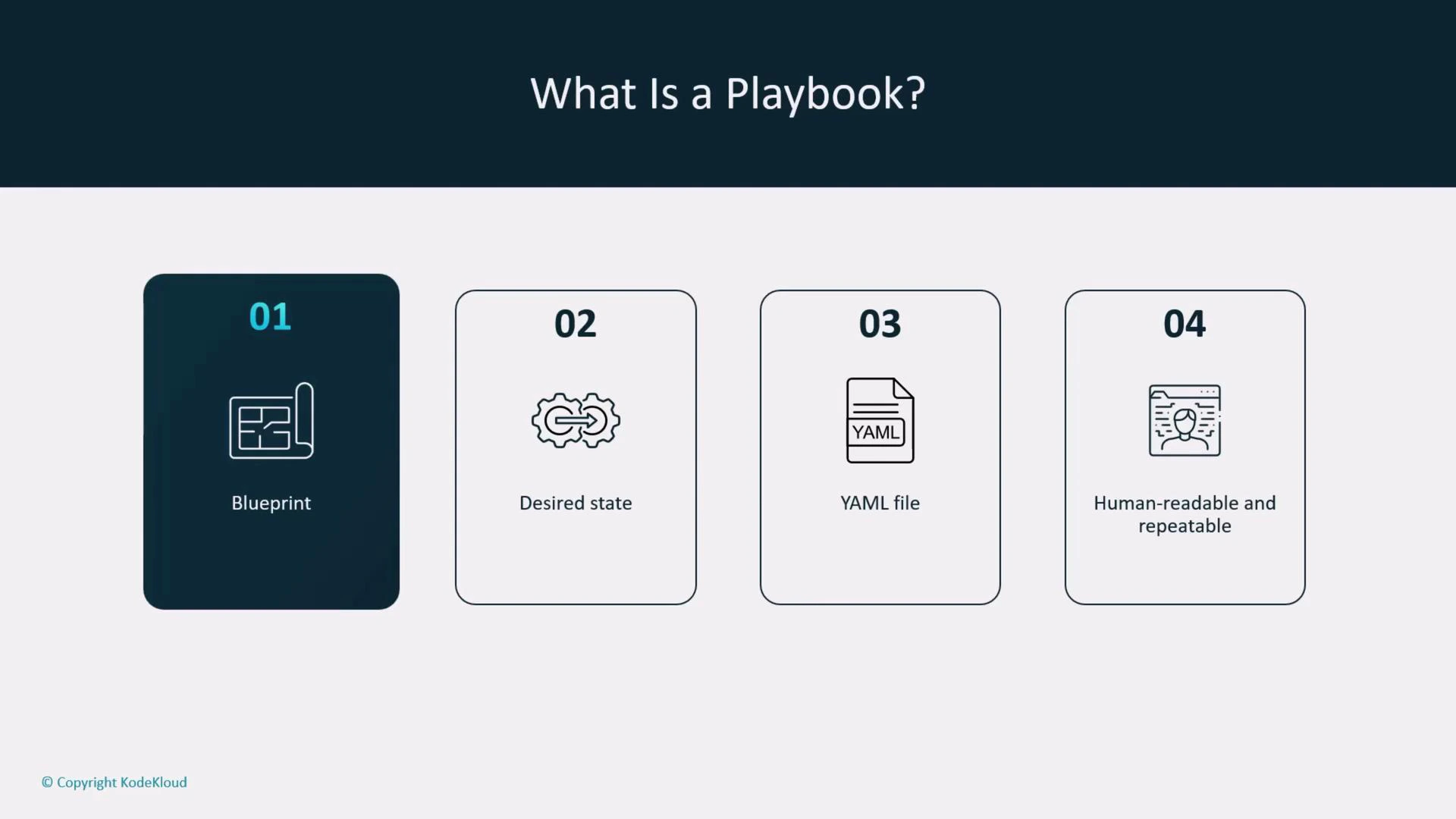
Think of a playbook as an automation blueprint: a human-readable, declarative description of the desired end state for one or more hosts. Ansible evaluates the declaration and makes the remote systems match that state. Playbooks use YAML for readability and maintainability so teams can review, share, and version control automation easily.
 Key benefits of using playbooks
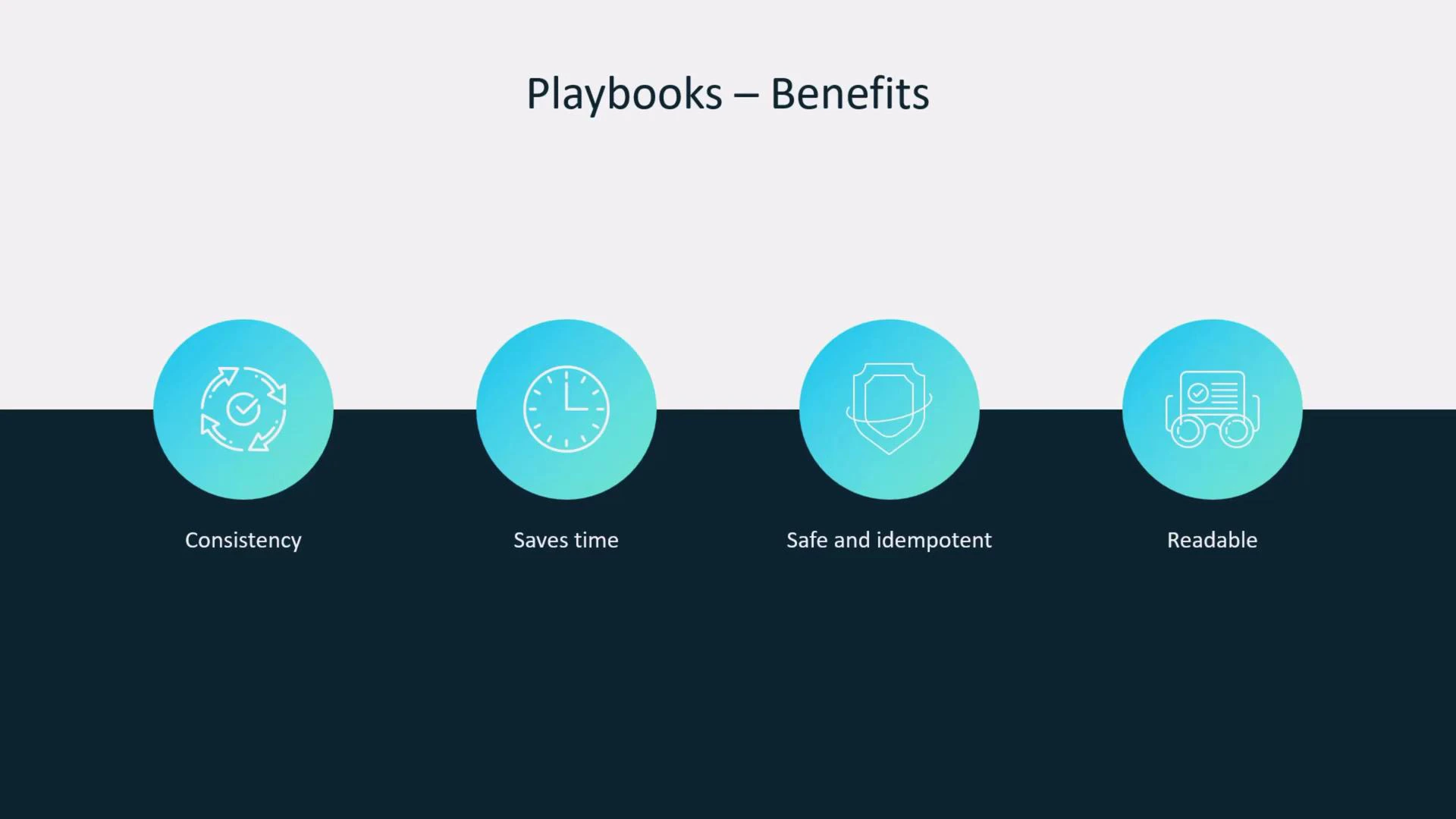
* Consistency: Running the same playbook produces the same result every time.
* Scale: Apply the same configuration across many hosts in a single run.
* Idempotence: Re-running a playbook leaves systems unchanged when they already match the desired state.
* Readability: Playbooks double as documentation for what your automation does.
Key benefits of using playbooks
* Consistency: Running the same playbook produces the same result every time.
* Scale: Apply the same configuration across many hosts in a single run.
* Idempotence: Re-running a playbook leaves systems unchanged when they already match the desired state.
* Readability: Playbooks double as documentation for what your automation does.
 Basic skeleton of a playbook
A playbook is one or more plays, and a play targets one or more hosts. At minimum, a play typically contains:
* `name`: a descriptive label for the play
* `hosts`: the inventory group or host pattern to target
* `become`: whether to use privilege escalation (e.g., sudo)
* `tasks`: a list of steps (each task calls a module)
Every playbook begins with the YAML document marker `---`.
Example minimal playbook:
```yaml theme={null}
---
- name: My play
hosts: all
become: true
tasks:
- name: Ensure nginx is installed
apt:
name: nginx
state: present
```
Everything else — variables, handlers, roles, loops, and conditionals — builds on this same foundation.
Playbook components explained
Below is a quick reference for the main building blocks you’ll use in playbooks.
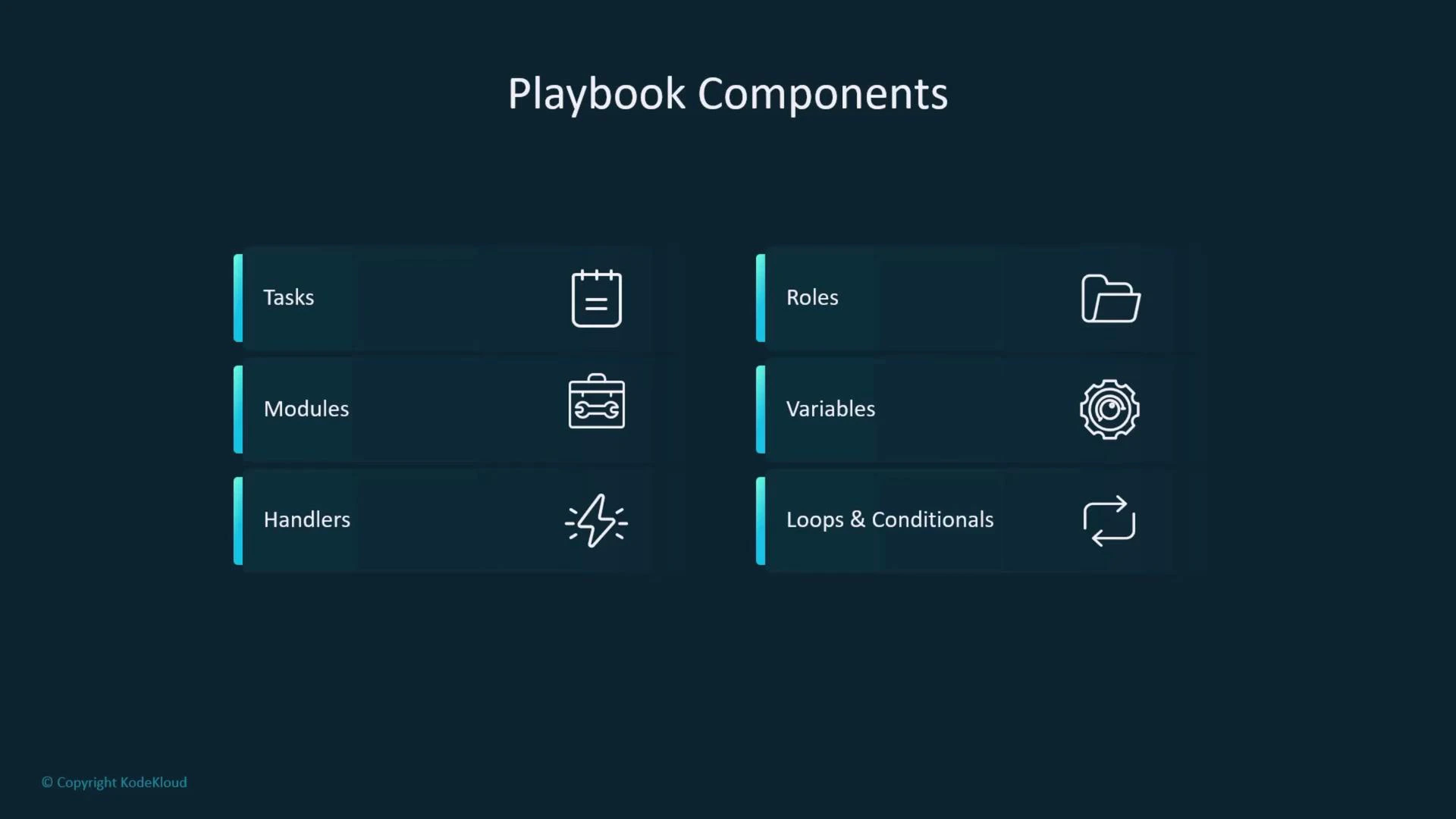
| Component | Purpose | Common examples |
| -------------------- | ------------------------------------------------------------- | ------------------------------------------------ |
| Tasks | Ordered steps executed on target hosts | Use modules like `apt`, `yum`, `file`, `service` |
| Modules | Idempotent units that perform actions | `apt`, `copy`, `template`, `uri` |
| Handlers | Tasks triggered only when notified (useful for restarts) | `notify: Restart nginx` |
| Roles | Directory layout for reusable code and separation of concerns | `roles/nginx/tasks/main.yml` |
| Variables | Parameterize values across environments | Inventory vars, `vars_files`, `host_vars` |
| Loops & Conditionals | Iterate or run tasks conditionally to avoid duplication | `loop`, `when` |
Basic skeleton of a playbook
A playbook is one or more plays, and a play targets one or more hosts. At minimum, a play typically contains:
* `name`: a descriptive label for the play
* `hosts`: the inventory group or host pattern to target
* `become`: whether to use privilege escalation (e.g., sudo)
* `tasks`: a list of steps (each task calls a module)
Every playbook begins with the YAML document marker `---`.
Example minimal playbook:
```yaml theme={null}
---
- name: My play
hosts: all
become: true
tasks:
- name: Ensure nginx is installed
apt:
name: nginx
state: present
```
Everything else — variables, handlers, roles, loops, and conditionals — builds on this same foundation.
Playbook components explained
Below is a quick reference for the main building blocks you’ll use in playbooks.
| Component | Purpose | Common examples |
| -------------------- | ------------------------------------------------------------- | ------------------------------------------------ |
| Tasks | Ordered steps executed on target hosts | Use modules like `apt`, `yum`, `file`, `service` |
| Modules | Idempotent units that perform actions | `apt`, `copy`, `template`, `uri` |
| Handlers | Tasks triggered only when notified (useful for restarts) | `notify: Restart nginx` |
| Roles | Directory layout for reusable code and separation of concerns | `roles/nginx/tasks/main.yml` |
| Variables | Parameterize values across environments | Inventory vars, `vars_files`, `host_vars` |
| Loops & Conditionals | Iterate or run tasks conditionally to avoid duplication | `loop`, `when` |
 Running and validating playbooks
Use `ansible-playbook` to execute playbooks. Before applying changes to real systems, validate syntax and structure.
Commands:
```bash theme={null}
# Run a playbook
ansible-playbook site.yml
# Check playbook syntax without connecting to hosts
ansible-playbook --syntax-check site.yml
```
Quick command references
| Task | Command |
| --------------- | ------------------------------------------ |
| Run a playbook | `ansible-playbook site.yml` |
| Syntax check | `ansible-playbook --syntax-check site.yml` |
| Check inventory | `ansible-inventory --list -i inventory/` |
Best practices and habits
Adopt these habits to keep playbooks reliable and maintainable:
* Always include a `name` for plays and for every task — it improves readability and troubleshooting.
* Run `ansible-playbook --syntax-check` before applying changes.
* Use handlers to avoid unnecessary service restarts when multiple tasks might trigger the same action.
* Prefer loops and conditionals over duplicating similar tasks to keep your playbooks concise and adaptable.
Additional tips:
* Keep roles focused and small; one role should do one job.
* Use `check_mode` (`ansible-playbook --check`) for dry runs where appropriate.
* Store secrets in Ansible Vault and avoid committing secrets to version control.
* Keep host- and group-level variables in separate `host_vars/` and `group_vars/` directories for clarity.
Conclusion
These fundamentals — structure, modules, handlers, roles, variables, and the habit of validating before running — are the building blocks of effective Ansible automation. Once comfortable with these basics, you can expand into advanced topics like custom modules, dynamic inventories, and complex role reuse.
Further reading
* [Ansible Documentation — Playbooks](https://docs.ansible.com/ansible/latest/user_guide/playbooks.html)
* [YAML Official Specification](https://yaml.org/spec/)
* [Ansible Best Practices](https://docs.ansible.com/ansible/latest/user_guide/playbooks_best_practices.html)
Running and validating playbooks
Use `ansible-playbook` to execute playbooks. Before applying changes to real systems, validate syntax and structure.
Commands:
```bash theme={null}
# Run a playbook
ansible-playbook site.yml
# Check playbook syntax without connecting to hosts
ansible-playbook --syntax-check site.yml
```
Quick command references
| Task | Command |
| --------------- | ------------------------------------------ |
| Run a playbook | `ansible-playbook site.yml` |
| Syntax check | `ansible-playbook --syntax-check site.yml` |
| Check inventory | `ansible-inventory --list -i inventory/` |
Best practices and habits
Adopt these habits to keep playbooks reliable and maintainable:
* Always include a `name` for plays and for every task — it improves readability and troubleshooting.
* Run `ansible-playbook --syntax-check` before applying changes.
* Use handlers to avoid unnecessary service restarts when multiple tasks might trigger the same action.
* Prefer loops and conditionals over duplicating similar tasks to keep your playbooks concise and adaptable.
Additional tips:
* Keep roles focused and small; one role should do one job.
* Use `check_mode` (`ansible-playbook --check`) for dry runs where appropriate.
* Store secrets in Ansible Vault and avoid committing secrets to version control.
* Keep host- and group-level variables in separate `host_vars/` and `group_vars/` directories for clarity.
Conclusion
These fundamentals — structure, modules, handlers, roles, variables, and the habit of validating before running — are the building blocks of effective Ansible automation. Once comfortable with these basics, you can expand into advanced topics like custom modules, dynamic inventories, and complex role reuse.
Further reading
* [Ansible Documentation — Playbooks](https://docs.ansible.com/ansible/latest/user_guide/playbooks.html)
* [YAML Official Specification](https://yaml.org/spec/)
* [Ansible Best Practices](https://docs.ansible.com/ansible/latest/user_guide/playbooks_best_practices.html)