> ## Documentation Index
> Fetch the complete documentation index at: https://notes.kodekloud.com/llms.txt
> Use this file to discover all available pages before exploring further.
# Demo Iterating With ChatGPT to Fix Errors
> Using ChatGPT to iteratively diagnose and fix a broken Ansible playbook, correcting modules, syntax, and service configuration while following Ansible best practices.
This guide demonstrates a practical workflow for diagnosing and fixing a broken Ansible playbook by running it, collecting real error output, and iterating with ChatGPT. The goal is to correct syntax, module usage, and variable issues while following Ansible best practices.
What you’ll learn:
* How to run a broken playbook and capture errors
* Which common mistakes cause playbooks to fail
* How to iterate with ChatGPT (or another LLM) to produce a corrected playbook
* Best practices: FQCNs, correct service names, and privilege escalation
## Scenario
You joined a DevOps team that uses Ansible. Playbooks were written at different times by different people (and sometimes generated by AI). Many fail on first run or show syntax errors. Your task: take a broken playbook, run it, gather errors, and iterate with ChatGPT until the playbook runs successfully on the target hosts.
## Environment
I switched into a VM in the working directory named `buggy`. The inventory and Ansible config are already present.
```bash theme={null}
student@servera:~/buggy$ ls
ansible.cfg inventory
student@servera:~/buggy$ cat inventory
[webservers]
servera
student@servera:~/buggy$ cat ansible.cfg
[defaults]
inventory=inventory
[privilege_escalation]
become=true
become_user=root
become_method=sudo
become_ask_pass=false
student@servera:~/buggy$
```
Create a deliberately buggy playbook called `site.yml` (or `site.yaml`) and iterate until fixed.
Open the repository in an editor (VS Code) to inspect and edit `site.yml`.
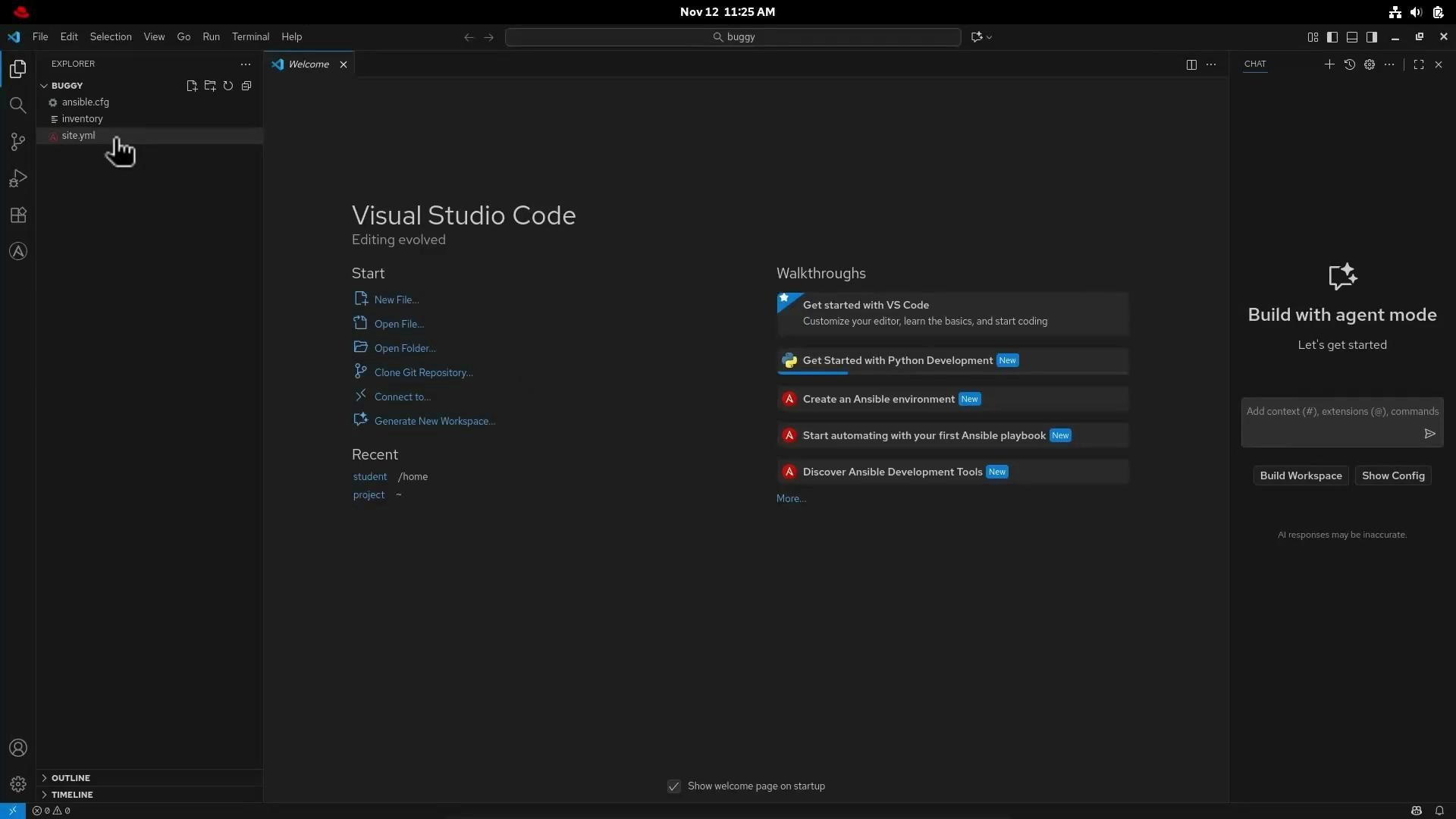 When saving, linting and editor diagnostics will highlight obvious YAML issues. Copy the broken playbook and paste it into ChatGPT, asking for issues and corrections.
I pasted the following broken playbook into ChatGPT:
```yaml theme={null}
# Broken playbook (initial)
- name: Broken playbook
hosts: webservers
become: yes
vars:
page_title: "Hello World"
tasks:
- name: Install_apache
dnf_install:
name: httpd
state: present
- name: Deploy and index.html file
copy:
content: "{{ page_title }}"
dest: /var/www/html/index.html
- name: Activate httpd
service:
name: apache2
state: started
- name: Add a line to index.html
lineinfile:
path: /var/www/html.index.html
line: "Edited by ansible"
state: present
```
I used a prompt like:
"This is an Ansible playbook with problems during execution. Please identify the issues and fix all possible problems."
Here’s the ChatGPT interface I used (for context):
When saving, linting and editor diagnostics will highlight obvious YAML issues. Copy the broken playbook and paste it into ChatGPT, asking for issues and corrections.
I pasted the following broken playbook into ChatGPT:
```yaml theme={null}
# Broken playbook (initial)
- name: Broken playbook
hosts: webservers
become: yes
vars:
page_title: "Hello World"
tasks:
- name: Install_apache
dnf_install:
name: httpd
state: present
- name: Deploy and index.html file
copy:
content: "{{ page_title }}"
dest: /var/www/html/index.html
- name: Activate httpd
service:
name: apache2
state: started
- name: Add a line to index.html
lineinfile:
path: /var/www/html.index.html
line: "Edited by ansible"
state: present
```
I used a prompt like:
"This is an Ansible playbook with problems during execution. Please identify the issues and fix all possible problems."
Here’s the ChatGPT interface I used (for context):
 ## Common issues found
ChatGPT identified the following key problems and recommended fixes. The table below summarizes each issue and what to change.
| Problem | Why it fails | Recommended fix |
| ---------------------------------------------- | ------------------------------------------------------------ | --------------------------------------------------------------- |
| Nonexistent module name `dnf_install` | Not an Ansible module — causes module not found | Use `ansible.builtin.dnf` (FQCN preferred) or `dnf` |
| Wrong service name `apache2` on RHEL/CentOS | RHEL uses `httpd` service name | Use `httpd` for service operations |
| Incorrect file path `/var/www/html.index.html` | Typo — invalid path | Correct to `/var/www/html/index.html` |
| Inconsistent become values | `become: yes` is okay, but use `become: true` consistently | Use `become: true` at play or task level |
| Linting/compliance | Not using FQCNs and missing file ownership/permissions | Use `ansible.builtin.*`, set `owner`, `group`, `mode` as needed |
| Handler notifications mismatch | notify name must match handler name exactly (case-sensitive) | Define handler matching notify string |
Other best practices: ensure you run playbooks against test hosts, verify OS/distribution, and set correct file ownership for web content.
## Fixed playbook
After iterating with ChatGPT, incorporating the correct context (RHEL target, need for privilege escalation, best practices), we consolidated a single corrected playbook. It uses FQCNs, `become: true`, correct service/module names, and properly configured handlers.
```yaml theme={null}
---
- name: Install and configure Apache on RHEL systems
hosts: webservers
become: true # Elevated privileges for tasks that require it
vars:
page_title: "Hello from Ansible Best Practices"
tasks:
- name: Ensure Apache is installed
ansible.builtin.dnf:
name: httpd
state: present
notify: restart apache
- name: Deploy index.html file
ansible.builtin.copy:
content: "
## Common issues found
ChatGPT identified the following key problems and recommended fixes. The table below summarizes each issue and what to change.
| Problem | Why it fails | Recommended fix |
| ---------------------------------------------- | ------------------------------------------------------------ | --------------------------------------------------------------- |
| Nonexistent module name `dnf_install` | Not an Ansible module — causes module not found | Use `ansible.builtin.dnf` (FQCN preferred) or `dnf` |
| Wrong service name `apache2` on RHEL/CentOS | RHEL uses `httpd` service name | Use `httpd` for service operations |
| Incorrect file path `/var/www/html.index.html` | Typo — invalid path | Correct to `/var/www/html/index.html` |
| Inconsistent become values | `become: yes` is okay, but use `become: true` consistently | Use `become: true` at play or task level |
| Linting/compliance | Not using FQCNs and missing file ownership/permissions | Use `ansible.builtin.*`, set `owner`, `group`, `mode` as needed |
| Handler notifications mismatch | notify name must match handler name exactly (case-sensitive) | Define handler matching notify string |
Other best practices: ensure you run playbooks against test hosts, verify OS/distribution, and set correct file ownership for web content.
## Fixed playbook
After iterating with ChatGPT, incorporating the correct context (RHEL target, need for privilege escalation, best practices), we consolidated a single corrected playbook. It uses FQCNs, `become: true`, correct service/module names, and properly configured handlers.
```yaml theme={null}
---
- name: Install and configure Apache on RHEL systems
hosts: webservers
become: true # Elevated privileges for tasks that require it
vars:
page_title: "Hello from Ansible Best Practices"
tasks:
- name: Ensure Apache is installed
ansible.builtin.dnf:
name: httpd
state: present
notify: restart apache
- name: Deploy index.html file
ansible.builtin.copy:
content: "{{ page_title }}
"
dest: /var/www/html/index.html
owner: apache
group: apache
mode: '0644'
notify: restart apache
- name: Ensure Apache service is running and enabled
ansible.builtin.service:
name: httpd
state: started
enabled: true
- name: Add a line to index.html
ansible.builtin.lineinfile:
path: /var/www/html/index.html
line: "Edited by Ansible"
state: present
insertafter: EOF
notify: restart apache
handlers:
- name: restart apache
ansible.builtin.service:
name: httpd
state: restarted
```
Always verify the environment (OS/distribution), service names, and file ownership before applying changes to production systems. Run playbooks against a non-production or test host first.
## Run the corrected playbook
Save the fixed file as `site.yml`, then execute it with `ansible-playbook`:
```bash theme={null}
student@control:~/buggy$ ansible-playbook /home/student/buggy/site.yml
```
Expected (successful) output:
```text theme={null}
TASK [Ensure Apache is installed] *************************************************
ok: [servera]
TASK [Deploy index.html file] *****************************************************
changed: [servera]
TASK [Ensure Apache service is running and enabled] *******************************
ok: [servera]
TASK [Add a line to index.html] ***************************************************
changed: [servera]
RUNNING HANDLER [restart apache] **************************************************
changed: [servera]
PLAY RECAP *********************************************************************
servera : ok=6 changed=3 unreachable=0 failed=0 skipped=0 rescued=0 ignored=0
```
## Conclusion
Iteratively feeding real error output and context to ChatGPT can speed up diagnosing and fixing broken playbooks. Key takeaways:
* Provide correct context up front (OS distribution, required privileges, intended service names).
* Prefer FQCNs (ansible.builtin.\*) to satisfy linters and avoid ambiguity.
* Test playbooks on non-production hosts before rolling out changes.
* Human review remains essential: validate generated changes and verify ownership/permissions.
## Links and References
* [Ansible Documentation](https://docs.ansible.com/ansible/latest/index.html)
* [VS Code](https://code.visualstudio.com/)
* [ChatGPT](https://chat.openai.com/)
Further reading:
* Ansible module index and FQCN guidance in official docs
* Best practices for handlers and notifications