> ## Documentation Index
> Fetch the complete documentation index at: https://notes.kodekloud.com/llms.txt
> Use this file to discover all available pages before exploring further.
# VS Code Extension Features
> Overview of the Red Hat Ansible VS Code extension and its features for editing, validating, linting, and running Ansible Playbooks within Visual Studio Code
Before we dive in, it helps to understand what the Red Hat Ansible extension brings to Visual Studio Code.
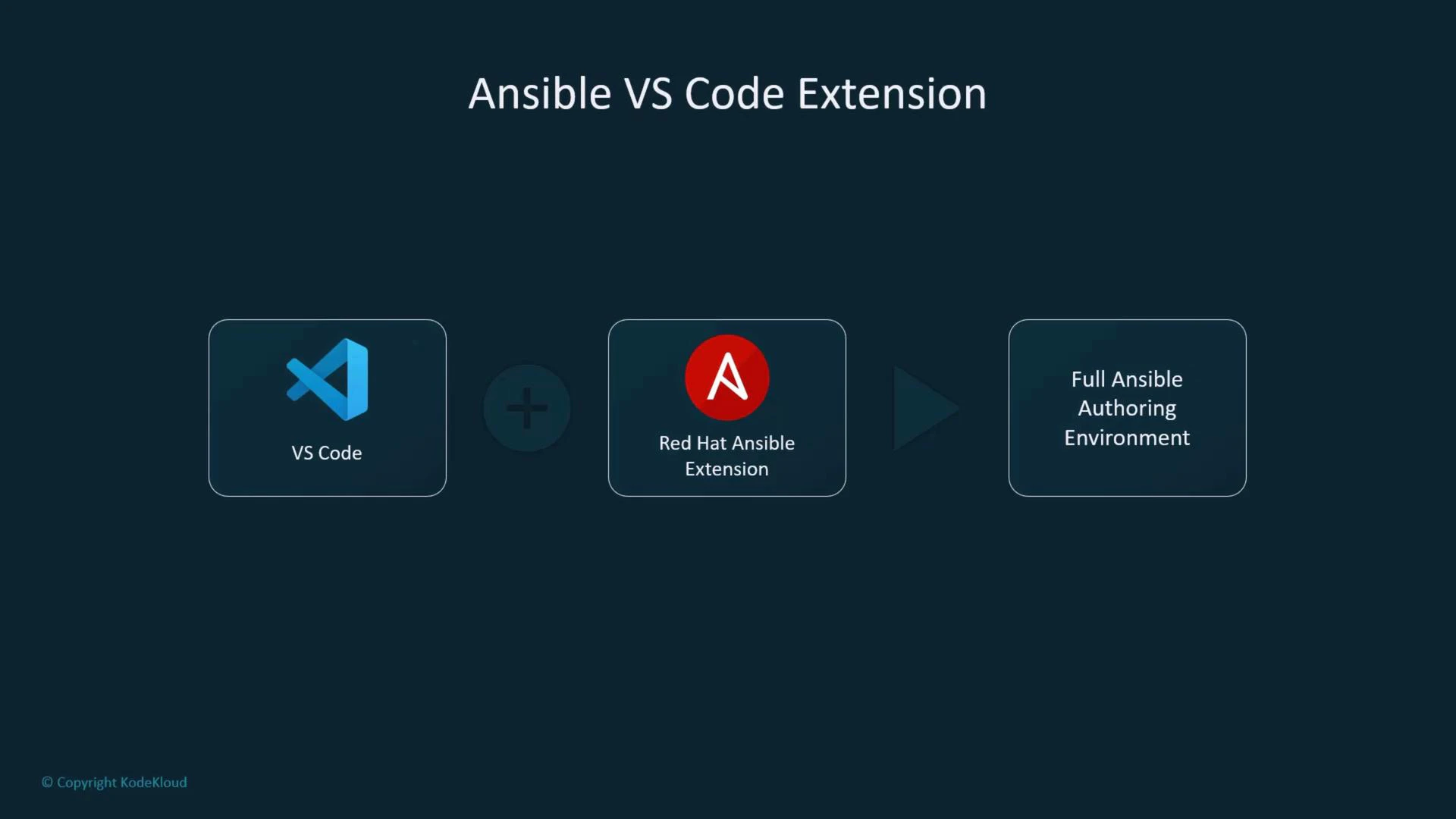
The [Red Hat Ansible extension for VS Code](https://marketplace.visualstudio.com/items?itemName=redhat.ansible) is far more than syntax highlighting—it converts VS Code into a full Ansible authoring environment for writing, validating, and running Playbooks from a single workspace.
In this lesson we explore the extension’s key capabilities and how they streamline Playbook development.
 ## What the extension provides
The Red Hat Ansible extension transforms VS Code into an integrated Ansible authoring environment. Core features include IntelliSense, live validation, hover documentation, linting integration, and commands to run Playbooks without leaving the editor.
Key capabilities:
* Syntax highlighting and autocompletion (IntelliSense).
* Real-time validation and linting with [ansible-lint](https://ansible-lint.readthedocs.io/en/stable/).
* Run Playbooks from VS Code (output in the integrated terminal).
* Inline documentation and hover help for modules and parameters.
These features reduce context switching and let you author, test, and refine Playbooks faster.
## Syntax highlighting and autocompletion
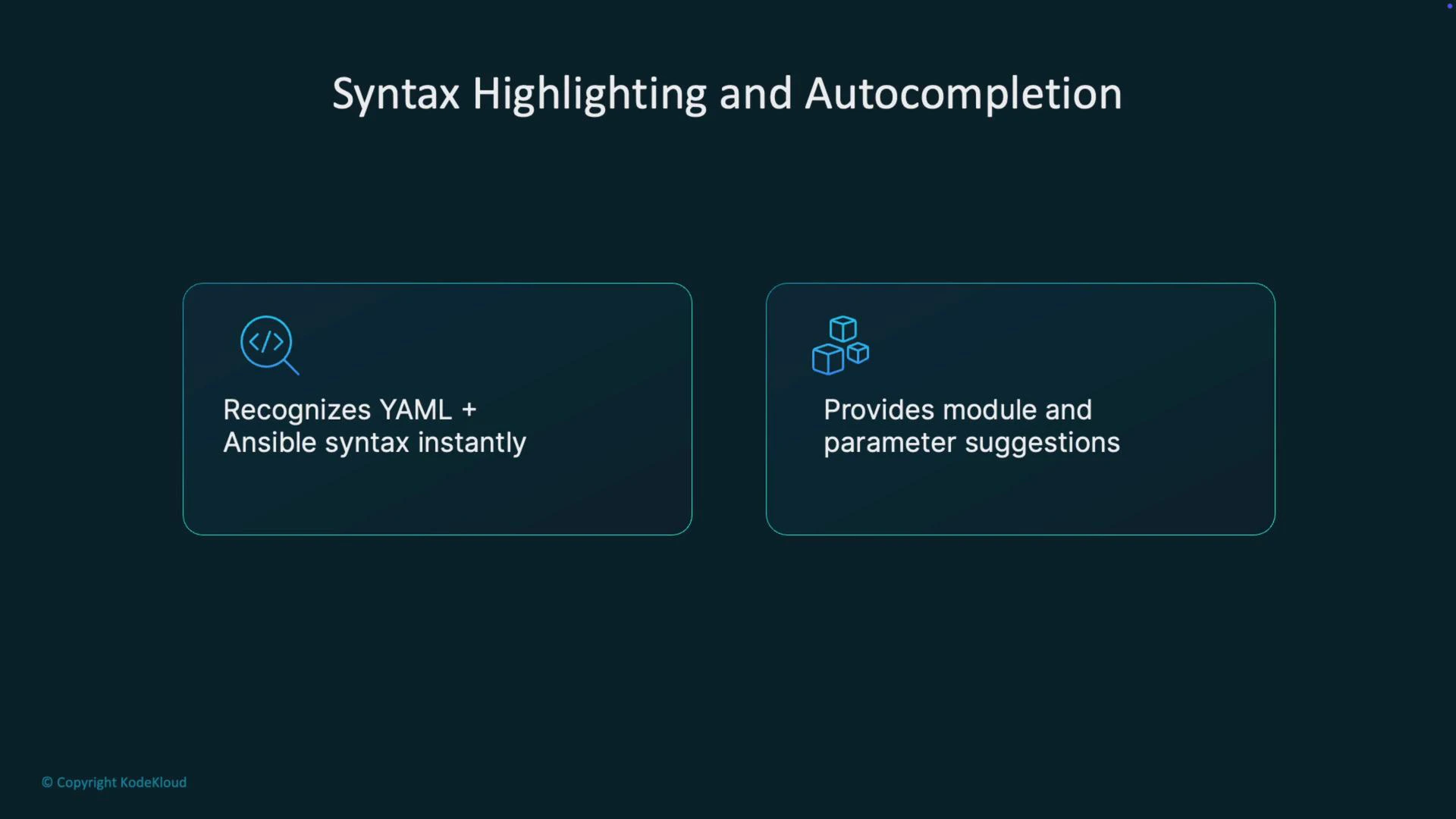
The extension recognizes YAML and Ansible constructs immediately. As you edit, indentation, modules, and parameters are formatted and color-coded. The language server provides module and parameter suggestions in-line, lowering typos and speeding up development.
## What the extension provides
The Red Hat Ansible extension transforms VS Code into an integrated Ansible authoring environment. Core features include IntelliSense, live validation, hover documentation, linting integration, and commands to run Playbooks without leaving the editor.
Key capabilities:
* Syntax highlighting and autocompletion (IntelliSense).
* Real-time validation and linting with [ansible-lint](https://ansible-lint.readthedocs.io/en/stable/).
* Run Playbooks from VS Code (output in the integrated terminal).
* Inline documentation and hover help for modules and parameters.
These features reduce context switching and let you author, test, and refine Playbooks faster.
## Syntax highlighting and autocompletion
The extension recognizes YAML and Ansible constructs immediately. As you edit, indentation, modules, and parameters are formatted and color-coded. The language server provides module and parameter suggestions in-line, lowering typos and speeding up development.
 ## Real-time validation and linting
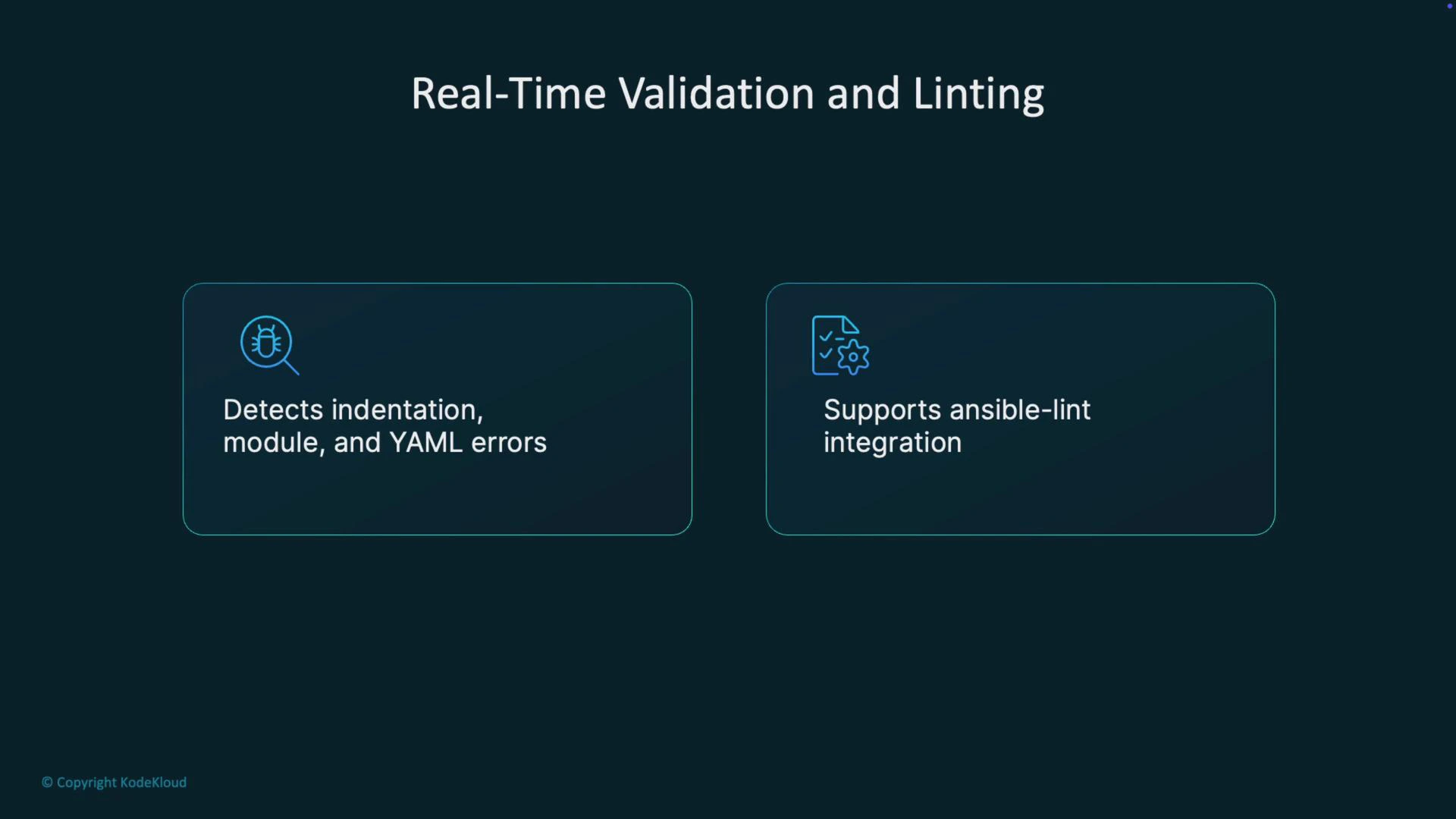
You get immediate feedback while editing. The extension detects YAML indentation problems, unknown or misspelled modules, and common syntax mistakes as you type. It integrates with [ansible-lint](https://ansible-lint.readthedocs.io/en/stable/) to flag best-practice issues and deprecated patterns so you can fix problems early in the development cycle.
## Real-time validation and linting
You get immediate feedback while editing. The extension detects YAML indentation problems, unknown or misspelled modules, and common syntax mistakes as you type. It integrates with [ansible-lint](https://ansible-lint.readthedocs.io/en/stable/) to flag best-practice issues and deprecated patterns so you can fix problems early in the development cycle.
 ## Run Playbooks inside VS Code
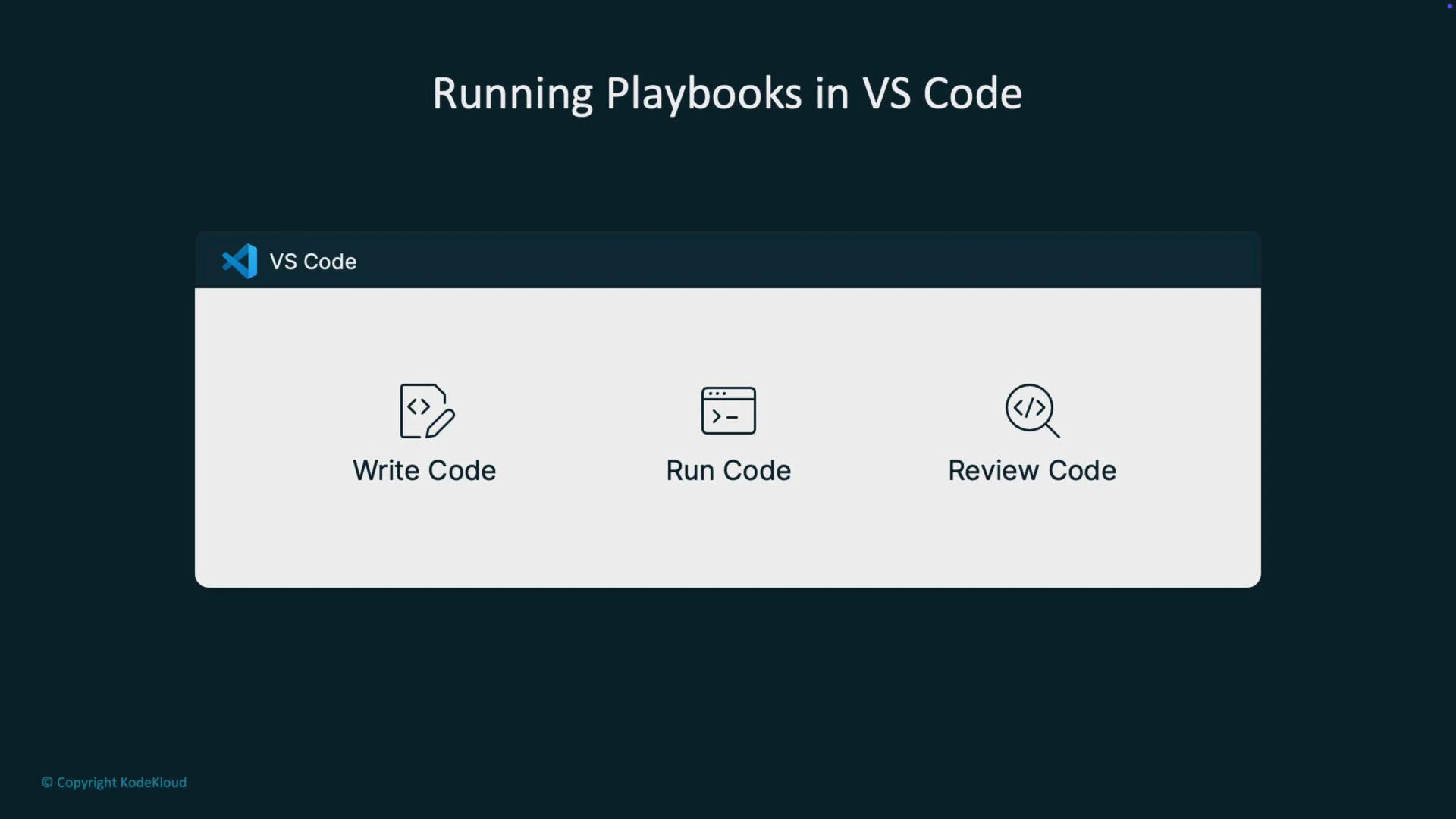
A practical convenience is executing Playbooks directly from the editor. Use the command palette (for example, "Ansible: Run Playbook") or the editor context menu. The extension runs the playbook and streams output to the integrated terminal—showing tasks, changed states, and results just like the CLI—so writing, running, and reviewing remain in one place.
## Run Playbooks inside VS Code
A practical convenience is executing Playbooks directly from the editor. Use the command palette (for example, "Ansible: Run Playbook") or the editor context menu. The extension runs the playbook and streams output to the integrated terminal—showing tasks, changed states, and results just like the CLI—so writing, running, and reviewing remain in one place.
 ## Inline documentation and hover help
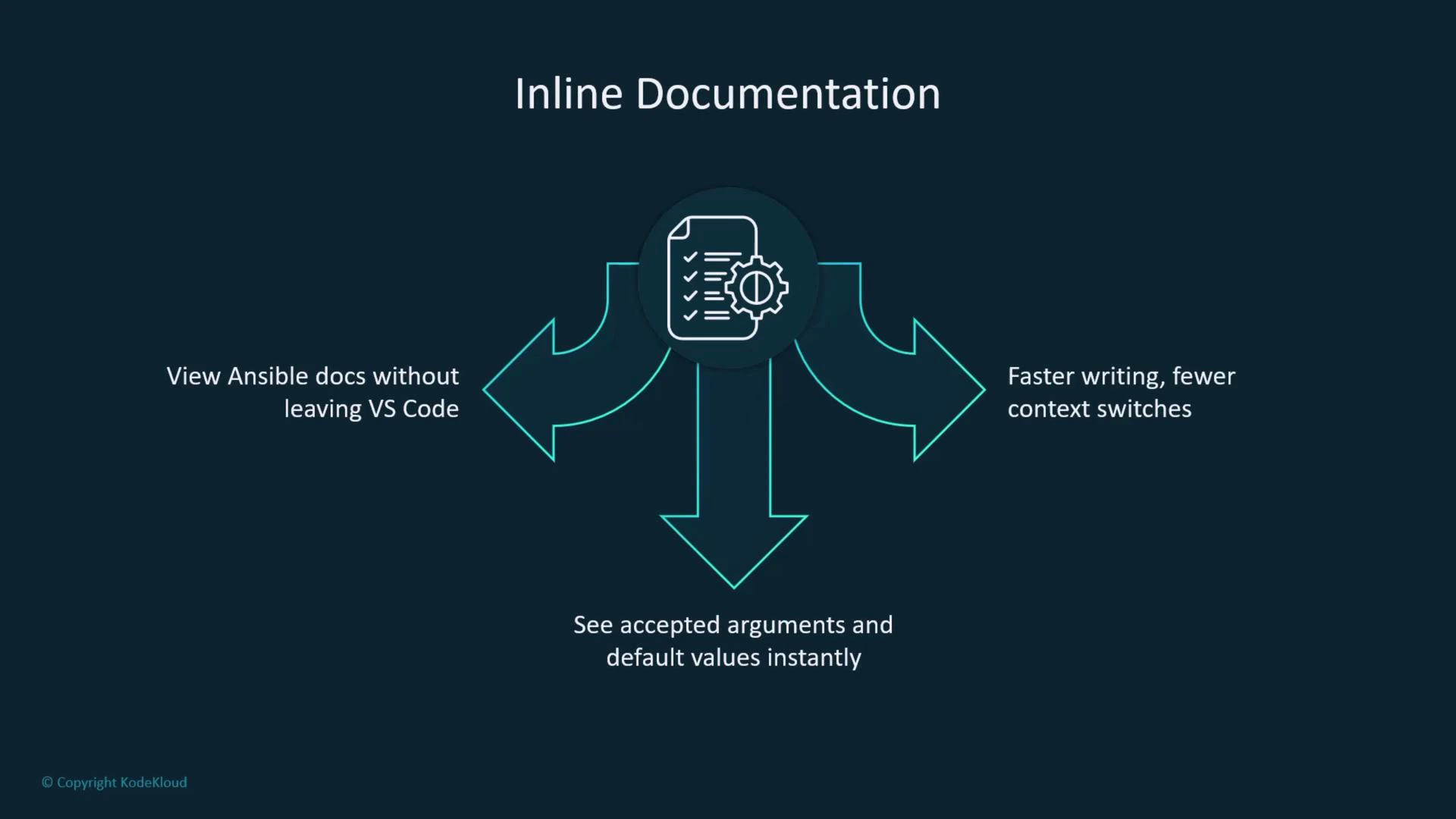
Hover over modules or parameters to view inline documentation sourced from Ansible docs: accepted argument types, default values, and short descriptions. This reduces context switching to a browser and helps you make informed choices while typing.
## Inline documentation and hover help
Hover over modules or parameters to view inline documentation sourced from Ansible docs: accepted argument types, default values, and short descriptions. This reduces context switching to a browser and helps you make informed choices while typing.
 To use ansible-lint integration or the language server features, ensure you have the appropriate Python environment and tools installed (e.g., [ansible](https://docs.ansible.com/ansible/latest/), [ansible-lint](https://ansible-lint.readthedocs.io/en/stable/), and any language-server dependencies). The extension will use tools available in your PATH or configured Python interpreter.
## Quick reference
| Feature | Why it matters | Example / Tip |
| -------------------- | ----------------------------------------- | ------------------------------------------------------- |
| IntelliSense | Reduces typos and speeds authoring | Module/parameter suggestions as you type |
| Real-time validation | Catches syntax and YAML issues early | Integrates with `ansible-lint` for best-practice checks |
| Run Playbooks | Keeps edit → run → review in one workflow | Use "Ansible: Run Playbook" from the command palette |
| Inline docs | Avoids context switching to browser | Hover to see accepted args and defaults |
## Why use the Red Hat Ansible extension?
* It reduces YAML and module-usage errors through validation and IntelliSense.
* It accelerates Playbook development with autocompletion, inline docs, and immediate lint feedback.
* It consolidates edit → run → review workflows inside VS Code for faster iteration.
* It’s free and officially supported by Red Hat—suitable for learning and production authoring.
Using the extension helps you write cleaner Playbooks faster, with fewer context switches and less manual validation—an immediate productivity boost for any Ansible user.
## Further reading and resources
* [Ansible Documentation](https://docs.ansible.com/ansible/latest/)
* [ansible-lint Documentation](https://ansible-lint.readthedocs.io/en/stable/)
* [Red Hat Ansible extension on the VS Code Marketplace](https://marketplace.visualstudio.com/items?itemName=redhat.ansible)
To use ansible-lint integration or the language server features, ensure you have the appropriate Python environment and tools installed (e.g., [ansible](https://docs.ansible.com/ansible/latest/), [ansible-lint](https://ansible-lint.readthedocs.io/en/stable/), and any language-server dependencies). The extension will use tools available in your PATH or configured Python interpreter.
## Quick reference
| Feature | Why it matters | Example / Tip |
| -------------------- | ----------------------------------------- | ------------------------------------------------------- |
| IntelliSense | Reduces typos and speeds authoring | Module/parameter suggestions as you type |
| Real-time validation | Catches syntax and YAML issues early | Integrates with `ansible-lint` for best-practice checks |
| Run Playbooks | Keeps edit → run → review in one workflow | Use "Ansible: Run Playbook" from the command palette |
| Inline docs | Avoids context switching to browser | Hover to see accepted args and defaults |
## Why use the Red Hat Ansible extension?
* It reduces YAML and module-usage errors through validation and IntelliSense.
* It accelerates Playbook development with autocompletion, inline docs, and immediate lint feedback.
* It consolidates edit → run → review workflows inside VS Code for faster iteration.
* It’s free and officially supported by Red Hat—suitable for learning and production authoring.
Using the extension helps you write cleaner Playbooks faster, with fewer context switches and less manual validation—an immediate productivity boost for any Ansible user.
## Further reading and resources
* [Ansible Documentation](https://docs.ansible.com/ansible/latest/)
* [ansible-lint Documentation](https://ansible-lint.readthedocs.io/en/stable/)
* [Red Hat Ansible extension on the VS Code Marketplace](https://marketplace.visualstudio.com/items?itemName=redhat.ansible)