> ## Documentation Index
> Fetch the complete documentation index at: https://notes.kodekloud.com/llms.txt
> Use this file to discover all available pages before exploring further.
# Setting up Flask for the API
> Learn to create a Flask API by building the application structure, configuring settings, defining routes, and running the application with troubleshooting tips.
In this guide, you'll learn how to create a Flask API by building the application structure, configuring settings, defining routes, and running the application. We also provide troubleshooting tips for common issues. This setup forms the foundation to later integrate additional functionalities, such as a React frontend or image processing with OpenCV.
***
## Application Initialization
Start by creating your application package with an **init**.py file. In this file, define a factory function, `create_app()`, that initializes the Flask application, loads configurations, and registers the routes:
```python theme={null}
from flask import Flask
def create_app():
app = Flask(__name__, instance_relative_config=True)
app.config.from_mapping(
SECRET_KEY='dev', # Change this in production!
)
# Load the instance config, if it exists, when not testing
try:
app.config.from_pyfile('config.py', silent=True)
except FileNotFoundError:
pass
with app.app_context():
from . import routes # Import routes
return app
```
This snippet sets up Flask with a default secret key and attempts to load extra configuration from a config.py file in the instance directory. The routes module is imported within the app context to ensure proper registration.
***
## Defining Routes
Next, create a `routes.py` file inside your application package. This file defines the URL endpoints. Below is an example that includes a basic homepage route:
```python theme={null}
from flask import render_template
from . import create_app
app = create_app()
@app.route('/')
def home():
return render_template('base.html')
```
You can extend the routes by adding more endpoints. In the following example, an About page and a helper route to display all registered endpoints are added:
```python theme={null}
from flask import render_template
from . import create_app
app = create_app()
@app.route('/')
def home():
return render_template('base.html')
@app.route('/about')
def about():
return "About Page"
@app.route('/routes')
def show_routes():
output = []
for rule in app.url_map.iter_rules():
output.append(f"{rule.endpoint}: {rule.rule}")
return "
".join(output)
```
The `/routes` endpoint is a useful tool for debugging, as it dynamically lists all the registered routes.
***
## Frontend Template Considerations
Though the primary focus is on building the API, a basic HTML template is included for testing purposes. Create a file named `base.html` (typically located in the `app/templates` folder):
```html theme={null}
My Flask App
Welcome to My Flask App
```
This template provides a placeholder for your homepage and ensures that your Flask app has a front-facing component, which can later be replaced or enhanced with a React frontend.
***
## Configuration File
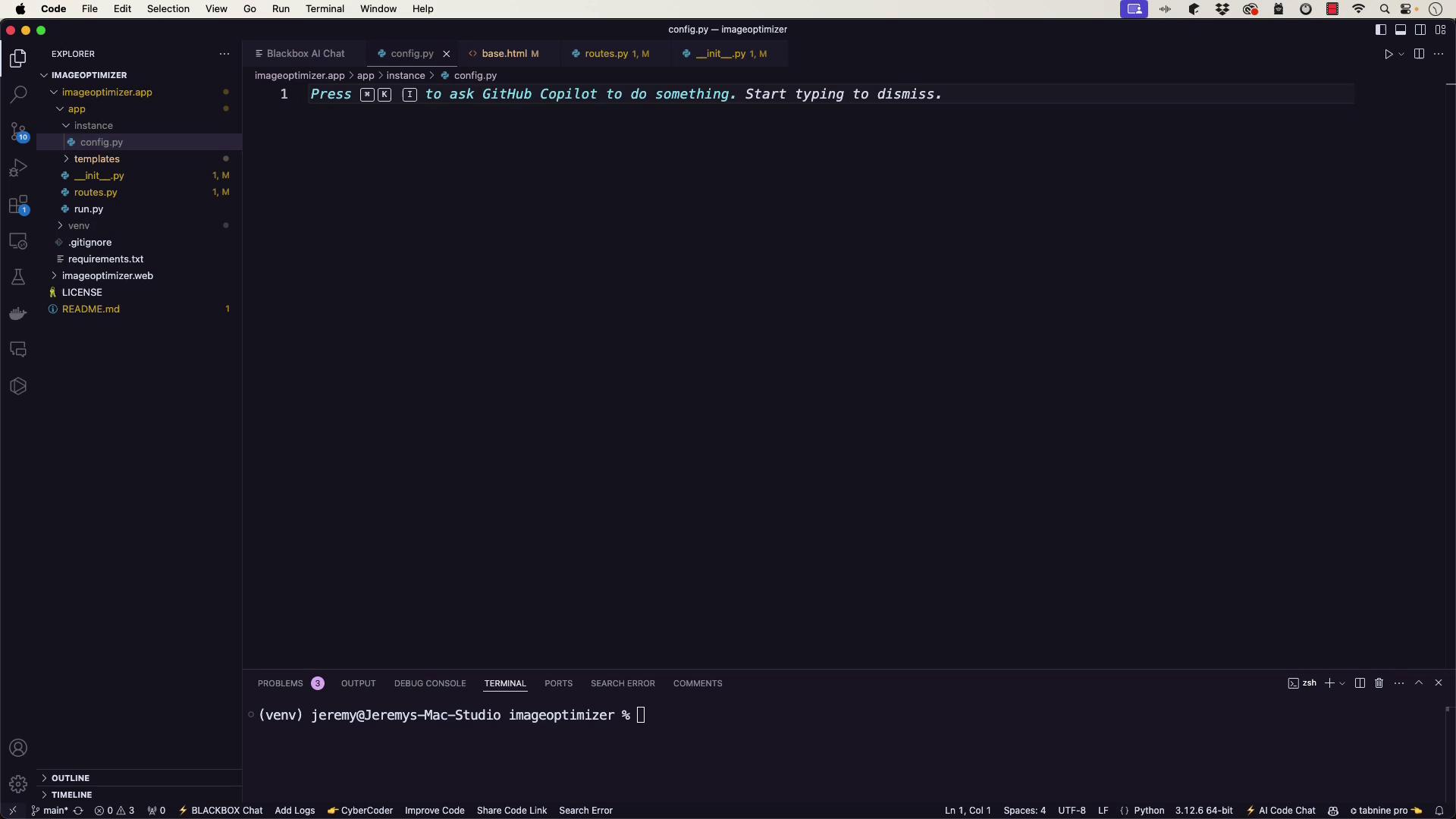
For future development, you can include additional settings in an instance configuration file (`config.py`). This file allows you to add environment-specific keys and settings as needed.
> Note:\
> Remember to update the `SECRET_KEY` before deploying to production.
***
## Running the Application
To start your Flask application, create a `run.py` file in the project's base directory:
```python theme={null}
from app import create_app
app = create_app()
if __name__ == '__main__':
app.run(debug=True)
```
After creating the file, run the application using the following shell commands:
```bash theme={null}
export FLASK_APP=run.py
flask run
```
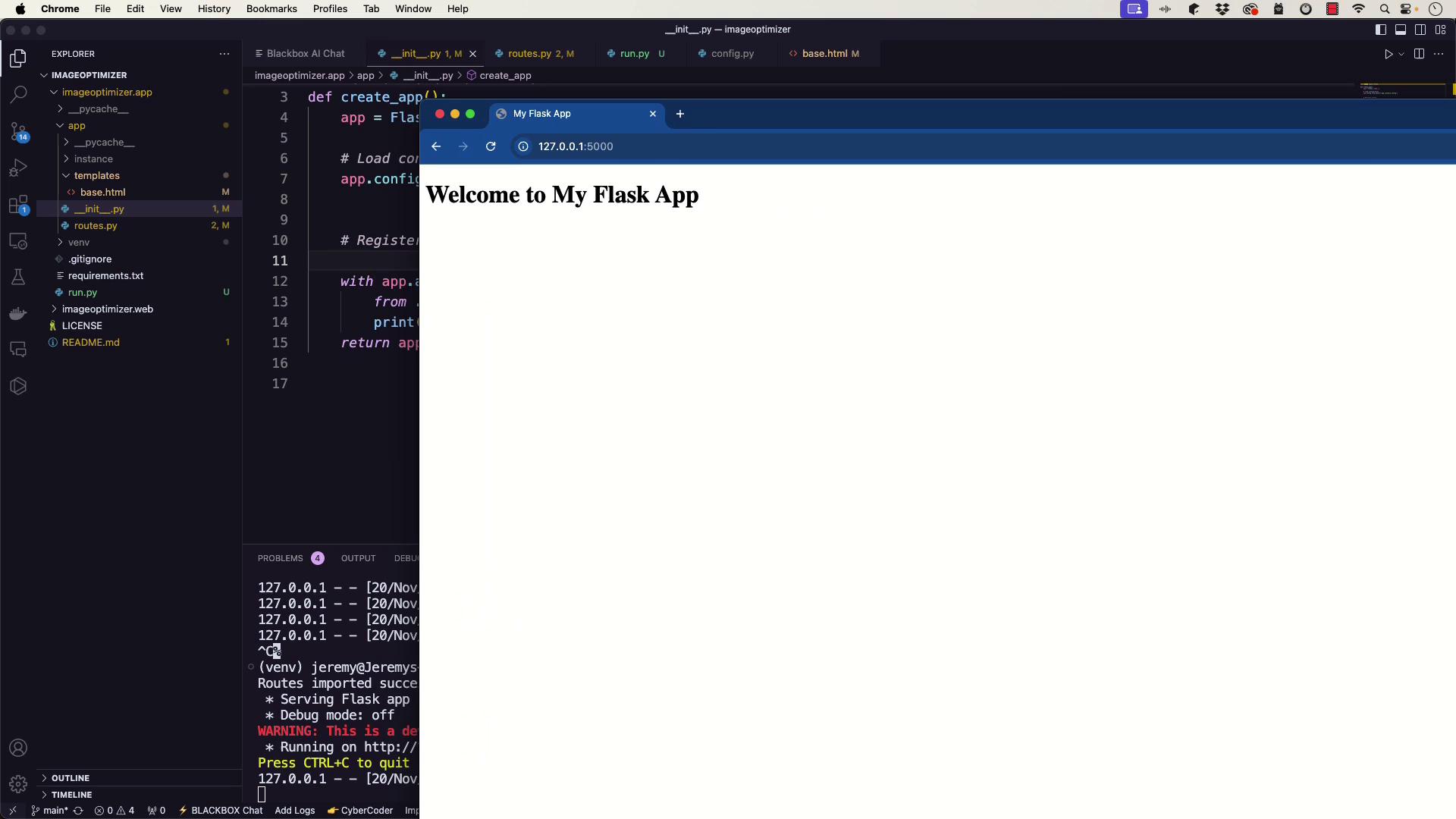
Once the development server starts, open your browser and navigate to [http://127.0.0.1:5000](http://127.0.0.1:5000) to view your application.
***
## Troubleshooting
If you run into issues, review the following troubleshooting tips:
* **Error: Could not import 'run'**\
Ensure that the `run.py` file is in the base directory and the `FLASK_APP` environment variable is set to `run.py`.
* **404 Not Found on "/" or "/routes"**\
Double-check that:
* The `routes.py` file correctly defines the routes.
* The `base.html` template exists in the correct templates directory.
* Routes are correctly imported within the application context in your **init**.py file.
Sometimes, development tools like [GitHub Copilot](https://github.com/features/copilot) or [Tabnine](https://www.tabnine.com) might clutter your code editor. Consider temporarily disabling them if distractions occur.
For additional debugging, insert temporary print statements within your route functions. For example:
```python theme={null}
@app.route('/')
def home():
print("Home route accessed")
return render_template('base.html')
```
You can also verify registered routes by visiting the `/routes` endpoint.
***
## Verifying the Setup
After launching the server, access the homepage and the `/routes` endpoint:
* The homepage should display the welcome message from `base.html`.
* The `/routes` endpoint should list all registered endpoints, confirming your Flask app's configuration.
> Note:\
> Verifying the setup by checking these endpoints ensures that your application is running as expected.
***
## Conclusion
This guide outlined the steps to set up a basic Flask API by initializing the app, configuring settings, defining routes, and launching a development server. If you face issues, refer to the troubleshooting tips provided. Future enhancements may include integrating image processing with [OpenCV](https://opencv.org) or connecting the API with a React frontend.
Happy coding!