> ## Documentation Index
> Fetch the complete documentation index at: https://notes.kodekloud.com/llms.txt
> Use this file to discover all available pages before exploring further.
# Section Introduction
> This lesson covers developing a React frontend, including image upload, backend integration, and UI styling.
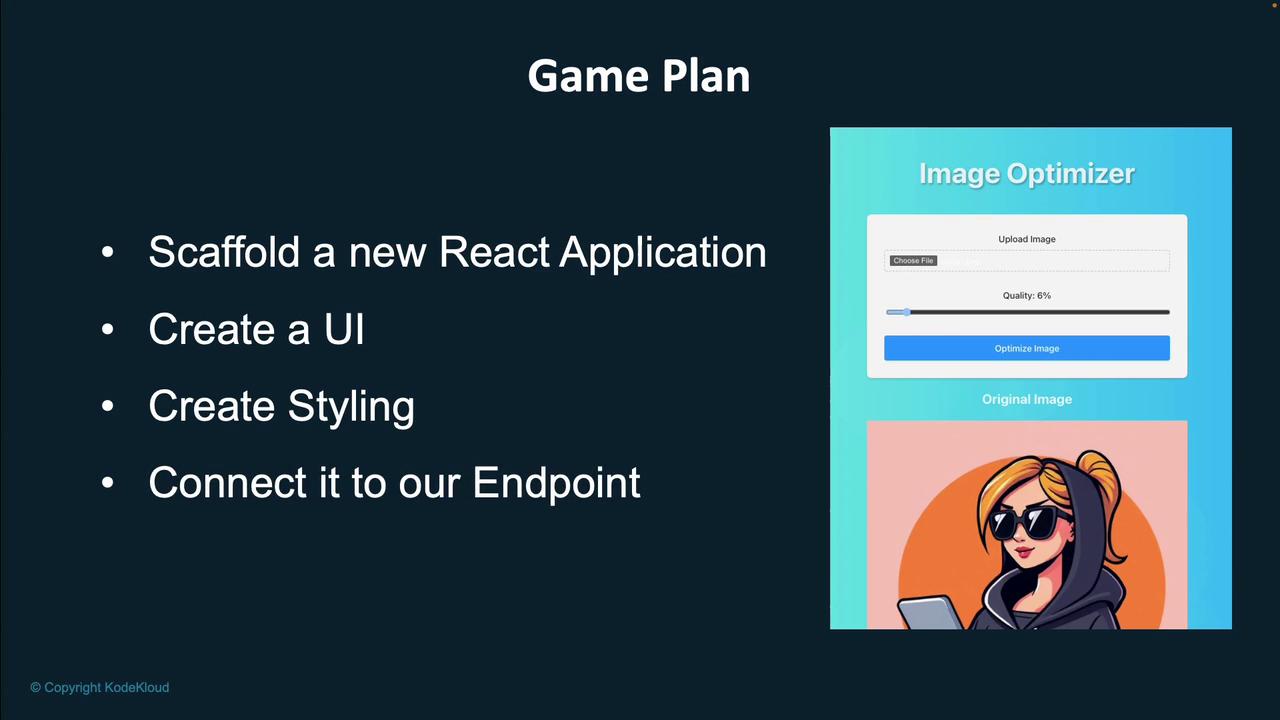
In this lesson, we will develop the frontend of our application using React. You will learn how to:
1. Scaffold a new React app.
2. Create a user interface to upload images.
3. Send the uploaded image to a backend endpoint.
4. Display the image on the screen.
5. Enhance the appearance with styling.
6. Integrate the frontend with your backend.
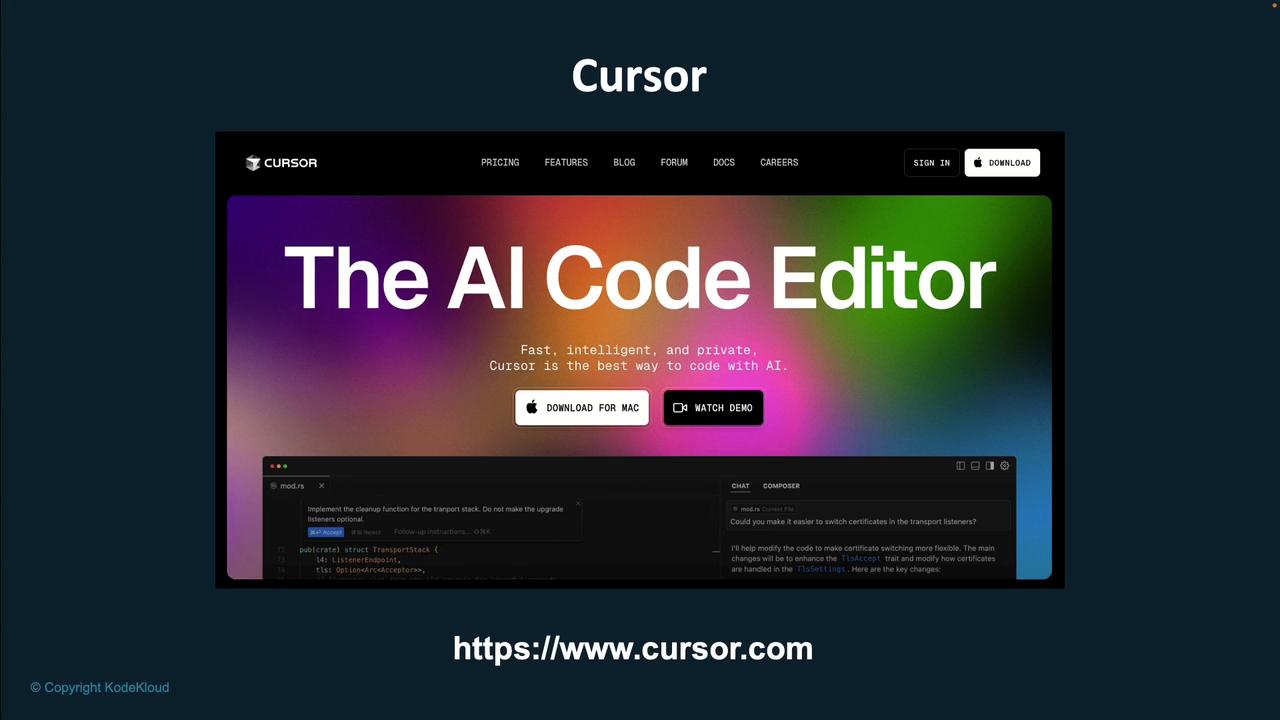
We are also introducing Cursor—an innovative IDE powered by a large language model (LLM) that streamlines your development workflow. With Cursor, you can accelerate your coding process and boost your productivity. Find more detailed information and download options on the [official Cursor website](https://www.cursor.com).
Building a strong frontend is essential for delivering an engaging and efficient user experience. Follow each step carefully to ensure seamless integration and optimal performance.
Let's jump in and begin building the frontend of our application!