> ## Documentation Index
> Fetch the complete documentation index at: https://notes.kodekloud.com/llms.txt
> Use this file to discover all available pages before exploring further.
# A Quick Look ChatGPT
> This article explores how ChatGPT serves as a versatile programming assistant for generating code, debugging, and enhancing productivity.
If you've ever spent hours debugging code only to later find a much simpler solution, you know how valuable a coding companion can be. ChatGPT serves as an excellent pair-programming buddy by allowing you to input error messages or ask questions like "How do I do X?" and receive immediate assistance. Whether it's generating documentation, scaffolding applications, or debugging code, ChatGPT is a versatile tool for addressing various programming challenges.
While there are specialized tools such as GitHub Copilot, Tabnine, and BlackboxAI explicitly designed for software development, ChatGPT remains an outstanding starting point for many programming tasks.
***
## ChatGPT Interface and Basic Usage
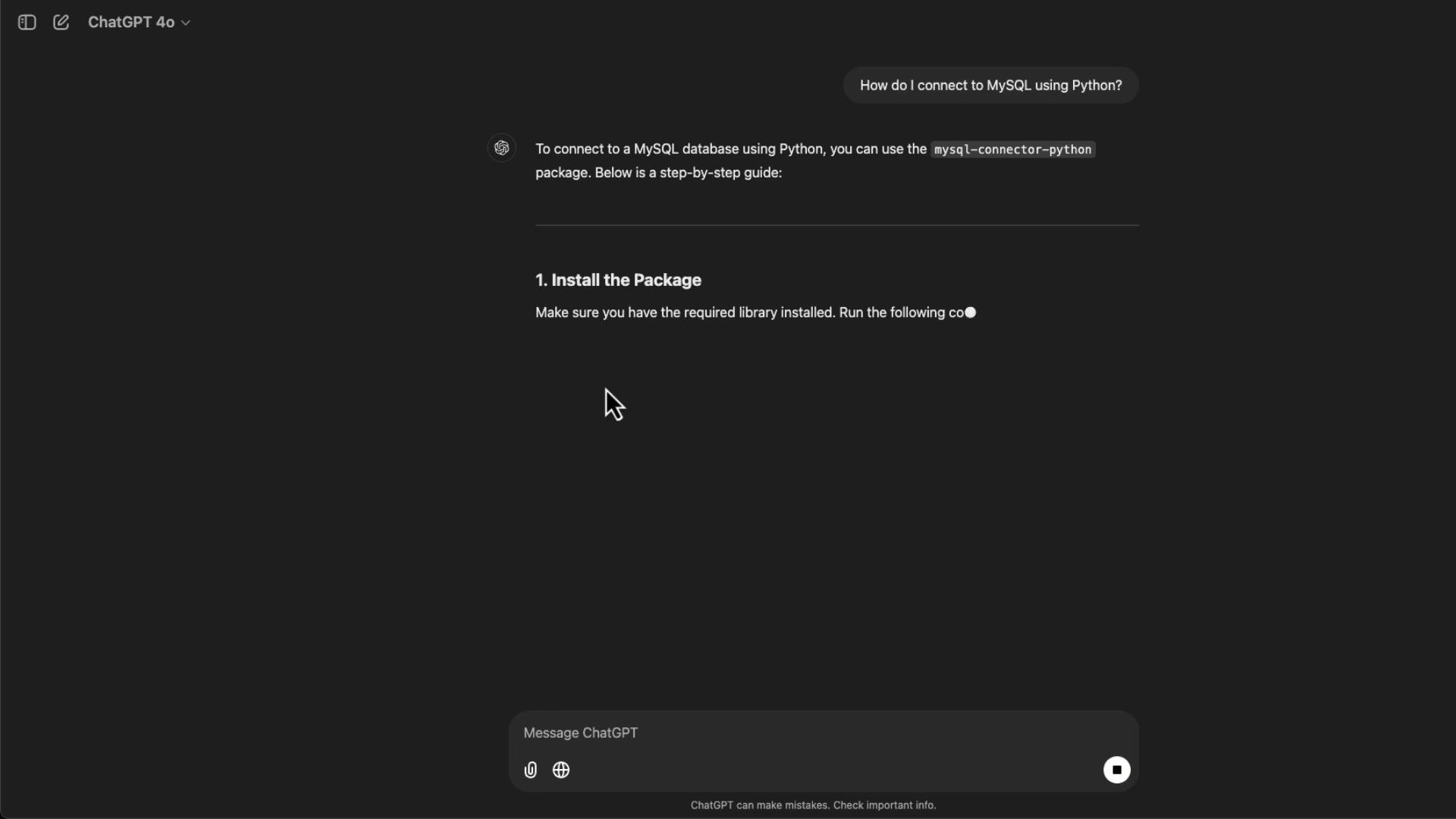
The ChatGPT interface is designed to be both intuitive and minimalistic. Your ongoing conversation history is visible on the left side, allowing you to pick up where you left off or revisit earlier sessions. For example, if you need to connect to a MySQL database using Python, you might ask:
"How do I connect to MySQL using Python?"
In response, ChatGPT produces a detailed, step-by-step guide that includes installing the necessary `mysql-connector-python` package and providing sample code. Below is an image that illustrates this interaction:
Here’s a Python snippet demonstrating basic database query operations:
```python theme={null}
def query_database(connection):
try:
cursor = connection.cursor()
query = "SELECT * FROM your_table_name;" # Replace with your query
cursor.execute(query)
rows = cursor.fetchall()
for row in rows:
print(row)
except Error as e:
print(f"Error querying the database: {e}")
finally:
if 'cursor' in locals():
cursor.close()
# Example Usage
if connection and connection.is_connected():
query_database(connection)
```
ChatGPT not only generates useful code but also adapts its output based on the model you're using—for example, free-tier GPT-3.5 versus the more capable GPT-4.0 and its specialized variants.
***
## Exploring Different ChatGPT Models
ChatGPT comes in several model variants, each optimized for specific programming scenarios:
* **GPT-3.5**: Ideal for general programming tasks, especially for users on the free tier.
* **GPT-4.0**: Offers more precise and context-aware responses.
* **GPT-4.0 with Canvas**: Currently in beta, this model provides a dynamic workspace for real-time code and writing collaboration.
* **O1 Preview and O1 Mini**: Known for advanced reasoning and rapid response times, these models excel in debugging and managing large codebases.
For instance, installing the MySQL connector is as simple as running:
```bash theme={null}
pip install mysql-connector-python
```
***
## Using ChatGPT with Canvas
ChatGPT with Canvas offers a dynamic editing environment where you can generate and refine boilerplate code interactively. Suppose you ask it to create a boilerplate HTML page complete with CSS styles and some JavaScript functionality. ChatGPT responds by opening a real-time canvas, generating the corresponding code. An initial output might resemble the following:
```html theme={null}
Welcome to the Boilerplate Page
This is a simple HTML boilerplate including CSS styles and some JavaScript functionality.
```
During your session, you can request modifications—such as adding an alert dialog or converting the JavaScript code to TypeScript. The canvas interface updates in real time, and a refined version might look like this:
```html theme={null}
HTML Boilerplate
Welcome to the Boilerplate Page
This is a simple HTML boilerplate including CSS styles and some JavaScript functionality.
```
ChatGPT’s canvas provides a flexible, interactive environment perfect for experimenting with and refining your code—from converting JavaScript to TypeScript to adapting CSS for mobile responsiveness.
***
## Context Awareness Versus Limited Context
The traditional ChatGPT interface operates purely on the code provided without the broader context of your project. In contrast, IDE-integrated tools like GitHub Copilot analyze your entire codebase and offer tailored suggestions. For example, if you show ChatGPT a boilerplate HTML snippet, it assumes the snippet stands alone:
```css theme={null}
button {
background-color: #4CAF50;
color: white;
border: none;
padding: 10px 20px;
cursor: pointer;
font-size: 16px;
}
button:hover {
background-color: #45a049;
}
/* Mobile friendly styles */
@media (max-width: 600px) {
header {
font-size: 1.5em;
padding: 10px;
}
main {
padding: 10px;
}
button {
padding: 8px 16px;
font-size: 14px;
}
}
```
```html theme={null}
Welcome to the Boilerplate Page
This is a simple HTML boilerplate including CSS styles and some JavaScript functionality.
```
```typescript theme={null}
const actionButton = document.getElementById("actionButton") as HTMLButtonElement;
const messageElement = document.getElementById("message") as HTMLParagraphElement;
actionButton.addEventListener("click", () => {
alert("hello!");
messageElement.textContent = "Button clicked! Hello, World!";
});
```
Switching to an IDE tool that understands your entire project context might lead to suggestions tailored specifically for your framework or environment.
***
## Debugging, Code Evaluation, and Custom GPTs
One of ChatGPT’s strong suits is its ability to analyze and explain code. However, beginners should avoid copying and pasting generated code blindly. Instead, review the output to fully understand each component and ensure it fits within your project's ecosystem.
Consider this Python snippet that sends an HTTP request:
```bash theme={null}
pip install requests
```
```python theme={null}
import requests
# Define the URL
url = "https://api.example.com/data"
# Send a GET request
response = requests.get(url)
# Check the response status
if response.status_code == 200:
print("Success:", response.json()) # Assuming the response is in JSON
else:
print("Failed with status code:", response.status_code)
```
When you ask ChatGPT to explain the code, it breaks down each step:
* It imports the requests library.
* Defines the URL to access.
* Sends a GET request.
* Processes the response based on the HTTP status code.
For more advanced HTTP operations, ChatGPT can even generate examples that include query parameters, file uploads, and timeout management:
```python theme={null}
# Example: Using timeout, parameters, and file upload
response = requests.get(url, timeout=5) # Timeout after 5 seconds
params = {'key1': 'value1', 'key2': 'value2'}
response = requests.get(url, params=params)
files = {'file': open('example.txt', 'rb')}
response = requests.post(url, files=files)
```
When testing code generated by ChatGPT, always validate its error handling and logging as needed. For example, a more robust version of a POST request might look like this:
```python theme={null}
import requests
import logging
def send_post_request(url, payload):
try:
response = requests.post(url, json=payload, timeout=10)
response.raise_for_status() # Raises HTTPError for bad responses (4xx, 5xx)
if response.status_code == 201: # 201 Created
logging.info("Data successfully created.")
return response.json()
else:
logging.warning(f"Unexpected status code: {response.status_code}")
return None
except requests.exceptions.RequestException as e:
logging.error(f"An error occurred: {e}")
return None
# Example usage
if __name__ == "__main__":
url = "https://api.example.com/data"
payload = {
"key1": "value1",
"key2": "value2"
}
response_data = send_post_request(url, payload)
if response_data:
logging.info(f"Response data: {response_data}")
else:
logging.error("Failed to create data.")
```
Always review auto-generated code, ensuring proper understanding and integration into your project. This practice is crucial in maintaining code quality and reliability.
***
## Conclusion
This article explored how ChatGPT functions as an effective programming assistant. Whether generating simple code snippets, converting JavaScript to TypeScript, or integrating with larger frameworks, ChatGPT offers a flexible, interactive environment to enhance your productivity. Remember to review and understand the output, ensuring that any auto-generated code is suitably adapted to meet your project's specific needs.
Happy coding!