> ## Documentation Index
> Fetch the complete documentation index at: https://notes.kodekloud.com/llms.txt
> Use this file to discover all available pages before exploring further.
# Try the vLLM Lab
> Guide to converting a single-request vLLM server into a production-like multi-user setup with configuration, troubleshooting, and performance tuning tips
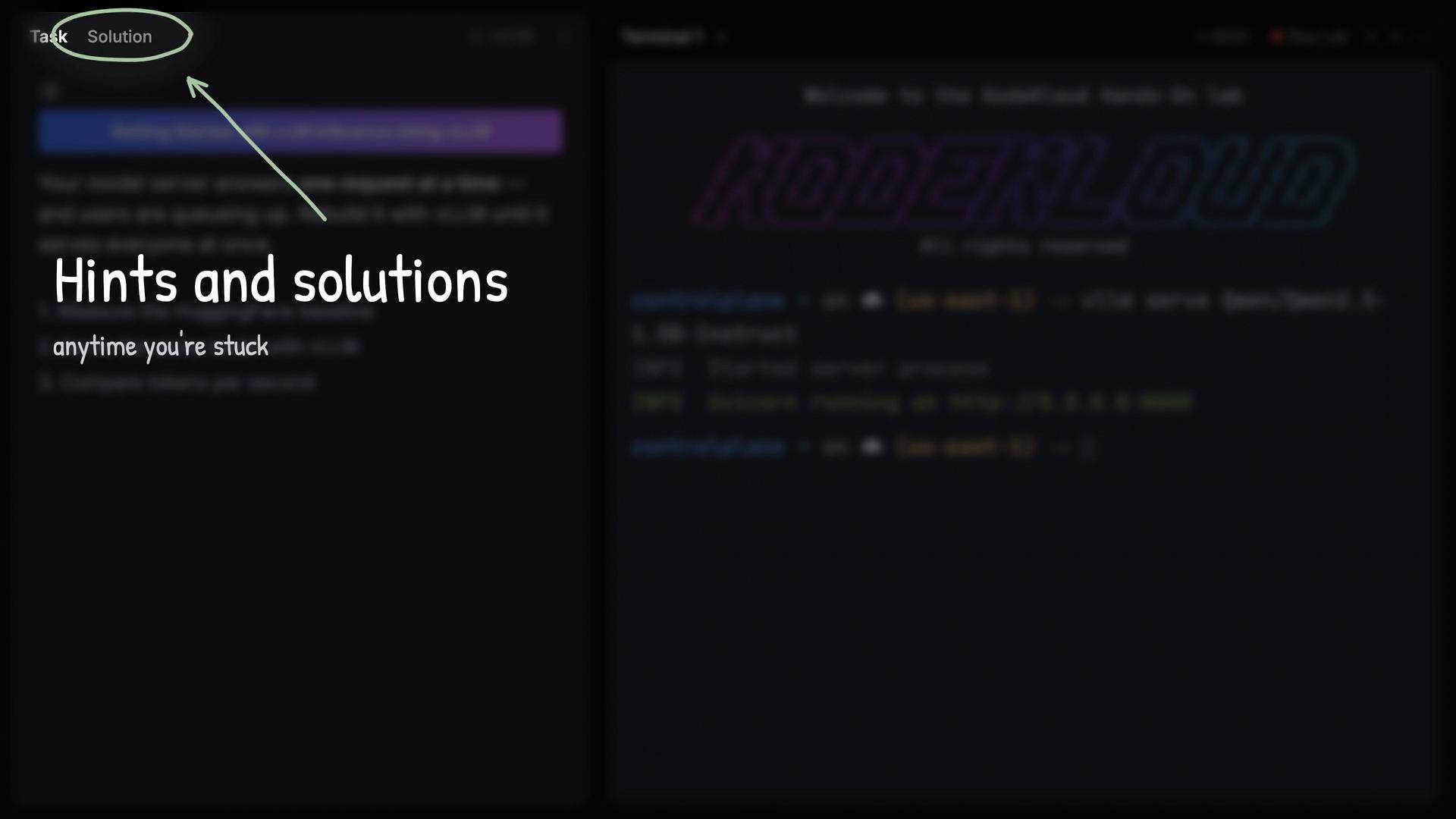
In this lesson/article we'll walk through the vLLM lab from [AI Infrastructure: LLM-D, vLLM and GPUs](https://learn.kodekloud.com/user/courses/ai-infrastructure-llm-d-vllm-and-gpus). The lab is designed to be approachable — it includes hints and full solutions to help you progress if you get stuck.
 Overview
* Out of the box, the lab supplies a model server that handles one request at a time while other users wait.
* Your goal is to evolve that single-request setup into a production-like, multi-user vLLM server that concurrently serves multiple requests.
* This article shows the required context, commands, checks, and troubleshooting tips to accomplish that.
This lab includes step-by-step hints and fully worked solutions. Use them when you get stuck, then try to reproduce and understand the steps to reinforce your skills.
What you’ll see when starting the example vLLM server
The lab example starts a vLLM server for the Qwen Qwen2.5-1.5B-Instruct model. When Uvicorn successfully starts, you should see output similar to:
```bash theme={null}
Welcome to the KodeKloud Hands-On Lab
controlplane ~ on ☁ (us-east-1) → vllm serve Qwen/Qwen2.5-1.5B-Instruct
INFO Started server process
INFO Uvicorn running on http://0.0.0.0:8000
controlplane ~ on ☁ (us-east-1) →
```
* `INFO Started server process` — vLLM has launched the server process.
* `INFO Uvicorn running on http://0.0.0.0:8000` — Uvicorn (the ASGI server) is listening on port 8000 and ready to accept HTTP requests.
Prerequisites and quick checks
Before attempting to run a multi-user vLLM setup, confirm these basic requirements:
| Resource | Why it matters | Quick check / Example |
| - | - | - |
| Model files | The model must be present or reachable (local or remote). | Verify model path or repo: `vllm serve Qwen/Qwen2.5-1.5B-Instruct` |
| GPU memory (if using GPU) | Large models require significant VRAM. | Run `nvidia-smi` to inspect GPU memory and processes. |
| Python environment & dependencies | `vllm`, `transformers`, `uvicorn` and other libs must be installed. | `pip show vllm uvicorn transformers` |
| Network / firewall | Uvicorn binds to a host/port; ensure it’s reachable if remote testing. | `curl http://localhost:8000/` or `ss -ltnp \| grep 8000` |
How to progress from single-request to multi-user (high-level steps)
1. Confirm the single-request server runs (use the example command shown above).
2. Monitor resource utilization while serving requests (CPU, memory, GPU).
3. Adjust vLLM concurrency settings and server configuration to enable multiple simultaneous sessions.
4. Optionally front the Uvicorn app with a process manager or a reverse proxy (systemd, gunicorn, nginx) for resilience and production behavior.
5. Load-test with concurrent requests and iterate on memory/batch sizing and worker configuration.
Troubleshooting checklist
* Symptom: Server does not start / Uvicorn not binding
* Check logs for tracebacks; ensure the model path is correct and dependencies are installed.
* Verify port is free: `ss -ltnp | grep 8000`
* Symptom: GPU out-of-memory
* Reduce model size, lower batch size, or enable model sharding if supported.
* Check `nvidia-smi` to find which processes are consuming VRAM.
* Symptom: Requests are queued / single request at a time
* Check vLLM concurrency/batching configuration.
* Increase worker count or adjust async worker loop settings in Uvicorn.
* Symptom: Unexpected performance regressions
* Validate that only one process is attempting to load the full model; prefer shared memory strategies or model parallel techniques.
Useful commands and checks
* Verify Uvicorn is listening:
* `ss -ltnp | grep uvicorn` or `curl -v http://localhost:8000/`
* Inspect GPU usage:
* `nvidia-smi`
* Check running processes:
* `ps aux | grep vllm` or `pgrep -a vllm`
Best practices and tips
* Start with a small model to validate the multi-user architecture before scaling to larger models like Qwen2.5B.
* Use asynchronous request handling (Uvicorn async workers) for I/O-bound parts and tune worker counts for CPU-bound tasks.
* Monitor metrics (latency, throughput, GPU/CPU/memory) while making configuration changes to quantify impact.
* Consider batching strategies in vLLM to maximize throughput while controlling memory usage.
Large models can consume significant CPU, RAM, and GPU VRAM. If you’re on limited infrastructure, start with a smaller model to avoid OOM and degraded performance.
Links and references
* vLLM project: [https://github.com/vllm-project/vllm](https://github.com/vllm-project/vllm)
* Uvicorn: [https://www.uvicorn.org/](https://www.uvicorn.org/)
* KodeKloud course: [https://learn.kodekloud.com/user/courses/ai-infrastructure-llm-d-vllm-and-gpus](https://learn.kodekloud.com/user/courses/ai-infrastructure-llm-d-vllm-and-gpus)
Next steps
* Follow the lab hints to find the configuration options for vLLM concurrency and Uvicorn worker settings.
* Iterate: launch the server, run concurrent requests, monitor resources, and adjust configuration until you reach reliable multi-user behavior.
This documentation is built and hosted on [Mintlify](https://mintlify.com), a developer documentation platform.
Overview
* Out of the box, the lab supplies a model server that handles one request at a time while other users wait.
* Your goal is to evolve that single-request setup into a production-like, multi-user vLLM server that concurrently serves multiple requests.
* This article shows the required context, commands, checks, and troubleshooting tips to accomplish that.
This lab includes step-by-step hints and fully worked solutions. Use them when you get stuck, then try to reproduce and understand the steps to reinforce your skills.
What you’ll see when starting the example vLLM server
The lab example starts a vLLM server for the Qwen Qwen2.5-1.5B-Instruct model. When Uvicorn successfully starts, you should see output similar to:
```bash theme={null}
Welcome to the KodeKloud Hands-On Lab
controlplane ~ on ☁ (us-east-1) → vllm serve Qwen/Qwen2.5-1.5B-Instruct
INFO Started server process
INFO Uvicorn running on http://0.0.0.0:8000
controlplane ~ on ☁ (us-east-1) →
```
* `INFO Started server process` — vLLM has launched the server process.
* `INFO Uvicorn running on http://0.0.0.0:8000` — Uvicorn (the ASGI server) is listening on port 8000 and ready to accept HTTP requests.
Prerequisites and quick checks
Before attempting to run a multi-user vLLM setup, confirm these basic requirements:
| Resource | Why it matters | Quick check / Example |
| - | - | - |
| Model files | The model must be present or reachable (local or remote). | Verify model path or repo: `vllm serve Qwen/Qwen2.5-1.5B-Instruct` |
| GPU memory (if using GPU) | Large models require significant VRAM. | Run `nvidia-smi` to inspect GPU memory and processes. |
| Python environment & dependencies | `vllm`, `transformers`, `uvicorn` and other libs must be installed. | `pip show vllm uvicorn transformers` |
| Network / firewall | Uvicorn binds to a host/port; ensure it’s reachable if remote testing. | `curl http://localhost:8000/` or `ss -ltnp \| grep 8000` |
How to progress from single-request to multi-user (high-level steps)
1. Confirm the single-request server runs (use the example command shown above).
2. Monitor resource utilization while serving requests (CPU, memory, GPU).
3. Adjust vLLM concurrency settings and server configuration to enable multiple simultaneous sessions.
4. Optionally front the Uvicorn app with a process manager or a reverse proxy (systemd, gunicorn, nginx) for resilience and production behavior.
5. Load-test with concurrent requests and iterate on memory/batch sizing and worker configuration.
Troubleshooting checklist
* Symptom: Server does not start / Uvicorn not binding
* Check logs for tracebacks; ensure the model path is correct and dependencies are installed.
* Verify port is free: `ss -ltnp | grep 8000`
* Symptom: GPU out-of-memory
* Reduce model size, lower batch size, or enable model sharding if supported.
* Check `nvidia-smi` to find which processes are consuming VRAM.
* Symptom: Requests are queued / single request at a time
* Check vLLM concurrency/batching configuration.
* Increase worker count or adjust async worker loop settings in Uvicorn.
* Symptom: Unexpected performance regressions
* Validate that only one process is attempting to load the full model; prefer shared memory strategies or model parallel techniques.
Useful commands and checks
* Verify Uvicorn is listening:
* `ss -ltnp | grep uvicorn` or `curl -v http://localhost:8000/`
* Inspect GPU usage:
* `nvidia-smi`
* Check running processes:
* `ps aux | grep vllm` or `pgrep -a vllm`
Best practices and tips
* Start with a small model to validate the multi-user architecture before scaling to larger models like Qwen2.5B.
* Use asynchronous request handling (Uvicorn async workers) for I/O-bound parts and tune worker counts for CPU-bound tasks.
* Monitor metrics (latency, throughput, GPU/CPU/memory) while making configuration changes to quantify impact.
* Consider batching strategies in vLLM to maximize throughput while controlling memory usage.
Large models can consume significant CPU, RAM, and GPU VRAM. If you’re on limited infrastructure, start with a smaller model to avoid OOM and degraded performance.
Links and references
* vLLM project: [https://github.com/vllm-project/vllm](https://github.com/vllm-project/vllm)
* Uvicorn: [https://www.uvicorn.org/](https://www.uvicorn.org/)
* KodeKloud course: [https://learn.kodekloud.com/user/courses/ai-infrastructure-llm-d-vllm-and-gpus](https://learn.kodekloud.com/user/courses/ai-infrastructure-llm-d-vllm-and-gpus)
Next steps
* Follow the lab hints to find the configuration options for vLLM concurrency and Uvicorn worker settings.
* Iterate: launch the server, run concurrent requests, monitor resources, and adjust configuration until you reach reliable multi-user behavior.
This documentation is built and hosted on [Mintlify](https://mintlify.com), a developer documentation platform.