> ## Documentation Index
> Fetch the complete documentation index at: https://notes.kodekloud.com/llms.txt
> Use this file to discover all available pages before exploring further.
# Compute Platform Selection Analyzing Performance Metrics
> Guide comparing AWS compute platforms (EC2, ECS, EKS, Fargate, Lambda) focusing on CPU, memory, network, disk I/O, latency, and tradeoffs for workload selection.
Students, welcome back.
In this lesson we compare the main AWS compute platforms from a performance perspective so you can choose the right option for your workload. The selection is often binary and driven by workload characteristics such as CPU, memory, network, disk I/O, and latency requirements.
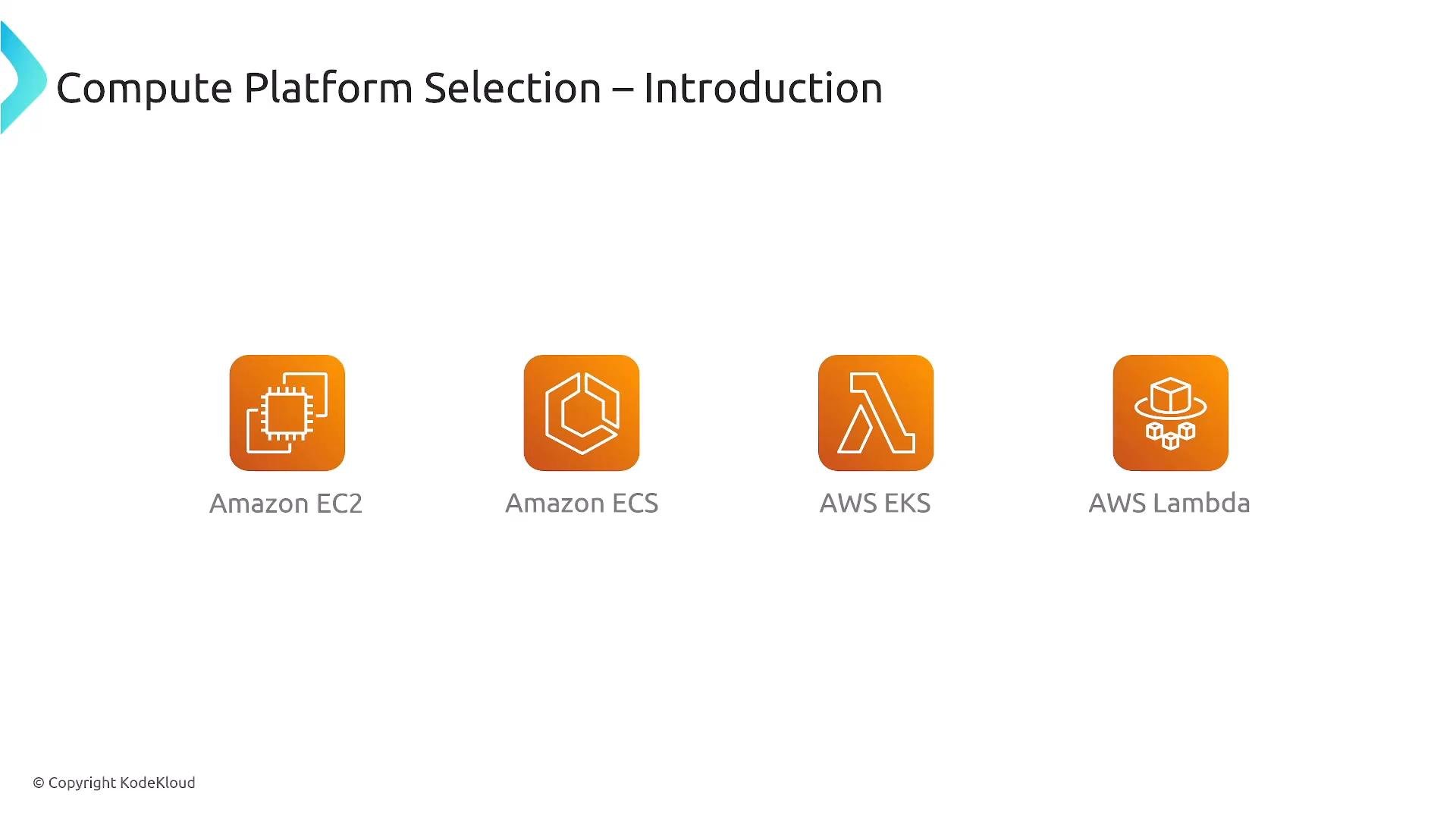
Primary platforms to consider:
* Amazon EC2 (virtual machines)
* Amazon ECS (container orchestration)
* AWS EKS (Kubernetes-based container orchestration)
* AWS Lambda (serverless)
Each platform trades off control, operational overhead, and raw performance. Below we examine those trade-offs and provide guidance for typical scenarios.
 CPU (compute) considerations
CPU is like engine horsepower: EC2 (and EC2-backed ECS/EKS) provides the broadest range of CPU capacity and instance types, including high-CPU families and multi-socket instances for sustained, heavy compute.
Key points:
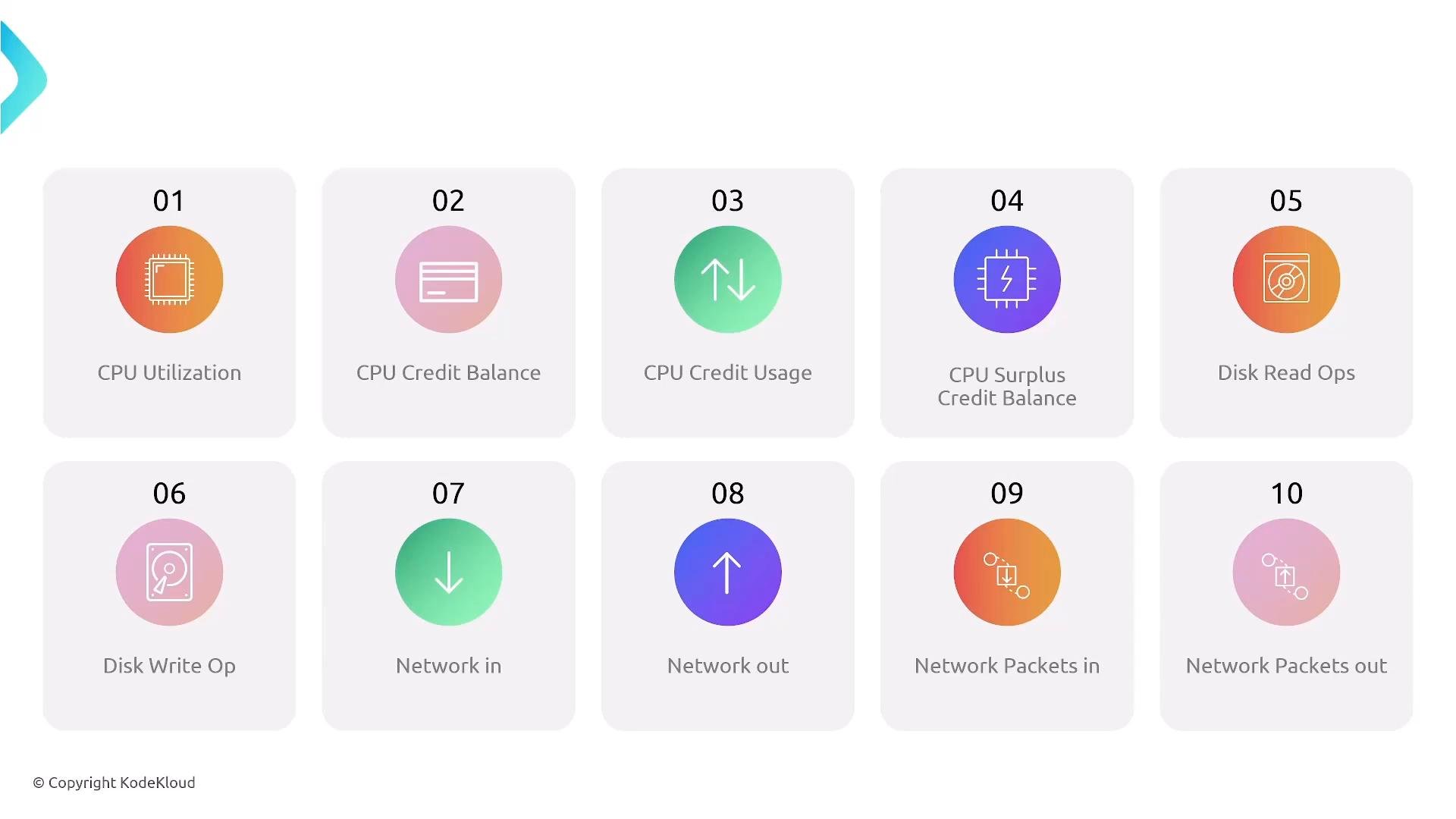
* Burstable T-series (T2/T3/T3a/T4g) use a CPU credit model — monitor `CPUCreditBalance` and `CPUCreditUsage` in CloudWatch. Other families (M, C, R, etc.) are not credit-based and are better for sustained CPU.
* Containers running on EC2 inherit the instance’s CPU characteristics (including credit behavior on T-series). If you use Fargate or Lambda, those serverless options have fixed vCPU profiles and different limits.
* For sustained high CPU, choose EC2-backed deployments (EC2, ECS/EKS on EC2). For small, bursty compute and reduced ops, Fargate or Lambda may be acceptable.
Burstable instances (T-series) are cost-effective for variable CPU workloads but will throttle when CPU credits are exhausted. Do not use them for sustained high-CPU tasks.
CPU (compute) considerations
CPU is like engine horsepower: EC2 (and EC2-backed ECS/EKS) provides the broadest range of CPU capacity and instance types, including high-CPU families and multi-socket instances for sustained, heavy compute.
Key points:
* Burstable T-series (T2/T3/T3a/T4g) use a CPU credit model — monitor `CPUCreditBalance` and `CPUCreditUsage` in CloudWatch. Other families (M, C, R, etc.) are not credit-based and are better for sustained CPU.
* Containers running on EC2 inherit the instance’s CPU characteristics (including credit behavior on T-series). If you use Fargate or Lambda, those serverless options have fixed vCPU profiles and different limits.
* For sustained high CPU, choose EC2-backed deployments (EC2, ECS/EKS on EC2). For small, bursty compute and reduced ops, Fargate or Lambda may be acceptable.
Burstable instances (T-series) are cost-effective for variable CPU workloads but will throttle when CPU credits are exhausted. Do not use them for sustained high-CPU tasks.
 Memory utilization
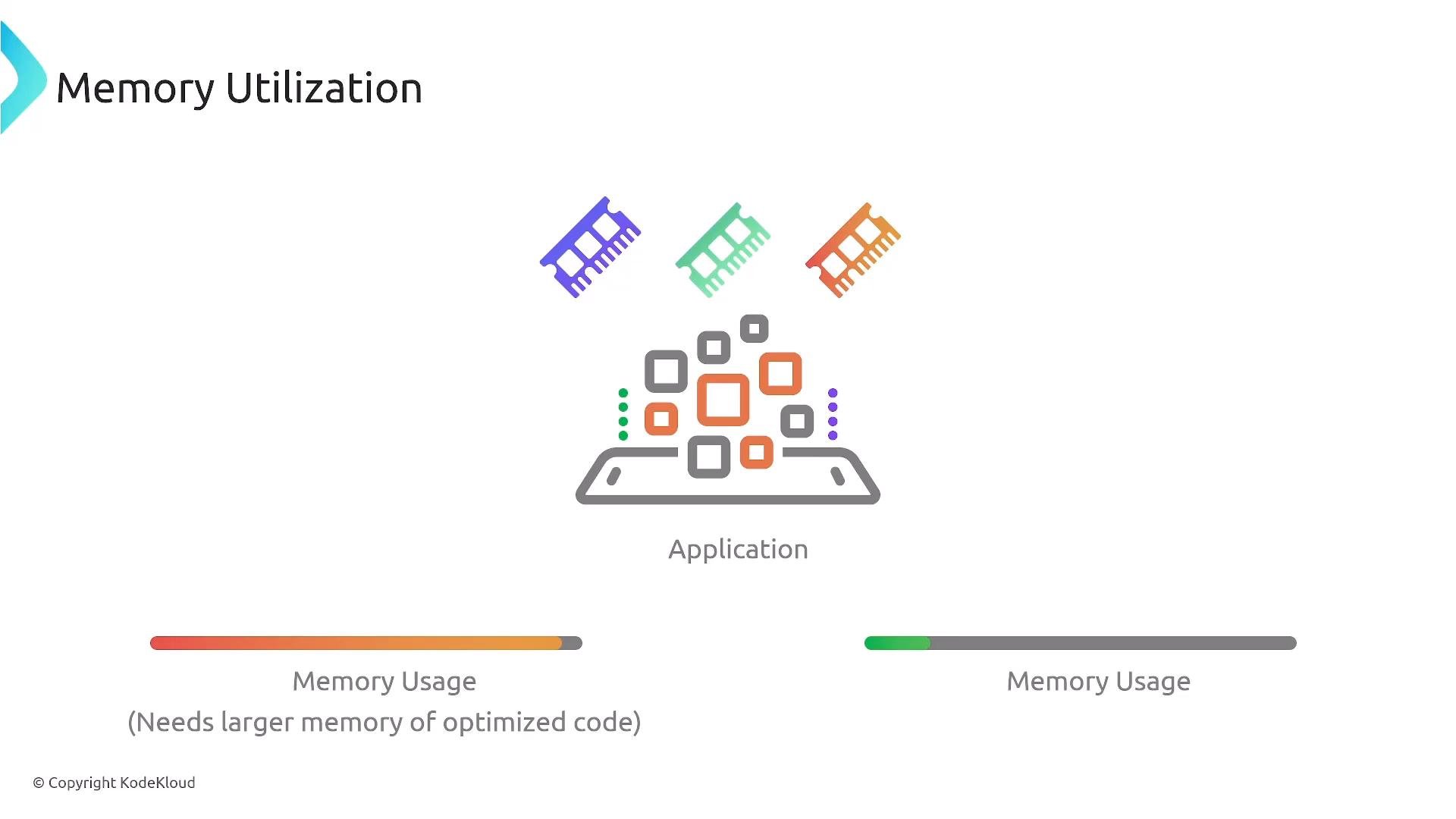
Memory is the application’s cargo space. Serverless memory limits and container task memory settings are typically lower than what you can provision on a large EC2 instance.
Important memory constraints:
* AWS Lambda currently supports up to `10 GB` of memory per function.
* Fargate tasks and other serverless container options impose task-level memory limits that may not match large EC2 instance memory sizes.
* For sustained workloads needing more than serverless memory limits, choose EC2 or ECS/EKS on EC2 so you can select instances with adequate RAM.
Also note: T-series instances are tuned for CPU-burstable workloads and are not ideal for sustained high CPU or very large memory requirements.
Memory utilization
Memory is the application’s cargo space. Serverless memory limits and container task memory settings are typically lower than what you can provision on a large EC2 instance.
Important memory constraints:
* AWS Lambda currently supports up to `10 GB` of memory per function.
* Fargate tasks and other serverless container options impose task-level memory limits that may not match large EC2 instance memory sizes.
* For sustained workloads needing more than serverless memory limits, choose EC2 or ECS/EKS on EC2 so you can select instances with adequate RAM.
Also note: T-series instances are tuned for CPU-burstable workloads and are not ideal for sustained high CPU or very large memory requirements.
 Latency (response time)
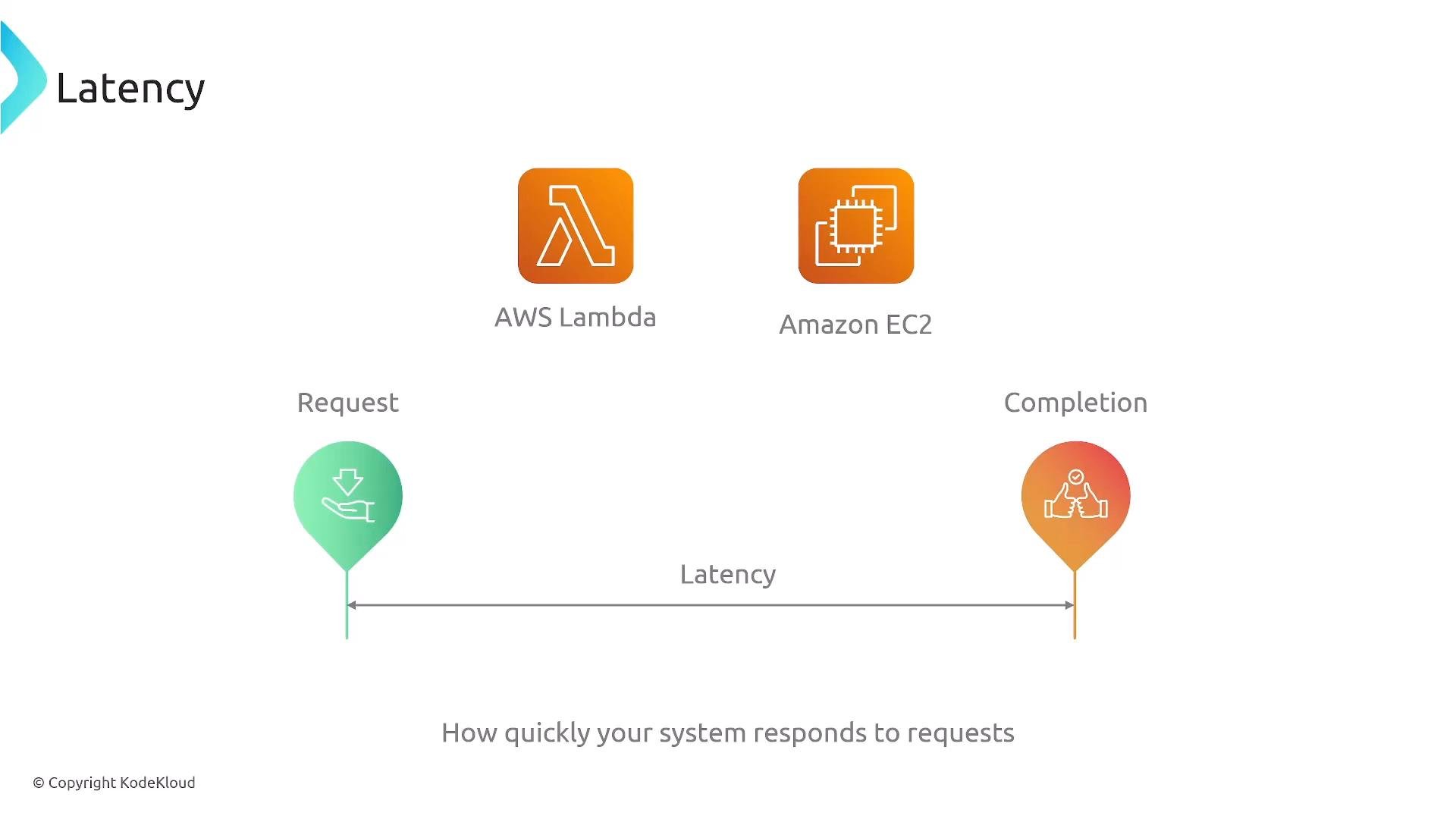
Latency is the elapsed time between a request and the corresponding response. Platform choice affects both baseline and tail latency.
Considerations:
* EC2 provides the most predictable, low-latency behavior since you provision capacity directly.
* Fargate can be low latency when containers are warm; cold starts are possible but generally smaller than Lambda cold starts.
* Lambda has cold-start latency risk. Mitigate with provisioned concurrency or by keeping functions warm if latency is critical.
* For consistent low-latency under heavy load, EC2-backed deployments are usually the safest option.
Latency (response time)
Latency is the elapsed time between a request and the corresponding response. Platform choice affects both baseline and tail latency.
Considerations:
* EC2 provides the most predictable, low-latency behavior since you provision capacity directly.
* Fargate can be low latency when containers are warm; cold starts are possible but generally smaller than Lambda cold starts.
* Lambda has cold-start latency risk. Mitigate with provisioned concurrency or by keeping functions warm if latency is critical.
* For consistent low-latency under heavy load, EC2-backed deployments are usually the safest option.
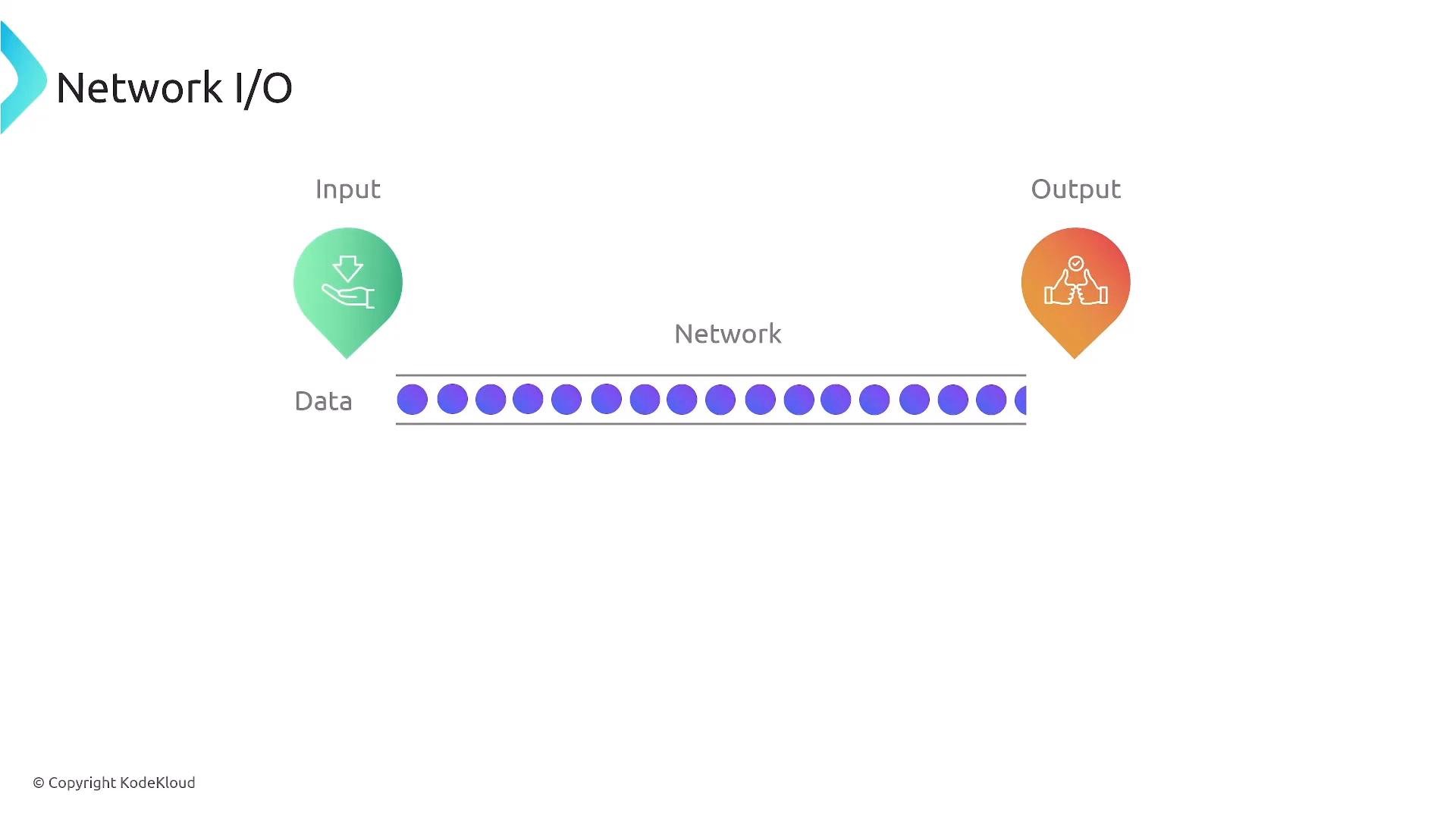
 Network I/O (throughput)
Network performance matters for high-throughput services, real-time streaming, or heavy egress.
Guidance:
* EC2 instances can be sized for network capacity (for example, instances that advertise “High”, “10 Gbps”, or more). Use instances with enhanced networking (ENA) for lower latency and higher throughput.
* For long-lived, high-throughput connections and heavy egress/ingress, EC2 is generally preferred.
* Serverless options (Lambda, Fargate) work well for bursty or lower-throughput networking patterns but may not match the sustained network throughput of large EC2 instances.
Network I/O (throughput)
Network performance matters for high-throughput services, real-time streaming, or heavy egress.
Guidance:
* EC2 instances can be sized for network capacity (for example, instances that advertise “High”, “10 Gbps”, or more). Use instances with enhanced networking (ENA) for lower latency and higher throughput.
* For long-lived, high-throughput connections and heavy egress/ingress, EC2 is generally preferred.
* Serverless options (Lambda, Fargate) work well for bursty or lower-throughput networking patterns but may not match the sustained network throughput of large EC2 instances.
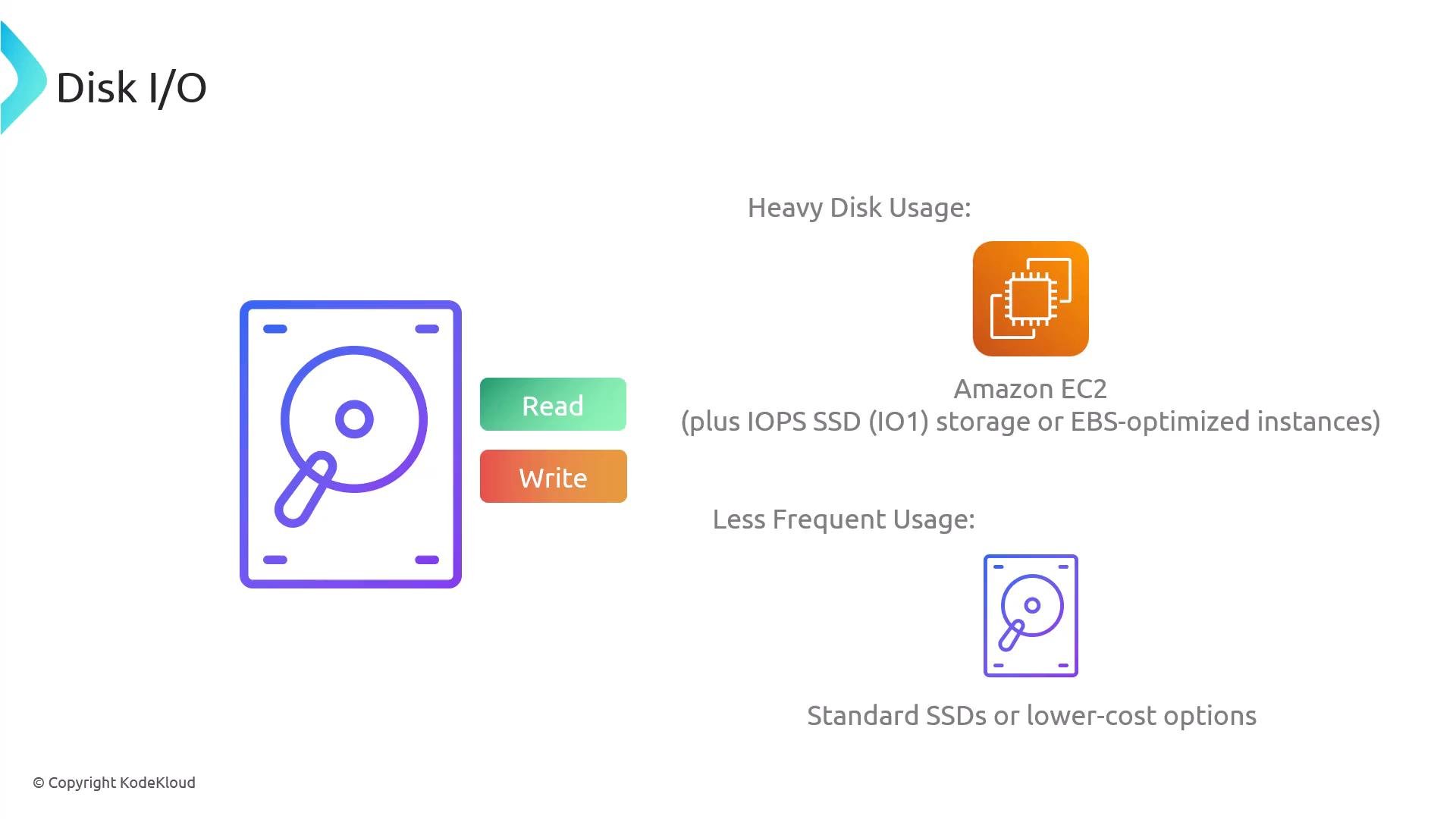
 Disk I/O (storage throughput and IOPS)
Disk I/O is critical for databases, log ingestion, and heavy read/write workloads.
EC2 storage options include:
* EBS volumes (`gp3`, `io2`, `io2 Block Express`) with provisioned IOPS and high throughput.
* Instance store local NVMe on certain instance families for extremely low-latency, high-throughput ephemeral storage.
Notes:
* Lambda can access Amazon EFS for shared file storage, but this adds latency and cost, and Lambda has a maximum execution time of 15 minutes.
* For sustained high IOPS and throughput, EC2 (or ECS/EKS backed by EC2) typically offers better performance-per-dollar.
Disk I/O (storage throughput and IOPS)
Disk I/O is critical for databases, log ingestion, and heavy read/write workloads.
EC2 storage options include:
* EBS volumes (`gp3`, `io2`, `io2 Block Express`) with provisioned IOPS and high throughput.
* Instance store local NVMe on certain instance families for extremely low-latency, high-throughput ephemeral storage.
Notes:
* Lambda can access Amazon EFS for shared file storage, but this adds latency and cost, and Lambda has a maximum execution time of 15 minutes.
* For sustained high IOPS and throughput, EC2 (or ECS/EKS backed by EC2) typically offers better performance-per-dollar.
 Platform comparison snapshot
| Resource | EC2 (self-managed) | ECS/EKS on EC2 | Fargate (serverless containers) | Lambda (serverless functions) |
| - | -: | -: | -: | -: |
| CPU | Wide range of vCPU sizes and families; sustained high CPU | Same as EC2 (depends on instance type) | Fixed vCPU choices; limited for very large, sustained CPU | Limited vCPU tied to memory; short-lived bursts, cold starts possible |
| Memory | Very large sizes available | Same as EC2 | Task-level memory limits (smaller than large EC2) | Up to `10 GB` per function |
| Network throughput | High, can select instances with 10 Gbps+ | Same as EC2 | Good for moderate throughput; not ideal for sustained 10 Gbps+ | Suitable for sporadic traffic; not for sustained high throughput |
| Disk I/O | EBS provisioned IOPS, instance store NVMe | Same as EC2 | Ephemeral task storage; attach EFS (higher latency) | EFS support (higher latency); 15-minute max execution |
| Latency | Lowest and most predictable | Low if provisioned properly | Low when warm; initial startup costs | Cold starts can add latency; use provisioned concurrency to mitigate |
| Operational overhead | High (manage OS, scaling) | Higher (container orchestration) | Lower | Lowest (managed by AWS) |
Recommended reading:
* [Amazon EC2 instance types](https://aws.amazon.com/ec2/instance-types/)
* [AWS Lambda limits](https://docs.aws.amazon.com/lambda/latest/dg/gettingstarted-limits.html)
* [Amazon EBS volume types](https://docs.aws.amazon.com/AWSEC2/latest/UserGuide/ebs-volume-types.html)
Summary and recommendations
* Choose EC2 or ECS/EKS with EC2 launch type when you need:
* Sustained high CPU
* Large memory beyond serverless limits
* Sustained high network throughput
* Heavy disk I/O with provisioned IOPS or local NVMe
* Choose Fargate or Lambda when you prioritize operational simplicity and your workload fits within serverless resource limits (bursty or lower steady-state usage).
* For latency-sensitive services with strict response-time SLAs, prefer EC2 or carefully provisioned Fargate/EKS tasks; for Lambda, mitigate cold starts with provisioned concurrency or keep warmers.
* If your application requires more than Lambda’s memory limit (`10 GB`) or sustained heavy I/O, use EC2-based deployments.
These distinctions appear on exams and in architecture decisions. For performance-driven requirements (high CPU, memory, disk, or sustained network), default to EC2 or container orchestration backed by EC2. When operational simplicity and pay-per-use are more important and resource needs fit serverless limits, consider Fargate or Lambda.
This documentation is built and hosted on [Mintlify](https://mintlify.com), a developer documentation platform.
Platform comparison snapshot
| Resource | EC2 (self-managed) | ECS/EKS on EC2 | Fargate (serverless containers) | Lambda (serverless functions) |
| - | -: | -: | -: | -: |
| CPU | Wide range of vCPU sizes and families; sustained high CPU | Same as EC2 (depends on instance type) | Fixed vCPU choices; limited for very large, sustained CPU | Limited vCPU tied to memory; short-lived bursts, cold starts possible |
| Memory | Very large sizes available | Same as EC2 | Task-level memory limits (smaller than large EC2) | Up to `10 GB` per function |
| Network throughput | High, can select instances with 10 Gbps+ | Same as EC2 | Good for moderate throughput; not ideal for sustained 10 Gbps+ | Suitable for sporadic traffic; not for sustained high throughput |
| Disk I/O | EBS provisioned IOPS, instance store NVMe | Same as EC2 | Ephemeral task storage; attach EFS (higher latency) | EFS support (higher latency); 15-minute max execution |
| Latency | Lowest and most predictable | Low if provisioned properly | Low when warm; initial startup costs | Cold starts can add latency; use provisioned concurrency to mitigate |
| Operational overhead | High (manage OS, scaling) | Higher (container orchestration) | Lower | Lowest (managed by AWS) |
Recommended reading:
* [Amazon EC2 instance types](https://aws.amazon.com/ec2/instance-types/)
* [AWS Lambda limits](https://docs.aws.amazon.com/lambda/latest/dg/gettingstarted-limits.html)
* [Amazon EBS volume types](https://docs.aws.amazon.com/AWSEC2/latest/UserGuide/ebs-volume-types.html)
Summary and recommendations
* Choose EC2 or ECS/EKS with EC2 launch type when you need:
* Sustained high CPU
* Large memory beyond serverless limits
* Sustained high network throughput
* Heavy disk I/O with provisioned IOPS or local NVMe
* Choose Fargate or Lambda when you prioritize operational simplicity and your workload fits within serverless resource limits (bursty or lower steady-state usage).
* For latency-sensitive services with strict response-time SLAs, prefer EC2 or carefully provisioned Fargate/EKS tasks; for Lambda, mitigate cold starts with provisioned concurrency or keep warmers.
* If your application requires more than Lambda’s memory limit (`10 GB`) or sustained heavy I/O, use EC2-based deployments.
These distinctions appear on exams and in architecture decisions. For performance-driven requirements (high CPU, memory, disk, or sustained network), default to EC2 or container orchestration backed by EC2. When operational simplicity and pay-per-use are more important and resource needs fit serverless limits, consider Fargate or Lambda.
This documentation is built and hosted on [Mintlify](https://mintlify.com), a developer documentation platform.