

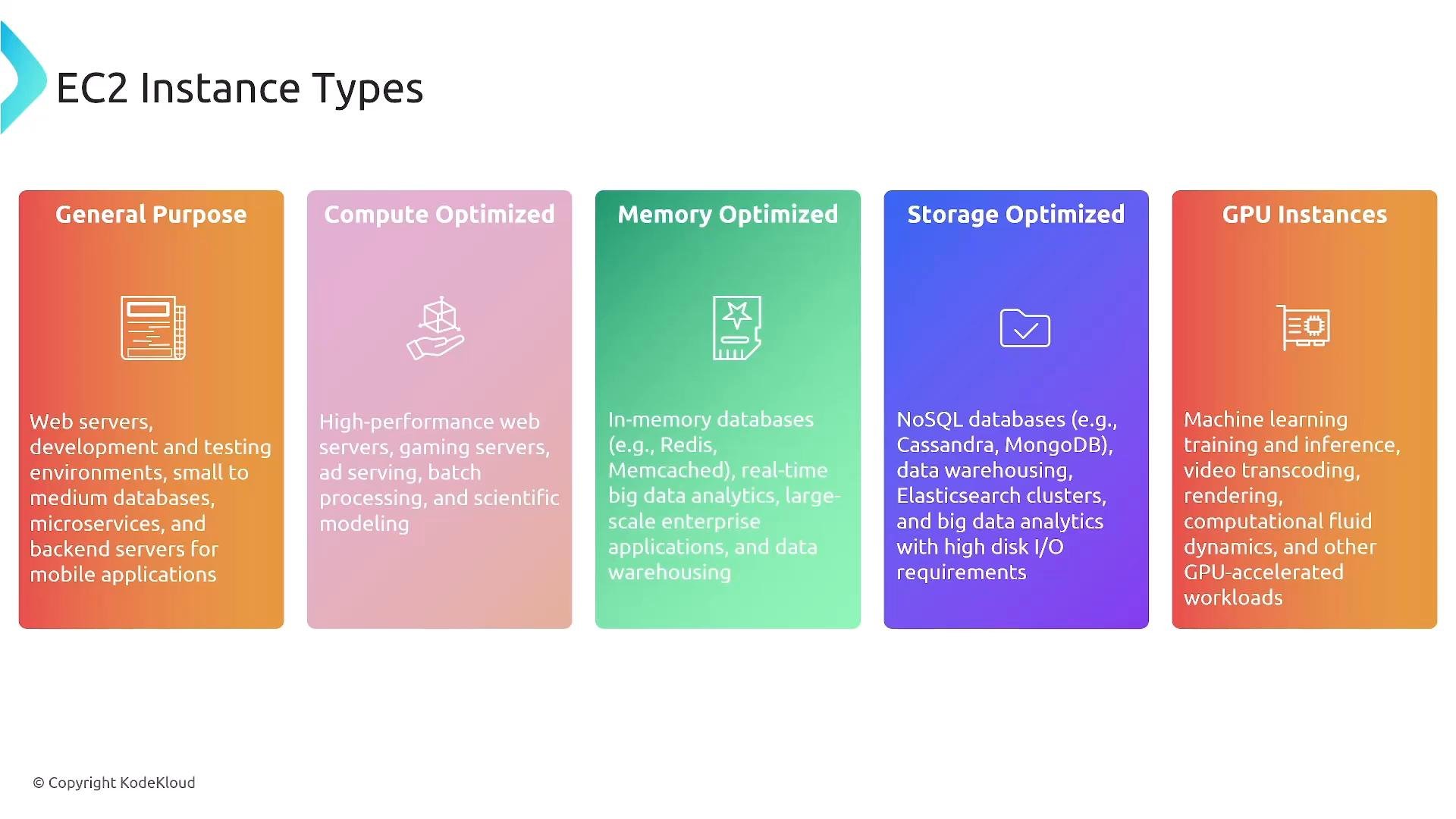
- General Purpose
- Compute Optimized
- Memory Optimized
- Storage Optimized
- Accelerated Computing (GPU/FPGAs)
- HPC Optimized
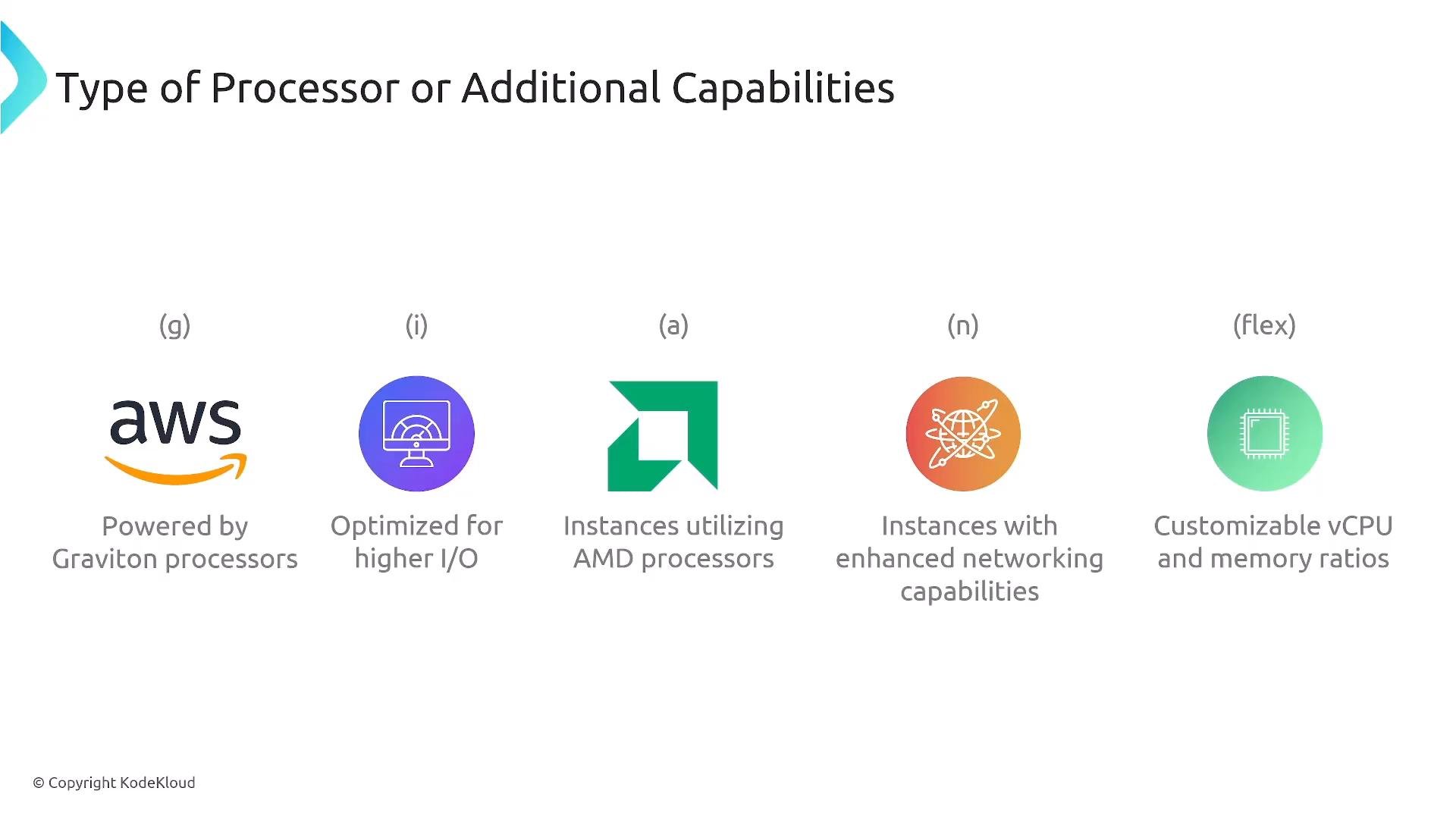
- A trailing
ggenerally indicates Graviton (ARM-based) processors. - A trailing
aoften indicates AMD-based processors. - Other suffixes can indicate enhanced networking, higher I/O, or specialized capabilities (for example,
nfor network enhancements in some families). - Many instance lines offer variants to change the vCPU-to-memory ratio (flexible options within a family).
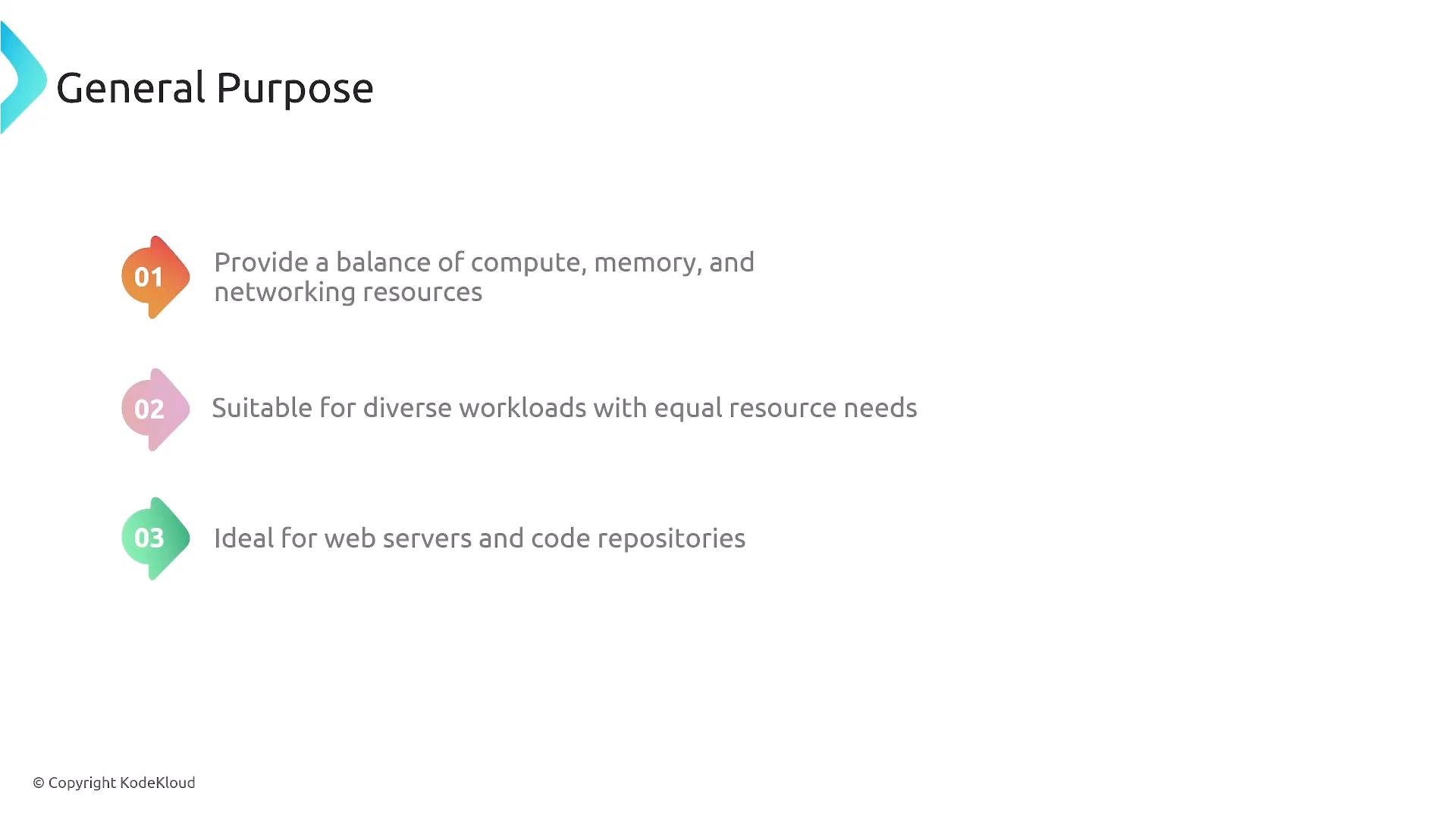
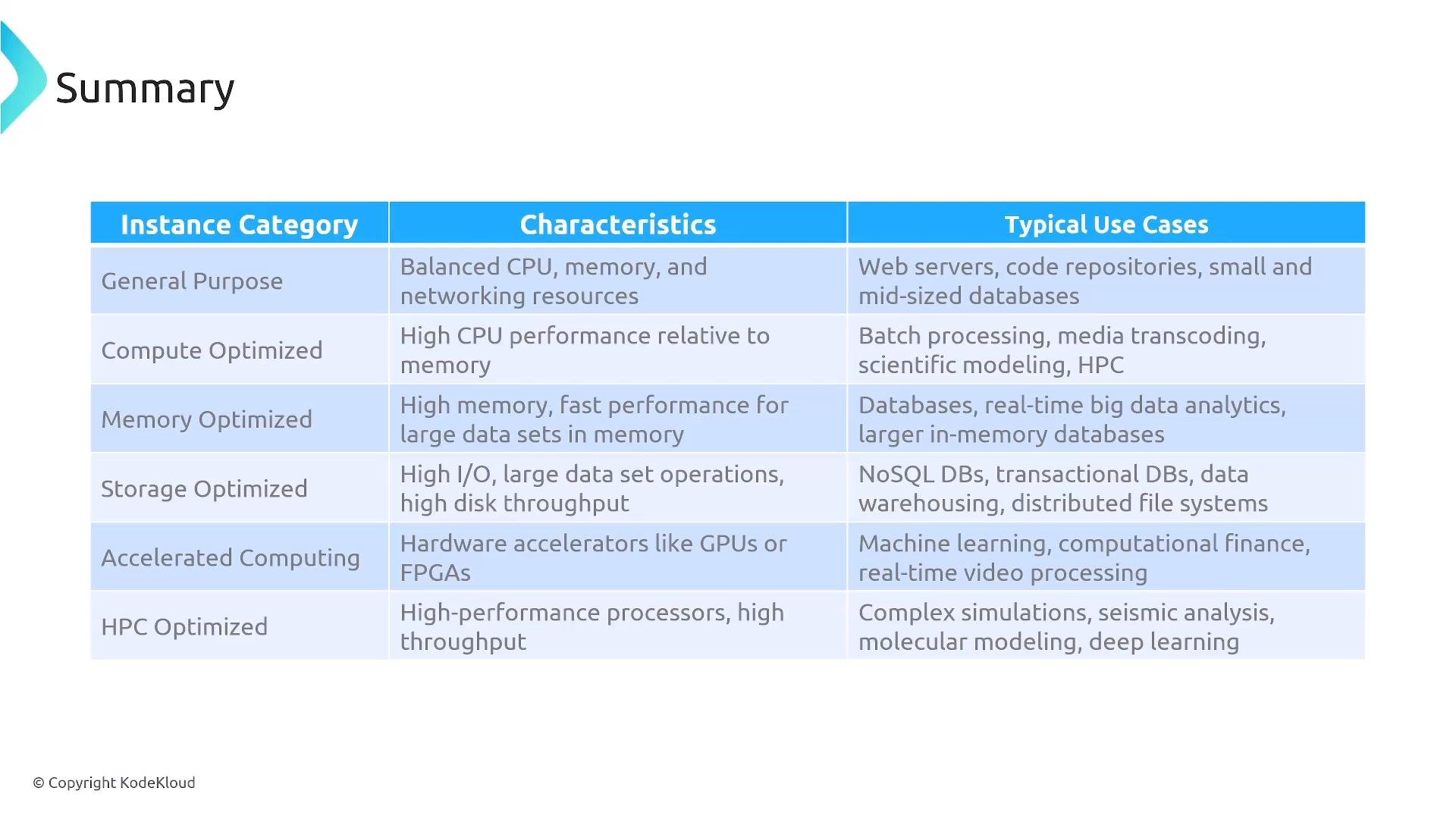
- Balanced CPU, memory, and networking — suitable for a broad range of workloads: web servers, small databases, CI/CD runners, and code repositories.
- Typical CPU:memory ratio (approximate): 1 vCPU : 4 GiB RAM.
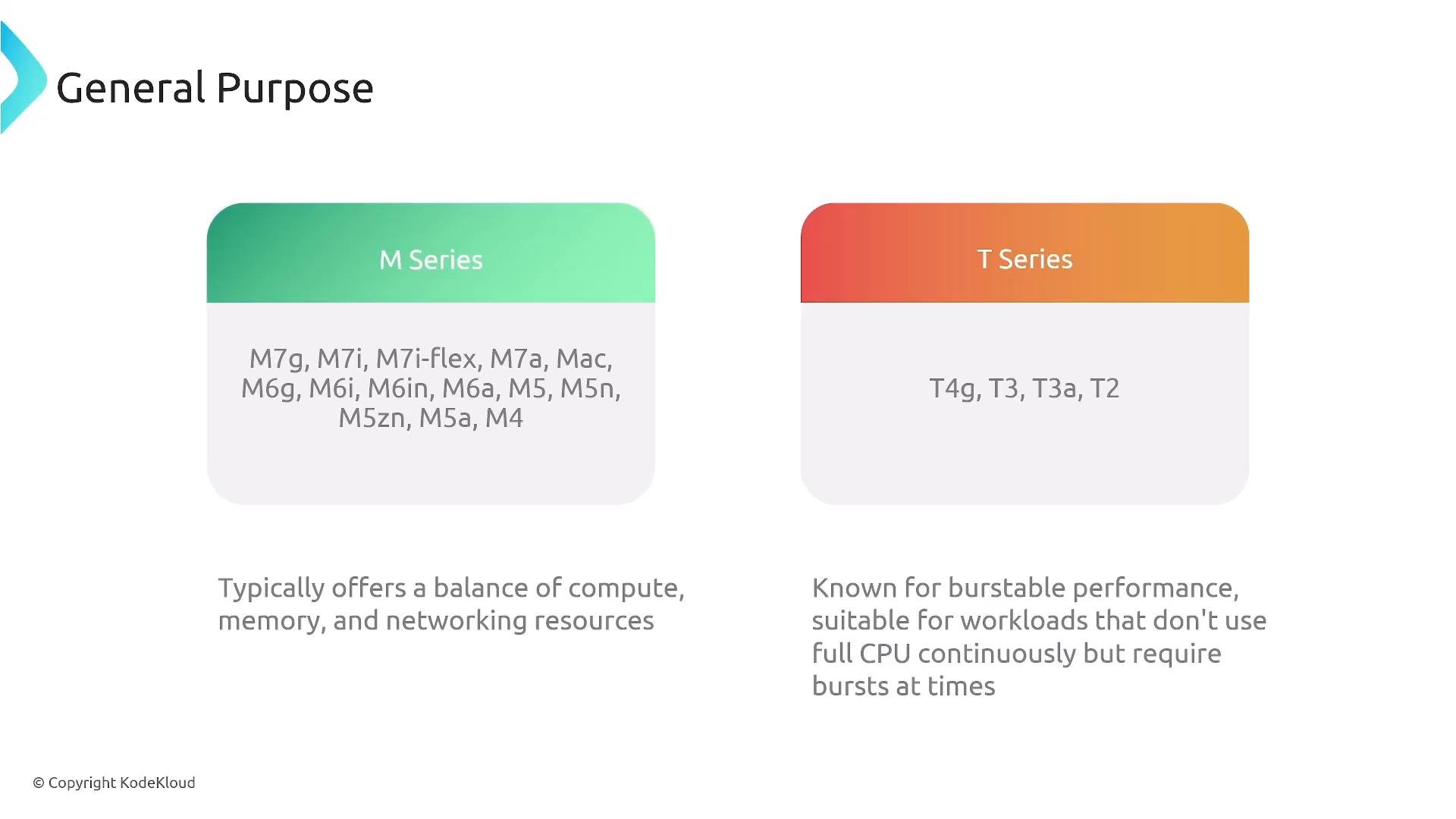
- Common families:
- M-series — balanced general-purpose.
- T-series — burstable (T3, T4g, etc.) that use a CPU-credit model.
If you are unfamiliar with CPU credits for burstable instances (T-series), review how CPU credits work — exam questions and real-world designs commonly test this concept. Useful resources: AWS T-series documentation and CloudWatch metrics for monitoring credit balance.
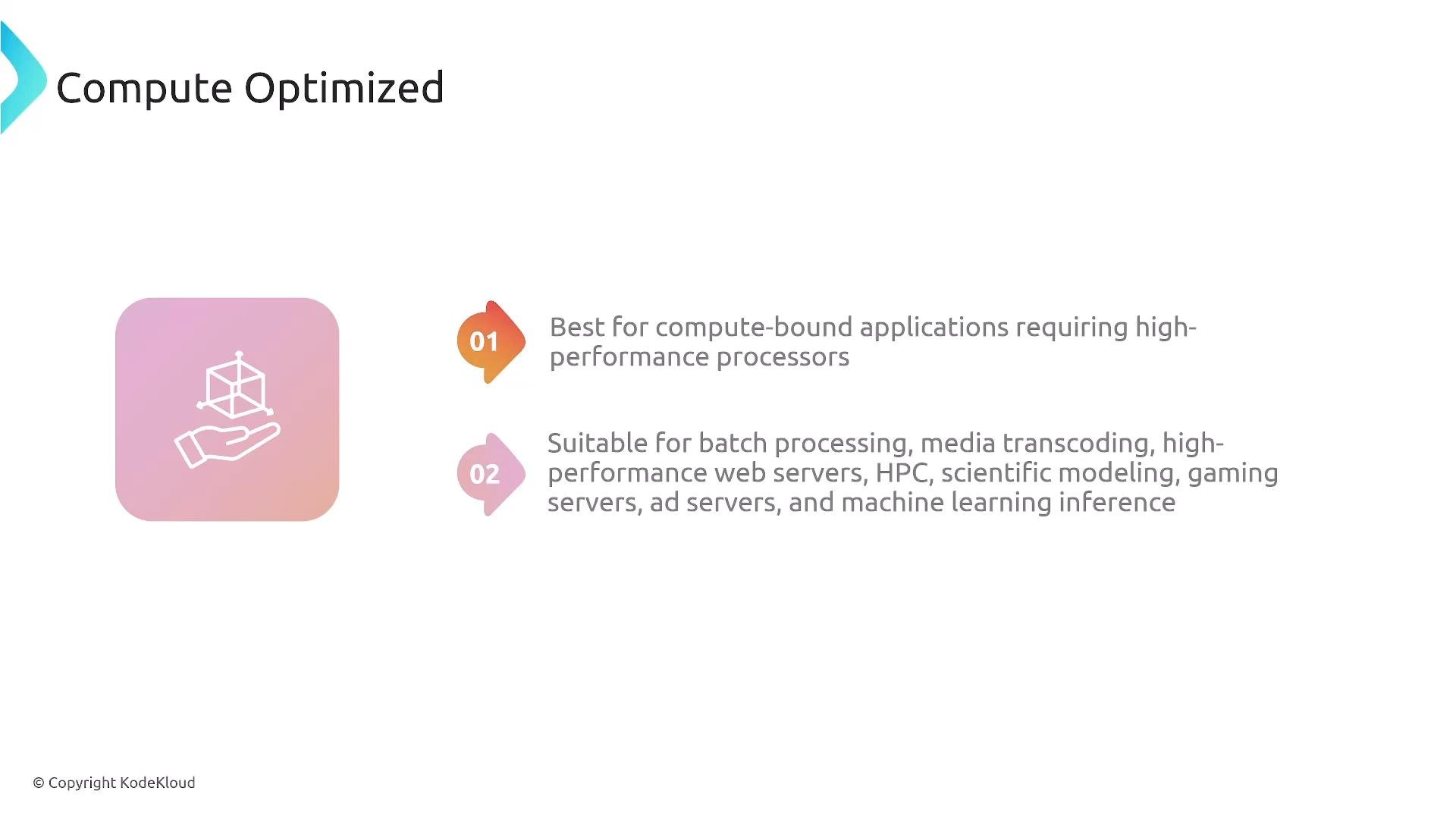
- Designed for CPU-bound applications: scientific modeling, batch processing, media transcoding, gaming and ad servers, and CPU-based ML inference.
- Typical CPU:memory ratio (approximate): 1 vCPU : 2 GiB RAM.
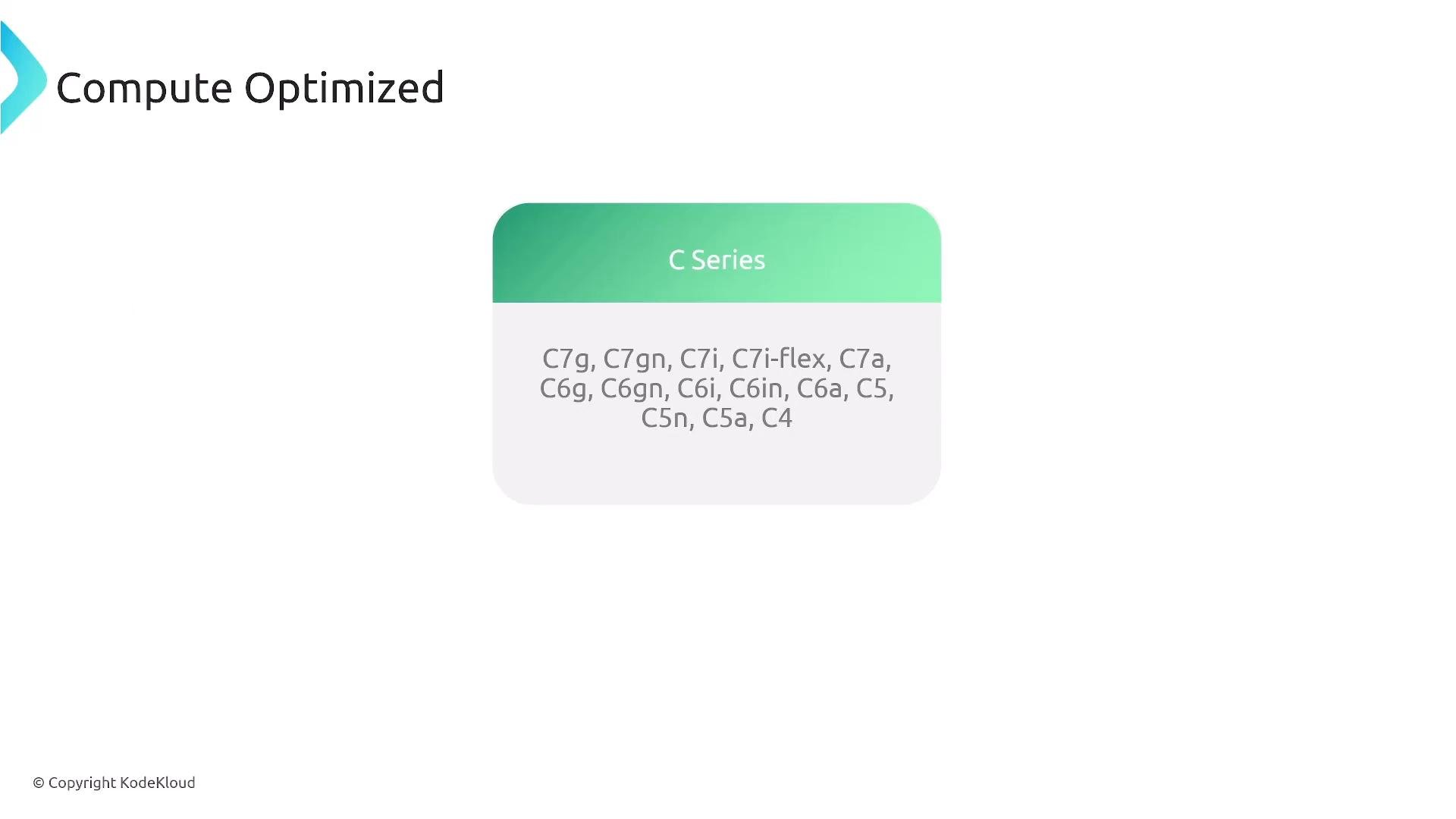
- Common family: C-series (C5, C6, C7 variants). These focus on higher single-core and multi-core CPU performance and often provide features for low-latency compute.
- Best for memory-intensive workloads: large in-memory databases, in-memory analytics, and caches.
- Typical CPU:memory ratio (approximate): 1 vCPU : 8 GiB RAM.
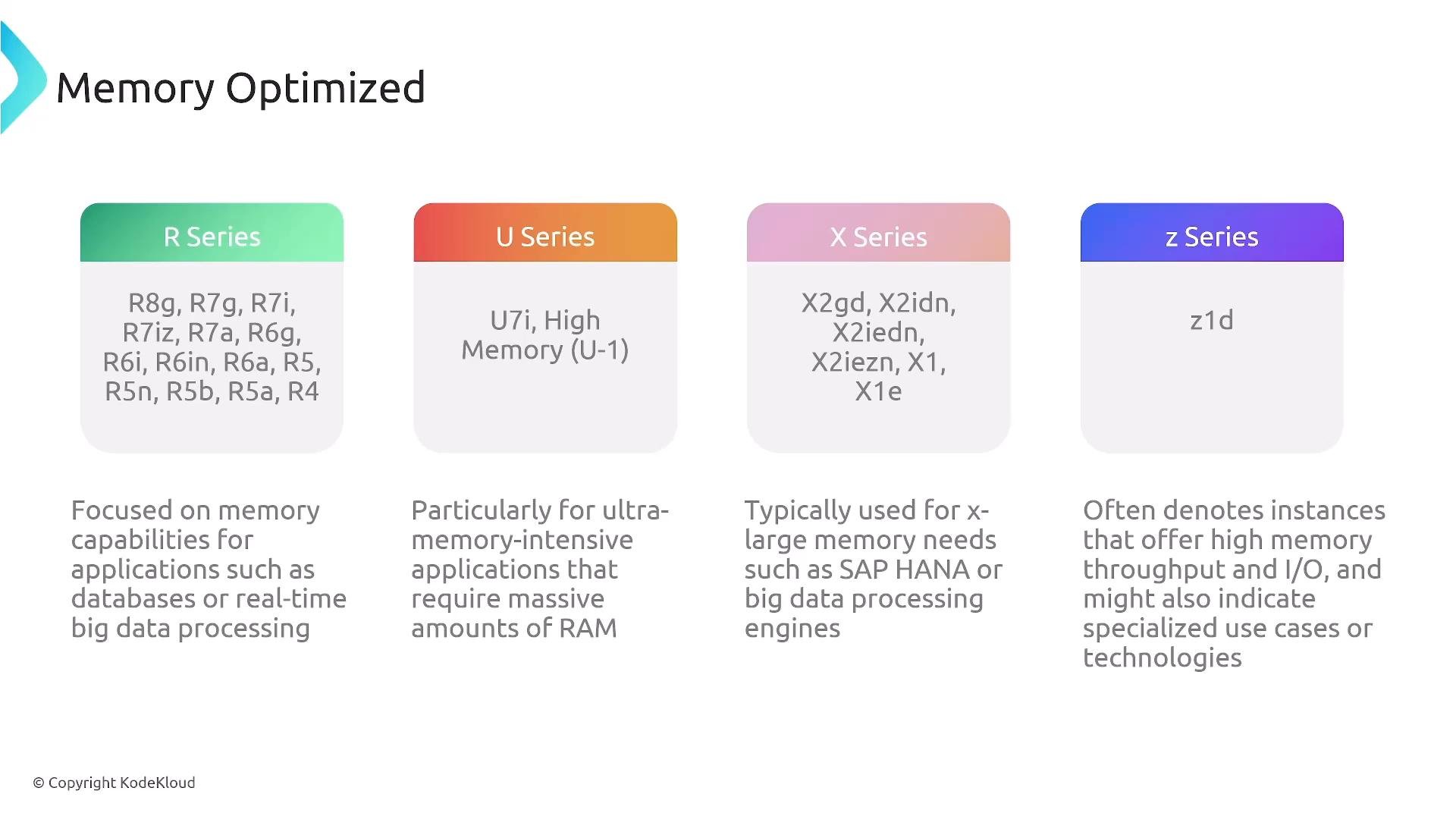
- Common families: R-series (memory optimized), X-series (high memory), U-series (very large memory footprints), Z-series (high single-thread performance with memory).
- Databases often run on memory-optimized instances; pair with Provisioned IOPS (io2/io2 Block Express) when high I/O performance is required.
- Referred to as “accelerated computing”; includes GPUs and FPGAs for parallel workloads.
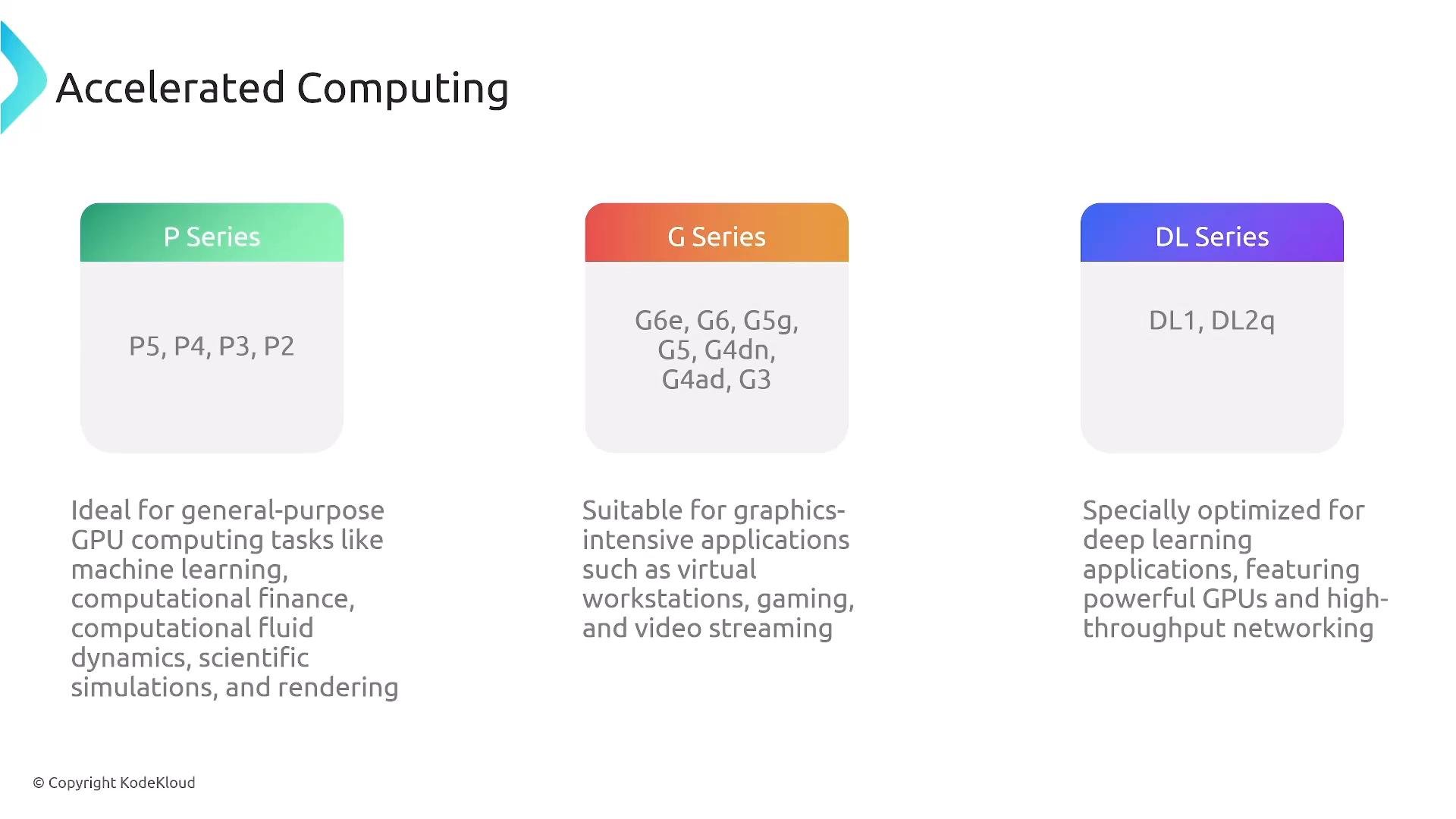
- Ideal for ML training, GPU-accelerated inference, graphics rendering, and high-throughput video transcoding.
- Families to know: P-series (training/compute GPUs), G-series (graphics), DL/Inf-series (deep learning and inference accelerators), F-series (FPGAs), VT, TRN, and others.
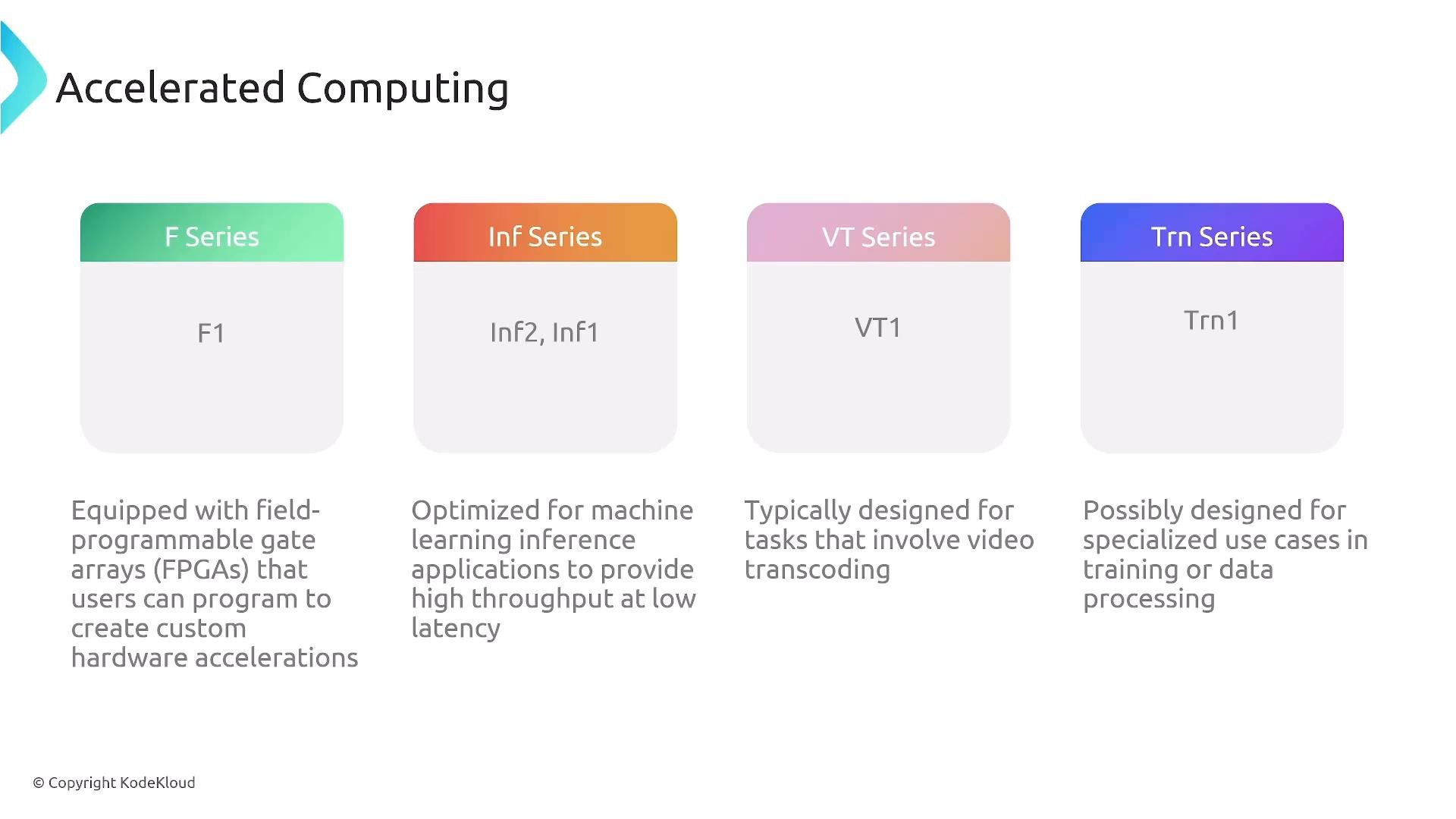
GPU and FPGA instances can be significantly more expensive and may have quota limits. Always validate accelerator requirements with representative benchmarks and watch for driver, CUDA/cuDNN, and AMI compatibility before committing to a family.
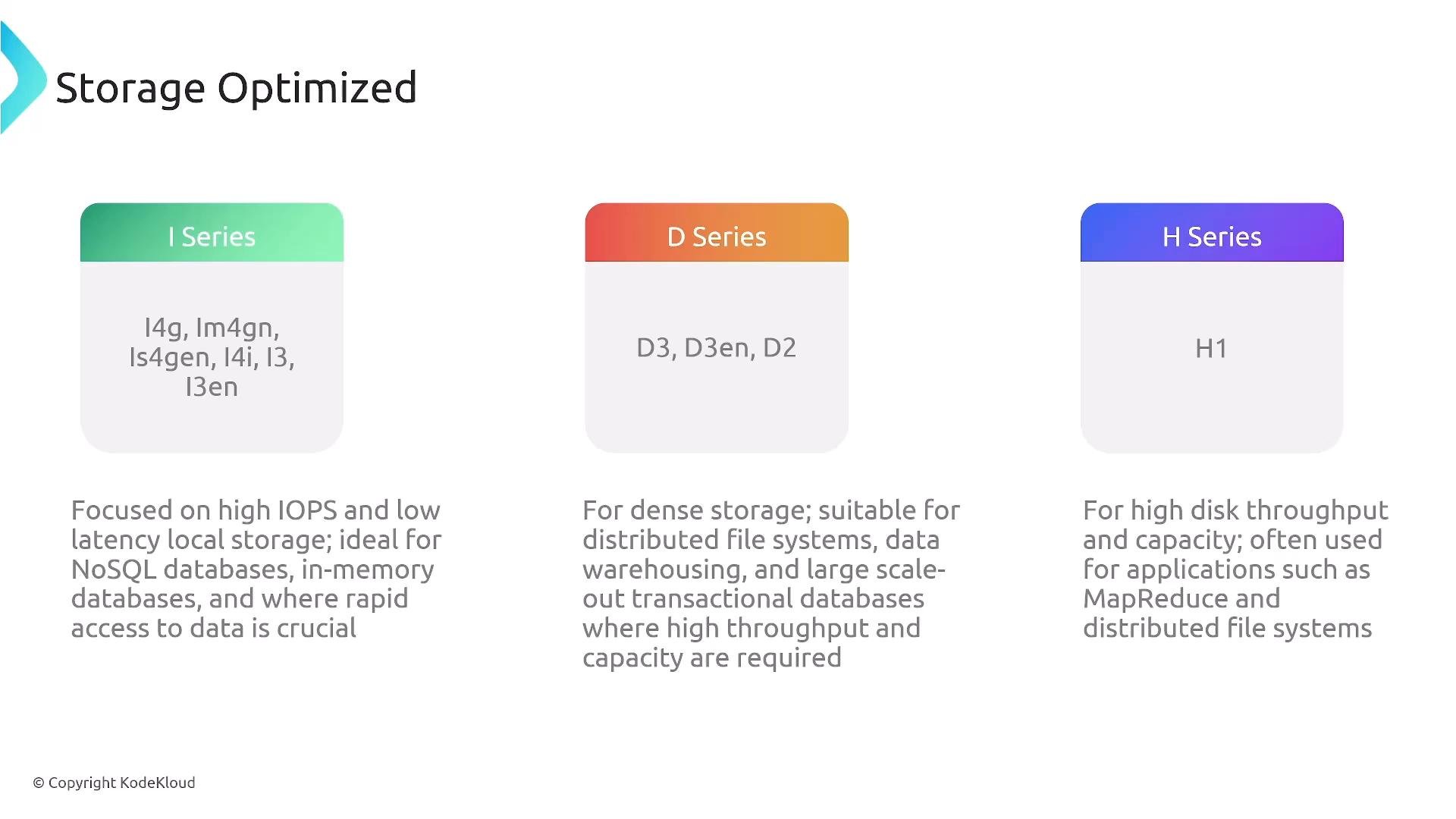
- Two main types:
- High IOPS / low-latency local NVMe storage (I-series) — ideal for databases requiring local block performance.
- Dense capacity storage (D-series / H-series) — suitable for large datasets, data warehousing, and distributed file systems.
- H-series focuses on throughput and capacity, often used with big-data frameworks such as EMR or Hadoop.
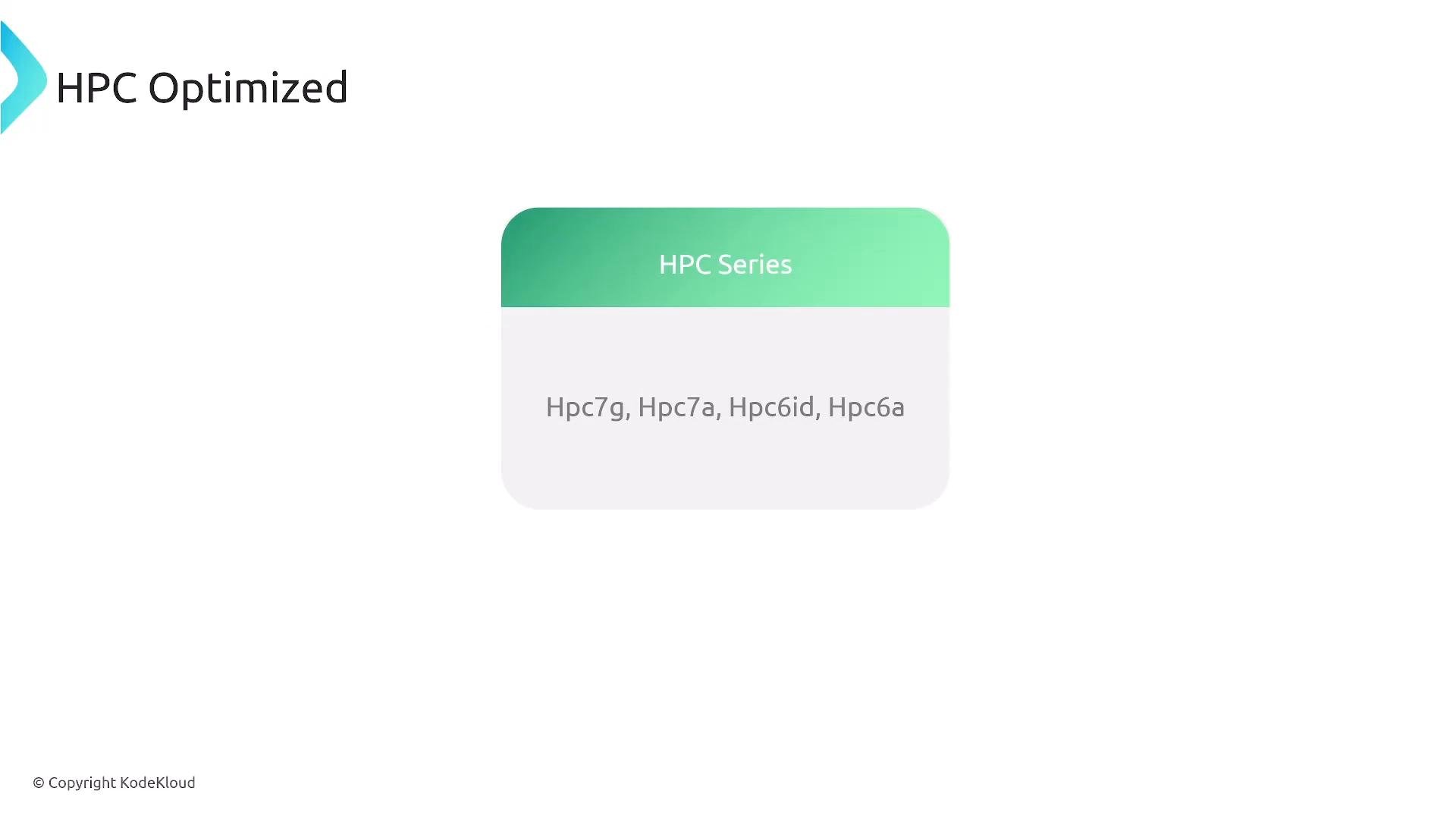
- Instances and families tailored for tightly-coupled high-performance computing clusters — often denoted with an HPC-focused identifier in the name.
- Use cases: large simulations, computational fluid dynamics, scientific modeling, and workloads that require low-latency networking and specialized interconnects.
- Instance sizes: nano, micro, small, medium, large, xlarge, then multiples such as 2xlarge, 4xlarge, 8xlarge, 16xlarge, 24xlarge, 32xlarge — typically powers of two after xlarge, though families and generations may vary.
- Choose vertical scaling (larger instance) vs horizontal scaling (more instances) based on architecture:
- Stateless web services: prefer horizontal scaling (auto-scaling groups).
- Stateful systems (databases): may require vertical scaling or architectural patterns like read replicas, sharding, or clustering to enable horizontal scaling.
- Baseline performance and right-sizing: use monitoring and optimizer tools to validate choices and adjust.
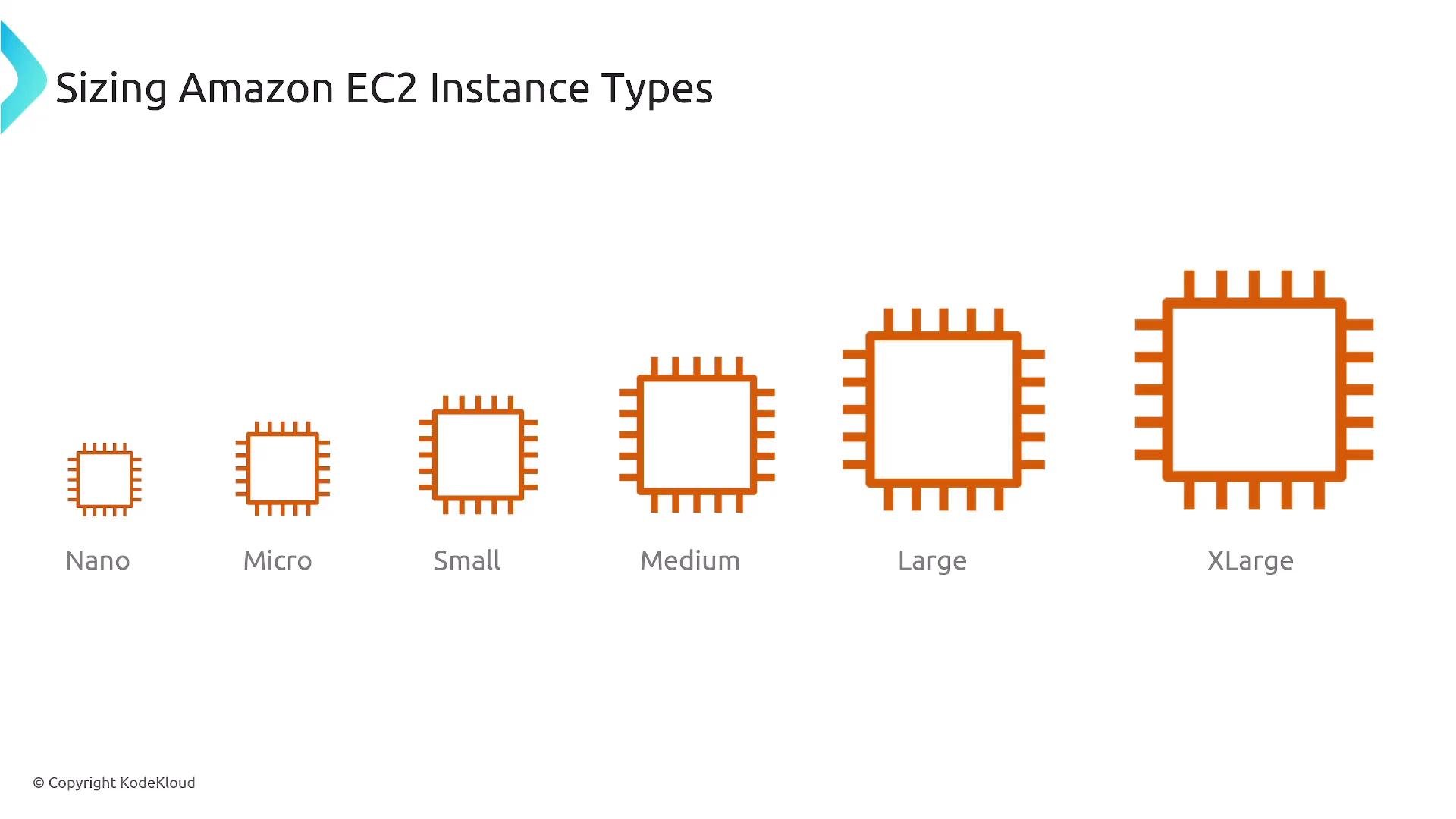
Monitor actual CPU, memory, disk I/O, and network metrics with CloudWatch and use AWS Compute Optimizer to get right-sizing recommendations:
- CloudWatch: https://aws.amazon.com/cloudwatch/
- Compute Optimizer: https://aws.amazon.com/compute-optimizer/
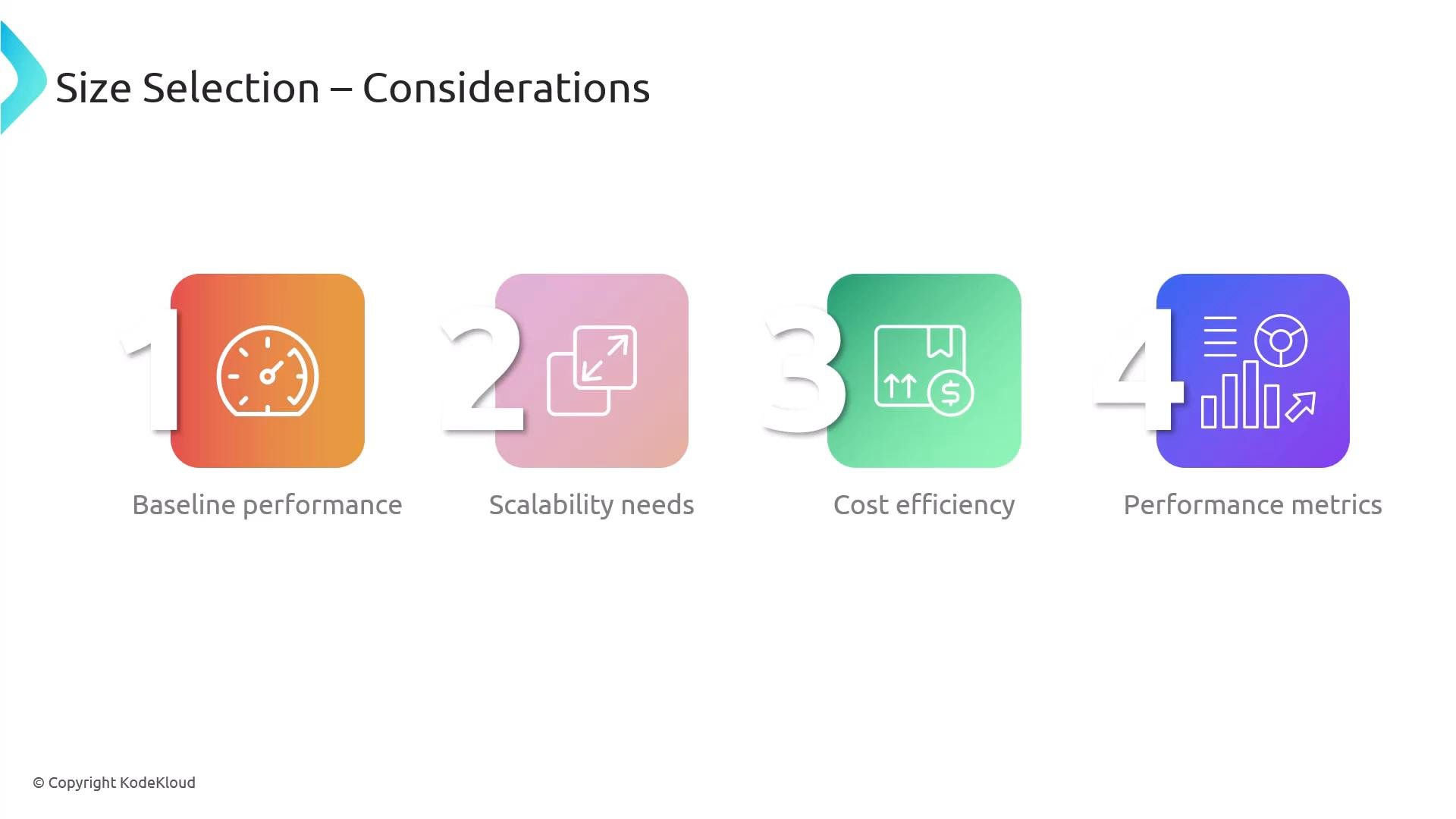
- For exams and architecture design, focus on categories, typical CPU:memory ratios, and common use cases rather than memorizing SKUs.
- Prefer newer generation instances (e.g., R8 vs R4) for better price/performance when feasible.
- Always benchmark with a representative workload and validate performance with monitoring and optimizer tools before large-scale migration or long-term commitments.