> ## Documentation Index
> Fetch the complete documentation index at: https://notes.kodekloud.com/llms.txt
> Use this file to discover all available pages before exploring further.
# Placement Groups and Their Use
> Explains AWS EC2 placement groups and when to use cluster, partition, or spread to balance network performance and fault isolation
This article explains Amazon EC2 placement groups — what they are, why they exist, and when to use each type. Placement groups let you control how EC2 instances are placed on the underlying AWS infrastructure so you can optimize for either performance (low latency, high throughput) or fault isolation (reducing correlated failures). This topic is commonly tested on AWS certification exams (for example, the [AWS Solutions Architect Associate Certification](https://learn.kodekloud.com/user/courses/aws-solutions-architect-associate-certification)), so pay attention to their trade-offs.
Placement groups let you control EC2 instance placement across racks and hosts. Choose between cluster, partition, and spread placement groups based on whether you need maximum network performance, rack-level fault isolation, or strict hardware separation.
Why use placement groups?
* Optimize network performance for tightly-coupled, high-throughput workloads (cluster).
* Limit blast radius by isolating groups of instances on separate racks or partitions (partition).
* Ensure critical or singleton instances do not share underlying hardware (spread).
Overview: placement group types
* Cluster — packs instances close together (single AZ) to maximize inter-instance network throughput and minimize latency.
* Partition — divides a group into partitions with rack-level isolation for fault-tolerant distributed clusters spanning one or more AZs.
* Spread — places each instance on distinct hardware to minimize correlated failures for critical instances.
Below are the detailed descriptions, use cases, and considerations for each placement group type, with visual references.
 Cluster placement groups
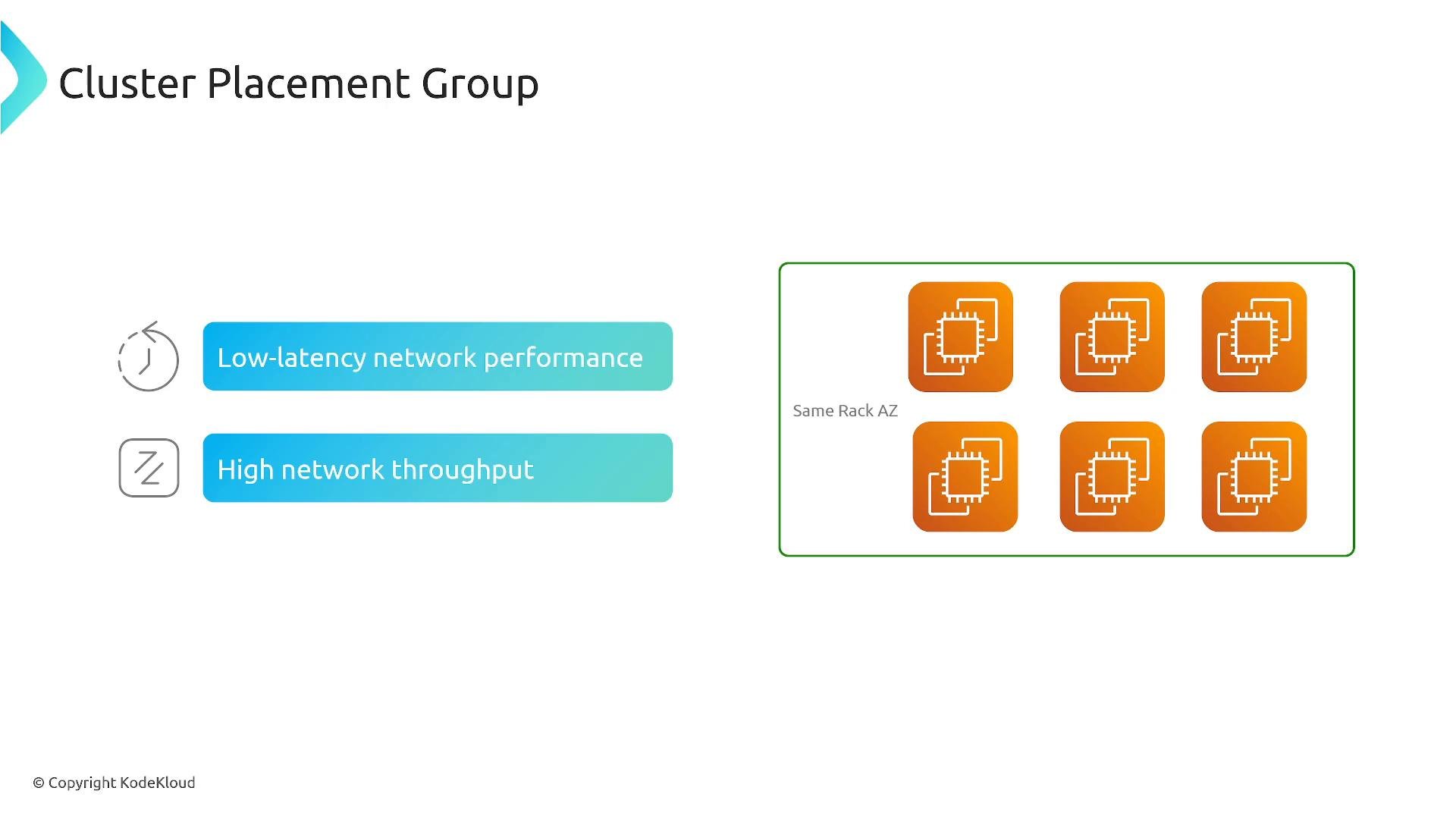
* Purpose: Place instances in very close physical proximity within a single Availability Zone to achieve low-latency, high-throughput networking between instances.
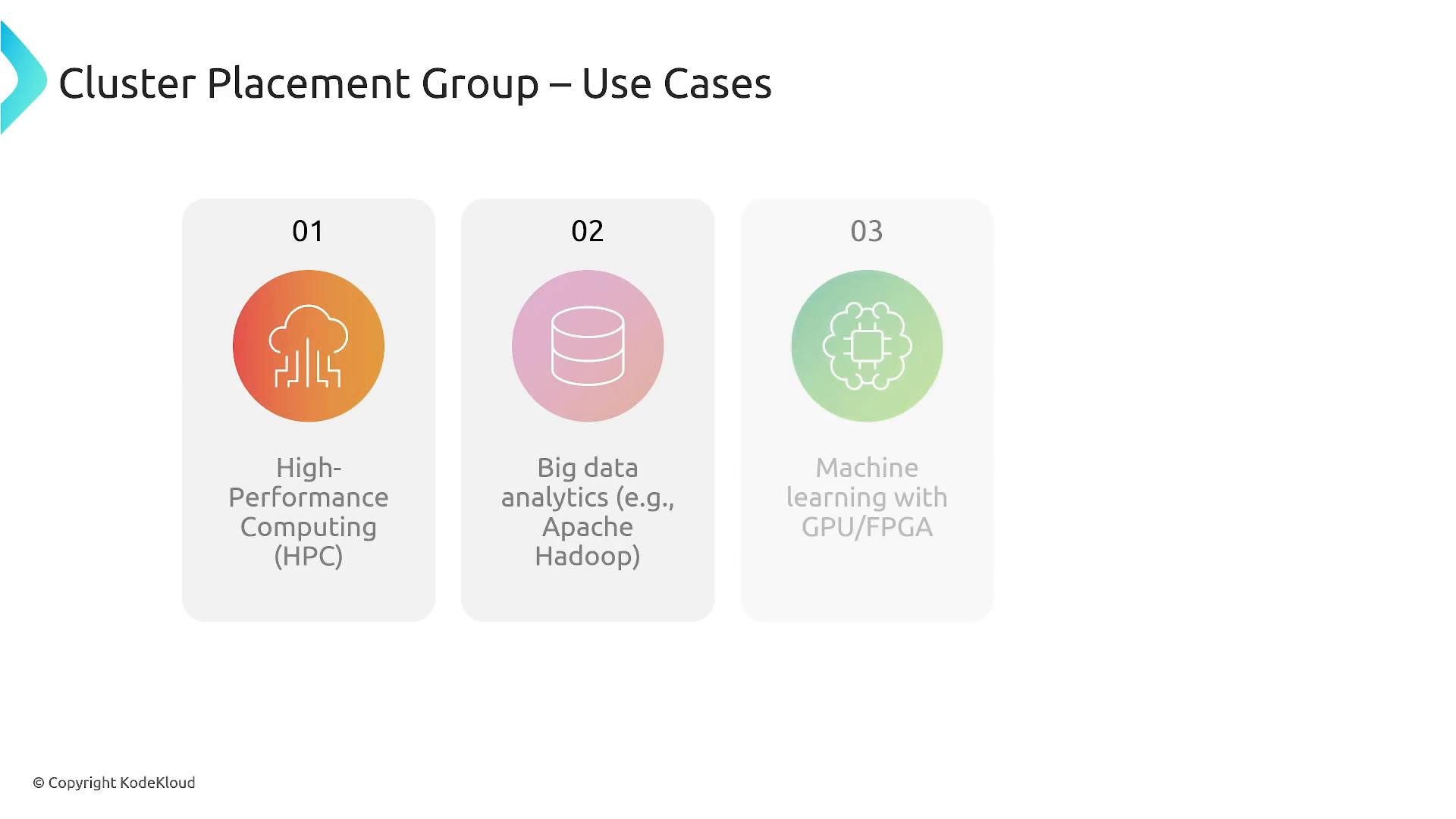
* Ideal for: High-performance computing (HPC), big data frameworks (e.g., Hadoop), and distributed machine learning workloads using GPUs/FPUs that require high inter-node bandwidth.
Cluster placement groups are single-AZ only and work best when instances are homogeneous and support enhanced networking or Elastic Fabric Adapter (EFA).
Cluster placement groups
* Purpose: Place instances in very close physical proximity within a single Availability Zone to achieve low-latency, high-throughput networking between instances.
* Ideal for: High-performance computing (HPC), big data frameworks (e.g., Hadoop), and distributed machine learning workloads using GPUs/FPUs that require high inter-node bandwidth.
Cluster placement groups are single-AZ only and work best when instances are homogeneous and support enhanced networking or Elastic Fabric Adapter (EFA).
 Common cluster use cases:
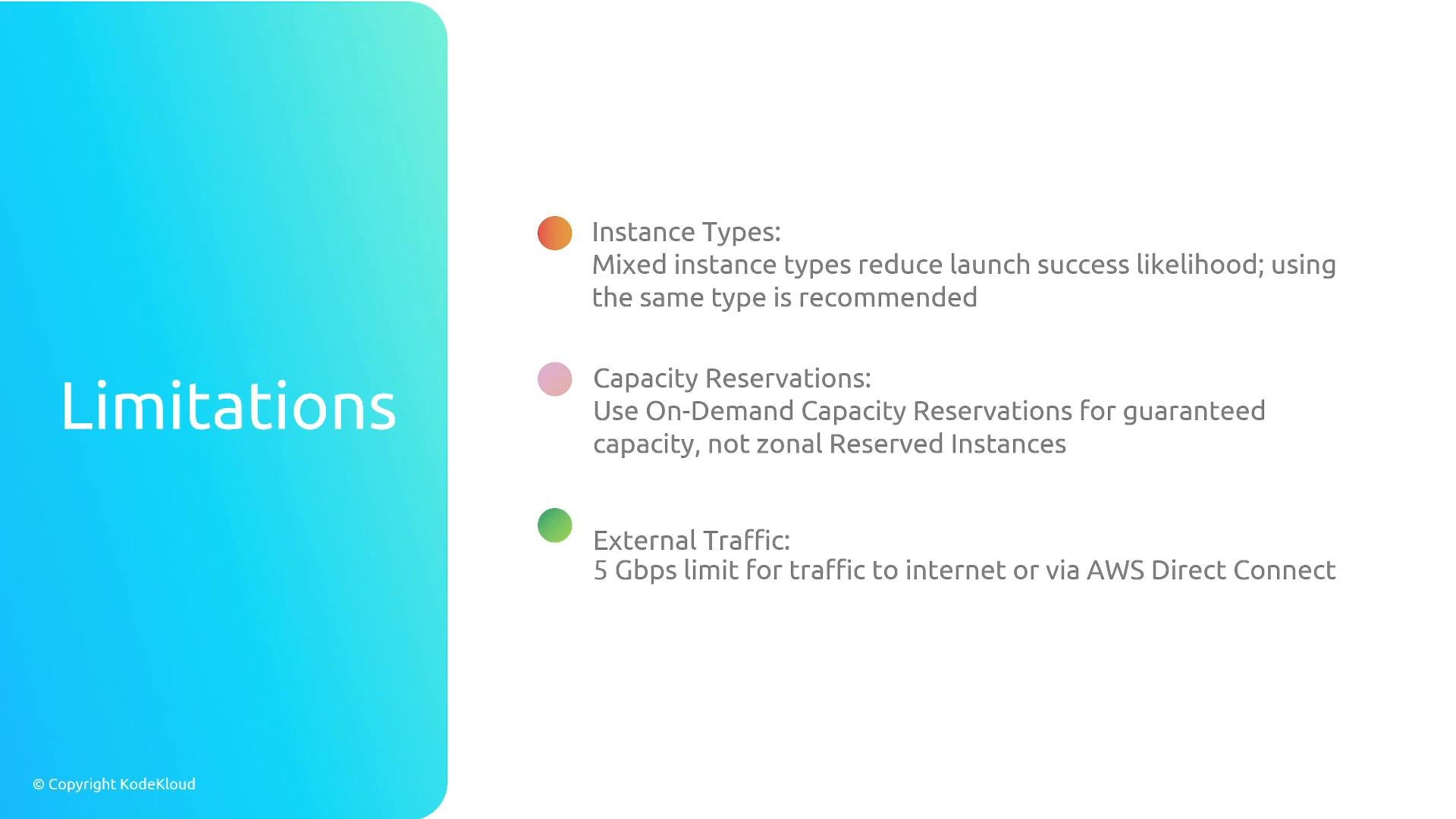
 Cluster placement group limitations and considerations:
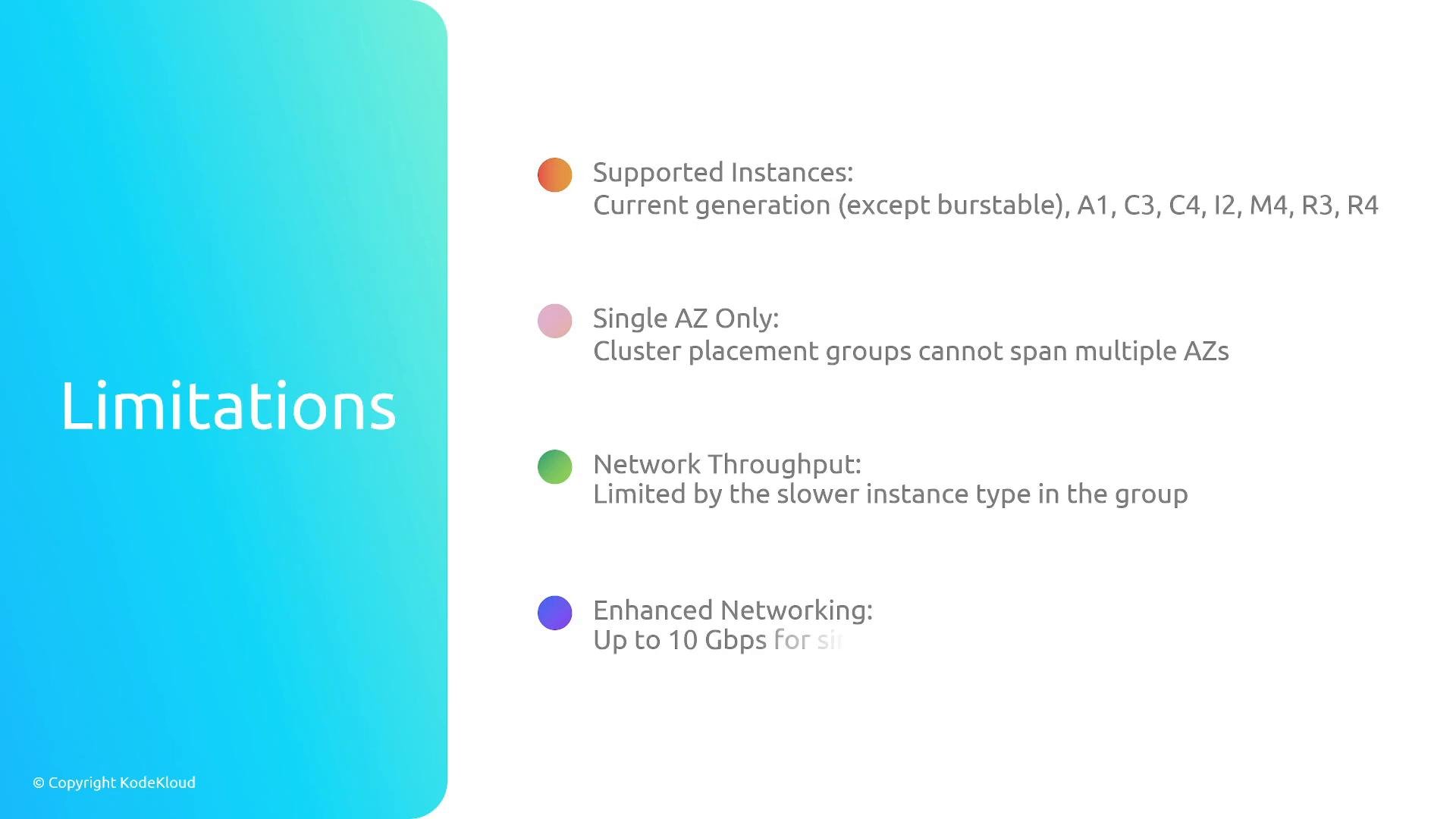
* Single-AZ only — cannot span multiple Availability Zones.
* Some instance types are unsupported; prefer current-generation instance types that support enhanced networking/EFA.
* Network throughput is limited by the least-capable instance in the group — mix carefully or avoid mixing.
* Enhanced networking and EFA are supported on compatible instances for lowest latency and highest throughput.
* Capacity planning: On-Demand Capacity Reservations may be required to guarantee capacity; Reserved Instances only affect billing and do not reserve capacity by themselves.
Cluster placement group limitations and considerations:
* Single-AZ only — cannot span multiple Availability Zones.
* Some instance types are unsupported; prefer current-generation instance types that support enhanced networking/EFA.
* Network throughput is limited by the least-capable instance in the group — mix carefully or avoid mixing.
* Enhanced networking and EFA are supported on compatible instances for lowest latency and highest throughput.
* Capacity planning: On-Demand Capacity Reservations may be required to guarantee capacity; Reserved Instances only affect billing and do not reserve capacity by themselves.
 Additional cluster notes:
* Placement groups optimize physical placement but do not increase external (Internet or cross-AZ) bandwidth beyond the instance or VPC network limits.
* EFAs are commonly used with cluster placement groups for HPC applications requiring RDMA and very low latency.
Additional cluster notes:
* Placement groups optimize physical placement but do not increase external (Internet or cross-AZ) bandwidth beyond the instance or VPC network limits.
* EFAs are commonly used with cluster placement groups for HPC applications requiring RDMA and very low latency.
 Cluster summary
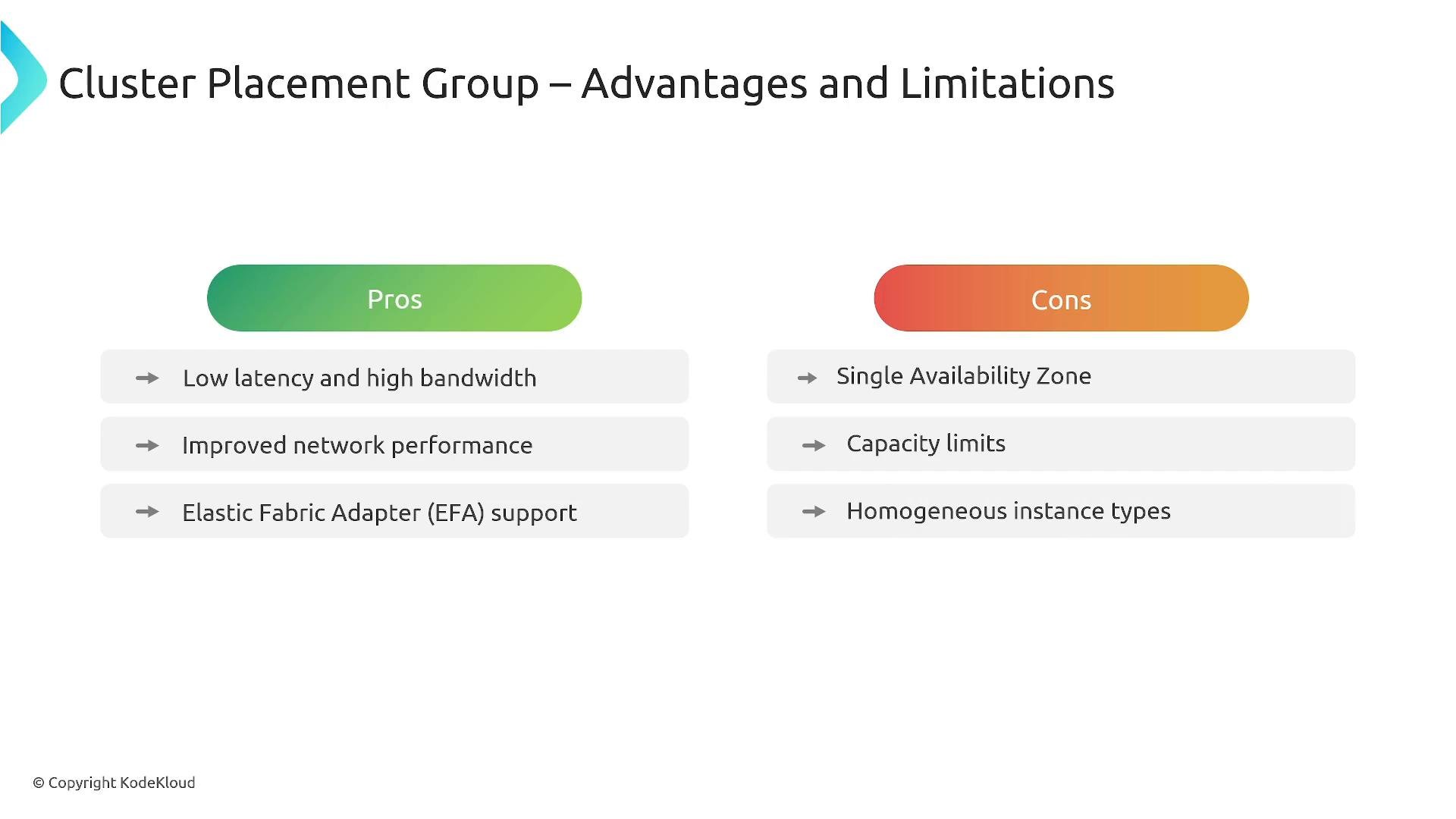
* Pros: Low latency and high bandwidth between instances, EFA support, ideal for tightly-coupled compute.
* Cons: Single AZ, capacity constraints, recommended homogeneous instance types, may require redeploying to scale beyond available capacity.
Cluster summary
* Pros: Low latency and high bandwidth between instances, EFA support, ideal for tightly-coupled compute.
* Cons: Single AZ, capacity constraints, recommended homogeneous instance types, may require redeploying to scale beyond available capacity.
 Partition placement groups
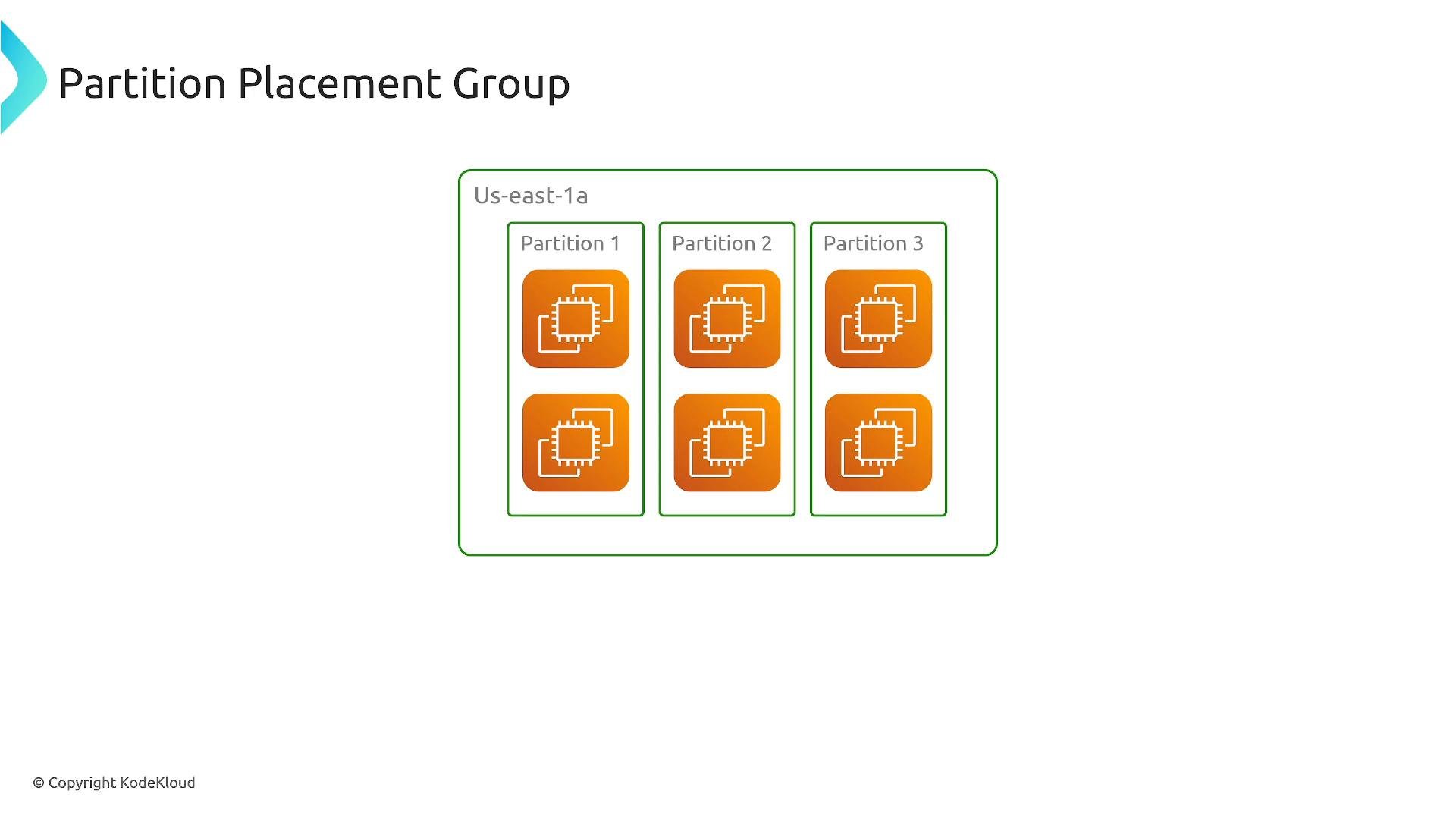
* Purpose: Provide rack-level fault isolation by dividing the placement group into partitions. Each partition maps to a distinct set of racks, network, and power so that partitions do not share racks with each other.
* Ideal for: Large distributed databases and stateful distributed systems (e.g., Cassandra, HBase) where you need to reduce correlated failures while supporting a cluster that spans many instances, potentially across multiple AZs.
Partition placement groups
* Purpose: Provide rack-level fault isolation by dividing the placement group into partitions. Each partition maps to a distinct set of racks, network, and power so that partitions do not share racks with each other.
* Ideal for: Large distributed databases and stateful distributed systems (e.g., Cassandra, HBase) where you need to reduce correlated failures while supporting a cluster that spans many instances, potentially across multiple AZs.
 Key points about partition placement groups:
* Partitions can be distributed across multiple Availability Zones; each partition provides rack-level isolation within its AZ.
* Good for horizontally scalable, fault-tolerant distributed systems.
* Use multiple partitions (and distribute them across AZs) to achieve multi-AZ redundancy.
* Default limits typically include up to seven partitions per AZ (subject to account limits). Verify your account limits before planning.
* Capacity reservations and instance/feature limits may differ versus cluster placement groups — consult current AWS docs.
Key points about partition placement groups:
* Partitions can be distributed across multiple Availability Zones; each partition provides rack-level isolation within its AZ.
* Good for horizontally scalable, fault-tolerant distributed systems.
* Use multiple partitions (and distribute them across AZs) to achieve multi-AZ redundancy.
* Default limits typically include up to seven partitions per AZ (subject to account limits). Verify your account limits before planning.
* Capacity reservations and instance/feature limits may differ versus cluster placement groups — consult current AWS docs.
 Partition summary
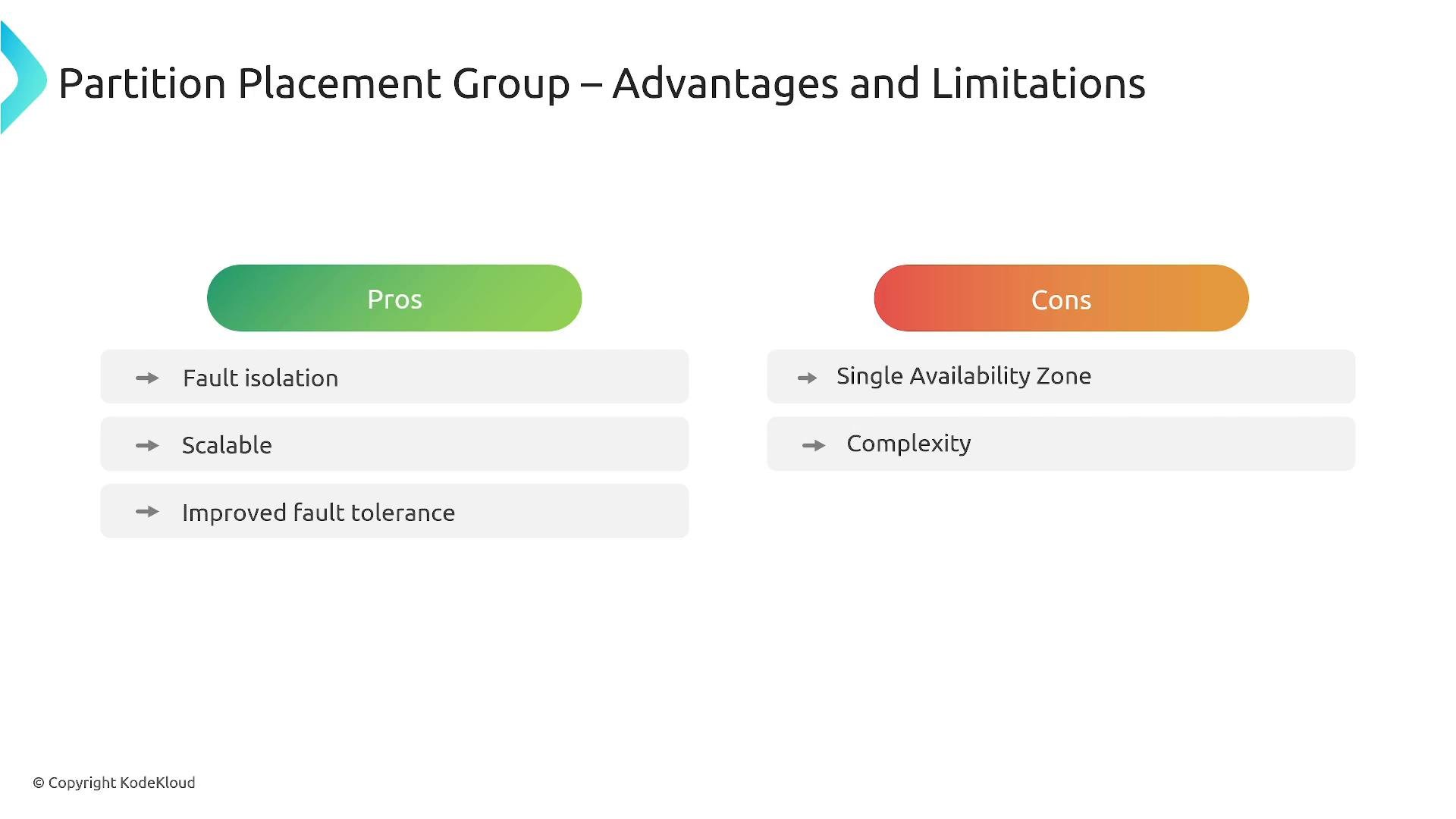
* Pros: Rack-level fault isolation, scalable for large clusters, improved tolerance to rack failures.
* Cons: More operational complexity and planning for AZ distribution, and some instance or feature limits may apply.
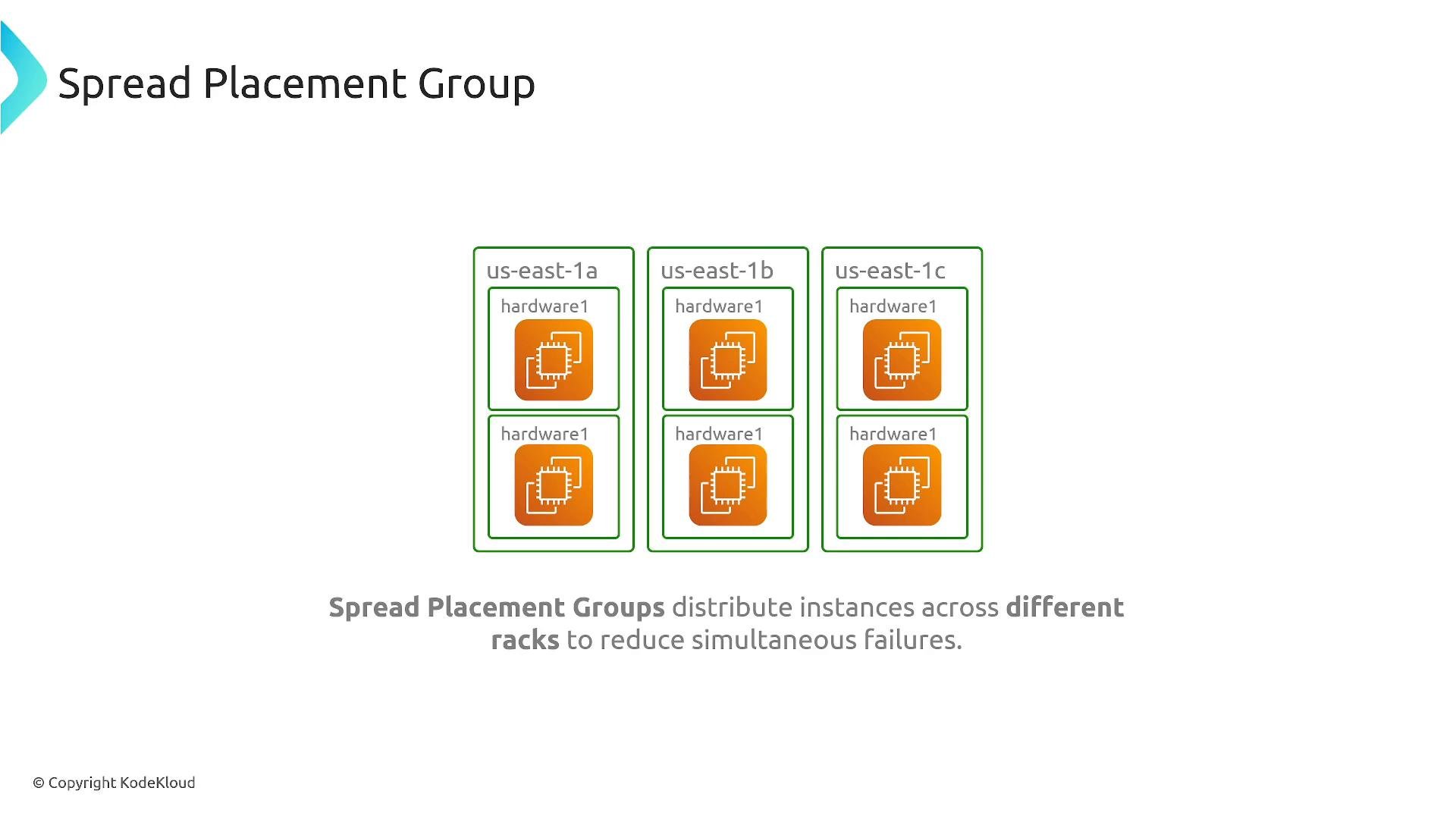
Spread placement groups
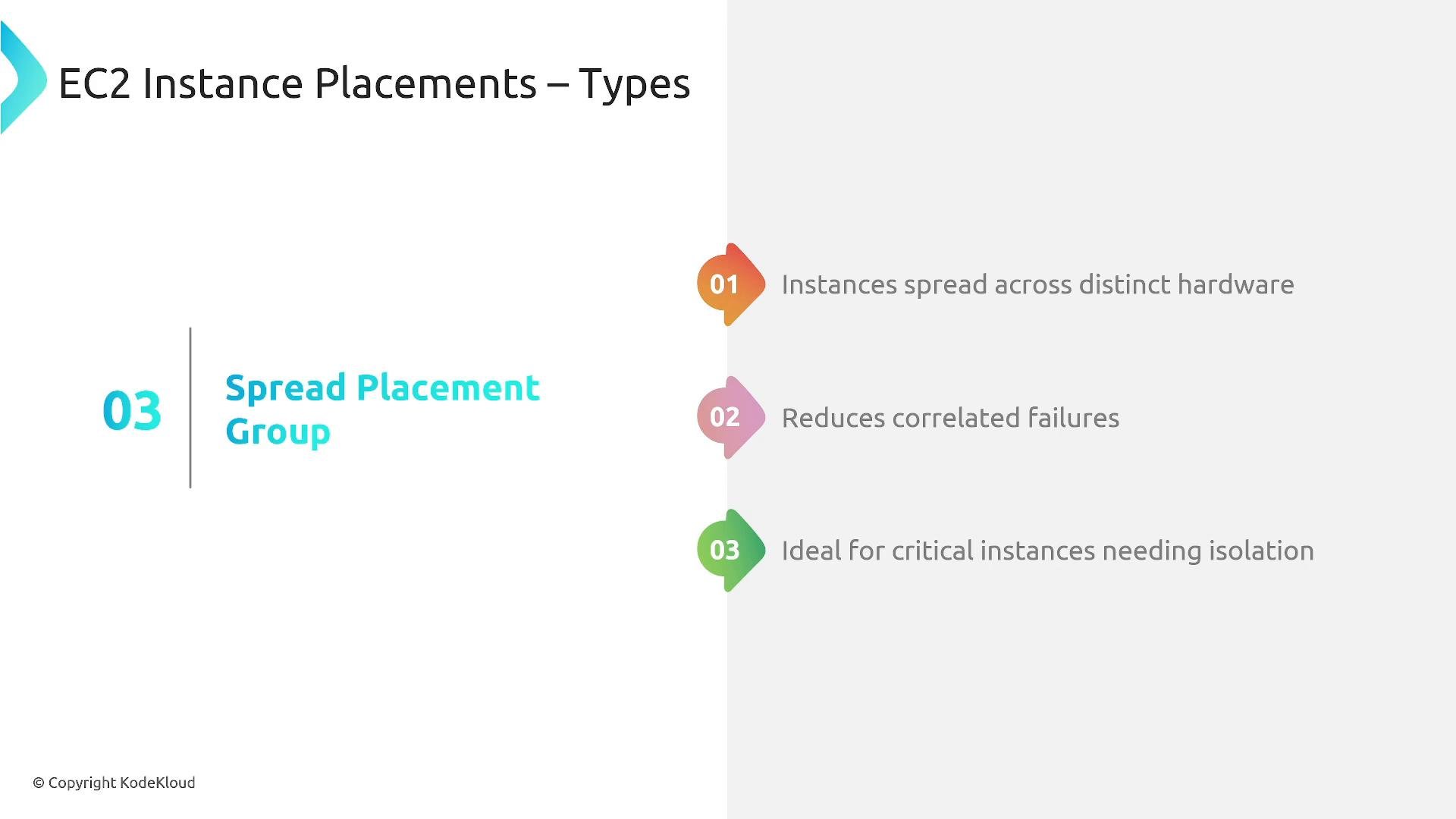
* Purpose: Place each instance on distinct underlying hardware (separate racks/hosts) to minimize the chance of simultaneous failures.
* Ideal for: Critical singletons or small sets of instances that must be isolated from one another (e.g., authentication servers, DNS, bastion hosts, control plane components).
Partition summary
* Pros: Rack-level fault isolation, scalable for large clusters, improved tolerance to rack failures.
* Cons: More operational complexity and planning for AZ distribution, and some instance or feature limits may apply.
Spread placement groups
* Purpose: Place each instance on distinct underlying hardware (separate racks/hosts) to minimize the chance of simultaneous failures.
* Ideal for: Critical singletons or small sets of instances that must be isolated from one another (e.g., authentication servers, DNS, bastion hosts, control plane components).
 Spread placement group considerations:
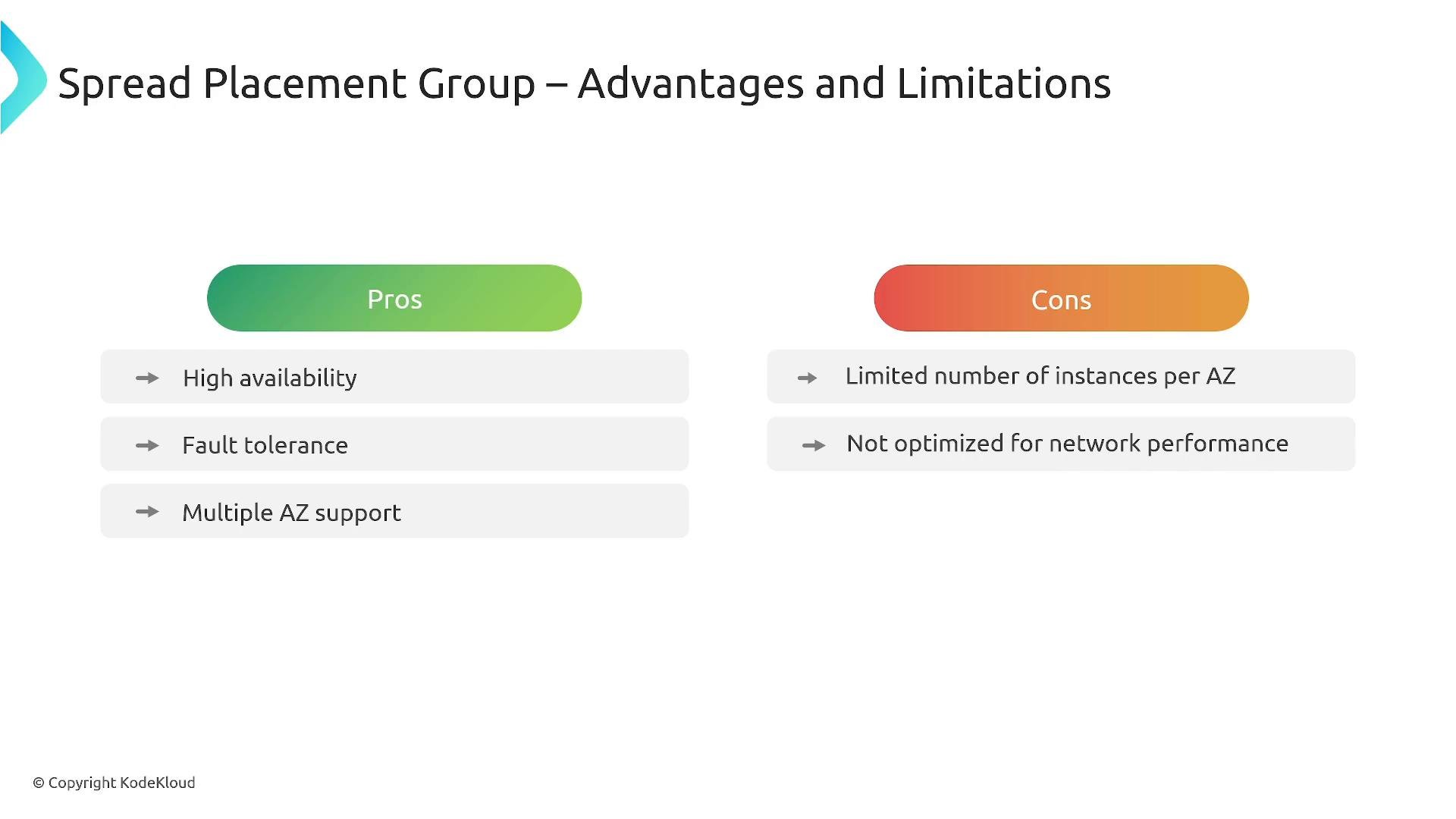
* There is a per-AZ instance limit within a single spread placement group (often small — e.g., seven instances per AZ; check current AWS limits).
* Spread placement groups prioritize hardware isolation over network performance; inter-instance latency and bandwidth are not optimized.
* Some deployment types (Dedicated Hosts, Outposts) may behave differently with placement groups — verify support for your environment.
* Capacity reservations behave differently; confirm the exact behavior in the AWS documentation for your use case.
Spread placement group considerations:
* There is a per-AZ instance limit within a single spread placement group (often small — e.g., seven instances per AZ; check current AWS limits).
* Spread placement groups prioritize hardware isolation over network performance; inter-instance latency and bandwidth are not optimized.
* Some deployment types (Dedicated Hosts, Outposts) may behave differently with placement groups — verify support for your environment.
* Capacity reservations behave differently; confirm the exact behavior in the AWS documentation for your use case.
 Spread summary
* Pros: Strong isolation and reduced correlated failure risk; suitable for critical singleton instances.
* Cons: Small instance counts per AZ per group and higher network latency vs cluster placement groups.
Quick comparison and decision guide
| Placement Type | Best for | Key benefits | Key limitations |
| - | -: | - | - |
| Cluster | HPC, tightly-coupled distributed compute | Lowest inter-instance latency, highest throughput, EFA support | Single AZ, capacity limits, mix of instance types can degrade performance |
| Partition | Large distributed databases and stateful clusters | Rack-level fault isolation, scalable across many instances | Planning/complexity for multi-AZ deployments, account limits for partitions |
| Spread | Critical singletons (auth, control-plane, small HA services) | Strict hardware separation, reduces correlated failures | Small per-AZ instance counts, not optimized for network performance |
Decision checklist
* Need optimized inter-instance network performance? Choose cluster.
* Need rack-level isolation for large distributed systems? Choose partition.
* Need strict hardware separation for critical single instances? Choose spread.
Check current AWS documentation and your account limits before designing: supported instance types, per-AZ limits, and capacity reservation behavior can change and may differ by region and account.
Links and references
* [Amazon EC2 Placement Groups — AWS Documentation](https://docs.aws.amazon.com/AWSEC2/latest/UserGuide/placement-groups.html)
* [AWS Solutions Architect Associate Certification course (example)](https://learn.kodekloud.com/user/courses/aws-solutions-architect-associate-certification)
* [Elastic Fabric Adapter (EFA) — AWS Documentation](https://docs.aws.amazon.com/AWSEC2/latest/UserGuide/efa.html)
Thanks for reading — remember the three placement-group types (cluster, partition, spread) and choose based on required network performance, fault isolation, and instance-level separation for your architecture and exam preparation.
This documentation is built and hosted on [Mintlify](https://mintlify.com), a developer documentation platform.
Spread summary
* Pros: Strong isolation and reduced correlated failure risk; suitable for critical singleton instances.
* Cons: Small instance counts per AZ per group and higher network latency vs cluster placement groups.
Quick comparison and decision guide
| Placement Type | Best for | Key benefits | Key limitations |
| - | -: | - | - |
| Cluster | HPC, tightly-coupled distributed compute | Lowest inter-instance latency, highest throughput, EFA support | Single AZ, capacity limits, mix of instance types can degrade performance |
| Partition | Large distributed databases and stateful clusters | Rack-level fault isolation, scalable across many instances | Planning/complexity for multi-AZ deployments, account limits for partitions |
| Spread | Critical singletons (auth, control-plane, small HA services) | Strict hardware separation, reduces correlated failures | Small per-AZ instance counts, not optimized for network performance |
Decision checklist
* Need optimized inter-instance network performance? Choose cluster.
* Need rack-level isolation for large distributed systems? Choose partition.
* Need strict hardware separation for critical single instances? Choose spread.
Check current AWS documentation and your account limits before designing: supported instance types, per-AZ limits, and capacity reservation behavior can change and may differ by region and account.
Links and references
* [Amazon EC2 Placement Groups — AWS Documentation](https://docs.aws.amazon.com/AWSEC2/latest/UserGuide/placement-groups.html)
* [AWS Solutions Architect Associate Certification course (example)](https://learn.kodekloud.com/user/courses/aws-solutions-architect-associate-certification)
* [Elastic Fabric Adapter (EFA) — AWS Documentation](https://docs.aws.amazon.com/AWSEC2/latest/UserGuide/efa.html)
Thanks for reading — remember the three placement-group types (cluster, partition, spread) and choose based on required network performance, fault isolation, and instance-level separation for your architecture and exam preparation.
This documentation is built and hosted on [Mintlify](https://mintlify.com), a developer documentation platform.