> ## Documentation Index
> Fetch the complete documentation index at: https://notes.kodekloud.com/llms.txt
> Use this file to discover all available pages before exploring further.
# AWS CloudShell Demo
> Learn to use AWS CloudShell, a cloud-based terminal with pre-configured AWS credentials for immediate AWS CLI access without local setup.
In this guide, you'll learn how to quickly work with AWS CloudShell, a cloud-based terminal pre-configured with your AWS credentials. CloudShell enables you to start using the AWS CLI immediately—eliminating the need for local setup and manual credential management.
## Getting Started with AWS CloudShell
Begin by searching for and launching the CloudShell service. Once open, you’ll see a terminal session similar to the welcome screen below:
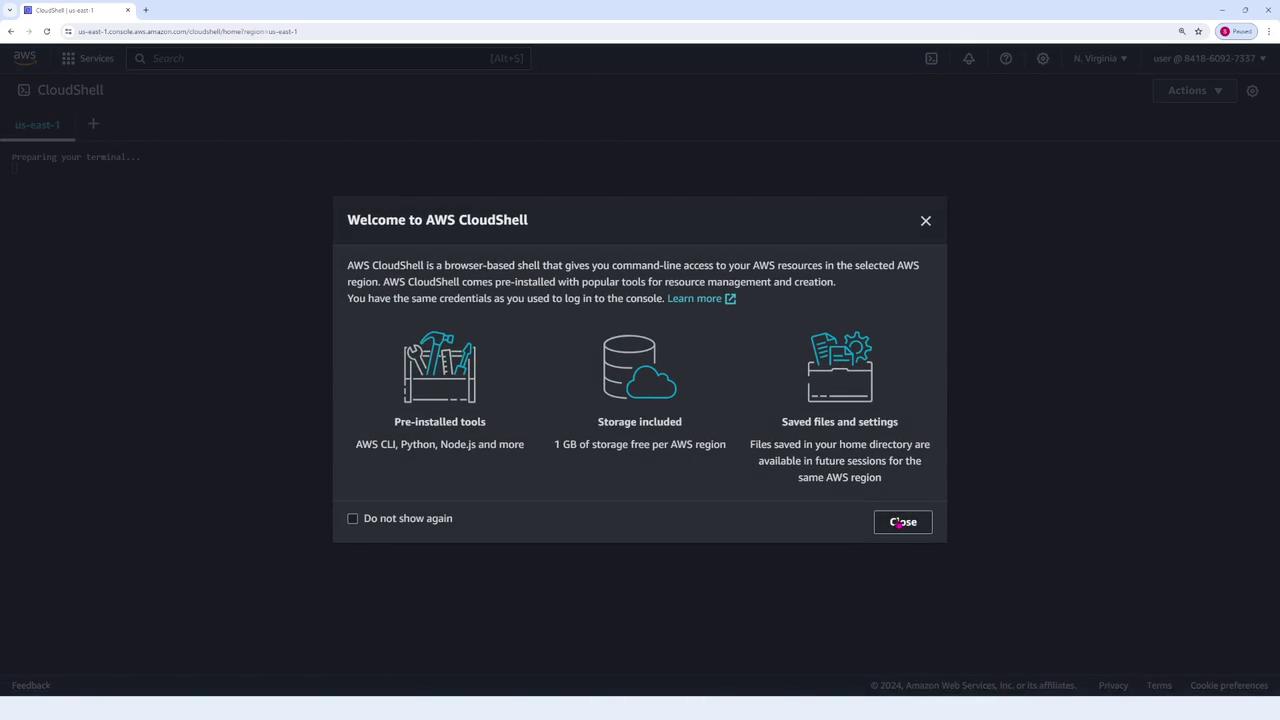
AWS CloudShell automatically configures your credentials, allowing you to use the AWS CLI without any additional setup.
## Executing AWS CLI Commands
CloudShell’s pre-configuration makes it ideal for quick tasks. For example, to list your S3 buckets, run the following command:
```bash theme={null}
aws s3 ls
```
This command returns output similar to:
```bash theme={null}
2023-12-21 17:13:29 aws-cloudtrail-logs-841869027733-c209767c
2024-02-15 04:21:03 aws-sam-cli-managed-default-samclisourcebucket-bcsnuqjtiqks
2023-10-16 02:53:15 cdk-hnb659fds-assets-841869027733-us-east-1
2023-10-16 06:12:15 templates-ij5jauotfkzo-us-east-1
2023-10-10 21:23:10 codepipeline-us-east-1-239009679739
2023-10-12 23:27:32 config-bucket-841869027733
2023-10-12 22:19:24 elasticbeanstalk-us-east-1-841869027733
2024-04-14 21:50:40 kedloud.cloudfront-demo
```
Because CloudShell takes care of configuration, there is no need to manually manage credentials or install the AWS CLI.
## Handling CLI Errors
If a command is entered with an invalid subcommand, the CLI will return an error message. For example, an incorrect invocation might yield:
```bash theme={null}
aws: error: argument subcommand: Invalid choice, valid choices are:
ls | website
cp | mv
sync | rb
mb |
presign
```
This helpful feedback assists in correcting the command usage on the fly.
## Example Session Workflow
A typical CloudShell session might involve listing S3 buckets, clearing the terminal, and viewing local directory contents. Here’s an example session:
1. **Listing S3 Buckets**
```bash theme={null}
[cloudshell-user@ip-10-130-65-170 ~]$ aws s3 ls
2023-12-11 17:13:25 aws-cloudtrail-logs-841860927337-c209767
2022-02-15 21:18:30 aws-s3-all-managed-default-s3bucket-simlcusbucket-bcsmu3jiqxs
2023-10-16 22:18:00 cdk-hnb659fds-eu-west-1-
2023-10-10 20:14:37 config.bucket--us-east-1
```
2. **Clearing the Terminal**
```bash theme={null}
[cloudshell-user@ip-10-130-65-170 ~]$ clear
```
3. **Listing Directory Contents**
```bash theme={null}
[cloudshell-user@ip-10-130-65-170 ~]$ ls
aws-cloudtrail-logs-841860927337-ca296761
2023-10-16 22:18:00 elasticbeanstalk-us-west-1-841860927337
2024-10-14 20:40:20 kodeloud.cloudfront-demo
```
4. **Returning Prompt**
The terminal finally returns control to the user:
```bash theme={null}
[cloudshell-user@ip-10-130-65-170 ~]$
```
Using AWS CloudShell simplifies the process of working with the AWS CLI by eliminating setup overhead and manual configuration. This makes it an excellent tool for quick command-line tasks directly within your AWS environment.