> ## Documentation Index
> Fetch the complete documentation index at: https://notes.kodekloud.com/llms.txt
> Use this file to discover all available pages before exploring further.
# AWS CloudShell
> AWS CloudShell is an integrated terminal in the AWS Console for executing commands in a preconfigured AWS CLI environment without local setup.
AWS CloudShell is an integrated terminal available directly in the AWS Console, providing a preconfigured AWS CLI environment. This means you can start executing commands immediately without the need for local setup or additional configuration.
AWS CloudShell automatically uses the credentials of the AWS Console user you are logged in as, streamlining your workflow by eliminating manual authentication steps.
## Traditional AWS CLI Setup
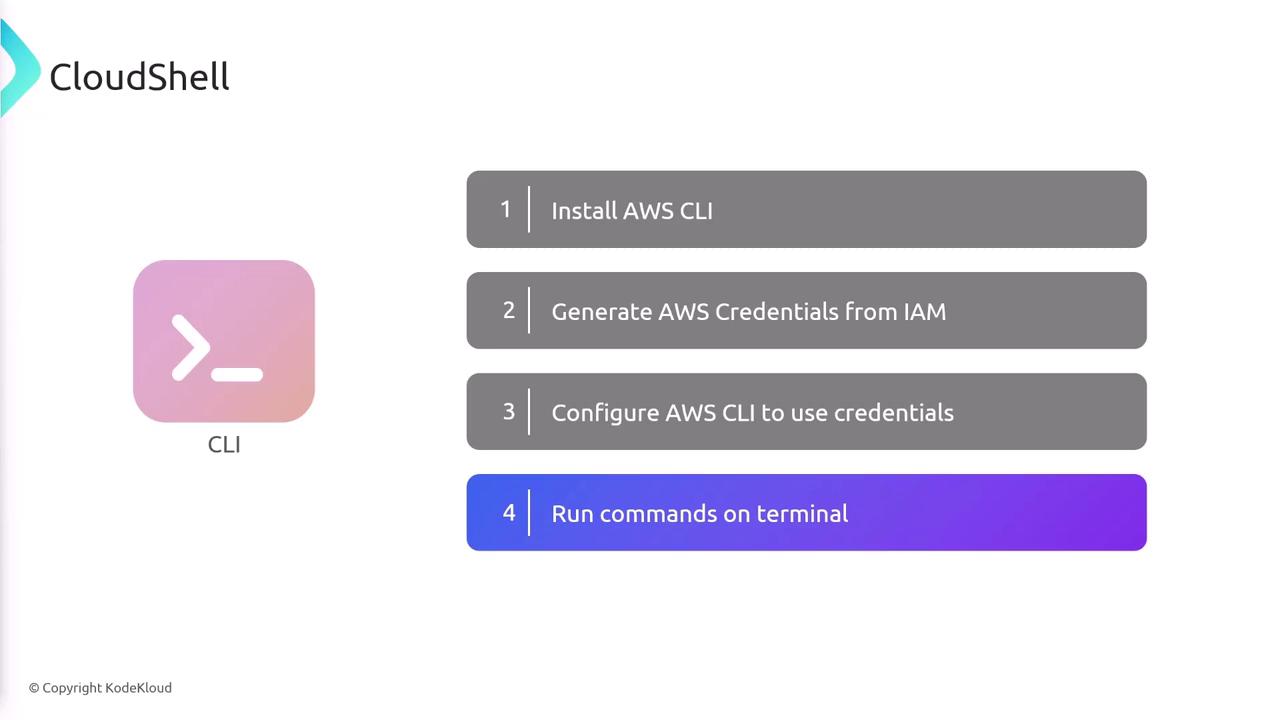
Before utilizing AWS CloudShell, many users follow the traditional setup process for the AWS CLI on their local machines. Typically, this involves:
1. Installing the AWS CLI on your machine.
2. Generating AWS credentials from AWS Identity and Access Management (IAM).
3. Configuring the AWS CLI with the generated credentials.
4. Opening a terminal and running the desired commands.
## Simplified Workflow with AWS CloudShell
There are scenarios where setting up everything locally can be cumbersome, especially for quick tasks such as verifying configurations, launching a simple command, or performing minor deletions. AWS CloudShell provides an immediate solution by offering:
* A preconfigured AWS CLI environment.
* Instant command execution using your active AWS Console session.
* Elimination of the need to manually manage local CLI configurations.
For example, with AWS CloudShell, you can execute an AWS CLI command like:
```bash theme={null}
aws ec2 run-instances
```
This command runs using the credentials of the user currently logged into the AWS Console, offering a streamlined and efficient workflow.
Consider using AWS CloudShell when working on machines that aren’t preconfigured with AWS tools or when you need a fast, reliable environment for AWS CLI operations.