> ## Documentation Index
> Fetch the complete documentation index at: https://notes.kodekloud.com/llms.txt
> Use this file to discover all available pages before exploring further.
# Core AWS Data Sources S3 EFS FSx
> Overview of AWS storage services S3, EFS, and FSx and guidance on their features, use cases, and selection for scalable machine learning data ingestion, processing, and training workflows
AWS offers several core storage services that form the foundation of scalable, production-ready machine learning (ML) workflows. The three primary services covered here are:
* [Amazon S3](https://learn.kodekloud.com/user/courses/amazon-simple-storage-service-amazon-s3) — object storage ideal for data lakes, raw datasets, and model artifacts.
* [Amazon EFS](https://aws.amazon.com/efs/) — managed POSIX (NFS) file system for shared, low-latency access across compute nodes.
* [Amazon FSx](https://aws.amazon.com/fsx/) — high-performance managed file systems (e.g., Lustre) optimized for HPC and throughput-heavy ML training.
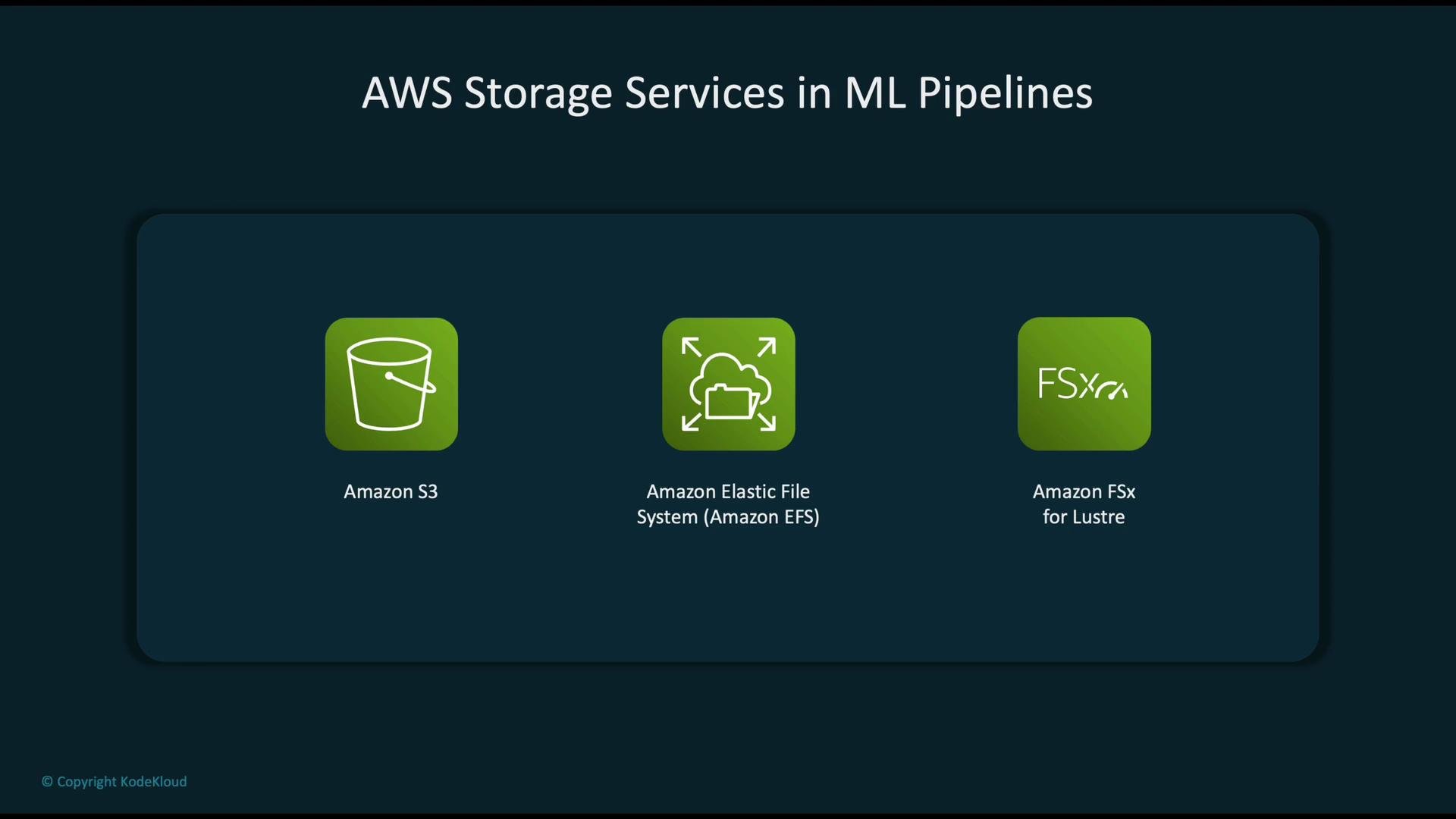 Each service targets different performance, access, and operational needs in ML pipelines. Below we describe their characteristics, common use cases, and recommended patterns for ingestion, processing, training, and collaboration.
## Amazon S3 — Object Storage (Data Lake)
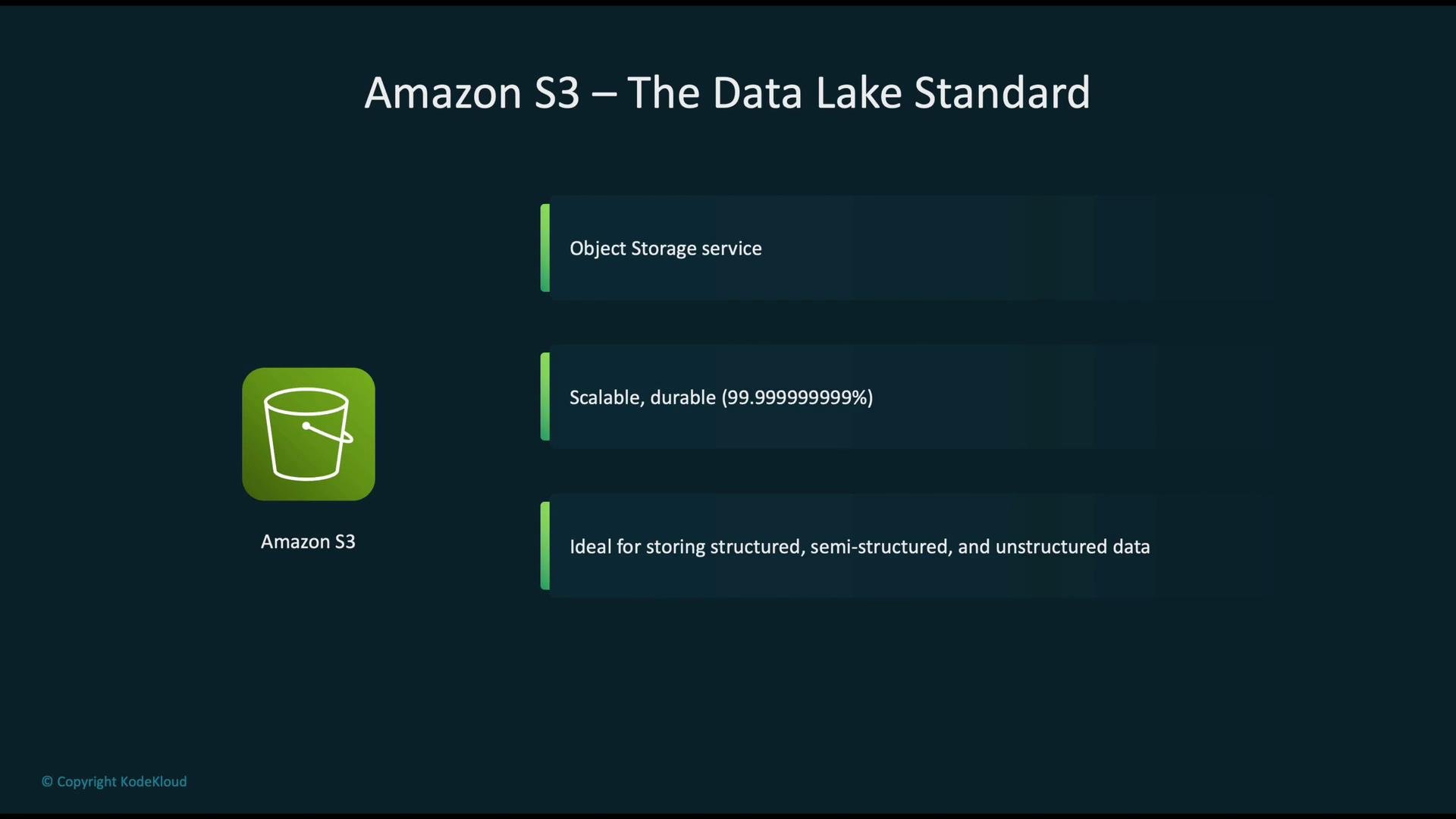
[Amazon S3](https://learn.kodekloud.com/user/courses/amazon-simple-storage-service-amazon-s3) is the de facto data lake on AWS. It provides massively scalable, highly durable object storage suitable for structured, semi-structured, and unstructured data. S3 is the preferred store for raw data, processed datasets, and model artifacts that require long-term retention and broad service integration.
Each service targets different performance, access, and operational needs in ML pipelines. Below we describe their characteristics, common use cases, and recommended patterns for ingestion, processing, training, and collaboration.
## Amazon S3 — Object Storage (Data Lake)
[Amazon S3](https://learn.kodekloud.com/user/courses/amazon-simple-storage-service-amazon-s3) is the de facto data lake on AWS. It provides massively scalable, highly durable object storage suitable for structured, semi-structured, and unstructured data. S3 is the preferred store for raw data, processed datasets, and model artifacts that require long-term retention and broad service integration.
 Key S3 features
* Multiple storage classes for cost and access optimization: Standard, Intelligent-Tiering, Standard-IA, One Zone-IA, Glacier Instant Retrieval, Glacier Flexible Retrieval, Glacier Deep Archive.
* Object versioning and replication: enable `Versioning`, Cross-Region Replication (CRR), and Same-Region Replication (SRR).
* Native integrations: Lambda, Athena, Glue, EMR, SageMaker, CloudFront, and many more.
* Strong security and compliance controls: SSE-S3 / SSE-KMS / SSE-C, TLS in transit, IAM/bucket policies, ACLs, and S3 Block Public Access.
* Lifecycle policies: automated transitions and expirations for objects to manage cost and retention.
S3 durability is expressed as 11 nines (99.999999999%). This extreme durability makes S3 an ideal system of record for ML datasets and trained model artifacts.
S3 in ML pipelines
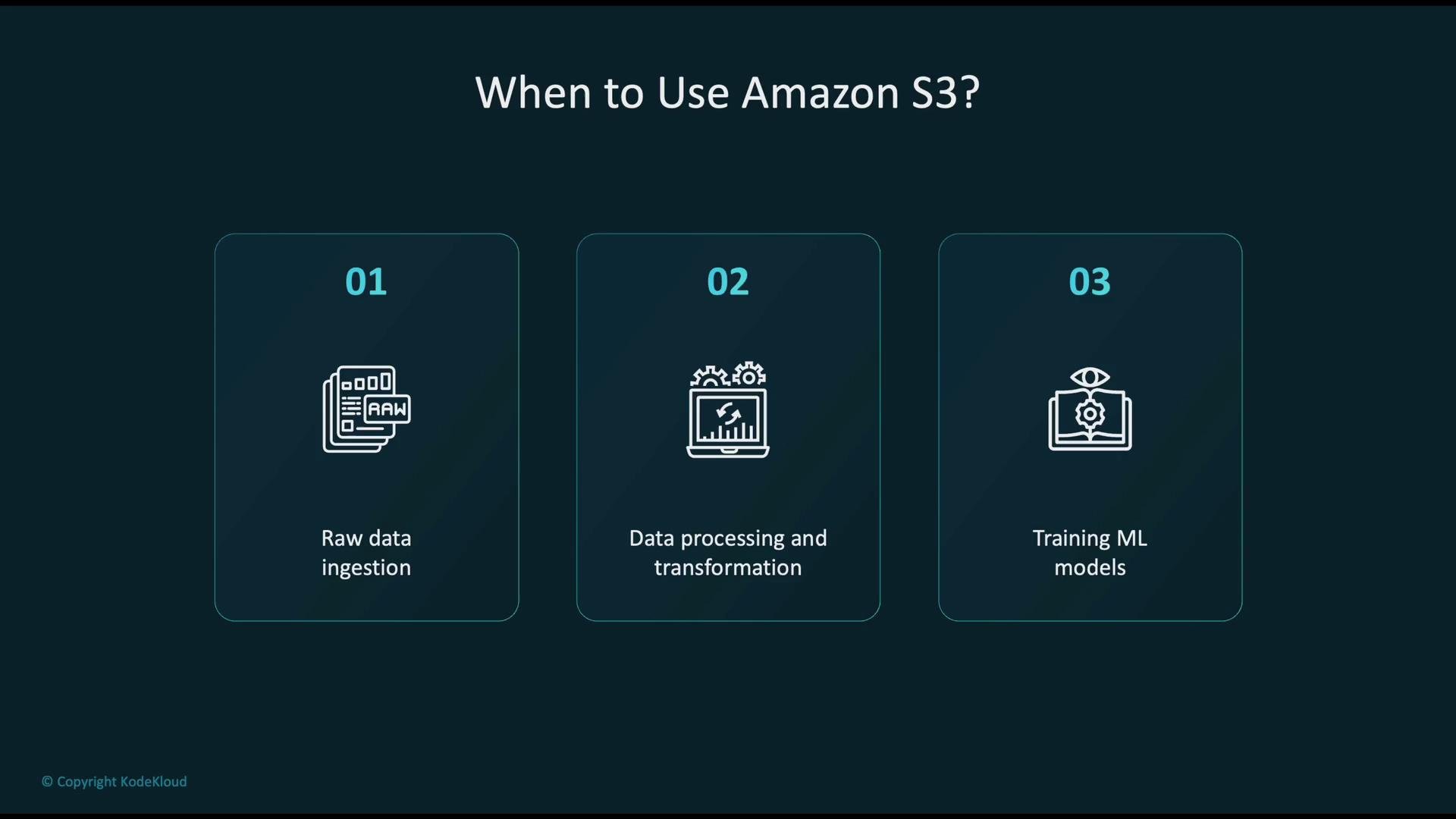
* Raw data ingestion: use event-driven or batch ingestion patterns. For small/real-time payloads, use [AWS Lambda](https://learn.kodekloud.com/user/courses/aws-lambda); for scheduled or large ETL, use [AWS Glue](https://aws.amazon.com/glue/).
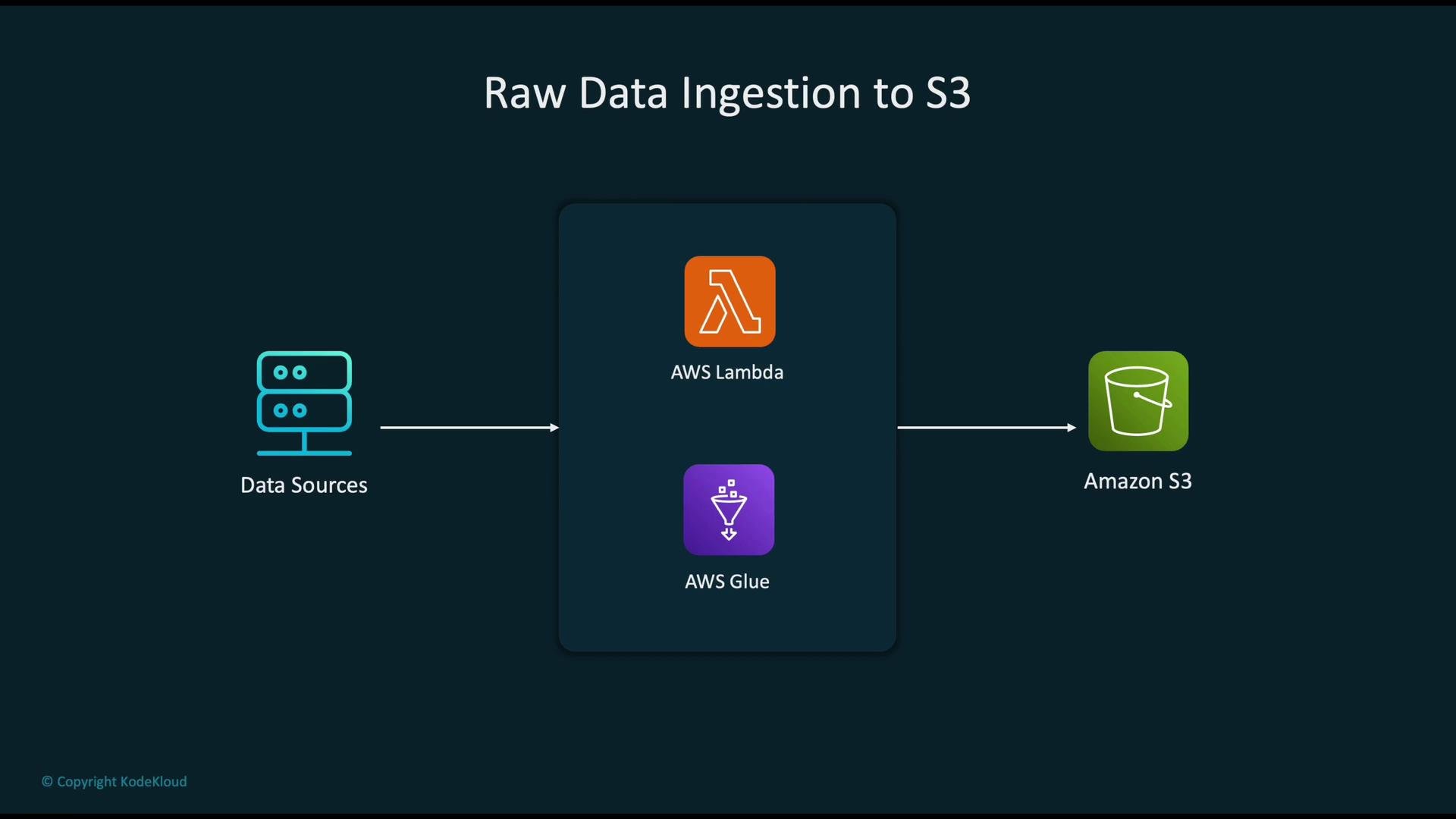
* Data preprocessing & transformation: Glue and EMR read raw objects from S3, transform them, and write cleaned/aggregated datasets back to S3.
* Model training & artifacts: SageMaker training jobs read training/validation data from S3 and write serialized model artifacts and evaluation outputs back to S3 for deployment.
Key S3 features
* Multiple storage classes for cost and access optimization: Standard, Intelligent-Tiering, Standard-IA, One Zone-IA, Glacier Instant Retrieval, Glacier Flexible Retrieval, Glacier Deep Archive.
* Object versioning and replication: enable `Versioning`, Cross-Region Replication (CRR), and Same-Region Replication (SRR).
* Native integrations: Lambda, Athena, Glue, EMR, SageMaker, CloudFront, and many more.
* Strong security and compliance controls: SSE-S3 / SSE-KMS / SSE-C, TLS in transit, IAM/bucket policies, ACLs, and S3 Block Public Access.
* Lifecycle policies: automated transitions and expirations for objects to manage cost and retention.
S3 durability is expressed as 11 nines (99.999999999%). This extreme durability makes S3 an ideal system of record for ML datasets and trained model artifacts.
S3 in ML pipelines
* Raw data ingestion: use event-driven or batch ingestion patterns. For small/real-time payloads, use [AWS Lambda](https://learn.kodekloud.com/user/courses/aws-lambda); for scheduled or large ETL, use [AWS Glue](https://aws.amazon.com/glue/).
* Data preprocessing & transformation: Glue and EMR read raw objects from S3, transform them, and write cleaned/aggregated datasets back to S3.
* Model training & artifacts: SageMaker training jobs read training/validation data from S3 and write serialized model artifacts and evaluation outputs back to S3 for deployment.
 S3 ingestion pipeline (conceptual)
Typical pattern:
data sources → ingestion services ([AWS Lambda](https://learn.kodekloud.com/user/courses/aws-lambda) for event-driven streams or [AWS Glue](https://aws.amazon.com/glue/) for batch ETL) → `Amazon S3` as the centralized data lake (system of record). Lambda handles small or real-time loads; Glue handles scheduled, large-scale ETL and schema discovery.
S3 ingestion pipeline (conceptual)
Typical pattern:
data sources → ingestion services ([AWS Lambda](https://learn.kodekloud.com/user/courses/aws-lambda) for event-driven streams or [AWS Glue](https://aws.amazon.com/glue/) for batch ETL) → `Amazon S3` as the centralized data lake (system of record). Lambda handles small or real-time loads; Glue handles scheduled, large-scale ETL and schema discovery.
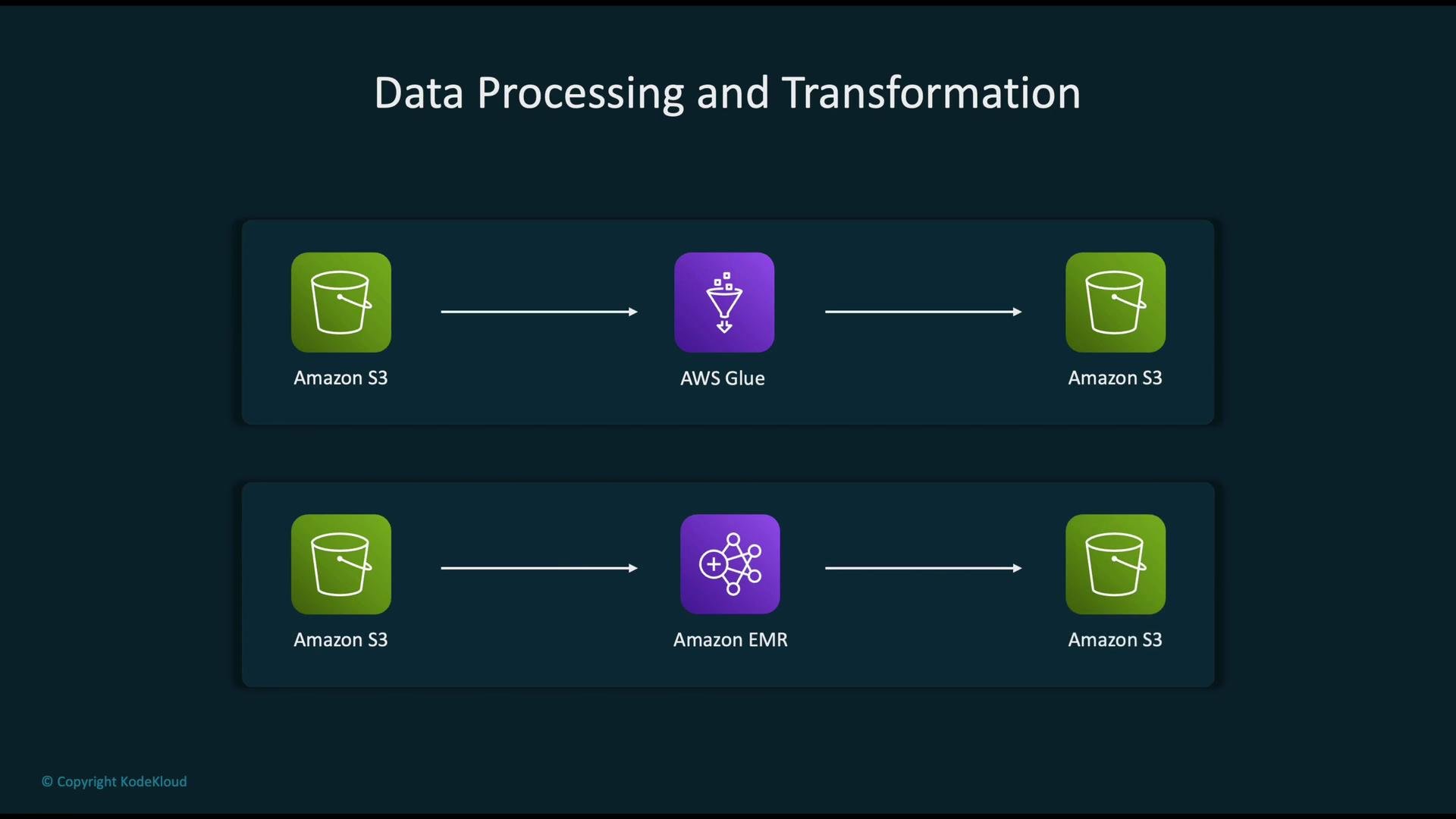
 Data processing and transformation
* Amazon Glue: serverless ETL, schema discovery, data cataloging, and job orchestration.
* Amazon EMR: managed Spark/Hadoop for large-scale distributed processing.
Both commonly use S3 as the primary input/output store for intermediate and final datasets.
Data processing and transformation
* Amazon Glue: serverless ETL, schema discovery, data cataloging, and job orchestration.
* Amazon EMR: managed Spark/Hadoop for large-scale distributed processing.
Both commonly use S3 as the primary input/output store for intermediate and final datasets.
 SageMaker model training
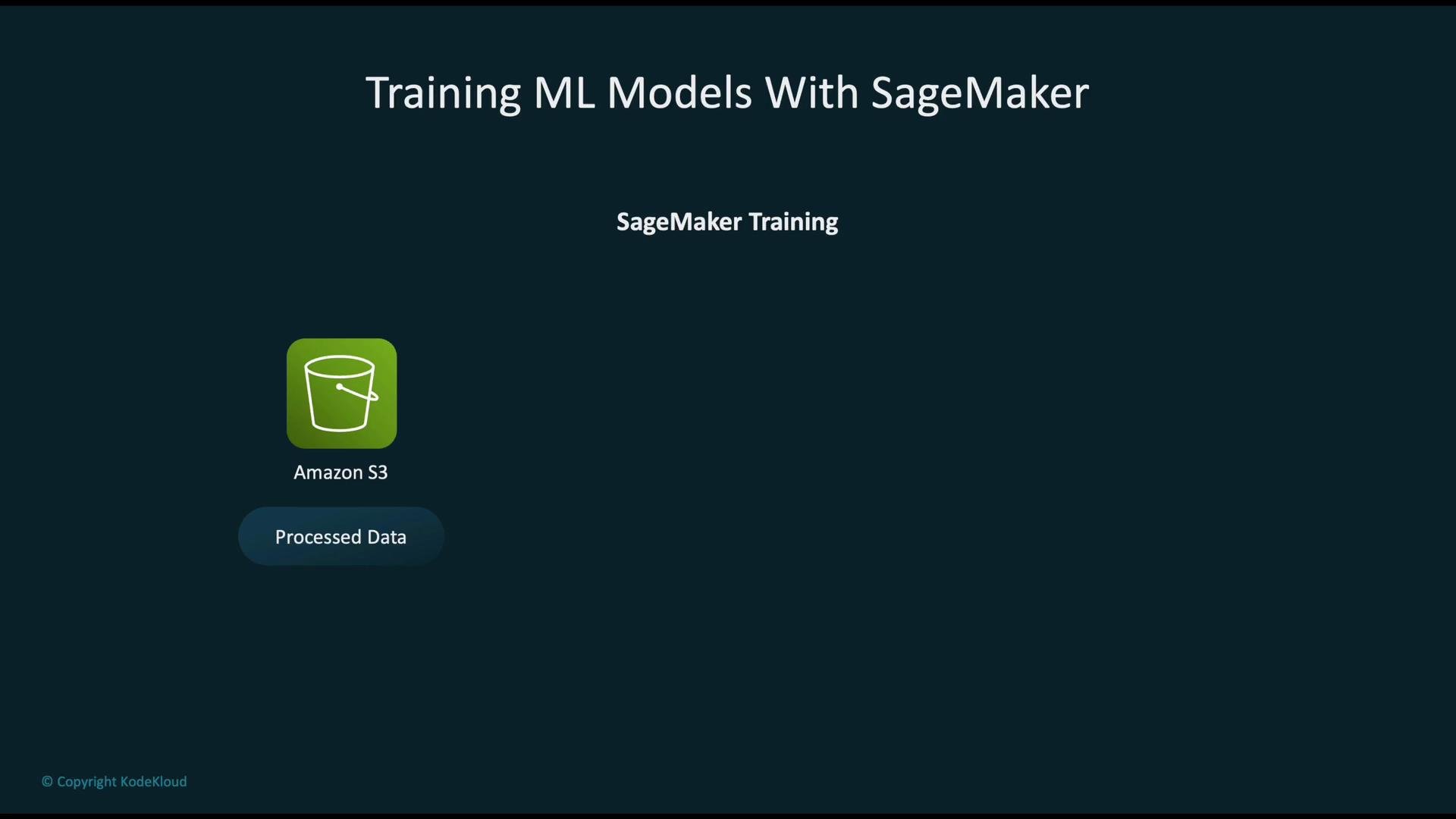
SageMaker training jobs pull datasets from S3 and, on completion, upload model artifacts back to S3 for evaluation and deployment. Use S3 bucket policies and IAM roles to control access for training jobs and inference pipelines.
SageMaker model training
SageMaker training jobs pull datasets from S3 and, on completion, upload model artifacts back to S3 for evaluation and deployment. Use S3 bucket policies and IAM roles to control access for training jobs and inference pipelines.
 ## Amazon EFS — Shared POSIX File System
[Amazon EFS](https://aws.amazon.com/efs/) provides a fully managed, POSIX-compliant NFS file system that automatically scales. EFS supports concurrent mounts from many EC2 instances, containers, and (in supported configurations) SageMaker components—making it an excellent choice for distributed training, shared feature stores, and collaborative notebooks.
Key EFS features for ML
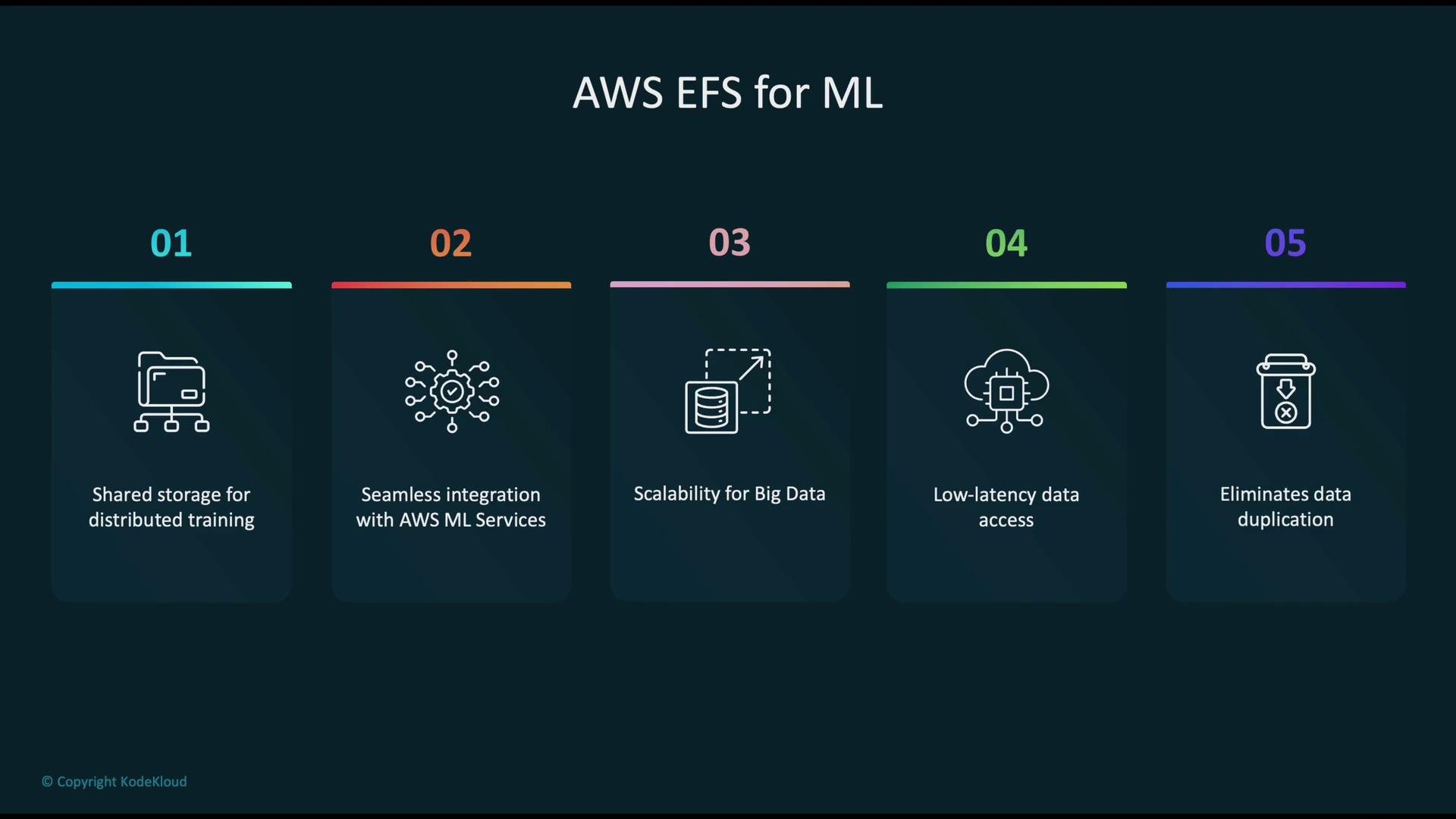
* Shared storage for distributed training and clusters: mount the same filesystem from multiple nodes.
* Integration with SageMaker Studio and compute containers (in supported setups) to reduce data copy operations.
* Automatic scaling to petabytes as datasets grow.
* Low-latency POSIX access suited to workloads requiring fast random reads/writes.
* Centralized storage of datasets, checkpoints, model artifacts, and notebooks to reduce duplication.
## Amazon EFS — Shared POSIX File System
[Amazon EFS](https://aws.amazon.com/efs/) provides a fully managed, POSIX-compliant NFS file system that automatically scales. EFS supports concurrent mounts from many EC2 instances, containers, and (in supported configurations) SageMaker components—making it an excellent choice for distributed training, shared feature stores, and collaborative notebooks.
Key EFS features for ML
* Shared storage for distributed training and clusters: mount the same filesystem from multiple nodes.
* Integration with SageMaker Studio and compute containers (in supported setups) to reduce data copy operations.
* Automatic scaling to petabytes as datasets grow.
* Low-latency POSIX access suited to workloads requiring fast random reads/writes.
* Centralized storage of datasets, checkpoints, model artifacts, and notebooks to reduce duplication.
 Distributed training with EFS
Mount the same EFS file system on multiple compute nodes to access shared datasets, checkpoints, and logs:
* /datasets — shared read-only training data
* /checkpoints — nodes write checkpoints to enable resume after failure
* /logs — centralized logs for monitoring and metrics aggregation
This layout simplifies checkpointing and fault tolerance: a replacement node can resume training from the last shared checkpoint.
EFS for collaborative ML
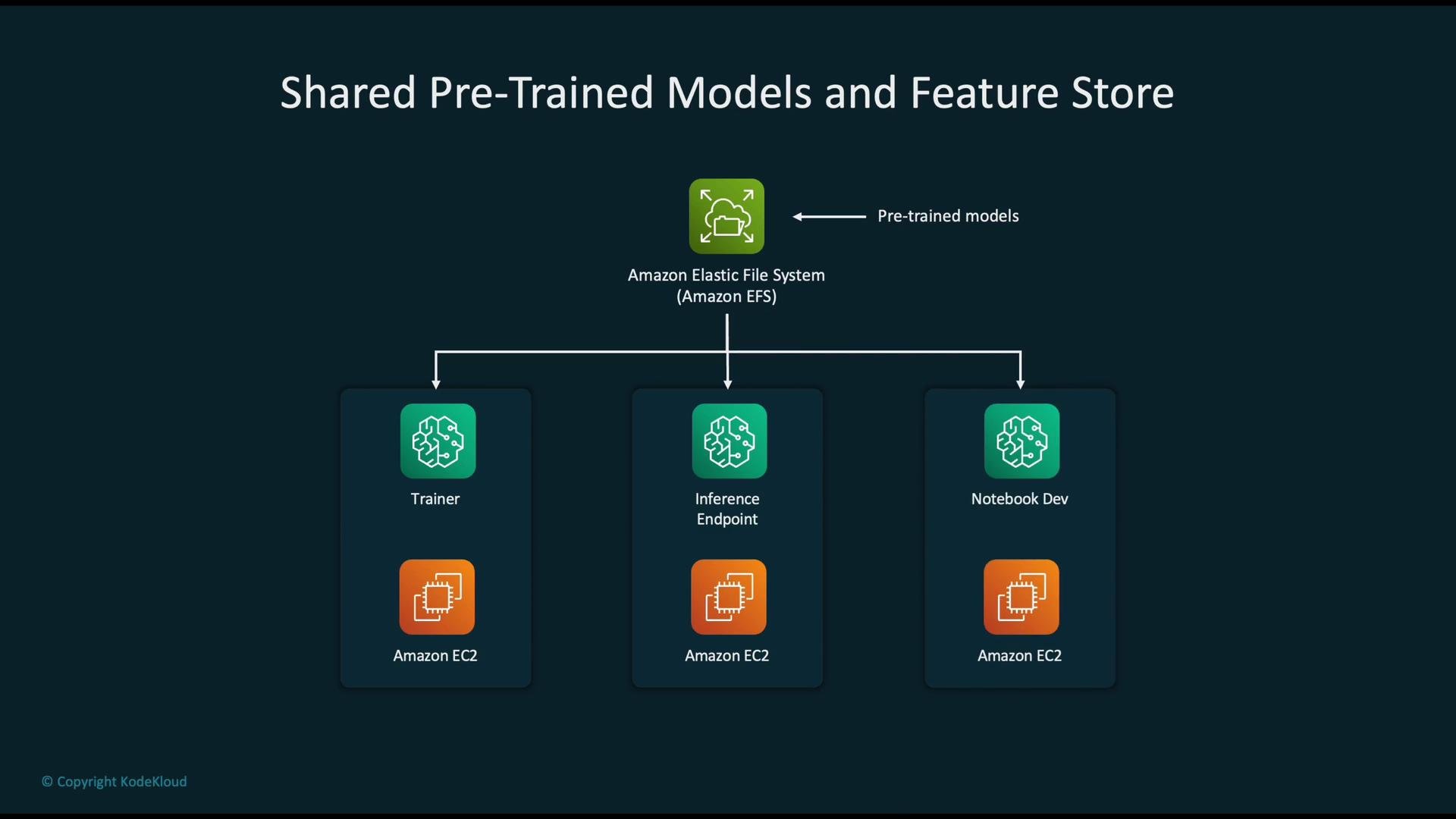
EFS works well for sharing pre-trained models, feature stores, code repositories, and notebook storage across teams. It integrates with SageMaker Studio user profiles to provide consistent storage across development and production environments.
Distributed training with EFS
Mount the same EFS file system on multiple compute nodes to access shared datasets, checkpoints, and logs:
* /datasets — shared read-only training data
* /checkpoints — nodes write checkpoints to enable resume after failure
* /logs — centralized logs for monitoring and metrics aggregation
This layout simplifies checkpointing and fault tolerance: a replacement node can resume training from the last shared checkpoint.
EFS for collaborative ML
EFS works well for sharing pre-trained models, feature stores, code repositories, and notebook storage across teams. It integrates with SageMaker Studio user profiles to provide consistent storage across development and production environments.
 EFS is excellent for shared POSIX access but consider throughput mode and performance mode selection carefully. For very high IOPS or extremely low latency needs, FSx (Lustre) or instance-attached NVMe storage may be more appropriate—and cost profiles differ significantly.
## Amazon FSx — High-Performance File Systems (Lustre, ONTAP, OpenZFS)
[Amazon FSx](https://aws.amazon.com/fsx/) offers fully managed file systems tailored to specific workloads. Relevant FSx options for ML/HPC include:
* FSx for Lustre — parallel, high-throughput POSIX file system commonly used for large-scale ML training and HPC. Can be linked to S3 to provide a fast POSIX namespace backed by S3 objects (data import/export and caching).
* FSx for Windows File Server — Windows-native file shares for Windows-based applications.
* FSx for NetApp ONTAP — enterprise-grade data management and replication features.
* FSx for OpenZFS — POSIX-compliant with snapshots and ZFS features for workloads that require them.
Choose FSx for Lustre when you need parallel I/O and the highest throughput for large training jobs, especially when pairing with S3 as the persistent storage tier.
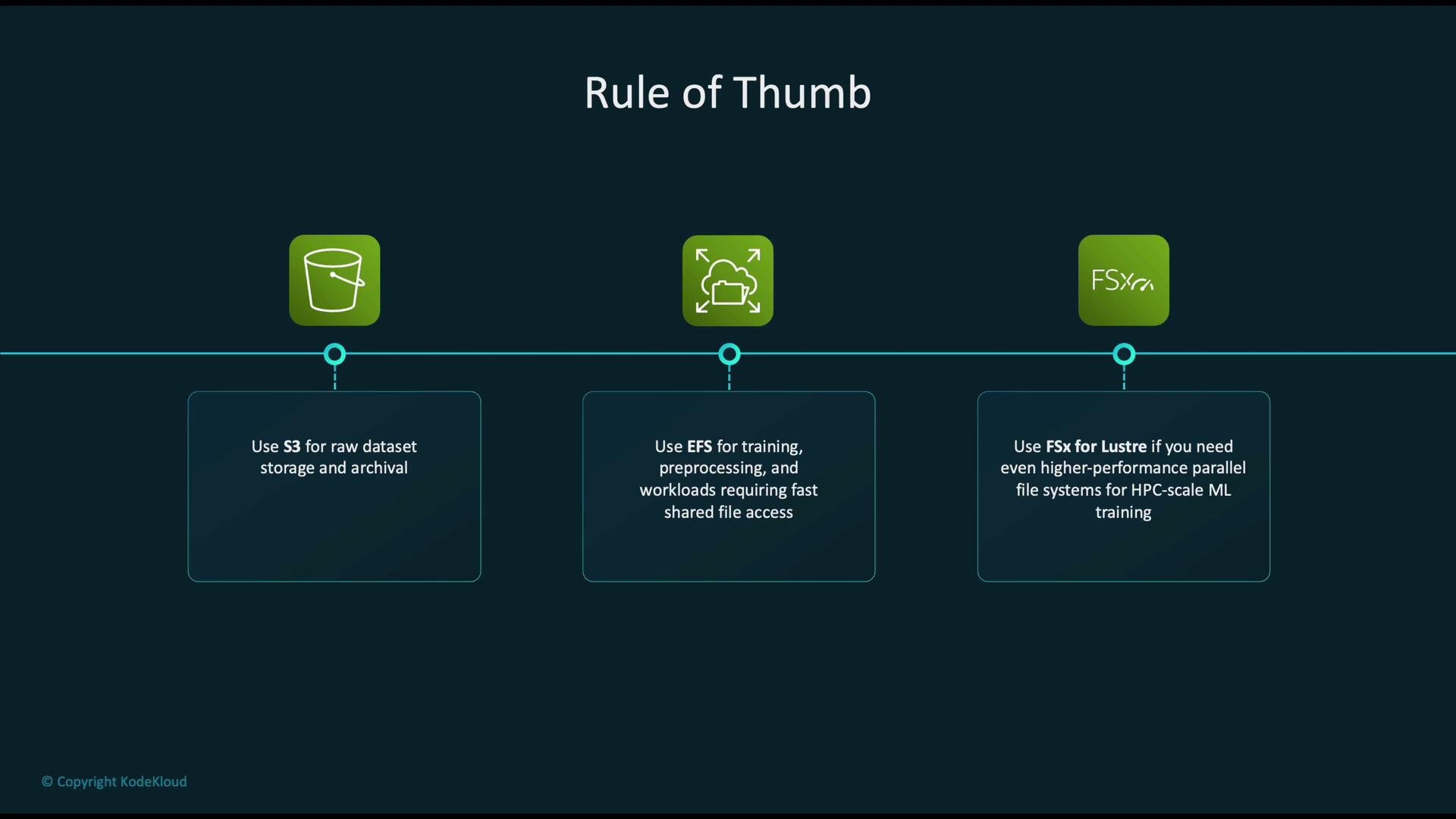
## Rules of Thumb — Which Storage to Use
* Use Amazon S3 for:
* Raw dataset storage, data lake patterns, model artifacts, and archival.
* Broad service integration and long-term retention.
* Use Amazon EFS for:
* Shared POSIX file access, low-latency reads/writes, distributed training with frequent checkpointing, and collaborative development.
* Use Amazon FSx (Lustre) for:
* High-throughput, parallel file access required by HPC and large-scale ML training. FSx for Lustre can cache and import S3 data for fast local access during training.
EFS is excellent for shared POSIX access but consider throughput mode and performance mode selection carefully. For very high IOPS or extremely low latency needs, FSx (Lustre) or instance-attached NVMe storage may be more appropriate—and cost profiles differ significantly.
## Amazon FSx — High-Performance File Systems (Lustre, ONTAP, OpenZFS)
[Amazon FSx](https://aws.amazon.com/fsx/) offers fully managed file systems tailored to specific workloads. Relevant FSx options for ML/HPC include:
* FSx for Lustre — parallel, high-throughput POSIX file system commonly used for large-scale ML training and HPC. Can be linked to S3 to provide a fast POSIX namespace backed by S3 objects (data import/export and caching).
* FSx for Windows File Server — Windows-native file shares for Windows-based applications.
* FSx for NetApp ONTAP — enterprise-grade data management and replication features.
* FSx for OpenZFS — POSIX-compliant with snapshots and ZFS features for workloads that require them.
Choose FSx for Lustre when you need parallel I/O and the highest throughput for large training jobs, especially when pairing with S3 as the persistent storage tier.
## Rules of Thumb — Which Storage to Use
* Use Amazon S3 for:
* Raw dataset storage, data lake patterns, model artifacts, and archival.
* Broad service integration and long-term retention.
* Use Amazon EFS for:
* Shared POSIX file access, low-latency reads/writes, distributed training with frequent checkpointing, and collaborative development.
* Use Amazon FSx (Lustre) for:
* High-throughput, parallel file access required by HPC and large-scale ML training. FSx for Lustre can cache and import S3 data for fast local access during training.
 ## Quick Comparison
| Characteristic | Amazon S3 | Amazon EFS | Amazon FSx (Lustre) |
| -------------- | --------------------------------------------------------------------: | -------------------------------------------: | ------------------------------------------: |
| Storage type | Object | POSIX file (NFS) | Parallel POSIX file system |
| Typical use | Data lake, archival, artifacts | Shared training data, checkpoints, notebooks | High-throughput training, HPC |
| Latency | Higher (object access) | Low (file system) | Very low / very high throughput |
| Concurrency | Read-heavy; strong read-after-write consistency for object operations | Concurrent mounts by many clients | Parallel access across clients |
| Scalability | Virtually unlimited | Automatically scales to PB | Scales for HPC workloads |
| Integration | Broad AWS service integration | Mountable in SageMaker Studio, EC2 | Integrates with S3 (import/export; caching) |
Use these guidelines to select the appropriate AWS storage service based on your ML project's performance, access patterns, cost, and operational requirements.
## Links and References
* [Amazon S3 — documentation and examples](https://learn.kodekloud.com/user/courses/amazon-simple-storage-service-amazon-s3)
* [Amazon EFS — official docs](https://aws.amazon.com/efs/)
* [Amazon FSx — product overview](https://aws.amazon.com/fsx/)
* [AWS Glue — ETL service](https://aws.amazon.com/glue/)
* [Amazon EMR — managed big data](https://aws.amazon.com/emr/)
* [Amazon SageMaker — ML platform](https://learn.kodekloud.com/user/courses/aws-sagemaker)
## Quick Comparison
| Characteristic | Amazon S3 | Amazon EFS | Amazon FSx (Lustre) |
| -------------- | --------------------------------------------------------------------: | -------------------------------------------: | ------------------------------------------: |
| Storage type | Object | POSIX file (NFS) | Parallel POSIX file system |
| Typical use | Data lake, archival, artifacts | Shared training data, checkpoints, notebooks | High-throughput training, HPC |
| Latency | Higher (object access) | Low (file system) | Very low / very high throughput |
| Concurrency | Read-heavy; strong read-after-write consistency for object operations | Concurrent mounts by many clients | Parallel access across clients |
| Scalability | Virtually unlimited | Automatically scales to PB | Scales for HPC workloads |
| Integration | Broad AWS service integration | Mountable in SageMaker Studio, EC2 | Integrates with S3 (import/export; caching) |
Use these guidelines to select the appropriate AWS storage service based on your ML project's performance, access patterns, cost, and operational requirements.
## Links and References
* [Amazon S3 — documentation and examples](https://learn.kodekloud.com/user/courses/amazon-simple-storage-service-amazon-s3)
* [Amazon EFS — official docs](https://aws.amazon.com/efs/)
* [Amazon FSx — product overview](https://aws.amazon.com/fsx/)
* [AWS Glue — ETL service](https://aws.amazon.com/glue/)
* [Amazon EMR — managed big data](https://aws.amazon.com/emr/)
* [Amazon SageMaker — ML platform](https://learn.kodekloud.com/user/courses/aws-sagemaker)