> ## Documentation Index
> Fetch the complete documentation index at: https://notes.kodekloud.com/llms.txt
> Use this file to discover all available pages before exploring further.
# Container Options for ML Deployment
> Overview of container strategies for deploying machine learning on AWS covering SageMaker prebuilt images, BYOC, managed platforms, GPU compatibility, security, image optimization, and cost versus operational tradeoffs
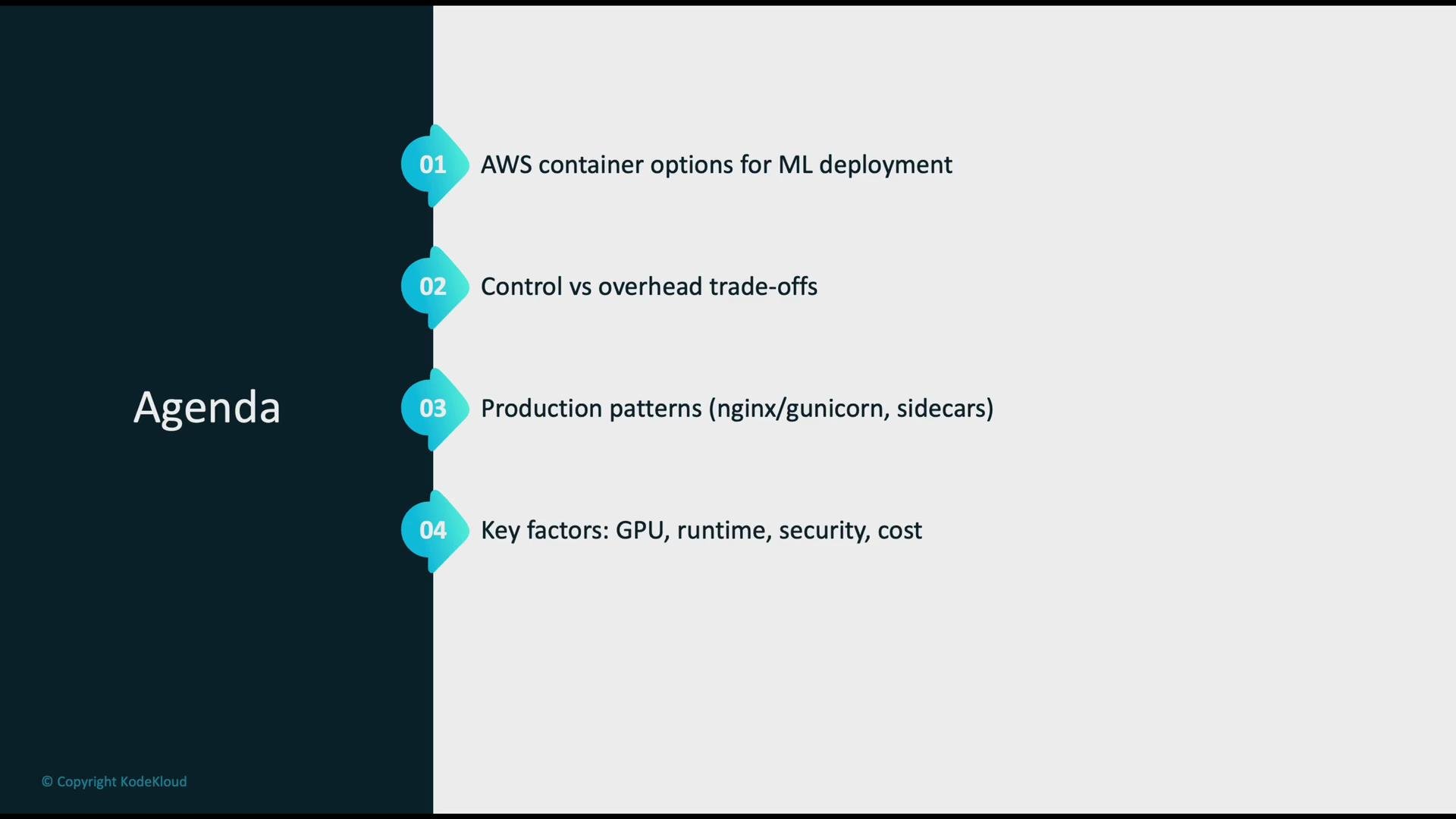
In this lesson we cover container strategies for deploying machine learning models on AWS, how to choose between them, and production patterns that balance control, cost, and operational overhead.
We’ll go through:
* AWS container options for ML deployment
* Trade-offs between control and maintenance
* Production patterns (NGINX, sidecars, co-located containers)
* Key decision factors: GPU, runtime, security, and cost
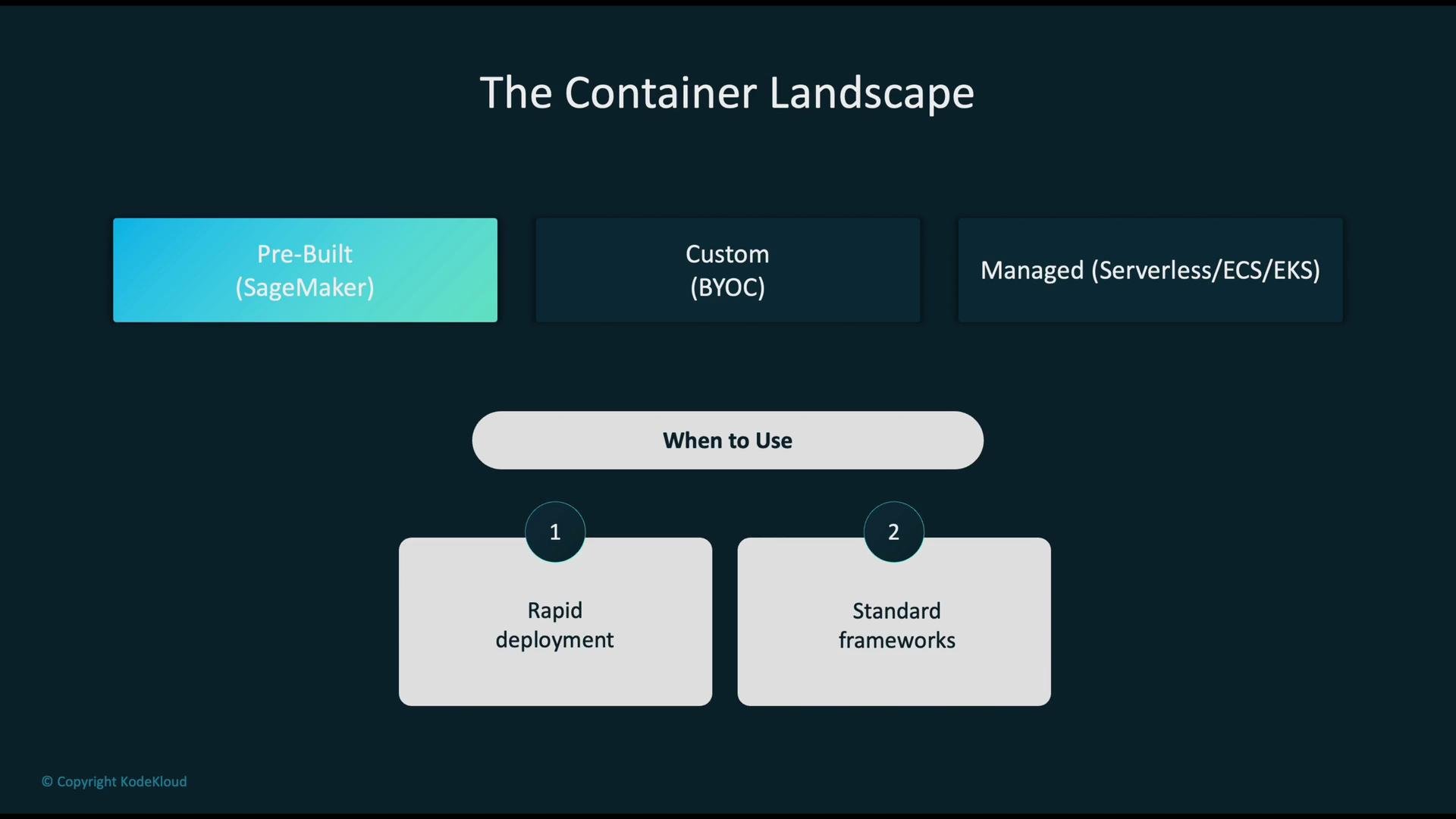
 Summary: three common container approaches
* Pre-built images (e.g., SageMaker pre-built containers)
* Bring-Your-Own-Container (BYOC) — fully custom images
* Run containers on managed platforms — serverless, ECS, or EKS
Each option is suitable for different trade-offs between speed to production, operational responsibility, and need for custom drivers or binaries.
Summary: three common container approaches
* Pre-built images (e.g., SageMaker pre-built containers)
* Bring-Your-Own-Container (BYOC) — fully custom images
* Run containers on managed platforms — serverless, ECS, or EKS
Each option is suitable for different trade-offs between speed to production, operational responsibility, and need for custom drivers or binaries.
 Comparison: pre-built vs BYOC vs managed platforms
| Approach | When to use | Advantages | Trade-offs | Example |
| ------------------------------------- | ----------------------------------------------------------------: | ------------------------------------------------------------ | --------------------------------------------------------------- | ----------------------------------------- |
| Pre-built SageMaker images | Standard frameworks, fast iteration | Minimal maintenance, integrates well with SageMaker features | Limited when you need custom drivers/binaries | Use SageMaker pre-built TF/PyTorch images |
| BYOC (custom image) | Need OS-level control, custom drivers (CUDA), or special binaries | Full control of runtime & packages | Higher maintenance (patching, image security, build complexity) | Custom container with NGINX + Uvicorn |
| Managed platform (Serverless/ECS/EKS) | Need orchestration, autoscaling, rolling updates | Platform-level scaling and managed infra | More operational aspects like image optimization & security | AWS Fargate, EKS, SageMaker endpoints |
When to choose managed services (Serverless / ECS / EKS)
* Choose them when you need automatic scaling, integration with other AWS services, or orchestration features (rolling updates, service discovery).
* Trade-off: more control = more maintenance (image security, OS patches, startup tuning).
* Mitigation: use small base images, multi-stage builds, and design for fast cold-starts.
SageMaker container architecture (high level)
* Images are stored in Amazon ECR.
* SageMaker pulls the image and prepares the runtime.
* Model artifacts are fetched from Amazon S3.
* SageMaker launches an endpoint on managed hosts (EC2 or EKS) to serve predictions.
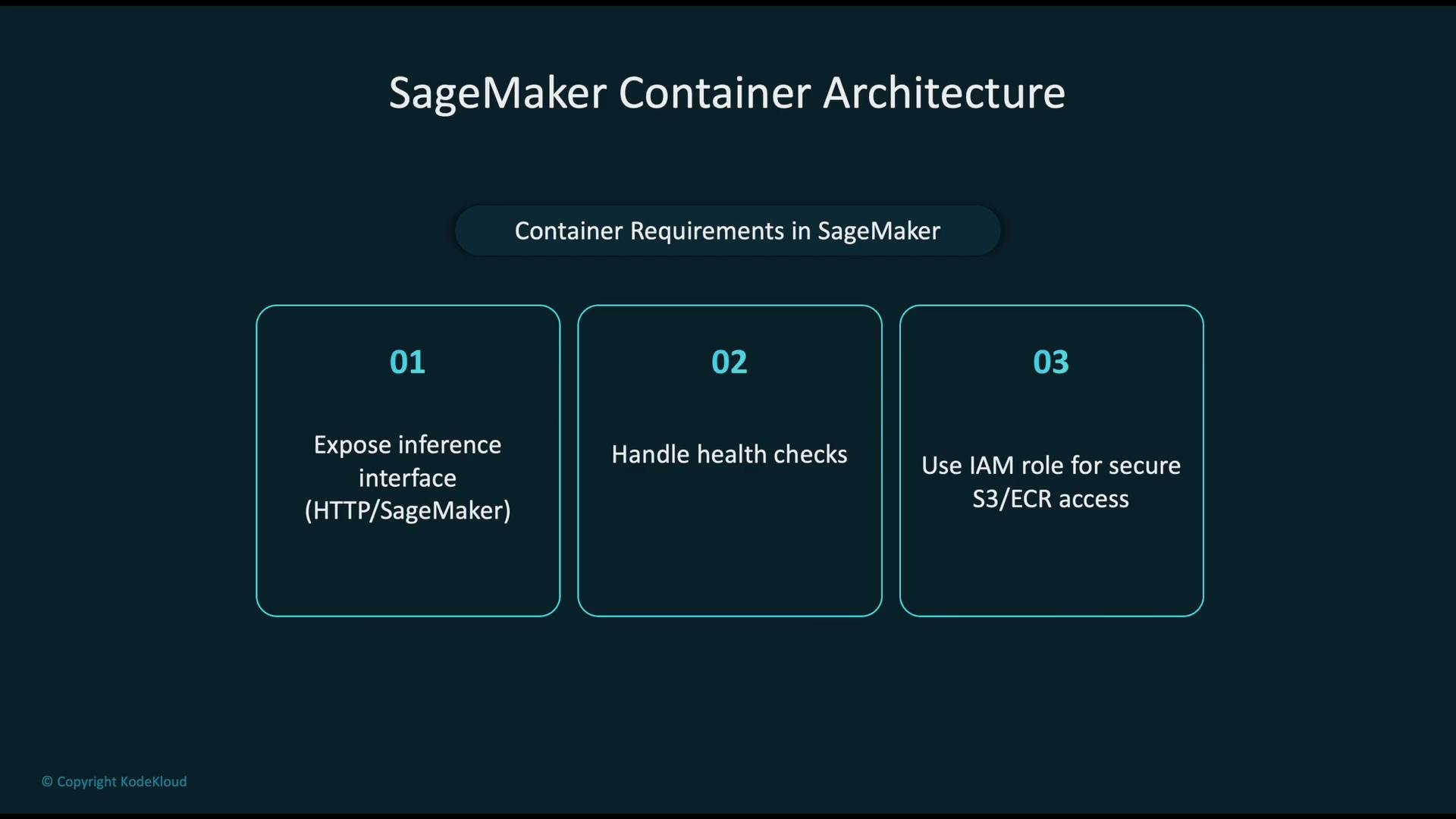
To run a custom container on SageMaker you must satisfy three fundamental requirements:
1. Expose an HTTP inference interface (commonly `/ping` for health, `/invocations` for inference).
2. Respond correctly to health checks so SageMaker knows when the container is ready.
3. Use an IAM role (SageMaker execution role) so the container process can access AWS resources like S3 and ECR.
Comparison: pre-built vs BYOC vs managed platforms
| Approach | When to use | Advantages | Trade-offs | Example |
| ------------------------------------- | ----------------------------------------------------------------: | ------------------------------------------------------------ | --------------------------------------------------------------- | ----------------------------------------- |
| Pre-built SageMaker images | Standard frameworks, fast iteration | Minimal maintenance, integrates well with SageMaker features | Limited when you need custom drivers/binaries | Use SageMaker pre-built TF/PyTorch images |
| BYOC (custom image) | Need OS-level control, custom drivers (CUDA), or special binaries | Full control of runtime & packages | Higher maintenance (patching, image security, build complexity) | Custom container with NGINX + Uvicorn |
| Managed platform (Serverless/ECS/EKS) | Need orchestration, autoscaling, rolling updates | Platform-level scaling and managed infra | More operational aspects like image optimization & security | AWS Fargate, EKS, SageMaker endpoints |
When to choose managed services (Serverless / ECS / EKS)
* Choose them when you need automatic scaling, integration with other AWS services, or orchestration features (rolling updates, service discovery).
* Trade-off: more control = more maintenance (image security, OS patches, startup tuning).
* Mitigation: use small base images, multi-stage builds, and design for fast cold-starts.
SageMaker container architecture (high level)
* Images are stored in Amazon ECR.
* SageMaker pulls the image and prepares the runtime.
* Model artifacts are fetched from Amazon S3.
* SageMaker launches an endpoint on managed hosts (EC2 or EKS) to serve predictions.
To run a custom container on SageMaker you must satisfy three fundamental requirements:
1. Expose an HTTP inference interface (commonly `/ping` for health, `/invocations` for inference).
2. Respond correctly to health checks so SageMaker knows when the container is ready.
3. Use an IAM role (SageMaker execution role) so the container process can access AWS resources like S3 and ECR.
 Pre-built SageMaker containers
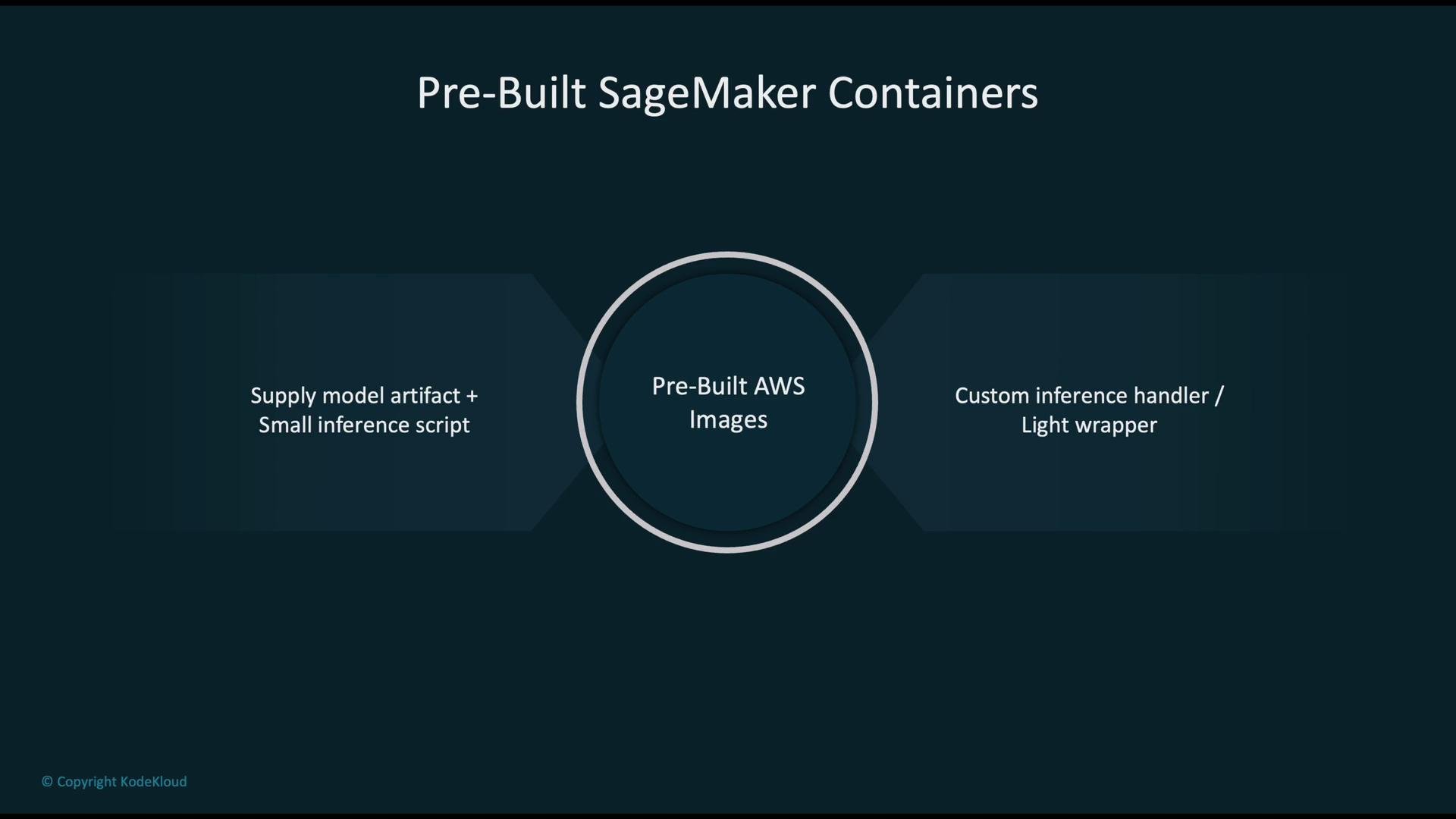
* Simplify deployment: supply model artifact(s) plus a small inference script or handler.
* AWS pre-built images already implement the SageMaker inference contract — minimal glue code needed.
* For specialized logic, provide a custom inference handler or a thin wrapper around the model.
Pre-built SageMaker containers
* Simplify deployment: supply model artifact(s) plus a small inference script or handler.
* AWS pre-built images already implement the SageMaker inference contract — minimal glue code needed.
* For specialized logic, provide a custom inference handler or a thin wrapper around the model.
 Trade-offs for pre-built SageMaker containers
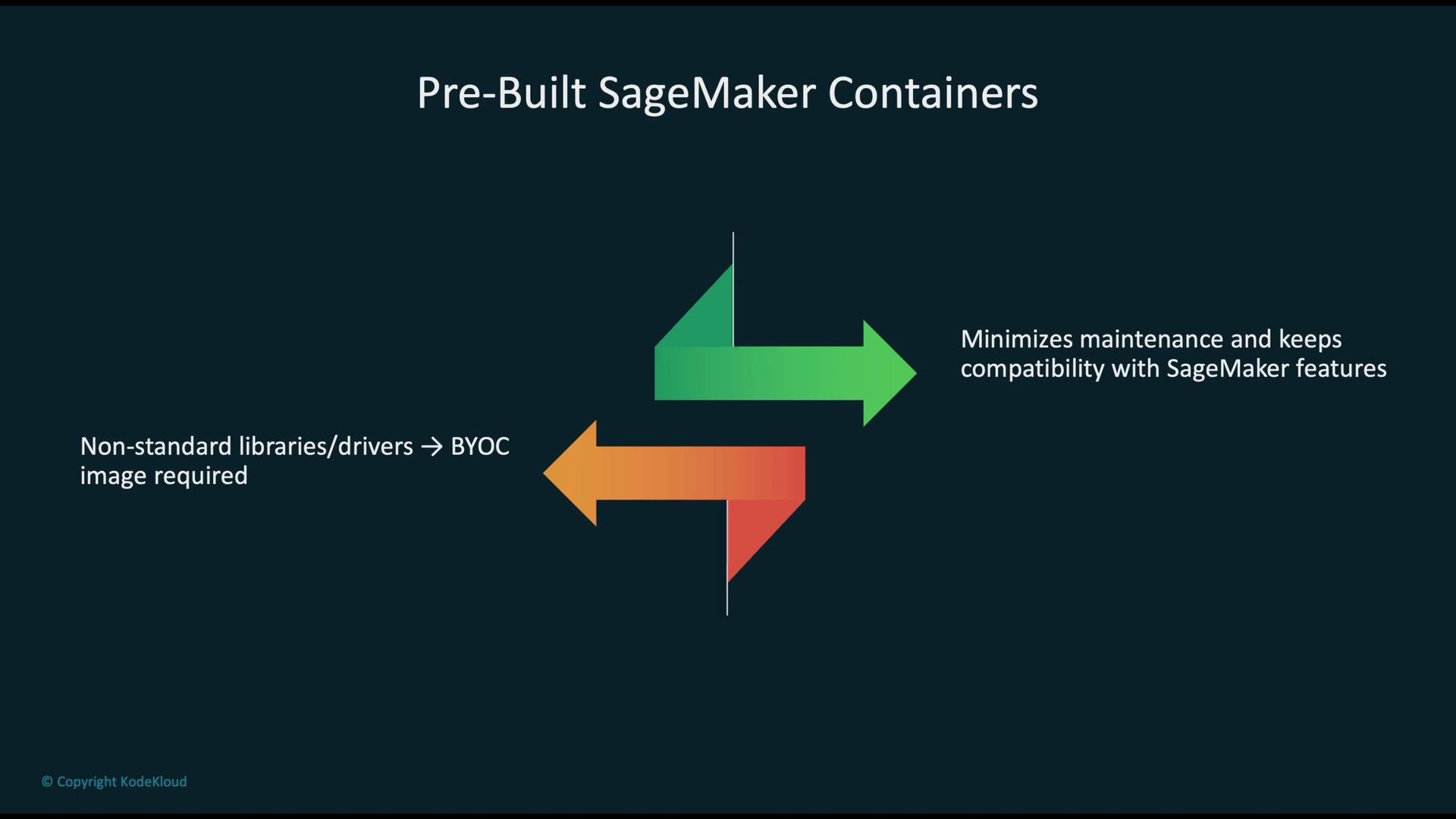
* Pros: minimal maintenance and full compatibility with SageMaker features.
* Cons: limited flexibility for non-standard libraries, custom native binaries, or specific GPU drivers — in these cases, BYOC is required.
Trade-offs for pre-built SageMaker containers
* Pros: minimal maintenance and full compatibility with SageMaker features.
* Cons: limited flexibility for non-standard libraries, custom native binaries, or specific GPU drivers — in these cases, BYOC is required.
 Bring-Your-Own-Container (BYOC)
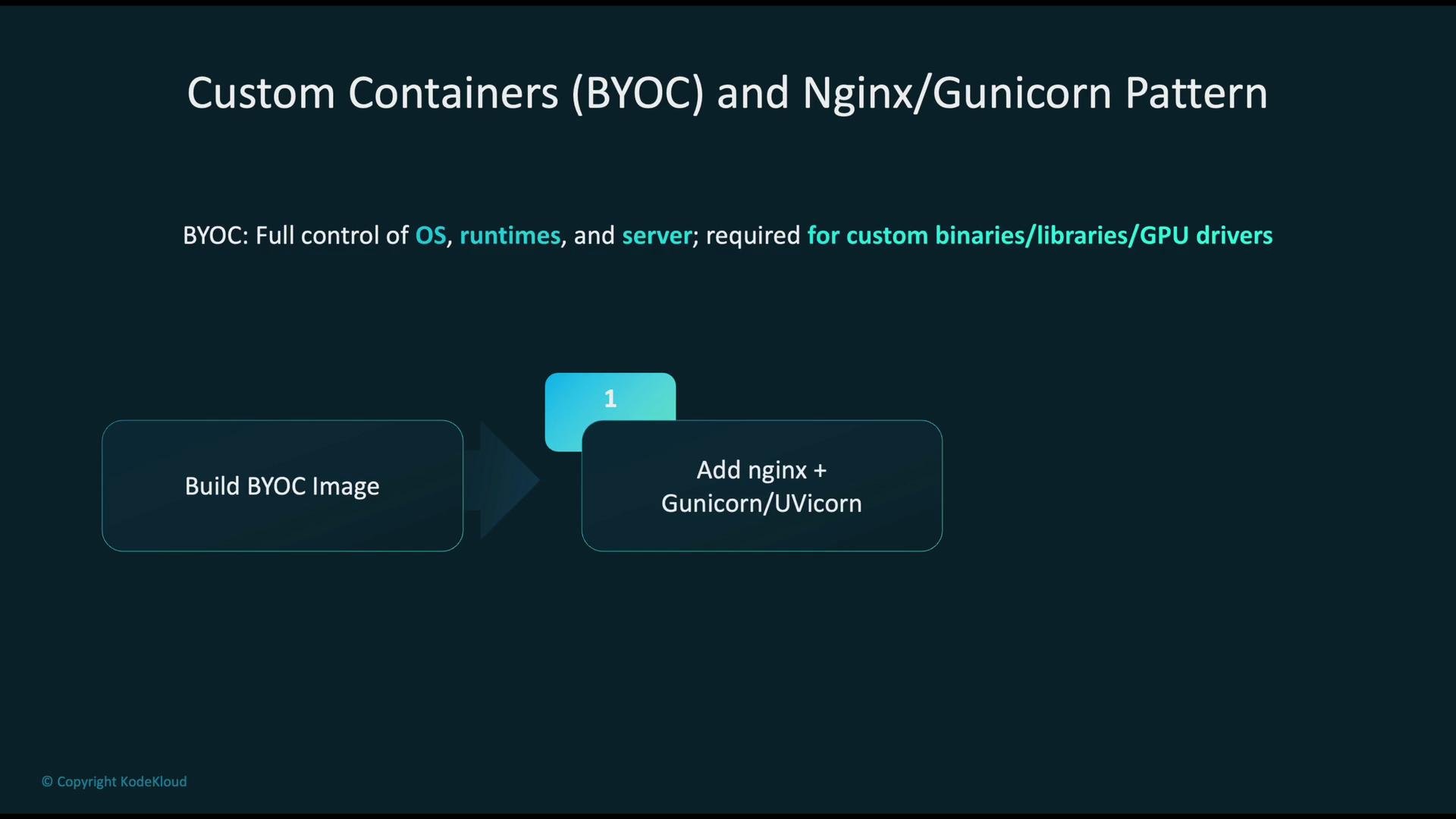
* Use BYOC when you need full control over OS, runtime, server setup, or custom binaries (e.g., specific CUDA drivers).
* Common production pattern: custom container with a reverse proxy (NGINX) in front of an application server (Uvicorn/Gunicorn) that hosts the model API.
* BYOC enables precise dependency pinning and the ability to include native libraries.
Bring-Your-Own-Container (BYOC)
* Use BYOC when you need full control over OS, runtime, server setup, or custom binaries (e.g., specific CUDA drivers).
* Common production pattern: custom container with a reverse proxy (NGINX) in front of an application server (Uvicorn/Gunicorn) that hosts the model API.
* BYOC enables precise dependency pinning and the ability to include native libraries.
 Preparing a custom container for SageMaker — four key steps
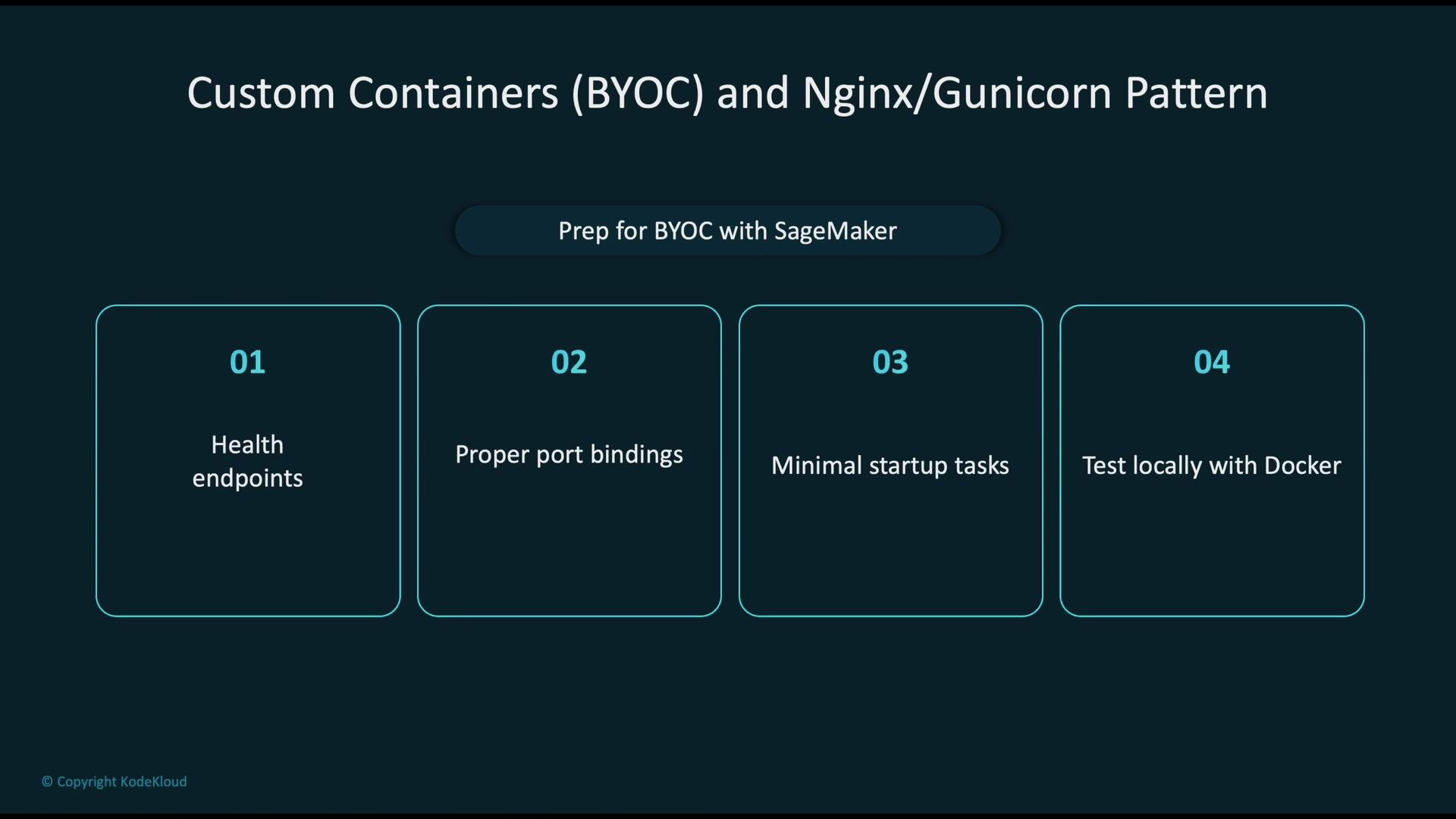
1. Implement health endpoints (`/ping`) to let the platform verify readiness and liveness.
2. Ensure correct port bindings so the container listens on the expected port.
3. Minimize startup tasks to reduce launch time and avoid platform timeouts.
4. Test locally with Docker before pushing to the registry.
Always test your container locally with Docker and mimic the production environment (same base image, same environment variables, same hardware when possible).
Preparing a custom container for SageMaker — four key steps
1. Implement health endpoints (`/ping`) to let the platform verify readiness and liveness.
2. Ensure correct port bindings so the container listens on the expected port.
3. Minimize startup tasks to reduce launch time and avoid platform timeouts.
4. Test locally with Docker before pushing to the registry.
Always test your container locally with Docker and mimic the production environment (same base image, same environment variables, same hardware when possible).
 Container image size and optimization techniques
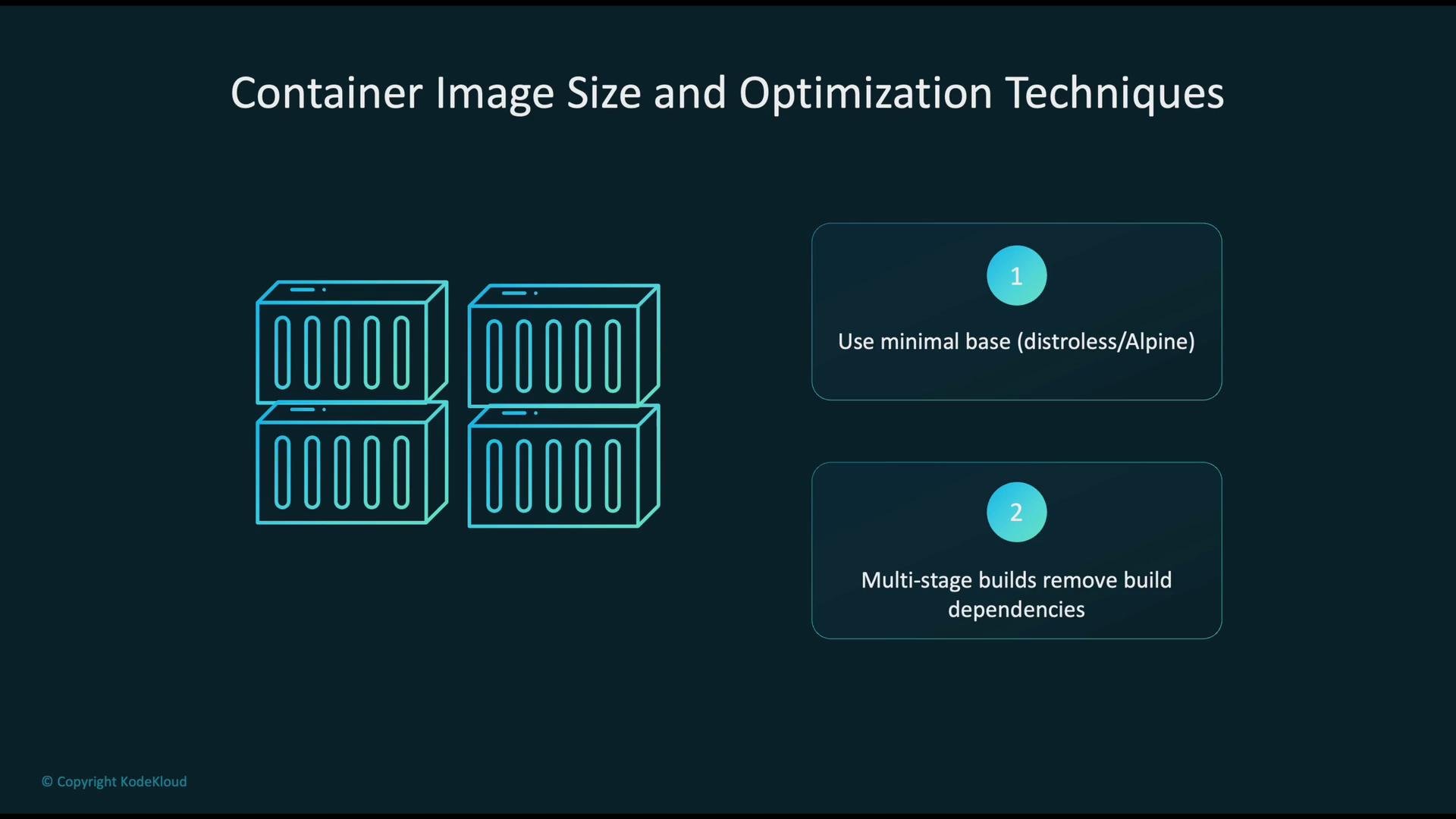
* Start with a minimal base image (distroless or Alpine) with only runtime essentials.
* Use multi-stage builds to separate build-time tooling from runtime artifacts.
* Clean package caches and remove build artifacts to reduce image layers and size.
Container image size and optimization techniques
* Start with a minimal base image (distroless or Alpine) with only runtime essentials.
* Use multi-stage builds to separate build-time tooling from runtime artifacts.
* Clean package caches and remove build artifacts to reduce image layers and size.
 Additional best practices for image size
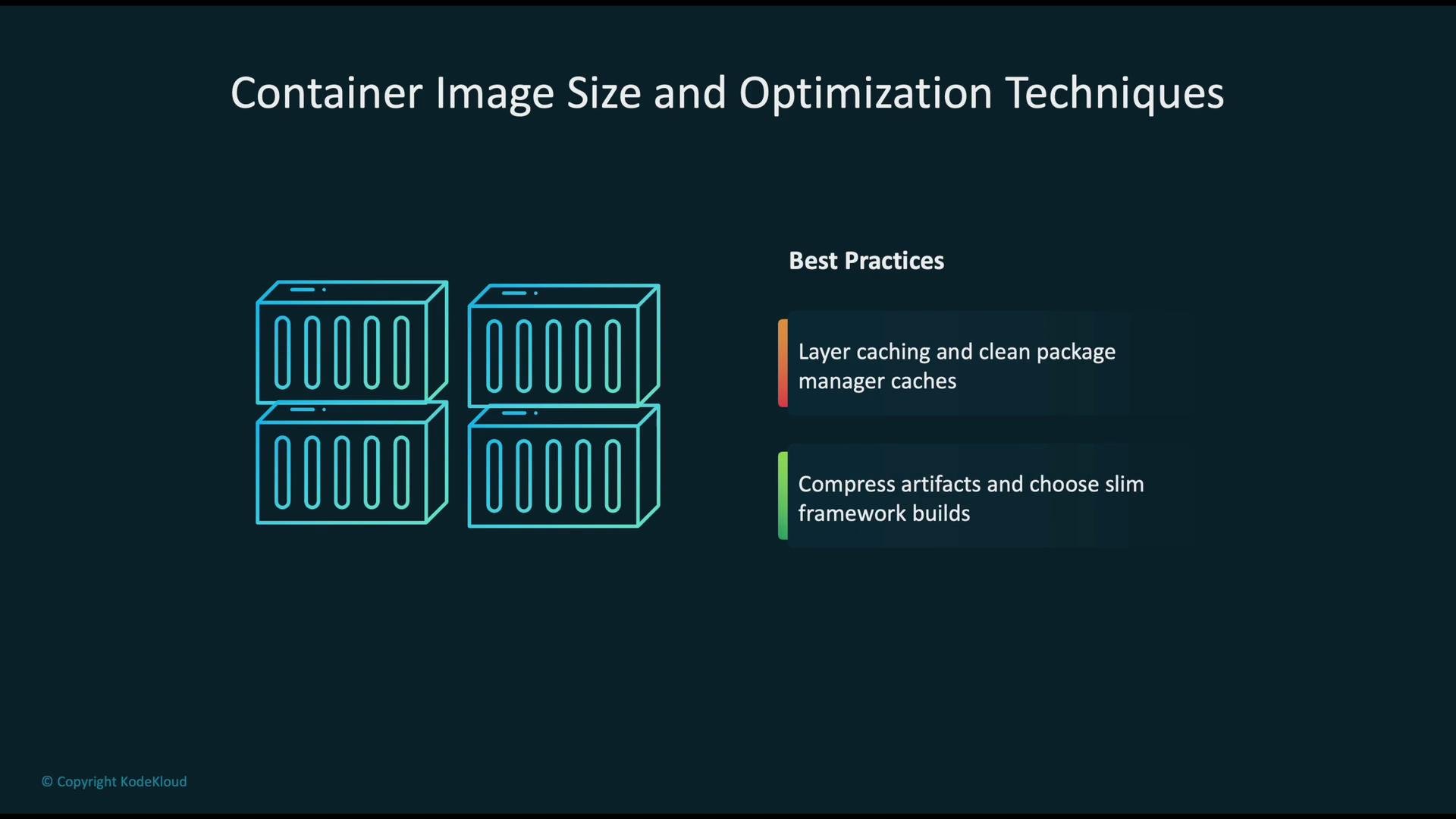
* Order Dockerfile instructions to maximize layer cache reuse.
* Remove package manager caches (e.g., `apt-get clean` and `rm -rf /var/lib/apt/lists/*`).
* Prefer slim or Alpine-based framework builds and compress large artifacts.
Additional best practices for image size
* Order Dockerfile instructions to maximize layer cache reuse.
* Remove package manager caches (e.g., `apt-get clean` and `rm -rf /var/lib/apt/lists/*`).
* Prefer slim or Alpine-based framework builds and compress large artifacts.
 GPU containers — compatibility and best practices
* Use CUDA-enabled base images from NVIDIA or AWS Deep Learning containers.
* Host NVIDIA driver and kernel must be compatible with CUDA libraries inside the container.
* Pin CUDA and driver versions to avoid compatibility issues.
Driver mismatch warning: If the host GPU driver and the container CUDA libraries are incompatible, the container can fail to access GPUs. Validate on identical instance types before production.
Best practices for GPU containers
* Start from official NVIDIA or AWS-provided base images.
* Pin CUDA/cuDNN versions explicitly.
* Validate the container on the same instance type and AMI as production to ensure compatibility.
Framework compatibility and reproducibility
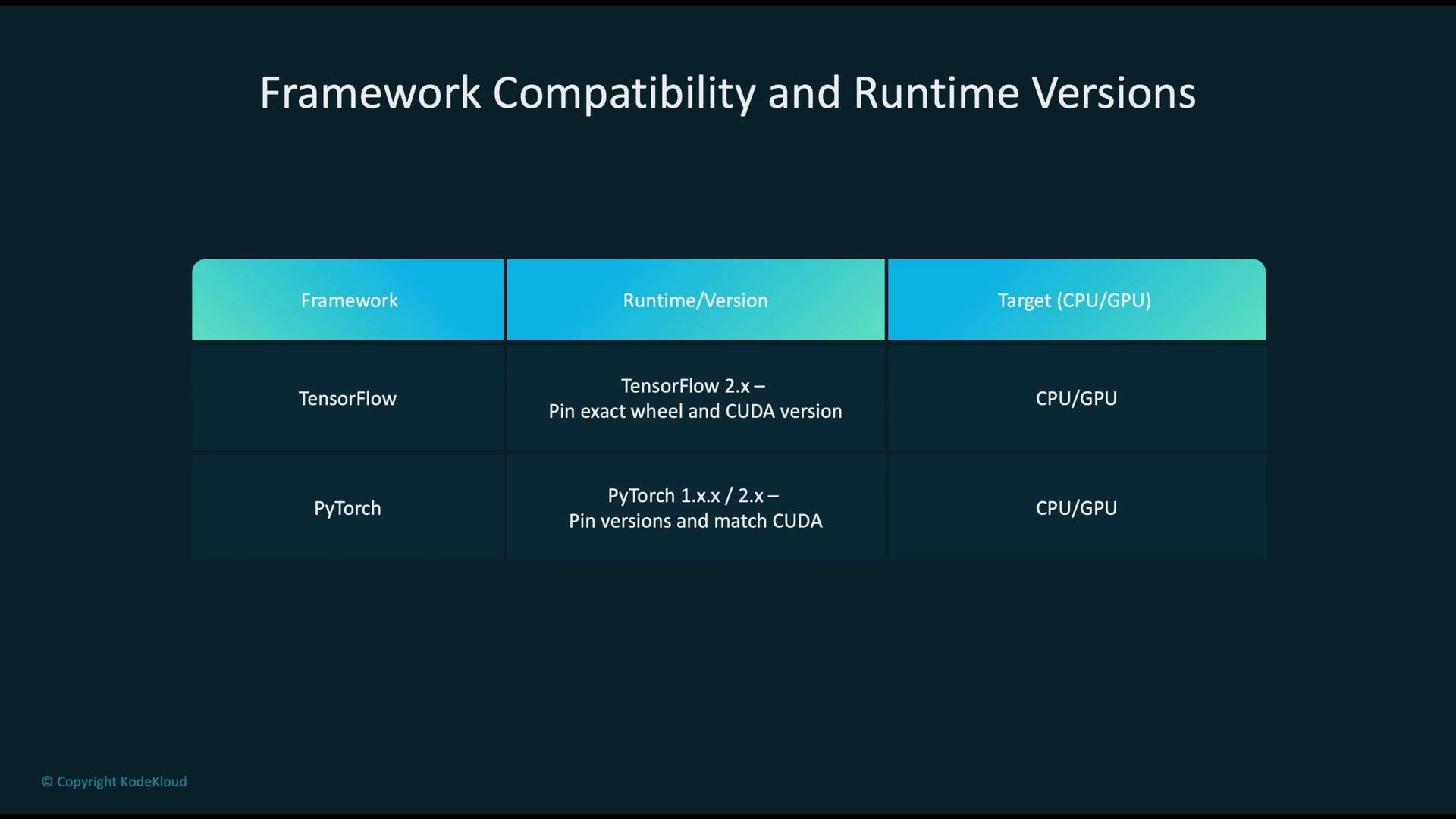
* Pin exact framework versions (e.g., TensorFlow wheel and its compatible CUDA version; PyTorch wheel and CUDA compatibility).
* Avoid loose dependency ranges that allow unexpected upgrades.
* Test images locally and in CI to catch compatibility issues early.
GPU containers — compatibility and best practices
* Use CUDA-enabled base images from NVIDIA or AWS Deep Learning containers.
* Host NVIDIA driver and kernel must be compatible with CUDA libraries inside the container.
* Pin CUDA and driver versions to avoid compatibility issues.
Driver mismatch warning: If the host GPU driver and the container CUDA libraries are incompatible, the container can fail to access GPUs. Validate on identical instance types before production.
Best practices for GPU containers
* Start from official NVIDIA or AWS-provided base images.
* Pin CUDA/cuDNN versions explicitly.
* Validate the container on the same instance type and AMI as production to ensure compatibility.
Framework compatibility and reproducibility
* Pin exact framework versions (e.g., TensorFlow wheel and its compatible CUDA version; PyTorch wheel and CUDA compatibility).
* Avoid loose dependency ranges that allow unexpected upgrades.
* Test images locally and in CI to catch compatibility issues early.
 Multi-container endpoints (co-located containers)
* Deploy multiple containers to one endpoint for patterns such as: primary model container, pre- or post-processing containers, and logging/metrics sidecars.
* Co-located containers share the same host resources.
Constraints and considerations for multi-container endpoints
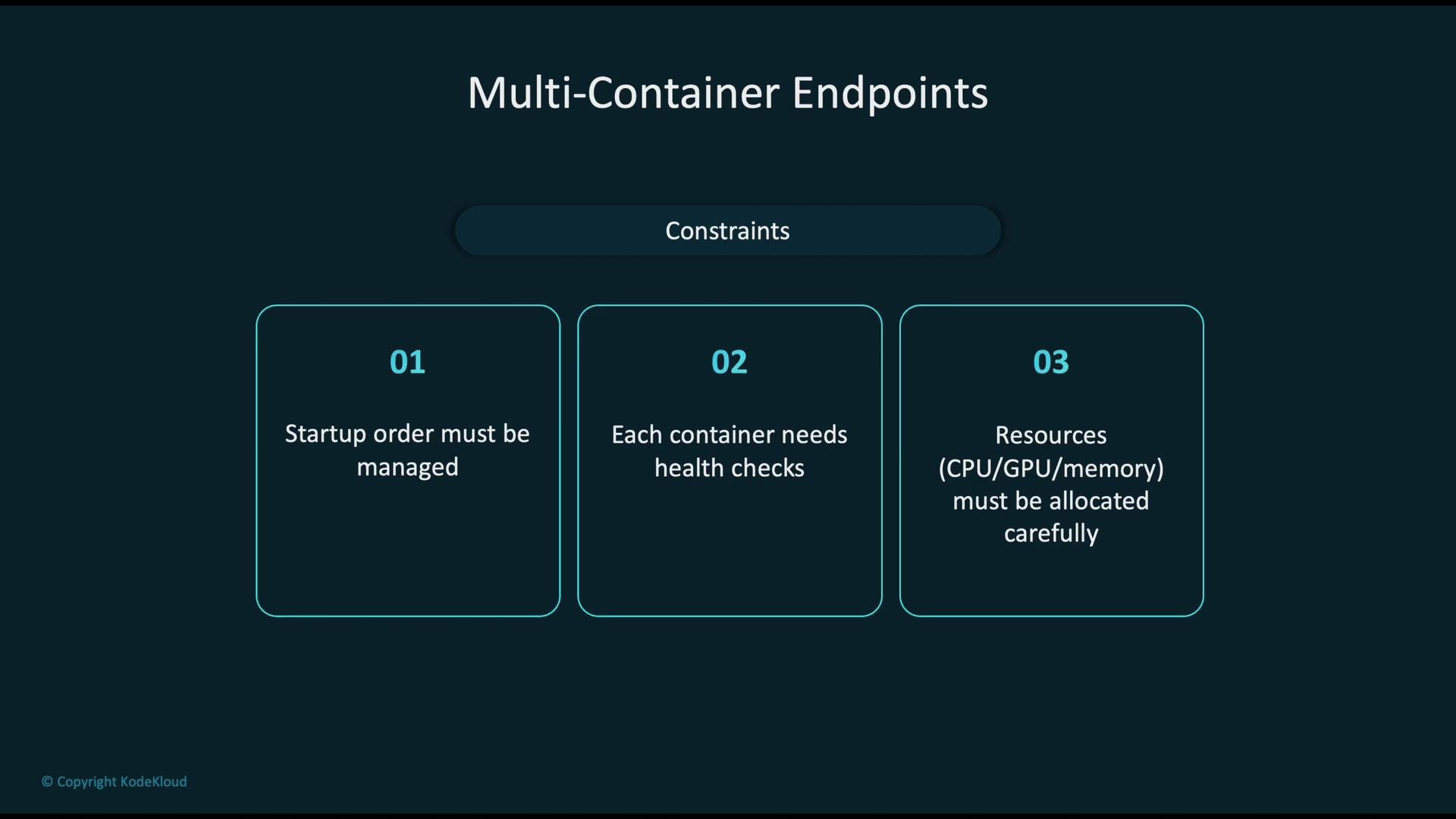
* Startup order matters — ensure preprocessors are ready before routing requests to the model.
* Each container must expose its own health endpoint.
* Allocate CPU, memory, and GPU carefully so containers do not compete and degrade performance.
Multi-container endpoints (co-located containers)
* Deploy multiple containers to one endpoint for patterns such as: primary model container, pre- or post-processing containers, and logging/metrics sidecars.
* Co-located containers share the same host resources.
Constraints and considerations for multi-container endpoints
* Startup order matters — ensure preprocessors are ready before routing requests to the model.
* Each container must expose its own health endpoint.
* Allocate CPU, memory, and GPU carefully so containers do not compete and degrade performance.
 Container security: access control and encryption
* Apply least-privilege IAM policies for SageMaker, ECR, and other AWS services.
* Restrict S3 access strictly to the model artifacts and logs required.
* Use AWS KMS to encrypt model artifacts and sensitive data at rest.
Container security: access control and encryption
* Apply least-privilege IAM policies for SageMaker, ECR, and other AWS services.
* Restrict S3 access strictly to the model artifacts and logs required.
* Use AWS KMS to encrypt model artifacts and sensitive data at rest.
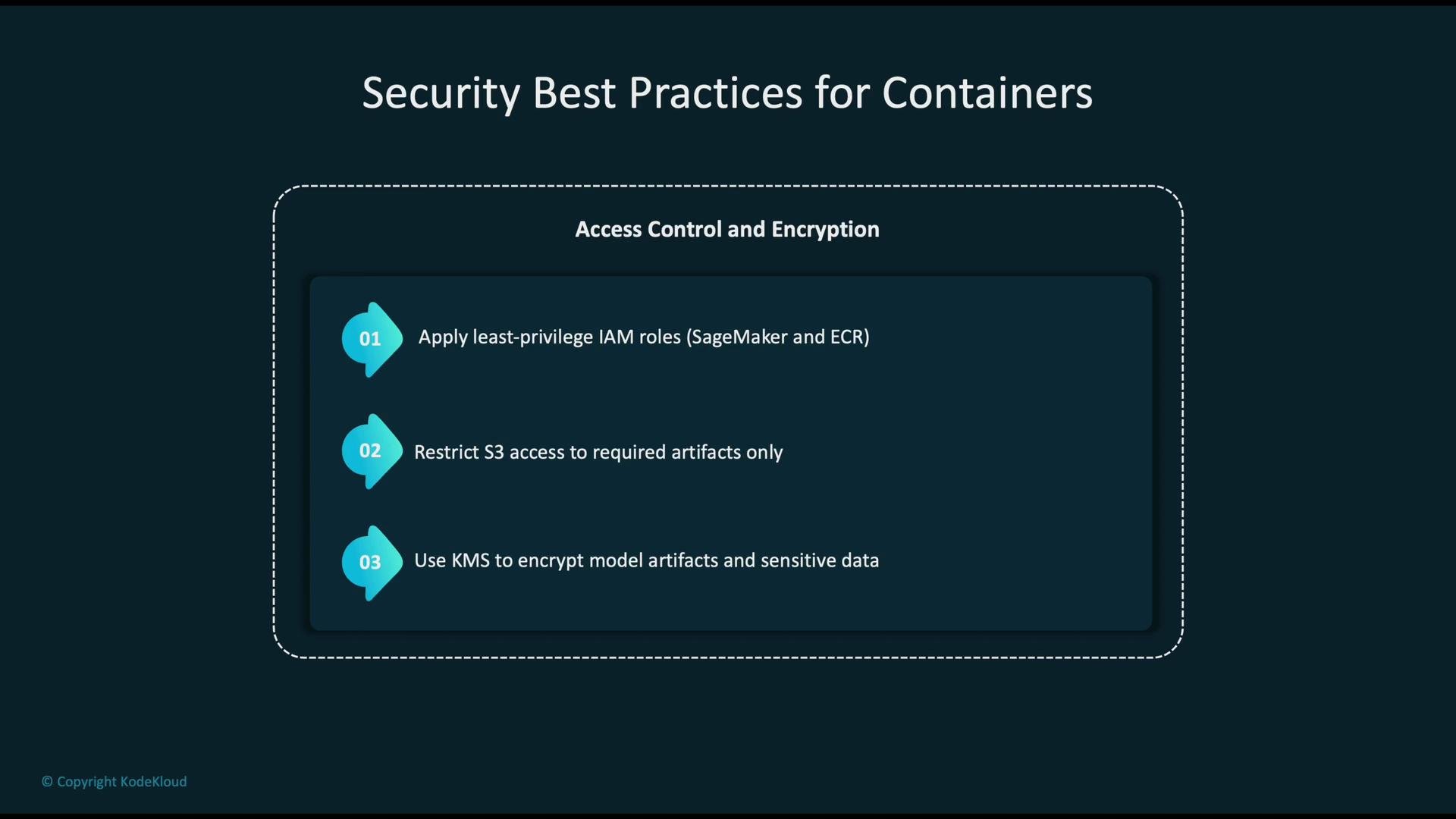 Image security and credential management
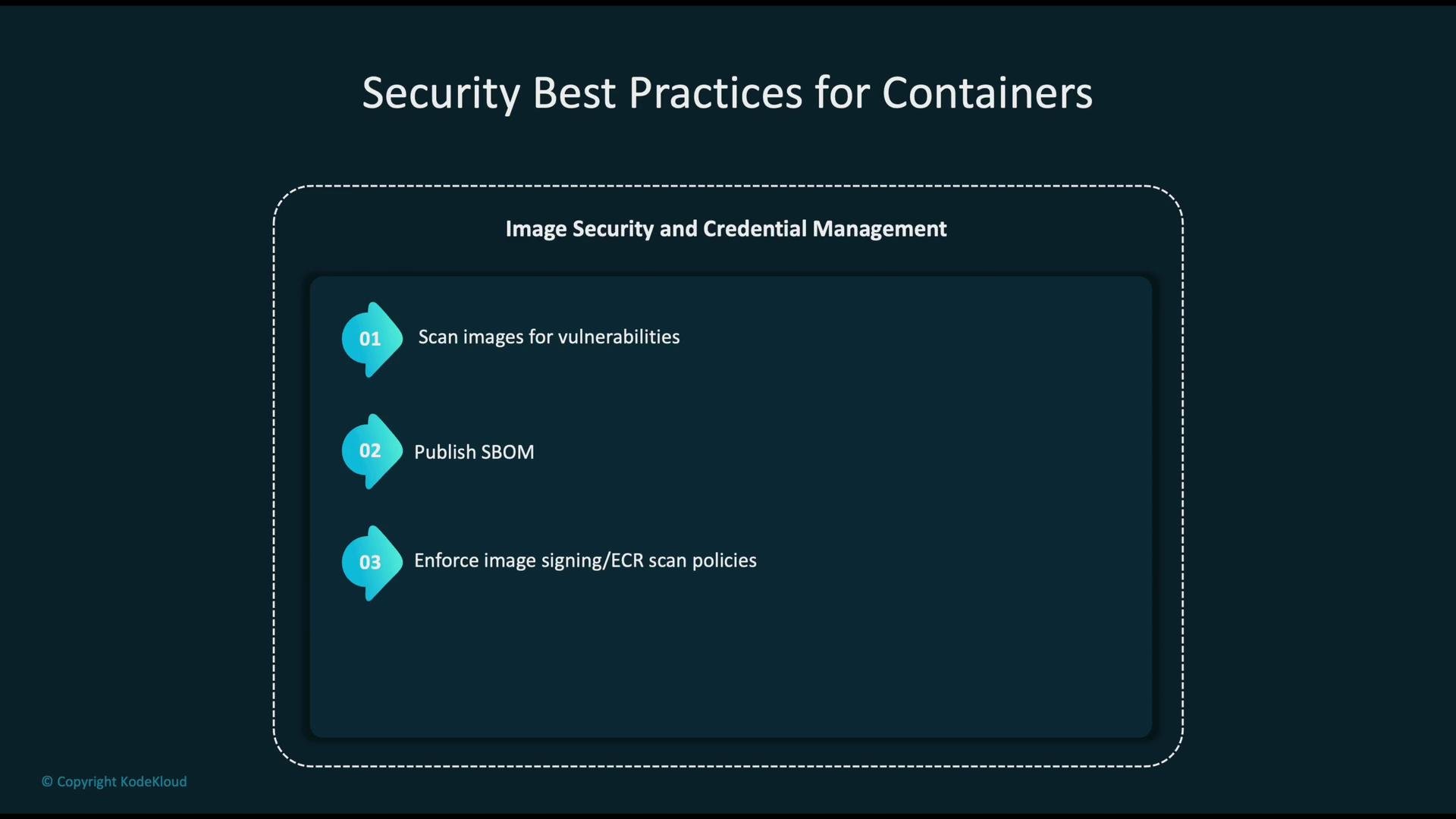
* Scan images for known vulnerabilities and publish an SBOM (software bill of materials).
* Enforce image signing and registry policies (e.g., require ECR image scanning and signed images).
* Rotate credentials and avoid baking secrets into images — prefer IAM roles and secret managers.
Image security and credential management
* Scan images for known vulnerabilities and publish an SBOM (software bill of materials).
* Enforce image signing and registry policies (e.g., require ECR image scanning and signed images).
* Rotate credentials and avoid baking secrets into images — prefer IAM roles and secret managers.
 Network security and private endpoints
* Place endpoints inside a VPC for network isolation.
* Limit access with security groups, NACLs, and private subnets.
* Use VPC endpoints to access S3/ECR without internet egress.
Local testing workflow (recommended)
1. Build the image:
* `docker build -t myapp:latest .`
2. Run the container locally, mapping volumes and ports:
* `docker run -v "$(pwd)/app:/app" -p 8080:8080 myapp:latest`
3. Health check:
* `curl http://localhost:8080/ping`
4. Test inference:
* `curl -X POST http://localhost:8080/invocations -H "Content-Type: application/json" -d '{"input": [...] }'`
Example local commands:
```bash theme={null}
docker build -t myapp:latest .
docker run -v "$(pwd)/app:/app" -p 8080:8080 myapp:latest
curl http://localhost:8080/ping
curl -X POST http://localhost:8080/invocations -H "Content-Type: application/json" -d '{"input": [1,2,3]}'
```
CI/CD workflow for container images
* CI builds the image, runs unit tests, integration tests, and security scans.
* Successful builds are tagged (semantic version, git SHA).
* Push tags to a registry (Amazon ECR).
* Promote tested images from registry to staging/production.
* Gate deployments on passing tests and security scans — only validated images should be deployed.
Cost-optimization decision guidance
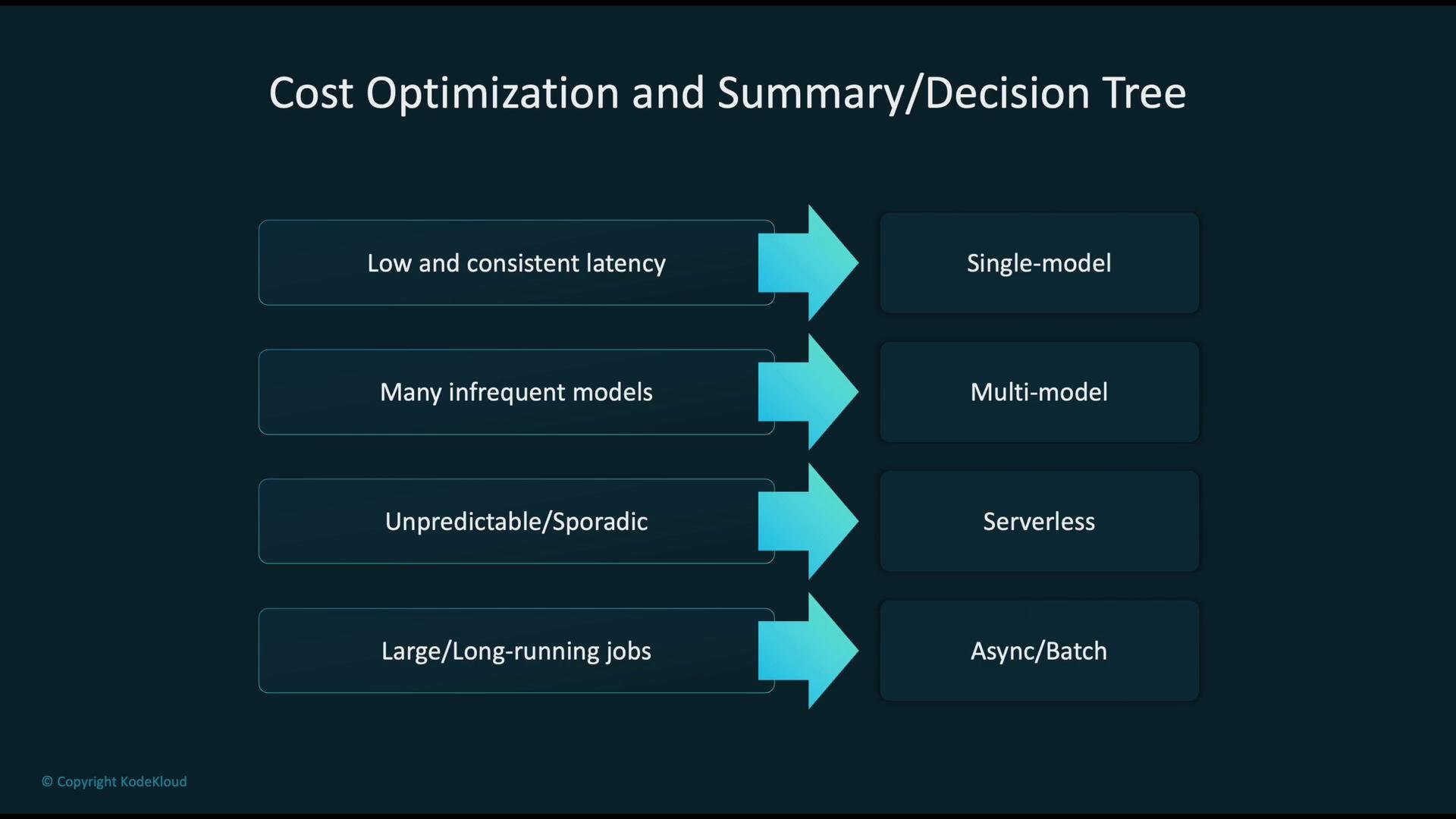
* Low, consistent latency → single-model dedicated endpoint.
* Many infrequently used models → multi-model endpoints to share instances.
* Unpredictable or spiky traffic → serverless or autoscaling endpoints.
* Large or long-running workloads → asynchronous/batch processing.
Network security and private endpoints
* Place endpoints inside a VPC for network isolation.
* Limit access with security groups, NACLs, and private subnets.
* Use VPC endpoints to access S3/ECR without internet egress.
Local testing workflow (recommended)
1. Build the image:
* `docker build -t myapp:latest .`
2. Run the container locally, mapping volumes and ports:
* `docker run -v "$(pwd)/app:/app" -p 8080:8080 myapp:latest`
3. Health check:
* `curl http://localhost:8080/ping`
4. Test inference:
* `curl -X POST http://localhost:8080/invocations -H "Content-Type: application/json" -d '{"input": [...] }'`
Example local commands:
```bash theme={null}
docker build -t myapp:latest .
docker run -v "$(pwd)/app:/app" -p 8080:8080 myapp:latest
curl http://localhost:8080/ping
curl -X POST http://localhost:8080/invocations -H "Content-Type: application/json" -d '{"input": [1,2,3]}'
```
CI/CD workflow for container images
* CI builds the image, runs unit tests, integration tests, and security scans.
* Successful builds are tagged (semantic version, git SHA).
* Push tags to a registry (Amazon ECR).
* Promote tested images from registry to staging/production.
* Gate deployments on passing tests and security scans — only validated images should be deployed.
Cost-optimization decision guidance
* Low, consistent latency → single-model dedicated endpoint.
* Many infrequently used models → multi-model endpoints to share instances.
* Unpredictable or spiky traffic → serverless or autoscaling endpoints.
* Large or long-running workloads → asynchronous/batch processing.
 Summary and decision framework
* Choose based on latency, traffic patterns, and usage:
* Single-model for low and consistent latency.
* Multi-model for many rarely used models.
* Serverless for spiky or unpredictable traffic.
* Async/batch for long-running or throughput-intensive offline jobs.
* Optimize cost: pick appropriate instance families, use reserved instances where applicable, and consider serverless to reduce idle costs.
* Balance operational overhead against the need for control: BYOC gives full control (and responsibility); pre-built images reduce maintenance and speed time-to-production.
* Always factor in compatibility, security, and reproducibility when selecting base images and framework versions.
By following these patterns and best practices, you can select a container deployment approach that aligns with your performance, cost, security, and operational requirements.
Links and references
* [Amazon SageMaker container and inference toolkit documentation](https://docs.aws.amazon.com/sagemaker/latest/dg/your-algorithms.html)
* [Amazon ECR image scanning and best practices](https://docs.aws.amazon.com/AmazonECR/latest/userguide/image-scanning.html)
* [NVIDIA CUDA Docker images](https://hub.docker.com/r/nvidia/cuda)
* [AWS Deep Learning Containers](https://aws.amazon.com/machine-learning/containers/)
Summary and decision framework
* Choose based on latency, traffic patterns, and usage:
* Single-model for low and consistent latency.
* Multi-model for many rarely used models.
* Serverless for spiky or unpredictable traffic.
* Async/batch for long-running or throughput-intensive offline jobs.
* Optimize cost: pick appropriate instance families, use reserved instances where applicable, and consider serverless to reduce idle costs.
* Balance operational overhead against the need for control: BYOC gives full control (and responsibility); pre-built images reduce maintenance and speed time-to-production.
* Always factor in compatibility, security, and reproducibility when selecting base images and framework versions.
By following these patterns and best practices, you can select a container deployment approach that aligns with your performance, cost, security, and operational requirements.
Links and references
* [Amazon SageMaker container and inference toolkit documentation](https://docs.aws.amazon.com/sagemaker/latest/dg/your-algorithms.html)
* [Amazon ECR image scanning and best practices](https://docs.aws.amazon.com/AmazonECR/latest/userguide/image-scanning.html)
* [NVIDIA CUDA Docker images](https://hub.docker.com/r/nvidia/cuda)
* [AWS Deep Learning Containers](https://aws.amazon.com/machine-learning/containers/)