> ## Documentation Index
> Fetch the complete documentation index at: https://notes.kodekloud.com/llms.txt
> Use this file to discover all available pages before exploring further.
# Optimizing Infrastructure Costs with Spot Instances
> Practical guide to reducing AWS cloud compute costs using Spot Instances with SageMaker, checkpointing, monitoring, interruption handling, and cost analysis.
In this lesson we show a practical strategy for reducing cloud compute costs by using Spot Instances effectively. Spot Instances can deliver substantial savings for general compute and machine learning workloads when combined with proper checkpointing, monitoring, and interruption handling. This guide focuses on AWS services commonly used together for Spot-based ML workflows: Amazon EC2, Amazon SageMaker, AWS CloudWatch (and EventBridge), and AWS Cost Explorer.
 ## Why use Spot Instances?
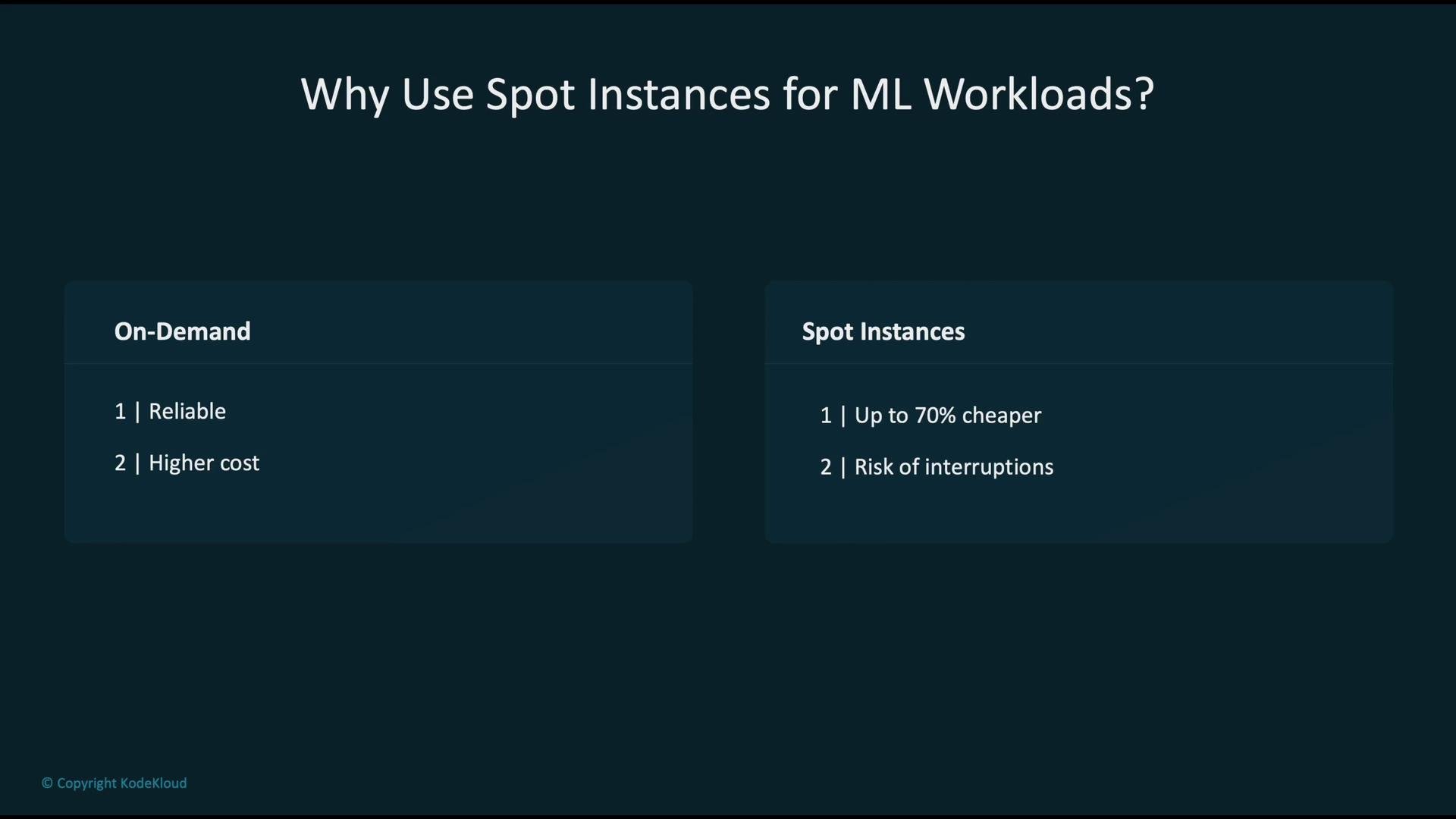
When running ML training or batch compute, you generally choose between:
* On-Demand instances — stable and reliable but more expensive.
* Spot Instances — much lower cost but interruptible when AWS reclaims capacity.
Spot savings vary by workload and region. Expect up to \~70% savings for typical EC2 compute, and—when using SageMaker Spot Training with checkpointing—up to \~90% savings for training jobs. The trade-off is potential interruptions; planning for those interruptions is critical.
## Why use Spot Instances?
When running ML training or batch compute, you generally choose between:
* On-Demand instances — stable and reliable but more expensive.
* Spot Instances — much lower cost but interruptible when AWS reclaims capacity.
Spot savings vary by workload and region. Expect up to \~70% savings for typical EC2 compute, and—when using SageMaker Spot Training with checkpointing—up to \~90% savings for training jobs. The trade-off is potential interruptions; planning for those interruptions is critical.
 ## AWS tools and patterns for Spot optimization
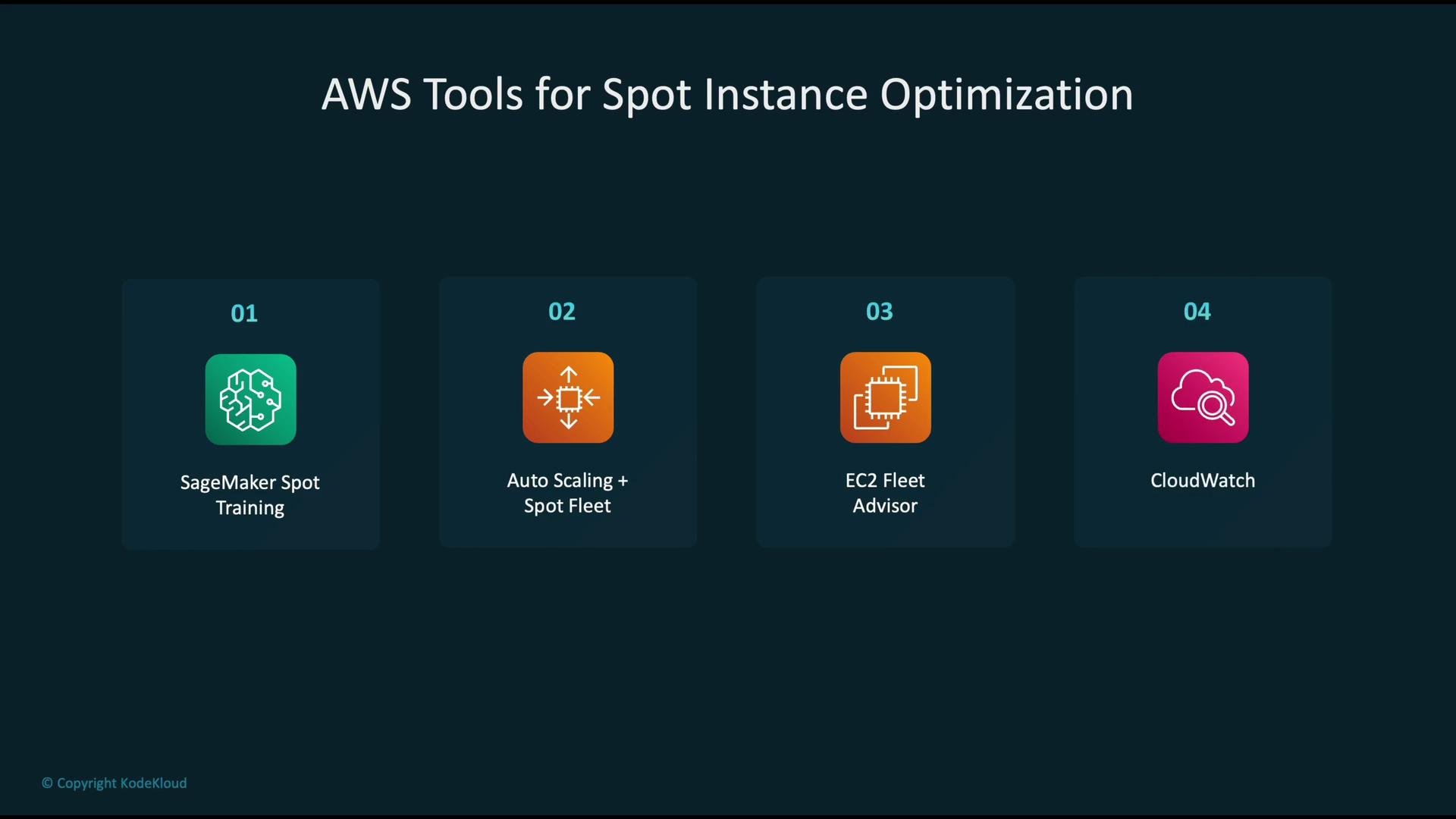
Use a combination of managed services and monitoring tools to get the most from Spot Instances. The primary options include:
| Tool / Service | Purpose | Notes |
| ----------------------------- | ------------------------------------------------------: | --------------------------------------- |
| SageMaker Spot Training | Run training on Spot with managed checkpoint handling | Built into SageMaker training jobs |
| Auto Scaling + Spot Fleet | Maintain capacity by targeting multiple Spot pools | Useful for resilient EC2 fleets |
| EC2 Fleet / Compute Optimizer | Find optimal instance types and manage purchase options | Helps reduce interruptions and costs |
| CloudWatch + EventBridge | Monitor interruption signals and trigger automation | Integrate with Lambda or Step Functions |
## AWS tools and patterns for Spot optimization
Use a combination of managed services and monitoring tools to get the most from Spot Instances. The primary options include:
| Tool / Service | Purpose | Notes |
| ----------------------------- | ------------------------------------------------------: | --------------------------------------- |
| SageMaker Spot Training | Run training on Spot with managed checkpoint handling | Built into SageMaker training jobs |
| Auto Scaling + Spot Fleet | Maintain capacity by targeting multiple Spot pools | Useful for resilient EC2 fleets |
| EC2 Fleet / Compute Optimizer | Find optimal instance types and manage purchase options | Helps reduce interruptions and costs |
| CloudWatch + EventBridge | Monitor interruption signals and trigger automation | Integrate with Lambda or Step Functions |
 ## Typical SageMaker Spot training flow
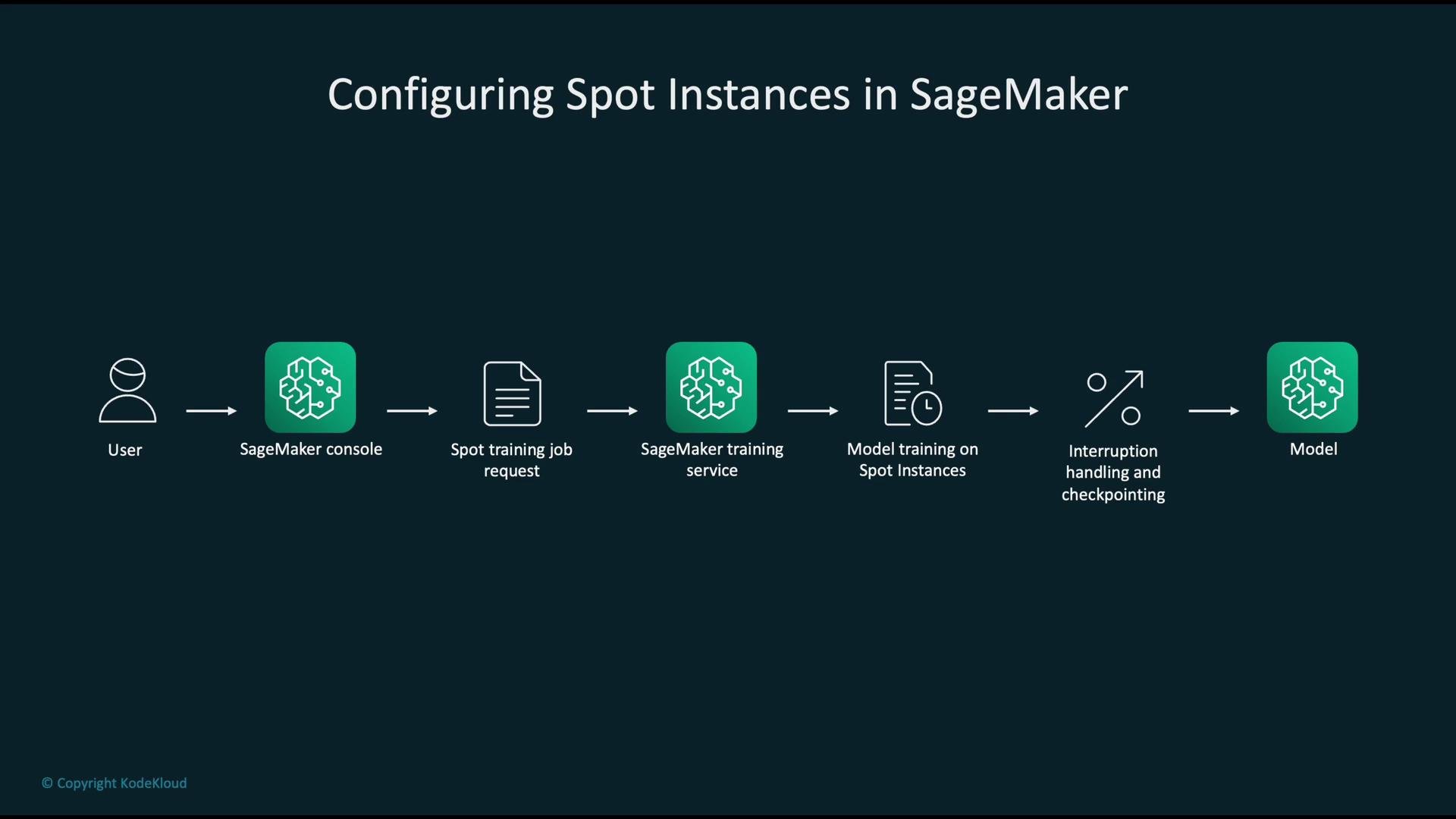
A typical managed SageMaker Spot training workflow:
1. User submits a training job via the SageMaker console or API.
2. SageMaker provisions Spot Instances and runs the job.
3. The job periodically uploads checkpoints to S3.
4. If Spot Instances are reclaimed, SageMaker resumes the job from the last checkpoint when capacity is available again.
## Typical SageMaker Spot training flow
A typical managed SageMaker Spot training workflow:
1. User submits a training job via the SageMaker console or API.
2. SageMaker provisions Spot Instances and runs the job.
3. The job periodically uploads checkpoints to S3.
4. If Spot Instances are reclaimed, SageMaker resumes the job from the last checkpoint when capacity is available again.
 Enable managed Spot training and configure checkpointing in your training job configuration. Example JSON:
```json theme={null}
{
"EnableManagedSpotTraining": true,
"CheckpointConfig": {
"S3Uri": "s3://my-bucket/checkpoints/",
"LocalPath": "/opt/ml/checkpoints"
}
}
```
Always enable checkpointing and point `S3Uri` to a durable S3 location. This allows training jobs to resume from the last saved state after a Spot interruption.
## Interruption handling and automation
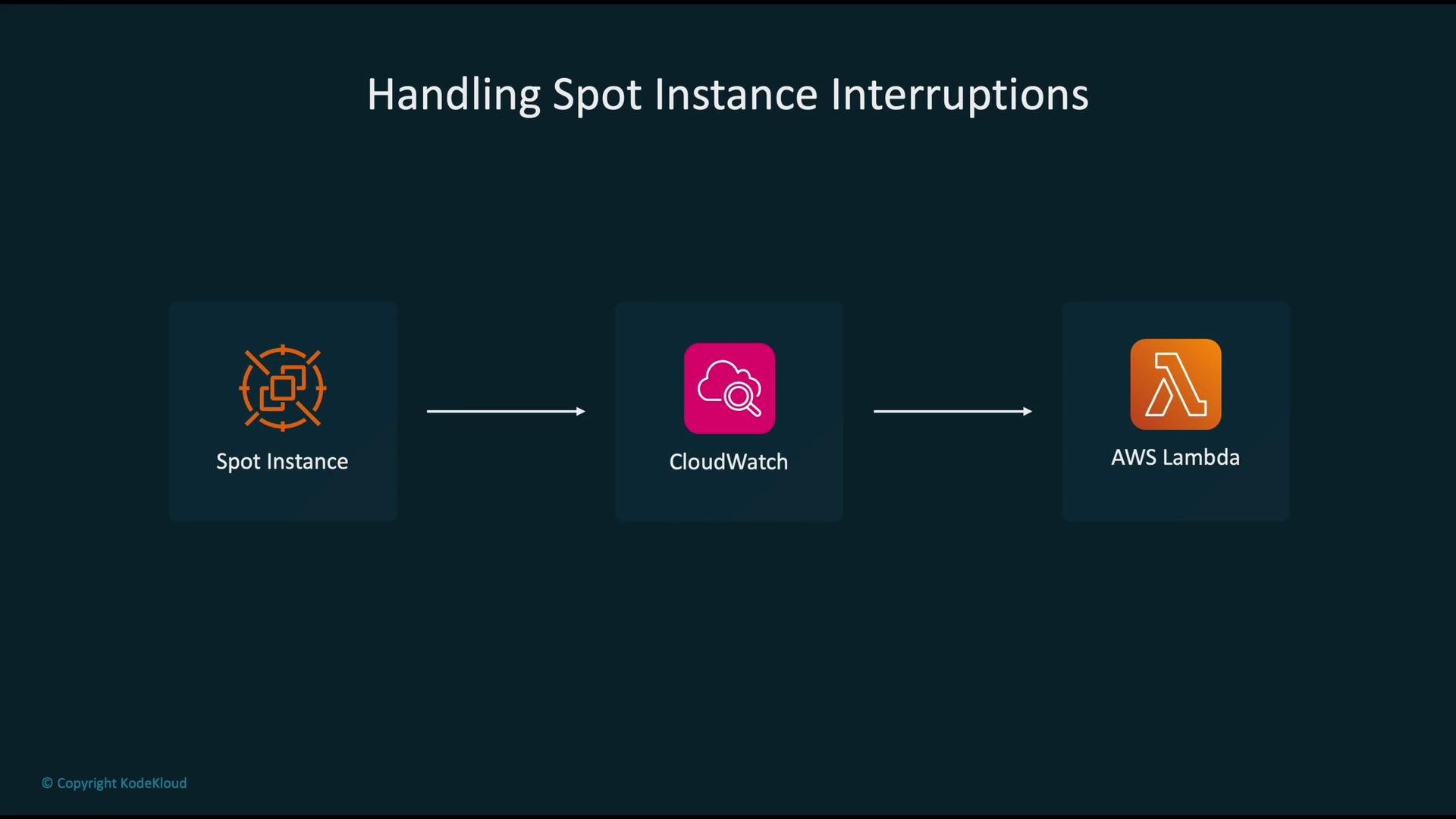
Spot Instances emit an interruption notice shortly before termination (EC2 typically provides a \~2-minute notice via the instance metadata endpoint). SageMaker’s managed environment exposes interruption handling for training jobs, and you can build automations around interruption events:
1. EventBridge (CloudWatch Events) receives the interruption event or interruption metrics.
2. EventBridge / CloudWatch triggers a Lambda function or Step Function.
3. The automation performs final flushes to storage, notifies stakeholders, or triggers a resubmission.
Enable managed Spot training and configure checkpointing in your training job configuration. Example JSON:
```json theme={null}
{
"EnableManagedSpotTraining": true,
"CheckpointConfig": {
"S3Uri": "s3://my-bucket/checkpoints/",
"LocalPath": "/opt/ml/checkpoints"
}
}
```
Always enable checkpointing and point `S3Uri` to a durable S3 location. This allows training jobs to resume from the last saved state after a Spot interruption.
## Interruption handling and automation
Spot Instances emit an interruption notice shortly before termination (EC2 typically provides a \~2-minute notice via the instance metadata endpoint). SageMaker’s managed environment exposes interruption handling for training jobs, and you can build automations around interruption events:
1. EventBridge (CloudWatch Events) receives the interruption event or interruption metrics.
2. EventBridge / CloudWatch triggers a Lambda function or Step Function.
3. The automation performs final flushes to storage, notifies stakeholders, or triggers a resubmission.
 ## Monitoring costs and setting alarms
Collect Spot-related metrics and configure CloudWatch alarms for cost and health signals. Example CloudWatch billing alarm configuration:
```json theme={null}
{
"AlarmName": "SpotCostThreshold",
"MetricName": "EstimatedCharges",
"Namespace": "AWS/Billing",
"Threshold": 100,
"ComparisonOperator": "GreaterThanThreshold",
"Statistic": "Maximum"
}
```
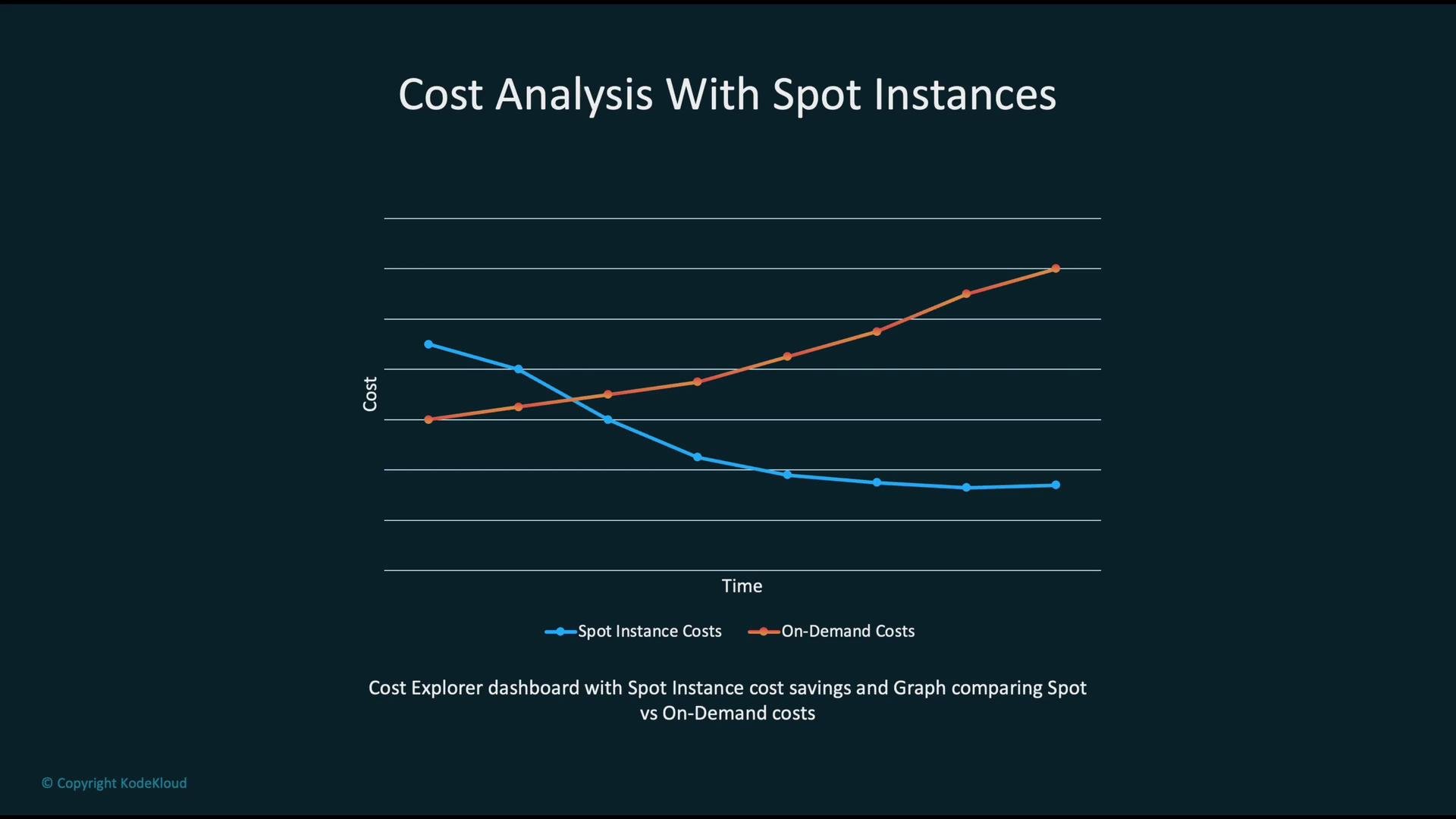
Visualizing cost trends makes it easier to validate savings and detect spikes. In many cases Spot costs trend lower than On-Demand costs over time, producing meaningful long-term savings.
## Monitoring costs and setting alarms
Collect Spot-related metrics and configure CloudWatch alarms for cost and health signals. Example CloudWatch billing alarm configuration:
```json theme={null}
{
"AlarmName": "SpotCostThreshold",
"MetricName": "EstimatedCharges",
"Namespace": "AWS/Billing",
"Threshold": 100,
"ComparisonOperator": "GreaterThanThreshold",
"Statistic": "Maximum"
}
```
Visualizing cost trends makes it easier to validate savings and detect spikes. In many cases Spot costs trend lower than On-Demand costs over time, producing meaningful long-term savings.
 You can also query AWS Cost Explorer programmatically (via Boto3) to retrieve cost data for analysis. Example: request the `UnblendedCost` for January 2023.
```python theme={null}
import boto3
ce = boto3.client("ce", region_name="us-east-1")
response = ce.get_cost_and_usage(
TimePeriod={"Start": "2023-01-01", "End": "2023-01-31"},
Granularity="MONTHLY",
Metrics=["UnblendedCost"]
)
print(response) # inspect the returned cost data
```
## Other use-cases for Spot Instances
Spot Instances are not limited to training. Common use-cases include:
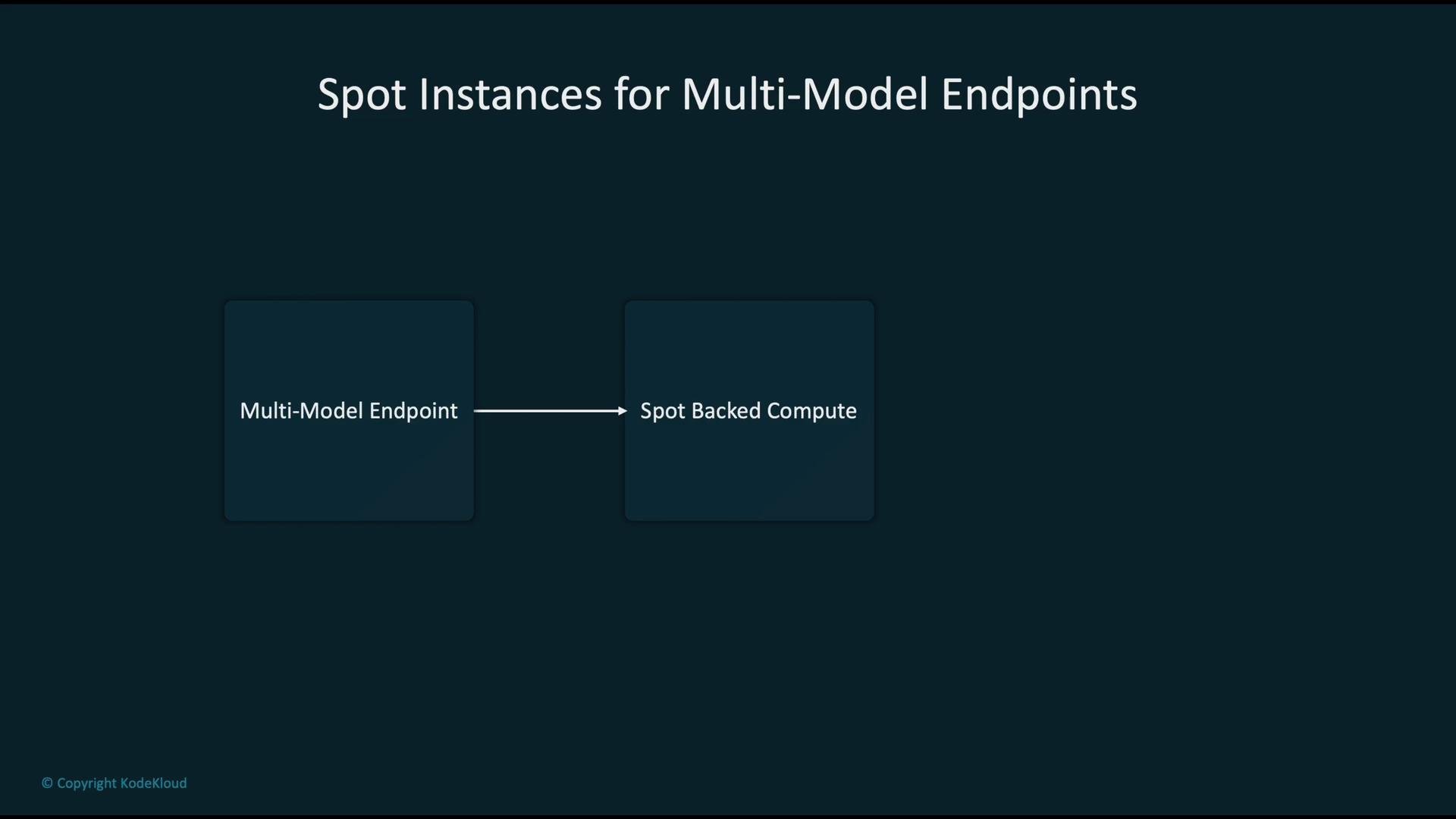
* Multi-model endpoints (for non-latency-critical inference)
* Batch inference jobs
* Model compilation and offline transformations
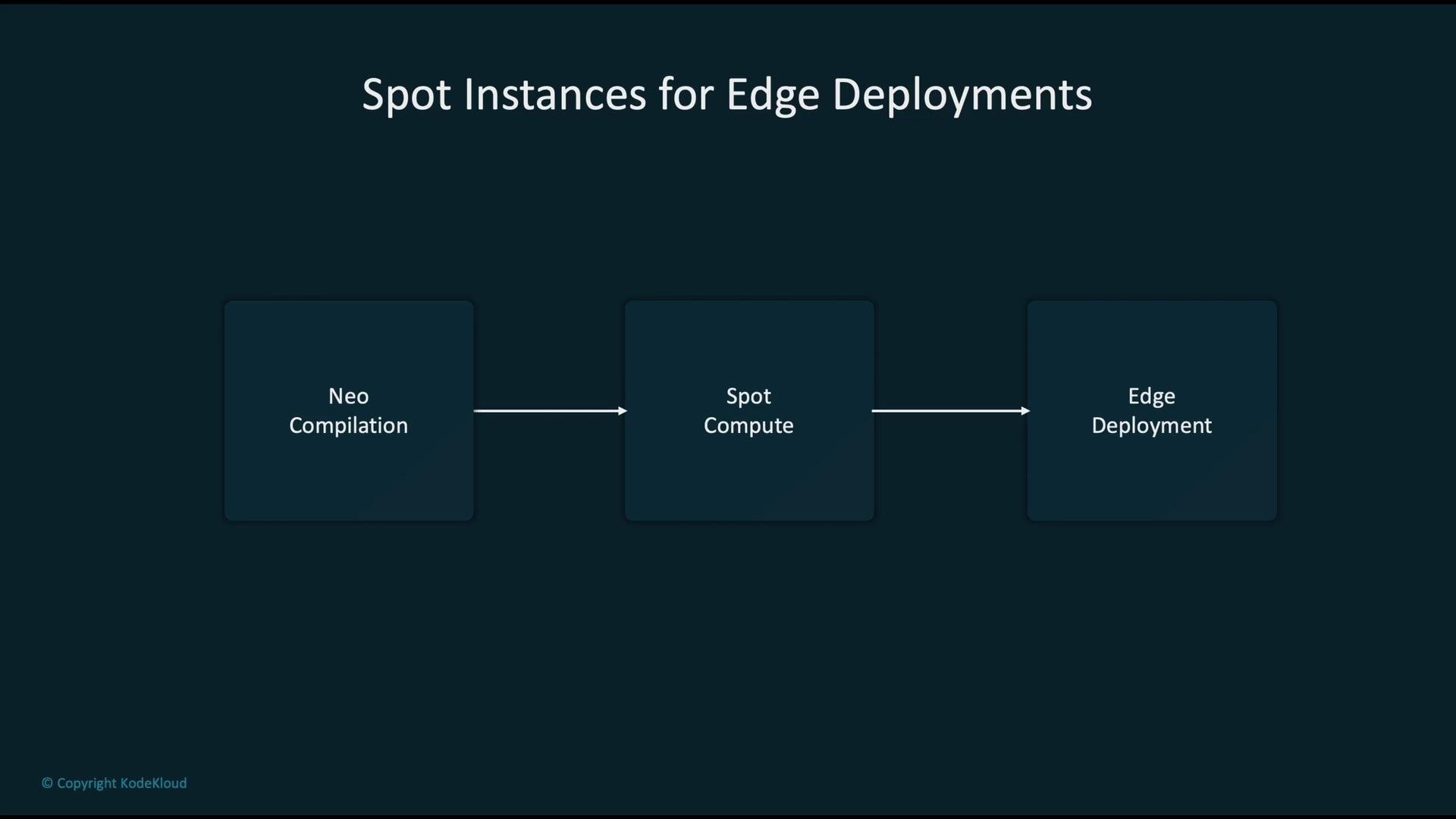
* Edge pipeline compilation (e.g., SageMaker Neo)
You can also query AWS Cost Explorer programmatically (via Boto3) to retrieve cost data for analysis. Example: request the `UnblendedCost` for January 2023.
```python theme={null}
import boto3
ce = boto3.client("ce", region_name="us-east-1")
response = ce.get_cost_and_usage(
TimePeriod={"Start": "2023-01-01", "End": "2023-01-31"},
Granularity="MONTHLY",
Metrics=["UnblendedCost"]
)
print(response) # inspect the returned cost data
```
## Other use-cases for Spot Instances
Spot Instances are not limited to training. Common use-cases include:
* Multi-model endpoints (for non-latency-critical inference)
* Batch inference jobs
* Model compilation and offline transformations
* Edge pipeline compilation (e.g., SageMaker Neo)
 For Neo compilation jobs, you can request Spot-backed compilation (when supported by your SDK/account). Example using the SageMaker NeoModel API:
```python theme={null}
from sagemaker import NeoModel
neo_model = NeoModel(
model_data="s3://my-bucket/model.tar.gz",
framework="tensorflow",
role="SageMakerRole"
)
neo_model.compile(target_instance_family="ml_c5", job_type="spot")
```
For Neo compilation jobs, you can request Spot-backed compilation (when supported by your SDK/account). Example using the SageMaker NeoModel API:
```python theme={null}
from sagemaker import NeoModel
neo_model = NeoModel(
model_data="s3://my-bucket/model.tar.gz",
framework="tensorflow",
role="SageMakerRole"
)
neo_model.compile(target_instance_family="ml_c5", job_type="spot")
```
 ## Security and compliance
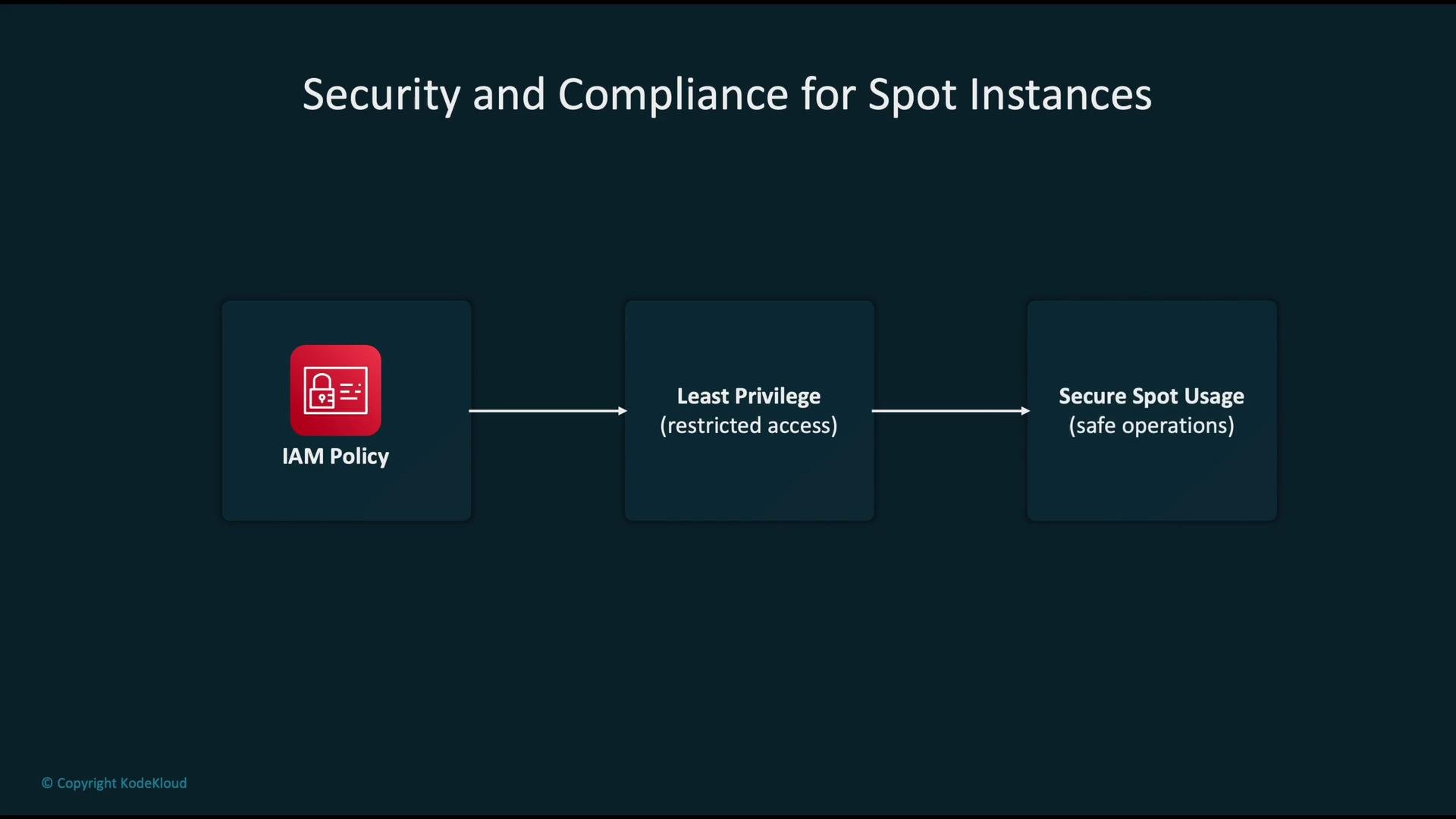
Treat Spot resources the same way you treat On-Demand resources from an IAM and compliance perspective:
* Apply least-privilege IAM policies to restrict who can create and manage Spot jobs.
* Audit S3 locations used for checkpoints and ensure proper encryption and retention policies.
* Monitor activity and logging with CloudTrail and CloudWatch Logs.
## Security and compliance
Treat Spot resources the same way you treat On-Demand resources from an IAM and compliance perspective:
* Apply least-privilege IAM policies to restrict who can create and manage Spot jobs.
* Audit S3 locations used for checkpoints and ensure proper encryption and retention policies.
* Monitor activity and logging with CloudTrail and CloudWatch Logs.
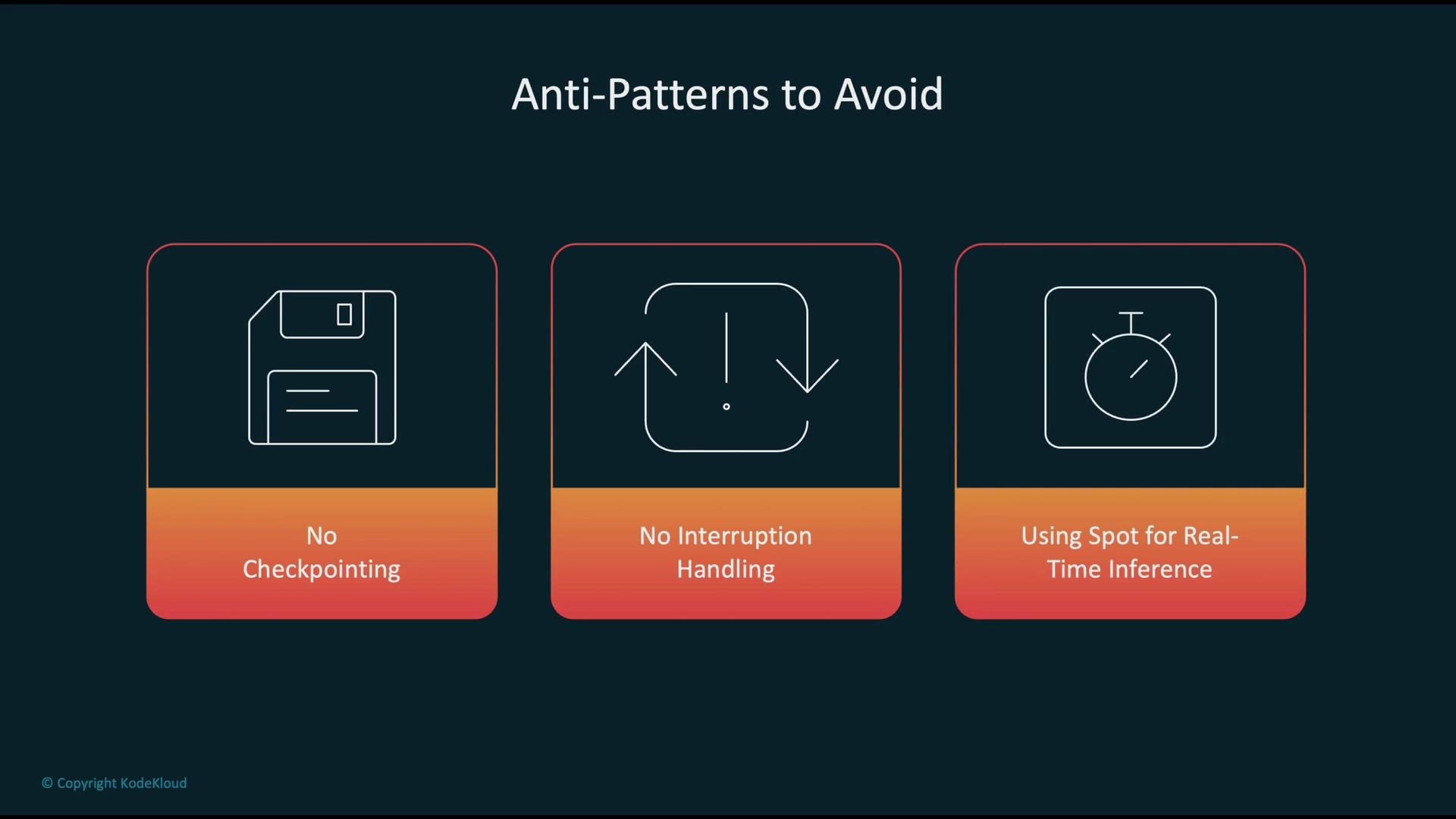
 Avoid using Spot Instances for latency-sensitive, real-time inference or critical workloads that cannot tolerate interruptions. For such cases, prefer On-Demand or Reserved Instances to guarantee availability.
## Common anti-patterns to avoid
| Anti-pattern | Why it’s risky |
| ---------------------------------------------------- | ------------------------------------------------------------------------------- |
| No checkpointing | Training progress is lost on interruption, increasing cost and time to recovery |
| No interruption handling | Systems become fragile and require manual restarts or recovery |
| Using Spot for latency-sensitive real-time inference | Spot can be reclaimed unexpectedly, causing service outages |
Avoid using Spot Instances for latency-sensitive, real-time inference or critical workloads that cannot tolerate interruptions. For such cases, prefer On-Demand or Reserved Instances to guarantee availability.
## Common anti-patterns to avoid
| Anti-pattern | Why it’s risky |
| ---------------------------------------------------- | ------------------------------------------------------------------------------- |
| No checkpointing | Training progress is lost on interruption, increasing cost and time to recovery |
| No interruption handling | Systems become fragile and require manual restarts or recovery |
| Using Spot for latency-sensitive real-time inference | Spot can be reclaimed unexpectedly, causing service outages |
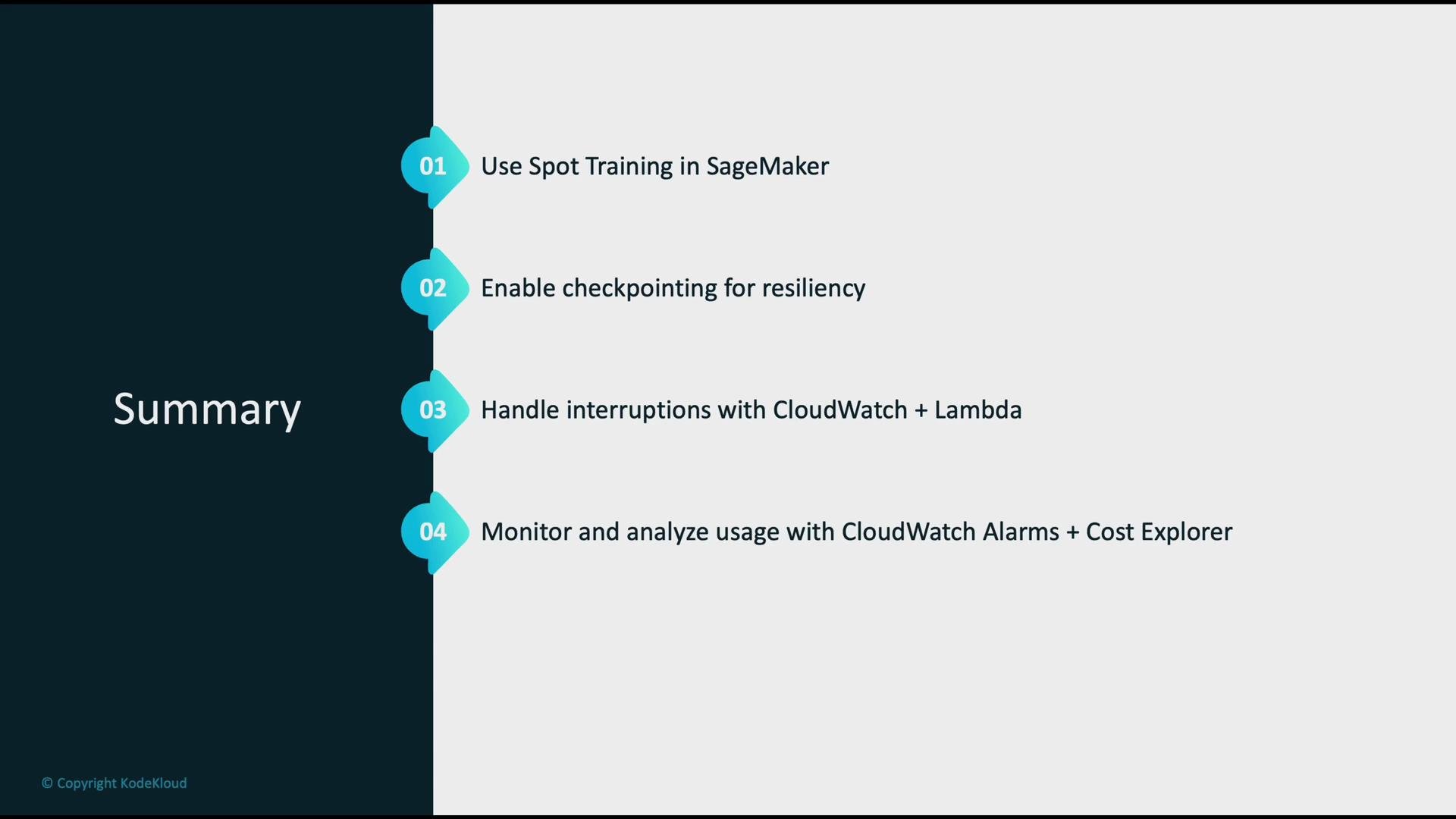
 ## Summary — Best practices
* Use SageMaker Spot Training to reduce training costs where interruptions are tolerable.
* Always enable checkpointing to durable S3 locations so jobs can resume.
* Automate interruption responses using CloudWatch Events / EventBridge and Lambda, or use SageMaker’s built-in resume behavior.
* Monitor instance health and billing metrics with CloudWatch Alarms and analyze financial trends with Cost Explorer.
* Enforce least-privilege IAM policies and secure checkpoint S3 locations.
## Summary — Best practices
* Use SageMaker Spot Training to reduce training costs where interruptions are tolerable.
* Always enable checkpointing to durable S3 locations so jobs can resume.
* Automate interruption responses using CloudWatch Events / EventBridge and Lambda, or use SageMaker’s built-in resume behavior.
* Monitor instance health and billing metrics with CloudWatch Alarms and analyze financial trends with Cost Explorer.
* Enforce least-privilege IAM policies and secure checkpoint S3 locations.
 ## Links and references
* [Amazon EC2 (Spot Instances) documentation](https://docs.aws.amazon.com/ec2/index.html)
* [Amazon SageMaker Spot Training overview](https://docs.aws.amazon.com/sagemaker/latest/dg/managed-spot-training.html)
* [AWS CloudWatch & EventBridge](https://docs.aws.amazon.com/cloudwatch/)
* [AWS Lambda](https://docs.aws.amazon.com/lambda/)
* [AWS Cost Explorer API (Boto3)](https://boto3.amazonaws.com/v1/documentation/api/latest/reference/services/ce.html)
* [SageMaker Neo compilation](https://docs.aws.amazon.com/sagemaker/latest/dg/neo.html)
## Links and references
* [Amazon EC2 (Spot Instances) documentation](https://docs.aws.amazon.com/ec2/index.html)
* [Amazon SageMaker Spot Training overview](https://docs.aws.amazon.com/sagemaker/latest/dg/managed-spot-training.html)
* [AWS CloudWatch & EventBridge](https://docs.aws.amazon.com/cloudwatch/)
* [AWS Lambda](https://docs.aws.amazon.com/lambda/)
* [AWS Cost Explorer API (Boto3)](https://boto3.amazonaws.com/v1/documentation/api/latest/reference/services/ce.html)
* [SageMaker Neo compilation](https://docs.aws.amazon.com/sagemaker/latest/dg/neo.html)