> ## Documentation Index
> Fetch the complete documentation index at: https://notes.kodekloud.com/llms.txt
> Use this file to discover all available pages before exploring further.
# Rightsizing ML Instances with SageMaker Inference Recommender
> Benchmark and select optimal ML inference instances with SageMaker Inference Recommender to balance performance, cost, deployment, monitoring, and security.
In this lesson we tackle a core MLOps challenge: selecting the right compute instance for model inference. Using AWS SageMaker Inference Recommender helps you benchmark candidate instance types, balance performance vs. cost, and operationalize ongoing monitoring.
SageMaker Inference Recommender evaluates model requirements, recommends optimal EC2 instance types, and integrates with CloudWatch and Cost Explorer so you can validate production behavior and correlate spend.
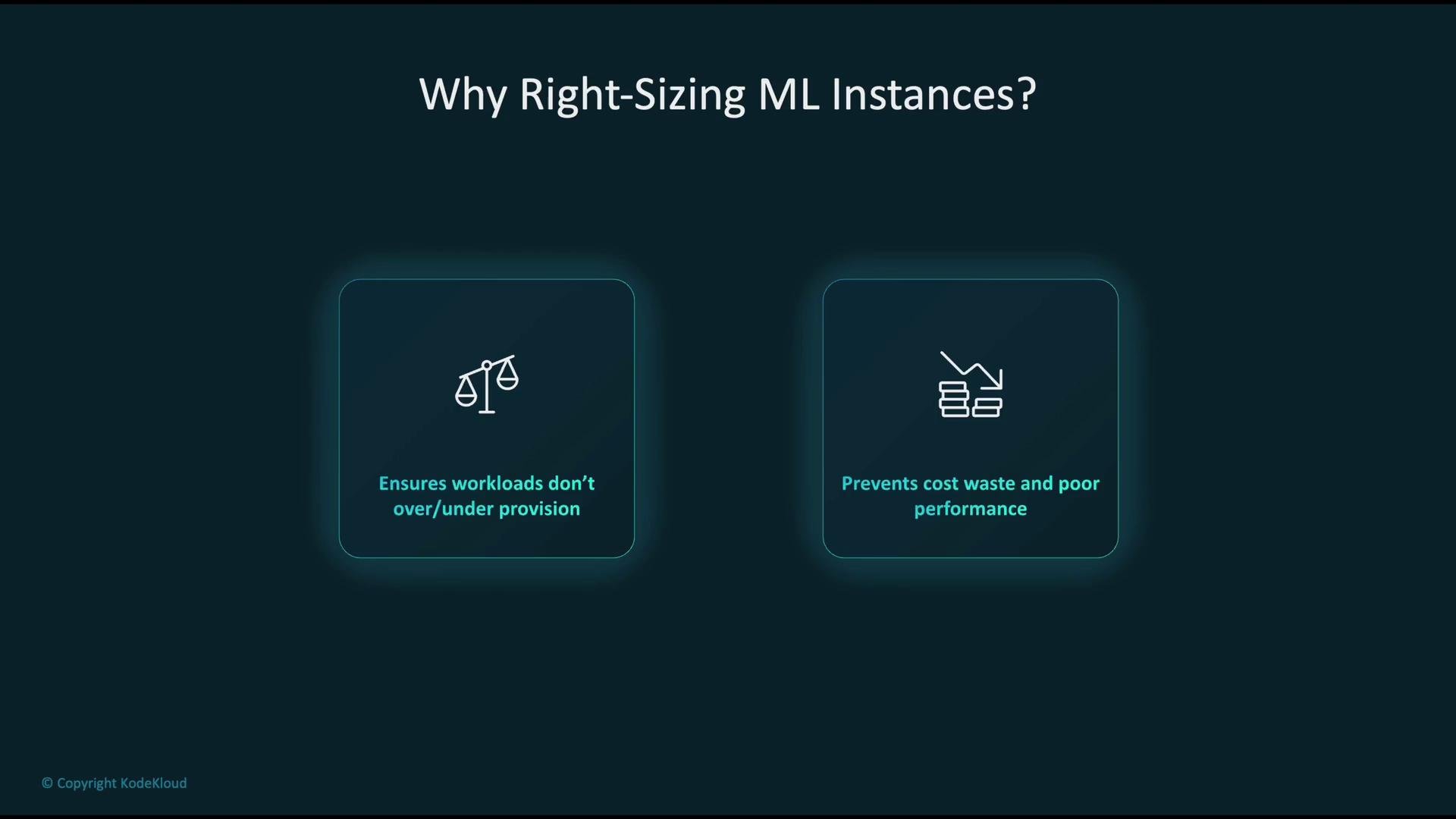
Why right-size ML instances?
* Ensure workloads receive the appropriate CPU, memory, GPU, and network bandwidth.
* Avoid overspending on oversized instances.
* Prevent performance degradation caused by under-provisioned instances.
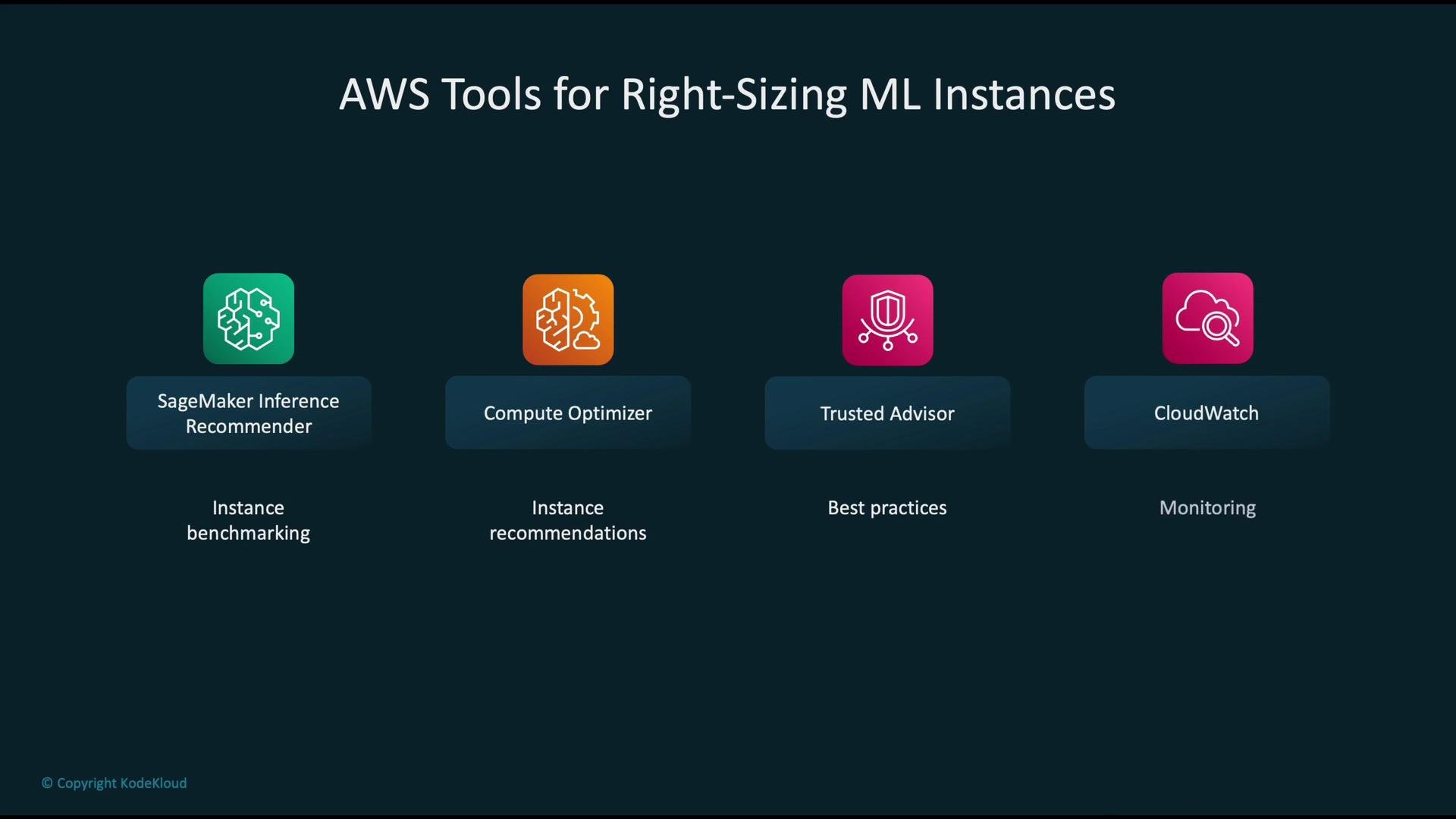
 Useful AWS tools for right-sizing ML instances
| Tool | Purpose | When to use |
| ------------------------------------------------------------------------------------------------------------- | ----------------------------------------------------------------------------------------- | ------------------------------------------------------------ |
| [SageMaker Inference Recommender](https://docs.aws.amazon.com/sagemaker/latest/dg/inference-recommender.html) | Runs benchmarks across candidate instance types and recommends best-fit configurations | When evaluating instance families/sizes for a specific model |
| [Compute Optimizer](https://docs.aws.amazon.com/compute-optimizer/latest/guide/) | Analyzes historical utilization across AWS resources and suggests instance families/sizes | For account-level optimization based on past usage |
| [Trusted Advisor](https://aws.amazon.com/premiumsupport/trustedadvisor/) | High-level cost and performance guidance across your AWS account | For general cost and configuration best practices |
| [CloudWatch](https://docs.aws.amazon.com/AmazonCloudWatch/latest/monitoring/WhatIsCloudWatch.html) | Collects and visualizes runtime metrics (latency, CPU, memory, invocation count) | For validating recommendations and creating alerts |
Useful AWS tools for right-sizing ML instances
| Tool | Purpose | When to use |
| ------------------------------------------------------------------------------------------------------------- | ----------------------------------------------------------------------------------------- | ------------------------------------------------------------ |
| [SageMaker Inference Recommender](https://docs.aws.amazon.com/sagemaker/latest/dg/inference-recommender.html) | Runs benchmarks across candidate instance types and recommends best-fit configurations | When evaluating instance families/sizes for a specific model |
| [Compute Optimizer](https://docs.aws.amazon.com/compute-optimizer/latest/guide/) | Analyzes historical utilization across AWS resources and suggests instance families/sizes | For account-level optimization based on past usage |
| [Trusted Advisor](https://aws.amazon.com/premiumsupport/trustedadvisor/) | High-level cost and performance guidance across your AWS account | For general cost and configuration best practices |
| [CloudWatch](https://docs.aws.amazon.com/AmazonCloudWatch/latest/monitoring/WhatIsCloudWatch.html) | Collects and visualizes runtime metrics (latency, CPU, memory, invocation count) | For validating recommendations and creating alerts |
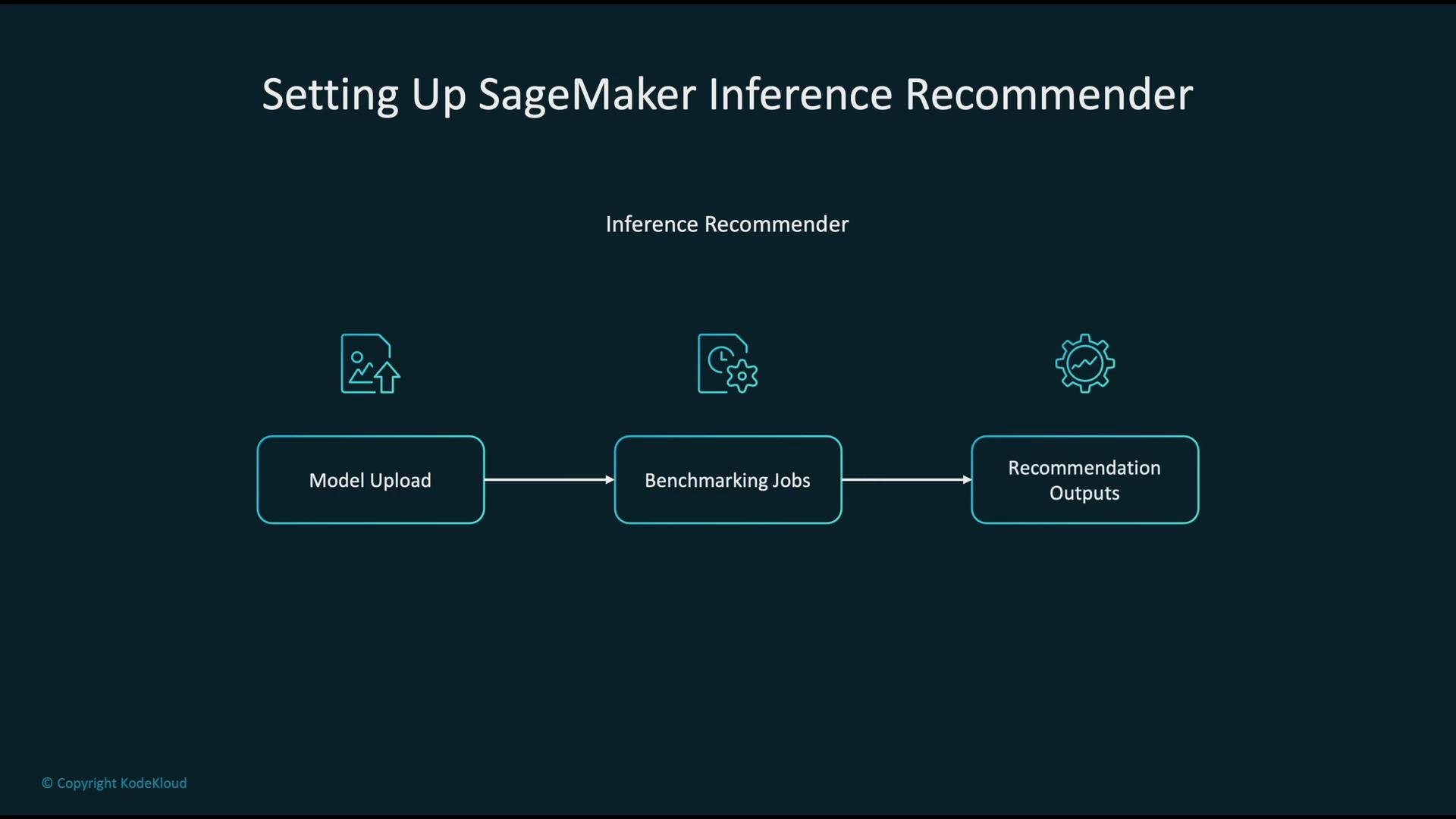
 Overview: SageMaker Inference Recommender workflow
1. Upload or reference your trained model or model package.
2. Run benchmarking jobs across chosen candidate instance types.
3. Review recommendation outputs (latency percentiles, throughput, and cost estimates) to decide endpoint configuration.
Overview: SageMaker Inference Recommender workflow
1. Upload or reference your trained model or model package.
2. Run benchmarking jobs across chosen candidate instance types.
3. Review recommendation outputs (latency percentiles, throughput, and cost estimates) to decide endpoint configuration.
 Example: configuring an Inference Recommender job
Use this Python dictionary as a payload when creating a recommendation job via the Console, SDK, or CLI. Update the ARN, job duration, and candidate instance types to match your model and test window.
```python theme={null}
job_config = {
"ModelPackageVersionArn": "arn:aws:sagemaker:us-west-2:123456789012:model-package/my-model/1",
"JobDurationInSeconds": 600, # Time allowed for benchmarking (seconds)
"InstanceTypes": ["ml.m5.large", "ml.c5.xlarge"] # Candidate instances to evaluate
}
```
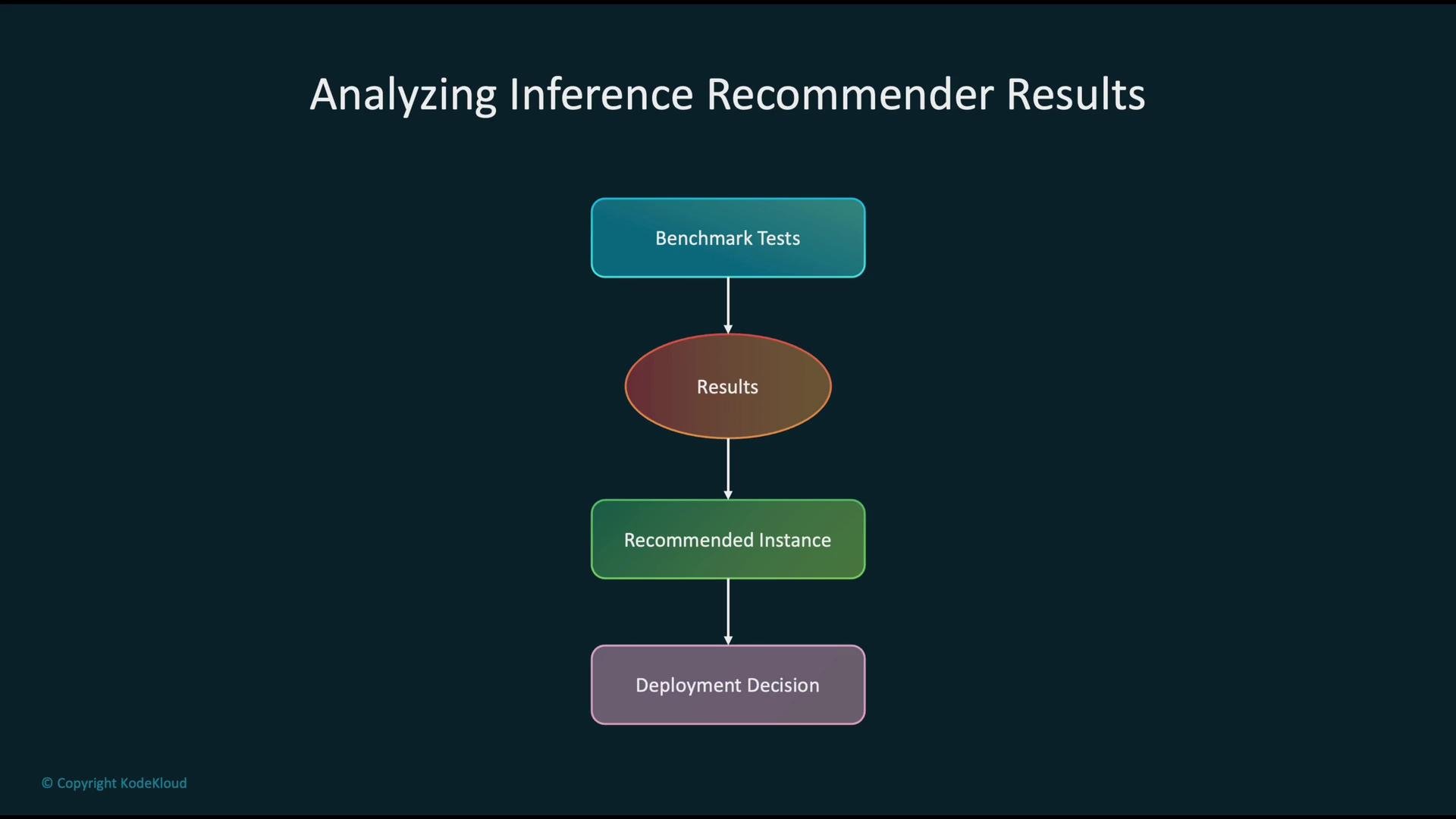
Key metrics to inspect in recommendation results
| Metric | Why it matters | Example threshold |
| -------------------- | ----------------------------------------------------------- | --------------------------------------------- |
| P95 / P99 latency | Shows tail latency that impacts user experience | P99 \< SLA target (e.g., 200 ms) |
| Median latency | Representative request latency | Median well below SLA to allow headroom |
| Throughput (req/sec) | Determines concurrent capacity needs | Throughput meets expected traffic volume |
| Error rate | Indicates model or infra issues | Near 0% for successful inference |
| Cost estimate | Cost per inference or per-second cost to compare candidates | Lowest cost while meeting performance targets |
How to interpret recommendation outputs
* Compare latency percentiles (P50/P95/P99), throughput, and error rates for each candidate instance.
* Factor in cost estimates (cost per inference or hourly cost) to calculate cost/performance trade-offs.
* Select the instance that meets your SLA (latency/throughput) at the lowest acceptable cost and with room for traffic variability.
Example: configuring an Inference Recommender job
Use this Python dictionary as a payload when creating a recommendation job via the Console, SDK, or CLI. Update the ARN, job duration, and candidate instance types to match your model and test window.
```python theme={null}
job_config = {
"ModelPackageVersionArn": "arn:aws:sagemaker:us-west-2:123456789012:model-package/my-model/1",
"JobDurationInSeconds": 600, # Time allowed for benchmarking (seconds)
"InstanceTypes": ["ml.m5.large", "ml.c5.xlarge"] # Candidate instances to evaluate
}
```
Key metrics to inspect in recommendation results
| Metric | Why it matters | Example threshold |
| -------------------- | ----------------------------------------------------------- | --------------------------------------------- |
| P95 / P99 latency | Shows tail latency that impacts user experience | P99 \< SLA target (e.g., 200 ms) |
| Median latency | Representative request latency | Median well below SLA to allow headroom |
| Throughput (req/sec) | Determines concurrent capacity needs | Throughput meets expected traffic volume |
| Error rate | Indicates model or infra issues | Near 0% for successful inference |
| Cost estimate | Cost per inference or per-second cost to compare candidates | Lowest cost while meeting performance targets |
How to interpret recommendation outputs
* Compare latency percentiles (P50/P95/P99), throughput, and error rates for each candidate instance.
* Factor in cost estimates (cost per inference or hourly cost) to calculate cost/performance trade-offs.
* Select the instance that meets your SLA (latency/throughput) at the lowest acceptable cost and with room for traffic variability.
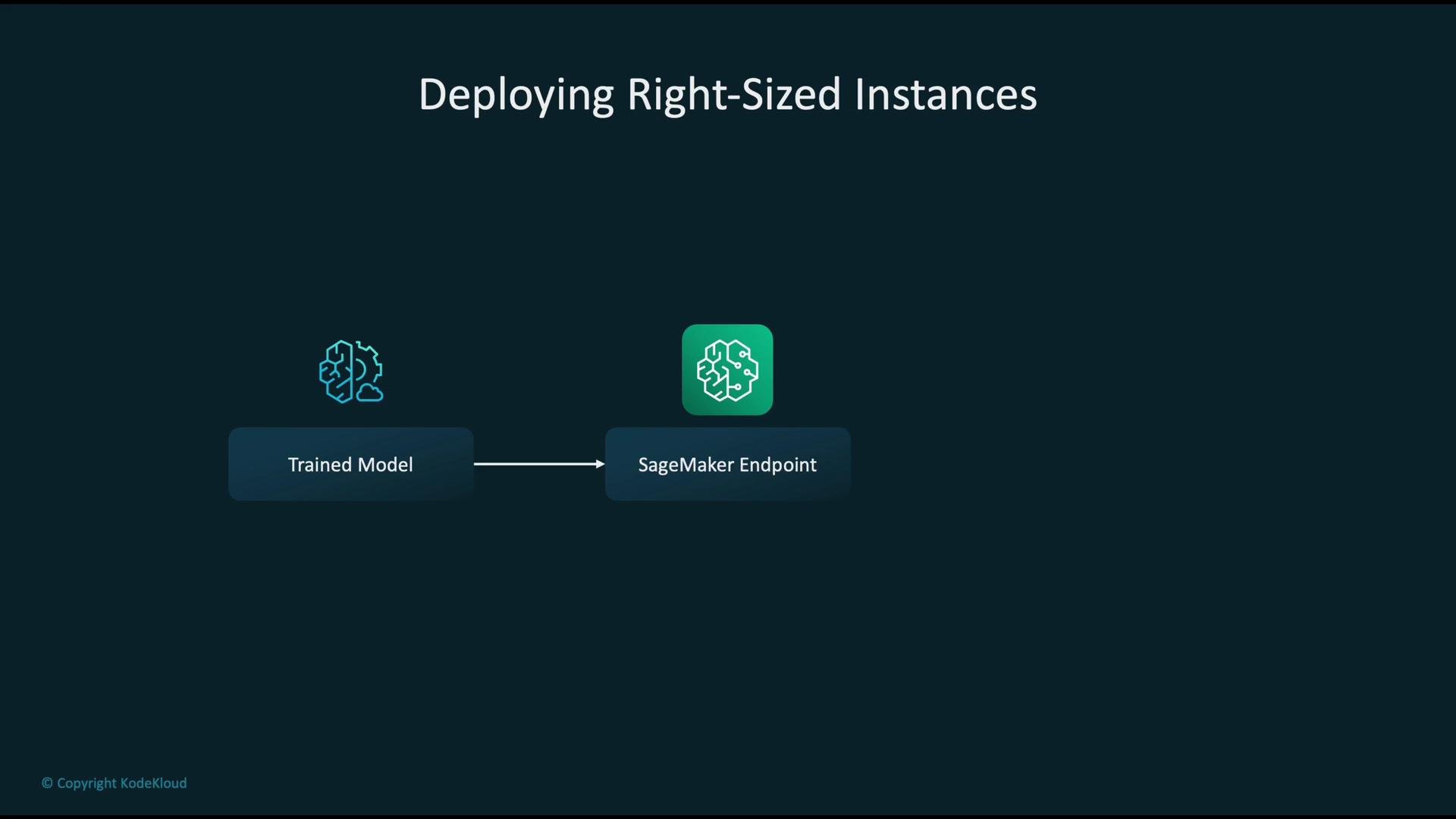
 Deploying your right-sized model
* Start from the trained model artifact or model package.
* Create a SageMaker Model and an Endpoint Configuration that uses the recommended instance type(s).
* Deploy to a SageMaker Endpoint with the selected instance type and scaling policy (single instance, multi-instance, or autoscaling).
Deployment checklist:
* Confirm model container compatibility with selected instance (CPU vs. GPU).
* Configure instance count and autoscaling based on peak throughput and cost targets.
* Assign separate IAM roles for deployment and monitoring.
Deploying your right-sized model
* Start from the trained model artifact or model package.
* Create a SageMaker Model and an Endpoint Configuration that uses the recommended instance type(s).
* Deploy to a SageMaker Endpoint with the selected instance type and scaling policy (single instance, multi-instance, or autoscaling).
Deployment checklist:
* Confirm model container compatibility with selected instance (CPU vs. GPU).
* Configure instance count and autoscaling based on peak throughput and cost targets.
* Assign separate IAM roles for deployment and monitoring.
 Monitoring after deployment
* Collect runtime metrics from endpoints: latency percentiles, invocation count, CPU/memory/GPU utilization, and error rates.
* Publish these metrics to CloudWatch for dashboards and alarms.
* Create CloudWatch Alarms to notify on SLA violations (e.g., latency spikes or growing error rates) so you can react and re-evaluate sizing or scaling.
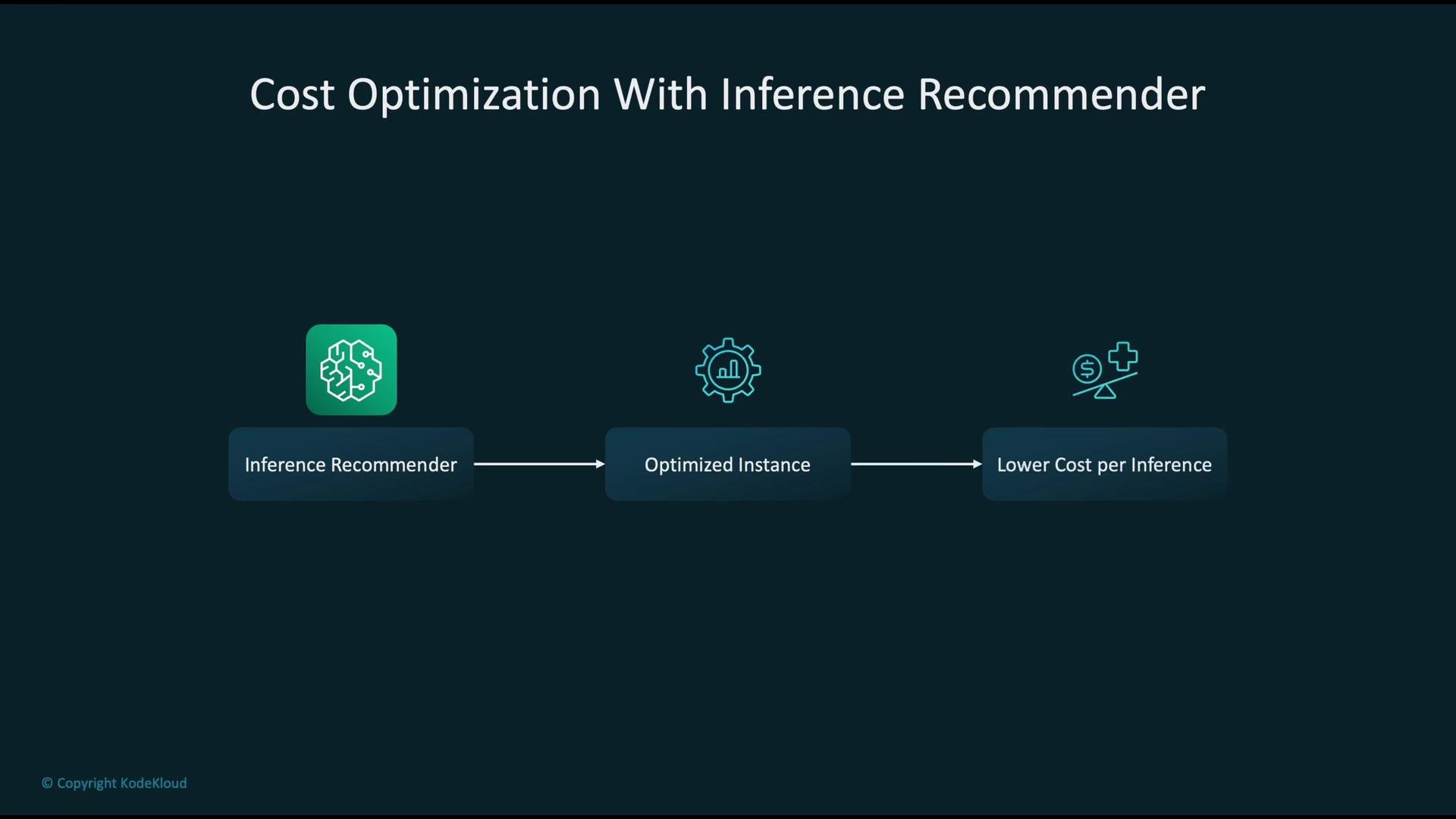
Cost optimization using Inference Recommender
* Inference Recommender provides performance vs. cost comparisons for candidate instances.
* Tune concurrency, batch size, and replica counts to reduce cost per inference while meeting performance targets.
* Combine results with Cost Explorer and Compute Optimizer for account-level cost visibility and longer-term optimization.
Monitoring after deployment
* Collect runtime metrics from endpoints: latency percentiles, invocation count, CPU/memory/GPU utilization, and error rates.
* Publish these metrics to CloudWatch for dashboards and alarms.
* Create CloudWatch Alarms to notify on SLA violations (e.g., latency spikes or growing error rates) so you can react and re-evaluate sizing or scaling.
Cost optimization using Inference Recommender
* Inference Recommender provides performance vs. cost comparisons for candidate instances.
* Tune concurrency, batch size, and replica counts to reduce cost per inference while meeting performance targets.
* Combine results with Cost Explorer and Compute Optimizer for account-level cost visibility and longer-term optimization.
 Security and compliance controls
* Enforce least-privilege IAM policies for users and service roles interacting with SageMaker and Inference Recommender.
* Use resource-level permissions and separate roles for benchmarking, deployment, and monitoring.
* Audit actions and access via [CloudTrail](https://docs.aws.amazon.com/awscloudtrail/latest/userguide/cloudtrail-user-guide.html).
* Ensure encryption in transit and at rest follows organizational data governance standards.
Security and compliance controls
* Enforce least-privilege IAM policies for users and service roles interacting with SageMaker and Inference Recommender.
* Use resource-level permissions and separate roles for benchmarking, deployment, and monitoring.
* Audit actions and access via [CloudTrail](https://docs.aws.amazon.com/awscloudtrail/latest/userguide/cloudtrail-user-guide.html).
* Ensure encryption in transit and at rest follows organizational data governance standards.
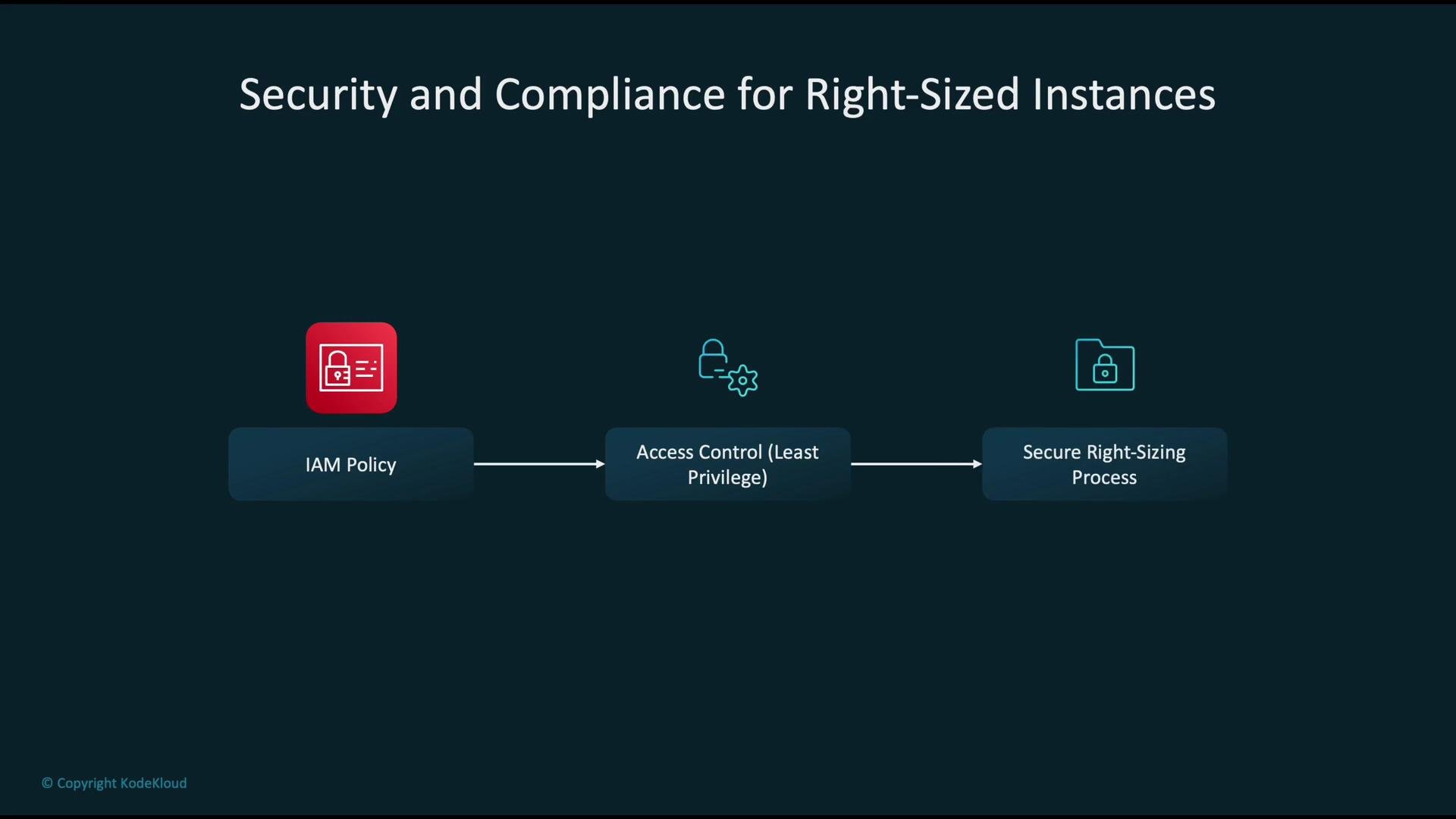 Always apply the principle of least privilege to the IAM roles used for creating recommendation jobs and deploying endpoints. Separate duties between benchmarking, deployment, and monitoring roles to reduce risk and simplify auditing.
Anti-patterns to avoid
* Don’t default to the largest instance class “just in case” — oversized instances can dramatically increase cost with marginal benefit.
* Don’t ignore Inference Recommender outputs; use them as data-driven guidance rather than opinion.
* Don’t skip post-deployment monitoring — without CloudWatch dashboards and alarms you can miss performance regressions or traffic shifts.
Always apply the principle of least privilege to the IAM roles used for creating recommendation jobs and deploying endpoints. Separate duties between benchmarking, deployment, and monitoring roles to reduce risk and simplify auditing.
Anti-patterns to avoid
* Don’t default to the largest instance class “just in case” — oversized instances can dramatically increase cost with marginal benefit.
* Don’t ignore Inference Recommender outputs; use them as data-driven guidance rather than opinion.
* Don’t skip post-deployment monitoring — without CloudWatch dashboards and alarms you can miss performance regressions or traffic shifts.
 Beware of one-time sizing decisions. Workloads change — schedule regular re-evaluation of instance sizing and automate periodic checks with Inference Recommender and Compute Optimizer to detect drift.
Summary: practical steps
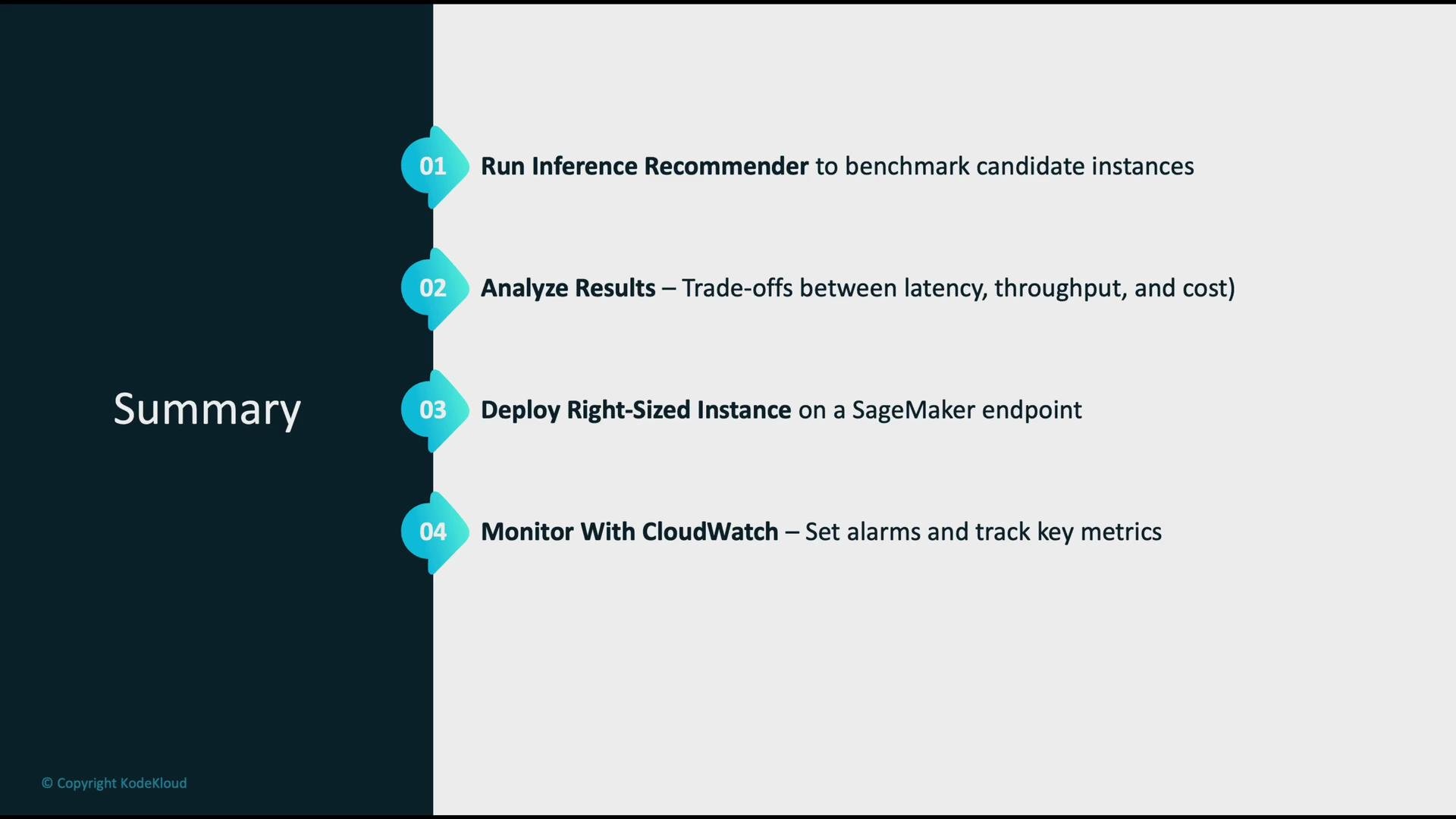
1. Run SageMaker Inference Recommender to benchmark candidate instance types.
2. Analyze trade-offs between latency (P95/P99), throughput, error rates, and cost from the recommendation outputs.
3. Deploy the right-sized instance(s) to a SageMaker endpoint with appropriate scaling (manual or autoscaling).
4. Monitor endpoint metrics in CloudWatch, and configure alarms for SLA breaches.
5. Secure the workflow using least-privilege IAM roles and audit with CloudTrail.
Beware of one-time sizing decisions. Workloads change — schedule regular re-evaluation of instance sizing and automate periodic checks with Inference Recommender and Compute Optimizer to detect drift.
Summary: practical steps
1. Run SageMaker Inference Recommender to benchmark candidate instance types.
2. Analyze trade-offs between latency (P95/P99), throughput, error rates, and cost from the recommendation outputs.
3. Deploy the right-sized instance(s) to a SageMaker endpoint with appropriate scaling (manual or autoscaling).
4. Monitor endpoint metrics in CloudWatch, and configure alarms for SLA breaches.
5. Secure the workflow using least-privilege IAM roles and audit with CloudTrail.
 Links and references
* [SageMaker Inference Recommender Documentation](https://docs.aws.amazon.com/sagemaker/latest/dg/inference-recommender.html)
* [Amazon EC2 Instance Types](https://aws.amazon.com/ec2/instance-types/)
* [CloudWatch Monitoring](https://docs.aws.amazon.com/AmazonCloudWatch/latest/monitoring/WhatIsCloudWatch.html)
* [Cost Explorer Overview](https://docs.aws.amazon.com/cost-management/latest/userguide/what-is-cost-explorer.html)
* [Compute Optimizer Guide](https://docs.aws.amazon.com/compute-optimizer/latest/guide/)
* [AWS CloudTrail User Guide](https://docs.aws.amazon.com/awscloudtrail/latest/userguide/cloudtrail-user-guide.html)
Links and references
* [SageMaker Inference Recommender Documentation](https://docs.aws.amazon.com/sagemaker/latest/dg/inference-recommender.html)
* [Amazon EC2 Instance Types](https://aws.amazon.com/ec2/instance-types/)
* [CloudWatch Monitoring](https://docs.aws.amazon.com/AmazonCloudWatch/latest/monitoring/WhatIsCloudWatch.html)
* [Cost Explorer Overview](https://docs.aws.amazon.com/cost-management/latest/userguide/what-is-cost-explorer.html)
* [Compute Optimizer Guide](https://docs.aws.amazon.com/compute-optimizer/latest/guide/)
* [AWS CloudTrail User Guide](https://docs.aws.amazon.com/awscloudtrail/latest/userguide/cloudtrail-user-guide.html)