> ## Documentation Index
> Fetch the complete documentation index at: https://notes.kodekloud.com/llms.txt
> Use this file to discover all available pages before exploring further.
# SageMaker Role Manager
> Overview of AWS SageMaker Role Manager for creating least-privilege IAM roles and templates to secure training, inference, and pipeline workloads with service integrations and auditing.
In this lesson we cover AWS SageMaker Role Manager and how it centralizes IAM role creation and permissions for machine learning workloads. SageMaker Role Manager simplifies secure access to resources such as S3, ECR, and CloudWatch by generating least-privilege IAM roles tailored to training, inference, and pipeline use cases.
SageMaker Role Manager streamlines permission handling by integrating [Amazon SageMaker](https://aws.amazon.com/sagemaker/) with [AWS Identity and Access Management (IAM)](https://aws.amazon.com/iam/). It reduces the likelihood of IAM misconfigurations and helps ML engineers quickly create and secure the privileged roles required for their workloads.
Core benefits include:
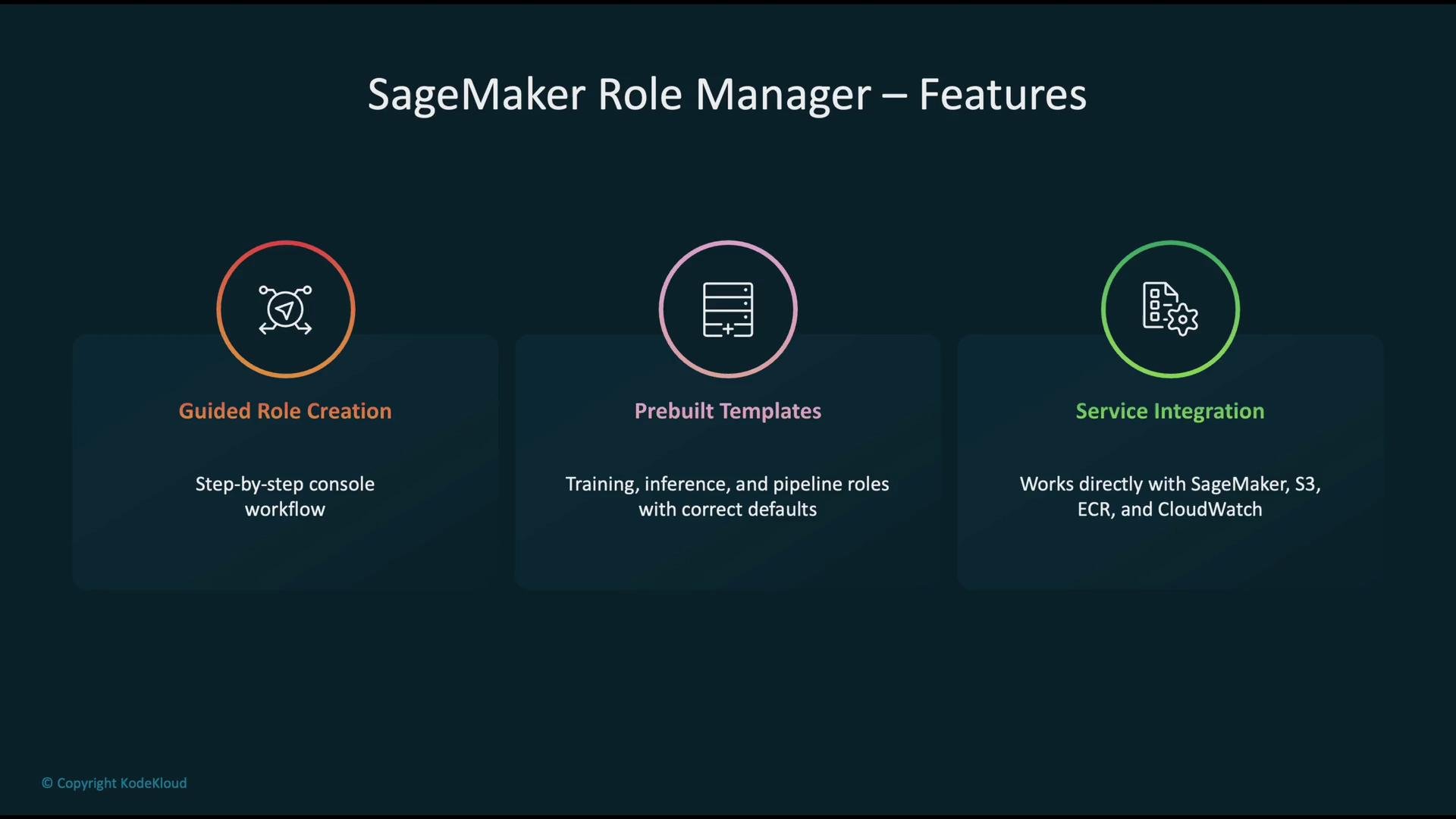
* Guided, step-by-step console workflow for role creation.
* Prebuilt templates with sensible defaults for training, inference, and pipeline roles.
* Direct integration with key AWS services such as SageMaker, S3, ECR, and CloudWatch.
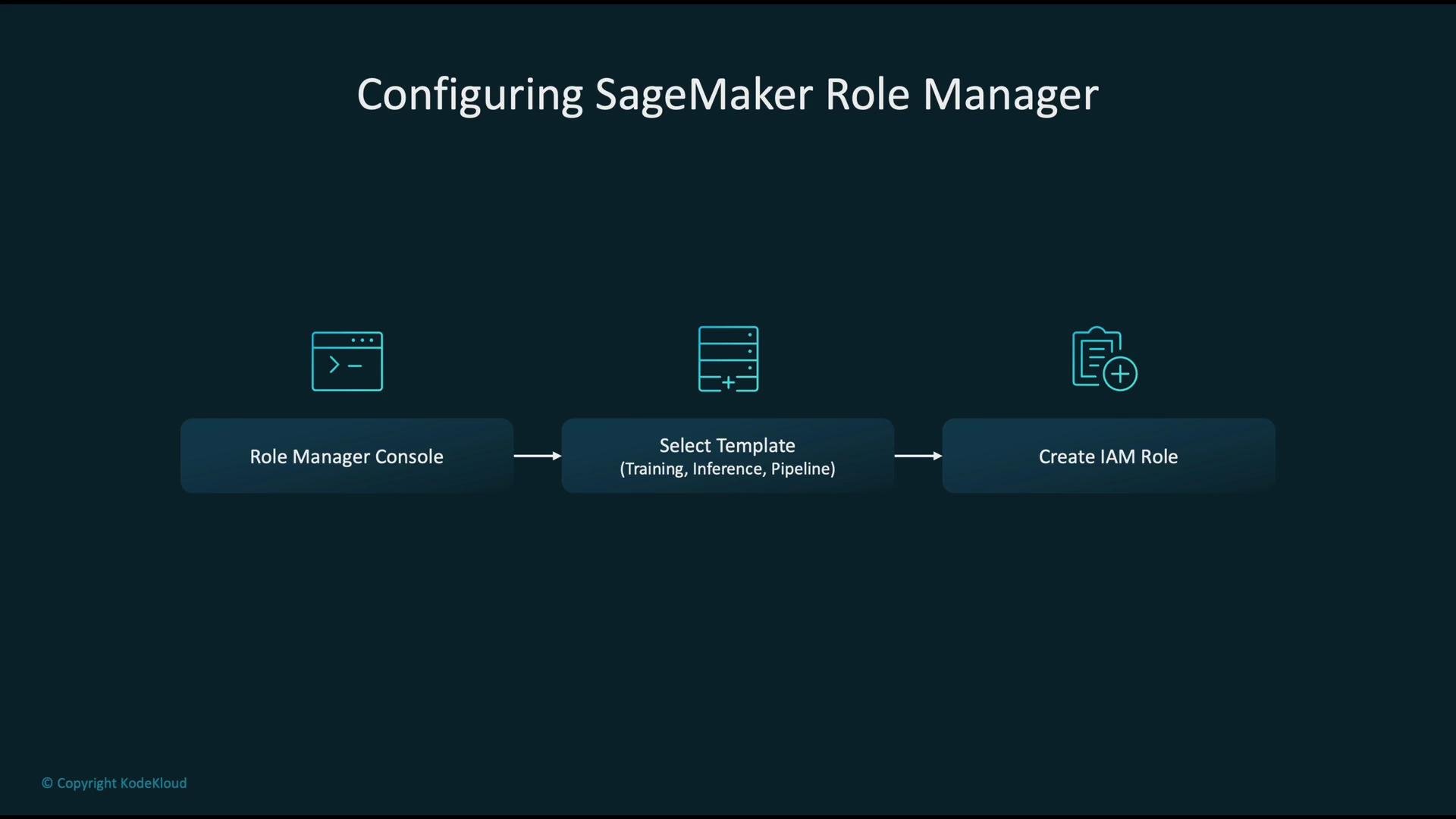
Configuring roles with SageMaker Role Manager is a straightforward three-step process.
 ## Typical workflow
1. Navigate to the [Role Manager console](https://aws.amazon.com/sagemaker/).
2. Select a template that matches your use case (training, inference, or pipeline).
3. Create an IAM role from the template—SageMaker Role Manager populates the role with appropriate permissions.
A role created this way is intended to be attached to your [SageMaker jobs](https://docs.aws.amazon.com/sagemaker/latest/dg/training.html) so they can securely access required resources.
## Typical workflow
1. Navigate to the [Role Manager console](https://aws.amazon.com/sagemaker/).
2. Select a template that matches your use case (training, inference, or pipeline).
3. Create an IAM role from the template—SageMaker Role Manager populates the role with appropriate permissions.
A role created this way is intended to be attached to your [SageMaker jobs](https://docs.aws.amazon.com/sagemaker/latest/dg/training.html) so they can securely access required resources.
 Operationally, the process is:
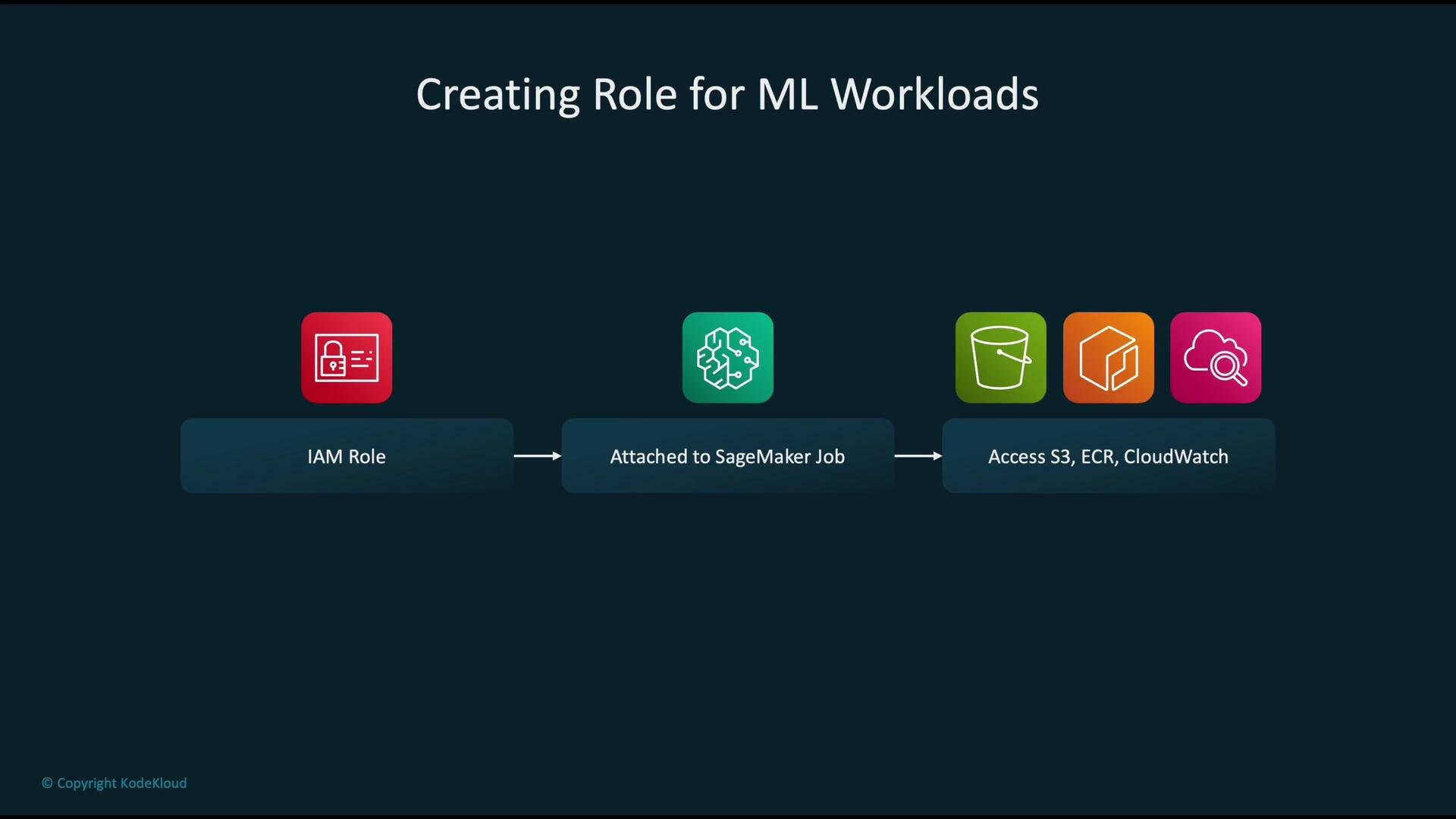
* Create a dedicated IAM role using Role Manager.
* Attach that role to the SageMaker job or pipeline.
* The role grants runtime permissions for accessing S3, ECR, CloudWatch, KMS (when needed), and other services required by the workload.
Operationally, the process is:
* Create a dedicated IAM role using Role Manager.
* Attach that role to the SageMaker job or pipeline.
* The role grants runtime permissions for accessing S3, ECR, CloudWatch, KMS (when needed), and other services required by the workload.
 ## Auditing and monitoring
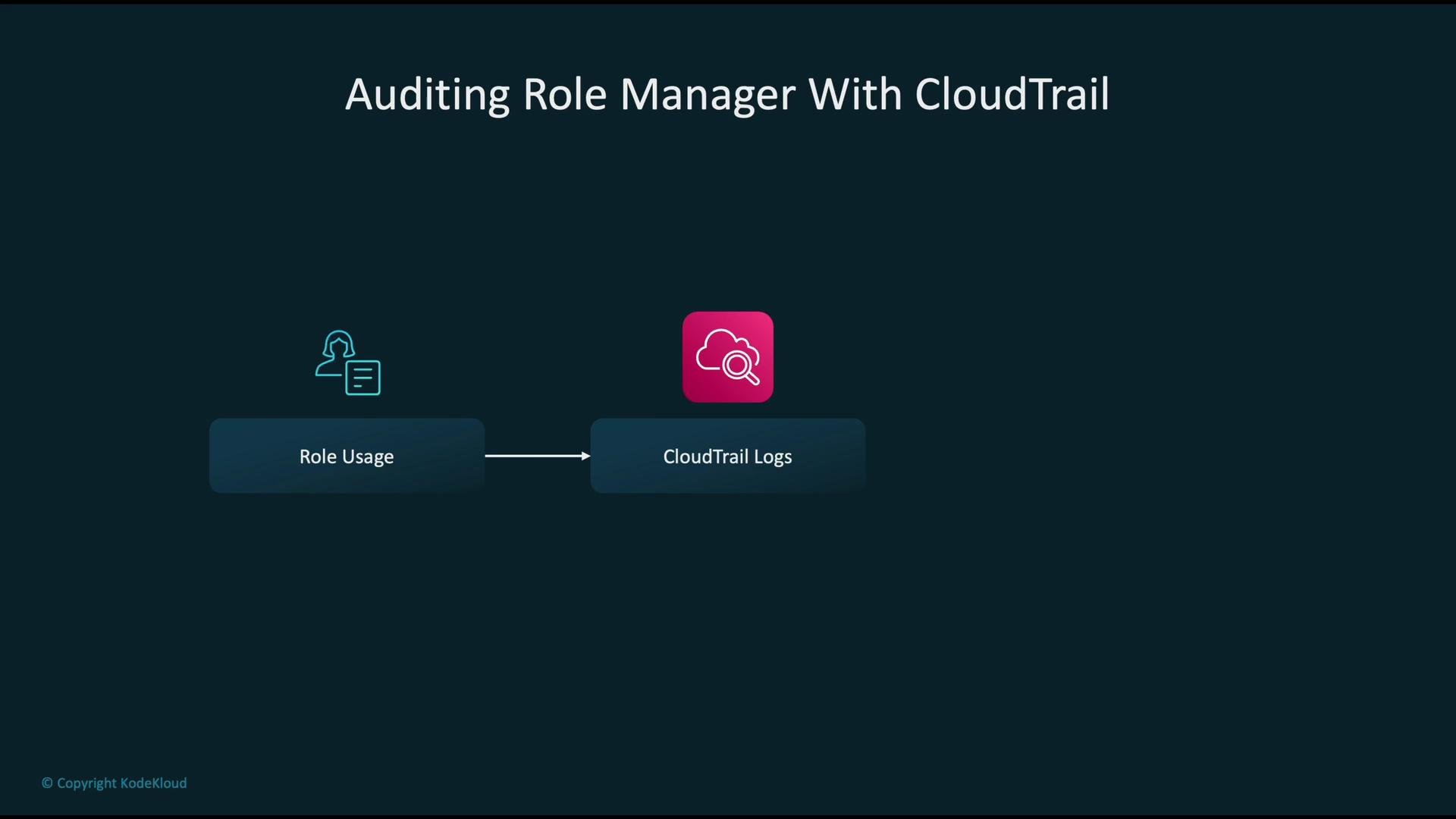
Auditing role creation and role usage is essential for security and compliance. Capture Role Manager activities and role usage with [AWS CloudTrail](https://aws.amazon.com/cloudtrail/) to retain an immutable event history and enable alerting and analysis.
CloudTrail captures actions and role usage as events, records them as logs, and allows you to analyze those logs to produce audit reports and alerts.
## Auditing and monitoring
Auditing role creation and role usage is essential for security and compliance. Capture Role Manager activities and role usage with [AWS CloudTrail](https://aws.amazon.com/cloudtrail/) to retain an immutable event history and enable alerting and analysis.
CloudTrail captures actions and role usage as events, records them as logs, and allows you to analyze those logs to produce audit reports and alerts.
 For stronger security and compliance, Role Manager defines the permissions needed for ML tasks, automatically generates the corresponding IAM policies, and can facilitate use of [KMS keys](https://aws.amazon.com/kms/) for encryption when appropriate. This helps create a secure ML pipeline that:
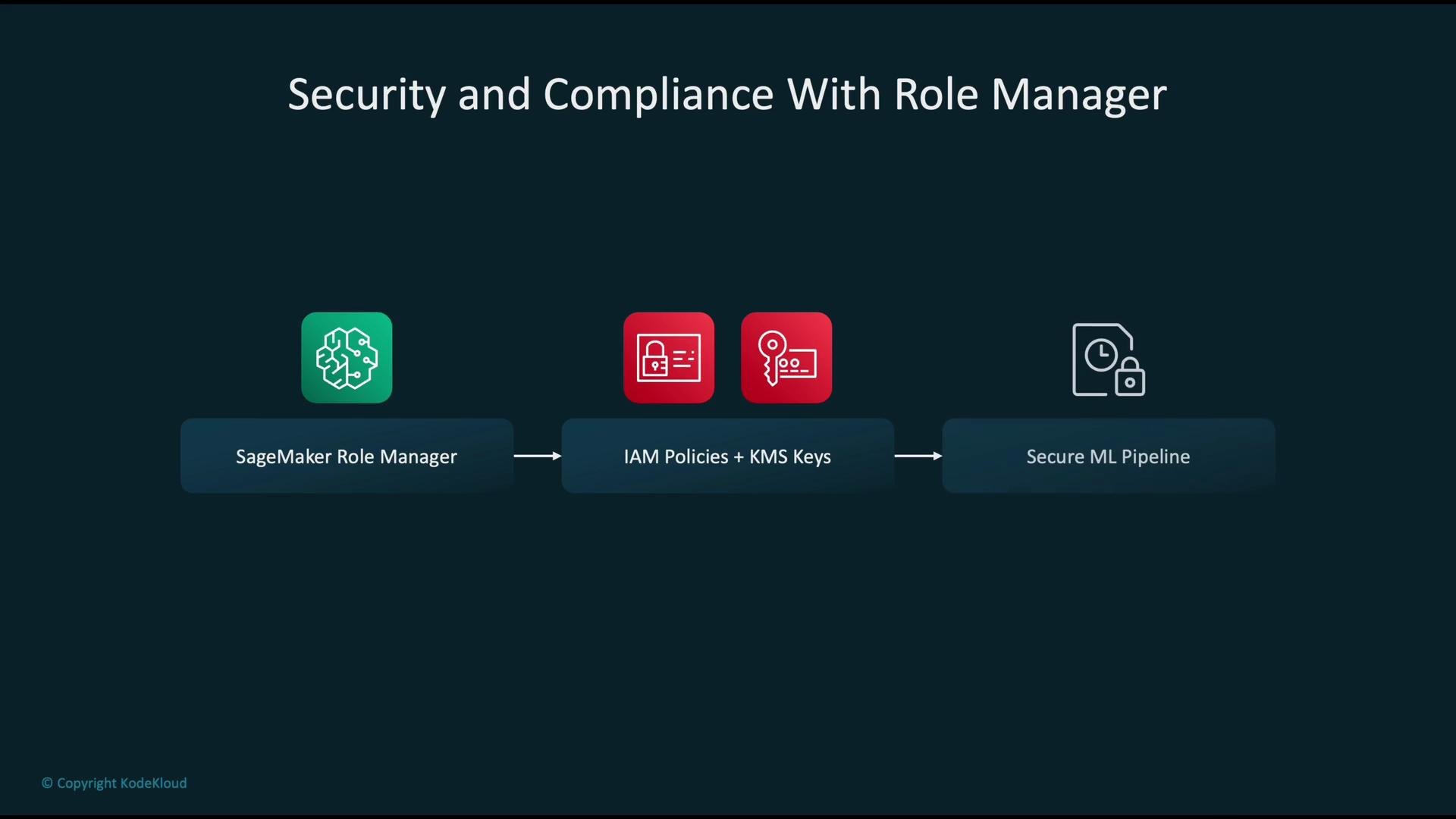 adheres to compliance standards and reduces manual policy errors.
Use the provided templates as a starting point, then tighten permissions to match only the resources and actions required by your workload.
Avoid broad, permissive roles. Always apply the principle of least privilege and prefer service-attached roles over long-lived user credentials.
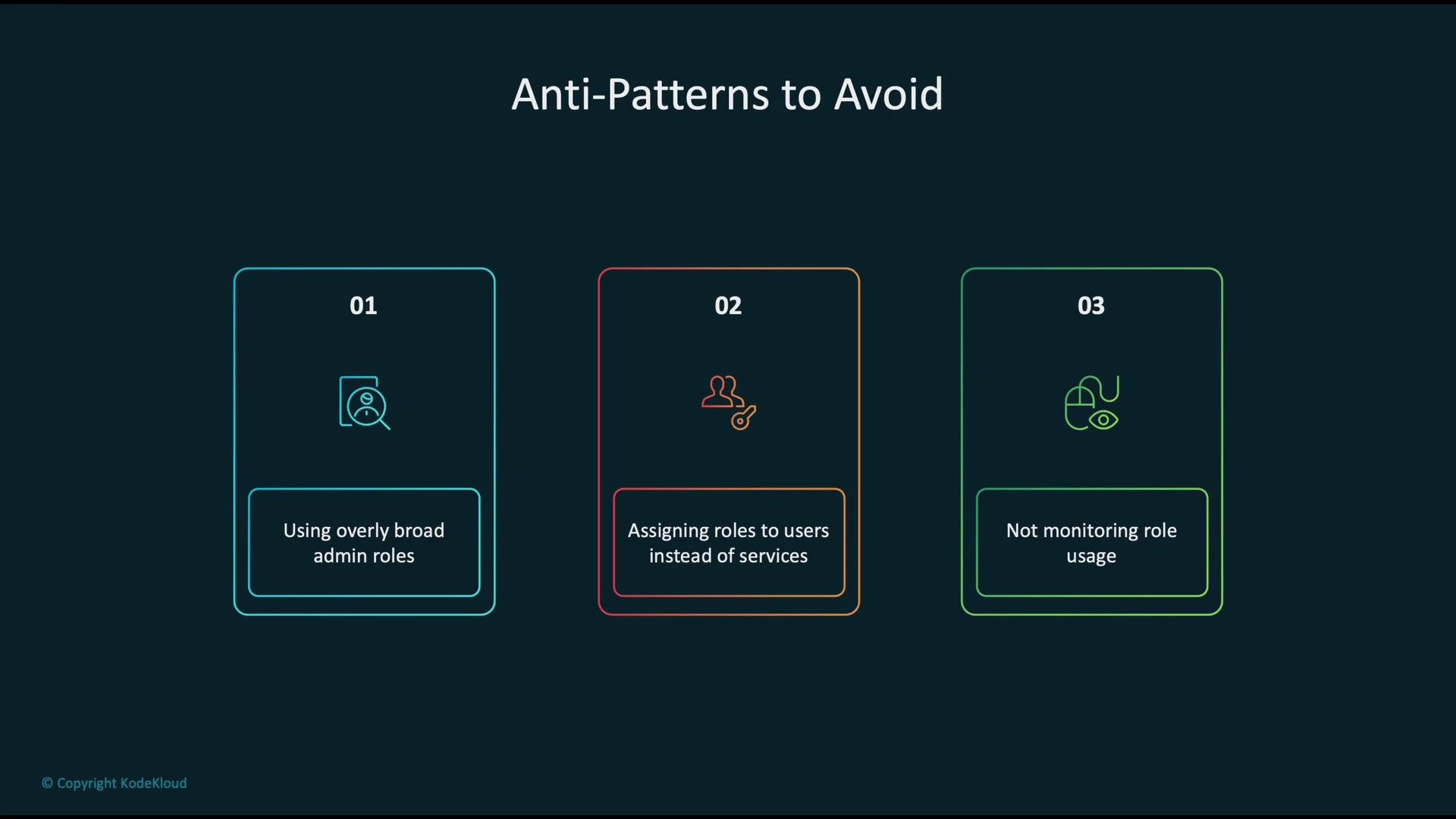
When managing access, avoid these common pitfalls:
* Do not use overly broad admin roles; restrict to what is necessary.
* Assign roles to services (SageMaker jobs, EC2 instance profiles, Lambda functions) instead of attaching long-lived user credentials.
* Monitor role usage to detect and remove unnecessary or stale privileges.
adheres to compliance standards and reduces manual policy errors.
Use the provided templates as a starting point, then tighten permissions to match only the resources and actions required by your workload.
Avoid broad, permissive roles. Always apply the principle of least privilege and prefer service-attached roles over long-lived user credentials.
When managing access, avoid these common pitfalls:
* Do not use overly broad admin roles; restrict to what is necessary.
* Assign roles to services (SageMaker jobs, EC2 instance profiles, Lambda functions) instead of attaching long-lived user credentials.
* Monitor role usage to detect and remove unnecessary or stale privileges.
 ## Templates and permissions (quick reference)
| Template | Purpose | Typical permissions granted |
| --------: | ---------------------------------------- | --------------------------------------------------------------------------------------------------------------- |
| Training | For SageMaker training jobs | S3 (read/write for datasets & model artifacts), ECR (pull training images), CloudWatch Logs, CloudWatch Metrics |
| Inference | For hosted endpoints and batch transform | S3 (read/write for model artifacts), ECR, CloudWatch, VPC access if endpoint is inside a VPC |
| Pipeline | For SageMaker Pipelines orchestration | Combined permissions for training/inference plus Step Functions and other orchestration-related actions |
## Best practices
* Start from Role Manager templates and scope down permissions to specific S3 buckets, ECR repositories, and KMS keys.
* Rotate and audit credentials—prefer temporary, service-based roles for runtime access.
* Use CloudTrail + AWS Config rules to alert on unexpected role changes or privileged policy attachments.
* Tag roles and policies to map them to projects or teams for easier lifecycle management.
Summary — key takeaways:
* Use SageMaker Role Manager to simplify and standardize IAM configuration for SageMaker workloads.
* Choose and refine templates for training, inference, and pipeline tasks; enforce least privilege.
* Audit all role activities with CloudTrail to ensure monitoring and accountability.
## Links and references
* [Amazon SageMaker](https://aws.amazon.com/sagemaker/)
* [SageMaker Developer Guide — Role Manager](https://docs.aws.amazon.com/sagemaker/latest/dg/role-manager.html)
* [AWS Identity and Access Management (IAM)](https://aws.amazon.com/iam/)
* [AWS CloudTrail](https://aws.amazon.com/cloudtrail/)
* [AWS Key Management Service (KMS)](https://aws.amazon.com/kms/)
## Templates and permissions (quick reference)
| Template | Purpose | Typical permissions granted |
| --------: | ---------------------------------------- | --------------------------------------------------------------------------------------------------------------- |
| Training | For SageMaker training jobs | S3 (read/write for datasets & model artifacts), ECR (pull training images), CloudWatch Logs, CloudWatch Metrics |
| Inference | For hosted endpoints and batch transform | S3 (read/write for model artifacts), ECR, CloudWatch, VPC access if endpoint is inside a VPC |
| Pipeline | For SageMaker Pipelines orchestration | Combined permissions for training/inference plus Step Functions and other orchestration-related actions |
## Best practices
* Start from Role Manager templates and scope down permissions to specific S3 buckets, ECR repositories, and KMS keys.
* Rotate and audit credentials—prefer temporary, service-based roles for runtime access.
* Use CloudTrail + AWS Config rules to alert on unexpected role changes or privileged policy attachments.
* Tag roles and policies to map them to projects or teams for easier lifecycle management.
Summary — key takeaways:
* Use SageMaker Role Manager to simplify and standardize IAM configuration for SageMaker workloads.
* Choose and refine templates for training, inference, and pipeline tasks; enforce least privilege.
* Audit all role activities with CloudTrail to ensure monitoring and accountability.
## Links and references
* [Amazon SageMaker](https://aws.amazon.com/sagemaker/)
* [SageMaker Developer Guide — Role Manager](https://docs.aws.amazon.com/sagemaker/latest/dg/role-manager.html)
* [AWS Identity and Access Management (IAM)](https://aws.amazon.com/iam/)
* [AWS CloudTrail](https://aws.amazon.com/cloudtrail/)
* [AWS Key Management Service (KMS)](https://aws.amazon.com/kms/)