> ## Documentation Index
> Fetch the complete documentation index at: https://notes.kodekloud.com/llms.txt
> Use this file to discover all available pages before exploring further.
# Calculate the following Network Costs Calculator Exercise
> Hands-on exercise to estimate costs for AWS networking services using the AWS Pricing Calculator.
Welcome back, [AWS Cloud Practitioner (CLF-C02)](https://learn.kodekloud.com/user/courses/aws-cloud-practitioner-clf-c02)! In this lesson, you'll work through a hands-on exercise to estimate costs for various AWS networking services using the [AWS Pricing Calculator](https://aws.amazon.com/calculator). Follow the step-by-step instructions below to complete the exercise.
## Exercise Steps
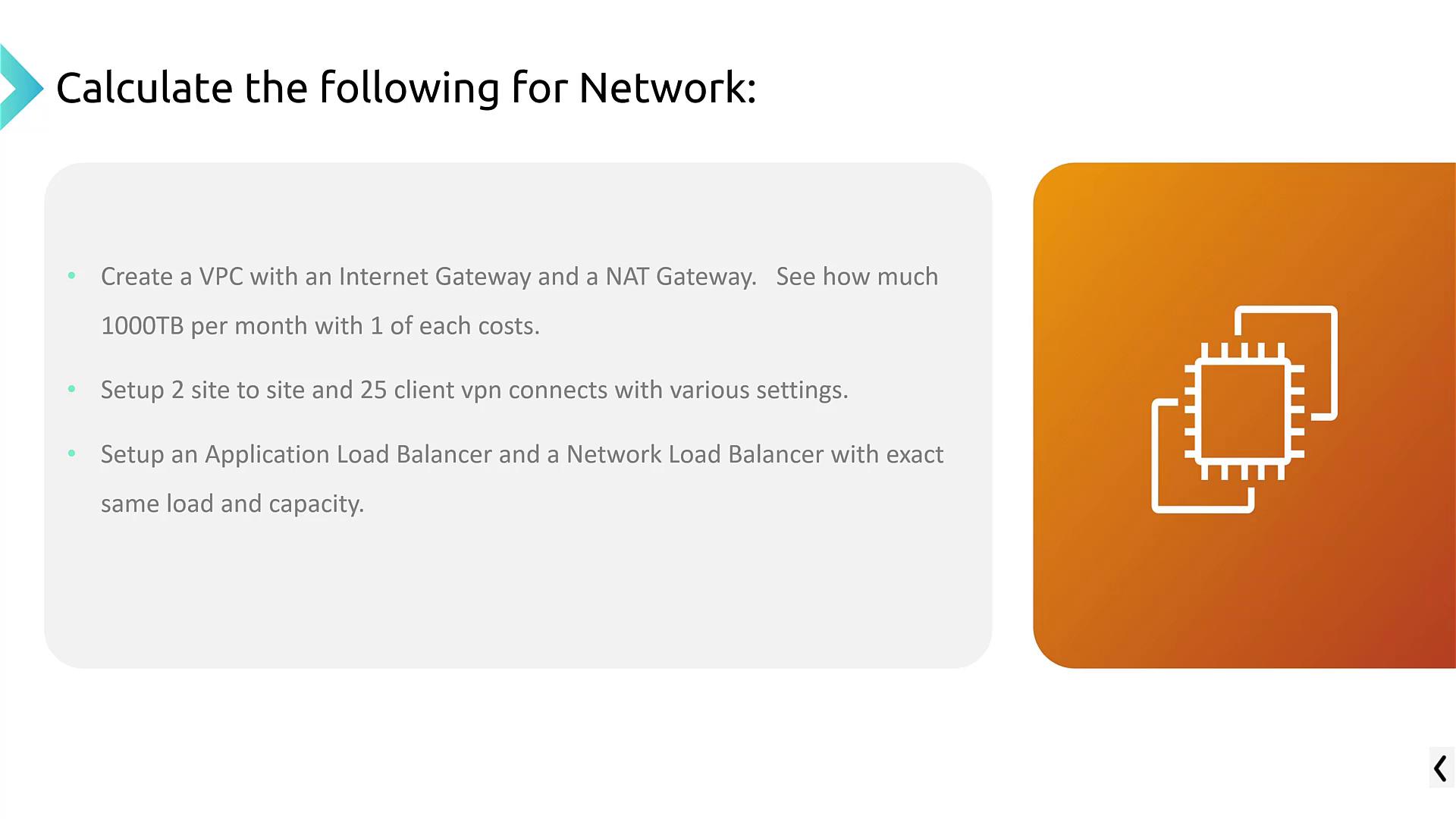
1. **VPC with Data Transfer and NAT Gateway**
* Create a Virtual Private Cloud (VPC) that incorporates data transfer. (Note that in the AWS Pricing Calculator, this is referred to as "data transfer" rather than "Internet Gateway.")
* Add a NAT Gateway to the VPC.
* Estimate the cost for transferring 1,000 terabytes (1 petabyte) of data along with one NAT Gateway. Both components can be included in a single estimate.
2. **VPN Configurations**
* Disable the previous estimates for data transfer and the NAT Gateway.
* Enable the VPN service.
* Configure two site-to-site VPN connections that operate continuously over a 30-day month.
* Set up 25 client VPN connections running Monday through Friday for 16 hours each day.
* Carefully review the calculated monthly costs based on these configurations.
3. **Elastic Load Balancing**
* Within the Elastic Load Balancing section, create an estimate for an Application Load Balancer (ALB).
* Next, generate a similar estimate for a Network Load Balancer (NLB) configured with equivalent capacity.
* Compare the pricing differences between the ALB and NLB setups to assess which option suits your requirements best.
The exercise covers key networking tasks including creating a VPC with a NAT gateway for data transfer, establishing both site-to-site and client VPN connections, and configuring Application and Network Load Balancers to compare cost differences.
Feel free to pause the lesson at any point and experiment with the settings in the AWS Pricing Calculator. This hands-on approach will help reinforce your understanding of AWS networking costs.
That concludes the AWS networking cost estimation exercise. Use this opportunity to explore cost estimations further and better understand how different configurations impact your AWS billing.