> ## Documentation Index
> Fetch the complete documentation index at: https://notes.kodekloud.com/llms.txt
> Use this file to discover all available pages before exploring further.
# Methods of Deploying and Operating in the Cloud
> This article explores methods for deploying and managing AWS resources, detailing the AWS Console, CLI, and SDK for different user needs.
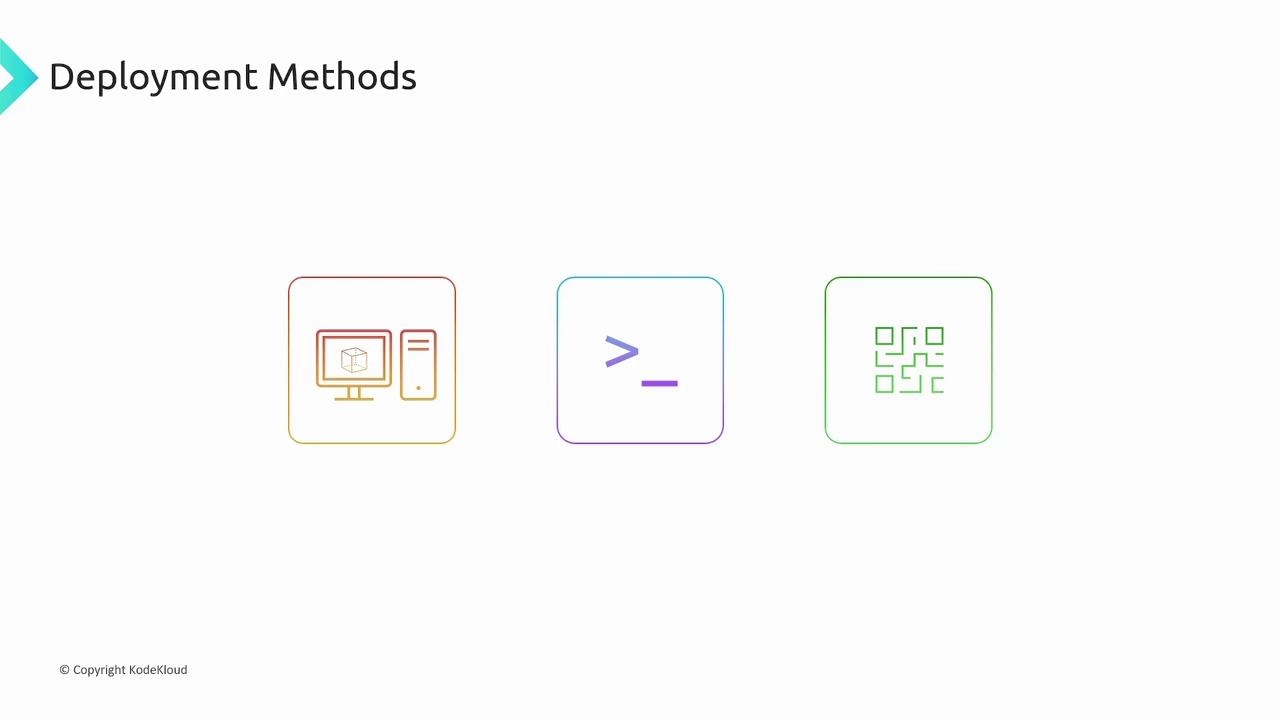
In this lesson, we explore several methods for deploying and managing AWS resources effectively. AWS provides multiple interfaces to interact with its services, each designed to match different use cases and users' expertise levels. The following sections detail the AWS Console, AWS Command Line Interface (CLI), and AWS Software Development Kit (SDK).
## AWS Console
The AWS Console is the web-based graphical user interface (GUI) that simplifies the management of your AWS resources. By logging in with your credentials through any web browser, you can access a variety of service-specific wizards that streamline the configuration process. These wizards include all necessary fields and highlight missing information to ensure that your setup is accurate and complete.
The console is particularly user-friendly for beginners, offering an intuitive visual experience that makes it easy to navigate through services.
Despite its ease of use for small-scale deployments, the console can become time-consuming as your infrastructure grows and you need to manage multiple resources across several windows and forms.
## AWS Command Line Interface (CLI)
The AWS CLI offers a powerful alternative to the console for managing large-scale infrastructures. This command line tool enables you to create, configure, and manage AWS resources efficiently. Many engineers prefer the CLI because it supports faster execution of tasks, easier scripting, and copy-paste reusability of commands.
The CLI features detailed help options that make it clear how to use each command and its available options. Additionally, certain configurations and settings are exclusively accessible through the CLI, providing advanced control over your AWS environment.
Utilizing the AWS CLI can significantly streamline repetitive tasks and enable automation through scripting, making it an essential tool for managing complex infrastructures.
## AWS Software Development Kit (SDK)
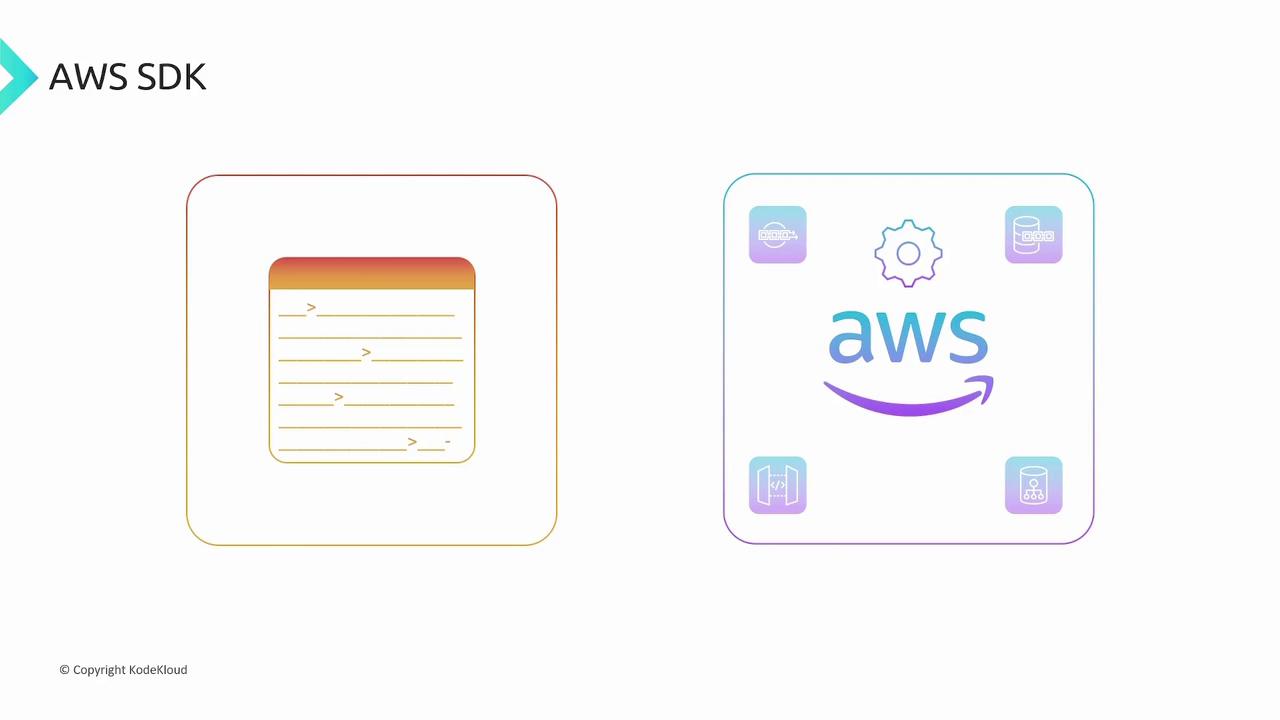
The AWS SDK is designed for developers who want to integrate AWS functionality directly into their applications. Available for many popular programming languages—including JavaScript, Java, and C#—the SDK enables programmatic interaction with AWS services.
By incorporating the SDK into your applications, you can automate AWS operations based on user actions or specific triggers. For example, your application can automatically launch a server or create an S3 bucket when a user logs in or performs a particular action, ensuring seamless integration between your software and AWS services.
## Summary of AWS Deployment Methods
| Method | Description | Best For |
| ------- | ----------------------------------------------------------------------------- | ---------------------------------- |
| Console | Web-based GUI for resource management via service wizards | Beginners and small deployments |
| CLI | Command line tool for fast, scriptable resource management | Large-scale infrastructures |
| SDK | Programmatic access to AWS services using your preferred programming language | Automated and integrated solutions |
Each method offers its unique advantages, and choosing the right one depends on your specific needs and expertise. For more detailed AWS guidance, consider exploring additional resources:
* [AWS Documentation](https://aws.amazon.com/documentation/)
* [AWS Getting Started](https://aws.amazon.com/getting-started/)
* [AWS CLI User Guide](https://docs.aws.amazon.com/cli/latest/userguide/cli-configure-files.html)
By understanding these deployment methods, you can optimize your cloud operations and tailor your approach to best fit your project's requirements.