> ## Documentation Index
> Fetch the complete documentation index at: https://notes.kodekloud.com/llms.txt
> Use this file to discover all available pages before exploring further.
# CloudFormations Essential Building Blocks
> Explains AWS CloudFormation template sections like Resources Parameters Outputs plus mappings conditions and intrinsic functions to create configurable reusable infrastructure templates
Welcome — in this lesson we walk through the essential building blocks of an AWS CloudFormation template and show how those sections fit together to define, configure, and output your infrastructure.
A [CloudFormation template](https://docs.aws.amazon.com/AWSCloudFormation/latest/UserGuide/) is the single declarative artifact for provisioning AWS resources. It specifies the resources to create, accepts user inputs, enables conditional logic, and returns useful output values after stack creation.
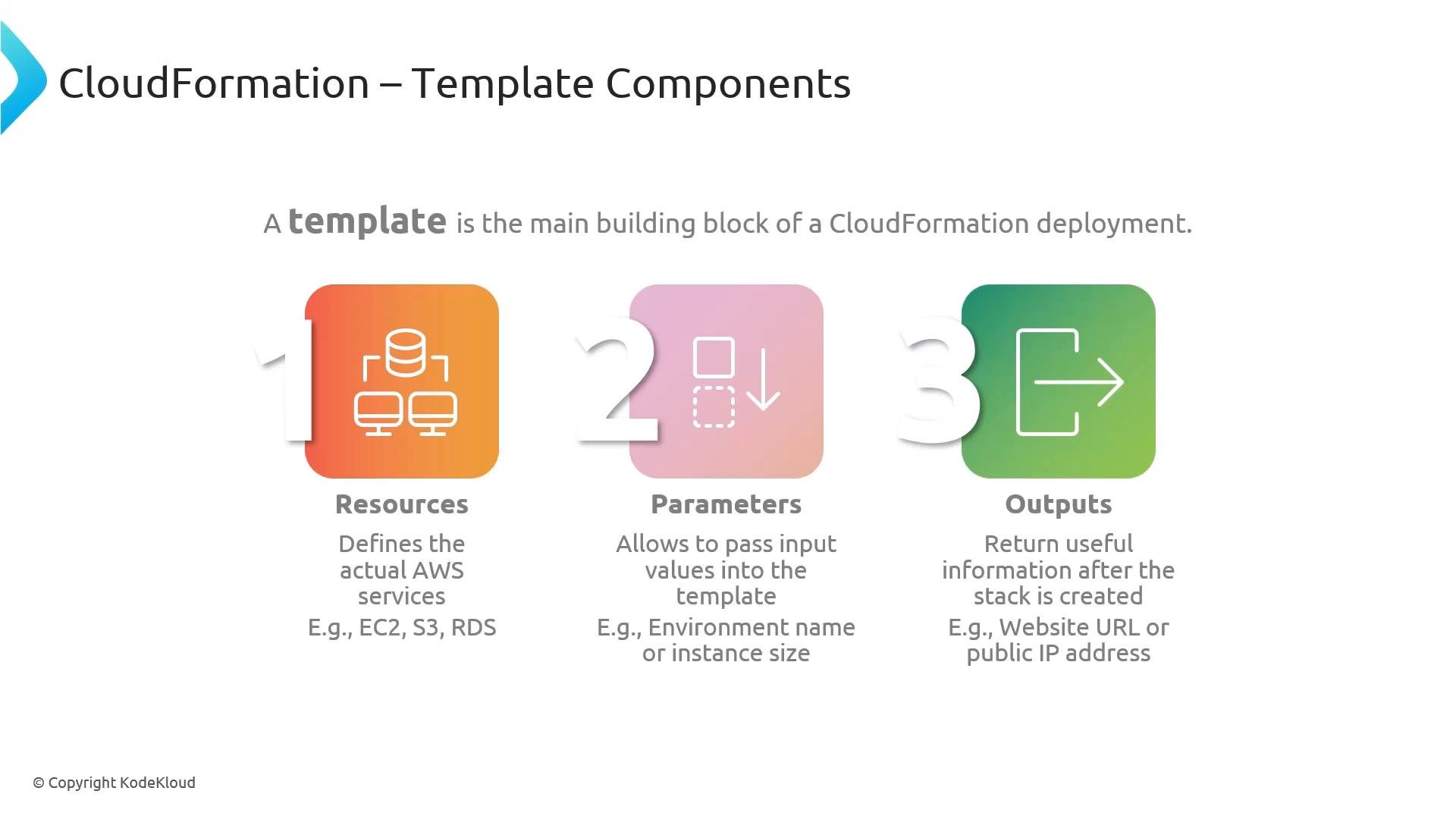
Core template sections are Resources, Parameters, and Outputs:
* Resources — The only required section for most templates. Resources declare the AWS services to create (for example, `AWS::EC2::Instance`, `AWS::S3::Bucket`, or `AWS::RDS::DBInstance`).
* Parameters — Optional user-supplied inputs passed to the template at stack creation time. Use parameters to avoid hard-coding values (for example: environment name, instance type, DB size).
* Outputs — Optional values returned after stack creation, such as an instance public IP, a website URL, or other useful metadata.
 Below is a minimal YAML skeleton showing these sections and how they typically appear in a template. Use this as a starting point for small stacks or examples.
```yaml theme={null}
AWSTemplateFormatVersion: "2010-09-09" # optional
Description: "Minimal CloudFormation template"
Parameters:
Environment:
Type: String
Default: dev
Resources:
MyBucket:
Type: AWS::S3::Bucket
Properties:
BucketName: !Sub "${Environment}-my-bucket"
Outputs:
BucketName:
Value: !Ref MyBucket
Description: "Name of the created S3 bucket"
```
Use `Parameters` to make templates reusable across environments (dev, staging, prod). Favor references like `!Ref` and `!Sub` rather than hard-coded values to improve portability.
Core sections at a glance:
| Section | Purpose | Example |
| - | - | - |
| Resources | Declare and configure AWS resources to create | `AWS::S3::Bucket`, `AWS::EC2::Instance` |
| Parameters | Accept user inputs at stack creation to avoid hard-coding | `Environment`, `InstanceType` |
| Outputs | Return values after stack creation for later use or display | `WebsiteURL`, `BucketName` |
Beyond the core sections, templates often include additional optional components to increase portability, validation, and conditional behavior:
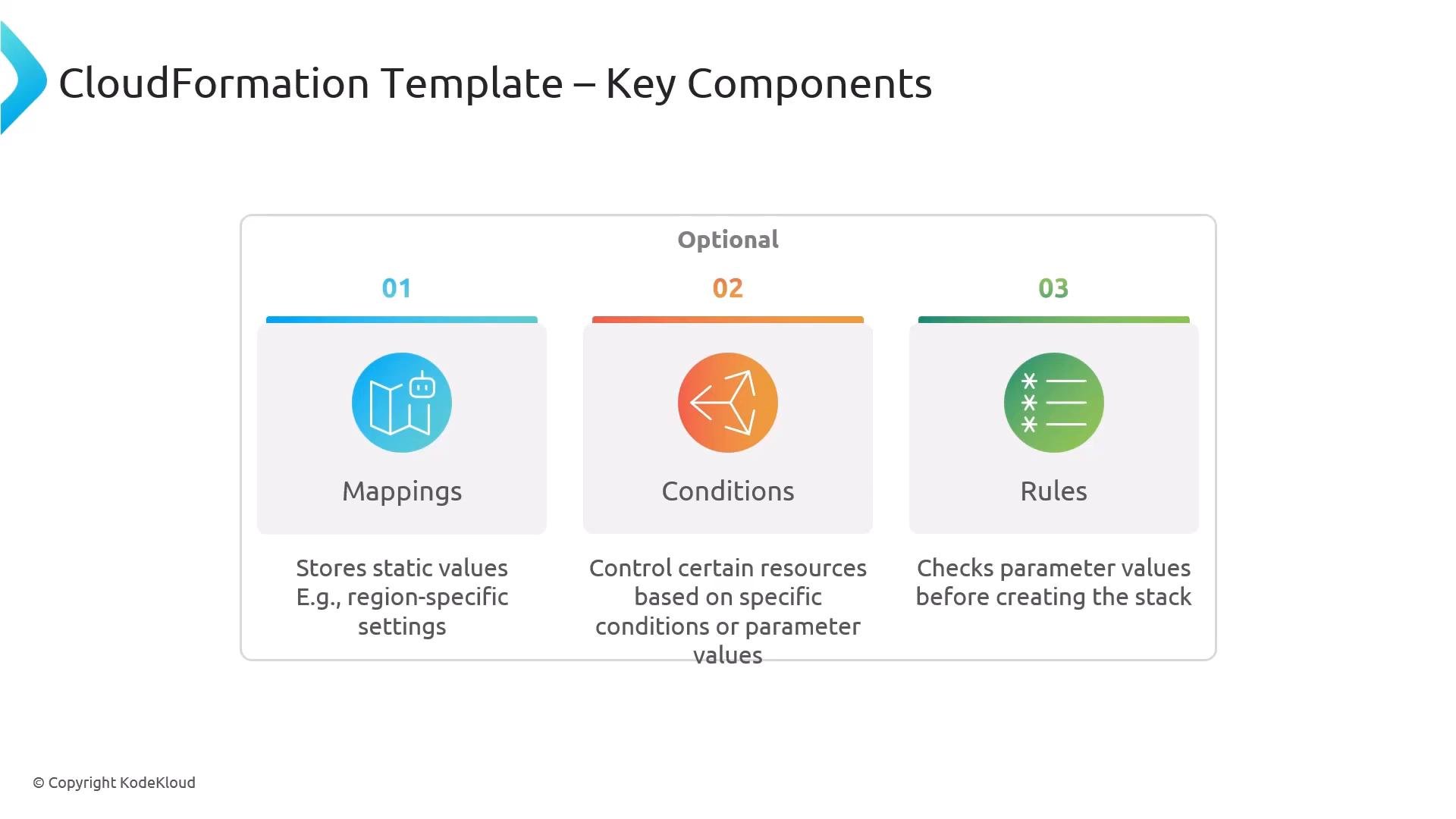
* Mappings — Static key/value tables used for lookups (for example, mapping regions to AMI IDs).
* Conditions — Boolean expressions (using `Fn::If`, `Fn::Equals`, etc.) that control whether resources or properties are created based on parameters or other values.
* Rules — Pre-deployment validations for parameters that catch incorrect input early.
These optional sections help make templates environment-aware and robust.
Below is a minimal YAML skeleton showing these sections and how they typically appear in a template. Use this as a starting point for small stacks or examples.
```yaml theme={null}
AWSTemplateFormatVersion: "2010-09-09" # optional
Description: "Minimal CloudFormation template"
Parameters:
Environment:
Type: String
Default: dev
Resources:
MyBucket:
Type: AWS::S3::Bucket
Properties:
BucketName: !Sub "${Environment}-my-bucket"
Outputs:
BucketName:
Value: !Ref MyBucket
Description: "Name of the created S3 bucket"
```
Use `Parameters` to make templates reusable across environments (dev, staging, prod). Favor references like `!Ref` and `!Sub` rather than hard-coded values to improve portability.
Core sections at a glance:
| Section | Purpose | Example |
| - | - | - |
| Resources | Declare and configure AWS resources to create | `AWS::S3::Bucket`, `AWS::EC2::Instance` |
| Parameters | Accept user inputs at stack creation to avoid hard-coding | `Environment`, `InstanceType` |
| Outputs | Return values after stack creation for later use or display | `WebsiteURL`, `BucketName` |
Beyond the core sections, templates often include additional optional components to increase portability, validation, and conditional behavior:
* Mappings — Static key/value tables used for lookups (for example, mapping regions to AMI IDs).
* Conditions — Boolean expressions (using `Fn::If`, `Fn::Equals`, etc.) that control whether resources or properties are created based on parameters or other values.
* Rules — Pre-deployment validations for parameters that catch incorrect input early.
These optional sections help make templates environment-aware and robust.
 Common template metadata and helper features:
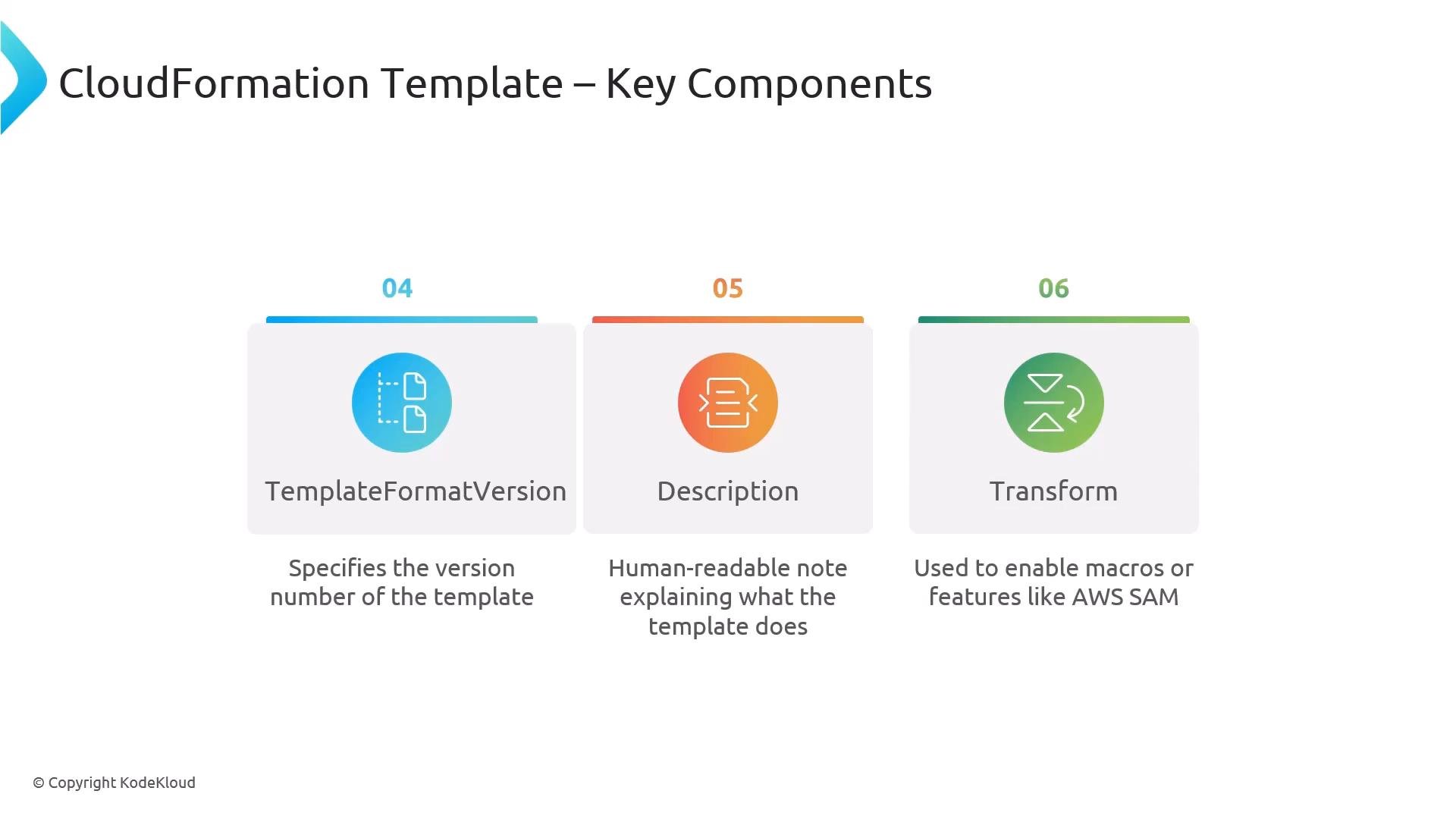
* `AWSTemplateFormatVersion` — Optional document field (commonly `"2010-09-09"`) that records the template format version.
* `Description` — A human-readable summary of the template’s purpose.
* `Transform` — Declares transforms (macros) applied to the template, for example `AWS::Serverless-2016-10-31` for [AWS SAM](https://docs.aws.amazon.com/serverless-application-model/latest/developerguide/what-is-sam.html).
Avoid embedding secrets (passwords, API keys) directly in templates. Use AWS Secrets Manager, Systems Manager Parameter Store, or pass sensitive data securely at deployment time.
Common template metadata and helper features:
* `AWSTemplateFormatVersion` — Optional document field (commonly `"2010-09-09"`) that records the template format version.
* `Description` — A human-readable summary of the template’s purpose.
* `Transform` — Declares transforms (macros) applied to the template, for example `AWS::Serverless-2016-10-31` for [AWS SAM](https://docs.aws.amazon.com/serverless-application-model/latest/developerguide/what-is-sam.html).
Avoid embedding secrets (passwords, API keys) directly in templates. Use AWS Secrets Manager, Systems Manager Parameter Store, or pass sensitive data securely at deployment time.
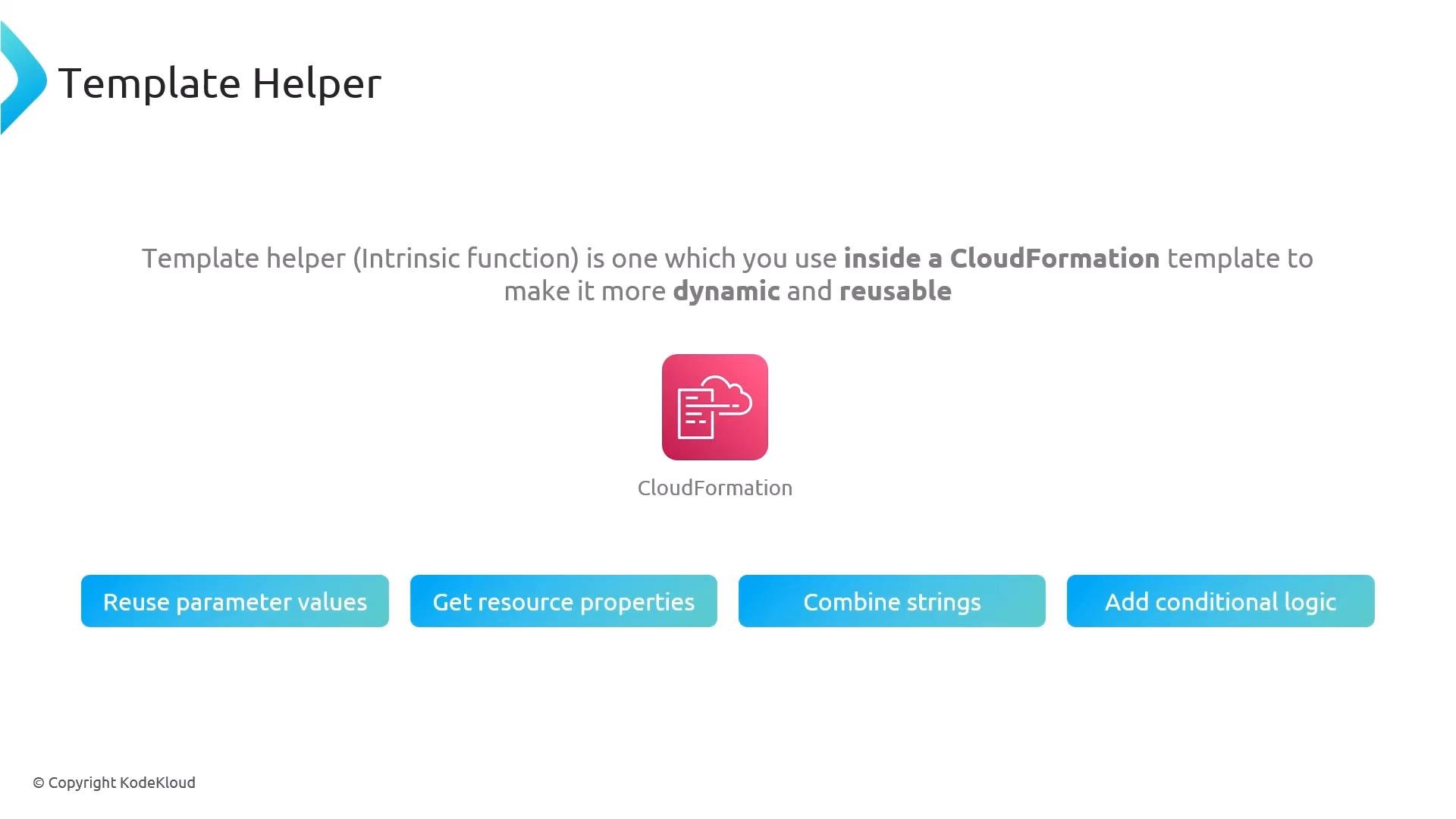
 Template helpers — CloudFormation intrinsic functions — let you write dynamic, reusable templates:
* Reuse parameter values with `Ref` (short form `!Ref`).
* Retrieve resource attributes with `Fn::GetAtt` (short form `!GetAtt`).
* Concatenate or format strings with `Fn::Join` or `Fn::Sub`.
* Add conditional logic with `Fn::If`, `Fn::Equals`, etc.
Intrinsic functions are available in both short YAML tags (e.g., `!Ref`, `!GetAtt`) and long-form JSON equivalents (e.g., `"Fn::GetAtt"`).
Template helpers — CloudFormation intrinsic functions — let you write dynamic, reusable templates:
* Reuse parameter values with `Ref` (short form `!Ref`).
* Retrieve resource attributes with `Fn::GetAtt` (short form `!GetAtt`).
* Concatenate or format strings with `Fn::Join` or `Fn::Sub`.
* Add conditional logic with `Fn::If`, `Fn::Equals`, etc.
Intrinsic functions are available in both short YAML tags (e.g., `!Ref`, `!GetAtt`) and long-form JSON equivalents (e.g., `"Fn::GetAtt"`).
 Summary: Use Resources to define what you must create; Parameters and Mappings to make templates configurable; Conditions and Rules to control and validate behavior; and intrinsic functions to wire inputs, resources, and outputs together. For further reading:
* [AWS CloudFormation User Guide](https://docs.aws.amazon.com/AWSCloudFormation/latest/UserGuide/)
* [AWS SAM (Serverless Application Model)](https://docs.aws.amazon.com/serverless-application-model/latest/developerguide/what-is-sam.html)
This documentation is built and hosted on [Mintlify](https://mintlify.com), a developer documentation platform.
Summary: Use Resources to define what you must create; Parameters and Mappings to make templates configurable; Conditions and Rules to control and validate behavior; and intrinsic functions to wire inputs, resources, and outputs together. For further reading:
* [AWS CloudFormation User Guide](https://docs.aws.amazon.com/AWSCloudFormation/latest/UserGuide/)
* [AWS SAM (Serverless Application Model)](https://docs.aws.amazon.com/serverless-application-model/latest/developerguide/what-is-sam.html)
This documentation is built and hosted on [Mintlify](https://mintlify.com), a developer documentation platform.